Download Microsoft Word for macOS
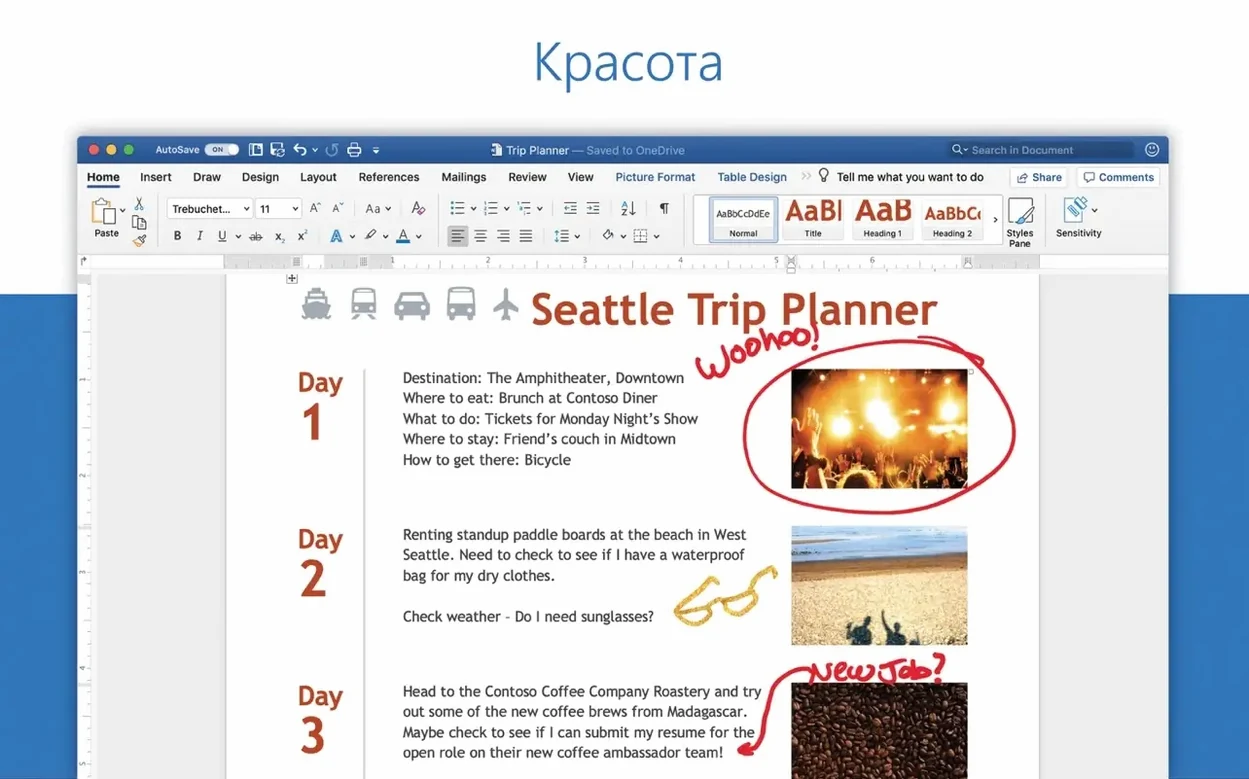
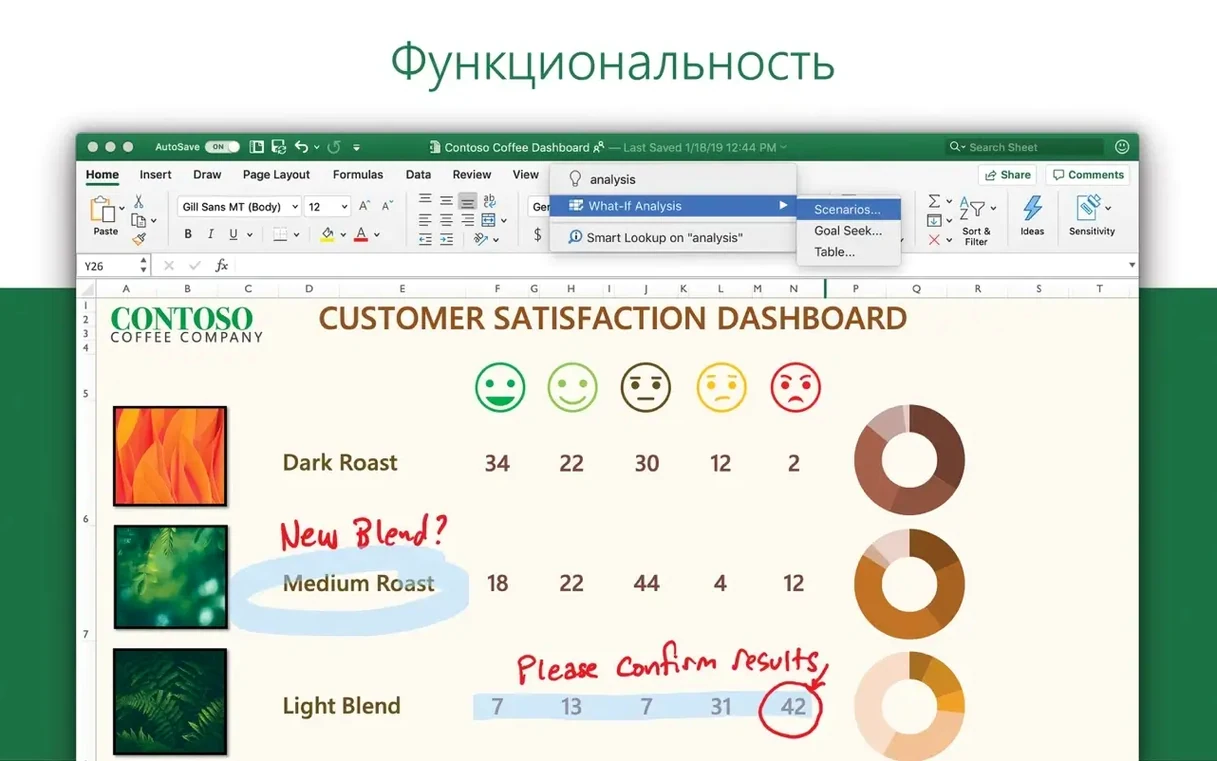
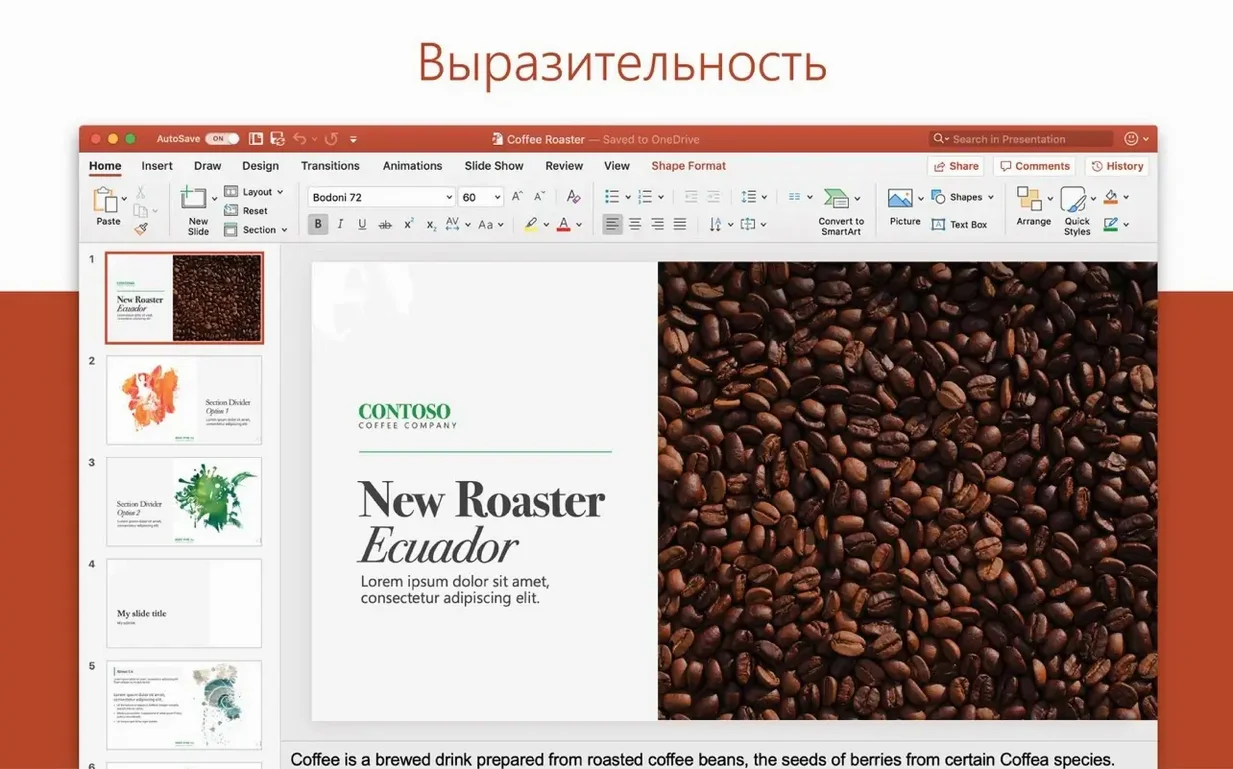
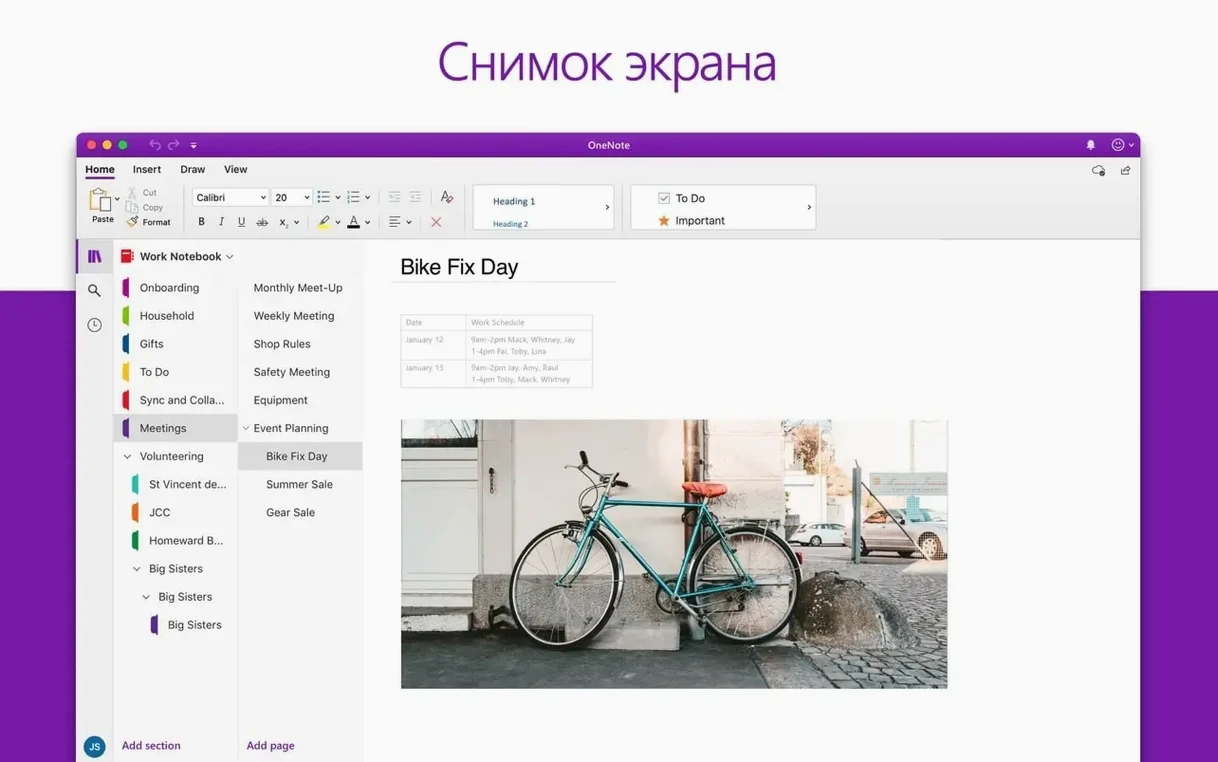
Built natively for both Apple Silicon and Intel Macs running macOS 13 or later, the current version of Word fits into the modern Mac ecosystem without a hitch. Beyond the basics, seasoned users live in a set of deeper tools that turn a blank page into a precisely controlled document.
Style Sets & Inspector — The engine behind consistent formatting. You're not just picking fonts; you're managing inheritance, revealing direct formatting, and building templates that behave predictably across a 200-page report.
Field Codes — Dynamic placeholders that pull in dates, page counts, or cross-references. Pros use them to automate table of contents updates and avoid manual numbering nightmares.
Reviewing Pane — A vertical or horizontal panel that lists every tracked change and comment in one place. It's the only sane way to navigate a heavily redlined contract without missing a stray comma deletion.
Citations & Bibliography — Integrated source management that speaks Chicago, APA, and MLA. You build a master list once, then drop in citations and generate a formatted bibliography with a click.
How Word stacks up against the alternatives
Mac users who write for a living tend to compare three heavyweights: Pages, Nisus Writer Pro, and Word itself. They solve overlapping problems in surprisingly different ways.
Pages shines when a document is meant to be looked at, not just read. Its layout engine treats text boxes, images, and shapes as first-class citizens on a freeform canvas. You get gorgeous templates and real-time collaboration through iCloud, and it runs beautifully on an iPad. But the moment you need a table of contents that updates itself across sections, or a bibliography that talks to Zotero, Pages falls quiet. Track changes exists, though comparing two versions of a long manuscript feels more clunky than clinical. Pages is a page designer with a word processor inside it. Word is a word processor that happens to do layout. Those are different starting points, and they lead to different ceilings.
Nisus Writer Pro comes from the opposite direction. Its find-and-replace is practically a programming language — Perl-compatible regex, multi-file grep, macro recording that actually makes sense. Power users who wrestle with document cleanup or pattern-based reformatting adore it. Nisus also handles right-to-left scripts with a grace that Word took years to match. What it lacks, however, is the collaborative ecosystem. No real-time co-authoring, no threaded comments that sync across devices, no way to fire a draft at a colleague using OneDrive and see their cursor move in real time. For the solo craftsman, Nisus is a precision instrument. For a team of three editors shaping a grant proposal by Friday, Word is the tool that gets the job finished.
Vanishing keystrokes in equation editing, patched
Version 16.93 landed mid-January 2025, and the headline was modest: quality and performance improvements. Under the hood, though, one specific fix mattered to anyone who writes academic or technical documents. Editing equations had been misbehaving — keystrokes vanishing, formatting refusing to stick, the equation editor feeling less responsive than a text box from 2007. That got patched in 16.93 and tightened further in 16.93.2 two weeks later.
In everyday use, the equation fix means a chemistry lecturer can open a two-year-old exam paper, double-click a formula, and trust that changing a subscript won't scramble the layout. It means a data scientist writing documentation can paste LaTeX-style expressions into the equation tool without bracing for visual corruption. The performance improvements are harder to pin down but noticeable in long sessions: switching between a 300-page manuscript, the navigation pane, and the reviewing pane feels less like the app is catching its breath. Microsoft's AutoUpdate keeps these incremental polishes coming, and version 16.93 quietly rewards users who rely on document stability more than feature count.
Decade-long source lists for citation swapping
Three groups stand out.
Academics and researchers live inside the citations pane. They maintain source lists that span years and reuse them across conference papers, journal submissions, and book chapters. Word's integration with reference managers means they can swap citation styles in seconds when a journal rejects a submission and the next one wants a different format. For them, the bibliography generator isn't a button — it's the reason they haven't switched to a plain-text workflow.
Legal and business professionals depend on the reviewing ecosystem. A contract doesn't travel from first draft to signature in one hop. It passes through three lawyers, two project managers, and a compliance officer, each leaving tracked changes and threaded comments. The reviewing pane turns that chaos into a chronological narrative. Combined with the ability to lock change tracking with a password, Word gives this group something no lightweight editor offers: an audit trail that holds up.
Long-form writers — novelists, ghostwriters, technical authors — lean on the navigation pane and style system. They don't scroll through a manuscript looking for chapter 14. They open the navigation pane, see the heading structure at a glance, and jump straight there. The style inspector lets them diagnose why a paragraph suddenly looks different from its neighbors, which matters when a publisher's template is non-negotiable. These users might occasionally grab a Mac torrent Word package to get set up on a secondary machine without fuss, or search for Word 2016 torrent when resurrecting an old Mac for a distraction-free writing station. Some even look for Microsoft Word torrent distributions when they need a specific older build that behaves a certain way with their custom templates. The tool stays constant across versions: a deep writing environment that handles complexity without flinching.
A bibliography workflow from start to finish
Here's a concrete task: assembling a 4,000-word research paper with twenty sources, formatted for a journal that demands APA 7th edition. This is the path through Word that makes it manageable.
First, open the Source Manager under the References tab. You're not typing citations inline yet. You're building the master list — author names, titles, journal volumes, DOIs. Paste a DOI into the search field and Word pulls the full reference automatically. For a book without a DOI, fill in the fields manually. Each source lands in the master list, which lives inside the document and can be copied to future projects.
As you draft, place the cursor where a citation belongs and insert it from the master list. Word drops in an in-text citation — "(Smith, 2024)" — and tracks it internally. Keep writing. Insert twenty of these. Now the journal changes its mind and wants Chicago style instead. Open the Document Preferences panel, pick Chicago from the style dropdown, and watch every in-text citation and the entire bibliography reformat in under a second. No manual editing. No missed references.
When the draft is complete, click Bibliography and choose a heading style. Word generates the full list at the cursor position, pulling every source you actually cited. Export to PDF, and the citations are baked in. The workflow took about ninety seconds of setup, and it saves twenty minutes of formatting busywork every time a style guide shifts.
Turning around a 50-page tracked-changes manual by five
Clara runs a small translation agency. This morning a client sent back a 50-page technical manual with a request: incorporate the tracked changes from their engineer, add your translator's notes, and return a clean version by five o'clock. The document arrives as an email attachment.
She opens it in Word and immediately docks the reviewing pane on the left side of the window. Thirty-seven changes scroll into view, each labeled by author and time. She clicks the first one — a deleted sentence about torque values — and accepts it with a single keystroke. The next change is trickier: the engineer rewrote a paragraph, but the original wording matches the glossary Clara's team maintains. She rejects that change and leaves a threaded comment explaining why, tagging the engineer by name.
Her translator's notes live in a second document. She opens it side by side using Word's split view, copies a clarification about a pressure unit conversion, and pastes it as a comment in the main document. No tracked change needed — just an annotation for the next reviewer.
By half past three, every change is either accepted, rejected, or annotated. She runs the document inspector to strip out lingering personal metadata, saves a PDF for the client, and keeps the .docx with all changes intact for the audit trail. Clara rarely thinks about the features she uses. They're just the reason Word has stayed bolted to her Dock through three Macs and two career moves.
Version 16.93 is a maintenance update that smooths out the rough edges.
- Fixed a bug that could cause equation editing to behave unexpectedly.
- General quality and performance improvements throughout the app.
- macOS 13 or later
- Apple Silicon or Intel processor
Questions people ask
Which Macs can run this version of Word?
It requires macOS 13 (Ventura) or later and runs natively on both Apple Silicon and Intel-based Macs.
Is Word available as a standalone purchase, or only through a subscription?
Word for Mac is available as part of Microsoft 365 and also comes bundled in the Office 2024 package for Mac.
Also on readers' docks

Sign in or create an account to leave a comment.
No comments yet. Tell me how it got on with your other devices.