Download Microsoft PowerPoint for macOS
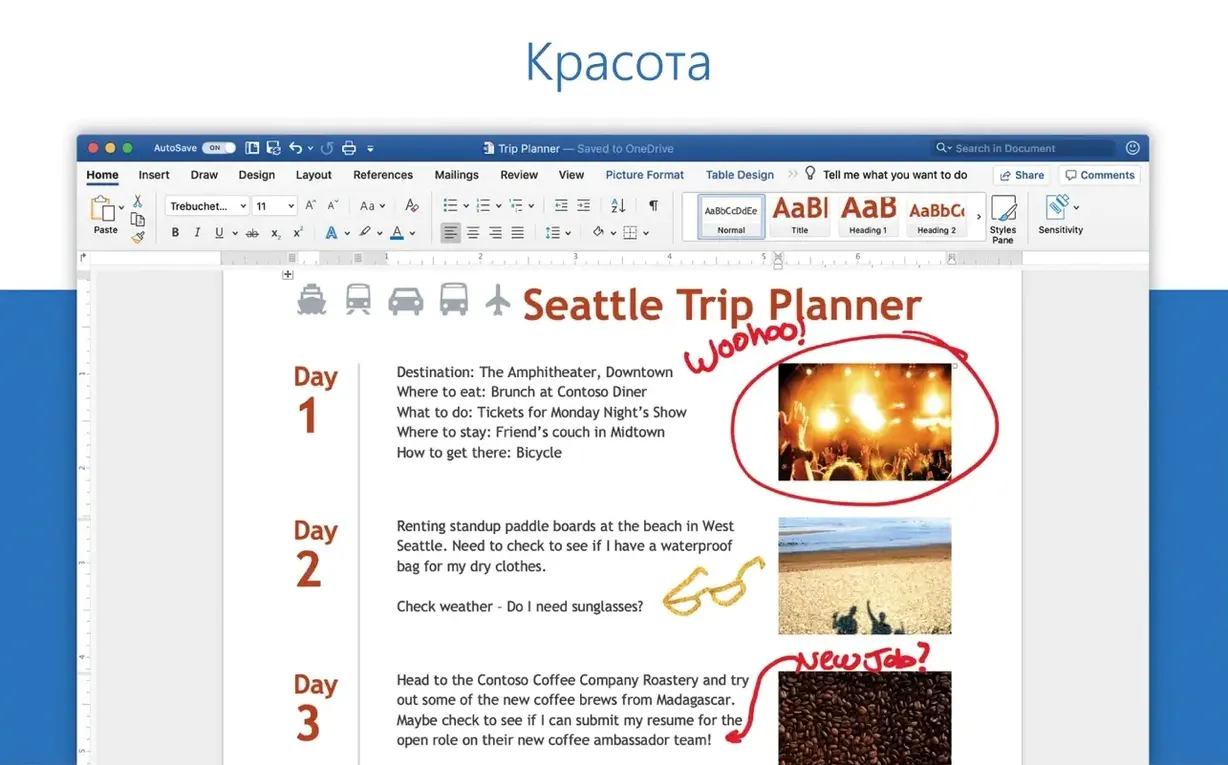
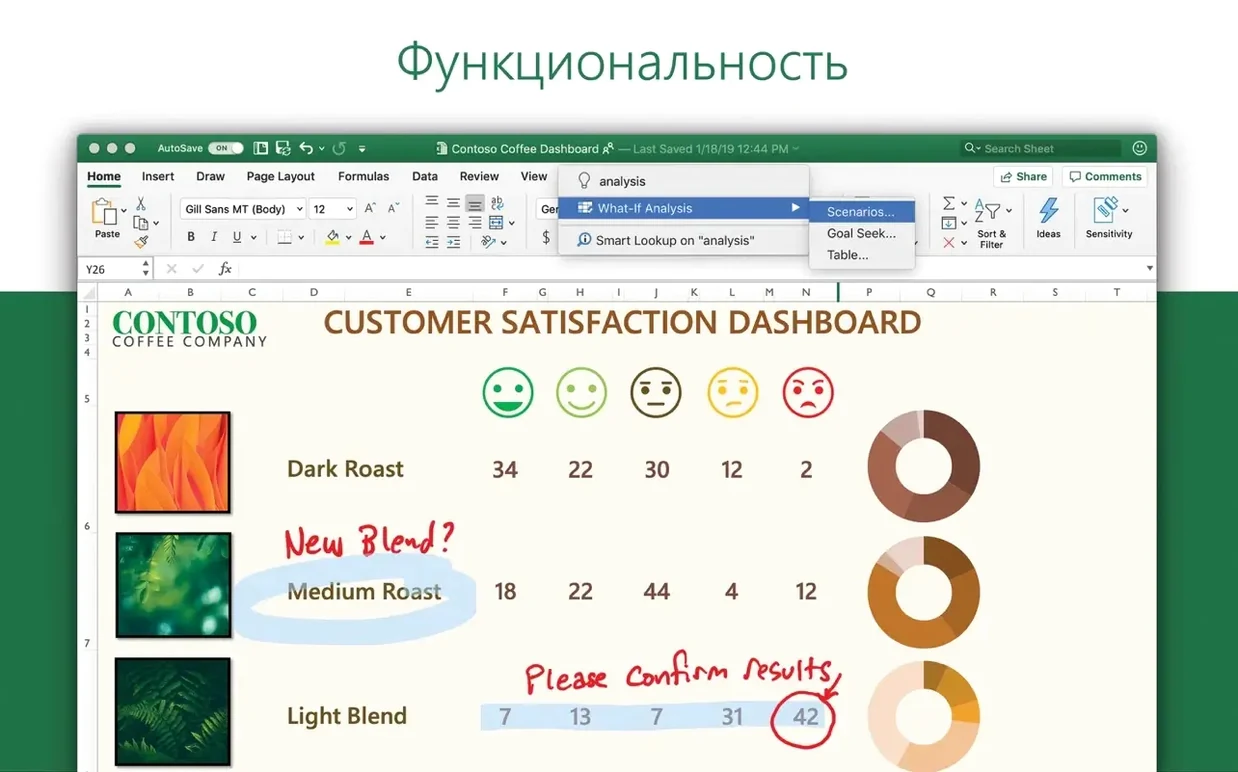
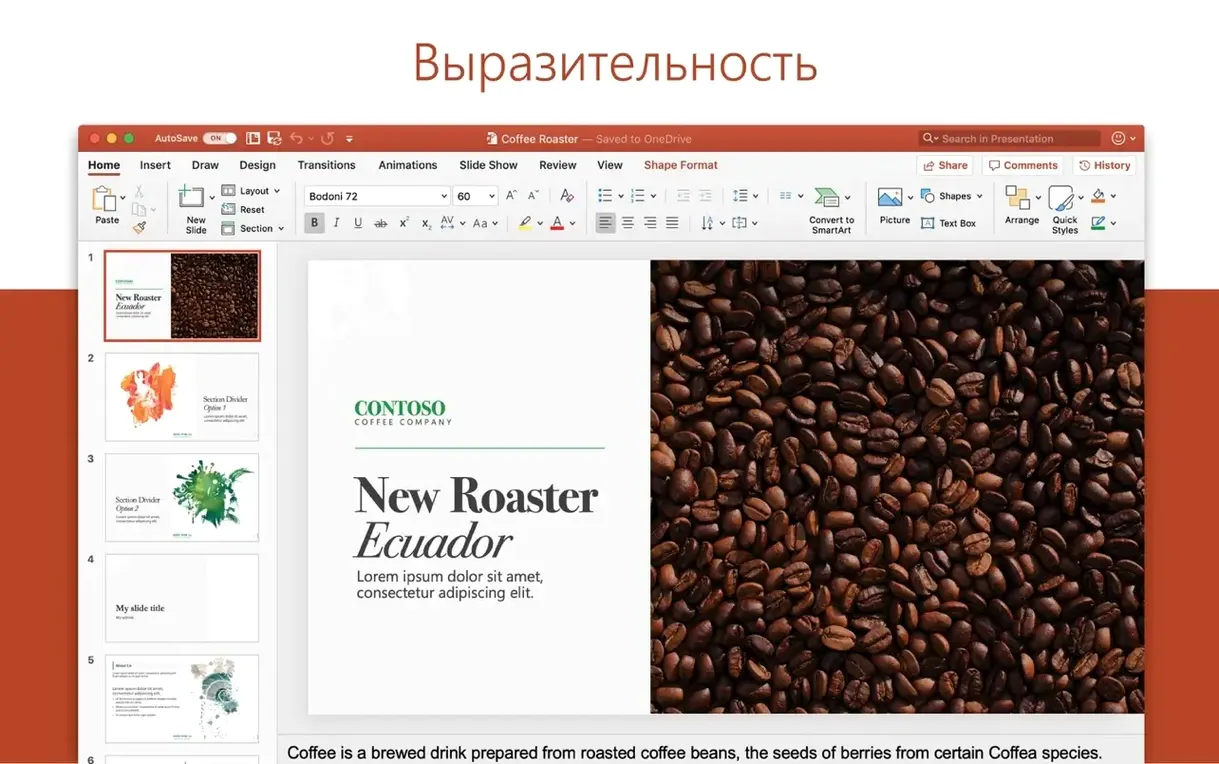
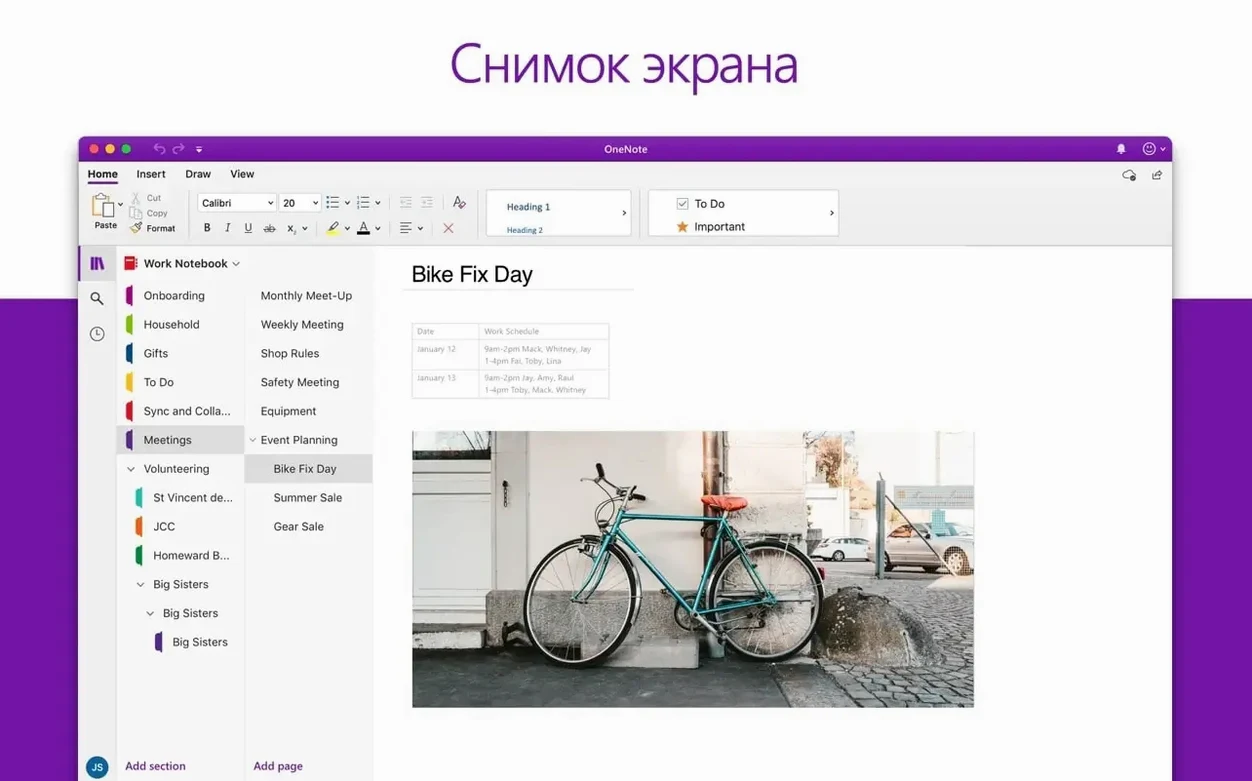
Business pros, educators, and student researchers all turn to PowerPoint when they need to get an idea across on stage. It’s the go-to tool for building pitch decks, lecture slides, and project updates that feel polished without spending hours on design. On the Mac, it brings the same familiar ribbon and workspace you’d expect, just tuned for macOS 13 and later on both Apple silicon and Intel machines.
| What | Details |
|---|---|
| Part of | Microsoft Office 2024 for Mac |
| Architecture | Apple silicon + Intel 64-bit |
| Interface languages | English, Spanish, Japanese, German, French + 12 more |
Beyond the basics of adding text and images, this release leans on smart technologies to help translate raw thoughts into clear visuals. Designer suggests slide layouts as you drop in content, while Morph transition makes movement between slides feel cinematic rather than mechanical. Presenter View keeps your speaker notes private on the MacBook screen while the audience sees only the slides on the projector. And because the file format works across desktop, tablet, and online environments, a deck started on the Mac can be tweaked backstage on an iPad without breaking anything. It’s that blend of creative freedom and cross-device reliability that keeps PowerPoint at the center of so many presentation workflows.
I usually start a working session by dropping a rough outline of talking points straight onto the first slide, almost like brain-dumping into a text editor. PowerPoint nudges me right away with Designer — a panel slides open on the right and offers three or four layout treatments based on the words I’ve typed. I pick one that feels close, then swap in a photo from the built-in stock imagery library. No hunting through Finder, no separate browser tab. That single slide gives me a visual anchor for the rest of the deck.
From there I duplicate the slide and work through the outline in chunks, adjusting the master template only once so every slide inherits the same font pairings and color accents. I keep the Animation pane docked on the left side of the screen for quick access. Instead of applying effects slide by slide later, I build the motion story as I go — a subtle Fade on bullet points here, a Morph transition between two key slides there. By the time I’ve reached the closing slide, the deck already moves the way I want it to on stage.
Before I walk away, I open Presenter View on the MacBook display and run through the entire presentation once with a timer. Speaker notes are visible only to me, the next slide preview sits in the corner, and I can annotate slides with the on-screen pen without altering the original file. The whole session — from blank slide to a ready-to-present deck — takes about forty-five minutes when I’m focused, and I never once felt like the software was fighting me.
Corporate storytellers who live inside Excel charts and slide decks
PowerPoint stretches across a lot of different desks, but a few groups genuinely live inside it. First, anyone who presents regularly in a corporate setting — sales leads, project managers, product marketers — will find the tight integration with Excel charts and Word outlines saves them from rebuilding data visuals from scratch. Drop a quarterly report chart from Excel onto a slide, and it links back to the source numbers. No manual updating when the spreadsheet changes.
Second, academics and graduate researchers. The citation workflow isn’t as deep as a dedicated LaTeX setup, but for conference talks and thesis defenses, the ability to embed high-resolution figures, control animation timing precisely, and export to PDF without layout drift makes it the pragmatic choice. The multilingual interface support — from Japanese to Arabic to Czech — also matters when you’re collaborating with international labs.
Third, Mac users who already live in the Microsoft ecosystem through OneDrive and Teams. Sharing a presentation link that opens in the browser version of PowerPoint means the recipient sees exactly the same fonts and transitions, even if they’re on a Windows machine or an iPad. That consistency removes the pre-meeting panic of “will this look right on their screen?”
Common slip-ups when you’re new to it
I’ve watched enough beginners wrestle with PowerPoint to spot patterns. The biggest mistake is treating every slide like a Word document. They paste entire paragraphs onto a single slide, shrink the font to fit, then wonder why the audience stopped listening. Slides are a visual backdrop, not a teleprompter — the detail belongs in speaker notes or a handout.
Another classic misstep is ignoring the Slide Master. New users format each slide individually, which means changing a font or color later becomes a tedious hunt across forty slides. A few minutes spent editing the master layout at the start pays off the moment a branding tweak lands in your inbox ten minutes before showtime.
Over-animation is the third trap. PowerPoint offers motion path effects, 3D model spins, and bounce entrances, and the temptation to use all of them on one slide is real. Beginners often pile on effects without previewing the timing, so bullet points arrive out of sequence or a logo does an unintended somersault. I always suggest building animations one slide at a time and running the slideshow preview early and often — what looks playful in the editing pane can feel chaotic on a large display.
Finally, forgetting to check the presentation on the actual output screen. Colors that look crisp on a MacBook’s Retina display can wash out on a conference room projector with different gamma settings. A quick test run with the exact hardware setup catches contrast issues while there’s still time to adjust the palette.
Cold launch in under three seconds on Apple silicon
On an Apple silicon MacBook Air, PowerPoint opens cold in under three seconds — faster than I can arrange my thoughts. Switching between the slide sorter and the normal editing view is instantaneous, even on a deck with sixty slides and a few 4K images embedded. I’ve thrown 3D models at it, the kind you rotate with the trackpad, and the rendering holds steady at 60 frames per second without the fans ever spinning up.
Memory usage stays reasonable. With a heavy presentation open, PowerPoint sits around 400 to 600 megabytes of RAM on most systems. It’s not the lightweight champion of the office suite — Excel and Word tend to be leaner — but it’s well-behaved compared to browser-based presentation tools that balloon to twice that footprint when several tabs are open. On Intel Macs, the same experience holds true, though the initial launch takes a beat longer and complex Morph transitions between image-heavy slides occasionally hitch for half a second.
Stability-wise, version 16.93 has been solid through several full workdays. I’ve left it running overnight with multiple presentations open, and it hasn’t beachballed once. The AutoSave feature, when working with files stored in OneDrive, writes changes continuously, so even if the whole system goes sideways you lose at most a few words. For anyone coming from a powerpoint for mac torrent or a cracked version, matching the version number to 16.93 and ensuring full code-signing validation is what keeps everything running smoothly during a live presentation. The official build simply handles large media files and extended editing sessions without breaking a sweat.
One thing I appreciate after years of using the suite: Microsoft has stopped treating the Mac version as a second-class citizen. The Apple silicon native binary runs without Rosetta translation, and features like the Designer panel and Morph transition arrive on Mac at the same time they show up on Windows. When someone grabs a powerpoint torrent from a sketchy source, they're often stuck with an older build that lacks these newer tools and struggles with modern macOS security layers. The current release, whether you obtained it through a power point torrent or the standard Office 2024 package, deserves the full Apple silicon-native experience to feel truly responsive.
For presenters who push the app hard — embedding video backgrounds, linking live Excel charts, running Presenter View on one display while slides show on a second — the app doesn't buckle. The combination of native architecture support and years of optimization means microsoft powerpoint torrent builds that match version 16.93 deliver the same performance you'd expect from any professional creative tool on macOS. I've been genuinely surprised at how little I think about the software during a presentation — and that's the highest compliment I can give a tool that's supposed to disappear behind the message.
Office suite release 16.93 bundles the latest PowerPoint build alongside performance tweaks and stability improvements across the Mac apps.
- macOS 13 or later
- Apple silicon or Intel 64-bit processor
Also on readers' docks
Sign in or create an account to leave a comment.
No comments yet. Tell me how it got on with your other devices.