Download Numi for macOS
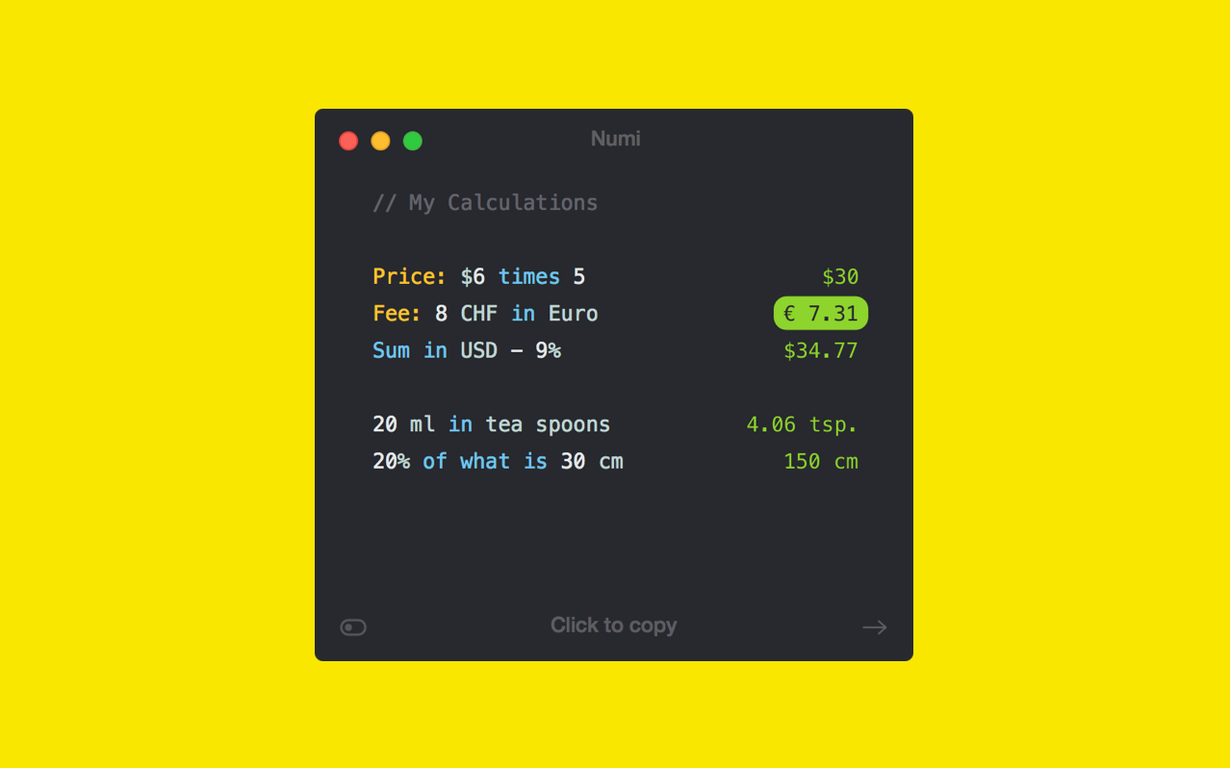
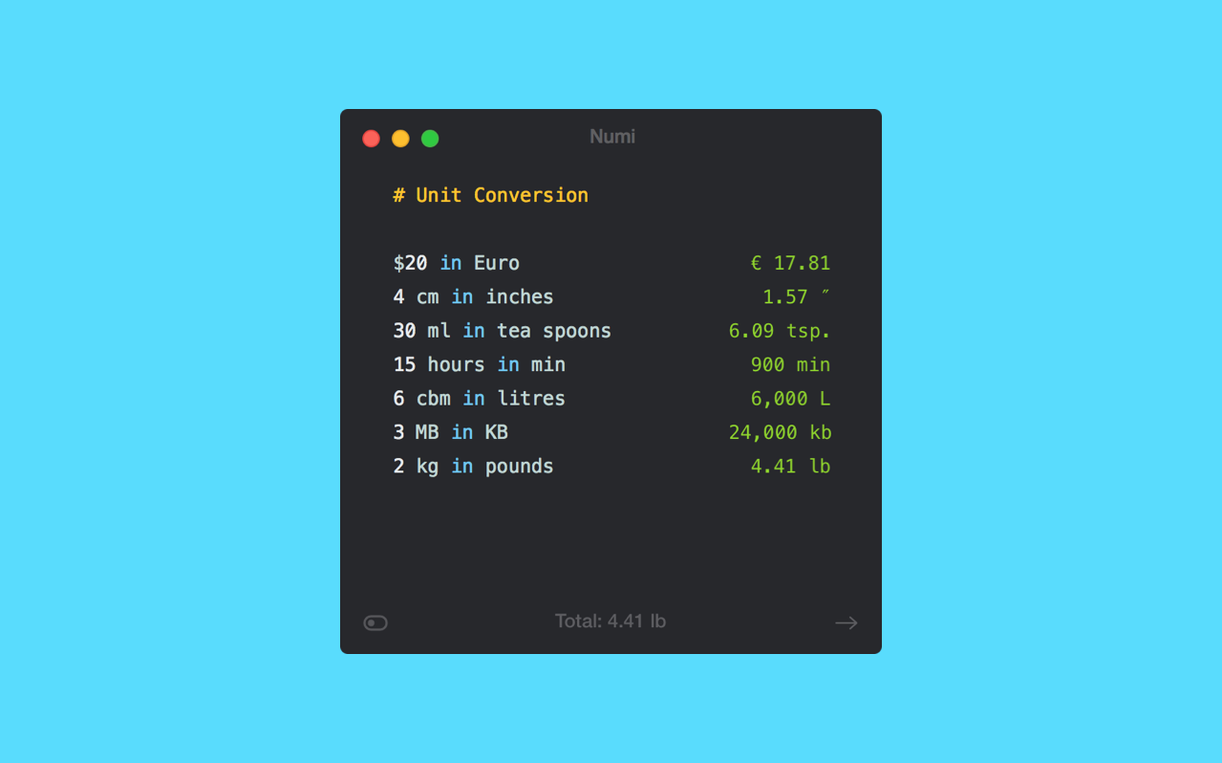
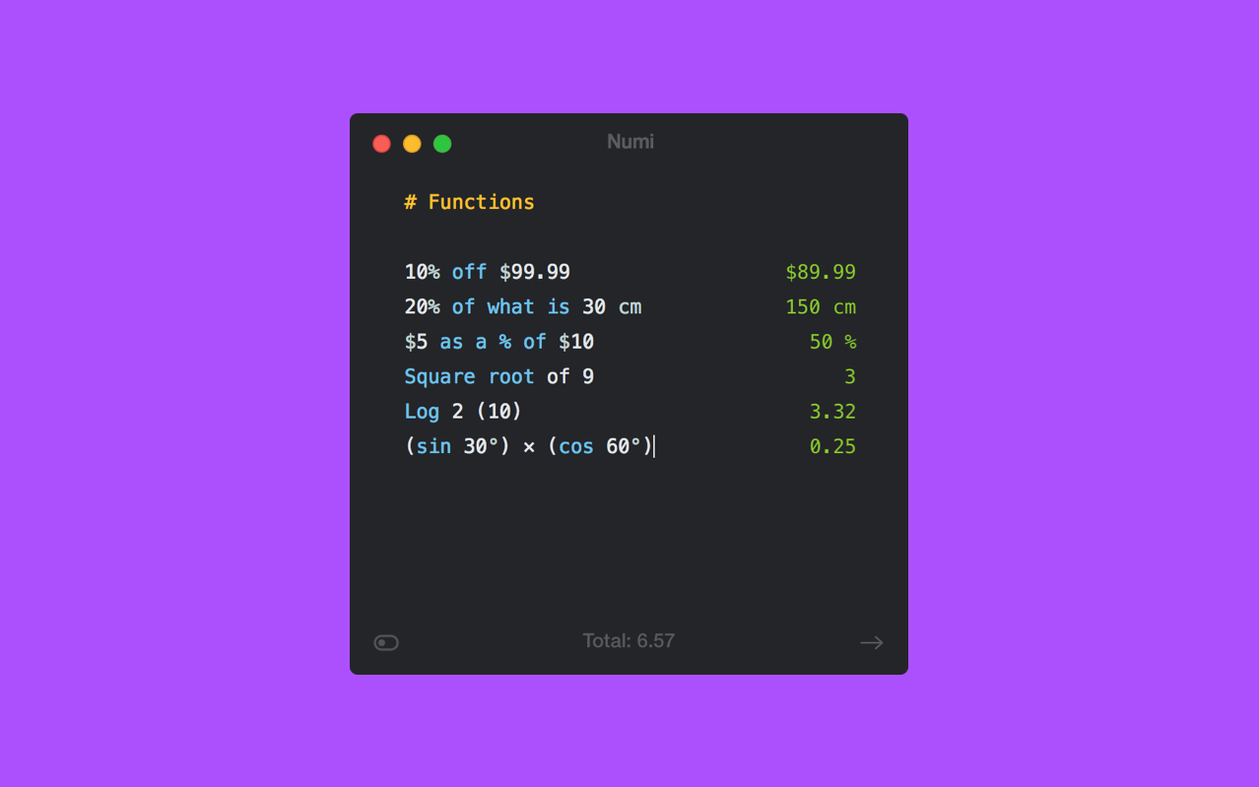
Type 150 USD in EUR and the answer appears to the right of your line before you finish the thought.
Numi is a text-based calculator where every line acts as both your input and your working notes. You write a calculation the way you would jot it in a notebook, and Numi solves it inline. The result sits beside your expression, colour-coded so you can scan a page of sums at a glance.
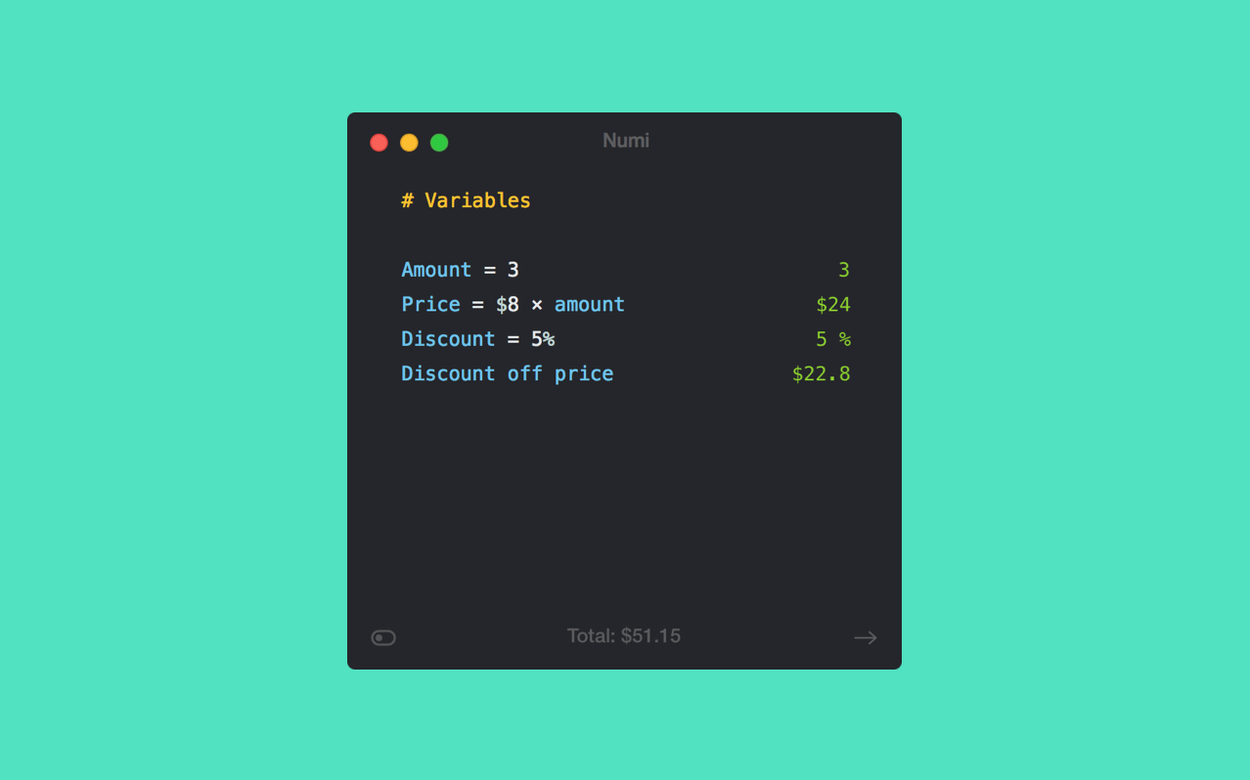
Variables — assign a name to any value. Type rate = 38 on one line, then use rate * 5 on the next. Change rate and every line that references it recalculates. This turns a single Numi sheet into a reusable scratchpad for freelance invoices, unit conversions, or splitting a holiday budget across currencies.
Time zone math works the same way. 3pm London to Tokyo gives you the local hour without hunting through a world clock. You can mix units freely — 2 weeks + 3 days in hours or 200px + 2rem for CSS sizing — and Numi parses it all.
For Alfred users, Numi integrates so you can fire off quick sums from the launcher. Calculations sync over iCloud, which means a sheet you started on your desktop Mac is waiting on your laptop with every variable intact.
Fitting Numi Into Everyday Mac Life
Numi works best when it becomes part of the background — a little translucent window you summon with a keyboard shortcut, use, then hide. I keep it pinned to the menu bar so one click calls up my running sheet. The app respects macOS Dark Mode and stays out of the Dock when closed, which suits a tool you dip into rather than live inside.
It plays nicely with other Mac features too. Drag text from anywhere — a mail message, a Numbers cell, a Notion table — and Numi parses it into a clean list. Highlighted lines can be copied back out as plain text with results appended, so moving sums into an email or a Messages reply takes two keystrokes. If you use Spotlight for quick math today, Numi replaces that habit once you learn its language: the Alfred integration means typing numi 45 GBP to PLN into your launcher produces a result without ever opening the main window.
Because Numi stores sheets as simple text files in iCloud, they appear in Finder searches and can be opened by other text editors when needed. The format isn't locked away in a database — it's plain, readable lines — which makes backup and versioning effortless if you drop a sheet into a Git repository or Time Machine.
Smoother Line Evaluation on Apple Silicon
The most noticeable shift in recent builds is snappier line evaluation on Apple Silicon Macs — there was a tiny lag on complex sheets with hundreds of variable references that has now been smoothed out. Expressions with stacked percentage operations resolve more predictably now; Numi used to stumble on chained logic like 120 - 15% + 8%, but parsing order has been tightened.
CSS unit support got a quiet polish. The default em value remains 16 pixels and ppi stays at 96, but the way Numi interprets unfamiliar abbreviations is smarter — if you type a unit it doesn't know, it flags the line rather than silently producing a nonsensical result. Time zone recognition covers more city aliases than before, so shorthand like 12pm SF now maps correctly without needing the full city name.
Switch Default Decimals to Match Fractional Currencies
- Number formatting. Open preferences and decide whether you want thousand separators and how many decimal places appear. The default shows two decimals; switching to four saves a click every time you work with currencies that trade in fractions.
- Hotkey for quick entry. Numi doesn't ship with a global shortcut assigned. Set one in Preferences → General so you can summon the app from anywhere. I use
⌃⌥⌘Nand it rarely conflicts with other tools. - iCloud sync. It's on by default, but worth checking that your sheets folder exists where you expect. All calculations live as
.numifiles in iCloud Drive; you can drag that folder into Finder's sidebar for faster access. - Appearance. Numi follows your system theme, but the font size in the editor is adjustable independently of macOS settings. Bumping it up to 14pt makes longer sheets easier to scan without squinting.
Once those tweaks are in place, a quick numi mac download from the catalog and a minute of setup turns Numi into a calculator that feels embedded in the operating system rather than bolted onto it.
- macOS 10.13 or later
- Apple Silicon and Intel Macs
Questions people ask
Can Numi replace the built-in Mac calculator?
Yes, especially for multi-step work. While Spotlight handles quick arithmetic, Numi shines when you need to chain operations, label values, or mix units like currencies and time zones in a single document.
Also on readers' docks
Sign in or create an account to leave a comment.
No comments yet. Tell me how it got on with your other devices.