Download OmniOutliner Pro for macOS
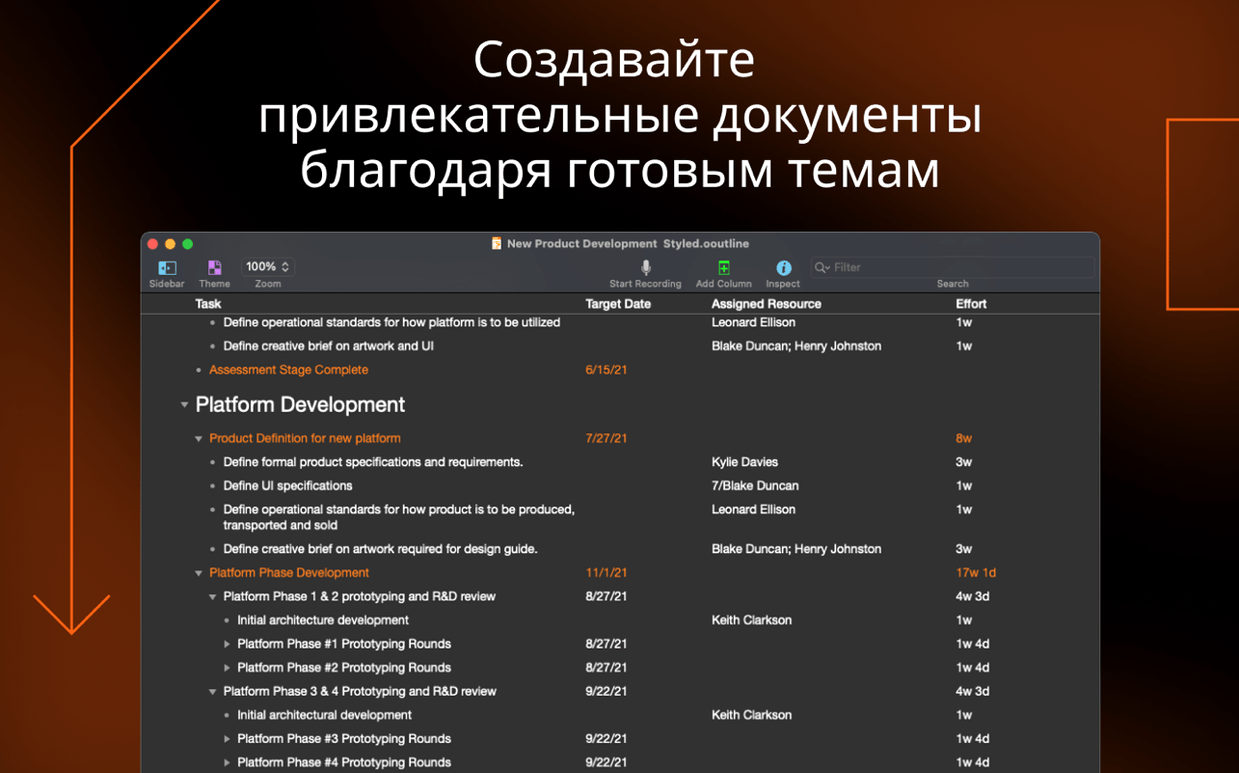


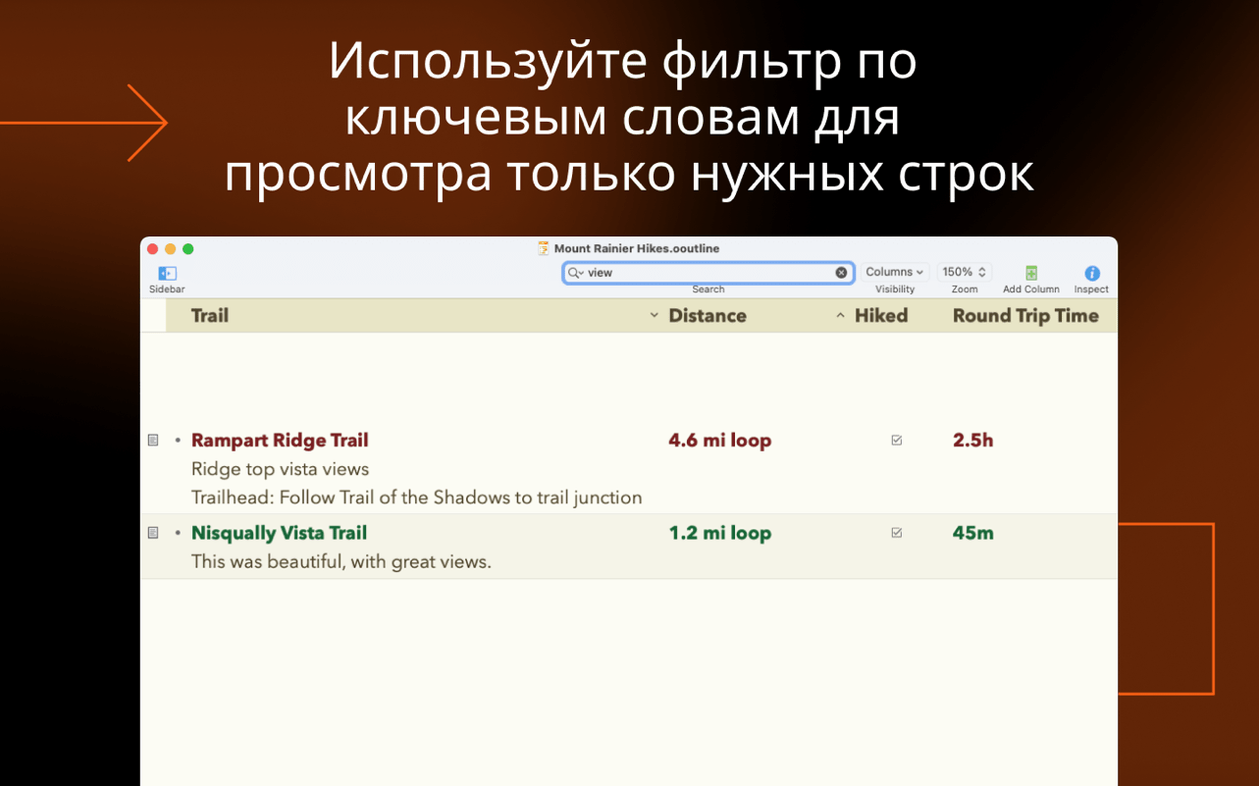
OmniOutliner Pro runs on any Mac with macOS 15, whether it’s powered by Apple Silicon or an Intel processor. You’re not locked out by older hardware, and you don’t need a brand-new machine to get the latest version. That broad compatibility makes it an easy fit next to the notes apps and text editors you already keep in your Dock.
From messy bullet list to collapsible columns
- Alongside plain-text notes: When a bullet list in Notes or TextEdit gets unwieldy, bring it into OmniOutliner and add columns, checkboxes, or collapsible sections without losing the original thought.
- Before a spreadsheet: Smart columns let you sum, count, or track durations right inside the outline. It’s not a replacement for Numbers, but it catches the planning stage where a spreadsheet feels too rigid.
- When security matters: Password-protect individual documents with AES-256 encryption, something your default text tools rarely offer.
Power moves that fit a Mac mindset
OmniOutliner Pro leans hard on keyboard shortcuts, so outlining stays fast once your fingers learn the rhythm. The column inspector gives you precise width control, and complex filters let you hide or show rows by state, column values, or logical combinations. Omni Automation plug-ins extend what’s possible, while little touches like full-screen sidebar access and multi-row sidebar focus with Command-click keep the interface out of your way. Version 6.2.1 tightens window sorting and keeps the right window active when you save, which matters when you’re juggling multiple outlines across a big display.
It’s a thinking tool, not a writing app
The most common one I hear is whether OmniOutliner Pro replaces a dedicated writing app. It doesn’t — and that’s by design. Think of it as a thinking tool that sits upstream of Ulysses or Scrivener. People also ask about the learning curve. The column inspector and filtering dialog look dense at first glance, but you can ignore them completely for weeks while you just indent rows and toggle checkboxes. The power reveals itself when you need it, not before.
Another concern is file portability. Yes, the native .ooutline format stays inside the Omni ecosystem, but export to Excel (.xlsx) means your structured outlines land cleanly in spreadsheets when the planning phase ends. And if you’ve been searching for an omnioutliner pro mac download and wondering whether the Pro tier matters over Essentials, the column types and automation support are the real differentiators — not fluff.
Double-click any column edge to auto-fit it
- Resize any column to fit its contents by double-clicking the right edge of its header. It’s the same gesture you use in Finder, but easy to forget here.
- The style preview sits at the top of the inspector and updates live. You can tweak named styles without hunting through menus, and the visual feedback is instant.
- Command-clicking rows in the section sidebar gives you multi-row focus, so you can collapse or expand a batch of sections together instead of one at a time.
- In full-screen mode, moving the pointer to the screen edge slides the sidebar back into view. No keyboard shortcut required.
Filter ideas by status, word count, or due date
Writers who outline heavily before drafting tend to bond with OmniOutliner Pro fastest. The combination of collapsible sections and smart columns turns a loose pile of ideas into something you can filter by status, word count target, or due date. Project planners who live outside traditional project management apps also click with it — pop-up list columns and date columns turn an outline into a lightweight tracker without the overhead of a Gantt chart.
Students juggling research notes benefit from the password protection when storing interview notes or sensitive material, and the multi-column structure keeps source citations tidy next to summaries. If you’re the kind of Mac user who already uses keyboard shortcuts to stay in flow, this app rewards that instinct. The omnioutliner pro mac download makes most sense when you routinely need more than one dimension to your outlines and want encryption that doesn’t feel bolted on.
Version 6.2.1 polishes a few rough edges:
- Added missing localized strings in the Inspectors and Sidebar.
- Improved sorting behavior across multiple windows when column sorting is active.
- The current window now stays frontmost after a save.
- macOS 15 or later
- Apple Silicon or Intel Mac
Questions people ask
Can I protect my OmniOutliner documents with a password?
Yes, you can encrypt individual documents using AES-256 with a password you set.
Does OmniOutliner Pro support automation?
It supports Omni Automation plug-ins, letting you extend the app’s behavior with custom scripts.
How do I change the width of a column?
Select a column and adjust its width using the column inspector.
Also on readers' docks
Sign in or create an account to leave a comment.
No comments yet. Tell me how it got on with your other devices.