








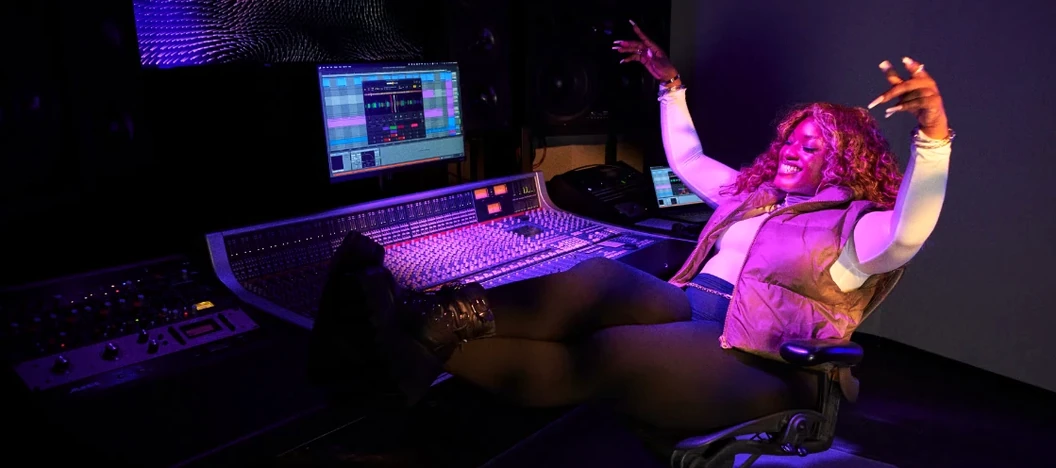
Download Serato Sample for macOS
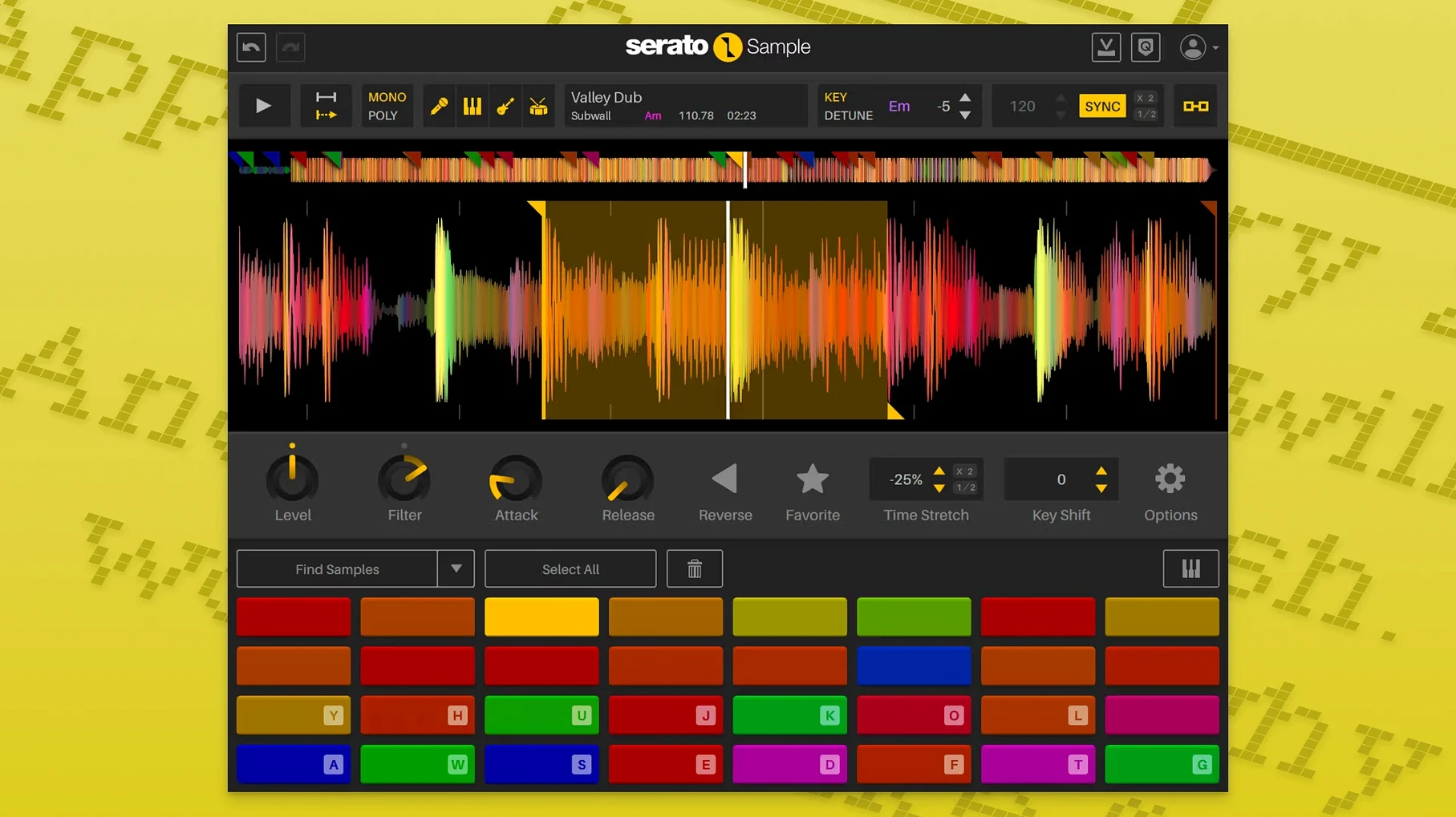
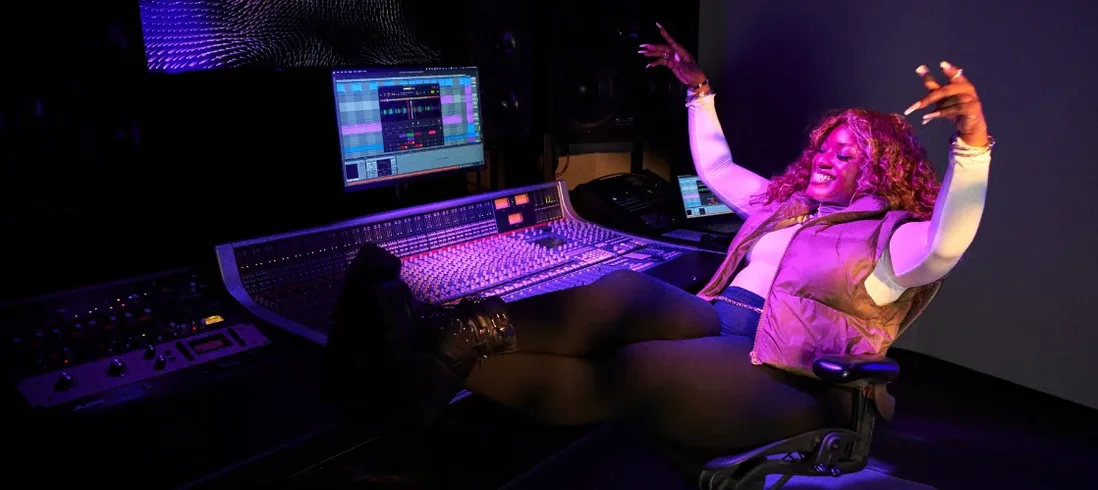
Finding a sample that fits the key and tempo of your track is one thing. Cleaning it up so the vocal sits in its own space while you flip the bassline is another. That’s the problem Serato Sample sets out to solve, blending classic chopping with modern stem separation inside a single plugin.
Load and Separate
Drop a sample onto the pad, and Serato Sample pulls apart vocals, drums, bass, and melody using the same engine behind Serato Stems. One click isolates what you want, so you can build loops around just the bass and keys while the vocal stays muted.
Match Key and Tempo
The plugin detects BPM and key automatically, then locks them to your project with Pitch ’n Time. You can trigger slices from a MIDI keyboard, the computer keyboard, or the piano roll — Keyboard Mode makes playing pitched chops feel immediate.
Works Where You Do
Serato Sample runs as VST, VST3, AU, or AAX inside any compatible DAW on macOS. Stem levels and the Stem On parameter can be automated by your host, giving you control that goes deeper than static loops.
Pulling Clean Basslines From Muddy Vinyl
Beatmakers working with dusty vinyl rips and obscure YouTube digs tend to bond with Serato Sample fastest. The stem separation gives them a way to pull a clean bassline out of a muddy recording without leaving the creative flow. Instead of round-tripping through three different tools, they stay in the plugin, chop what they need, and move on.
Producers who build tracks around vocal hooks also click with it quickly. Isolating an acapella from a full mix used to be a compromise — phasey artifacts, muffled highs. With the Stems engine, the extracted vocal holds its own in a busy arrangement, and automating stem levels means you can fade the original backing away gradually rather than hard-cutting between the full sample and the isolated part.
Live performers using a DAW on stage get a different kind of value. Keyboard Mode turns a MIDI controller into a trigger bank, and because the plugin follows host transport and tempo, a sample can be re-pitched and re-timed in real time. A keyboardist can play horn stabs in tune with the song even if the original sample came from a record in a different key.
Sound designers who treat found audio as raw material appreciate the beatgrid system. An unquantized field recording — footsteps, a creaking gate — snaps to the project grid once Serato Sample analyzes it. From there, it’s playable chromatically, and the time-stretching keeps the transients tight even at extreme pitches.
If you mostly work with pristine loop packs that already come key-labeled and tempo-synced, the plugin still has its place — the stem controls alone can reshape a loop into something unrecognizable — but the people who feel the biggest shift are those wrestling with imperfect source material.
Isolating a Piano Intro Buried Under Strings
Imagine you’ve just dragged home a folder of old soul 45s recorded off a portable turntable. The first one has a two-bar piano intro you want, but it’s buried under strings and a tambourine. You open Serato Sample on a new instrument track, drop the file in, and watch the waveform build.
The plugin guesses the tempo — 92 BPM, close enough to your project’s 94 that Pitch ’n Time handles the rest. Key detection lands on D minor, matching your track automatically. You click the Stems tab and push the drum and vocal faders down to zero, leaving melody and bass. The strings vanish; the piano and upright bass sit clean in the headphones.
Now you set cue points. You tap through the waveform, marking the downbeats of each bar, and Serato Sample slices them into four chunks. You switch to Keyboard Mode, assign the slices to C3 through F3 on your MIDI keyboard, and start playing them back in a new order — bar two first, then bar one, then a stuttered repeat of bar four. It already sounds like a different piece of music.
You pull the drum stem back up a little, just enough to give the loop some shuffle, and automate the Stem On parameter so the full sample bleeds in during the chorus. By the time you’ve laid down a kick and snare underneath, the original recording feels like it was played for this track.
Rebuilding Instrumental Beds From a Full Mixdown
Take a remixer who’s been handed stems from a 2000s R&B track — except the stems are incomplete. The label sent a full mixdown and a separate lead vocal, but no instrumental beds. The remixer wants to keep the vocal, replace the chords, and build a new groove underneath.
They load the full mixdown into Serato Sample and separate it into stems. The vocal is already available from the label’s file, but the plugin’s extracted acapella gives them a double they can layer for thickness or throw into the bridge as a filtered whisper. The bass stem gets muted entirely — they’re programming a new sub line. The drum stem gets soloed and exported as a reference for the new drum pattern. The melody stem, a Rhodes part, gets pitched up two semitones and re-timed to half-time, then triggered from the piano roll as a textural pad.
Because stem levels are host-automatable, the remixer draws in automation lanes that swap between the original Rhodes and the pitched version across sections. The whole reconstruction happens inside one DAW session, no external editors, no bounce-and-reimport tango. The remixer delivers the track three days before the deadline.
AUv3 Hosting Inside Logic Pro Without a Wrapper
Serato Sample plays well with macOS features that producers rely on. Audio Unit v3 hosting means it runs inside Logic Pro without a wrapper, and AU validation passes cleanly on both Intel and Apple Silicon Macs. Drag-and-drop from the Finder works as expected — you can pull files straight from a folder without opening the plugin’s browser. On a Mac with multiple audio interfaces, the plugin follows the system’s aggregated device routing, so you can monitor through one interface while sending stems to outboard gear through another.
With other plugins, the relationship is complementary rather than competitive. A common pairing is Serato Sample for stem isolation and chopping, then a dedicated drum replacer or transient shaper downstream for shaping the extracted drum stem. The plugin sits early in the signal chain; what comes out of it is clean, separated audio that other tools can process without fighting bleed from other elements.
MIDI learn integrates with macOS’s built-in Core MIDI, so any class-compliant controller works without driver installation. Mapping cue points to pads on an MPC-style controller takes seconds, and the mappings persist across sessions. You can also sequence parameter changes from the piano roll of your DAW — drawing automation curves for individual stem levels turns a static loop into a living arrangement.
For users who move projects between Macs, the plugin’s sample references are stored relative to the DAW project when possible. If you’re looking for a serato sample free download to try the workflow, the plugin’s trial period gives full access without feature restrictions. Some people chase a serato sample crack or a serato sample torrent to explore the latest features, and those versions can be a way to check the current 2.2.0 build with its individual stem level controls. A serato sample mac torrent might surface in searches, and you can verify Apple Silicon compatibility in the package notes before installing. Similarly, a serato sample crack mac lets you test the tight DAW integration firsthand, just make sure your audio preferences are configured properly for the best performance.
Snags and Solutions
One common headache is a sample that refuses to snap to the project tempo. The auto-detection can be fooled by material with a weak transient — ambient pads, reversed audio, anything without a clear rhythmic pulse. The fix is to switch the beatgrid to manual mode, tap in the tempo yourself, and adjust the grid markers by hand. Once set, the time-stretching locks in, and the sample behaves like anything else in the session.
Another snag: stem separation sounds watery on certain sources. This usually happens with mp3 files encoded at low bitrates, where the compression artifacts confuse the separation engine. If you have the option, work from a lossless file — FLAC, WAV, or AIFF. When that isn’t possible, try rolling off the very high end of the sample before it hits the plugin; the artifacts tend to cluster above 15 kHz, and a gentle low-pass can clean up the stem extraction noticeably.
DAW-specific hiccups crop up too. In some hosts, the Stem On automation parameter doesn’t appear in the automation lane list until you’ve moved the control at least once during playback. A quick wiggle of the Stem On knob while the transport is running registers it with the host, and from then on it’s available for drawing curves. If Keyboard Mode isn’t responding to incoming MIDI, check that the track is armed for recording and that the MIDI channel matches — the plugin listens on all channels by default, but some DAWs route keyboard input to channel 1 only unless told otherwise.
Version 2.2.0 adds a few workflow refinements:
- Stem levels can now be adjusted individually for vocals, drums, bass, and melody.
- Your DAW can automate both Stem On and the individual Stem Levels parameters.
- Support for AlphaTheta SLAB hardware and macOS Tahoe arrived in this release.
- Hover over any parameter and scroll with the mouse wheel to tweak it — no click required.
- macOS 11 Big Sur or later
- Apple Silicon and Intel Macs
- Host that supports VST, VST3, AU, or AAX
Also on readers' docks
Sign in or create an account to leave a comment.
No comments yet. Tell me how it got on with your other devices.
More in VST Plugins
See all Serato Hex FX
1.2.0 VST Plugins
105 MB
Serato Hex FX
1.2.0 VST Plugins
105 MB
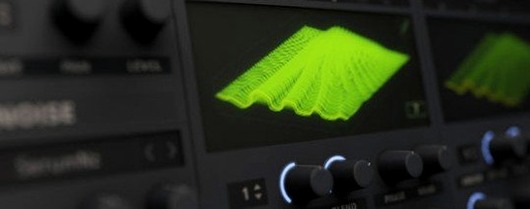 Updated Serum
2.1.5 VST Plugins
1.2 GB
Updated Serum
2.1.5 VST Plugins
1.2 GB
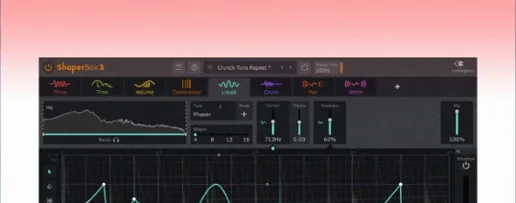 ShaperBox
3.6.1 VST Plugins
111 MB
ShaperBox
3.6.1 VST Plugins
111 MB
 Scaler 3
3.3.2 VST Plugins
1.4 GB
Scaler 3
3.3.2 VST Plugins
1.4 GB
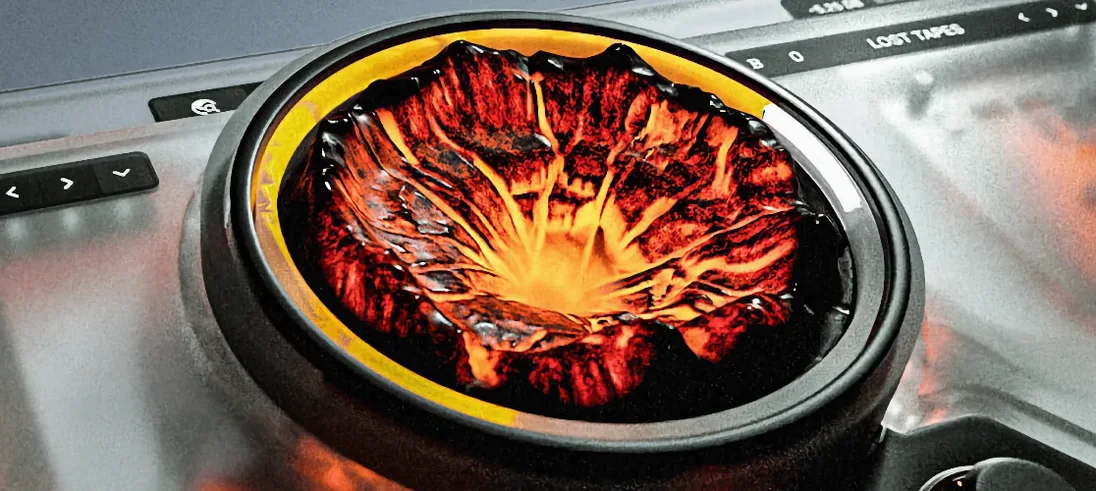 Sauceware Audio Scorch 2
1.0.4 VST Plugins
2 GB
Sauceware Audio Scorch 2
1.0.4 VST Plugins
2 GB
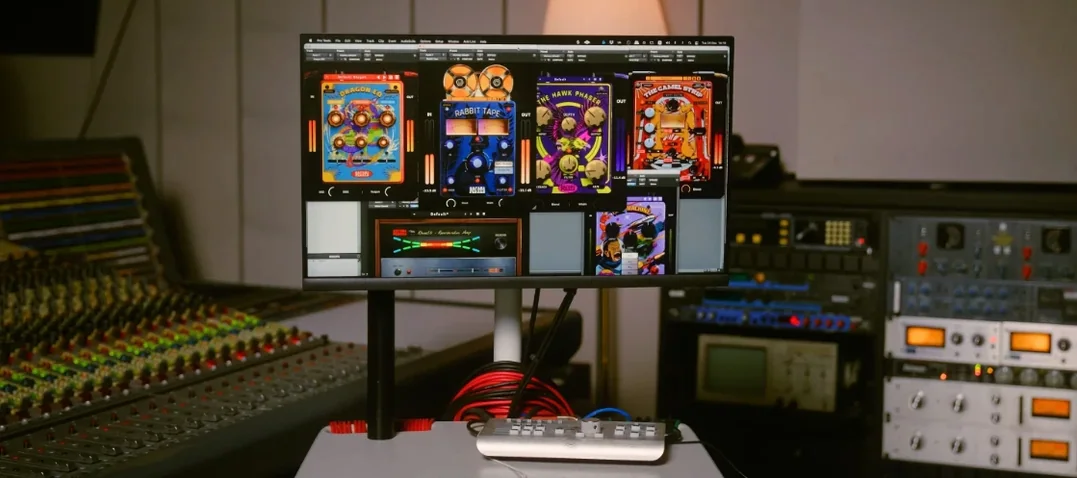 Safari Pedals Everything Bundle
2026.05 VST Plugins
628 MB
Safari Pedals Everything Bundle
2026.05 VST Plugins
628 MB
 Roland ZENOLOGY Pro
2.0.7 VST Plugins
1.8 GB
Roland ZENOLOGY Pro
2.0.7 VST Plugins
1.8 GB
 Roland Cloud Legendary Series
2025.06.29 VST Plugins
1.3 GB
Roland Cloud Legendary Series
2025.06.29 VST Plugins
1.3 GB