








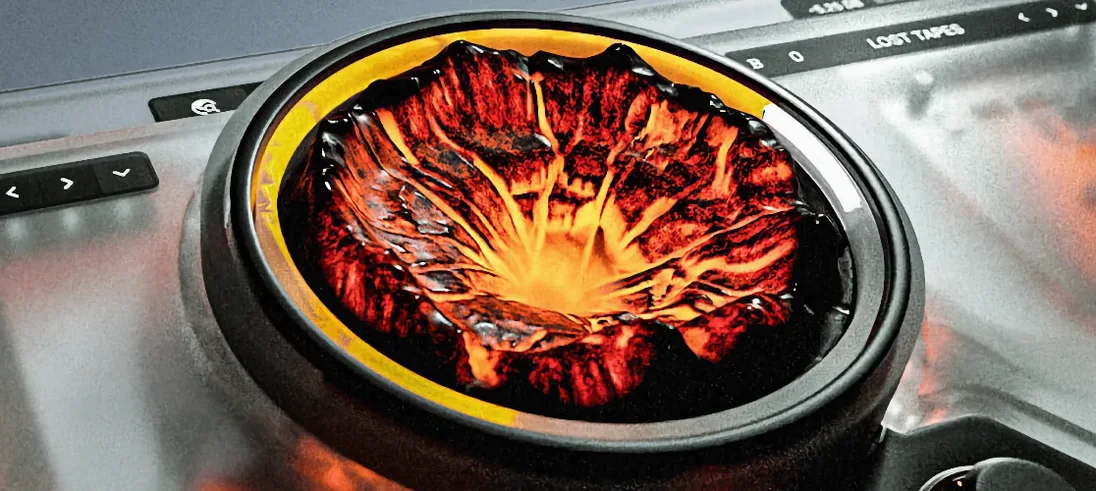
Download Sauceware Audio Scorch 2 for macOS
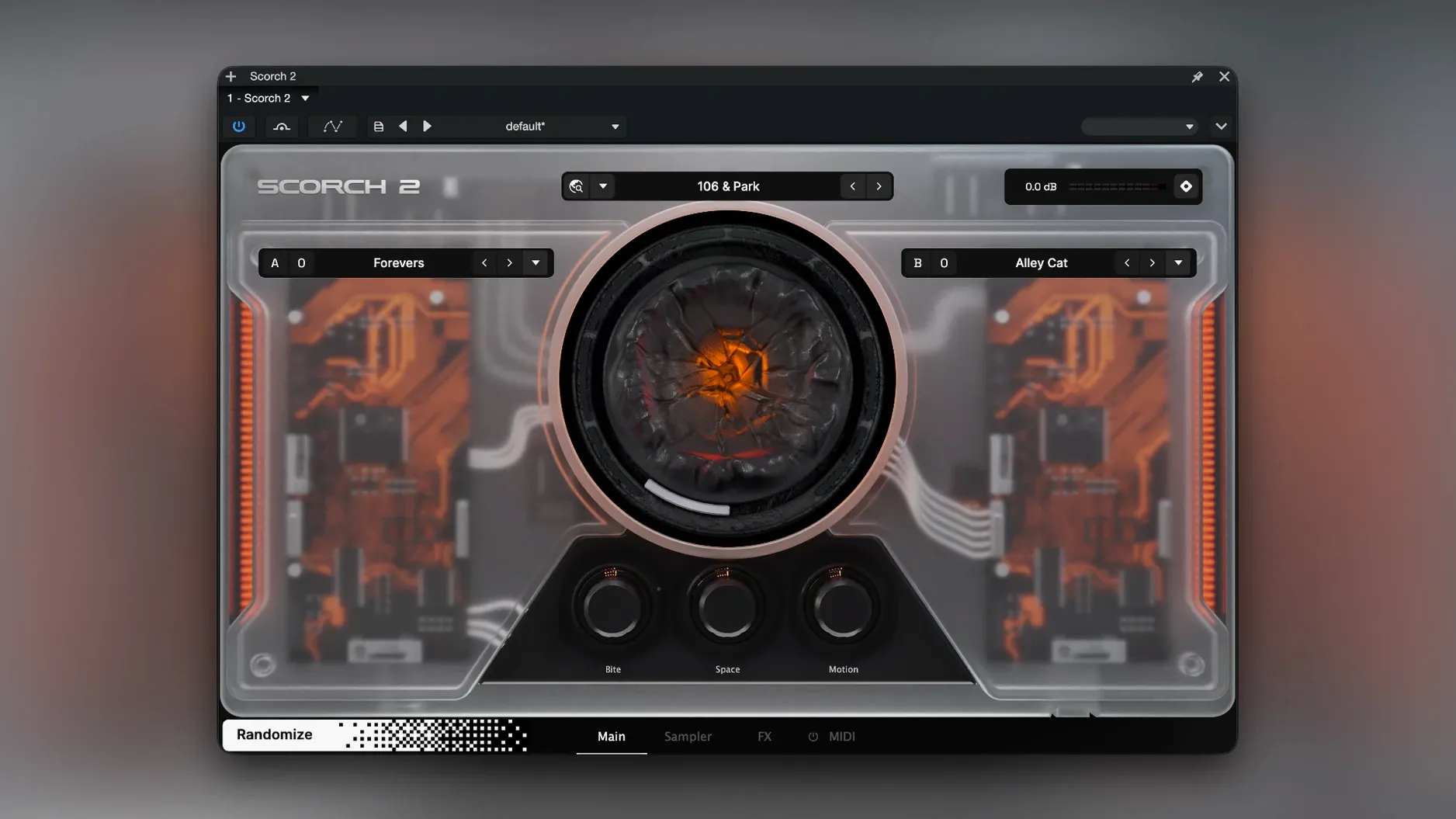
Beatmakers and electronic producers who want a track-starter that does half the work will click with Scorch 2 immediately. It’s a sample-based instrument where the line between preset and generated idea gets blurry in the best way, thanks to a sequencer that builds melodies and basslines over a chord grid you define.
Dial in a pattern on the grid
The built-in sequencer is the heart of this thing. Set a chord progression, and it instantly spits out leads, bass patterns, and melodic fragments that follow your changes—no piano roll required. It’s like having a little arranger sitting inside a synth.
Push the Chaos slider
On the main page, the Chaos control introduces rhythmic and pitch instability. A small nudge adds human-like drift to a hi-hat pattern; crank it up and your sequence splinters into glitchy, unpredictable territory that still respects the underlying chord grid.
Shape the source on the Sampler page
Under the hood, you get full access to the sample engine. Envelopes and two LFOs let you warp the source material directly—use them to tighten a pluck transient, add slow filter wobble, or create metallic attacks that the sequencer then runs with.
Click-to-Add Chords Without Theory
The first question is almost always about the sequencer: do I need to understand music theory to get something useful? Not really. The chord grid uses a simple click-to-add interface, and the sequencer generates patterns relative to whatever you lay down—pick a few cells that sound good together and it handles the rest. Another common hesitation is about CPU load. On Apple Silicon Macs, a single instance barely nudges the meter, and on older Intel machines you’ll comfortably run multiple instances before hitting any ceiling. The 10 GB disk footprint raises eyebrows too, but that’s the factory library of samples—the plugin itself is lean.
Folks also wonder whether Scorch 2 duplicates what they already own. If you’ve got a rompler that does static playback and a separate arpeggiator, the overlap is real. If you want those two things talking to each other inside one window, with effects tailored to the source material, that’s where it earns its place. The standalone nature of the installer means no extra downloaders or license managers—just the disk image and a straightforward setup.
Daily performance and system feel
Loading times for the full library stay reasonable even on a spinning drive, and once a preset is in memory, patch switching is instant. The sequencer keeps solid timing against Live, Logic, and Bitwig transports—I haven’t caught it drifting or missing a clock sync yet. Memory usage sits around what you’d expect for a sample instrument of this size: a few hundred megabytes per instance, with smart unloading of unused samples when you switch presets.
Stability holds up through long sessions. I’ve left it running in a project overnight with the Chaos control at moderate settings, and it didn’t introduce crackles or sudden CPU spikes when I came back. Rosetta activation is only needed if you hit the occasional first-launch hiccup on Apple Silicon; once authorized, native ARM performance is smooth. The sauceware audio scorch 2 mac download package includes clear notes about that step, which prevents head-scratching.
Drag MIDI Patterns into Any Synth
Scorch 2 slots into a production workflow like a hands-on collaborator rather than a passive sound source. Drag the MIDI out of the sequencer into your DAW and you can swap in any other synth—useful when you love the pattern but want a different timbre. The effects section plays nicely with external processing too; I’ll often bypass the onboard tape echo and send the dry signal to ValhallaDelay for a wider stereo image while keeping the internal distortion and chorus engaged.
On the macOS side, it respects Audio Unit host behavior properly: multiple output configurations show up where they should, automation parameters are labelled clearly, and it survives MacBook sleep without breaking its connection to the host. If you’re hunting for a sauceware audio scorch 2 mac download that gives you an instrument and an idea generator in one bundle, this fits. It also pairs well with drum sequencers that accept MIDI input—let Scorch 2’s sequencer feed a kick pattern into something like Punchbox, and you’ve got a rhythm section that writes itself while you focus on arrangement.
- macOS 10.11 or later
- Intel or Apple Silicon Mac (64-bit)
- 10 GB free disk space
- VST3 or AU host
- English interface
Questions people ask
Does Scorch 2 run natively on Apple Silicon Macs?
Yes, it runs on both ARM and x86 64-bit Macs. If you run into activation trouble, launching the plugin through Rosetta usually sorts it out.
Also on readers' docks
Sign in or create an account to leave a comment.
No comments yet. Tell me how it got on with your other devices.
More in VST Plugins
See all Scaler 3
3.3.2 VST Plugins
1.4 GB
Scaler 3
3.3.2 VST Plugins
1.4 GB
 Safari Pedals Everything Bundle
2026.05 VST Plugins
628 MB
Safari Pedals Everything Bundle
2026.05 VST Plugins
628 MB
 Roland ZENOLOGY Pro
2.0.7 VST Plugins
1.8 GB
Roland ZENOLOGY Pro
2.0.7 VST Plugins
1.8 GB
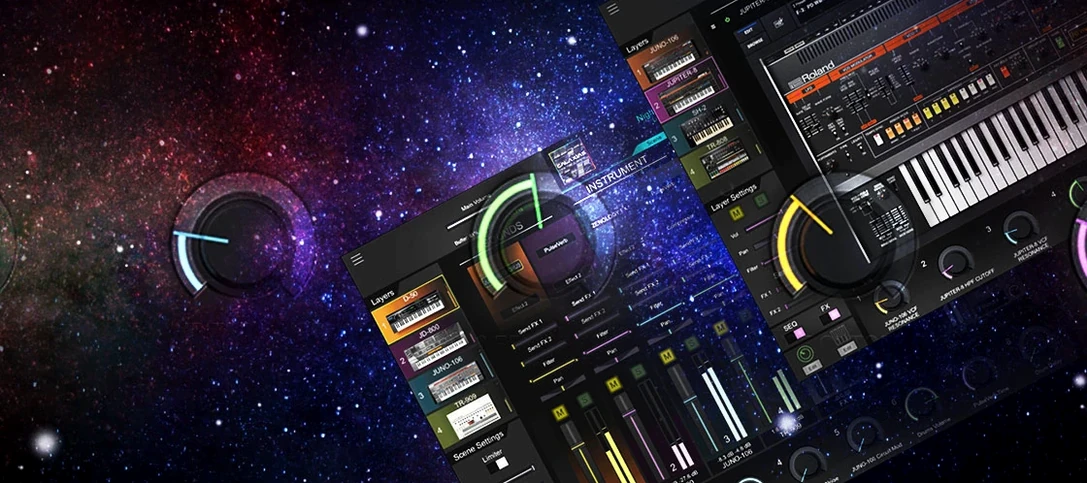 Roland Cloud Legendary Series
2025.06.29 VST Plugins
1.3 GB
Roland Cloud Legendary Series
2025.06.29 VST Plugins
1.3 GB
 Serato Hex FX
1.2.0 VST Plugins
105 MB
Serato Hex FX
1.2.0 VST Plugins
105 MB
 RipX DAW Pro
8.0.3 VST Plugins
1.6 GB
RipX DAW Pro
8.0.3 VST Plugins
1.6 GB
 Serato Sample
2.2.0 VST Plugins
612 MB
Serato Sample
2.2.0 VST Plugins
612 MB
 Revoice Pro
5.1.30 VST Plugins
39 MB
Revoice Pro
5.1.30 VST Plugins
39 MB