









Download Revoice Pro for macOS
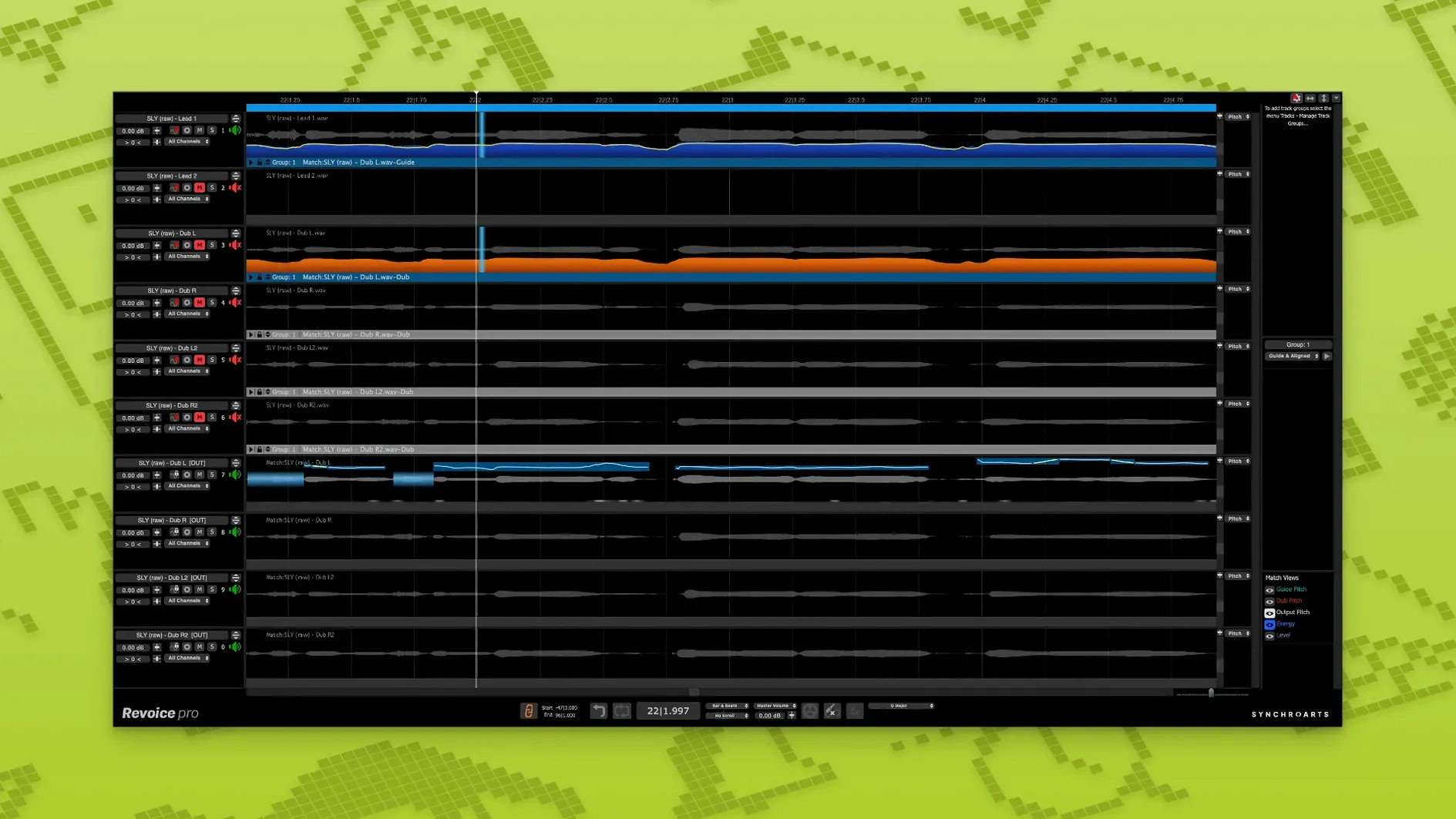
The 5.1.30 update puts a dedicated Shaper Tool front and centre for quick pitch nudges, while SmartPitch and SmartAlign continue to handle the heavy lifting for doubles and track sync. It’s the kind of release that sharpens what was already there, so let’s look at where Revoice Pro sits when you’re actually building a session.
- Guide track on top, dubs below: Route your best comp to Revoice Pro as the guide, then send doubles and harmonies into it. SmartAlign pulls late entries and early cut-offs back in line without manual slicing.
- Doubles that breathe: SmartPitch matches pitch on stacked vocal layers but leaves the timing and formants loose enough that you hear a second performance, not a copy-paste.
- Monophonic only, and that’s fine: It’s voiced for vocals, solo strings, or a synth lead. Polyphonic material belongs elsewhere, so keep it on the mono tracks.
- Bus routing trick: Placing Revoice Pro on an aux lets you process multiple dubs through one instance, which saves CPU and keeps alignment consistent across a chorus stack.
- Shaper for surgical spots: A phrase comes in flat? Pop open the Shaper Tool, drag the curve, and move on. It’s faster than automation for one-off corrections.
The plug-in works inside AU, VST3, and AAX 64-bit hosts on macOS 10.14 or later, with native ARM and Intel support. If your projects lean on tight vocal production—stacked hooks, podcast edits, ADR clean-up—this is where Revoice Pro earns its keep.
Vocal-heavy pop and R&B mixers with layered chorus stacks
Not every producer needs track-level time and pitch alignment, but a few kinds of Mac users quickly come to rely on it. Vocal-heavy pop and R&B mixers get the most obvious payoff: a chorus with eight or twelve layered takes tightens up in minutes instead of an afternoon spent nudging waveforms. The software really shines when doubles weren’t performed to a click or when a singer drifted slightly between passes. SmartAlign handles those drifting entry points without making the performance sound quantized, which is the difference between a polished stack and a robotic one.
Post-production editors working on ADR or podcast assembly find another sweet spot. Matching a re-recorded line to on-set audio, even when the actor’s timing shifted, becomes a single capture rather than a manual sync job. And if you track vocalists who deliver strong tone but inconsistent pitch on sustained notes, SmartPitch paired with the Shaper Tool turns correction into something you do while listening, not something you stare at for hours in a piano roll.
Solo instrumentalists recording monophonic lines—violin overdubs, a sax hook, a synth lead doubled for width—can borrow the same workflow. The software doesn’t care that it’s not a voice; it cares that the source is monophonic and that there’s a guide track to match to.
Drag audio straight from your DAW timeline into APT
A few touches in Revoice Pro save more time than they first suggest:
- Drag-and-drop between APT and the DAW: You can pull audio straight from the timeline into the stand-alone Audio Performance Transfer window, process it, and drag it back. No bouncing or re-importing.
- Quick A/B with the bypass button: The global bypass isn’t just for checking before-and-after on a single track. When you’re processing multiple dubs through one instance, toggling it reveals everything the software tightened—and whether you might have overdone it.
- Zoom-dependent waveform view: Pinching or scrolling on the timeline zooms smoothly in the waveform display. That’s easy to miss on a first pass, but when you’re inspecting a sibilant that slipped out of alignment, it beats squinting at a tiny overview.
- Process only the problem section: You don’t have to run SmartAlign across an entire take. Selecting a short region on the timeline limits processing to just that span, so one late word doesn’t force a full-track recalculation.
A Workflow: Stacking a Three-Part Harmony
Imagine a chorus with a lead vocal, a high harmony, and a low harmony—each tracked separately, and the singer’s timing got looser on the harmonies. Here’s how Revoice Pro pulls them together without losing the character of each pass.
Start by comping the best lead take and dropping it into the DAW timeline as the guide. Open the stand-alone application or the plug-in on an aux, then route the high harmony into it. Capture the guide first, then capture the harmony. SmartAlign syncs the harmony’s timing to the lead, even if the harmony take started a quarter-beat late because the singer waited for the downbeat. The result sits tight against the lead but the vibrato and breath placement remain from the original performance—no copy-paste stiffness.
Now check the pitch. With SmartPitch active, the harmony follows the lead’s pitch contour on sustained notes, but the formant stays natural. If one phrase still sounds slightly dull, open the Shaper Tool and lift just that syllable’s pitch curve by a few cents. Do the same capture-and-process routine for the low harmony, then pan the two processed doubles slightly left and right around the centred lead. The stack sounds like three people sang together in the room, not like one take duplicated and pitch-shifted.
If you’re searching for older builds under terms like revoice pro rutracker or revoice pro torrent, you’ll often find discussions that skip over the SmartAlign refinements introduced in version 5. The current release handles offset entry points noticeably better than the versions typically found through revoice pro mac crack or revoice pro mac torrent downloads, especially on Apple Silicon machines where older cracked builds can be configured to run natively for a nice speed boost. A clean revoice pro mac installation running natively on ARM makes a genuine difference when you’re processing four or five tracks simultaneously, and that alone keeps the session moving.
Version 5.1.30 adds a few targeted tools to the lineup:
- Shaper Tool arrives for hands-on pitch adjustment right inside the interface.
- SmartPitch keeps its role matching the pitch of doubles and harmonies to your guide track.
- SmartAlign handles track synchronization when takes don’t share the same start or end point on the timeline.
- macOS 10.14 or newer
- Apple Silicon (ARM) and Intel (x86 64-bit) support
- AU, VST3, or AAX 64-bit host application
Also on readers' docks
Sign in or create an account to leave a comment.
No comments yet. Tell me how it got on with your other devices.
More in VST Plugins
See all reFX Nexus
5.5.21 VST Plugins
72 MB
reFX Nexus
5.5.21 VST Plugins
72 MB
 RipX DAW Pro
8.0.3 VST Plugins
1.6 GB
RipX DAW Pro
8.0.3 VST Plugins
1.6 GB
 RC-20 Retro Color
1.5.1 VST Plugins
170 MB
RC-20 Retro Color
1.5.1 VST Plugins
170 MB
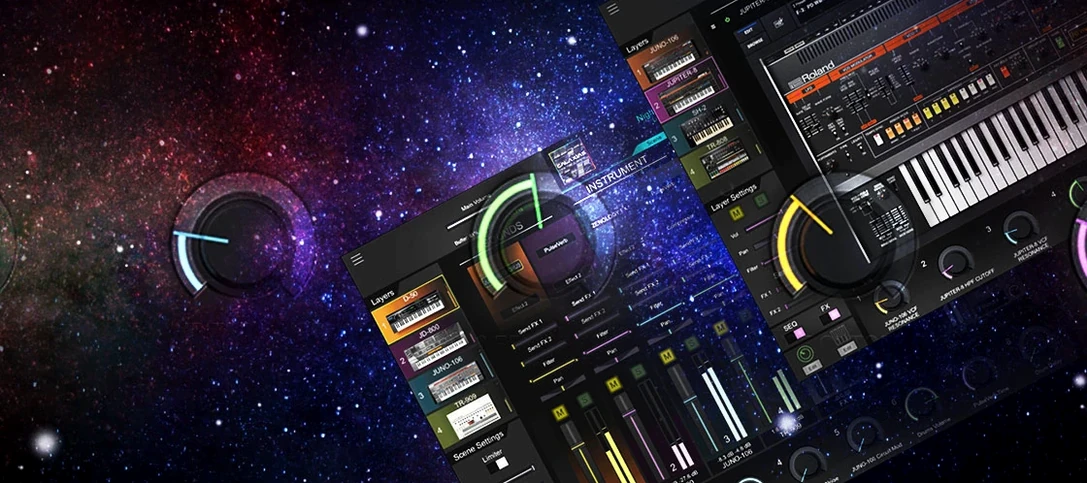 Roland Cloud Legendary Series
2025.06.29 VST Plugins
1.3 GB
Roland Cloud Legendary Series
2025.06.29 VST Plugins
1.3 GB
 Roland ZENOLOGY Pro
2.0.7 VST Plugins
1.8 GB
Roland ZENOLOGY Pro
2.0.7 VST Plugins
1.8 GB
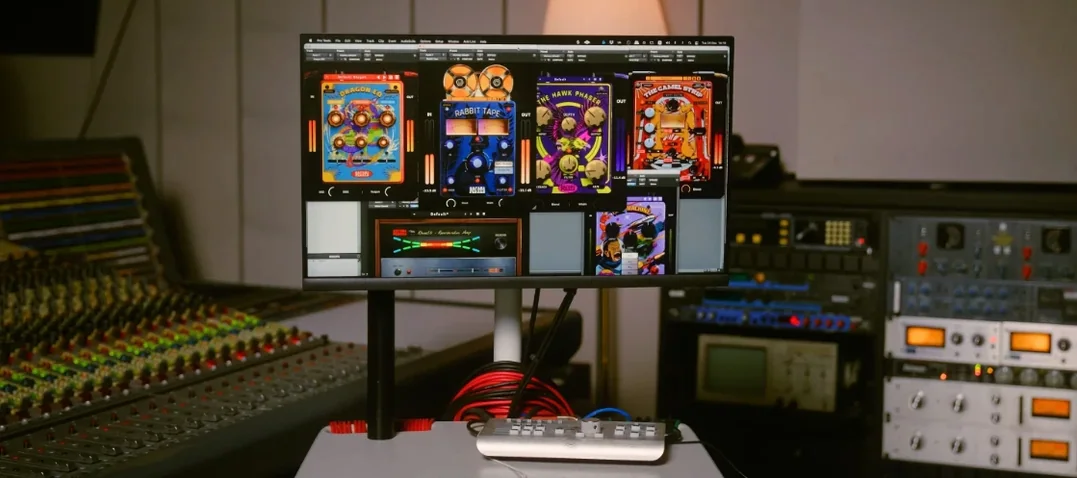 Safari Pedals Everything Bundle
2026.05 VST Plugins
628 MB
Safari Pedals Everything Bundle
2026.05 VST Plugins
628 MB
 Sauceware Audio Scorch 2
1.0.4 VST Plugins
2 GB
Sauceware Audio Scorch 2
1.0.4 VST Plugins
2 GB
 Scaler 3
3.3.2 VST Plugins
1.4 GB
Scaler 3
3.3.2 VST Plugins
1.4 GB