








Download Safari Pedals Everything Bundle for macOS

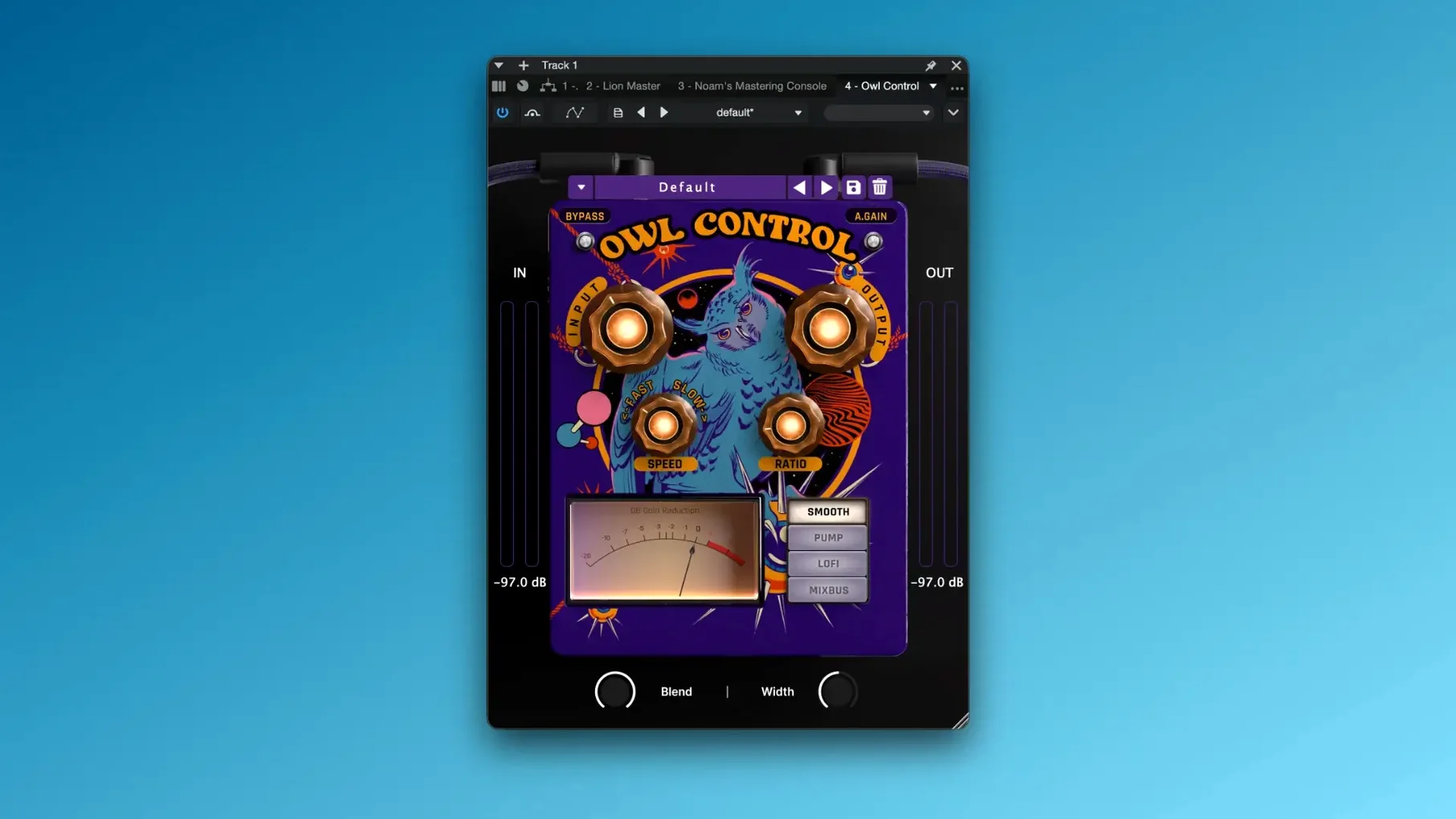
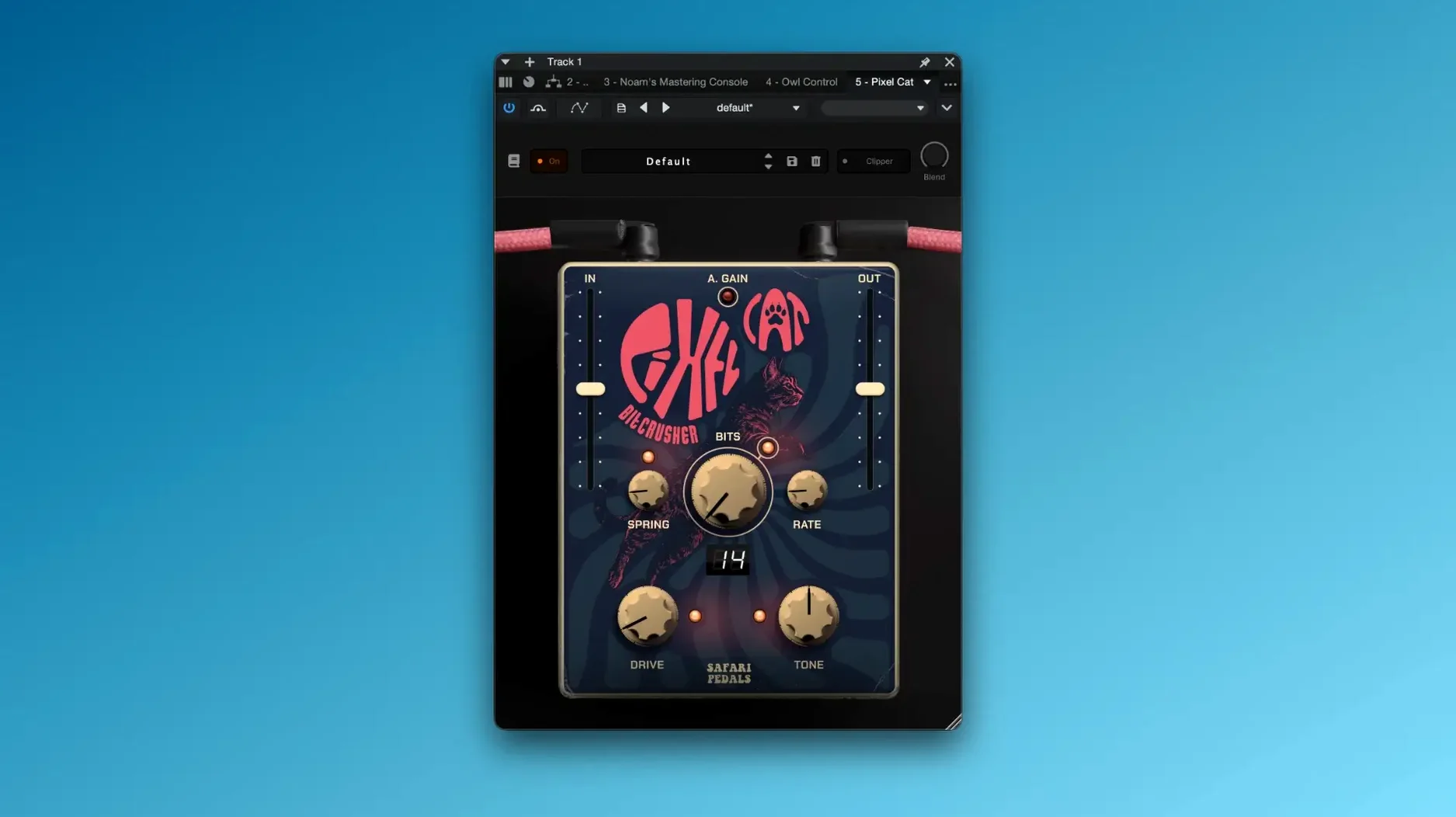
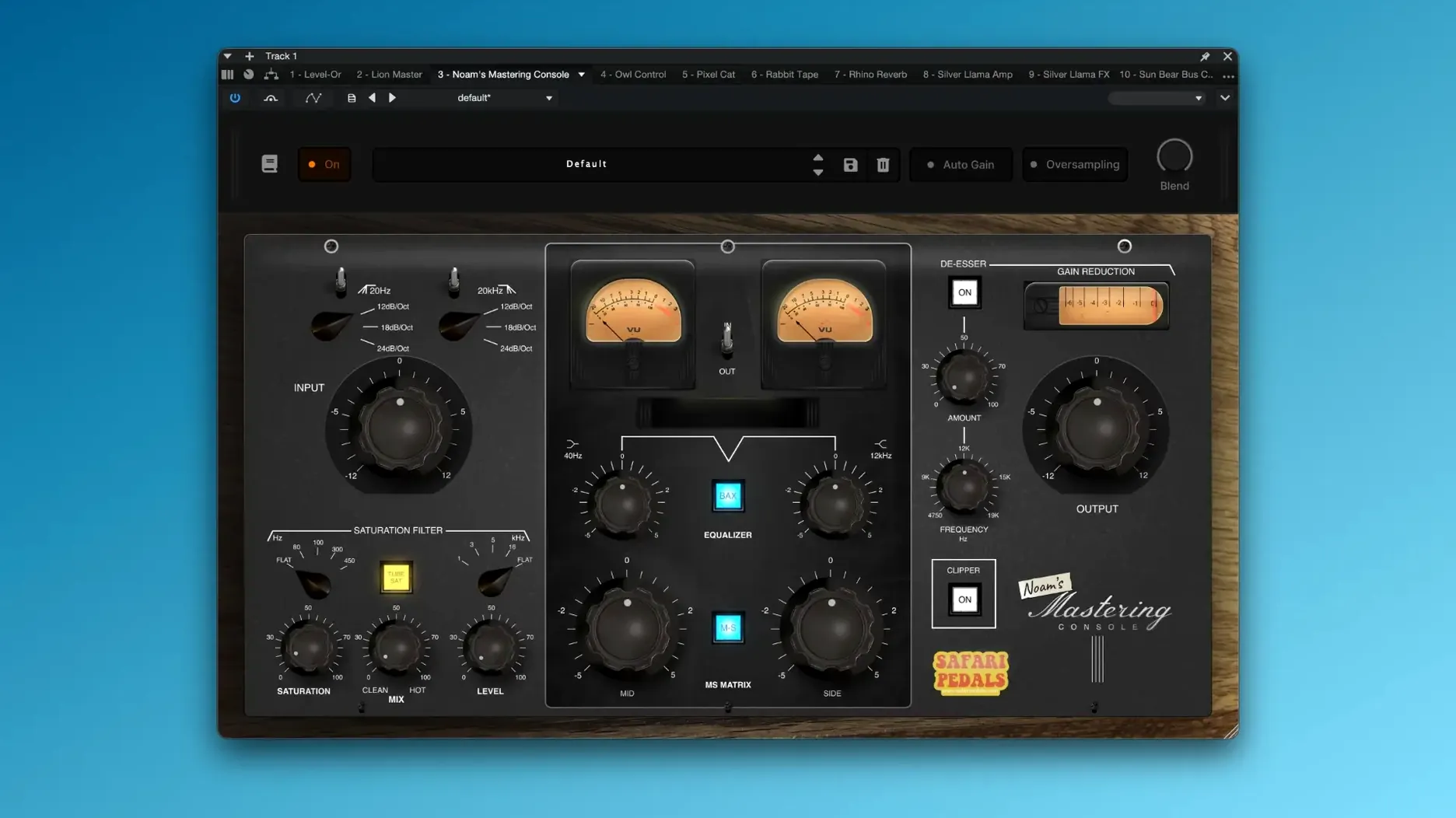
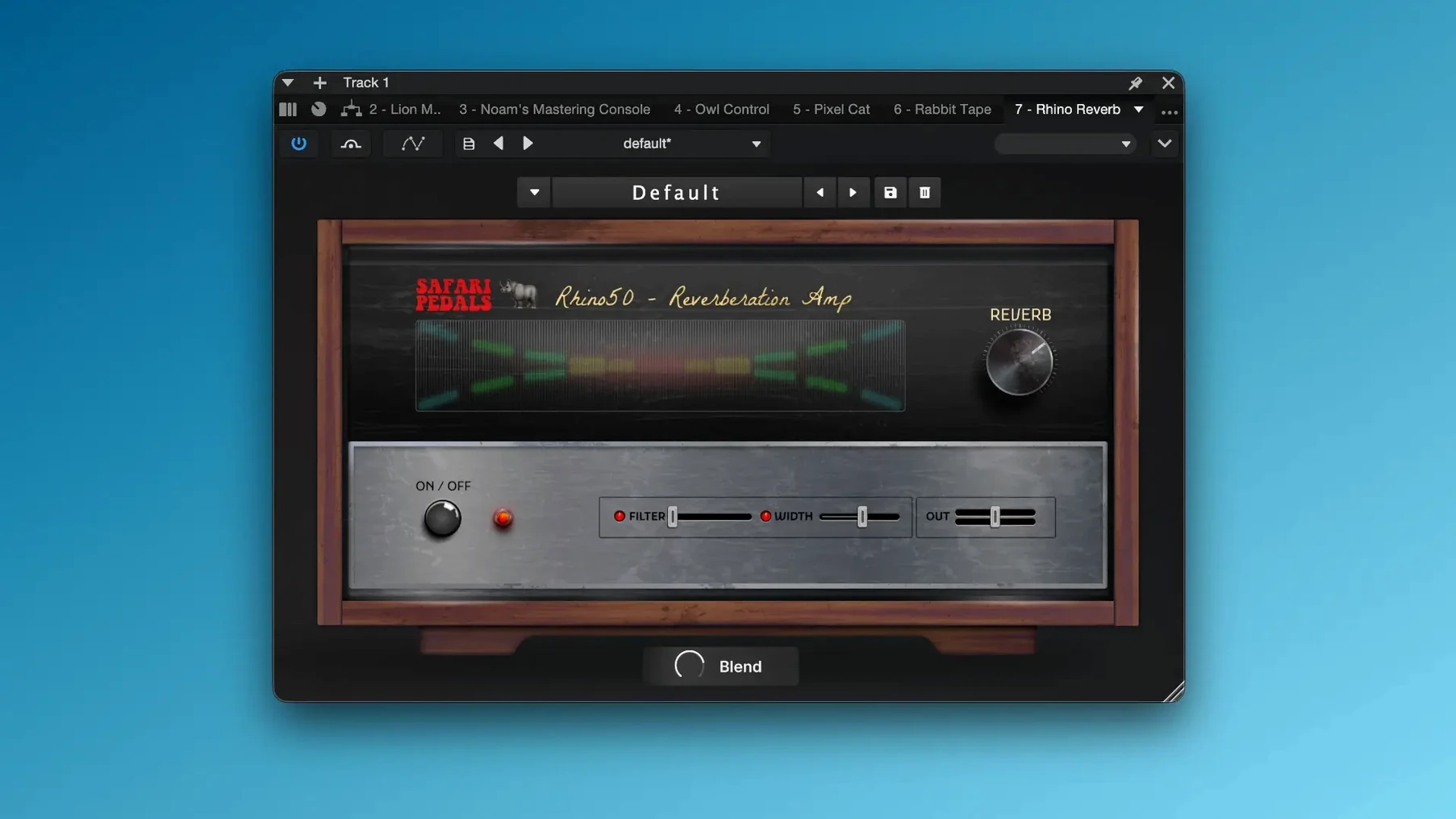
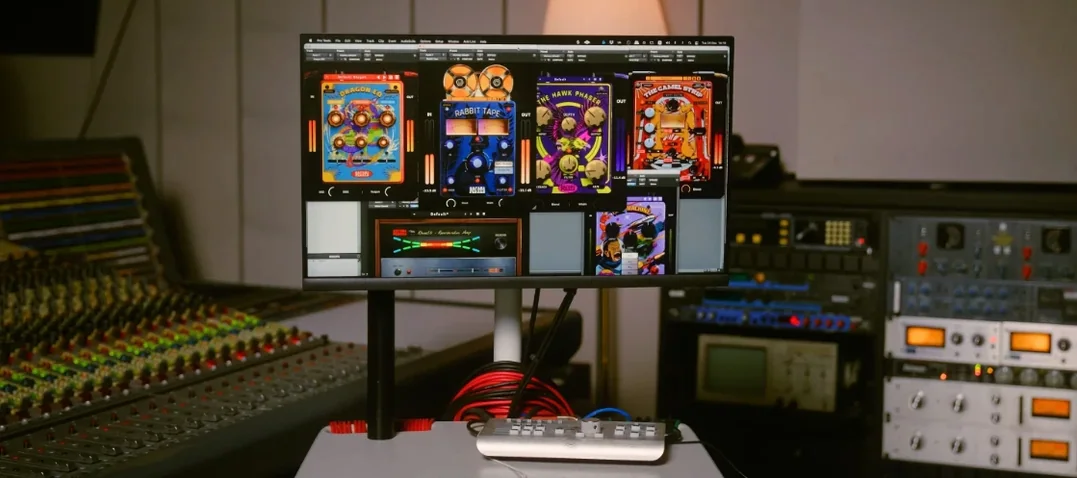
Producers who treat a plugin folder like a pedalboard will feel right at home here. The Everything Bundle gathers the whole Safari Pedals lineup — twelve effects that lean into character, color, and the kind of happy accidents that make a track feel alive instead of sterile. It is the sort of collection you reach for when a mix needs personality, not just polish.
What's Inside the Collection
- Flamingo Verb — lush, spring-inspired reverb that drips with vintage tone
- Dirty Dog Reverb — grittier, lo-fi ambience for textured tails
- Gorilla Drive — thick saturation and harmonic warmth
- Cobra Fuzz — aggressive, spitty fuzz that cuts through a dense mix
- Zebra Clipper — soft-clipping with a smooth, musical breakup
- Bull Sub Machine — deep sub-bass enhancement
- Hawk Phaser, Fox Echo Chorus, Owl Control — modulation and dynamics tools
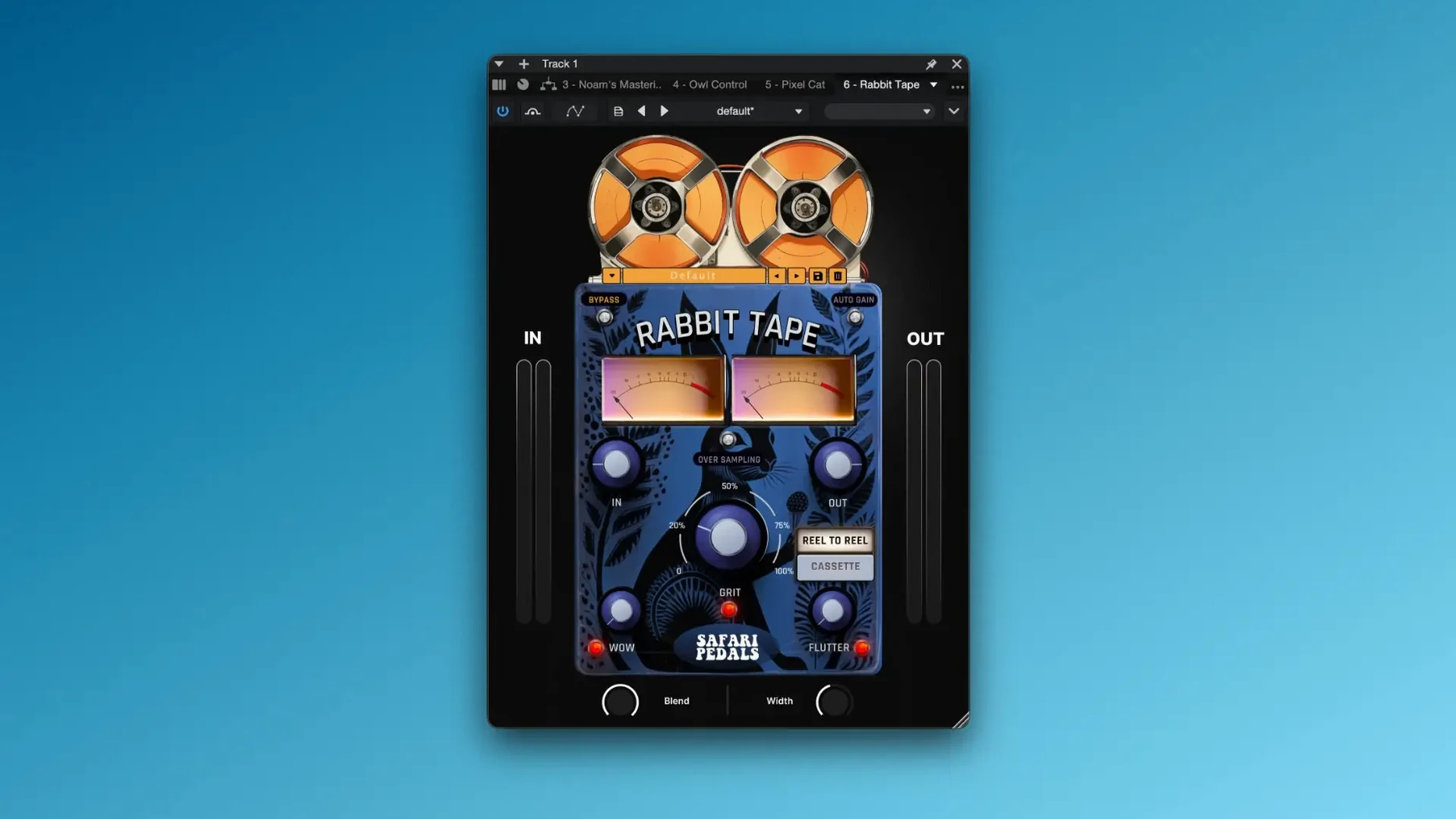
- Planet of the Amps Pack, Cassette Bunny — amp simulation and tape-worn texture
Turning Knobs, Finding Sounds
Every plugin in this bundle keeps the control set simple — a handful of knobs, maybe a switch or two, and immediate results. Cassette Bunny, the newest addition, nails that warbly, slightly degraded tape sound without needing a manual. Run a clean guitar through Cobra Fuzz and it snarls instantly. Dial Gorilla Drive gently on a drum bus and the kit breathes with warmth instead of flat digital crunch. The joy here is how quickly a few small tweaks reshape the whole vibe. There is no analysis paralysis, just the fun of turning a knob and hearing the music change.
Shift‑drag wow and flutter for finer sweeps
Some of the best bits in this collection hide just below the surface. Cassette Bunny's wow and flutter controls, for instance, respond differently when you hold Shift while dragging — a finer, more gradual sweep that makes dialing in a subtle warble way easier. The same modifier works on Gorilla Drive's gain knob, turning a heavy-handed saturation knob into something you can feather in gently on a vocal bus.
Then there is the output compensation tucked into several of the drives. Bull Sub Machine and Cobra Fuzz both adjust their output level relative to the drive amount, so you don't blow your ears out while auditioning wilder settings. It's a small touch but it saves constant level-matching when you're A/B testing tones.
A few other shortcuts worth knowing:
- Double-click any knob to reset it to its default value. Simple, but not advertised in the sparse documentation.
- Command-click on the Zebra Clipper threshold temporarily bypasses the soft-clip circuit without losing your setting.
- Option-drag the mix knob on Flamingo Verb or Dirty Dog Reverb engages a momentary 100% wet signal — perfect for quick sound design checks.
- Fox Echo Chorus and Yak Delay both sync to your DAW tempo by default, but right-clicking the time knob overrides sync and switches to free-running milliseconds.
None of these are life-changing on their own, but together they make the plugins feel less like black boxes and more like actual hardware you learn the quirks of over time.
For producers who commit to sounds early
This bundle makes the most sense for producers and engineers who work fast and commit to sounds early. If you're the type who dials in a tone, prints it, and moves on, the whole lineup fits that workflow perfectly. There is no endless tweaking — you grab a plugin, twist three knobs, and the track sounds different, usually better, and occasionally wonderfully wrong.
Electronic producers working in the box will find the saturation and modulation tools especially handy. Gorilla Drive and Zebra Clipper add analog-style harmonics to soft synths that feel two-dimensional on their own. Sound designers will get a kick out of chaining Dirty Dog Reverb into Cassette Bunny for degraded, cinematic tails that sit behind dialogue or environmental ambience. Mix engineers who already have their clean, surgical tools covered can treat the Safari Pedals as a character rack — the thing you patch in when a snare feels too polite or a bassline lacks weight.
It is not a surgical mixing bundle, and that is precisely the point. Anyone looking for transparent compression or linear-phase EQ should look elsewhere. But if your plugin folder is already heavy on color pieces from developers who care about vibe over specs, the Everything Bundle slots right in.
Stability and Daily Performance
Across a few weeks of daily use on an Apple Silicon machine running Logic Pro and Ableton Live, the entire bundle stayed remarkably well-behaved. No crashes traceable to a Safari Pedals plugin, no spikes in CPU that made sessions grind to a halt. The heavier reverbs — Flamingo Verb and Rhino Reverb — do pull more resources than the drives and modulation effects, but it is nothing out of line for convolution-style processing. On an M-series Mac, even stacking six or seven instances across a project left the performance meter well within comfortable territory.
Loading times are snappy. There is no splash screen, no online check-in, no background processes lingering after you close a session. The plugins feel refreshingly self-contained. On Intel machines, the same general stability holds, though older quad-core i5s might notice the reverbs breathing a little harder under load. The AU, VST3, and AAX versions all performed identically in testing — no format-specific bugs or missing features cropped up.
Memory use is modest. The entire bundle installed takes up less space than a single modern sampled instrument, and there is no large sample library to relocate or external content to manage. It's the kind of plugin collection you install and forget about until a track needs some attitude.
A Moment with the Bassline
Picture a producer working on a moody electronic track late at night. The bassline is a simple saw wave from a soft synth — functional, but it sits flat in the mix like a cardboard cutout. They pull up Bull Sub Machine first, dialing in just enough sub enhancement to feel the weight in their chest without muddying the kick. Then Gorilla Drive goes on next in the chain, gain around 10 o'clock, adding a gentle harmonic fizz that pushes the bass forward. Finally, Cassette Bunny at the end of the chain with a subtle flutter and a low mix setting wraps the whole thing in a faint, worn-in texture. The bassline now sounds like it was sampled from some forgotten vinyl, not generated cleanly in the box. Three plugins, maybe ninety seconds, and the track has a spine. That is the rhythm of working with these tools — grab, twist, commit, move on.
Version 2026.05 brings one new face to the pedalboard:
- Added Cassette Bunny — tape-style degradation and warble for instant lo-fi character.
- macOS 11 or later
- Apple Silicon or Intel processor
Questions people ask
What is included in the Safari Pedals Everything Bundle?
It includes twelve effects: Flamingo Verb, Dirty Dog Reverb, Gorilla Drive, Cobra Fuzz, Zebra Clipper, Bull Sub Machine, Hawk Phaser, Fox Echo Chorus, Owl Control, Planet of the Amps Pack, Cassette Bunny, and more.
Is Cassette Bunny part of the Everything Bundle?
Yes, Cassette Bunny was added in the latest version and brings tape-worn, lo-fi texture to the collection.
Does the bundle work on Apple Silicon Macs?
It runs natively on both Apple Silicon and Intel Macs with macOS 11 or later.
Also on readers' docks
Sign in or create an account to leave a comment.
No comments yet. Tell me how it got on with your other devices.
More in VST Plugins
See all Roland ZENOLOGY Pro
2.0.7 VST Plugins
1.8 GB
Roland ZENOLOGY Pro
2.0.7 VST Plugins
1.8 GB
 Roland Cloud Legendary Series
2025.06.29 VST Plugins
1.3 GB
Roland Cloud Legendary Series
2025.06.29 VST Plugins
1.3 GB
 Sauceware Audio Scorch 2
1.0.4 VST Plugins
2 GB
Sauceware Audio Scorch 2
1.0.4 VST Plugins
2 GB
 Scaler 3
3.3.2 VST Plugins
1.4 GB
Scaler 3
3.3.2 VST Plugins
1.4 GB
 RipX DAW Pro
8.0.3 VST Plugins
1.6 GB
RipX DAW Pro
8.0.3 VST Plugins
1.6 GB
 Revoice Pro
5.1.30 VST Plugins
39 MB
Revoice Pro
5.1.30 VST Plugins
39 MB
 Serato Hex FX
1.2.0 VST Plugins
105 MB
Serato Hex FX
1.2.0 VST Plugins
105 MB
 reFX Nexus
5.5.21 VST Plugins
72 MB
reFX Nexus
5.5.21 VST Plugins
72 MB