








Download reFX Nexus for macOS
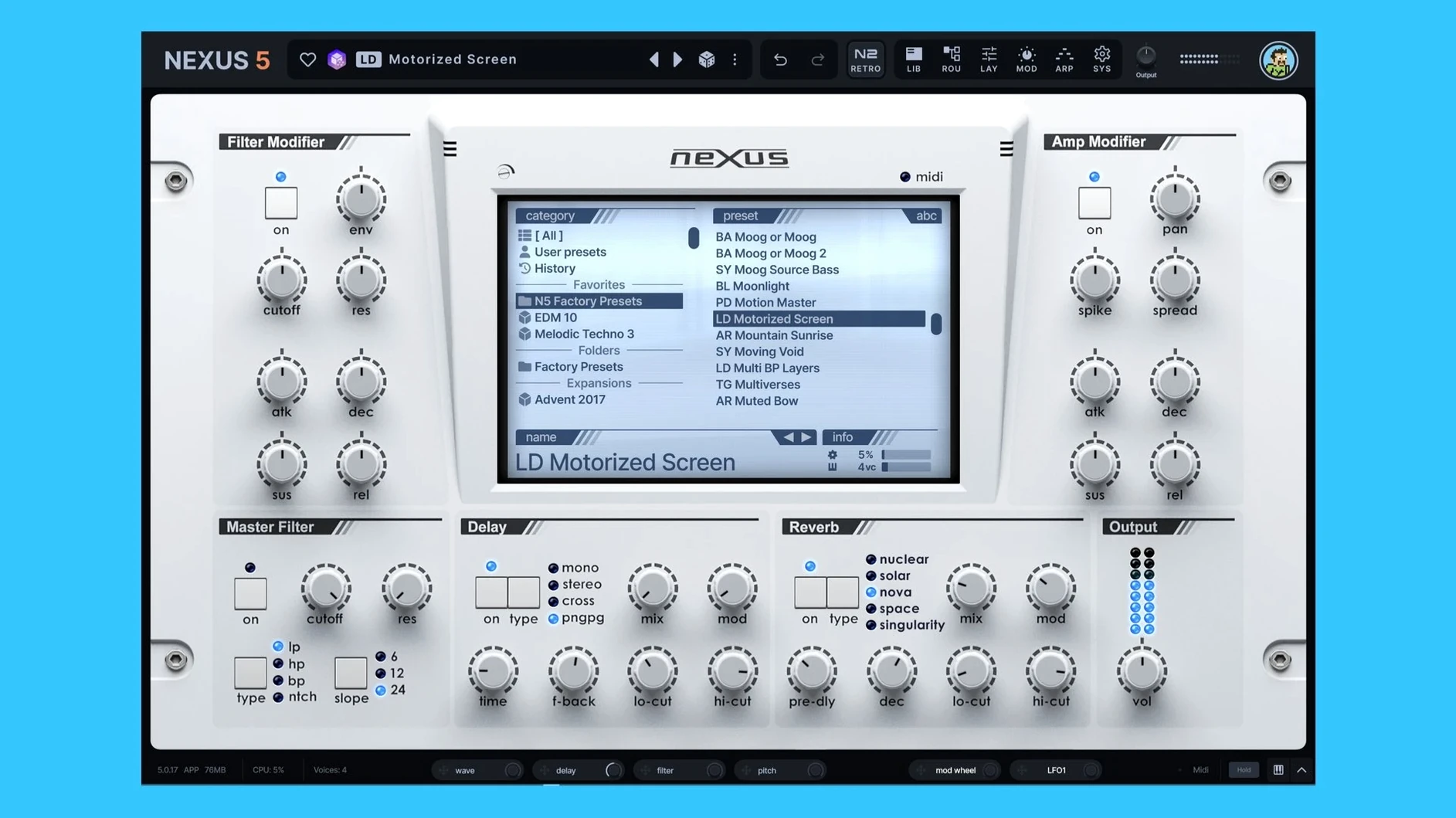
Songwriters and producers who need big sounds fast turn to reFX Nexus on Mac for its rapid preset workflow. It slots into a session as a reliable idea starter and a layering tool, not a deep sound-design lab you get lost in for hours.
1. The Sketch Track
Load Nexus on an instrument track to browse presets by genre or character. The library is sample-based, so a piano, pluck, or pad sounds polished right away. With version 5.5.12, preset previews match the host tempo, keeping your early creative flow intact.
2. Layering on Buses
Once the core idea is down, I drop a second instance on a parallel bus. Combining a crisp sample layer with the built-in virtual analog or granular oscillators creates a hybrid texture that cuts through a mix. The new Unison overhaul with up to 16 voices adds serious width here without eating up CPU on a modern Mac.
3. Mix Polish
A final Nexus instance on an FX bus handles ear candy. The built-in effects section and the new Clipper FX shape transients quickly. I'll route a custom sample into the instrument, trigger the Ducker via its new keyzone option, and let a loop pump against the kick with the BPM readout on the SYS page keeping everything locked.
Beatmakers and pop producers who prefer a curated, mix-ready sound over infinite knob-twisting will feel right at home. The active modulation tracking in 5.5.12 gives enough visual feedback to make tweaking custom presets feel immediate.
Right-Click Preset Name to Copy Folder Path
Right-click any preset name to copy its folder path straight to the clipboard. It's a tiny thing, but when you're organizing custom libraries or hunting down a specific expansion, it saves a dozen clicks. The mod depth rings now glow faintly when a source is actively routed, so you can scan a busy patch and spot what's driving movement without opening every panel.
Dragging a sample onto an oscillator slot auto-detects the root key if the filename has a note in it—C3, F#2, anything standard. Hold Option while dragging to bypass that guess and keep the root at middle C. The arp has a quiet trick too: if you've built a sequence in the sequencer tab, right-click the arp pattern selector and choose "Use as initial pattern" to transfer it over instantly. No copy-paste dance.
Runs Natively on Apple Silicon—No Rosetta
"Will this work on an M1 or M2 Mac?" Yes. The current build runs natively on Apple Silicon and Intel, so there's no Rosetta penalty. I've run it on a MacBook Air without the fan spinning up during a twenty-layer session. The unison overhaul stays efficient even at sixteen voices, though dense polyphony will eventually push any machine.
"Can I load my own samples, or am I stuck with the factory library?" You can load your own. Drag WAV files into an oscillator slot to use them as sample sources, then slice, loop, crossfade, and route them through the same modulation and effects as any stock preset. Custom expansions are stored in your user library, so they survive updates and migrations.
"Does it only work as a rompler?" Not anymore. Sample oscillators sit alongside virtual analog, wavetable, granular, and FM oscillators in the same patch. You can blend a sampled string attack with a wavetable sustain and an FM transient—none of which behaves like a static rompler.
AU and VST3 in Logic, Live, and Bitwig
Nexus shows up as a standard AU and VST3 plugin, so it slots into Logic Pro, Ableton Live, and Bitwig without any bridge software. The reFX Cloud app lives in the menu bar and handles library downloads and updates quietly in the background. If you're moving presets between machines, the user preset folder sits inside ~/Documents/reFX/Nexus, which iCloud Drive or any sync utility can pick up naturally.
The BPM readout on the SYS page pulls tempo straight from the host, and the new BPM override switch lets a pad swell at half-time even while the DAW races at 140. macOS's Audio Unit validation recognizes the plugin cleanly on both architectures, so you won't see that irritating orange "incompatible" badge in Logic's plugin manager.
For sound designers who also lean on other heavyweight plugins, Nexus plays nicely in chains. Run a custom sample patch into an external sidechain compressor, or send its output to a separate bus with a convolution reverb, and nothing destabilizes. The Ducker's keyzone trigger listens to MIDI notes, so you can duck a pad whenever a bassline hits a specific octave without setting up complex routing outside the plugin.
If your workflow involves collaboration, packed preset files stay small because samples reference the shared library rather than embedding everything. Send a collaborator the preset and they only need the same expansion installed—no multi-gigabyte file transfers. People hunting for a refx nexus mac setup often overlook how light the preset-sharing actually is.
Version 5.5.21 is a tidy update that polishes the skinning system across the board. Here’s what’s changed:
- The Skin Editor now lets you style dialog windows — backgrounds, title bars, text, and buttons are all fair game.
- You can open a skin file straight from the skin browser’s context menu now, which saves a few clicks when you’re tweaking.
- Color names inside the Skin Editor display cleanly, without those internal prefixes cluttering things up.
- The Impulse waveform view pulls its colors from the same palette as the rest of the effects displays, so everything looks cohesive.
- Fixed loading, saving, and thumbnail previews for skins that have dots in their filenames.
- Knob colors now stick when you switch back from a light skin to the default — no more surprise resets.
- The Impulse import window’s waveform styling got a fix, and dialog text now refreshes properly when you swap skins on the fly.
- Double-clicking Save As no longer opens the window twice.
- macOS 10.15 or later
- Apple Silicon or Intel 64-bit processor
Questions people ask
Can I load my own samples into reFX Nexus on Mac?
Yes, you can import custom samples, multisamples, and entire sample packs to build your own presets and expansions.
Also on readers' docks
Sign in or create an account to leave a comment.
No comments yet. Tell me how it got on with your other devices.
More in VST Plugins
See all RC-20 Retro Color
1.5.1 VST Plugins
170 MB
RC-20 Retro Color
1.5.1 VST Plugins
170 MB
 Revoice Pro
5.1.30 VST Plugins
39 MB
Revoice Pro
5.1.30 VST Plugins
39 MB
 RipX DAW Pro
8.0.3 VST Plugins
1.6 GB
RipX DAW Pro
8.0.3 VST Plugins
1.6 GB
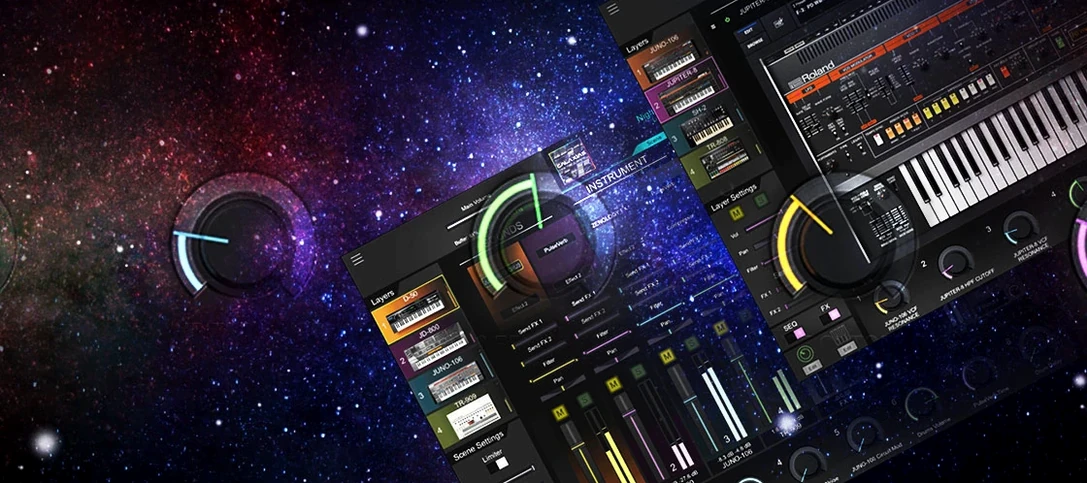 Roland Cloud Legendary Series
2025.06.29 VST Plugins
1.3 GB
Roland Cloud Legendary Series
2025.06.29 VST Plugins
1.3 GB
 Roland ZENOLOGY Pro
2.0.7 VST Plugins
1.8 GB
Roland ZENOLOGY Pro
2.0.7 VST Plugins
1.8 GB
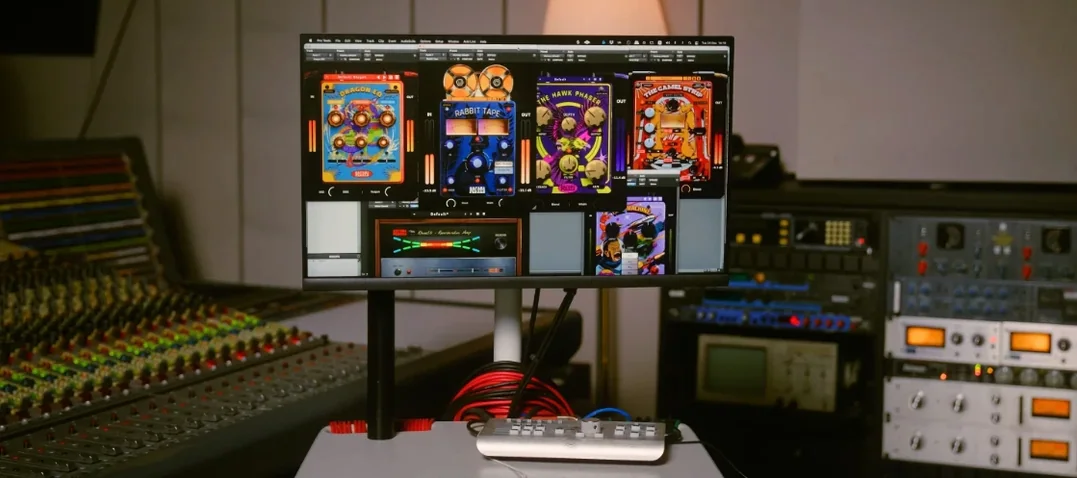 Safari Pedals Everything Bundle
2026.05 VST Plugins
628 MB
Safari Pedals Everything Bundle
2026.05 VST Plugins
628 MB
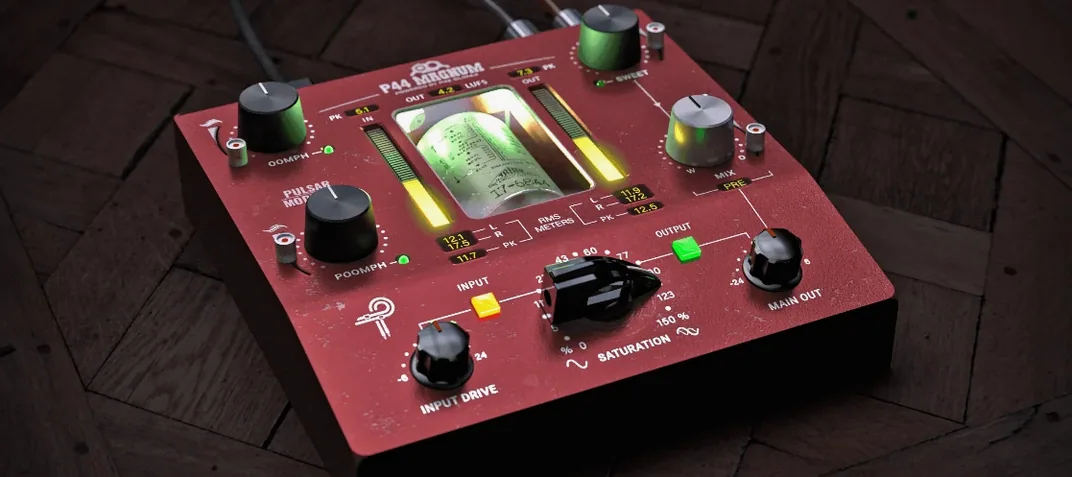 Pulsar Modular Everything Bundle
04.2026 VST Plugins
771 MB
Pulsar Modular Everything Bundle
04.2026 VST Plugins
771 MB
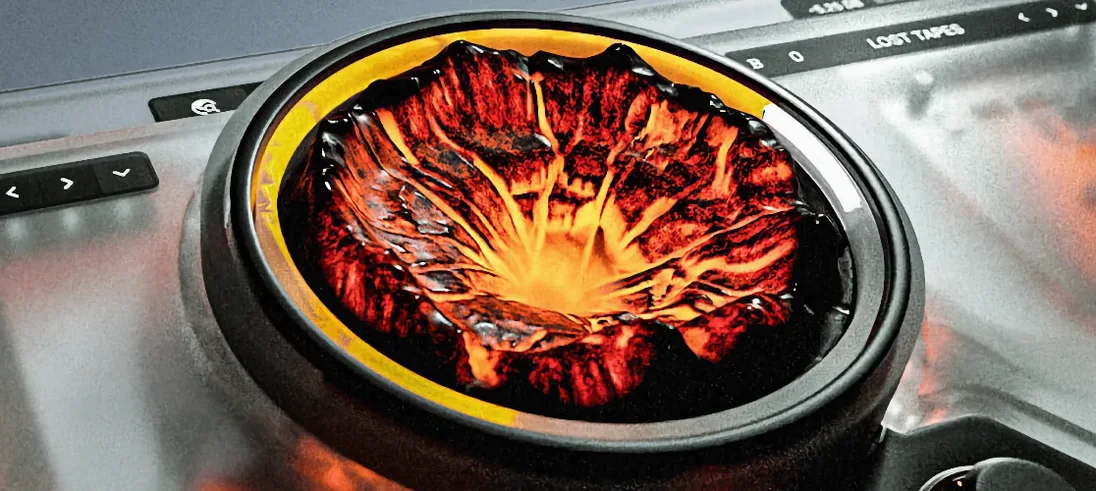 Sauceware Audio Scorch 2
1.0.4 VST Plugins
2 GB
Sauceware Audio Scorch 2
1.0.4 VST Plugins
2 GB