








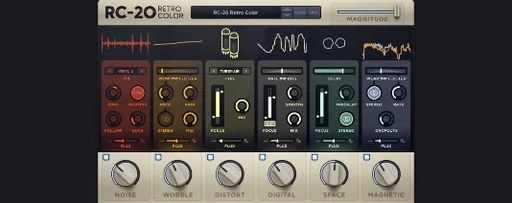
Download RC-20 Retro Color for macOS
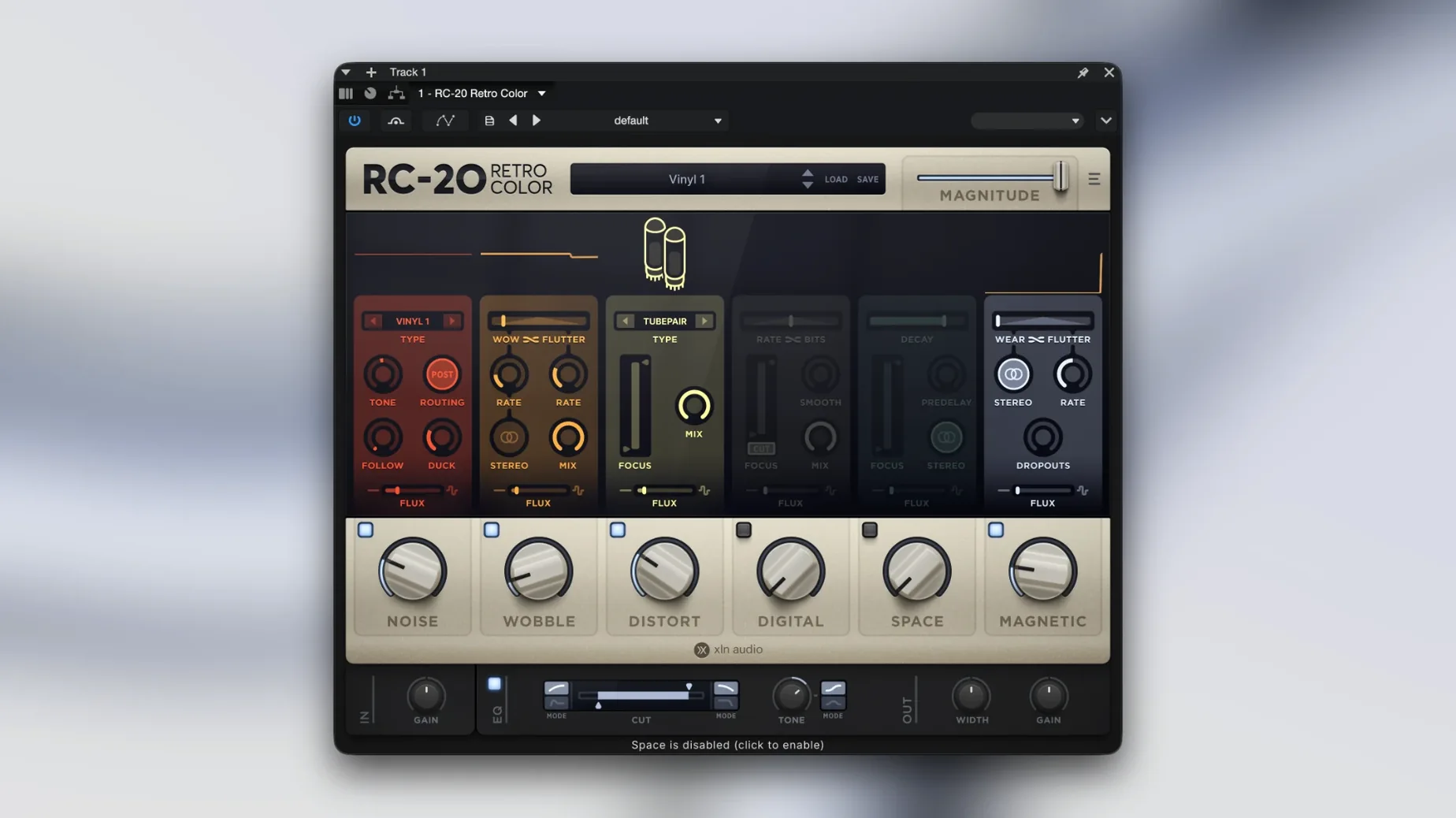
Version 1.5.1 ships in three plug-in formats.
VST — Works in Ableton Live, Cubase, FL Studio, and most other DAWs.
AU — Audio Unit for Logic Pro and GarageBand on Mac.
AAX — Avid's format for Pro Tools.
It runs 64-bit only and needs macOS 10.13 or later. Once loaded, you get six effect modules that can work together or independently. The idea is simple: take something too clean and give it the kind of texture and color you'd expect from old vinyl, worn-out tape, or a dusty sampler. Each module pushes the sound further from pristine, and the built-in manual link means you don't have to hunt down a PDF when you want to understand what a particular knob is actually doing.
Crank the Magnitude slider first
Open RC-20 and the factory preset defaults to a subtle lo-fi polish. That's nice for a quick demo, but the plugin really wakes up once you adjust two or three things straight away.
First, find the Magnitude slider — it sits top-right and acts as a global intensity control. The default is often around 50%, and pushing it to 75-80% while you dial in individual modules gives you a much better sense of what each section actually contributes. Too many people leave it at noon and wonder why the wobble barely flutters.
Second, switch the Noise module type from the default hiss to something with more character. Vinyl crackle with the density knob up around 3 o'clock transforms sterile piano or pad parts instantly. The same module does tape hiss, electrical hum, and even a surprisingly useful wind noise — none of which you'll discover if you never click that tiny dropdown.
Third, head to the Flux engine settings — the little sine-wave icon near the top bar. By default, Flux moves at a gentle pace across all modules equally. Untick a couple of modules from its influence and set the rate differently for the ones that remain. Having the wobble drift slowly while the noise stays fixed creates a much more organic, less predictable texture. It's one of those features that separates RC-20 from stacking a few static saturation plugins and calling it a day.
The output section (bottom-right) also deserves a glance before you get deep into a mix. The plugin can add significant low-end weight through the magnetic and distort modules, and the auto-gain doesn't always catch everything. Drop the output by 2-3 dB as a starting habit and you won't spend ten minutes later wondering why your channel suddenly clips.
Instant interface draws on Apple Silicon
On an Apple Silicon Mac, RC-20 loads quickly — usually under two seconds in Logic Pro and Ableton Live, even in projects with forty or fifty other plugins already running. The interface draws instantly, no sluggish redraws when you switch between modules. That matters when you're flicking through presets during a session and don't want that awkward pause while the GUI catches up.
CPU usage stays modest for a multi-module effect. A single instance with all six modules active and Flux running typically sits around 3-5% on an M1 or M2 core. Compared to some tape emulations that can eat double that for just one flavor of saturation, RC-20 feels lightweight. You can comfortably run it across a dozen tracks — drum bus, keys, a couple of vocal layers, some background textures — without freezing anything.
Memory footprint is similarly well-behaved. The plugin reserves about 180-220 MB when loaded, which won't trouble any Mac made in the last five years. I've had it running alongside Kontakt libraries that occupy several gigabytes, and RC-20 never caused a spike worth worrying about.
Stability-wise, version 1.5.1 has been solid across Logic Pro 10.8 and Ableton Live 11. No random crashes when bypassing during playback, no GUI glitches when switching between the AU and VST3 versions in the same project, and no dropout when Flux changes parameters mid-automation. The only quirk I've noticed: occasionally the plugin doesn't recall its Flux rate setting after reopening a Logic session — toggling Flux off and on again restores it immediately, so it's a minor hiccup rather than a workflow killer.
Native Apple Silicon support arrived in 1.5
Version 1.5 brought native Apple Silicon support, which is the headline change for Mac users. Before that, RC-20 ran through Rosetta 2 and worked fine, but the native port trimmed loading times and knocked CPU usage down by a noticeable margin — roughly 15-20% on the same patches compared to the Intel-translated version. If you upgraded from 1.4 or earlier and wondered why sessions felt snappier, that's why.
The 1.5.1 update that's current here focused on stability fixes rather than new features. XLN Audio smoothed out some lingering issues with the Flux engine's timing in hosts that use non-standard buffer sizes — something that mainly affected users running at 32 or 2048 samples in specific DAWs. They also tightened up the preset browser's search responsiveness, which used to lag slightly when you typed fast across a library with hundreds of user patches.
One smaller but practical addition: the in-app manual link now points directly to the relevant section based on which module you're hovering over when you click it. It's a tiny thing, but when you're trying to understand exactly how the digital module's bit-crush interacts with the pre-emphasis circuit, not having to scroll through a sixty-page PDF saves a few minutes of head-scratching.
Preset management also got quieter under the hood. Earlier versions sometimes prompted about missing preset folders if you'd moved your library to an external drive. Version 1.5.1 remembers the last known location and rescans quietly in the background rather than throwing up a dialog every time you open a project.
- macOS 10.13 or later
- 64-bit only
- Intel and Apple Silicon Macs
Questions people ask
Does RC-20 Retro Color include a manual?
Yes, the plugin has a built-in link that opens the manual directly from the interface.
Also on readers' docks
Sign in or create an account to leave a comment.
No comments yet. Tell me how it got on with your other devices.
More in VST Plugins
See all reFX Nexus
5.5.21 VST Plugins
72 MB
reFX Nexus
5.5.21 VST Plugins
72 MB
 Revoice Pro
5.1.30 VST Plugins
39 MB
Revoice Pro
5.1.30 VST Plugins
39 MB
 RipX DAW Pro
8.0.3 VST Plugins
1.6 GB
RipX DAW Pro
8.0.3 VST Plugins
1.6 GB
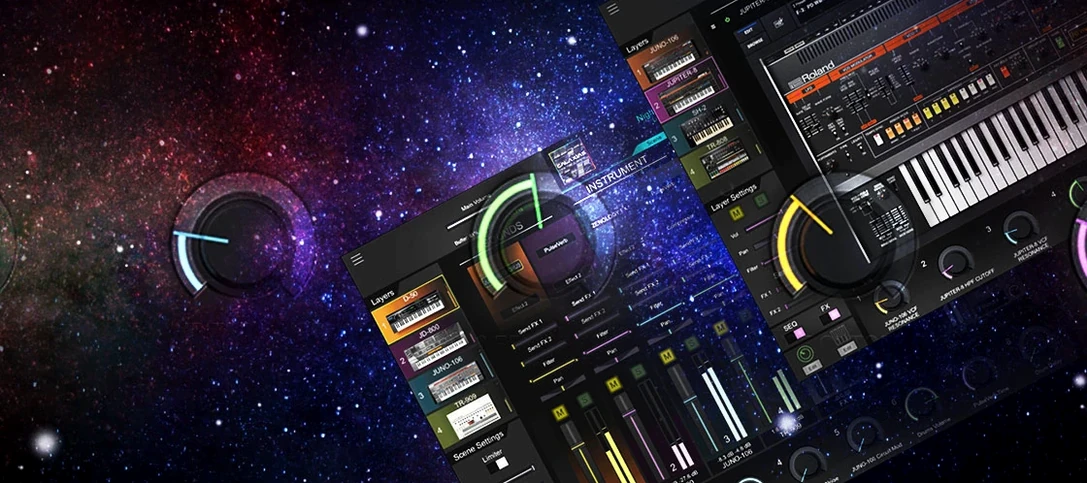 Roland Cloud Legendary Series
2025.06.29 VST Plugins
1.3 GB
Roland Cloud Legendary Series
2025.06.29 VST Plugins
1.3 GB
 Roland ZENOLOGY Pro
2.0.7 VST Plugins
1.8 GB
Roland ZENOLOGY Pro
2.0.7 VST Plugins
1.8 GB
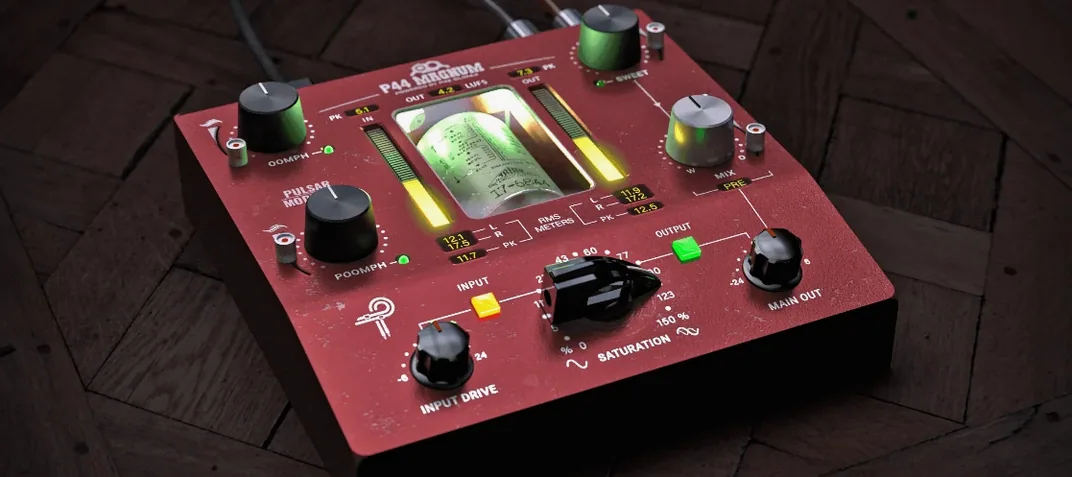 Pulsar Modular Everything Bundle
04.2026 VST Plugins
771 MB
Pulsar Modular Everything Bundle
04.2026 VST Plugins
771 MB
 Pulsar Audio IPA
1.0.9 VST Plugins
75 MB
Pulsar Audio IPA
1.0.9 VST Plugins
75 MB
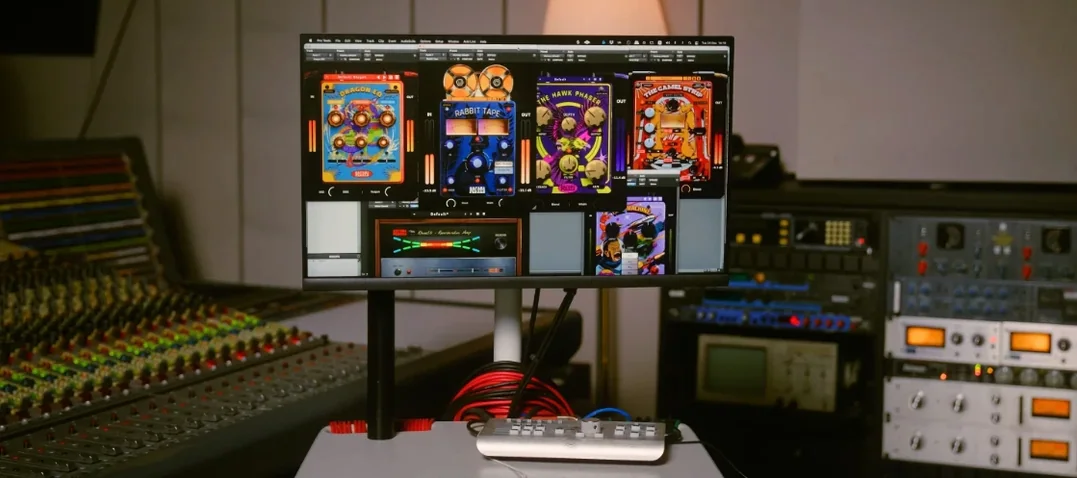 Safari Pedals Everything Bundle
2026.05 VST Plugins
628 MB
Safari Pedals Everything Bundle
2026.05 VST Plugins
628 MB