Download XMind Pro for macOS
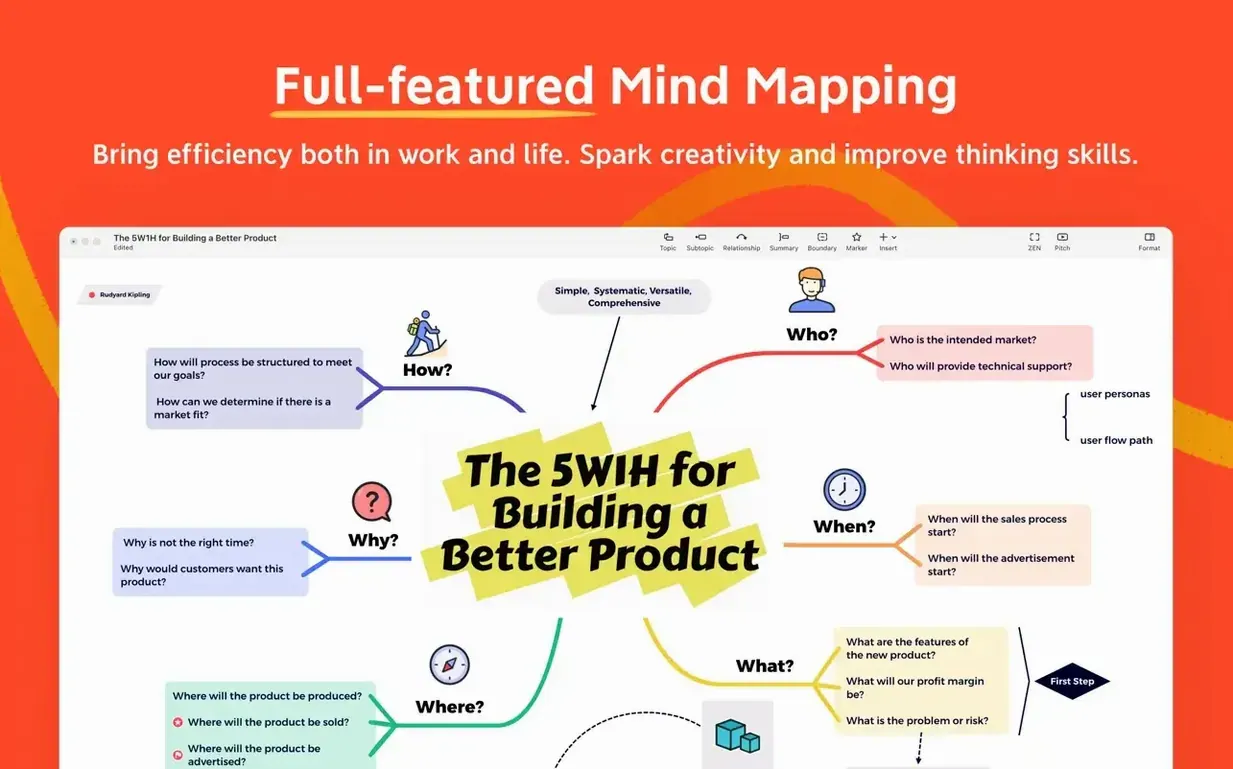

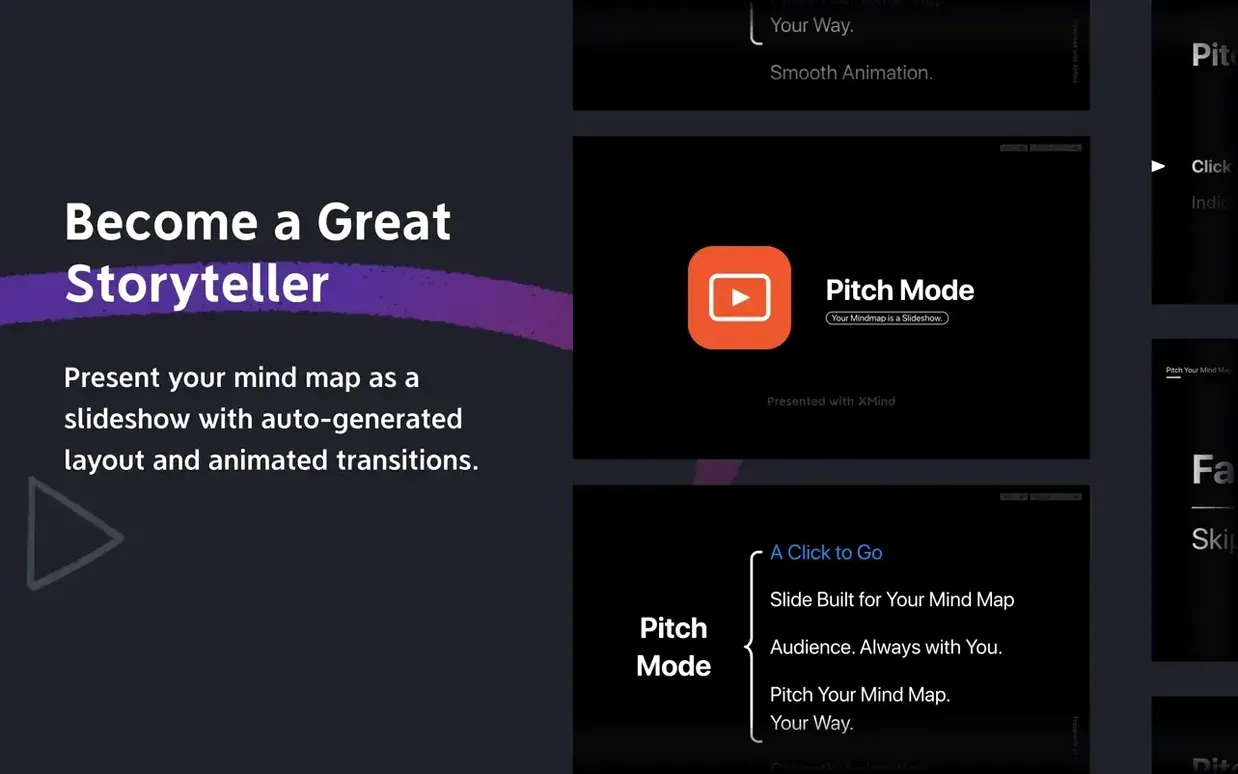
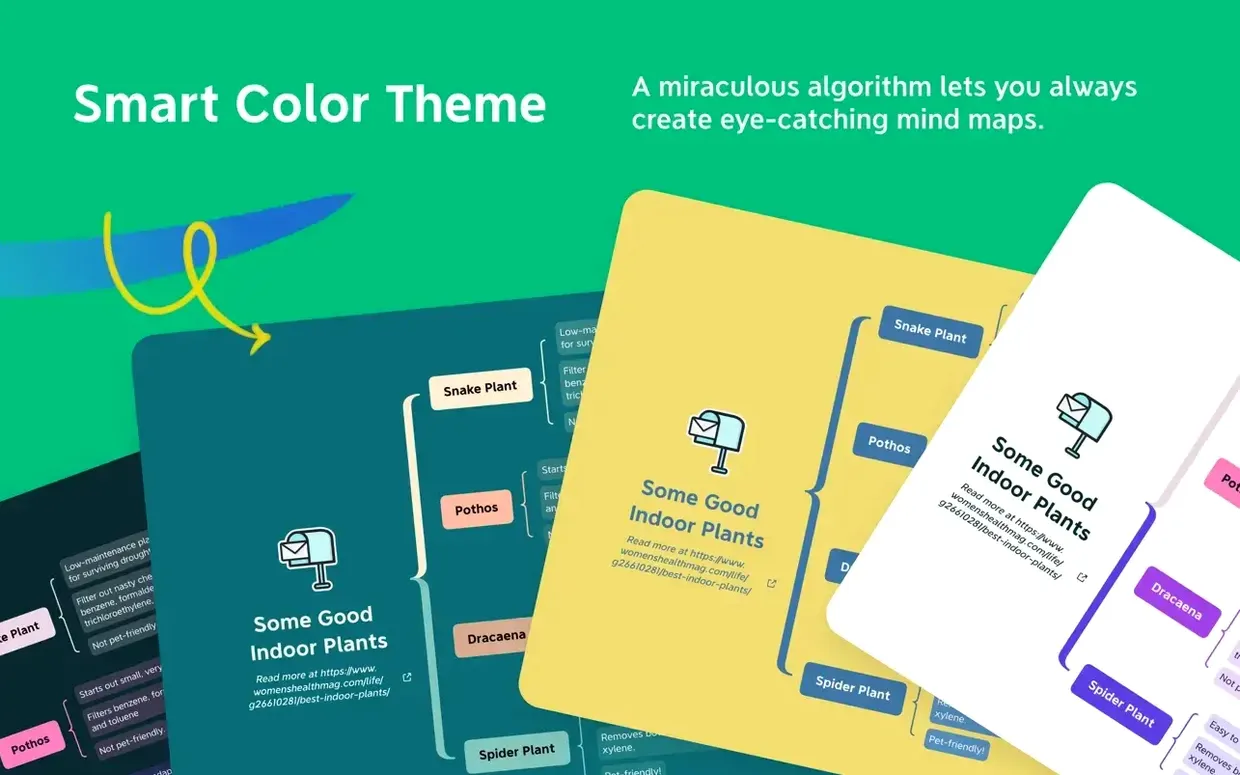
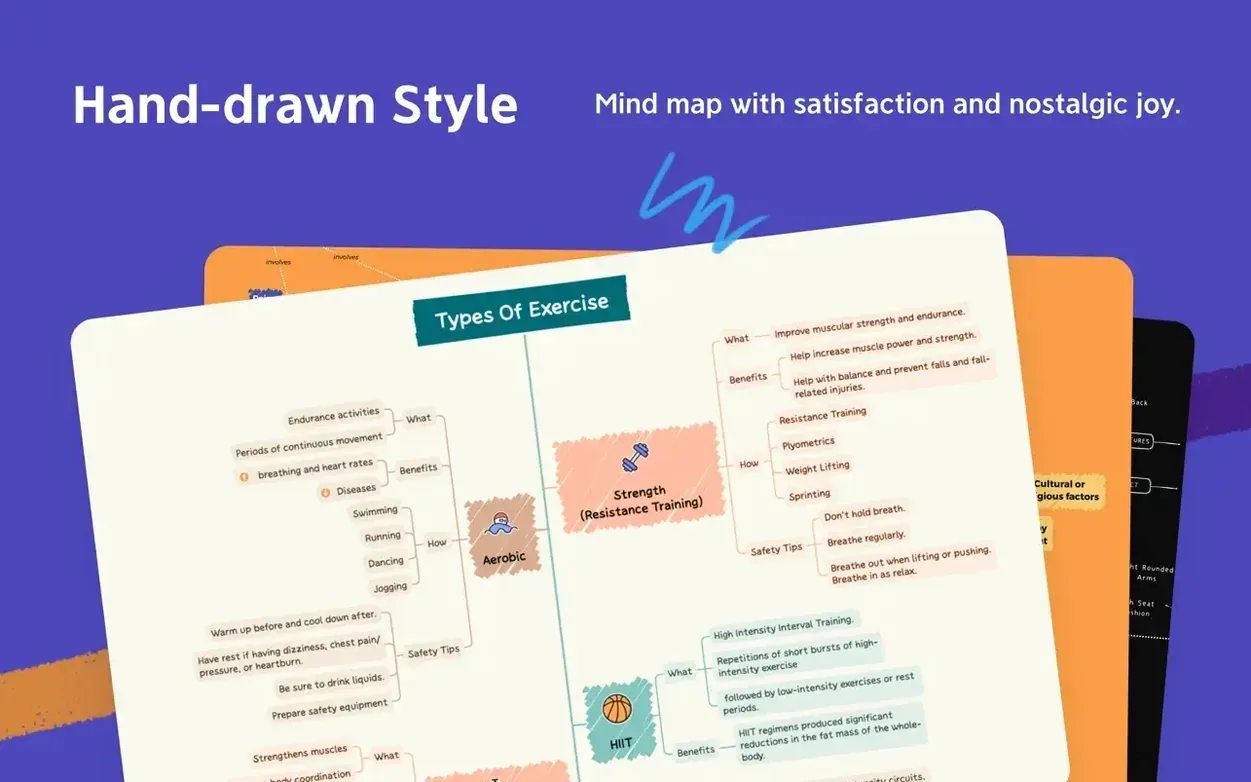

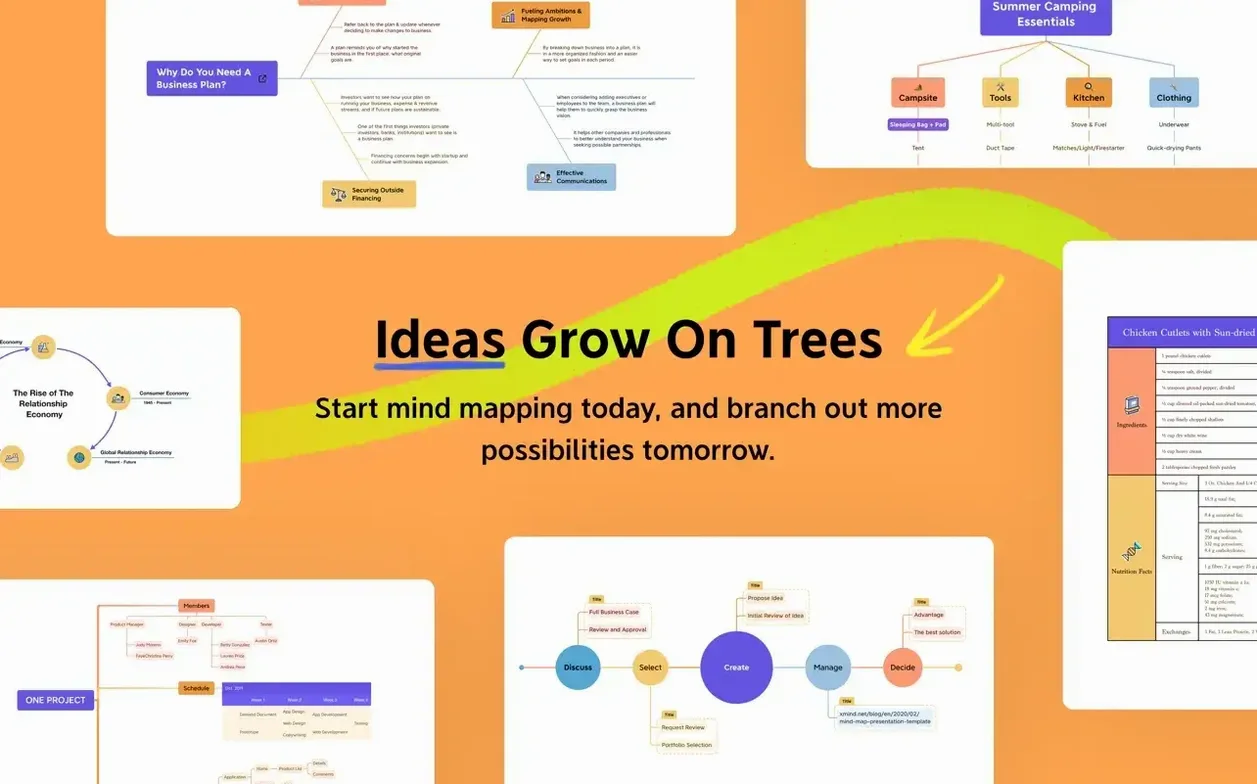
When a project starts swimming in loose notes and half-formed ideas, the real problem isn't a lack of thinking — it's a lack of shape. XMind Pro steps in right there, turning that mental pile-up into structured mind maps, tree diagrams, and logic charts that let you see the connections instead of just the clutter.
Mature Toolset Still Includes Ishikawa Diagrams
| Detail | Note |
|---|---|
| Current version | 26.04.01337 |
| macOS required | macOS 11 or later |
| Architecture | Apple Silicon & Intel |
What you get with this build is the steady, mature XMind Pro experience. The structure library hasn't shrunk — you can still pull up Ishikawa diagrams for root-cause analysis, tables for quick comparisons, and straightforward mind maps for brainstorming sessions. FreeMind compatibility means old map files don't get left behind, and the app feels equally at home whether you're mapping out meeting notes, breaking down a knowledge base, or sketching a task timeline. It's the same broad canvas that's been refined over time, no sudden pivots, just the tools you'd expect from a desktop thinking partner.
Mapping Out a Product Launch Timeline
Let's walk through a real scenario — planning a small product launch — and see how XMind Pro handles it from blank canvas to actionable breakdown. Open the app, pick a fresh mind map, and drop "Spring Collection Launch" in the central node. The first ring of subtopics comes fast: Pre-Launch, Launch Day, and Post-Launch. Tap Tab after each one to keep the flow going, no menu hunting required.
Now the structure really earns its keep. Select the whole Pre-Launch branch and switch it to a tree diagram with a right-click — suddenly the marketing tasks, photographer bookings, and sample deadlines fan out in a rigid hierarchy that's easier to scan than nested bubbles. Under Launch Day, I add a logic chart to map the social media sequence: Instagram story at 9 a.m., newsletter at 10 a.m., influencer posts staggered through the afternoon. The relationships are visual, not text buried in a bullet list.
For the budget breakdown, I insert a table as a floating node attached to Pre-Launch. Column one holds line items — studio rental, ad spend, packaging samples — and column two holds estimated numbers. It sits right there inside the map instead of living in a separate spreadsheet, so the financial reality stays glued to the timeline that depends on it. I drag a relationship line from "packaging samples" in the table over to "photographer booked" in the tree, because one can't happen without the other. That kind of cross-branch dependency is what turns a static map into a plan you can actually trust.
Opens FreeMind .mm Files Without Drama
The most common question around an xmind for mac download revolves around whether it plays nice with older files. If you've been using FreeMind for years, your .mm maps open without drama — the compatibility layer handles the conversion quietly, and formatting carries over well enough that you won't be rebuilding maps from scratch. A handful of custom colour choices might shift slightly, but the structure lands intact.
Another recurring concern is whether the Pro features justify skipping the free tier. The honest answer is that the structure variety — Ishikawa diagrams, logic charts, tables built right into the canvas — saves more time than you'd think. When a free mind map can't express a causal chain or a side-by-side comparison, you end up writing those parts in a separate document. With the Pro set, everything lives in one file, and that single-file convenience adds up over a dozen projects.
People also ask about the xmind pro mac experience on Apple Silicon versus Intel. The app runs natively on both architectures, and on Apple Silicon it launches in a couple of seconds even with large maps open — no Rosetta translation lag to worry about. Maps with hundreds of nodes remain responsive during zooming and panning, and the scrolling feel is smooth, not jittery. On Intel Macs still running macOS 11 or newer, performance is perfectly serviceable; you won't feel penalised for hanging onto older hardware.
One App for Retrospectives, Root-Cause, and Stakeholder Decks
Project leads and product managers tend to bond with XMind Pro the fastest. The combination of timeline-oriented tree diagrams and the Ishikawa templates means a single app covers sprint retrospectives, root-cause analysis, and stakeholder presentations without switching tools. If your day involves turning vague requirements into something a team can act on, the structure library clicks into place naturally.
Researchers and knowledge workers also find their groove here. Building a literature review map or a taxonomy of concepts works better when you can branch freely, then impose a logic chart on a subsection that needs rigid relationships. The app doesn't force one structure across the whole document, so a research map can have a loose brainstorming section at the top and a formal classification tree further down. Writers plotting complex arguments or worldbuilding details will appreciate the same flexibility — one map, multiple ways to organise thought.
Students tackling thesis planning or exam revision round out the core audience. The table function handles comparative notes — theories, historical periods, case studies — without leaving the mapping environment, and the visual anchors help with recall during study sessions. If your brain organises information spatially, XMind Pro rewards that wiring instead of fighting it.
Daily Driving Impressions
After weeks of using this build as the default thinking tool, a few things stand out. Memory usage stays modest — around 200 MB with several moderate maps open — and I haven't seen the kind of creeping RAM growth that plagues some Electron-based brainstorming apps. The native Cocoa foundation shows in small ways: system-wide keyboard shortcuts behave predictably, the dark mode switch follows macOS automatically, and the window minimises into the Dock without stuttering.
Stability is a quiet strength here. Across dozens of mapping sessions, including some with relationship lines criss-crossing between five branches and a table node, the app hasn't crashed once. Auto-save kicks in unobtrusively, so even if you forget to hit Save before closing a map, the state from seconds ago is there when you reopen it. The trade-off for that reliability is a slightly conservative approach to new features — you won't find AI-powered node generation or flashy animation packs, but what's present has been baked long enough to feel solid under daily use.
File sizes stay compact, which matters if your projects live in cloud storage. A complex map with embedded tables and multiple structure types clocks in around 1–2 MB, so syncing across devices via iCloud or Dropbox happens almost instantly. If you're searching for an xmind pro download that won't balloon your project folders or choke on large maps, this version holds its ground without complaint.
- macOS 11 or later
- Works on Apple Silicon and Intel Macs
Questions people ask
Can I open my old FreeMind maps in XMind Pro?
Yes, XMind Pro includes FreeMind compatibility, so you can import and continue working with your existing .mm files.
What diagram types does this version support?
It supports mind maps, Ishikawa (fishbone) diagrams, tree diagrams, logic charts, and tables for different thinking and presentation needs.
Does XMind Pro run on Apple Silicon Macs?
Absolutely. The app runs natively on both Apple Silicon and Intel-based Macs running macOS 11 or later.
Also on readers' docks
Sign in or create an account to leave a comment.
No comments yet. Tell me how it got on with your other devices.