
Download Soulver 3 for macOS
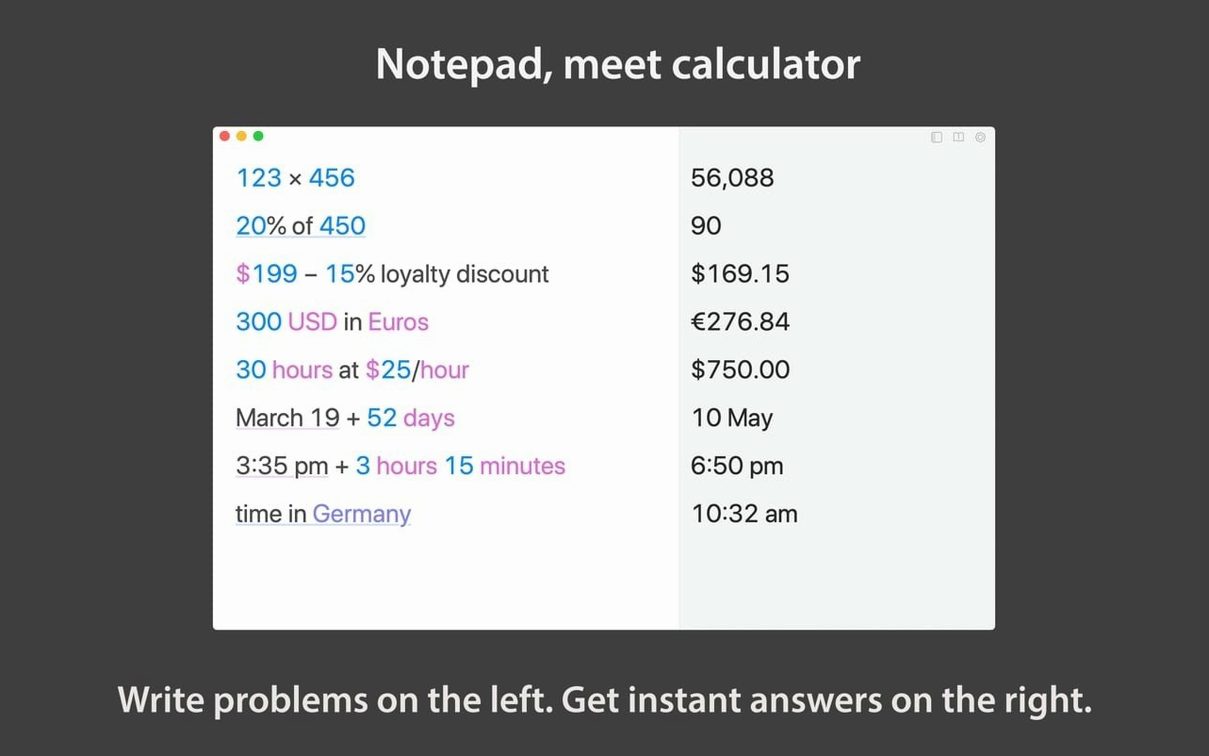
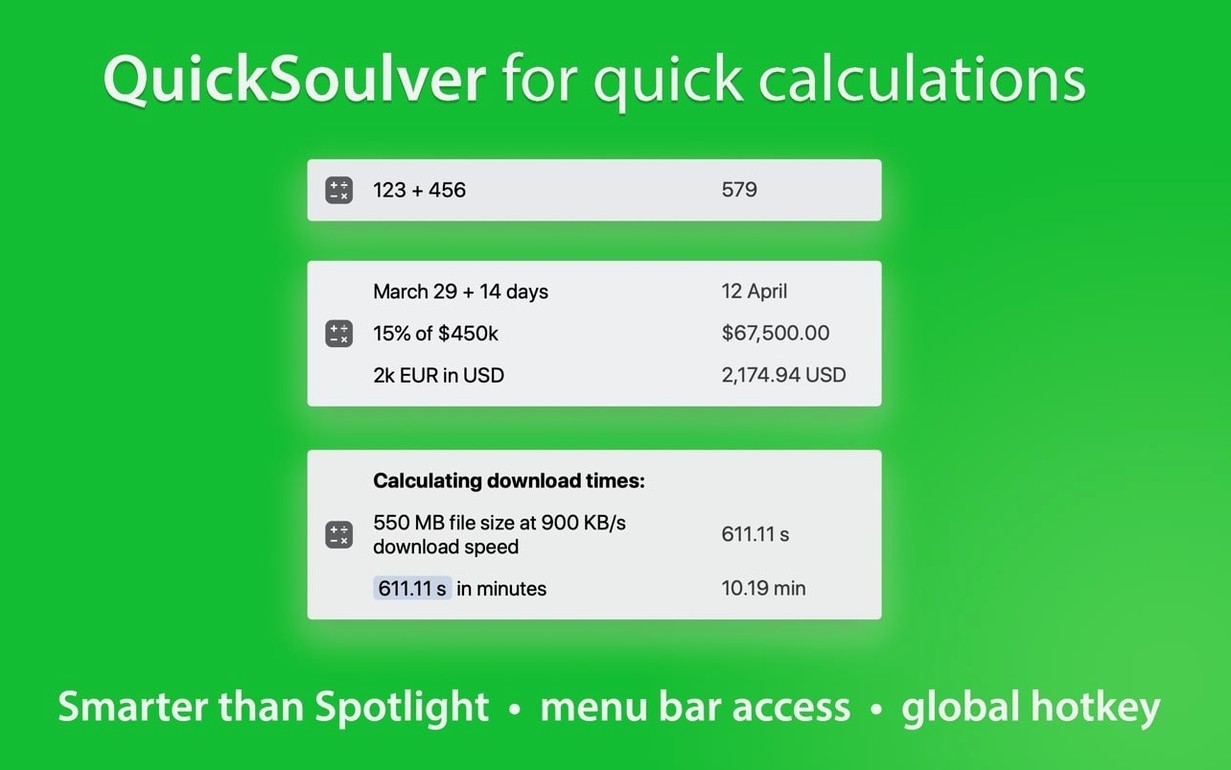
Spreadsheets feel like overkill for a quick budget check, and the basic calculator app forgets your sums the moment you close it. Soulver 3 lands right in that gap — a smart notebook where you write down numbers and words together, and the answers appear live beside your thinking.
Apple Silicon and Intel Mac support
Soulver 3 works happily on both Apple Silicon and Intel Macs, so you're covered whether you've upgraded to an M-series chip or are still on an older machine. The one thing to check is your operating system: you'll need macOS 13.5 or later to launch it. That's the real floor, so if you're holding off on a major OS update, this might be the nudge.
Notepad-style sheets with inline subtotals
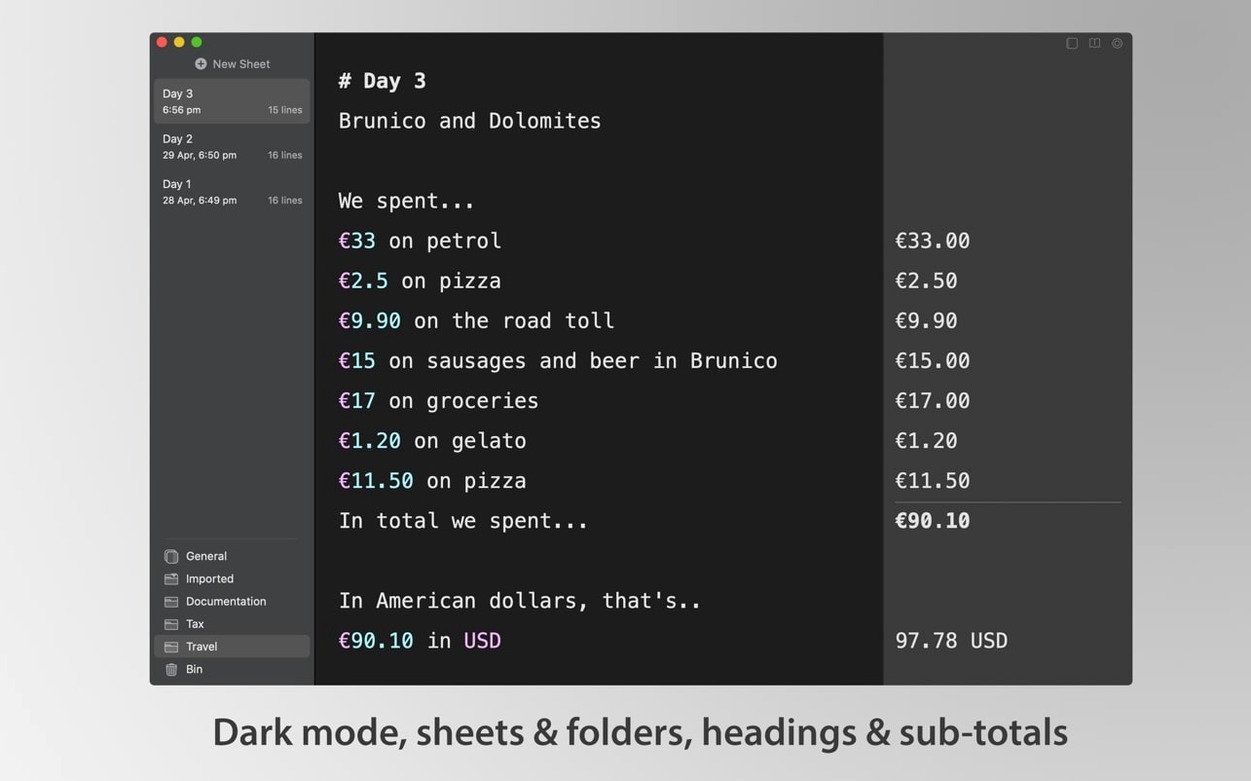
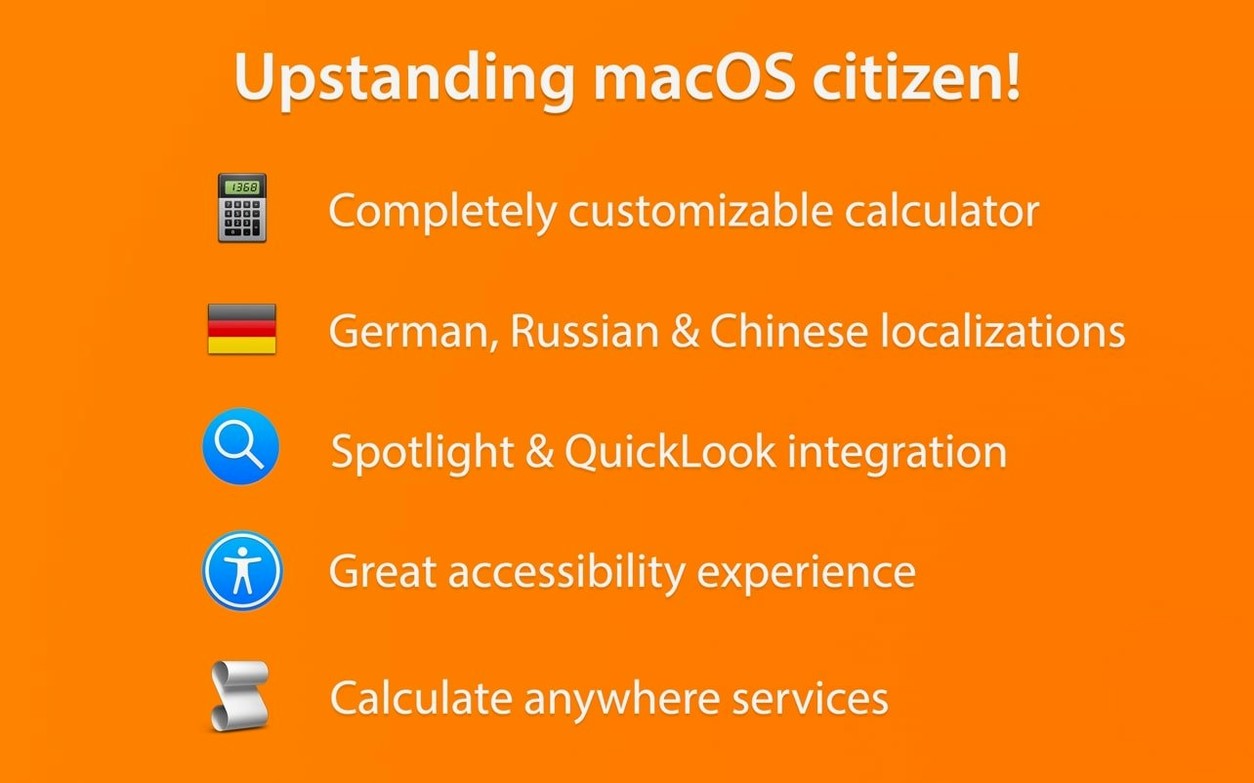
This release builds the whole experience around a flexible notepad. You can drop in headings, comments, and labels to keep your calculations readable, and every line can show its own subtotal while the sheet rolls up a grand total. Beyond the main window, Soulver 3 reaches into the rest of your Mac with a system Services action for running quick sums from anywhere, plus Automator and command-line support for folks who like to script their workflows. The interface speaks Russian, English, German, and Simplified Chinese.
Forgetting operators keeps calculations dead
The biggest stumble I see is treating Soulver like a plain text editor and forgetting it wants to do math. New users type lunch 12 coffee 4 and wonder why nothing lights up — the app needs operators or a clear structure to recognize numbers. Put a plus sign between items or stack them on separate lines with a total line at the bottom, and suddenly the sheet comes alive.
Another trap: ignoring the unit system. Someone will write 5 dollars + 3 euros and expect a clean answer, but Soulver needs at least one currency's live rate activated first. Head into the currency list, enable what you actually use, and the conversions handle themselves from there. Same thing with measurements — 10 miles in km works instantly, but you have to spell out the full unit name the first time the app encounters it.
Dates confuse people too. Typing March 15 + 30 days returns a date while 15/03/2025 + 30 might just add the numbers unless you clarify. When in doubt, use the natural language phrasing the app was built to parse. Oh, and that sidebar full of sheets? Beginners often cram everything into one document instead of splitting projects into folders. Organization makes the grand totals actually meaningful.
Who clicks with Soulver 3 the quickest
Freelancers and small business owners get the most mileage out of this, hands down. If you spend your week estimating project costs, tallying invoices, or converting client currencies, Soulver replaces half a dozen trips to a browser search bar. The live currency support alone saves anyone billing internationally from opening a separate converter five times a day.
Writers and researchers who deal with data-adjacent work — budget breakdowns in an article, word count math, timeline planning — find the notepad format more natural than cells in a grid. You're already thinking in sentences, so adding numbers to that flow makes sense. Students in quantitative fields benefit too, especially when a soulver 3 mac download gives them a scratchpad that handles both algebra-style variables and quick unit checks without the overhead of learning spreadsheet formulas. If your math lives in bursts between other tasks rather than in massive datasets, this is your kind of tool.
- macOS 13.5 or later
- Apple Silicon or Intel Mac
Also on readers' docks
Sign in or create an account to leave a comment.
No comments yet. Tell me how it got on with your other devices.