Download SimpleMind Pro for macOS
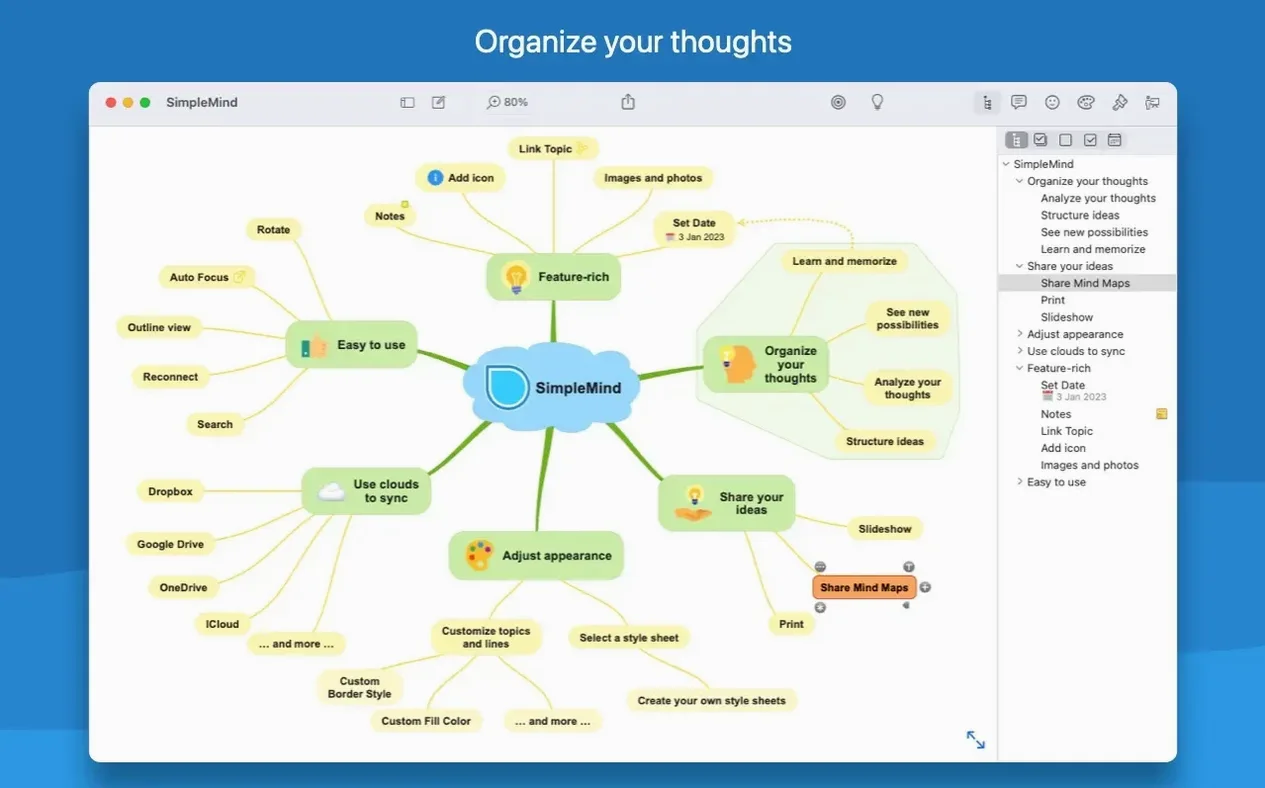
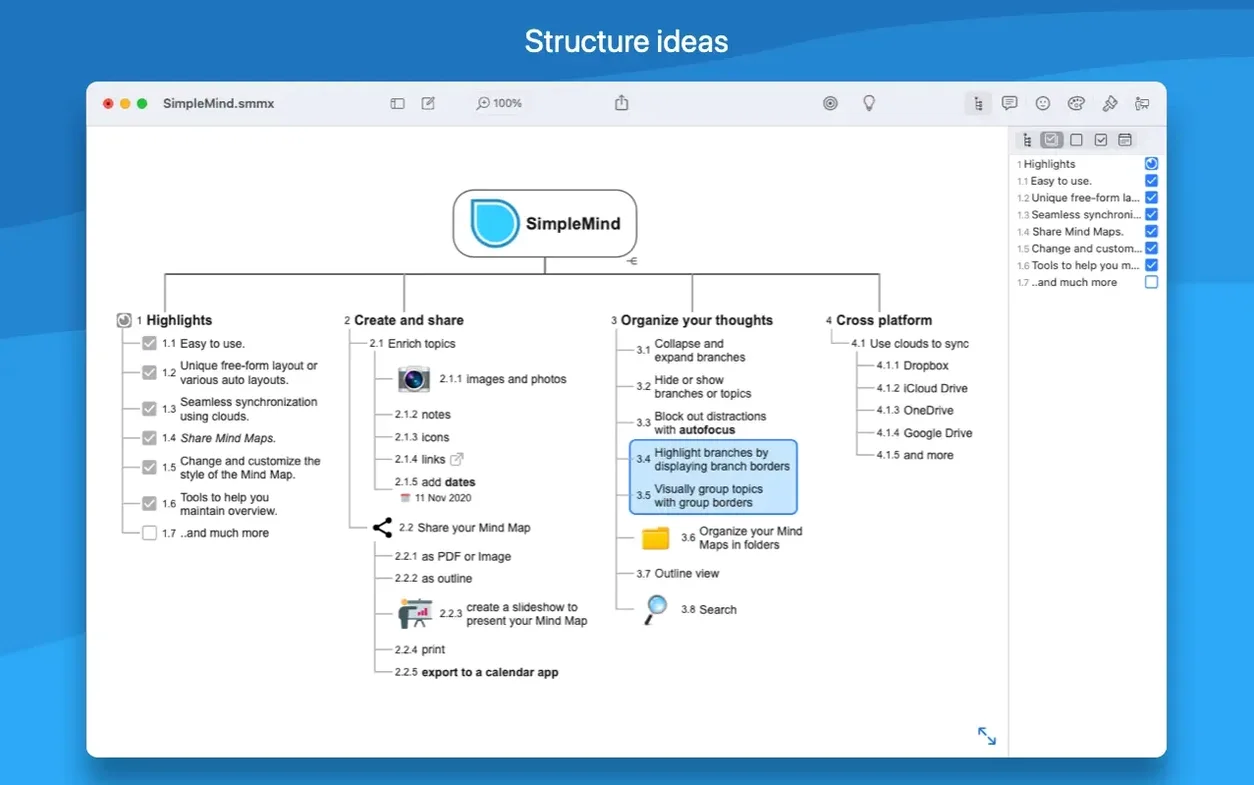
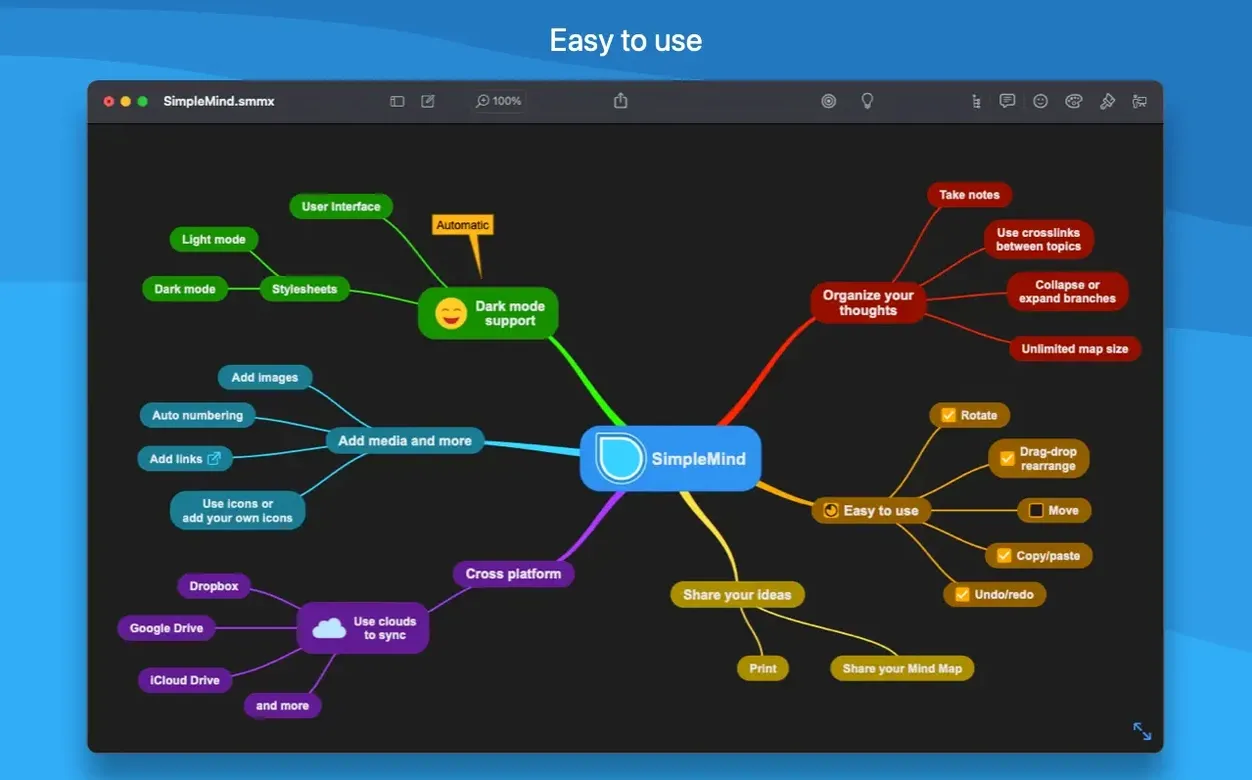
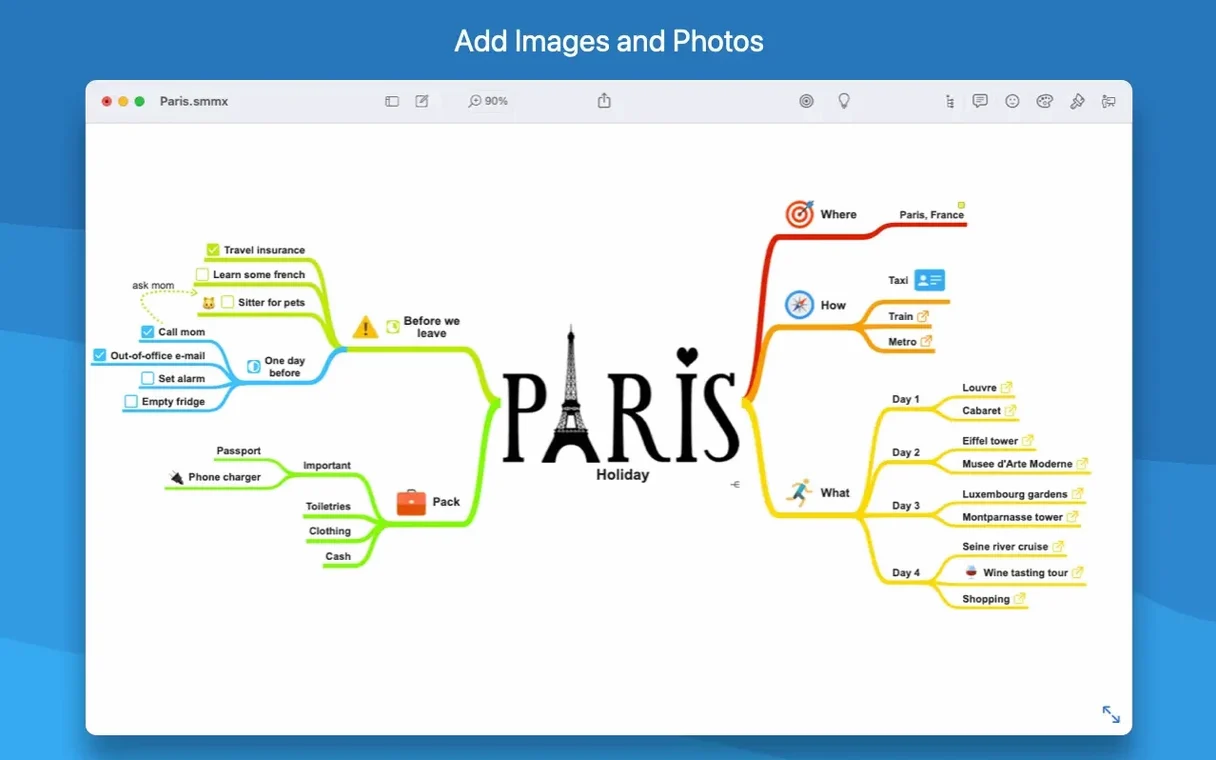
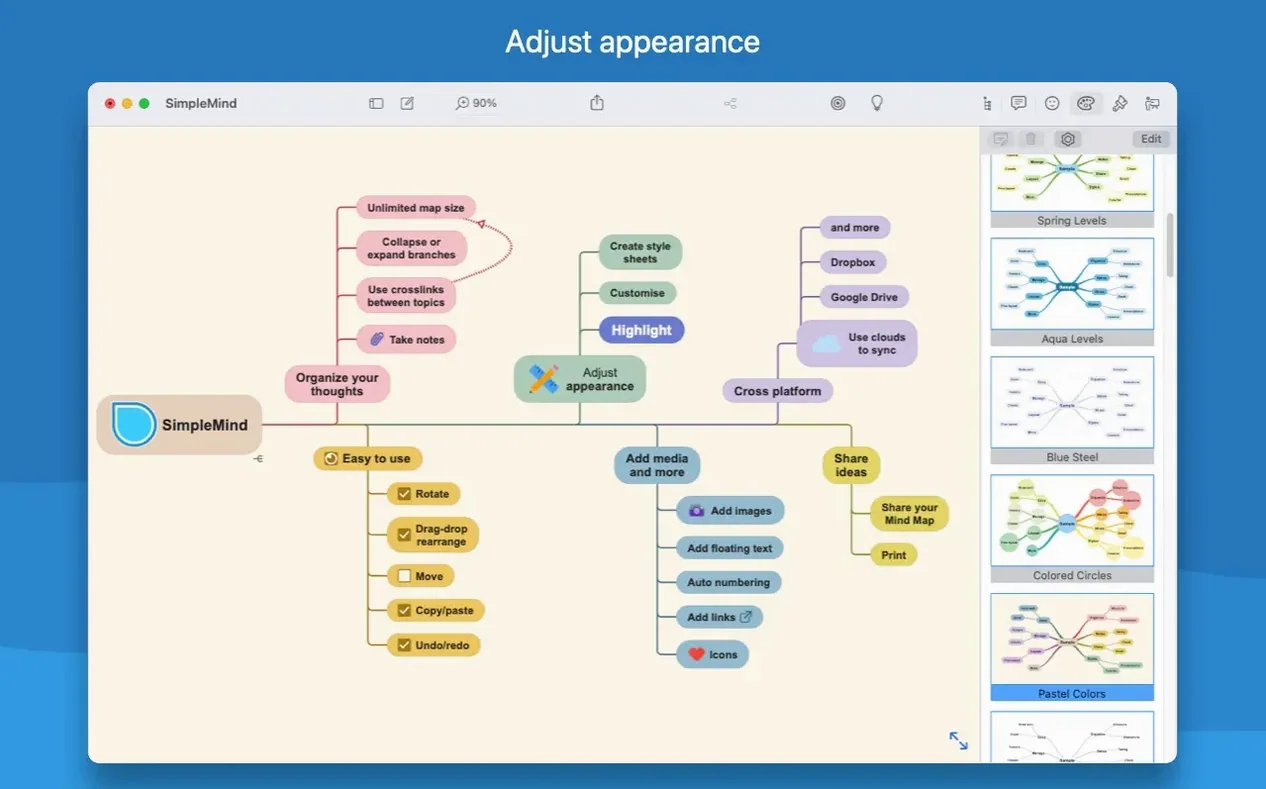
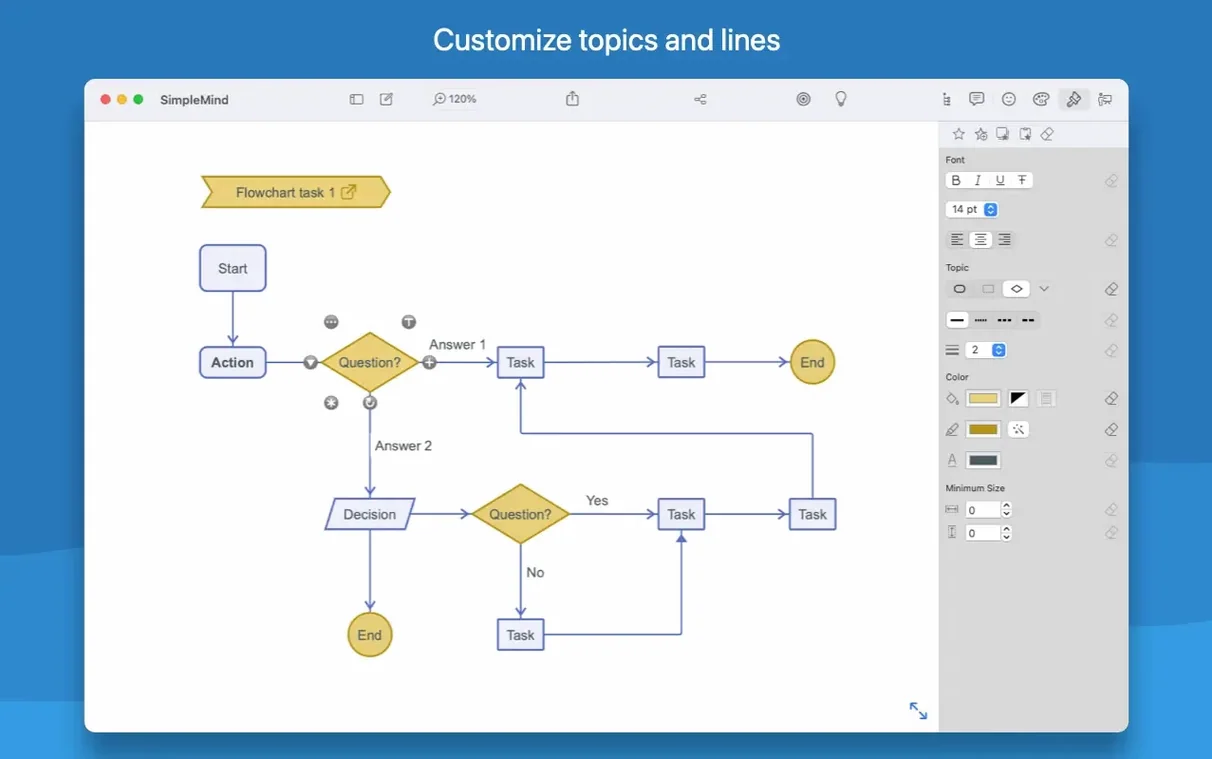
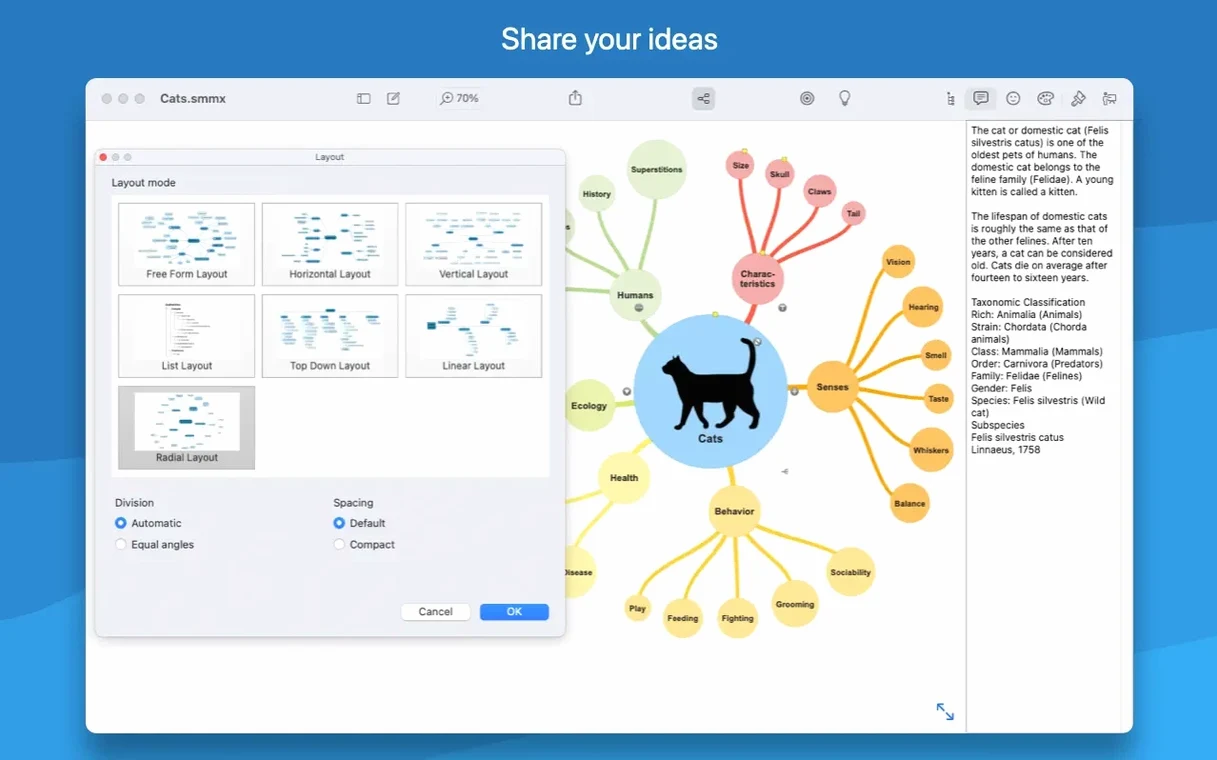
SimpleMind Pro feels at home on any Mac you throw it at. It runs natively on both Apple Silicon and older Intel machines, asking only for macOS 10.13 or later — so that aging iMac in the corner stays useful.
Cross-Map Editing
Cut, copy, and paste aren't just for text here. Grab entire branches from one mind map and drop them into another — it makes reusing research structures or merging project plans genuinely quick.
Style Consistency
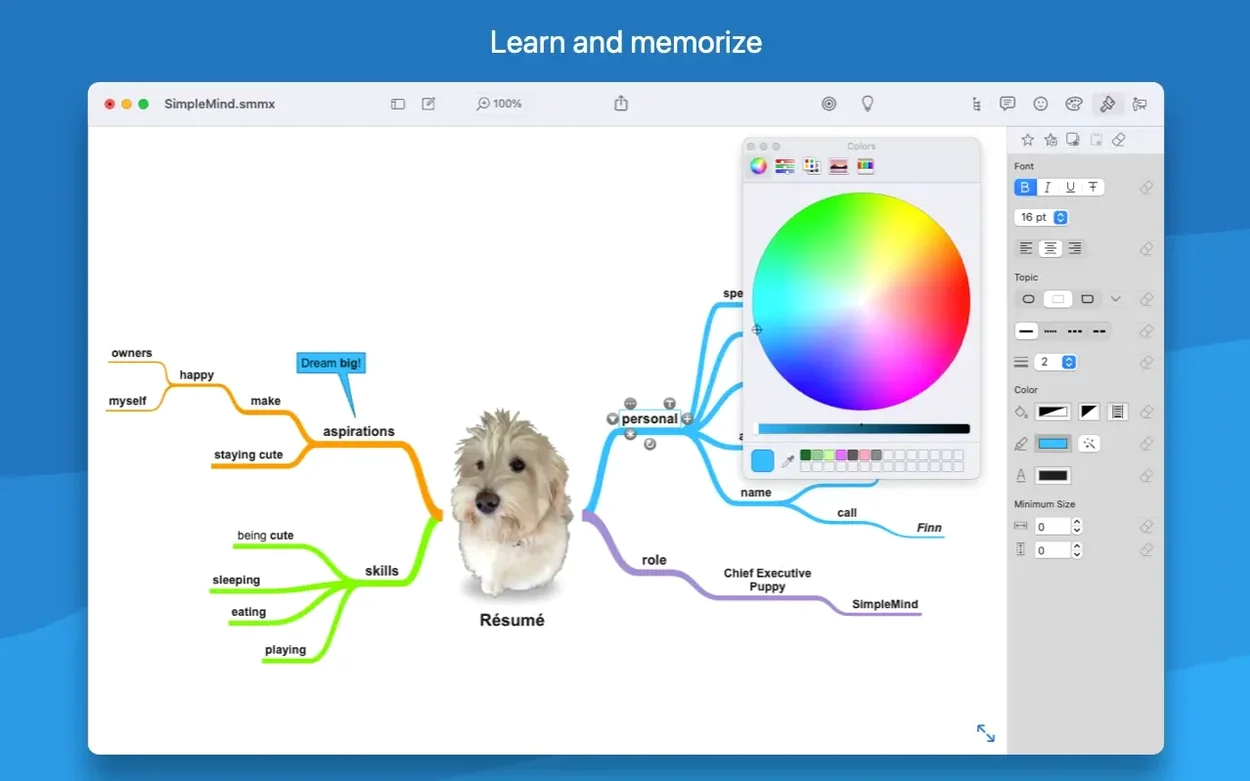
Visual styles let you define a complete look — colors, borders, line weights — and apply it instantly. When a client switches branding, you update one style and the whole map follows.
Undo with Confidence
Rearranging a complex map can feel fragile, but the undo and redo stack runs deep. Drag a node into the wrong parent, hit undo, and the entire structure snaps back exactly as it was.
Fixing the Mac-to-iPhone Sync Confusion
The biggest head-scratcher people run into is sync confusion. If you grabbed the Mac App Store edition and your iPhone runs the direct version from the developer, they won't see each other — they're treated as separate apps. Stick to one edition across devices and the syncing just works. While you're at it, make sure iCloud Drive is turned on for SimpleMind Pro in System Settings, otherwise maps sit stranded on one machine.
Another hiccup: pasting a huge branch from another map and watching the layout turn into spaghetti. The automatic topic layout usually handles this, but when it doesn't, grab the parent node and wiggle it slightly — that nudges the layout engine to recalculate. If things still look cramped, use the style palette to shrink font sizes or widen sibling spacing rather than manually dragging every single node.
Occasionally someone drags a .smmx file into the app and nothing happens. The trick is that SimpleMind Pro expects you to open maps from within its own file browser, not by dropping them onto the dock icon. Use File > Open Mind Map and navigate to the file — it'll load perfectly every time.
Granular Visual Control Versus MindNode's Minimalism
Next to MindNode, SimpleMind Pro takes a different path. MindNode feels laser-focused on clean, minimal maps with almost zero friction — great for quick brain dumps. SimpleMind Pro gives you more granular control over visual styles and cross-map operations, which matters when you're maintaining a set of interlinked project maps rather than a single canvas. MindNode's outliner view is smoother, but SimpleMind's drag-and-drop between maps is something MindNode doesn't attempt.
iThoughts packs more export formats and task integration than either of them, but its interface carries years of feature creep. SimpleMind Pro lands between the two: more styling depth than MindNode, less clutter than iThoughts, and cross-platform sync that feels genuinely thought-through rather than bolted on afterward.
Under-Two-Second Launches on Apple Silicon
On an Apple Silicon Mac the app launches in under two seconds, even with a dozen recent maps in the file browser. Intel machines show a slight pause when opening maps with hundreds of nodes, but navigation stays fluid once it's loaded — no beachballs while dragging branches around. Memory usage hovers around 180 MB during typical work, creeping toward 300 MB with several large maps open, which is perfectly reasonable for an Electron-free native app.
Stability has been rock-solid through the 2.10.x releases. I've left it running across sleep cycles and multi-display setups without a single crash. The one quirk: if you're using the direct edition on macOS 12 or later, the Gatekeeper bypass during installation can feel a little arcane — mount the disk image, run the Terminal command, and you're sorted for good. After that, the simplemind pro mac download experience settles into something genuinely dependable for daily brainstorming and project mapping.
The latest SimpleMind Pro brings a handful of tweaks that make mind mapping feel a little smoother. Search now works right inside the Outline view, so you can spot matches and layer on filters without jumping back and forth. There's a handy “Today” date filter for search too — perfect when you've been brainstorming all morning and just want to surface what you added this session. You can also drop in custom background images or patterns now, which adds a nice personal touch to sprawling maps. And for the detail-obsessed, superscript and subscript are finally here for numbers.
- macOS 10.13 or later
- Apple Silicon and Intel 64-bit
Questions people ask
Does SimpleMind Pro work on both Intel and Apple Silicon Macs?
Yes, it includes native support for both ARM and x86 64-bit architectures.
Can I move topics between different mind maps?
Absolutely. The standard cut, copy, and paste commands work for moving or duplicating topics from one mind map to another.
Also on readers' docks
Sign in or create an account to leave a comment.
No comments yet. Tell me how it got on with your other devices.