









Download Vectorworks for macOS
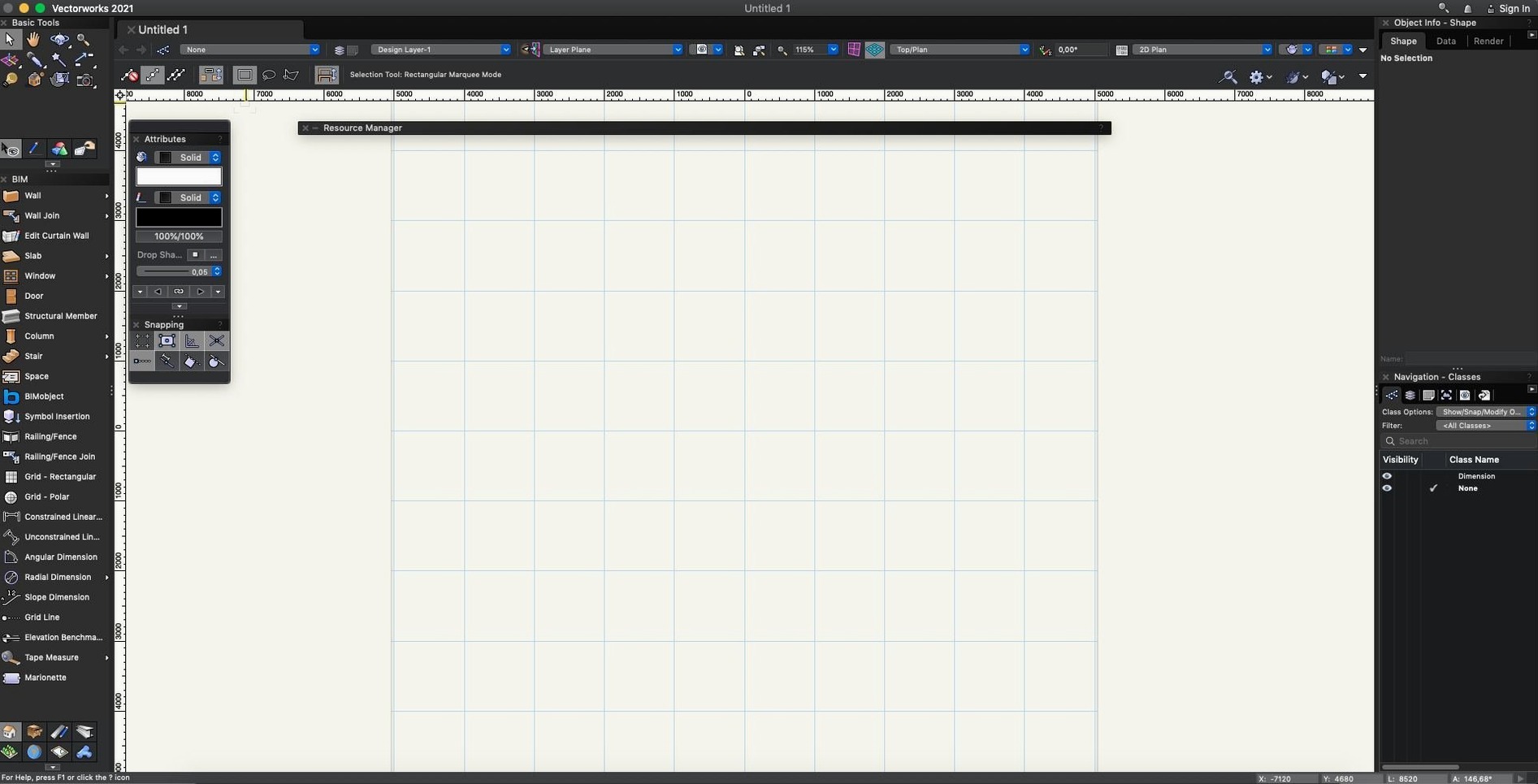
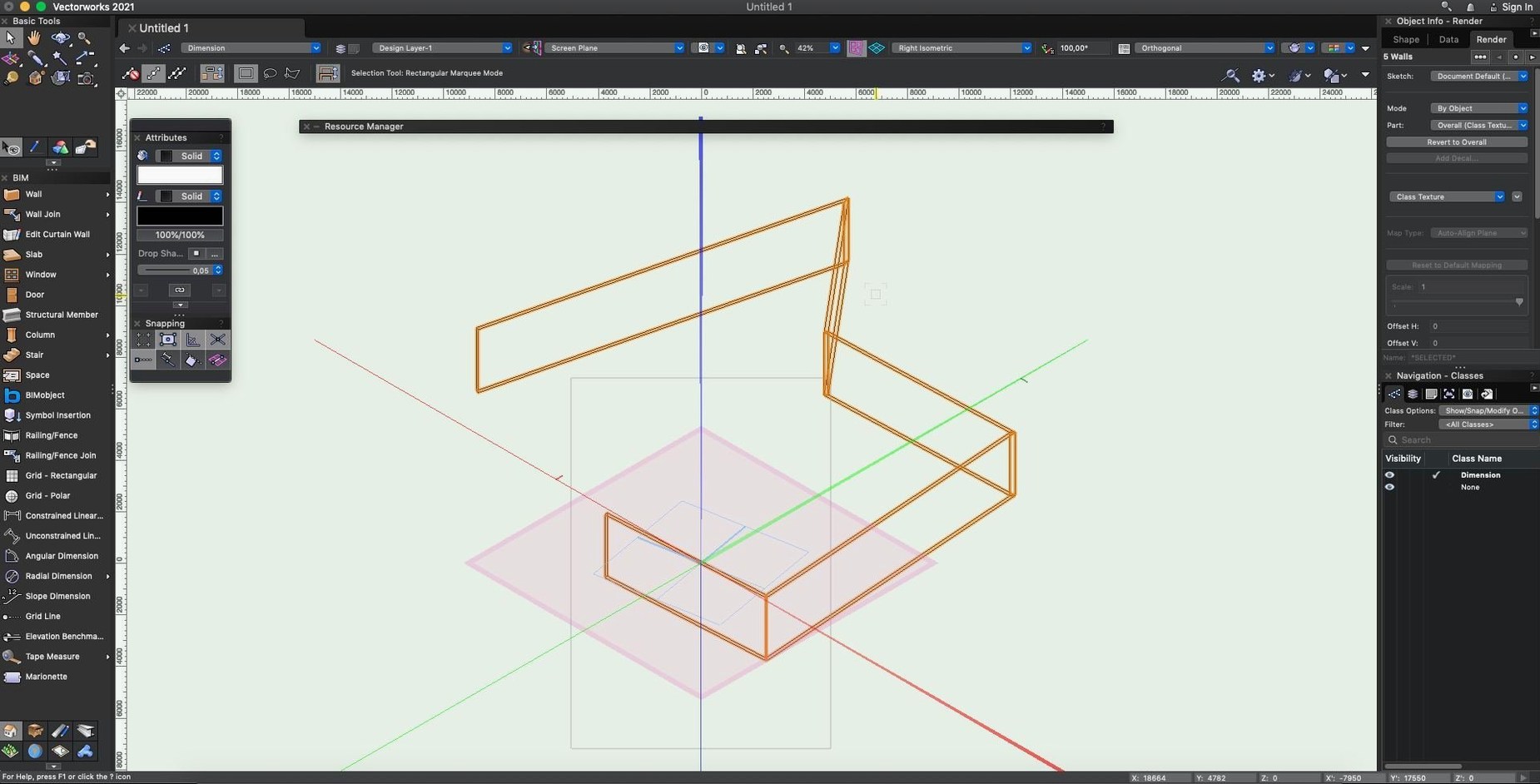
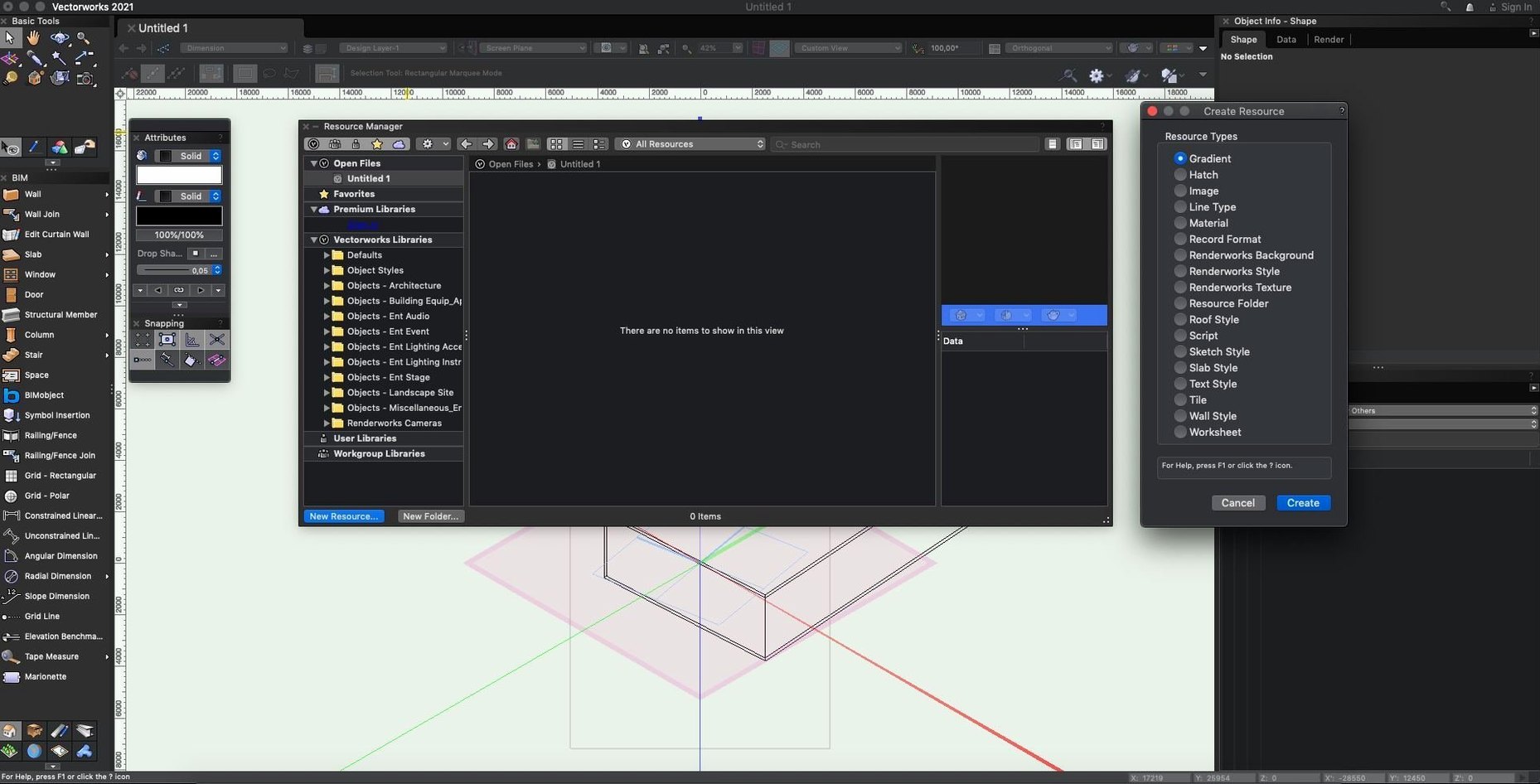
… and then the Decal tool lets you wrap an image right onto a 3D surface without breaking a sweat. That’s the kind of practical creativity Vectorworks brings to the table—it’s 3D design software built for the full process, from the first sketch to the final walkthrough.
Tools shaped by what they build
- Architecture & BIM. Wall and stair modeling tools think like a builder, not a polygon pusher. The BIM workflow keeps your model and documentation in sync so changes don’t turn into late-night headaches.
- Entertainment & Spotlight. Projection and lighting equipment modeling sits alongside tools for planning public events. You can design a stage, place fixtures, and see how the light actually lands.
- Graphics & Render. The 2D graphics engine shares space with a renderer that handles decal-style image placement. It’s equally comfortable producing a construction sheet or a moody rendering.
Import and export bonds between architecture and events
Vectorworks isn’t boxed into one discipline—it crosses from building and space design right into event production. The current 2025 branch, with Update 7, continues that pattern with a focus on tightening up the connections that matter. Imports and exports to IFC and Revit feel more predictable now, and the whole system gets a general stability bump. It’s a professional tool for architectural and construction design automation that doesn’t act like you work in only one industry.
Once you’ve spent a few afternoons inside a project with a couple of referenced DWGs and a reasonably detailed BIM model, the performance story starts to emerge. On Apple Silicon, viewport navigation stays snappy even with shadows enabled—something that used to make the fan spin up on older builds. The 2025 branch feels less prone to the micro-stutters that used to creep in when panning across a dense site model. RAM usage stays moderate for this class of software; a mid-sized architectural project with a few sheet layers hovered around 6–8 GB on my machine, which leaves breathing room for other apps. I didn’t run into an unexpected quit during a week of back-and-forth between 2D detailing and rendered camera views, which lines up with the stability work Update 7 delivers.
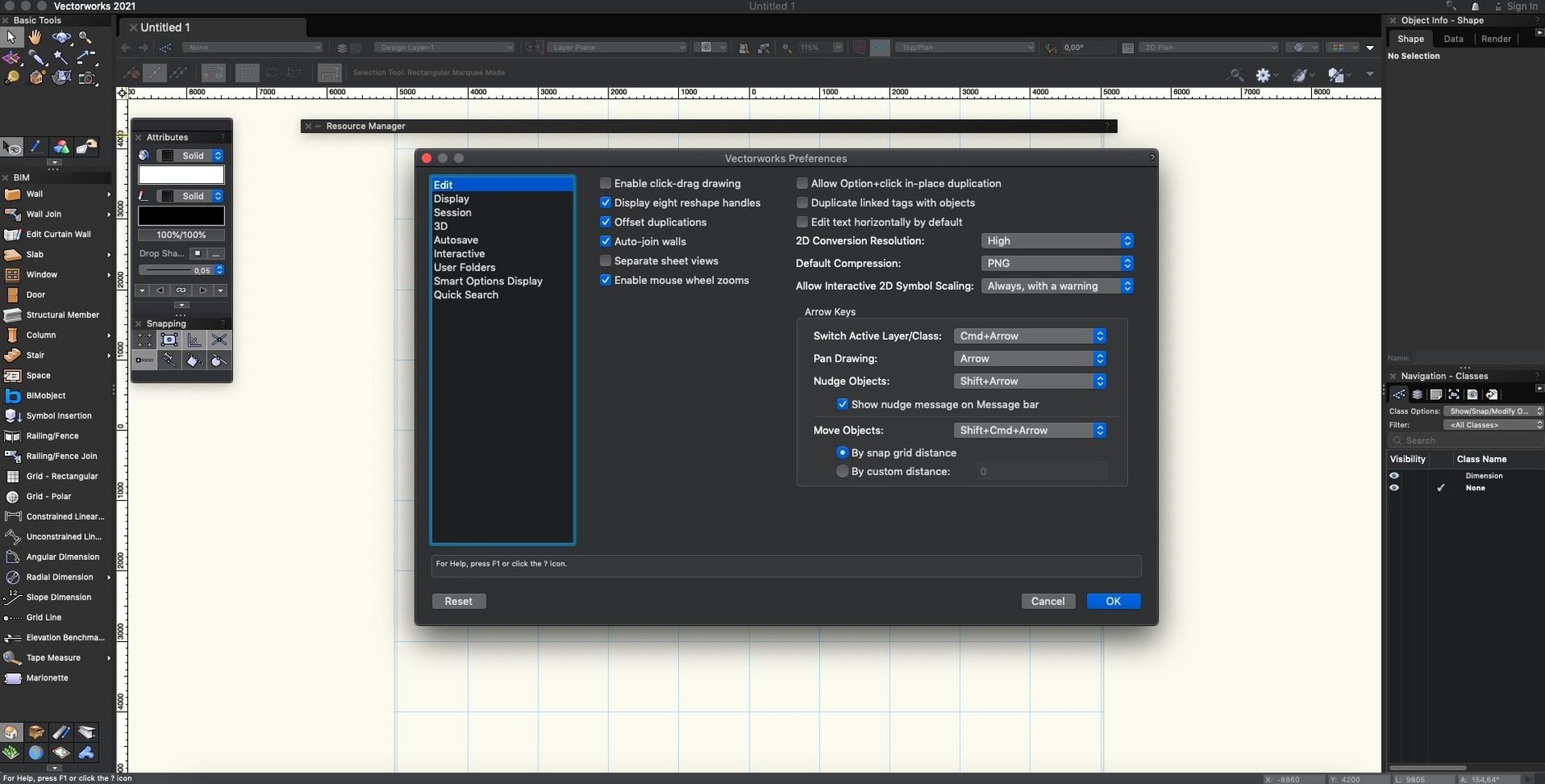
Autosave to a backup folder every 10 minutes
A few tweaks make the daily experience feel more your own. Here’s where I start:
- Autosave interval. The default is generous. Drop it to every 10 minutes and let it save to a separate backup folder rather than overwriting your working file—peace of mind for zero effort.
- Display performance. Switch the graphics module to “Best Performance” if you’re on Apple Silicon. The quality difference is hard to spot on screen, but navigation gains a noticeable smoothness.
- Quick Prefs in the toolbar. Add the class visibility and layer options to the top bar. It saves endless trips to the Navigation palette when you’re juggling a multi-story model.
- Snapping setup. Turn off snap to grid unless you’re truly working on a grid. Keeping object snaps tight and grid snaps off cuts down the tiny misalignments that pile up in a long session.
From survey DWG to planting beds on a 3D site model
A landscape designer opens a site survey from a civil engineer—DWG import lands cleanly, line weights preserved. She roughs out planting beds with the 2D polygon tools, then switches to a 3D view and uses the site model surface to drape hardscape slabs right onto the existing terrain. The associative hatch updates automatically as she reshapes a curved path, so the section viewport already shows the gravel fill without extra draftsmanship. Before lunch, she drops in a few tree symbols from the plant library, places a camera angle toward the seating area, and runs a quick Renderworks shot with soft shadows. The image goes straight into a client email—no round-trip to another rendering app, no geometry export hiccups. That’s the kind of flow that makes a vectorworks mac download feel less like installing a tool and more like picking up a workshop.
Update 7 for Vectorworks 2025 is a stability-focused release that makes working with external files less of a gamble. Here’s what got better:
- General stability improvements across the application
- More reliable IFC import
- Tighter Revit import and export
- macOS 12 or later
- Apple Silicon or Intel Mac
Also on readers' docks
Sign in or create an account to leave a comment.
No comments yet. Tell me how it got on with your other devices.
More in CAD & 3D
See all TouchDesigner
2025.31550 CAD & 3D
615 MB
TouchDesigner
2025.31550 CAD & 3D
615 MB
 Sweet Home
7.5.7 CAD & 3D
356 MB
Sweet Home
7.5.7 CAD & 3D
356 MB
 Updated SketchUp Pro
27.0.267 CAD & 3D
1.6 GB
Updated SketchUp Pro
27.0.267 CAD & 3D
1.6 GB
 Session Pomodoro Focus Timer
2.13.48 CAD & 3D
50 MB
Session Pomodoro Focus Timer
2.13.48 CAD & 3D
50 MB
 Rhino
8.30.26103.11002 CAD & 3D
760 MB
Rhino
8.30.26103.11002 CAD & 3D
760 MB
 Updated Plasticity
26.1.3 CAD & 3D
256 MB
Updated Plasticity
26.1.3 CAD & 3D
256 MB
 Pixologic Zbrush
2026.2.1 CAD & 3D
3.1 GB
Pixologic Zbrush
2026.2.1 CAD & 3D
3.1 GB
 Maya
2027.2 CAD & 3D
5.3 GB
Maya
2027.2 CAD & 3D
5.3 GB