









Download Rhino for macOS
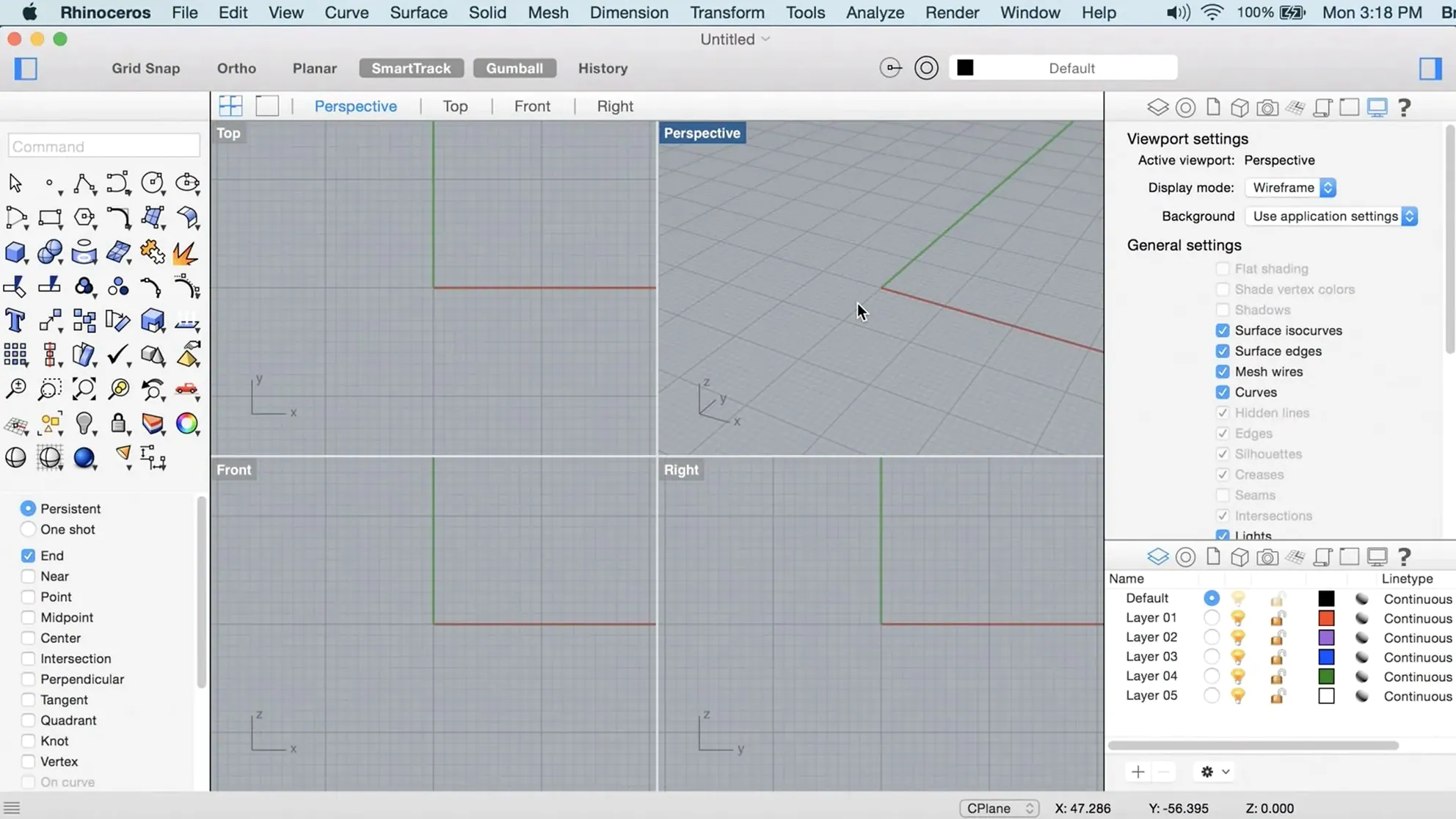
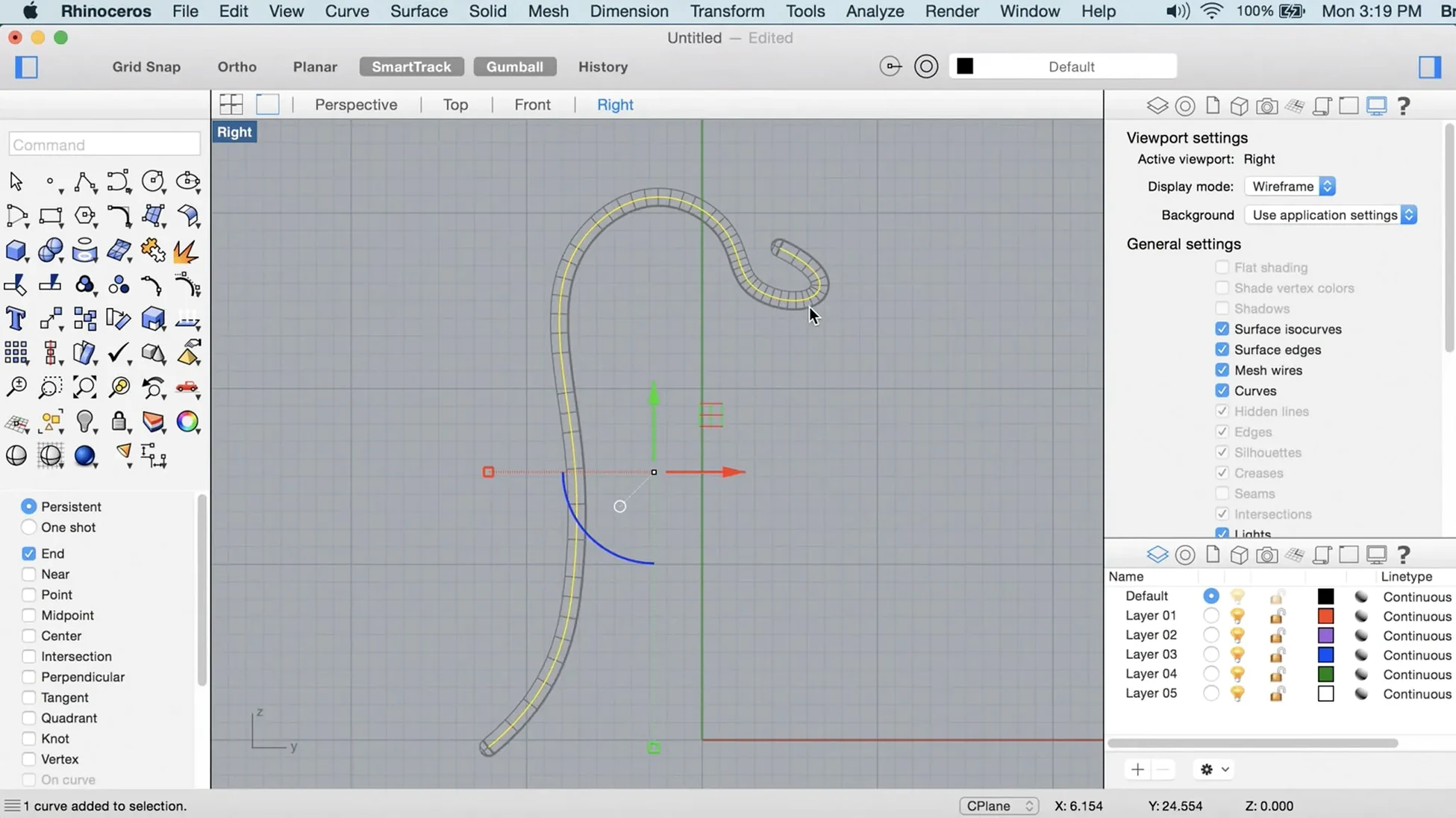
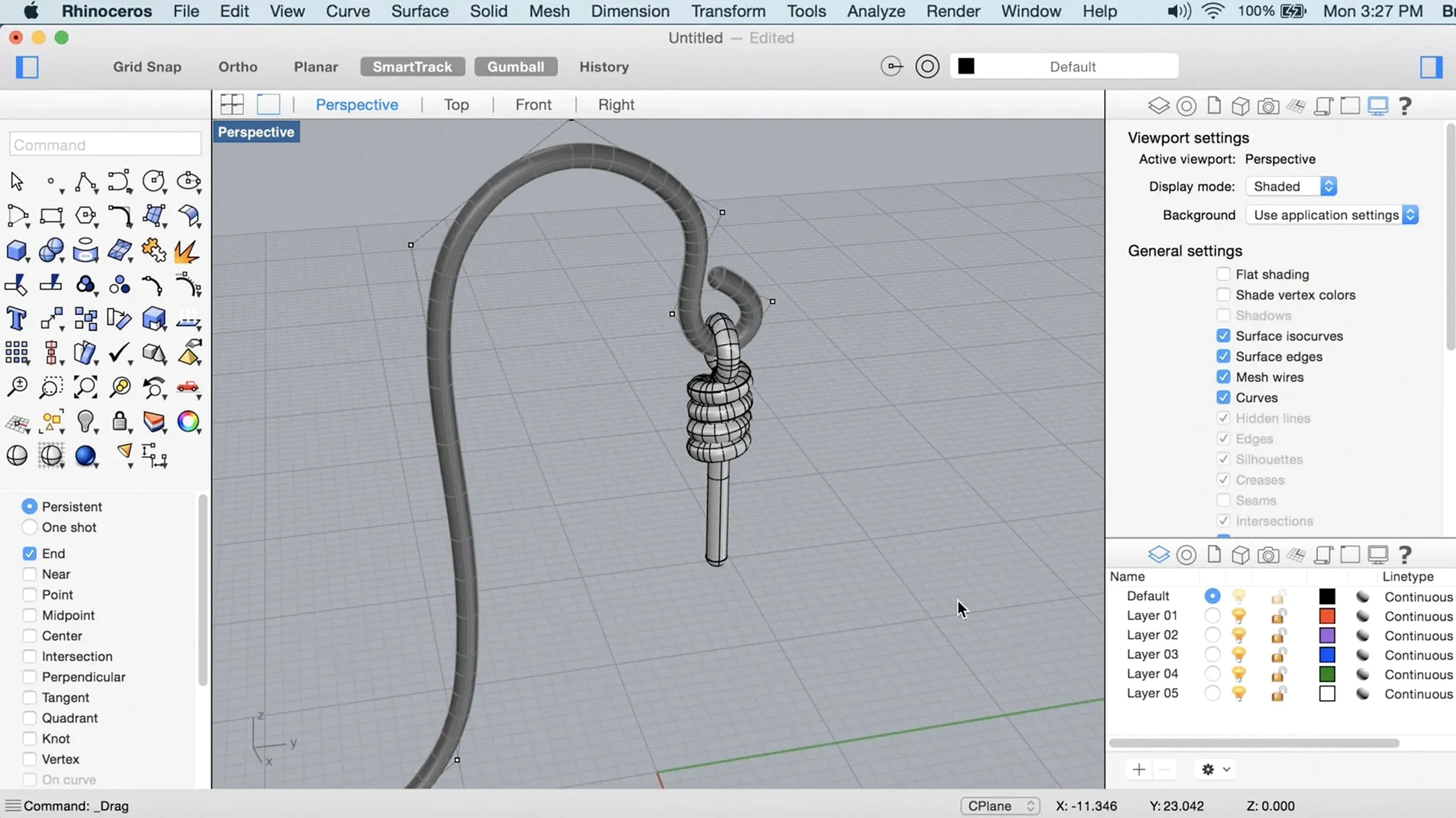
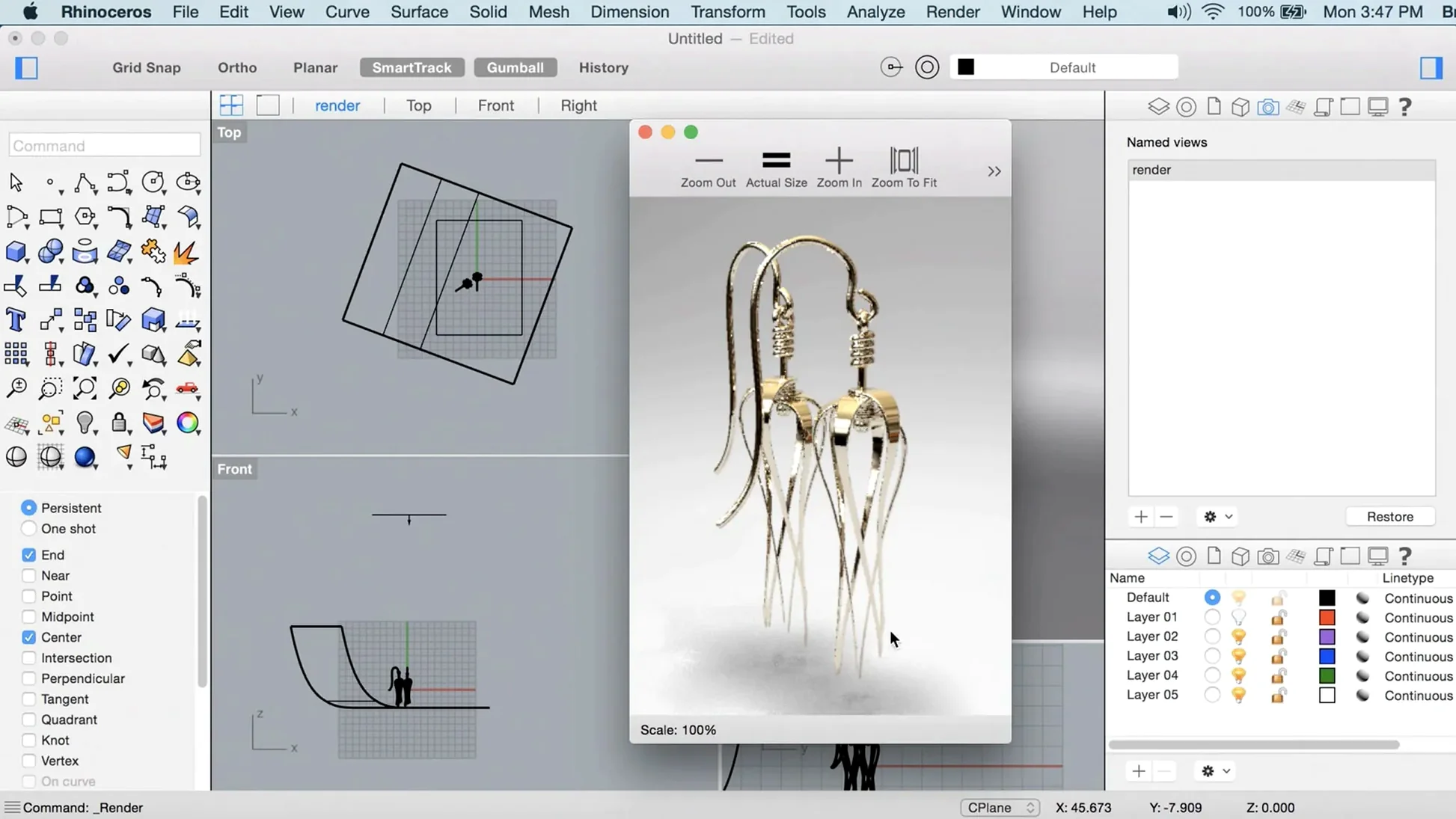
You've got a sketch, a rough set of measurements, and a need for a model that doesn't feel like it's fighting the software. Rhino 8 on a Mac is built for exactly that—turning freeform ideas into precise, manufacturable geometry without the clunk.
How does the modeling actually start for something like a workbench?
I kicked things off by blocking out the main timber frame with simple curves and extrusions. The Mac interface felt snappy and responsive, no small thanks to the new Metal-based display tech, which makes orbiting around a half-built bench almost playful on an Apple Silicon machine.
What about all those awkward, organic shapes like tool grips?
That's where ShrinkWrap comes in. Instead of painstakingly building a complex handle from scratch, I quickly mashed up a few basic solids around my hand's grip area, and ShrinkWrap wrapped them into one clean, watertight mesh. It's a massive time-saver for creating ergonomic parts that don't need to be pure NURBS perfection.
How do you give a model a real sense of material?
Once the bench was assembled, I applied basic wood and steel finishes and let the updated Cycles render engine do its work. The faster rendering meant I could quickly check how the ash timber caught the light, make adjustments, and re-render without losing my train of thought—a real difference when you're iterating on a design in an afternoon.
Can you tweak the workspace to feel less cluttered?
Yes, and it's a welcome change. Rhino 8 lets you tear off tool palettes and rearrange them across your Mac's desktop, so I kept my primary modeling commands on one side and pushed the rendering tools off to a secondary screen. It feels less like a port and more like a Mac app that understands you might want to spread out.
Viewport glitches and other friction points with quick fixes
No software this deep is completely frictionless, and Rhino 8 on macOS has a few rough edges worth knowing about before you're in the thick of a project. Most of them have straightforward fixes once you spot the pattern.
Viewport lag on older Intel Macs. Even though Rhino 8 runs on Intel hardware, the Metal graphics layer expects a certain GPU headroom. If orbiting a moderately complex model feels choppy, drop into Rhino Settings > View > OpenGL and switch the anti-aliasing down to 2x or turn off shadows in the working view. You'll keep the snappy navigation without losing model fidelity where it counts.
Grasshopper definitions refusing to compute. This one trips up plenty of people moving from Windows. On a Mac, Grasshopper may complain about missing .NET dependencies, especially with older community plug-ins. The fix is usually simple: install the latest .NET runtime directly from Microsoft's site, restart Rhino, and reload the definition. It's a one-time ritual that sorts out ninety percent of the cryptic error messages.
Imported STEP files arriving as a jumble of naked edges. When a client sends a STEP from SolidWorks or Fusion, the geometry can land with tiny gaps that prevent joining surfaces into solids. The quickest route is selecting everything, running MergeAllFaces first, then using ShowEdges to hunt down remaining open seams. A tolerance bump to 0.01mm inside Join often seals the last few cracks without distorting the model.
Gatekeeper refusing to open the app after installation. Because the disk image bypasses the usual notarization path, macOS may quarantine the app. If the Terminal step from the install notes didn't stick, run xattr -cr /Applications/Rhinoceros.app in Terminal and launch again. That clears the quarantine flag completely.
A Furniture Maker's Afternoon
Let's say you're a furniture designer who works largely in wood, occasionally mixing in cast metal hardware. You've sketched a low credenza with tapered legs and a sculpted front panel that dips inward like a gentle wave. The client wants to see three timber options and a cut list by the end of the day.
You start with the basic carcase—simple rectangles extruded from a top-down plan. PushPull lets you grab the front face of the drawer bank and tug it inward to form that concave sweep without rebuilding the surface from scratch. It's direct enough that you can watch the curve develop and dial it back with a quick numerical input when it starts looking too dramatic.
With the form locked, SubD Creases earn their keep on the tapered legs. A SubD box converted from a primitive gets creased along the vertical edges to hold that crisp mid-century silhouette, while the foot softens into a rounded pad. You toggle between the creased SubD and the NURBS version using ToNURBS to check that the joinery pockets for the leg tenons stay precise.
By the time you're switching timber materials in the Cycles viewport—ash, then walnut, then a bleached oak—the real-time feedback tells you immediately that the walnut darkens the concave front too much, burying the shadow line you worked hard to define. Ash wins. You export the cut list from the layout view and have the proposal ready before the kettle boils again.
The full Windows toolset, not a stripped-down port
Does a mac rhino 8 build feel like the Windows version, or is it a cut-down port? It's genuinely feature-complete. The same Rhino 8 engine runs underneath, and all the headline tools—ShrinkWrap, SubD Creases, PushPull, the updated Cycles renderer—are present on macOS. The interface differences are mainly cosmetic, adapting to Mac conventions like the menu bar at the top of the screen and native file dialogs. If you've used the Windows release, your muscle memory for commands translates directly.
Will a rhino 8 macos installation play nicely with files from older versions? Absolutely. Rhino 8 opens 3DM files going back decades, and it can write back to Rhino 7 and Rhino 6 formats when you need to share with a collaborator who hasn't updated yet. Just be aware that features exclusive to version 8—like ShrinkWrap objects—will bake into dumb geometry when saved to an older format.
Is there an easy rhino download for mac that doesn't involve hunting through forums? The disk image package bundles everything you need. After mounting it and running the Gatekeeper helper, you drag the app to Applications and you're set. No separate render engine downloads, no additional Grasshopper installers—it's all in one place.
Do plug-ins from the Windows ecosystem work on a Mac? Rhino 8 on Apple Silicon can run many Windows plug-ins through the built-in .NET compatibility layer, but results vary. Plug-ins that are pure Grasshopper definitions usually work flawlessly. Plug-ins with compiled C++ components tied to Windows-specific libraries often don't, unless the developer has published a native Mac build. Check the Food4Rhino site and filter by platform before getting attached to a particular tool.
Reverse-Engineering a Bottle from a Scan
Imagine you've got a point cloud from a 3D scan of a vintage glass bottle that a client wants reproduced as a mold-ready solid. The scan is noisy, the neck is slightly asymmetric, and the base has a subtle embossed logo. Here's a workflow that gets you from raw points to a clean NURBS model in under an hour.
Step one: tame the point cloud. Import the scan and use PointCloudSection to slice through the bottle at the shoulder, belly, and base. Those cross-section curves become your guides. Turn on point snapping and trace a smooth interpolated curve along each section, ignoring the tiny scanner wobbles—you're after the average form, not the noise.
Step two: build the body with a revolve. Take one half of the bottle's profile curve, refine it with Rebuild to a manageable point count, and run Revolve around the central axis. You now have a symmetric base surface that captures the main volume. Check the zebra stripes to confirm the curvature flows cleanly through the shoulder.
Step three: handle the asymmetry. The neck on your scan leans slightly. Use CageEdit to deform the upper portion of the revolved surface, nudging it to match the scan's actual tilt. It's a non-destructive way to introduce asymmetry while keeping the surface structure intact.
Step four: the embossed logo. Trace the logo outline from the flattened scan data at the base. Extrude the curve into a solid, Boolean it against the bottle body, and fillet the resulting edge to simulate the glass mold's draft angle. The BooleanDifference handles the intersection cleanly because the bottle is still a valid closed polysurface.
Step five: verify and export. Run What on the finished object to confirm it's a closed solid. Use Volume to calculate the internal capacity for the client's spec sheet. Export as a STEP and an IGES for the mold maker, and save the 3DM with all layers and construction curves intact so you can revisit the design when feedback arrives.
This release brings a few genuinely handy additions for Mac users:
- A new ShrinkWrap command for turning messy geometry into a single, closed mesh.
- Metal-powered graphics for a smoother, more responsive viewport experience on macOS.
- A more customizable user interface, so you can arrange palettes to match your workflow.
- macOS 12.4 Monterey or later
- Apple Silicon or Intel 64-bit processor
- 8 GB of RAM recommended
- 10 GB of available disk space
- A multi-button mouse with a scroll wheel is strongly recommended
Questions people ask
Which Mac hardware does Rhino 8 run on?
It runs natively on both Apple Silicon and 64-bit Intel Macs, requiring macOS 12.4 Monterey or later, with 8 GB of RAM and a multi-button mouse recommended.
Also on readers' docks
Sign in or create an account to leave a comment.
No comments yet. Tell me how it got on with your other devices.
More in CAD & 3D
See all Session Pomodoro Focus Timer
2.13.48 CAD & 3D
50 MB
Session Pomodoro Focus Timer
2.13.48 CAD & 3D
50 MB
 Updated Plasticity
26.1.3 CAD & 3D
256 MB
Updated Plasticity
26.1.3 CAD & 3D
256 MB
 Updated SketchUp Pro
27.0.267 CAD & 3D
1.6 GB
Updated SketchUp Pro
27.0.267 CAD & 3D
1.6 GB
 Pixologic Zbrush
2026.2.1 CAD & 3D
3.1 GB
Pixologic Zbrush
2026.2.1 CAD & 3D
3.1 GB
 Sweet Home
7.5.7 CAD & 3D
356 MB
Sweet Home
7.5.7 CAD & 3D
356 MB
 TouchDesigner
2025.31550 CAD & 3D
615 MB
TouchDesigner
2025.31550 CAD & 3D
615 MB
 Vectorworks
2025 Update 7 v30.7.0 CAD & 3D
421 MB
Vectorworks
2025 Update 7 v30.7.0 CAD & 3D
421 MB
 Maya
2027.2 CAD & 3D
5.3 GB
Maya
2027.2 CAD & 3D
5.3 GB