








Download Session Pomodoro Focus Timer for macOS
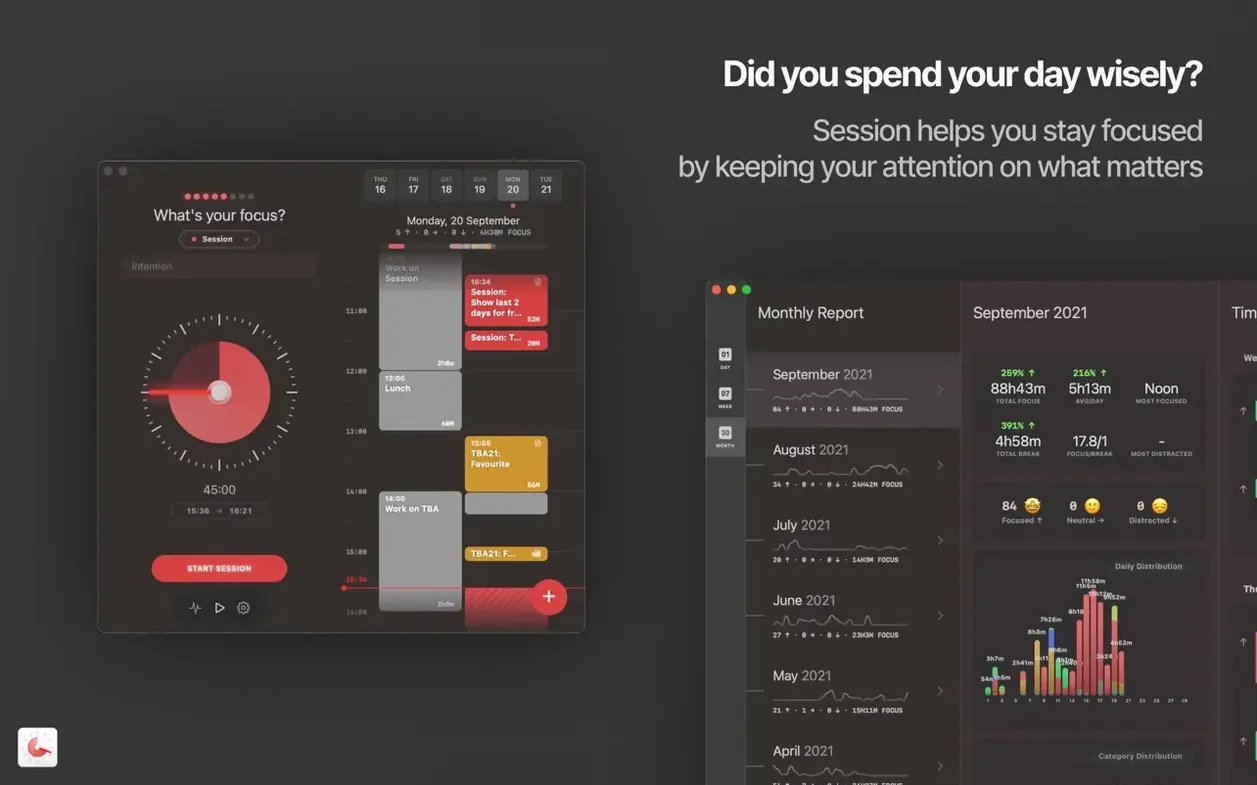
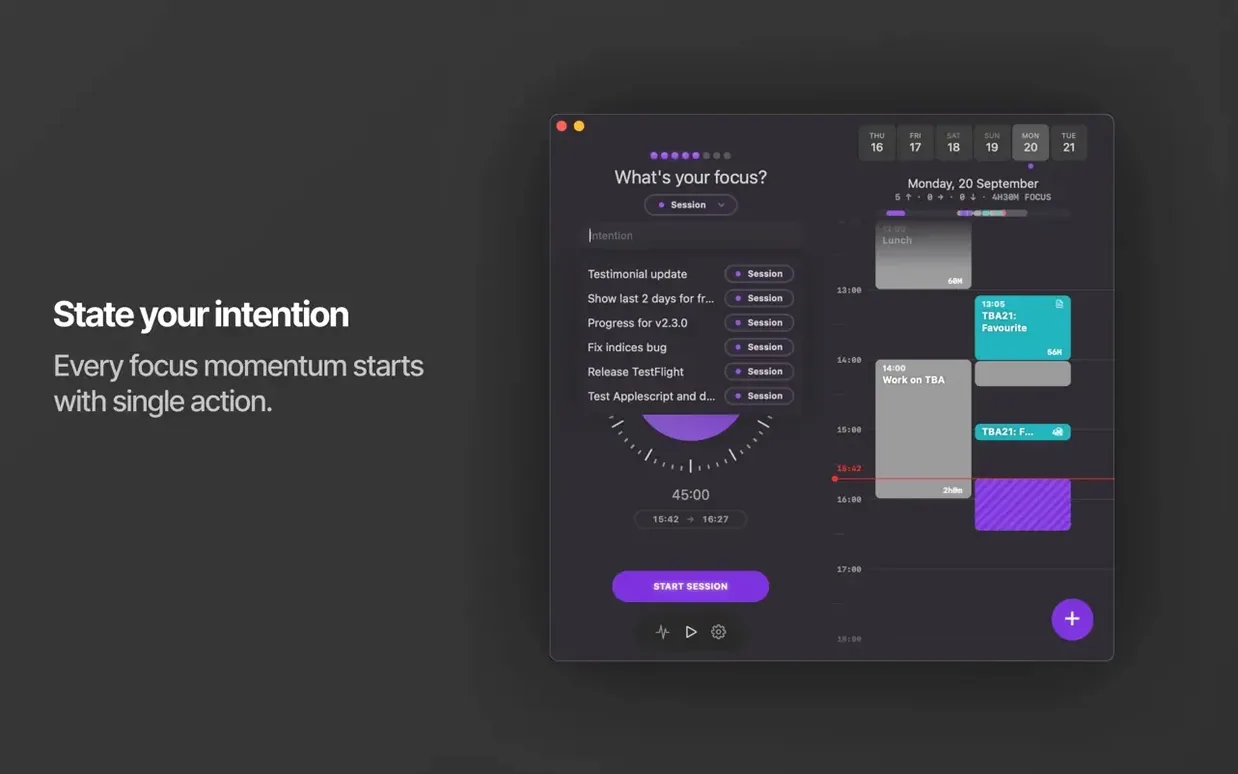
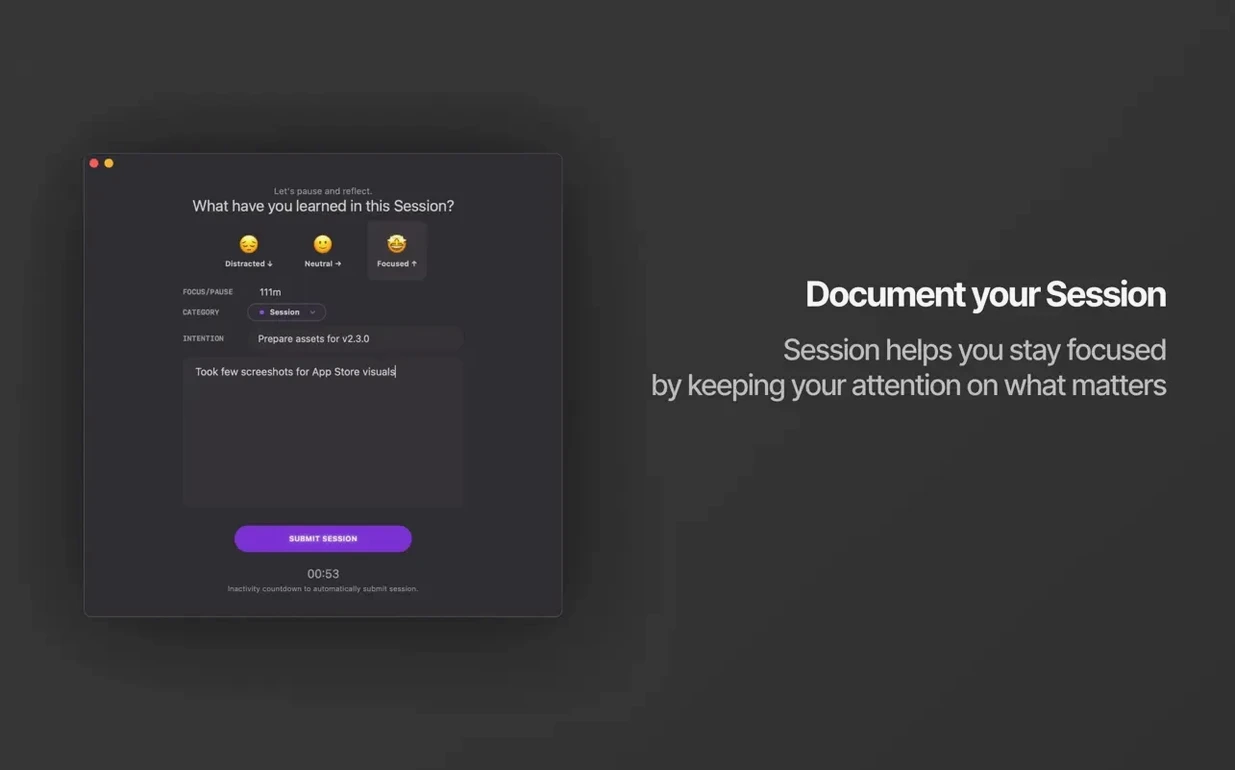
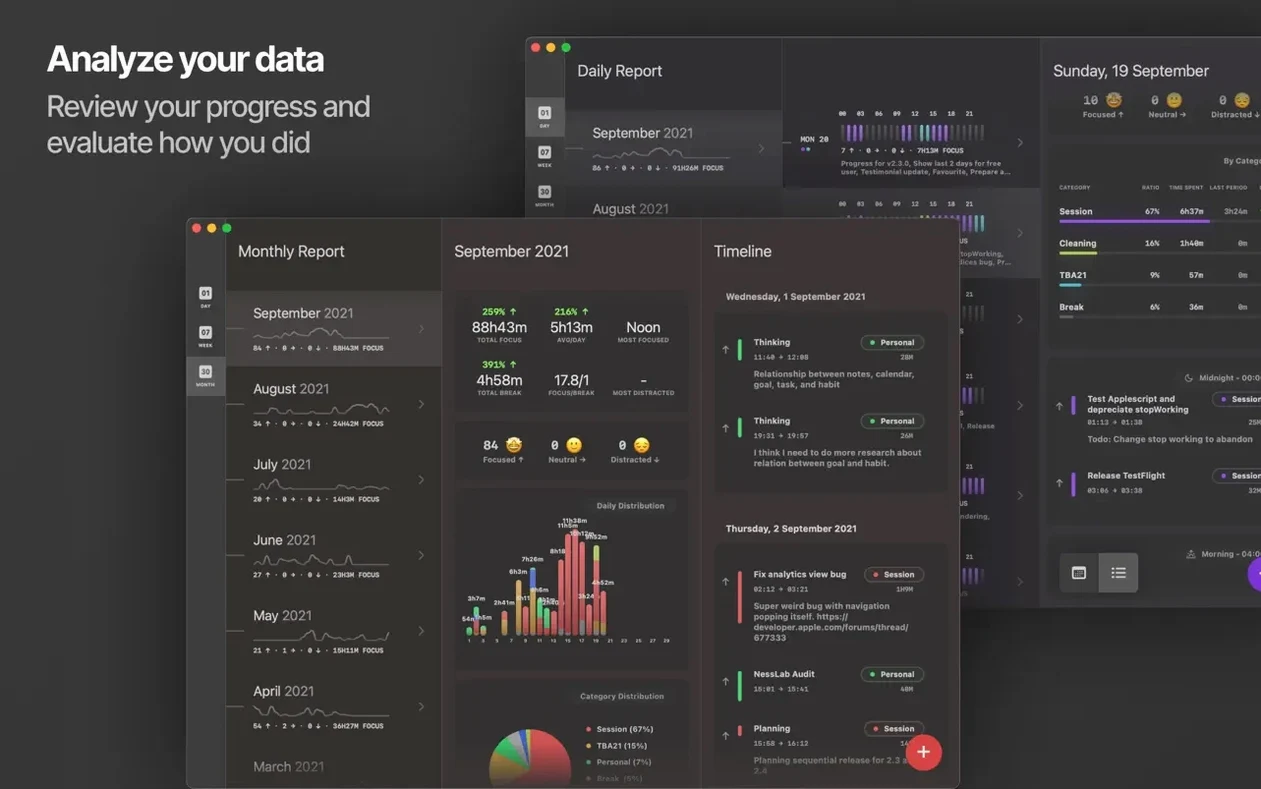
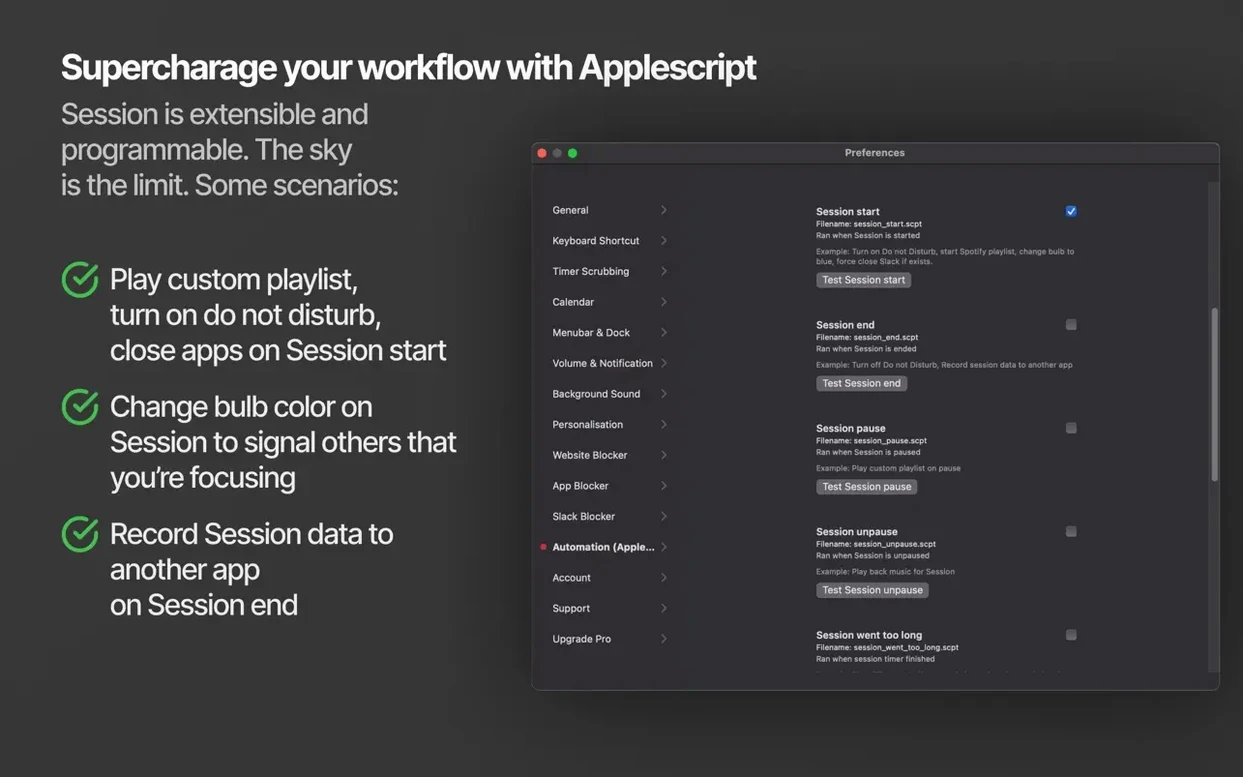
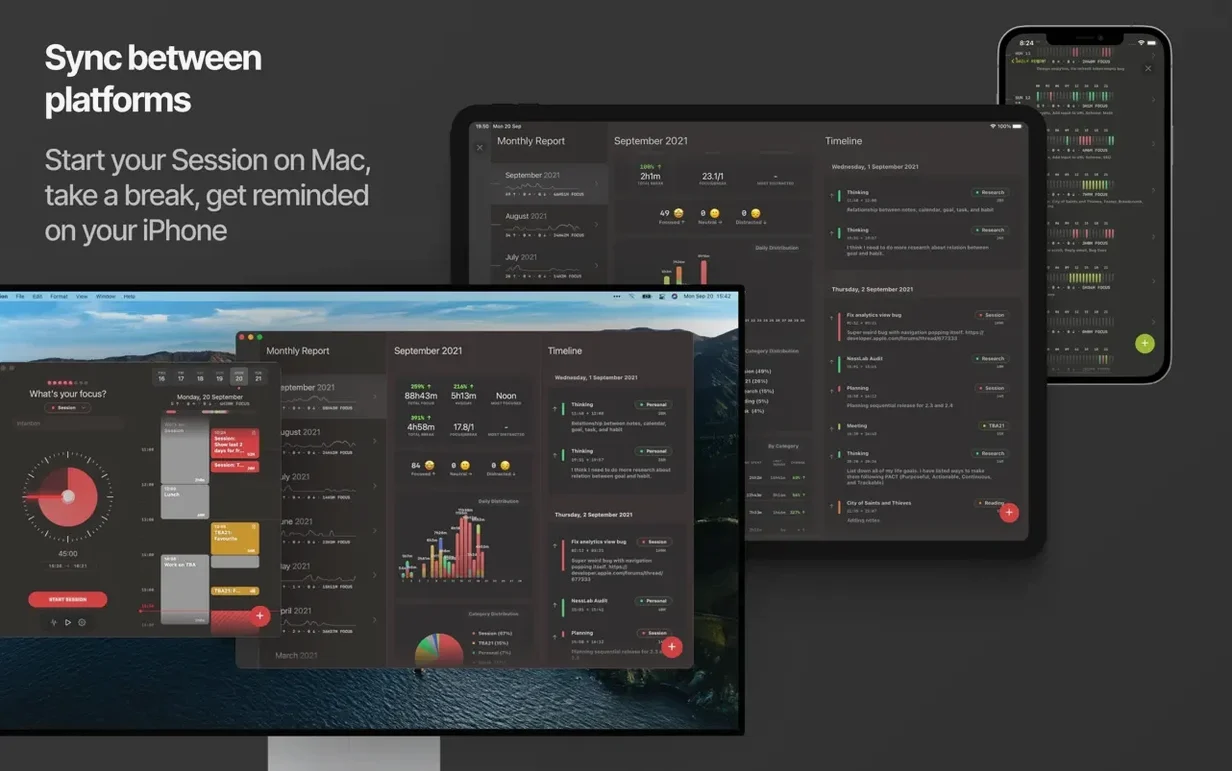
Session is a Pomodoro-style focus timer that structures your work into timed blocks and logs exactly how you spent that energy.
Mute Slack automatically
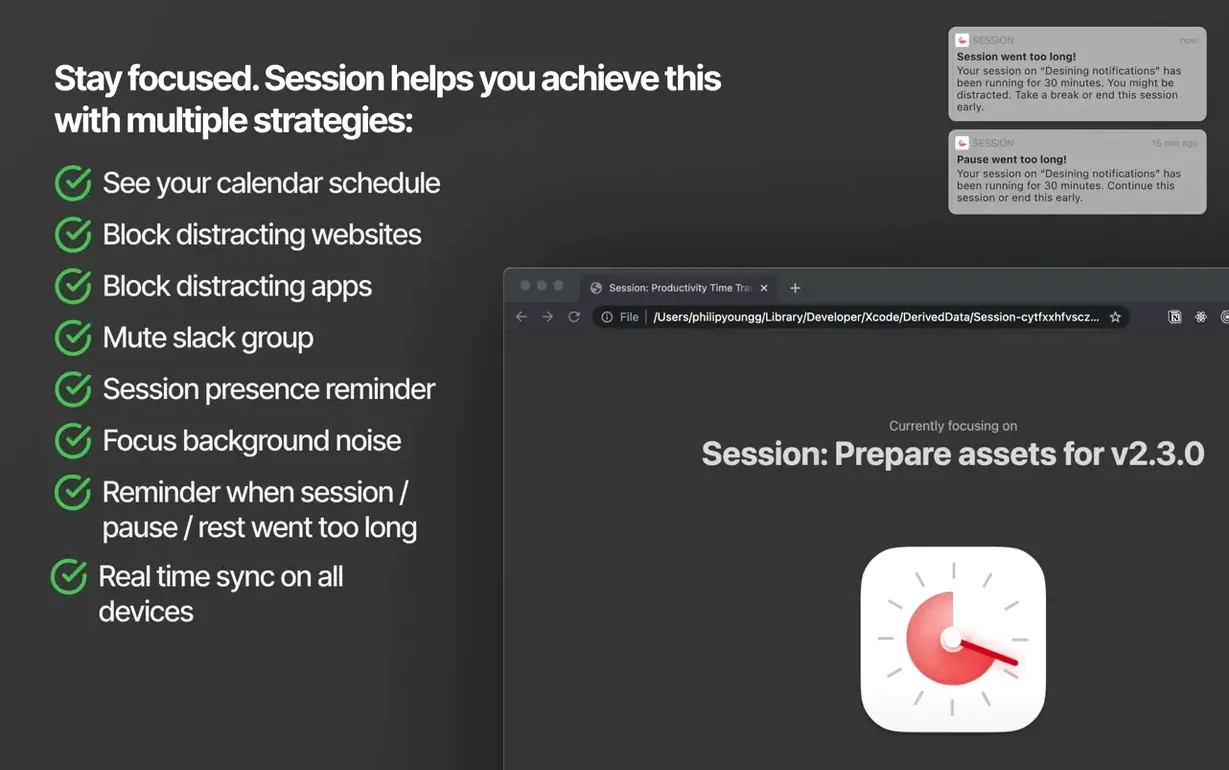
Pick a Slack team in the settings, and Session silences notifications the moment a focus block starts so you stay in the zone.
Block, then restore distractions
Websites and apps you block during a session come right back when the timer ends or you take a break — no manual switching.
Track what you worked on and learned
Ditching the Default Timer Lengths
Jumping straight into 25-minute blocks without adjusting the default durations is the most common stumble. The timer ships with sensible defaults, but your best focus rhythm might be 45 minutes of deep work followed by a 10-minute breather — Session lets you change that right away, and ignoring the customisation panel means fighting your own attention span.
Another early slip: treating the distraction blocklist as set-and-forget. People add Twitter and Reddit, then wonder why news sites or a messaging app keep pulling them out of the flow. Spend two minutes scanning your actual Screen Time data from the past week, then block the top four offenders in Session — the list should reflect your real habits, not the ones you wish you had.
Finally, beginners often skip the end-of-block reflection prompt. Tapping through it blanks the session log and robs you of the most useful data the app gathers: what you actually finished versus what you merely stared at. Even a two-word note like "changelog draft" makes the weekly review meaningful.
Built-In Time Log for Billable Hours
Freelancers who bill by the hour connect with Session immediately because the per-task time tracking doubles as a lightweight invoice log. A copywriter, for instance, can pull up last Wednesday’s total on the client’s landing page without opening a spreadsheet.
Students juggling coursework and research benefit from the what you learned field — it turns a study block into a quick revision note that’s searchable later. Knowledge workers who live inside Slack and Safari find the auto-mute and website blocking genuinely friction-reducing; the session starts, the noise vanishes, and it all returns the moment the timer dings.
If your work involves long stretches of writing, coding, or design where a single notification can derail 20 minutes of progress, Session fits tighter than a general to-do app ever could. It’s less useful for managers whose day is back-to-back meetings interrupted by urgent messages — blocking those would fight the job itself.
Automatic Distraction Blocking Beats Basic Timers
Be Focused Pro covers the same Pomodoro basics — timed work blocks, break reminders, and a task list — but it lacks Session’s ability to automatically block specific websites and apps during a focus period. Session’s Slack integration and Do Not Disturb toggling also push it ahead for anyone whose distractions come from macOS notifications rather than just the phone on the desk.
Focus (by Brad Jasper) takes the opposite approach: it blocks distractions on a schedule you define, but it doesn’t wrap that blocking inside a Pomodoro timer or log what you achieved. Session merges both functions, so the blocklist activates only when a focus session runs, not all day. That narrower window feels less restrictive and reduces the temptation to disable the blocker entirely.
Flow (by Moleskine Studio) leans hard into ambient soundscapes and a minimal countdown, which some people adore, but it offers no distraction blocking and no per-session activity log. Session trades the mood-board aesthetic for practical, reviewable data — if you want to know where your Tuesday afternoon went, Session answers; Flow just gives you a pleasant bell and moves on.
After each block, jot down what you accomplished or picked up; the app keeps a running log of tasks and total time spent.
A quick polish update: the resize gesture on the calendar view is now fixed.
- macOS 10.15 Catalina or later
- Apple Silicon and Intel Macs
- Requires any account sign-in
- Interface languages: English, Russian, German, Arabic, Spanish, Italian, French, Japanese, Korean, Simplified Chinese, Traditional Chinese, and more
Questions people ask
Do I need to create an account to use Session?
Yes, Session requires signing in to any account before you can start using it.
Can Session block distracting apps and websites?
It can block selected websites and apps during a focus session, then restore them automatically when the session ends or a break begins.
Does the app work on Apple Silicon Macs?
Yes, Session supports both ARM (Apple Silicon) and x86 (64-bit Intel) Macs running macOS Catalina or later.
Also on readers' docks
Sign in or create an account to leave a comment.
No comments yet. Tell me how it got on with your other devices.
More in CAD & 3D
See all Updated SketchUp Pro
27.0.267 CAD & 3D
1.6 GB
Updated SketchUp Pro
27.0.267 CAD & 3D
1.6 GB
 Rhino
8.30.26103.11002 CAD & 3D
760 MB
Rhino
8.30.26103.11002 CAD & 3D
760 MB
 Sweet Home
7.5.7 CAD & 3D
356 MB
Sweet Home
7.5.7 CAD & 3D
356 MB
 Updated Plasticity
26.1.3 CAD & 3D
256 MB
Updated Plasticity
26.1.3 CAD & 3D
256 MB
 Pixologic Zbrush
2026.2.1 CAD & 3D
3.1 GB
Pixologic Zbrush
2026.2.1 CAD & 3D
3.1 GB
 TouchDesigner
2025.31550 CAD & 3D
615 MB
TouchDesigner
2025.31550 CAD & 3D
615 MB
 Vectorworks
2025 Update 7 v30.7.0 CAD & 3D
421 MB
Vectorworks
2025 Update 7 v30.7.0 CAD & 3D
421 MB
 Maya
2027.2 CAD & 3D
5.3 GB
Maya
2027.2 CAD & 3D
5.3 GB