









Download Pixologic Zbrush for macOS
Custom hotkeys now sync to your iPad
The 2026.2.1 release tightens the connection between devices. You can now save custom hotkeys and share them to an iPad, which makes a lot of sense if your workflow already bounces between a MacBook and an iPad with Sidecar or Astropad. The new Substance Bridge also sends your sculpt straight into Substance Painter with one click.
How does ZBrush sit alongside other Mac creative tools?
It’s the sculpting sibling in the Maxon lineup, so it feels at home next to Cinema 4D and Redshift. You can rough out a base mesh in your usual modeler, bring it into ZBrush for high-detail organic work, then push it to Substance Painter for texturing—all without leaving the ecosystem you’ve already built on your Mac.
What makes the brushwork feel different?
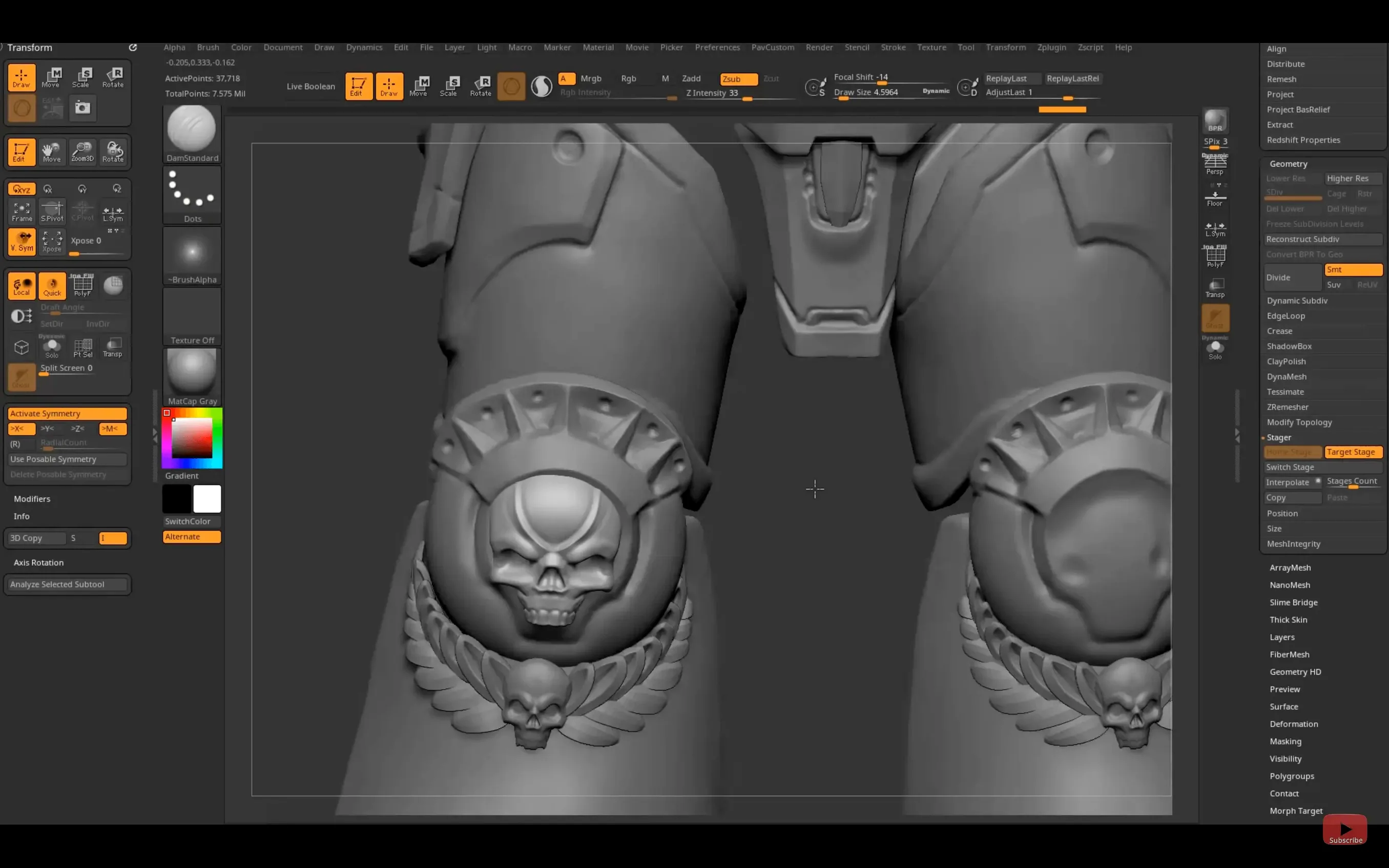
Every stroke stores depth, color, and material information in a “pixol” rather than a flat pixel, so you’re painting with real volume. Brushes can modify standard 3D objects as if they were clay, and the engine handles polygon counts that would bring most other apps to a crawl.
Who actually uses this on a Mac?
Concept artists, film production teams, game studios, toy designers, and scientific illustrators all reach for it. If you’re making collectible figures or creature designs and need to push millions of polygons around while staying on macOS, this is the tool that fits that slot.
Unlearning traditional 3D modeler habits
Watching someone open ZBrush for the first time is like watching them sit down at a cockpit. The interface throws off people who learned 3D in a traditional modeler first, and a handful of habits cause most of the early frustration.
Treating it like a traditional polygon modeler. You cannot grab a vertex and pull it somewhere. ZBrush wants you to think about volume, silhouettes, and masses—not edge loops. If you start obsessing over topology on day one, you’ll fight the app instead of sculpting with it.
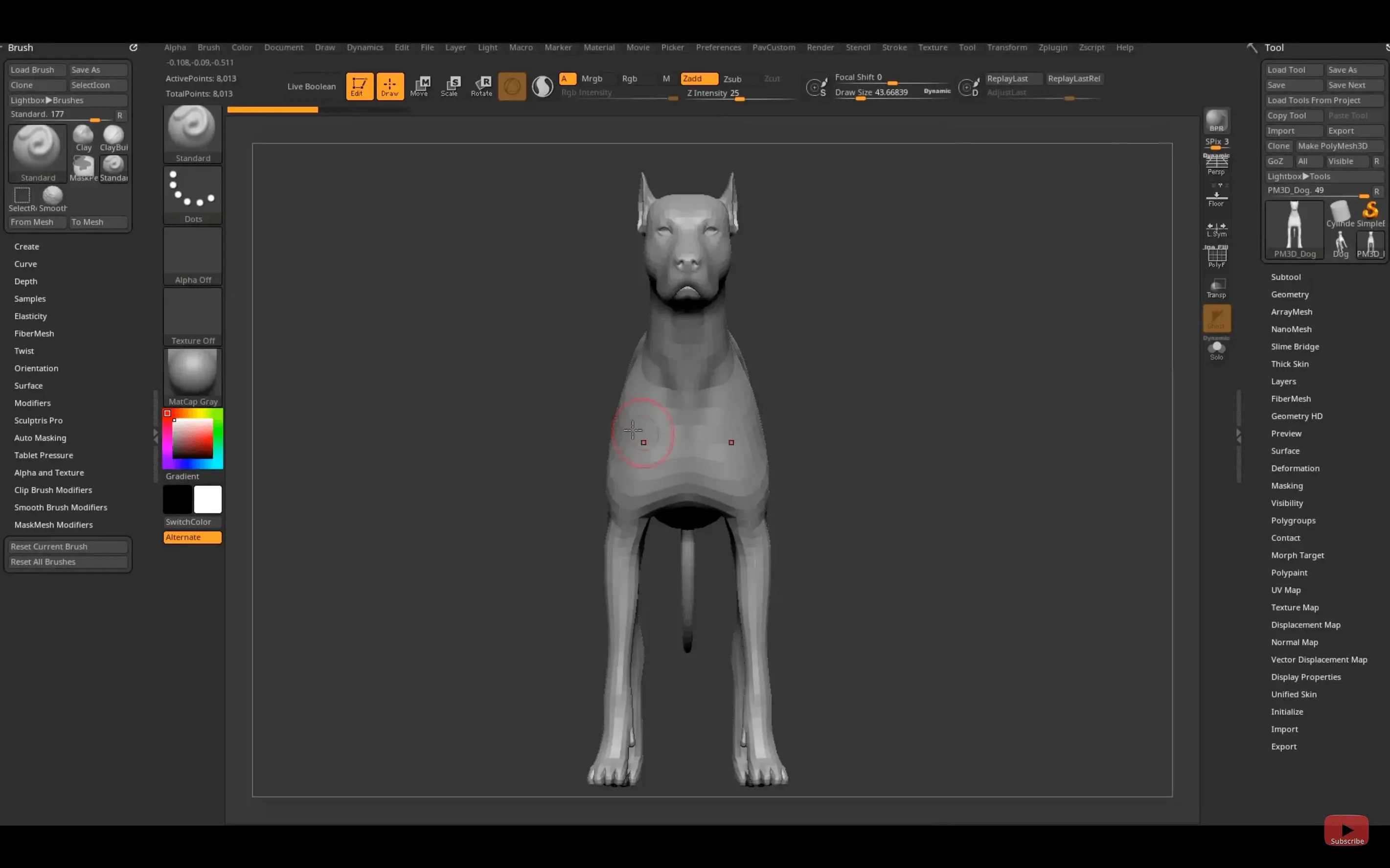
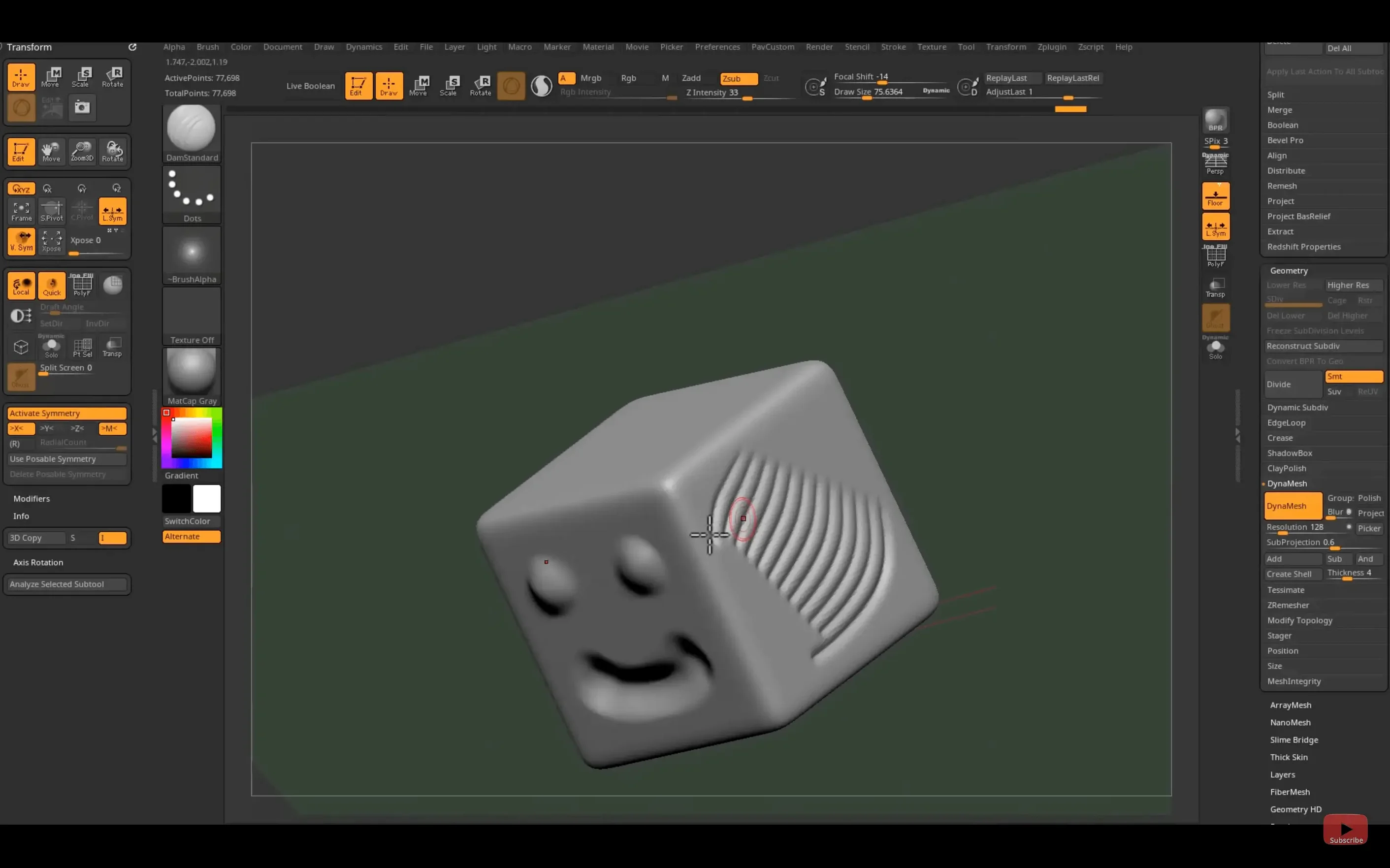
Ignoring DynaMesh until too late. Beginners often stretch a single sphere into a lopsided creature, then wonder why brushes behave strangely on the thin areas. A quick trip through Tool → Geometry → DynaMesh redistributes polygons evenly and gives you a clean slate in seconds. Make it a reflex.
Painting without disabling Zadd. You pick a color, start brushing, and the surface bulges outward mysteriously. That is Zadd still being active. Switch to RGB mode—or hold Option and click the paintbrush icon—before laying down polypaint, and your model stays put.
Forgetting to save as a Project. A .ZPR file saves your tool, its subdivision levels, materials, and viewport state. A .ZTL saves only the tool. Losing an hour of polypaint because you exported the wrong format is a rite of passage you can skip.
One-button GoZ bridge to Maya, Cinema 4D, or Blender
ZBrush does not need to carry your whole pipeline, and it works best when it doesn’t try. On a Mac, the GoZ bridge sends your model to Maya 2026, Cinema 4D, or Blender with one button—no exporting, no file dialogs, just a roundtrip. The 2026.2.1 update also means GoZ understands the latest Maya and 3ds Max releases, so you are not stuck waiting for compatibility patches.
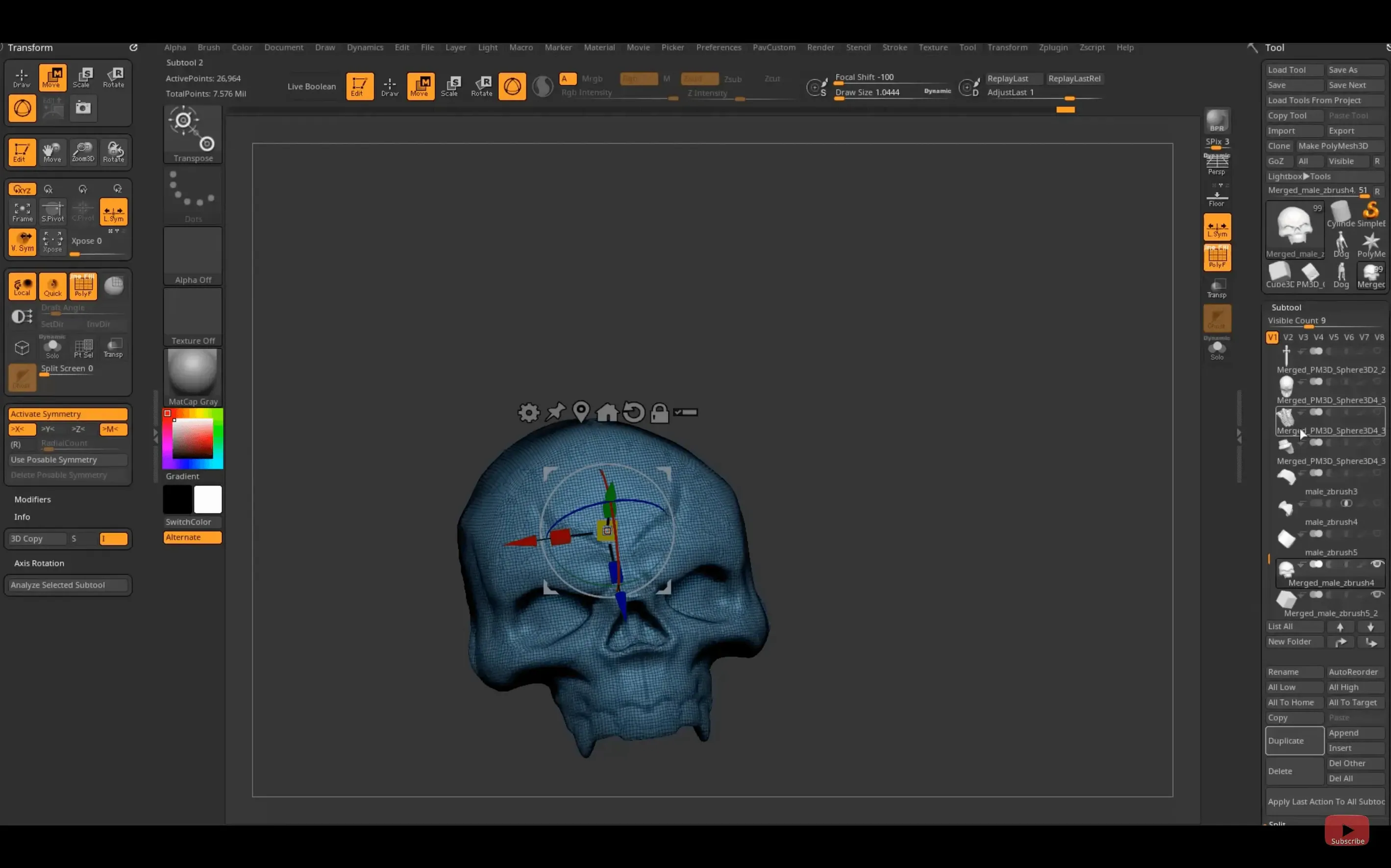
For texture work, people have long bounced between ZBrush and Substance Painter with manual exports. The new Substance Bridge collapses that into a single click. Sculpt your high-poly details, send the mesh across, and start painting in Painter while the geometry still feels fresh in your head. It is a small quality-of-life change that reshapes how quickly you iterate.
macOS integration goes deeper than you might expect. Because Apple Silicon Macs handle the real-time rendering engine so well, you can run ZBrush alongside Photoshop or Affinity Photo without your machine sounding like a jet engine. Universal Clipboard lets you copy a reference image on an iPad and paste it straight into the Spotlight view on your Mac, which is handy when you’re pulling concept art from Procreate.
Undo history and auto-save defaults to fix immediately
Out of the box, ZBrush makes a few choices that almost nobody sticks with. Here are the ones I adjust on any fresh install—including when someone grabs a zbrush mac torrent and sets it up on a new machine:
- Mem slider in Preferences. ZBrush defaults to a conservative memory allocation. Bump it up to leave a comfortable cushion for your other apps, but give ZBrush the headroom it needs for high subdivision levels.
- Undo steps. The default is fine for light work, but if you sculpt with DynaMesh and heavy remeshing, push it higher. Storage is cheap; losing a good stroke because Undo ran out is annoying.
- QuickSave frequency. Found under Preferences → QuickSave. Set it to something reasonable—five or ten minutes—and let it quietly write recovery files in the background. When a complex boolean crashes the app, you’ll be glad.
- Tablet pressure curve. If you’re on a Wacom or an iPad with Sidecar, the default curve might feel too stiff or too loose. Spend five minutes dialing it in under Preferences → Tablet until the brush response matches your hand.
- Custom UI colors. The default grey can feel muddy. Shift-click a color from the picker and drop it onto the background—small change, big morale boost during long sculpting sessions.
The 2026.2.1 update lands with a few quality-of-life improvements that Mac and cross-device users will appreciate:
- Substance Bridge — one-click transfer from ZBrush to Substance Painter keeps the texture pipeline moving.
- iPad hotkey sharing — save custom hotkeys and share them to an iPad, handy for tablet-heavy sculpting sessions.
- GoZ updates — refreshed support for Maya 2026 and 3ds Max 2026.
- Native Windows on Arm — added for Windows users on Snapdragon hardware.
- macOS 12.6 or later
- Apple Silicon or Intel 64-bit processor
Questions people ask
Can ZBrush run natively on Apple Silicon Macs?
Yes, the macOS version supports both Apple Silicon and Intel 64-bit computers on macOS 12.6 and later.
What industries rely on ZBrush for Mac?
It’s used across concept design, film production, computer games, toy and collectible model creation, and scientific illustration.
Also on readers' docks
Sign in or create an account to leave a comment.
No comments yet. Tell me how it got on with your other devices.
More in CAD & 3D
See all Updated Plasticity
26.1.3 CAD & 3D
256 MB
Updated Plasticity
26.1.3 CAD & 3D
256 MB
 Rhino
8.30.26103.11002 CAD & 3D
760 MB
Rhino
8.30.26103.11002 CAD & 3D
760 MB
 Session Pomodoro Focus Timer
2.13.48 CAD & 3D
50 MB
Session Pomodoro Focus Timer
2.13.48 CAD & 3D
50 MB
 Updated SketchUp Pro
27.0.267 CAD & 3D
1.6 GB
Updated SketchUp Pro
27.0.267 CAD & 3D
1.6 GB
 Maya
2027.2 CAD & 3D
5.3 GB
Maya
2027.2 CAD & 3D
5.3 GB
 MAXON Cinema
2024.2.0 CAD & 3D
721 MB
MAXON Cinema
2024.2.0 CAD & 3D
721 MB
 Marvelous Designer
v2024.2.139 CAD & 3D
1.7 GB
Marvelous Designer
v2024.2.139 CAD & 3D
1.7 GB
 Marmoset Toolbag
4.02 CAD & 3D
169 MB
Marmoset Toolbag
4.02 CAD & 3D
169 MB