









Download MAXON Cinema for macOS
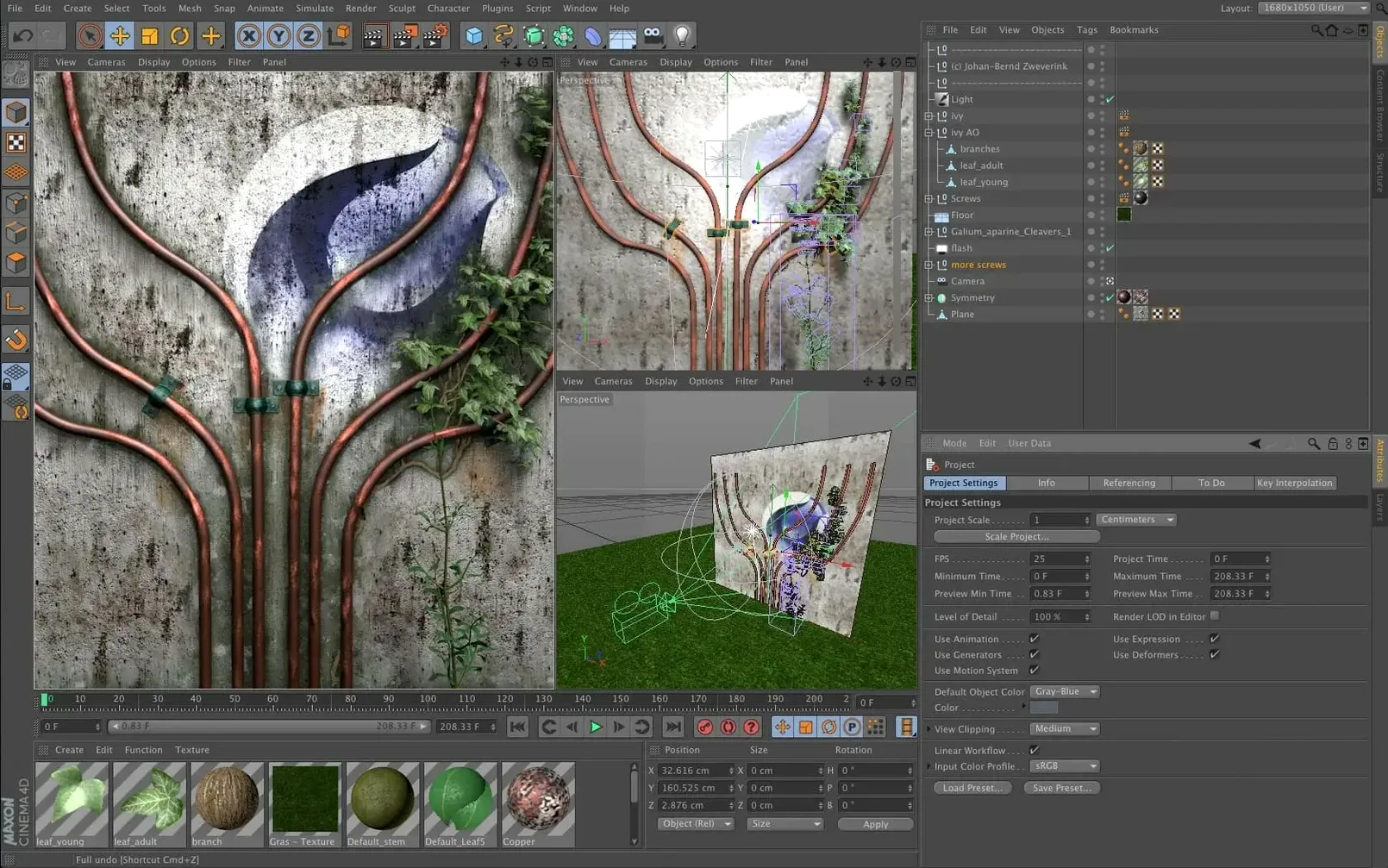
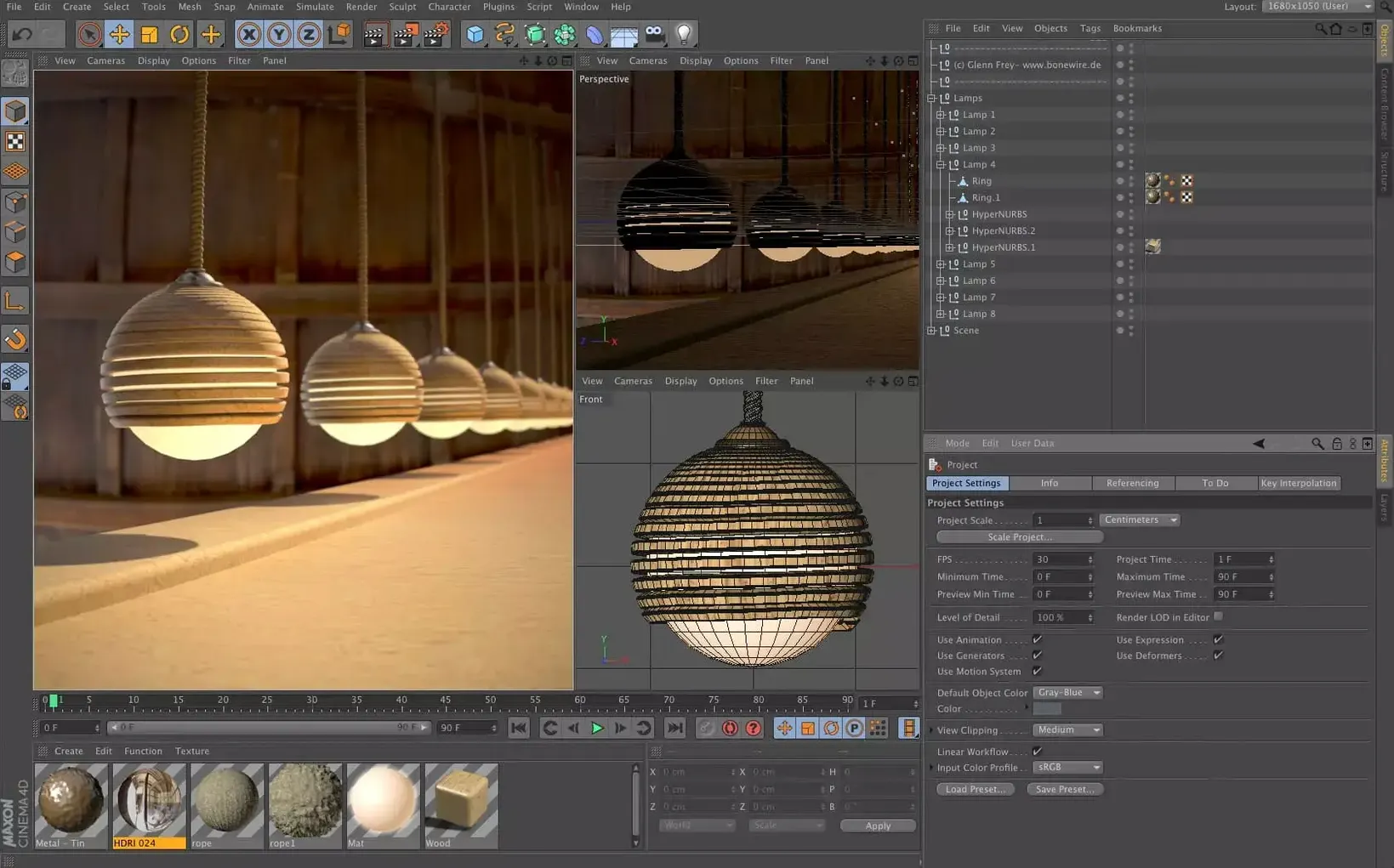
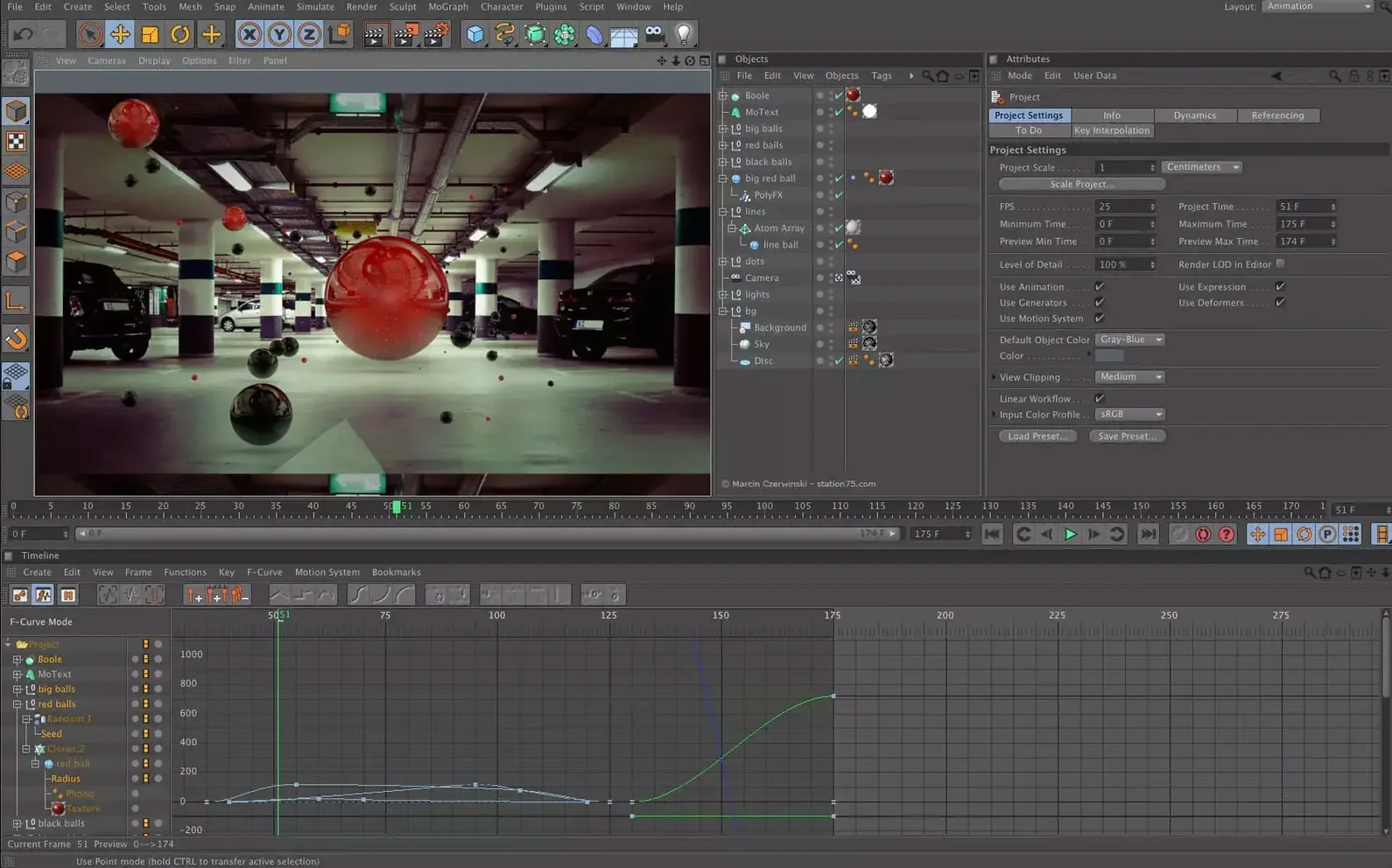
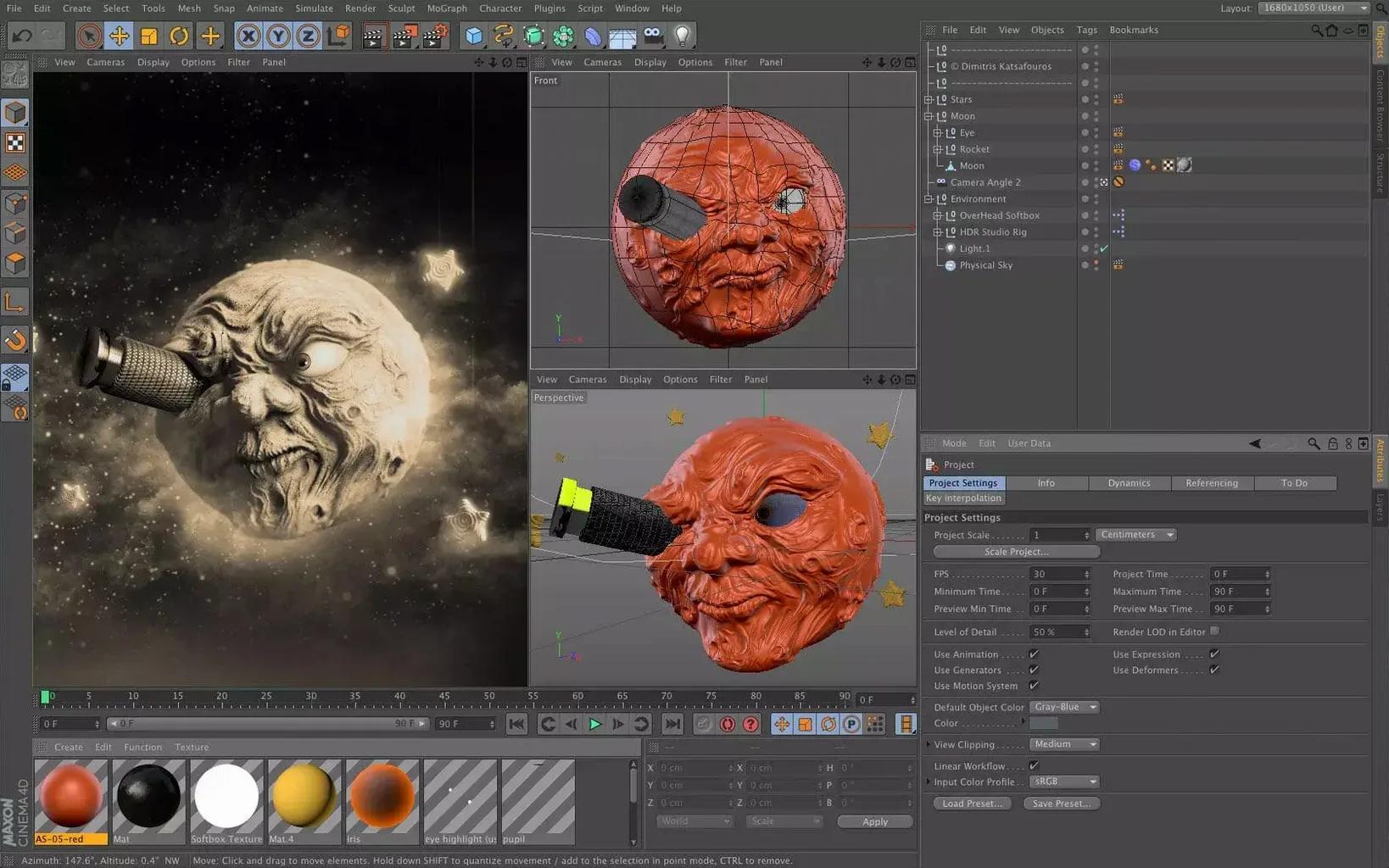
When a scene's complexity outpaces the basics and you need absolute control over every curve, Cinema 4D's deeper toolset steps in. It's the answer for artists who've moved past simple primitives and need a system that thinks the way they do.
- Modeling with Scene Nodes. The node-based core lets you procedurally generate geometry and entire scenes. For an experienced user, this means non-destructive edits and asset variants that would be a nightmare to manage manually.
- Using Capsules for custom splines. Data import and spline features live here. You can build your own custom generator objects that act like native tools, which is invaluable for creating reusable motion graphics rigs without writing a line of code.
- Managing it all in the Scene Manager. This isn't just an object list. It's a hierarchical, filterable view where you can wrangle hundreds of assets, change attributes in bulk, and debug complex rig structures that have gotten away from you.
Beyond pure modeling, this workflow ties directly into simulation and rendering without breaking context. The unified system means a change in a spline's node ripples correctly through cloth dynamics and into your final Redshift render. It's a professional-grade feedback loop built for artists doing visualization, VFX, and game development on machines running macOS 11 and up.
Scene Nodes Slowness and Other Expectations to Manage
No 3D package is friction-free, and Cinema 4D 2024.2 has a handful of quirks worth knowing about before they eat your afternoon. Most are about expectations, not bugs.
- Scene Nodes feel slow at first. If you're coming from the classic Object Manager, the node editor's responsiveness can seem off. It isn't — it's just not optimised for the way you're likely clicking. Zoom out a little and use the Arrange All command frequently. The editor redraws faster when nodes have breathing room, and a clean layout stops you chasing connections across three screens.
- Capsules missing in the Object Manager. You've built a brilliant Capsule, dragged it in, and nothing shows. Nine times out of ten, you forgot to expose the input ports in the Capsule's own node setup. Open the Capsule, check which ports are set to Input, and make sure they match the data type you're feeding in. A float port won't swallow a vector.
- Redshift not picking up scene changes. The IPR window stubbornly shows old geometry even after you've moved half the scene. Toggle the render region off and on, or hit Clear GPU Cache in the Redshift menu. Sometimes the viewport update and the render update fall out of sync, particularly after heavy spline edits in a Capsule chain.
- Imported splines arrive as a mess of points. When you bring in SVG or Illustrator paths through the data import nodes, the default interpolation can be overly literal. Pop into the spline's attributes and switch the intermediate points to Adaptive with a low angle tolerance — it rebuilds the curve cleanly and makes subsequent extrusions far less janky.
Small Conveniences You'd Easily Miss
Cinema 4D buries a few quality-of-life features behind modifier keys and tiny icons. These aren't the headline features, but they're why experienced users look faster in the viewport.
- Alt-drag on any spline point's tangent. Normally you get symmetrical handles. Hold Alt and you break the tangent, adjusting each side independently without visiting a panel. It's been there for years and people still discover it by accident.
- The Scene Manager's column customisation. Right-click any column header and you can show things like Node Class or Memory Usage per object. For a scene with fifty-plus Capsules, sorting by memory instantly flags which generator is hogging VRAM before Redshift complains.
- Middle-click in the node editor to pan. Obvious once you know it, invisible until you don't. It stops you from overshooting with the scroll bars and keeps your flow steady while wiring up a complex scatter setup.
- The C key toggles the Capsule editor. With a Capsule selected in the Object Manager, tap C and you jump straight into its node graph. Tap C again and you're back in the parent scene. It's a tiny thing, but it saves constant trips to the tab bar.
Capsule-Bound Tentacle Rig from Spline to Reuse
Here's a task that shows how the pieces connect — making a tentacle that bends, twists, and stays animatable across multiple shots, built once and saved as a Capsule for later projects.
Start with a spline and a circle. In a fresh scene, drop a Circle spline (radius around 20 cm) and a straight Spline object with four or five points running vertically. The circle will be the cross-section; the vertical spline is your path.
Build the Capsule's node graph. Open the Scene Nodes editor and add a Sweep node. Pipe the circle into the cross-section input and the vertical spline into the path input. You'll get a straight tube — not very tentacle-like yet. Add a Noise node and connect it to a Point Deformer that sits between the spline and the sweep. Set the noise scale low and the animation speed to something slow and sine-wave-ish. Now the tube undulates.
Add taper control. Insert a Remap node between the noise and the deformer. Drive its input with a Spline Length node so the effect fades toward the tip. The base stays stiff, the tip wriggles — exactly the look you want. Expose the noise scale and the remap curve as input ports so they're tweakable later.
Turn it into a Capsule. Select everything in the node editor, right-click, and choose Create Capsule. Give it a name like "TentacleRig" and make sure those exposed ports appear as sliders in the Object Manager. Now drag the Capsule into any scene, drop it under a null, and you've got an animatable tentacle that respects the null's position and rotation. Adjust the sliders per shot — faster noise for an agitated creature, slower for something drifting underwater.
The real payoff comes when you need twenty of them. Duplicate the Capsule, tweak each instance's seed value (expose that too), and the whole swarm behaves independently. No duplicated geometry, no exploding file sizes, and a single edit to the Capsule definition updates every instance in the scene. For motion graphics artists and VFX people building creature effects, this approach turns a half-day modelling job into a ten-minute setup.
- macOS: macOS 11 or later
- Architecture: Apple Silicon & Intel
Questions people ask
Can Cinema 4D be used for game development on a Mac?
Absolutely. Its modeling, animation, and simulation tools are built for game development, visual effects, and motion graphics, and it runs natively on macOS 11 and later.
Also on readers' docks
Sign in or create an account to leave a comment.
No comments yet. Tell me how it got on with your other devices.
More in CAD & 3D
See all Maya
2027.2 CAD & 3D
5.3 GB
Maya
2027.2 CAD & 3D
5.3 GB
 Marvelous Designer
v2024.2.139 CAD & 3D
1.7 GB
Marvelous Designer
v2024.2.139 CAD & 3D
1.7 GB
 Marmoset Toolbag
4.02 CAD & 3D
169 MB
Marmoset Toolbag
4.02 CAD & 3D
169 MB
 Updated Live Home 3D Pro
5.1.0 CAD & 3D
615 MB
Updated Live Home 3D Pro
5.1.0 CAD & 3D
615 MB
 KeyShot
2025.1 CAD & 3D
1.8 GB
KeyShot
2025.1 CAD & 3D
1.8 GB
 Garden Planner
3.8.86 CAD & 3D
225 MB
Garden Planner
3.8.86 CAD & 3D
225 MB
 Pixologic Zbrush
2026.2.1 CAD & 3D
3.1 GB
Pixologic Zbrush
2026.2.1 CAD & 3D
3.1 GB
 Updated Plasticity
26.1.3 CAD & 3D
256 MB
Updated Plasticity
26.1.3 CAD & 3D
256 MB