









Download KeyShot for macOS
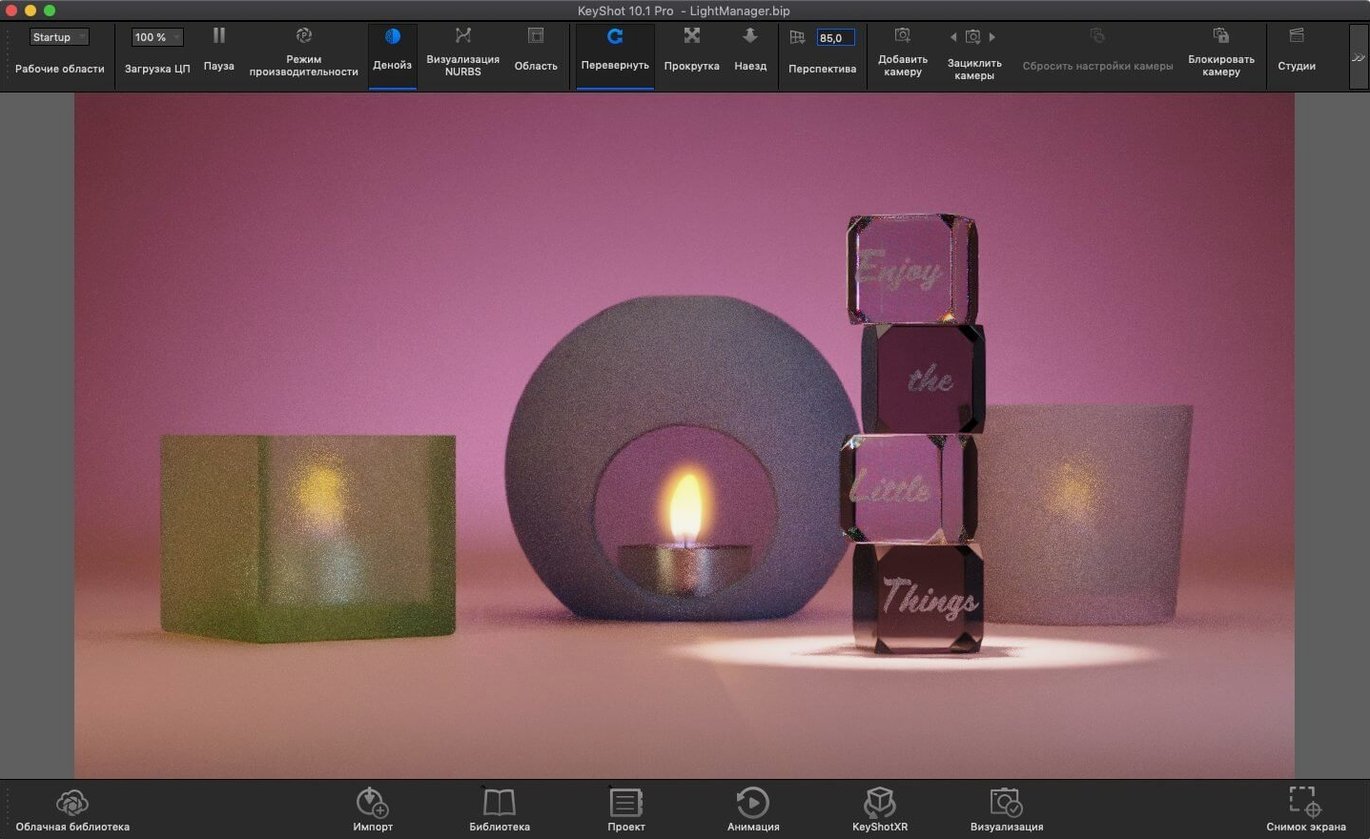
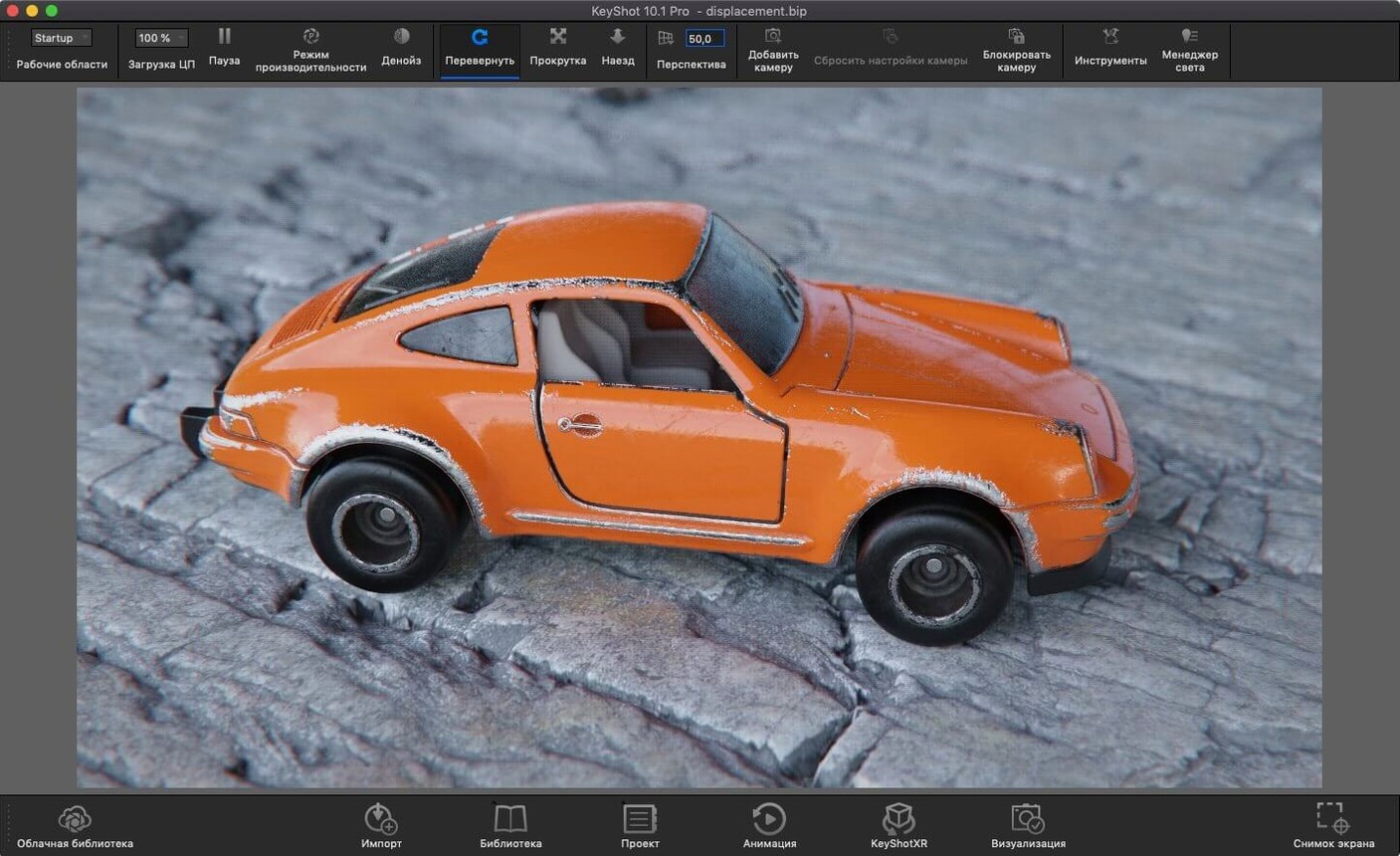
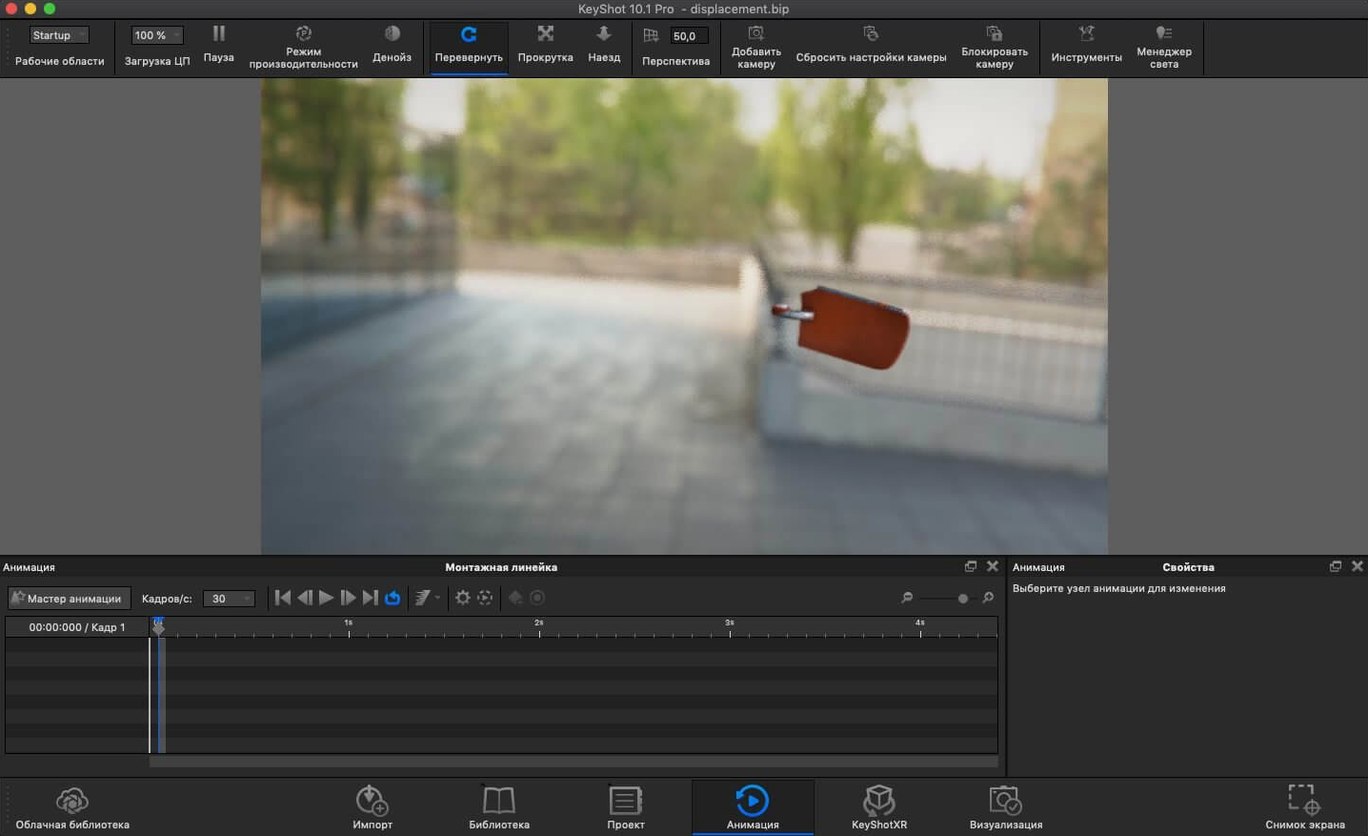
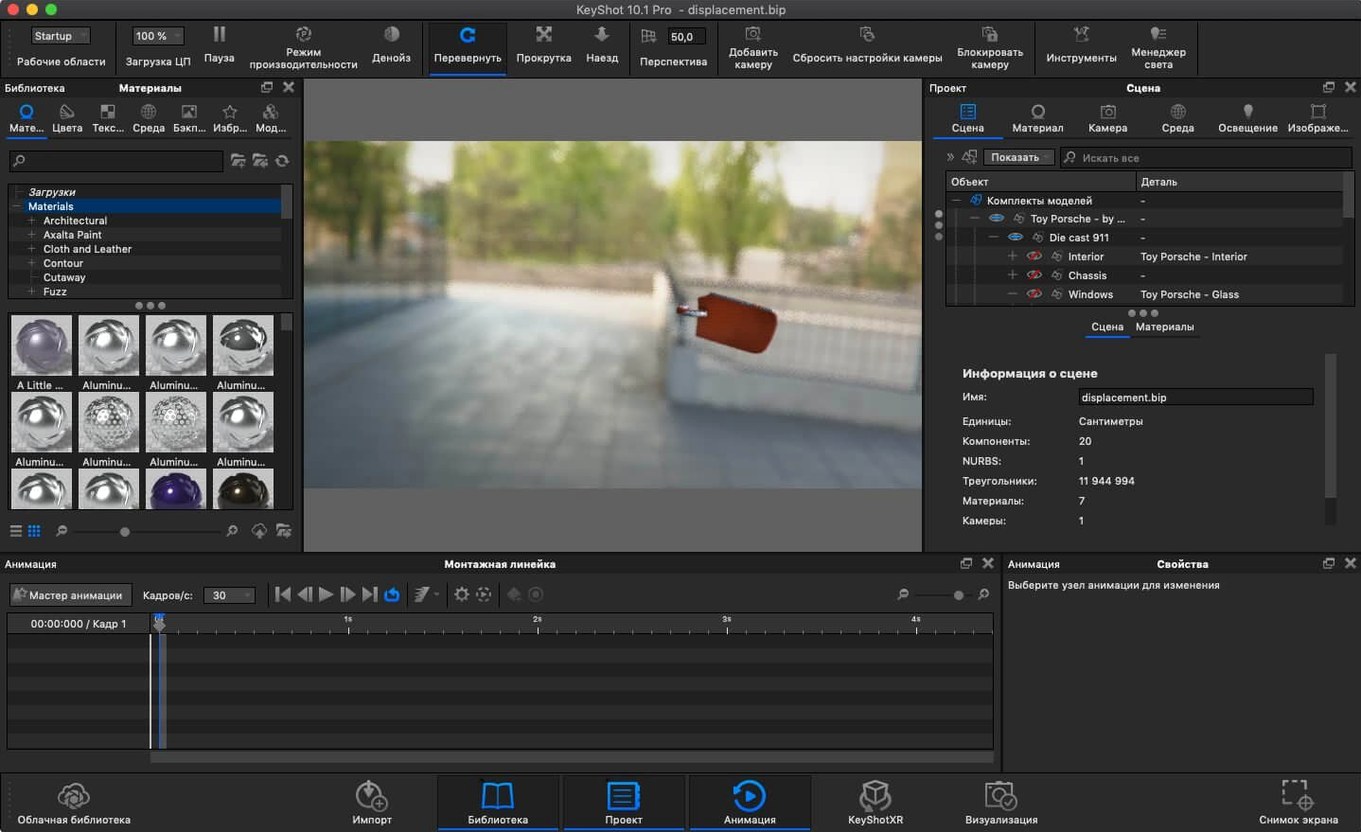
KeyShot 2025.1 doesn't shout about its update — it hands power users a few quieter, deeply practical additions. A new Light Tool makes placing Physical Lights feel direct and immediate, while USDz and GLB export options open the door to augmented reality previews without leaving the scene. Underneath, the Re-tessellate Tool joins the Scripting API, which will matter to anyone automating complex geometry pipelines.
How does the new Light Tool change lighting setups?
It pulls Physical Light placement out of menus and into the viewport itself. You click to position, drag to aim, and see the result in the real-time ray-traced view. For architectural or product shots where precise light falloff matters, it cuts out the back-and-forth guesswork.
What do the new export formats unlock?
USDz and GLB export mean a KeyShot scene can become a shareable AR object in a couple of clicks. Universal Scene Description support also eases handoff to studios using USD-based pipelines — your materials and hierarchy travel with the file.
Is the Scripting API update a big deal?
For the right user, absolutely. Exposing the Re-tessellate Tool to scripts lets technical artists rebuild mesh detail procedurally — useful when you're batch-processing CAD imports that arrived lighter than you'd like.
Where KeyShot fits in a working Mac setup
KeyShot isn't a walled garden. It reads CAD straight from the tools engineers already use — SolidWorks, Fusion, Rhino, Alias — and the plugin system means you can push a model across without an intermediate export step. On a Mac that doubles as a design workstation, I tend to keep the standalone app open alongside a parametric modeller. Make a change in Fusion, hit the KeyShot plugin button, and the updated geometry pops into the same scene, materials intact. That live-link workflow saves more time than any render-speed bump ever could.
On the macOS side, it plays nicely with Quick Look. Rendered stills dropped into Finder get previews instantly, and the new USDz export means you can AirDrop an AR-ready model to an iPhone or iPad and place it on a desk in seconds. No extra converter, no cloud service. If you're deep in an Apple ecosystem, that's the kind of friction removal you notice daily.
For teams, the glTF export quietly matters. It's become the JPEG of 3D on the web — Shopify product pages, Figma plugins, even Apple's own AR Quick Look stack all speak it. A KeyShot scene exported as glTF can travel from a Mac to a marketing site without anyone re-authoring materials.
Dragging a STEP file onto the dock icon
Here's how a typical product-visualization morning unfolds — say you're mocking up a new coffee grinder for a client review.
9:05 — Import and orient. You drag the STEP file straight onto KeyShot's dock icon. The real-time viewport lights up with the default HDRI. You spin the model with a two-finger swipe, find the hero angle, and lock the camera with a bookmark. No render button pressed yet — you're just looking.
9:15 — Materials, roughly. You pull a brushed aluminium preset from the library, drop it on the body. Drag a dark rubber onto the hopper lid. KeyShot's material graph stays hidden because today you don't need it — the presets are close enough. A quick roughness tweak on the aluminium, and the highlights fall more naturally.
9:25 — Lighting with the new Light Tool. The default HDRI is flattering but a bit flat. You hit the hotkey for Add Studio, pick a three-point setup, then grab the new Light Tool. Click to drop a physical area light above-left of the grinder, drag the target to the burr set. The viewport updates as you drag — no test renders. You dial the temperature slightly warmer, watch the metal pick up a golden kiss.
9:40 — Export variants. Three stills rendered to PNG: hero angle, top-down, detail of the adjustment dial. Then you export a USDz and AirDrop it to an iPad on the side table. You walk over, set the grinder on a real countertop through the iPad screen, and snap a screenshot for the client deck. The whole AR detour took under two minutes.
9:50 — Scripting a batch tweak. The client sent over five grinder colourways, each a separate import. You run a short script that applies the Re-tessellate Tool to the hopper geometry across all scenes, bumping the mesh density for close-ups. The script churns while you grab coffee.
Overcranking samples before locking the light balance
New KeyShot users tend to trip on the same few things, especially coming from offline renderers that make you wait for feedback.
Overcranking samples too early. The real-time viewport is good enough to judge composition and light balance. Beginners often jump to Maximum Samples and walk away for ten minutes, only to realise a shadow was in the wrong place. Stay in real-time mode until the scene is ninety percent right, then push the sample count for the final pass.
Ignoring the environment list. KeyShot ships with dozens of HDRIs, and swapping them changes the entire mood faster than any material tweak. Newcomers sometimes spend an hour adjusting individual lights before trying a different environment. Pick the HDRI first — it's the foundation.
Forgetting to lock the camera. There's a particular pain reserved for people who spend twenty minutes framing the perfect shot, then accidentally nudge the trackball. Camera bookmarks are one click. Use them religiously.
Exporting for AR without checking scale. USDz and GLB files carry real-world units. If your CAD model is in millimetres but KeyShot's scene units are set to metres, your AR object will be either a speck or a building. Check the scene unit settings before you export, or the client's iPhone will place a two-centimetre bicycle on their driveway.
Sleeping on the Scripting API. If you're doing repetitive work — batch imports, format conversions, mesh refinement — the console and scripting window are right there. The new Re-tessellate Tool exposure makes it even more useful. You don't need to be a developer; the example scripts get you most of the way.
AR creators exporting high-fidelity models directly
Industrial designers and product visualisation specialists are the obvious fit — they live in the CAD-to-beauty-shot pipeline that KeyShot was built for. But the 2025.1 release broadens that a little.
AR content creators now have a direct path from high-fidelity materials to a USDz file that looks right on Apple hardware. No round-tripping through a second tool to get the metallic reflections correct. That alone makes a keyshot for mac setup compelling for anyone producing 3D product previews for e-commerce.
Technical artists who juggle multiple DCC tools will lean on the Scripting API additions and the expanded format support. USD export, in particular, turns KeyShot into a sensible stop in a VFX or animation pipeline that already speaks Universal Scene Description.
Engineers who present their own work — mechanical, automotive, consumer electronics — often don't want to hand a model to a viz specialist and wait. KeyShot's real-time feedback loop means they can prep a client-ready image in the same afternoon they finalised the CAD. The new Light Tool makes that self-serve workflow noticeably faster.
If you're a hobbyist rendering the occasional 3D print preview, KeyShot is overkill — there are lighter tools for that. But if you're regularly pushing CAD into images, animations, or AR, and you want the renderer to feel like an extension of Finder and Quick Look rather than a separate universe, this is the space where KeyShot on macOS makes the most sense.
Version 2025.1 focuses on precision and pipeline flexibility:
- A new Light Tool for direct viewport placement of Physical Lights.
- A handy new hotkey for Add Studio.
- The Re-tessellate Tool is now accessible via the Scripting API.
- macOS 12 or later
- Runs natively on both Intel and Apple Silicon Macs
Also on readers' docks
Sign in or create an account to leave a comment.
No comments yet. Tell me how it got on with your other devices.
More in CAD & 3D
See all Updated Live Home 3D Pro
5.1.0 CAD & 3D
615 MB
Updated Live Home 3D Pro
5.1.0 CAD & 3D
615 MB
 Marmoset Toolbag
4.02 CAD & 3D
169 MB
Marmoset Toolbag
4.02 CAD & 3D
169 MB
 Marvelous Designer
v2024.2.139 CAD & 3D
1.7 GB
Marvelous Designer
v2024.2.139 CAD & 3D
1.7 GB
 MAXON Cinema
2024.2.0 CAD & 3D
721 MB
MAXON Cinema
2024.2.0 CAD & 3D
721 MB
 Maya
2027.2 CAD & 3D
5.3 GB
Maya
2027.2 CAD & 3D
5.3 GB
 Garden Planner
3.8.86 CAD & 3D
225 MB
Garden Planner
3.8.86 CAD & 3D
225 MB
 CorelCAD
2022.5 Build 22.3.1.4090 CAD & 3D
293 MB
CorelCAD
2022.5 Build 22.3.1.4090 CAD & 3D
293 MB
 Pixologic Zbrush
2026.2.1 CAD & 3D
3.1 GB
Pixologic Zbrush
2026.2.1 CAD & 3D
3.1 GB