









Download Marvelous Designer for macOS
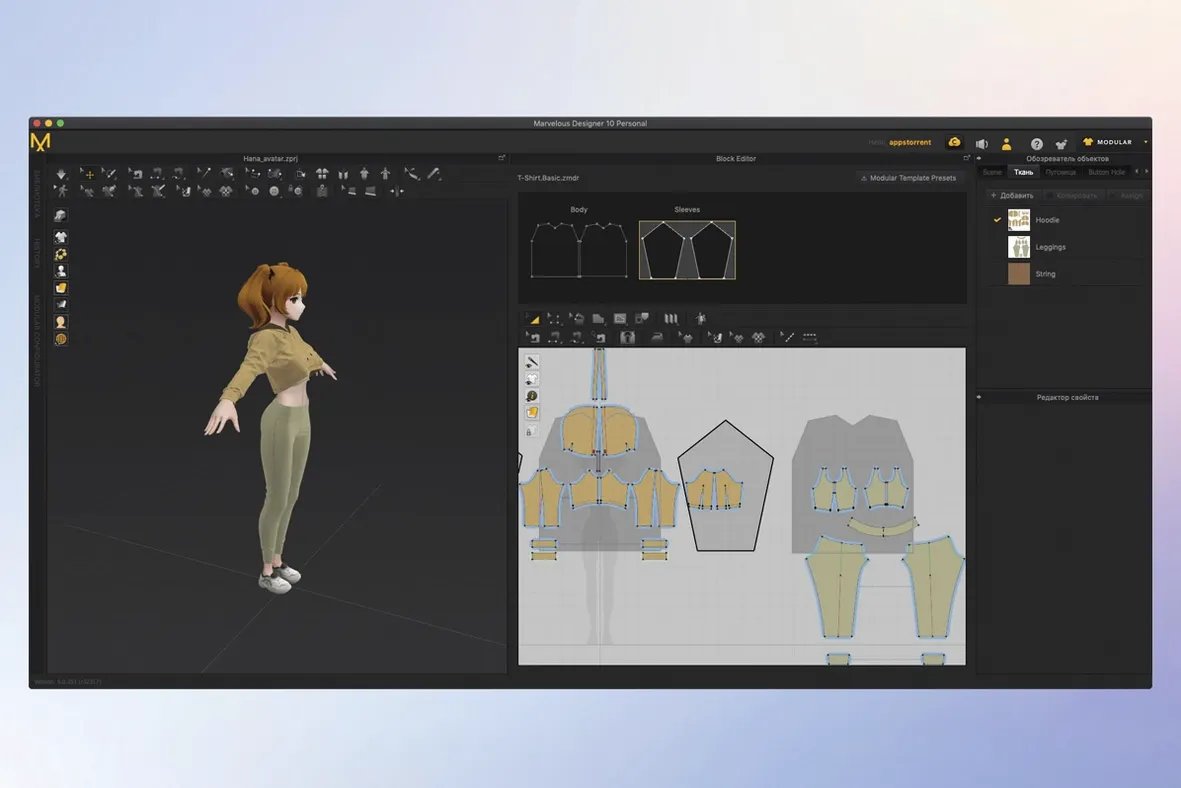
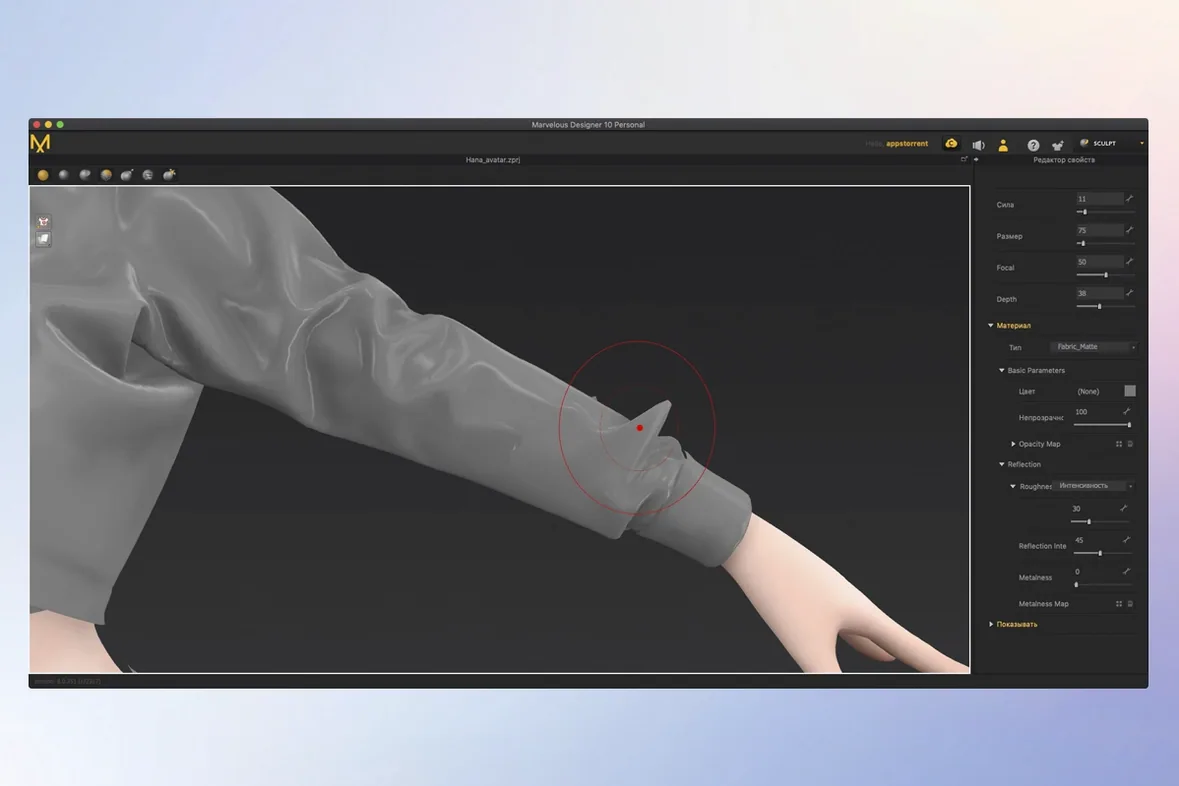
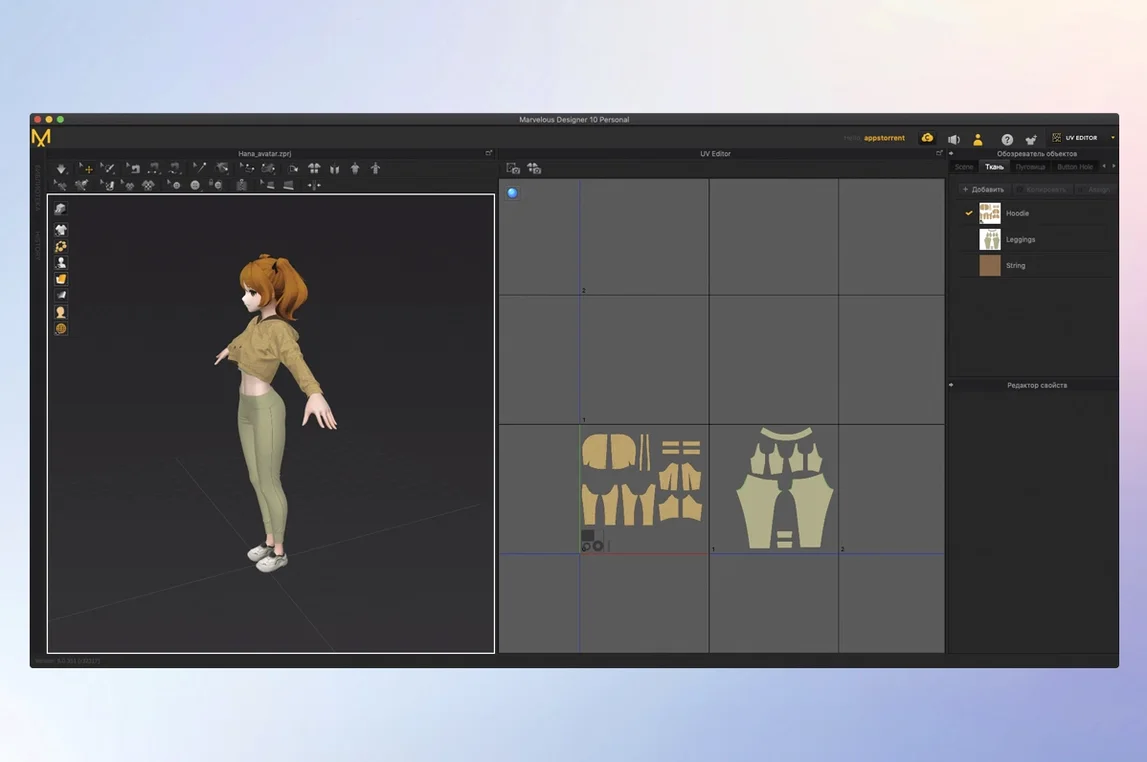
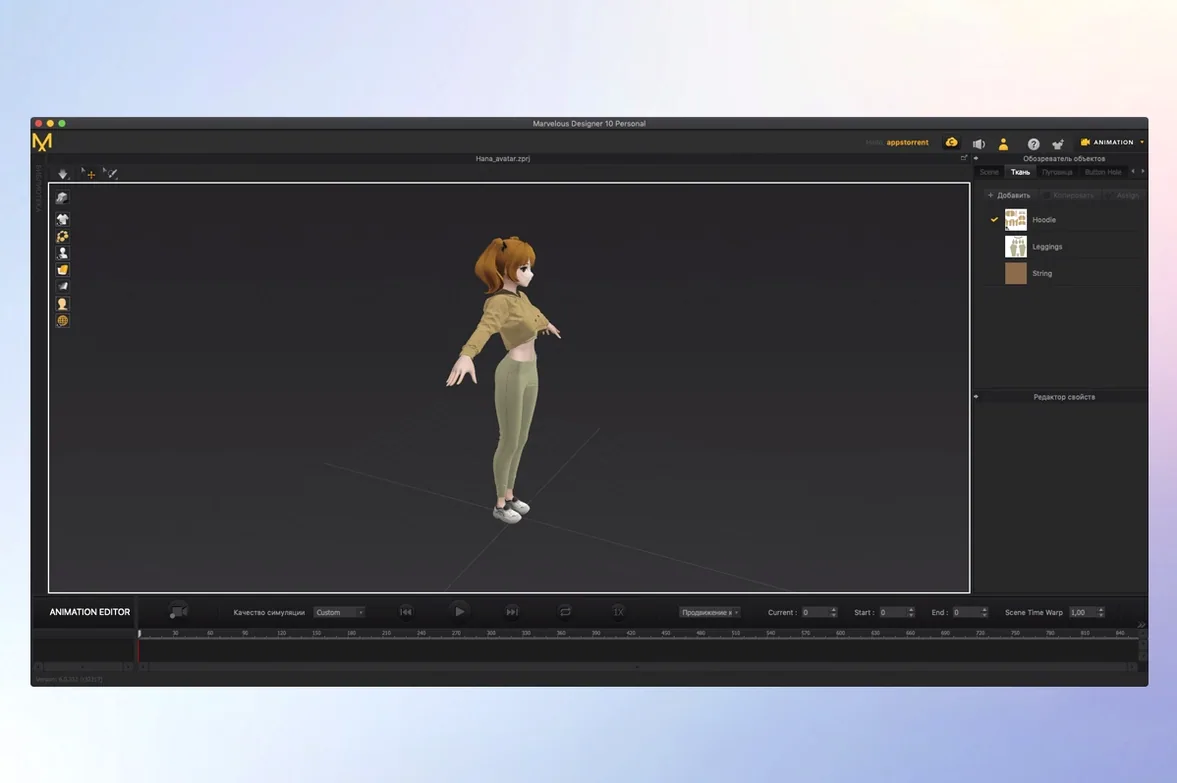
The 3D Pencil in Marvelous Designer 2026.0 feels like sketching with a needle and thread. It's the kind of tool that makes you rethink how a Mac app can bridge the gap between flat pattern drafting and a moving, breathing garment on screen. For someone already bouncing between Blender, ZBrush, or a renderer, the software slots in as the fabric specialist—the place where cloth stops looking like a stiff shell and starts draping with weight.
How does it talk to my other 3D apps?
It imports and exports with Maya, 3ds Max, Modo, ZBrush, and Softimage, so you can send a character in, build its wardrobe, and bring the animated result back out without rebuilding shaders from scratch. The sewing tool gives you control over stitch direction and seam range, which means patterns translate more faithfully from 2D concept to 3D avatar.
Can I reuse clothing across projects?
Yes. You can build a library of reusable garments—anything from simple shirts to detailed uniforms with natural folds—and fit them onto different characters later. That turns a one-off dress into a persistent wardrobe asset, saving hours when you revisit a character or a studio scene.
Simulated Swing and Wrinkle on Walking Characters
The simulation records realistic cloth movement on animated figures, so a walking character's coat swings and wrinkles with momentum, not with keyframed guesswork. It works on Apple Silicon and Intel Macs running macOS 12 or later, which keeps it available across a wide range of setups.
USD and Alembic Support for Studio Interchange
What makes Marvelous Designer click in a multi-app setup is how it leans into the file formats that actually move between studios. USD and Alembic support mean you're not stuck exporting an OBJ and praying the UVs survive. A garment simulated here can land in a Maya layout or a ZBrush sculpting session with its animation cache intact. The polyline and free curve tools feel like vector drawing inside a 3D viewport—you draft a pattern edge, hit sew, and the flat piece pulls itself into shape around the avatar. For anyone who thinks better with a pen than a polygon, that's a quiet revolution.
In practice, I've seen it work best when you treat it as the middle step: rough-in the character in Blender or Modo, bring it here to dress it, simulate the cloth, then export the draped mesh and animation back out for lighting and rendering. The real-time feedback on the 3D garment model means you spot a pulling seam or an unnatural fold before it ever hits a render farm. And because textures and physical properties carry over—how a button tugs at the fabric, how a hem creases—you keep the material story consistent when you hand off the file.
Drawing Pattern Lines Directly onto the Avatar
The shift from polishing existing tools to adding genuinely new workflows has been the theme lately. The 3D Pencil in version 2026.0 turned the viewport into a freeform sketching space where you can draw pattern lines directly onto the avatar—no flat drafting table required. It's faster for prototyping, especially when you're blocking out a costume idea with a director or a client watching over your shoulder. Template-based rigging in EveryWear arrived in the same release, letting you rig a garment once and fit it to multiple body shapes without redoing the whole setup. That alone has made character libraries more practical for indie teams who can't afford a dedicated cloth TD.
The Toon Shader addition is the kind of feature that sounds niche until you remember how many Mac artists are doing stylized or cel-shaded work. It drops a non-photoreal look onto your garment without leaving the app, so you can evaluate a cartoon drape while the simulation runs. That shortens the loop between "does this fold read well?" and "let me export and check in another renderer."
A Costume Designer's Afternoon
Imagine a freelance character artist prepping assets for an animated short. She's modeled the heroine in ZBrush and brought the T-pose into Marvelous Designer via Alembic. The brief calls for a layered fantasy coat with deep folds and a belt that actually cinches the waist. She draws the coat panels with the polyline tool, sets the fabric's physical properties to a heavy wool blend, and hits simulate. The coat drapes over the shoulders with soft but readable folds—not the sticky shrink-wrap you'd get from a basic cloth solver.
She adds the belt as a separate piece, tweaks the sewing lines so it tightens cleanly around the coat, and runs the simulation on a short walk cycle. The belt shifts realistically with the hips; the coat flares just enough. She exports the animated USD cache, drops it into her render scene, and the animation-ready fabric looks like someone actually tailored it. No back-and-forth, no manual sculpting of wrinkles frame by frame. That's the kind of afternoon that makes you forget you're working on a MacBook instead of a multi-machine pipeline—and it's exactly what makes a marvelous designer torrent so tempting to try or why a marvelous designer crack feels like a quick way in. When the tool works this cleanly, the focus stays on the craft, not the setup. Some users hunting for marvelous designer mac compatibility will be relieved to know both Apple Silicon and Intel machines are covered, and a marvelous designer mac crack search often leads to builds that include Russian, Japanese, Korean, and both Chinese scripts right out of the box.
- macOS 12 or later
- Apple Silicon and Intel Macs supported
Also on readers' docks
Sign in or create an account to leave a comment.
No comments yet. Tell me how it got on with your other devices.
More in CAD & 3D
See all Marmoset Toolbag
4.02 CAD & 3D
169 MB
Marmoset Toolbag
4.02 CAD & 3D
169 MB
 MAXON Cinema
2024.2.0 CAD & 3D
721 MB
MAXON Cinema
2024.2.0 CAD & 3D
721 MB
 Maya
2027.2 CAD & 3D
5.3 GB
Maya
2027.2 CAD & 3D
5.3 GB
 Updated Live Home 3D Pro
5.1.0 CAD & 3D
615 MB
Updated Live Home 3D Pro
5.1.0 CAD & 3D
615 MB
 KeyShot
2025.1 CAD & 3D
1.8 GB
KeyShot
2025.1 CAD & 3D
1.8 GB
 Garden Planner
3.8.86 CAD & 3D
225 MB
Garden Planner
3.8.86 CAD & 3D
225 MB
 Pixologic Zbrush
2026.2.1 CAD & 3D
3.1 GB
Pixologic Zbrush
2026.2.1 CAD & 3D
3.1 GB
 Updated Plasticity
26.1.3 CAD & 3D
256 MB
Updated Plasticity
26.1.3 CAD & 3D
256 MB