Download Loop Mash Up Pro for macOS
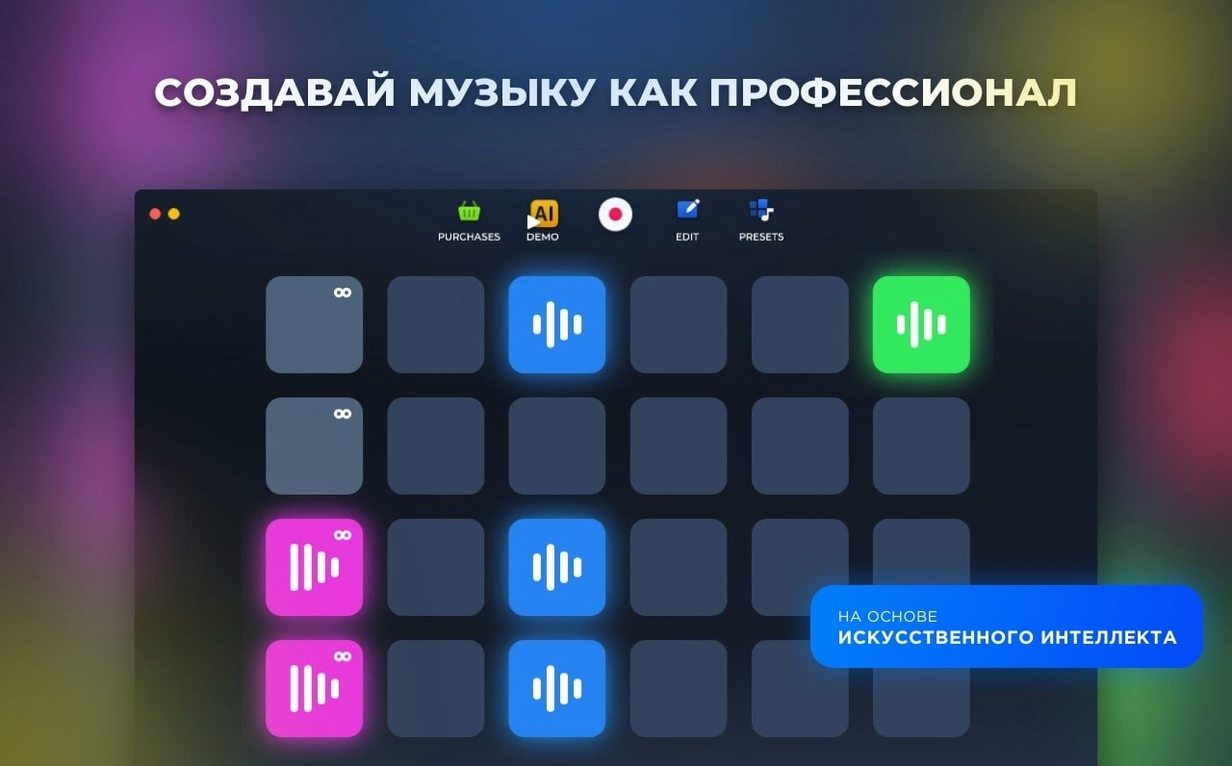
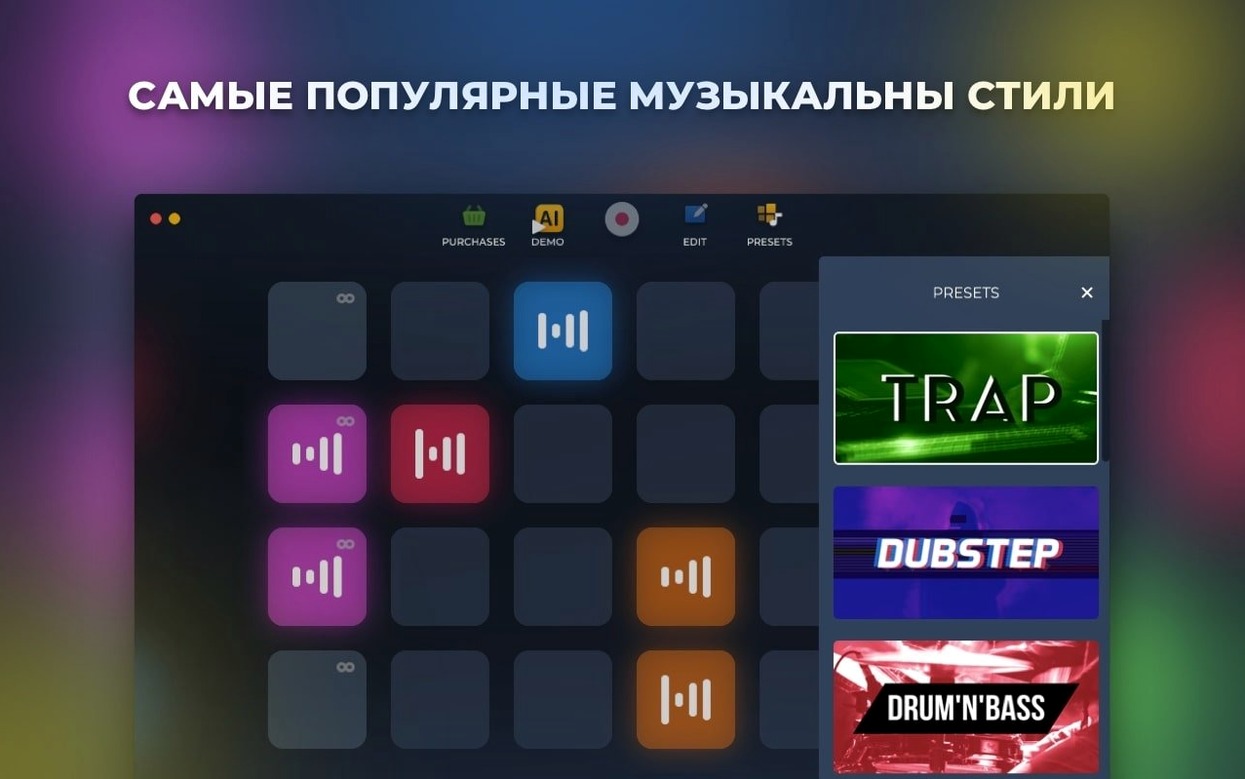
Opening a blank DAW can freeze you up. Loop Mash Up Pro sidesteps that by handing you six ready-to-go electronic styles packed with sounds, so you start by tweaking rather than staring at silence.
Tap a genre to hear loops that already match
- Pick a style and browse. Tap through the six genres—each one loads dozens of loops and one-shots that already fit together.
- Layer three loops. Grab a drum loop, a bassline, and a synth pad from the same style. Drag them onto pads and hit play to hear an instant arrangement.
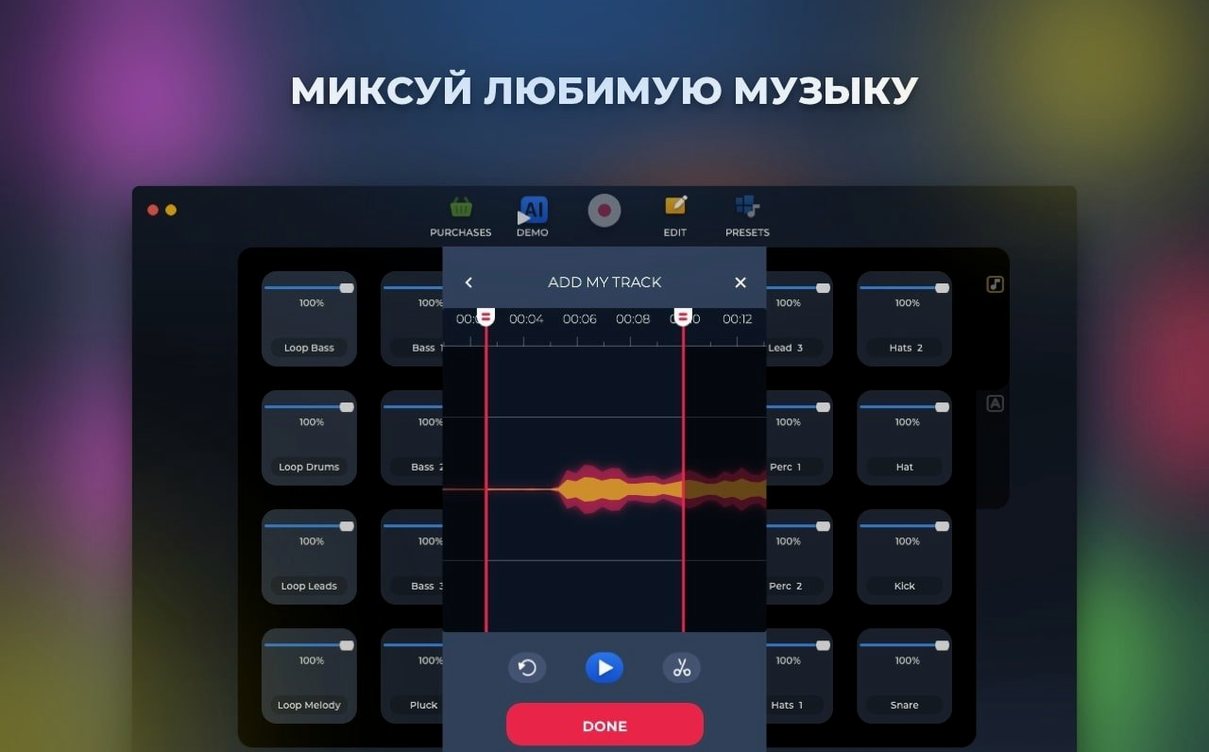
- Chop a sample. Load a vocal or melody snippet, set slice points, and trigger different chunks from your keyboard. The sampler turns a single file into a playable instrument.
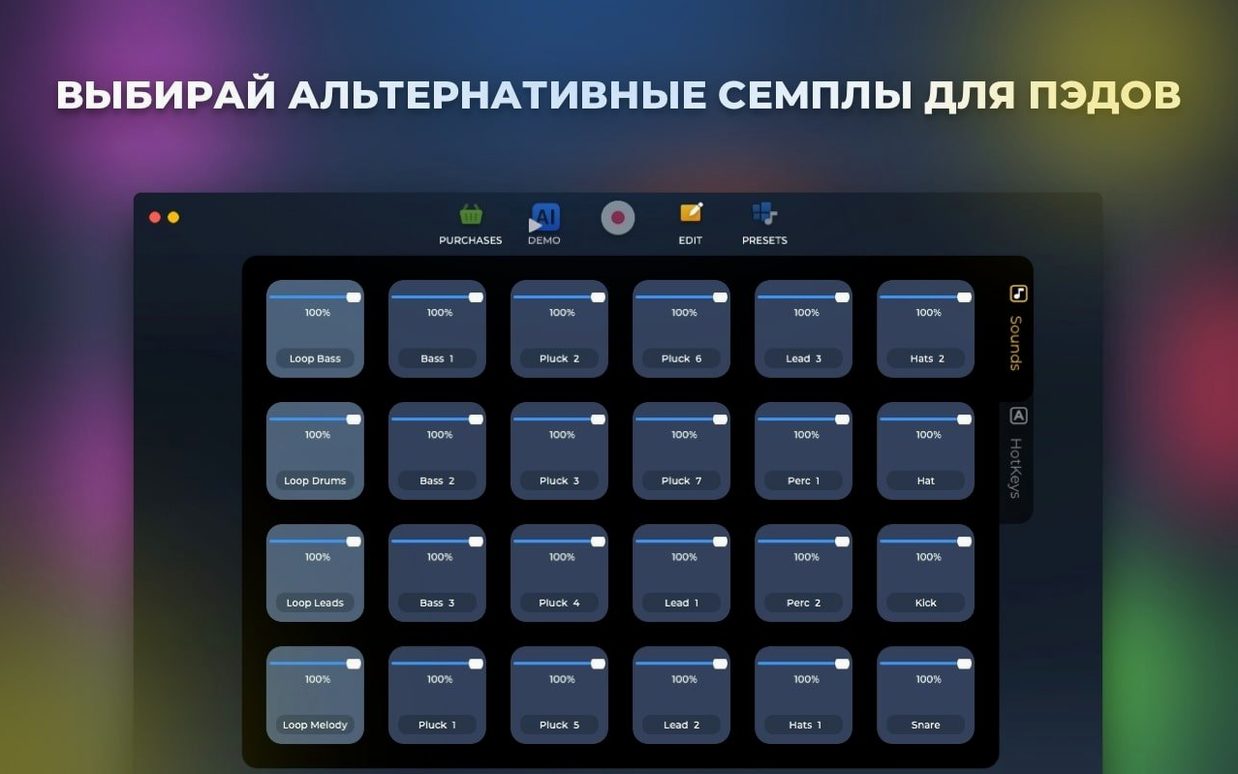
- Swap a preset. A loop not quite right? Hold a pad and flick through alternative sounds without stopping playback—quick way to reshape a groove.
A 10-minute beat sketchpad, not a mixing desk
Loop Mash Up Pro feels like a sketchpad for electronic ideas. It won't replace a full DAW for mixing and mastering, but it's brilliant when you want to throw down a beat in ten minutes. The six built-in styles cover house, techno, and downtempo territory, and the preset library is deep enough that you won't run out of combinations quickly. For beatmakers who'd rather start with something that already sounds good, it cuts through the blank-page problem nicely.
Drag your recorded session straight into Logic Pro
Loop Mash Up Pro plays nicely with the rest of your Mac toolkit once you know where the handoff points are. Record a live session inside the app, then drag the saved audio file straight into GarageBand or Logic Pro for arrangement and mixing. I keep a folder in Finder's sidebar that holds my exported loops, and dragging a freshly recorded stem into a DAW timeline takes about two seconds.
The app respects standard macOS audio routing too. If you use BlackHole or Loopback, you can pipe Loop Mash Up Pro's output into another recording app without leaving the digital domain—handy for capturing improvised sets where you're flipping through pads and triggering samples live. And because everything saves as regular audio files, Spotlight finds your exported tracks by name right from the desktop.
Lower the buffer for snappier pad response
- Buffer size. Open the audio preferences and nudge the buffer down if you're tapping pads live—lower latency makes finger-drumming feel snappier. Raise it back up when you're layering a dozen loops to avoid crackles on older Intel machines.
- Default save location. The app starts you in a generic Music folder. Point it somewhere you actually keep your projects so you're not hunting through Finder later.
- Metronome level. The click is loud out of the box. Drop it to about 30% unless you really need hammering eighth-note ticks while you build.
- Auto-quantize strength. If your live recordings feel stiff, dial the quantize percentage back to 60–70%. Enough correction to keep things tight, enough looseness to keep things human.
Option-drag to copy a loop to another pad instantly
A few things I stumbled into that made the app click faster:
- Hold Option while dragging a loop to copy it to another pad instantly. Great for building variations of a hi-hat pattern across four pads without reloading the sound each time.
- Right-click any pad to reveal a menu with slice controls, pitch shifting, and reverse playback. The reverse toggle is buried there and it's brilliant on percussion and vocal chops.
- Hotkey assignments stick per style. Map your favorite kick to the same key across all six genres and muscle memory does the rest when you're flipping between house and downtempo sets.
- Spacebar starts and stops playback in the main window, but Shift-Spacebar triggers recording without needing to click the transport bar—keeps your hands on the keyboard during live sessions.
- The AI track generator works best as a brainstorming partner rather than a final product. Use it to spit out a structure, then swap in your own loop choices pad by pad. Sometimes the algorithm picks a bassline you'd never have tried, and that alone is worth the click.
On a multi-monitor setup, I keep the pad grid fullscreen on one display and Finder open on the other for quick sample drag-and-drop. It's a small thing, but it turns the app into a proper browsing station when you're pulling in outside sounds to mix with the built-in library.
Version 1.2.17 tidies things up with a handful of bug fixes across the app.
- macOS 11 (Big Sur) or later
- Intel 64-bit processor
Questions people ask
Can I import my own samples into Loop Mash Up Pro?
Yes, the app works as a full sampler that lets you load and chop your own audio files alongside the built-in sounds.
Is there an iPad or iPhone version?
No, Loop Mash Up Pro is available on Mac only and runs on Intel machines with macOS 11 or newer.
What music styles does it include?
It ships with six electronic music styles, each offering dozens of loops and presets to build tracks from.
Also on readers' docks
Sign in or create an account to leave a comment.
No comments yet. Tell me how it got on with your other devices.