Download Logic Pro for macOS
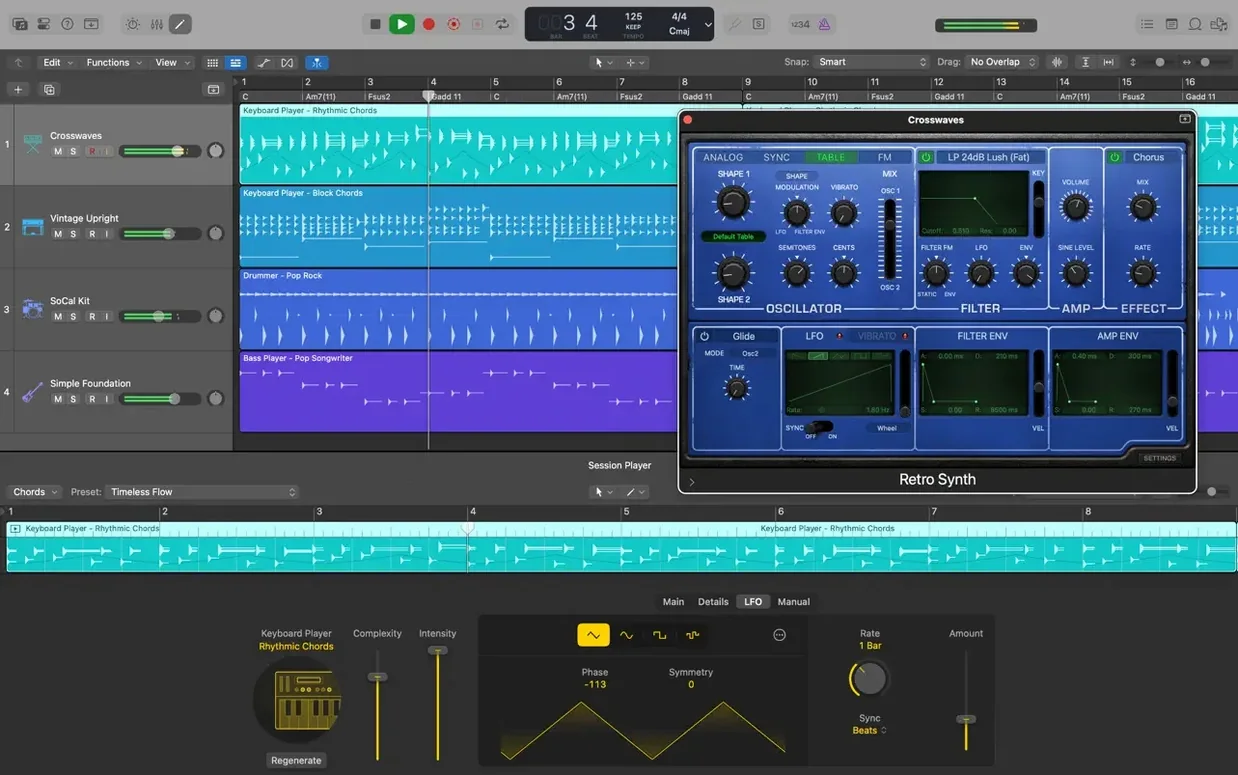
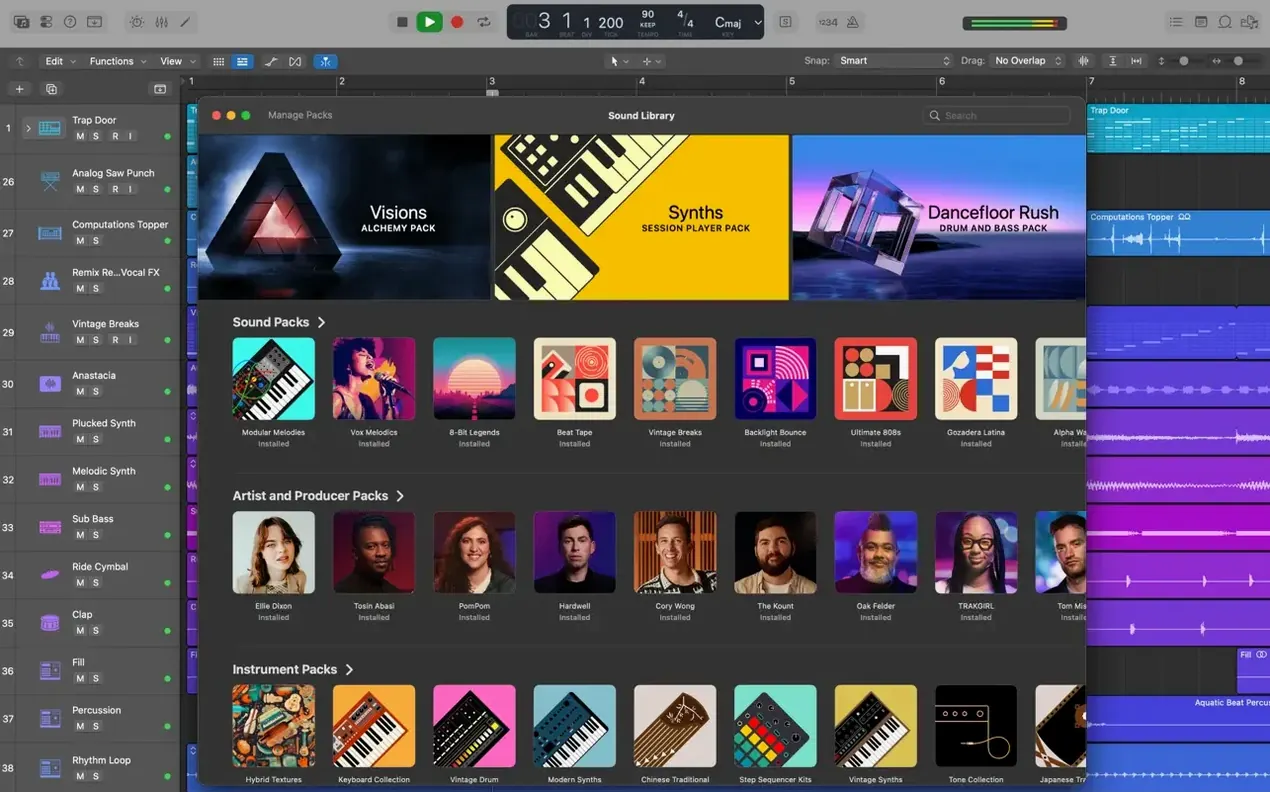
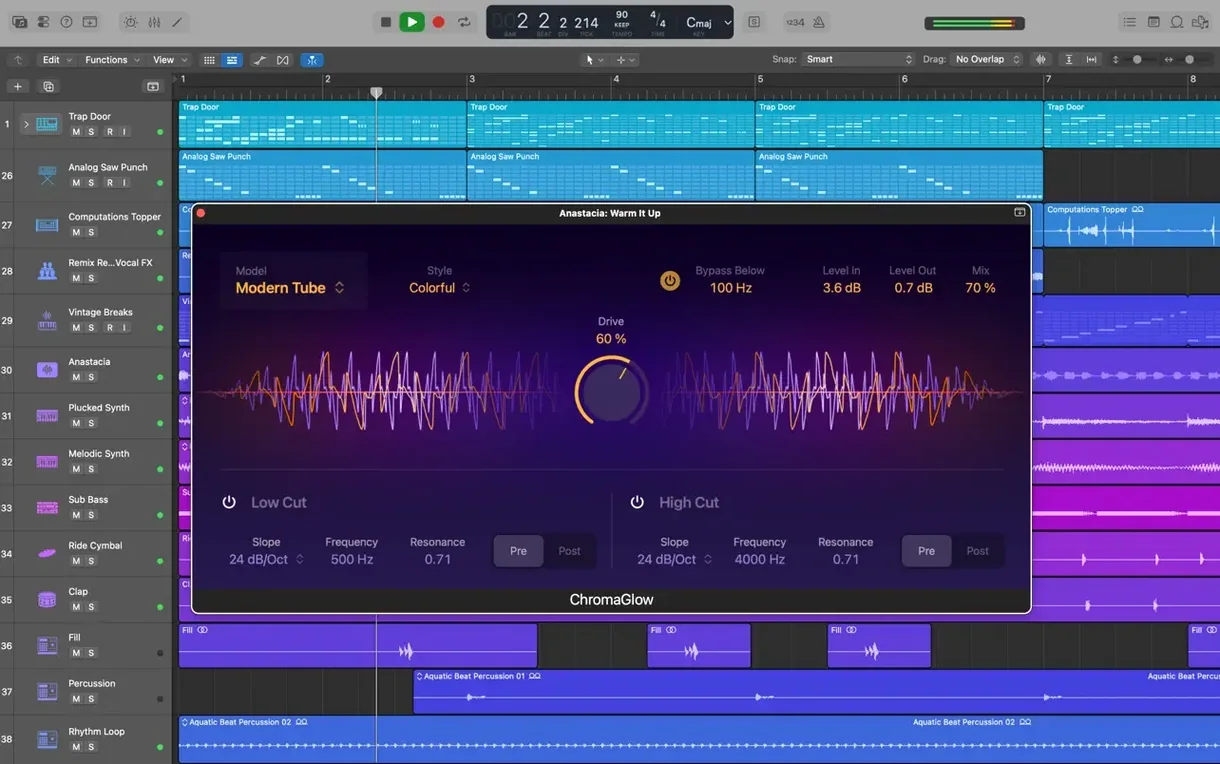
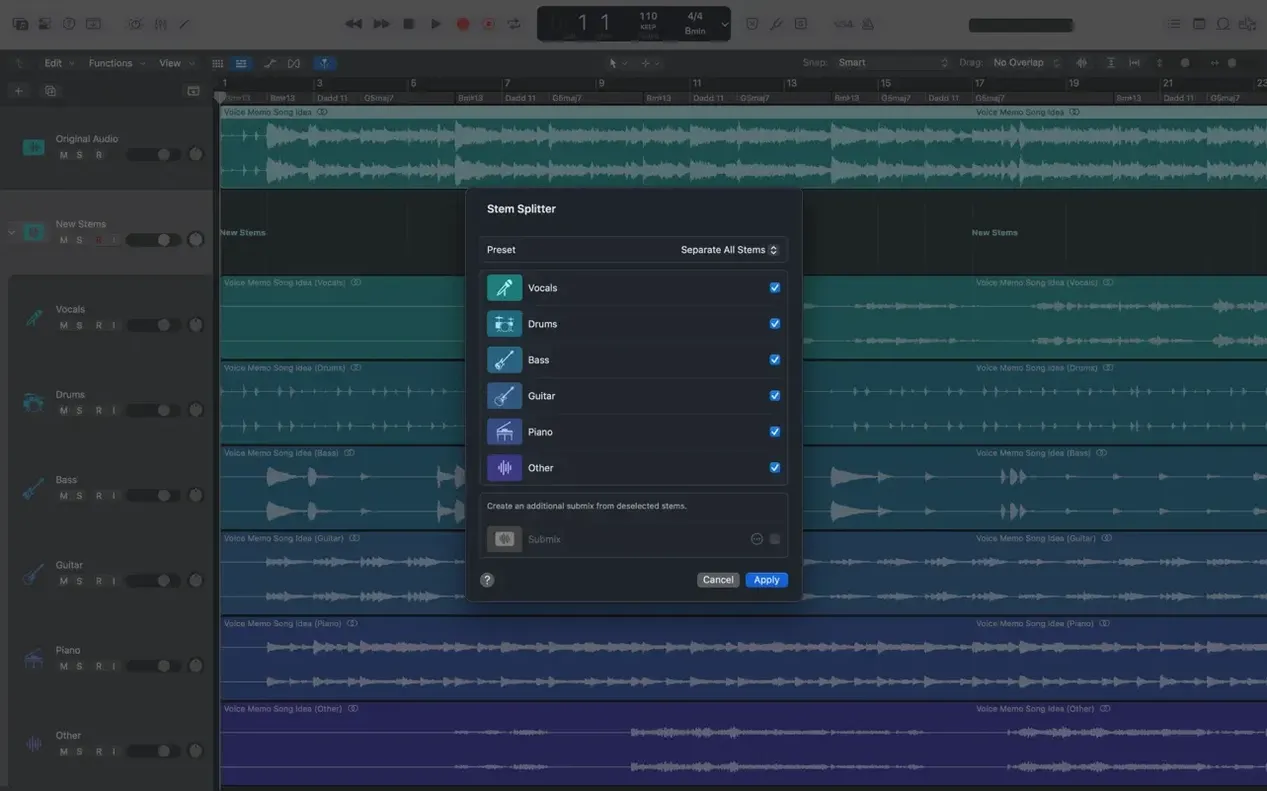
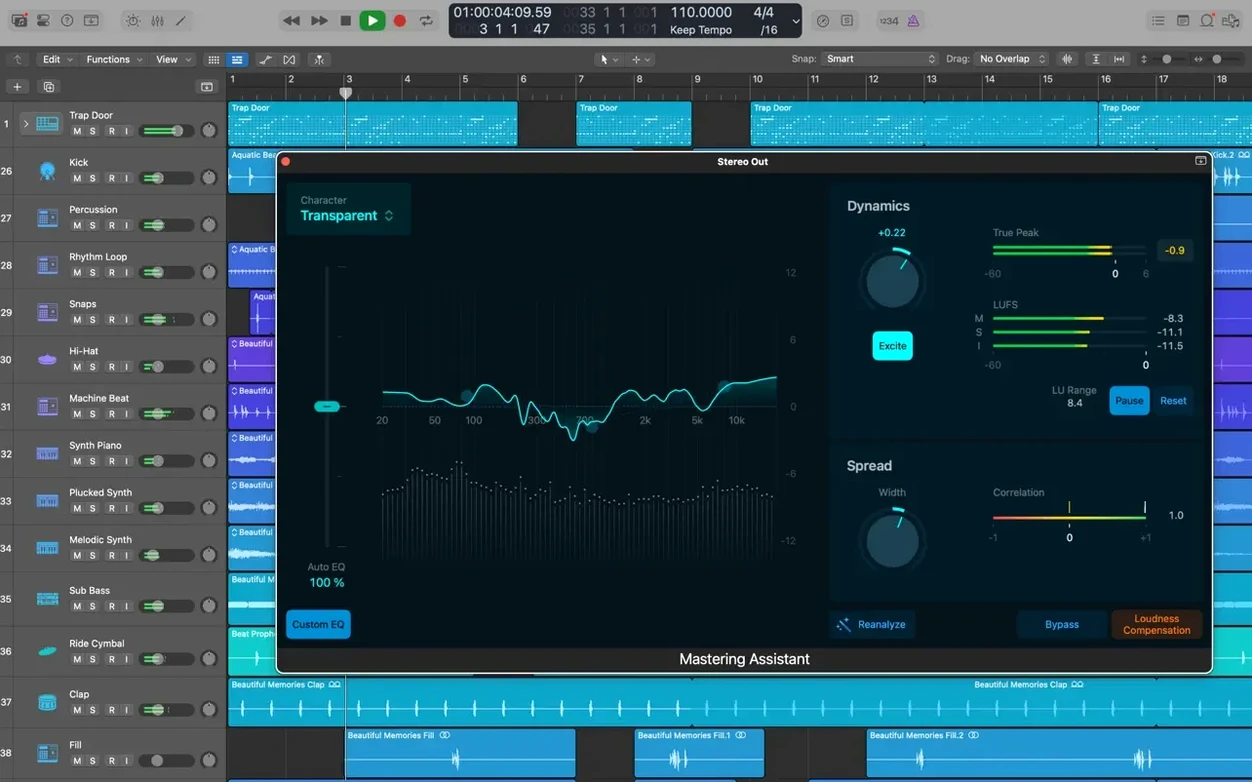
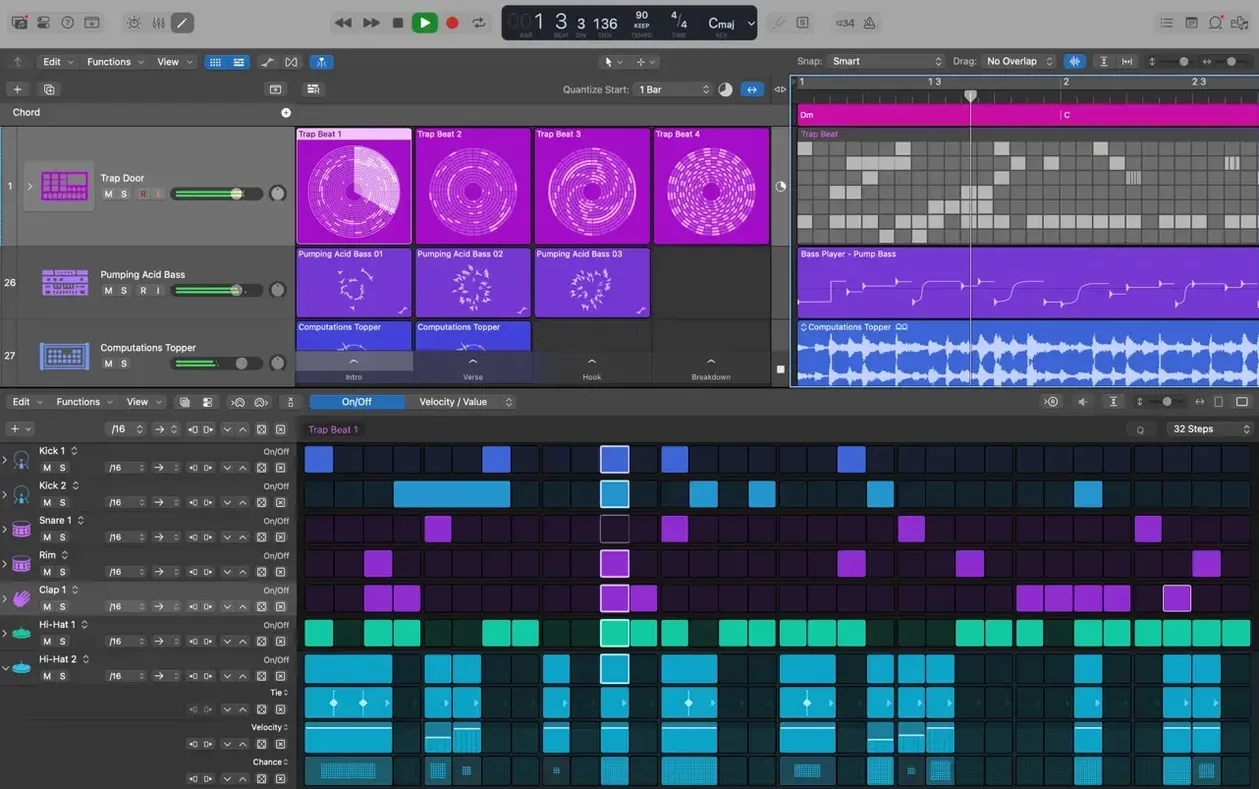
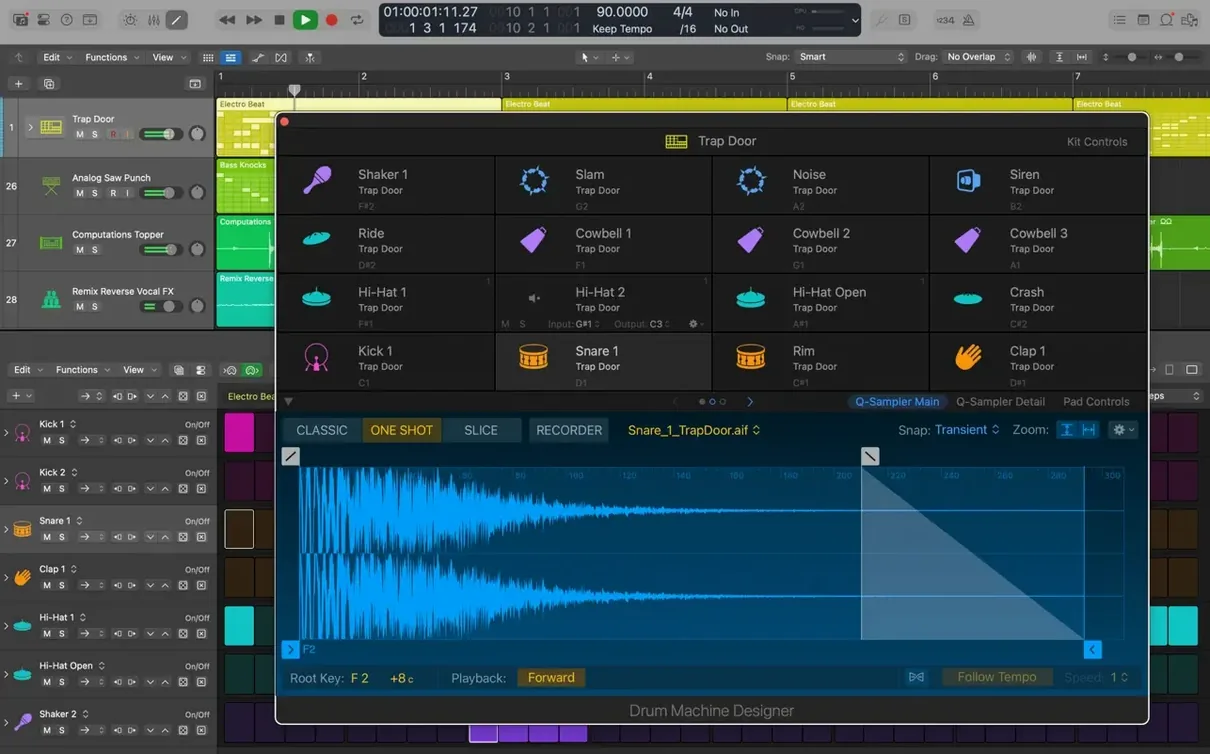
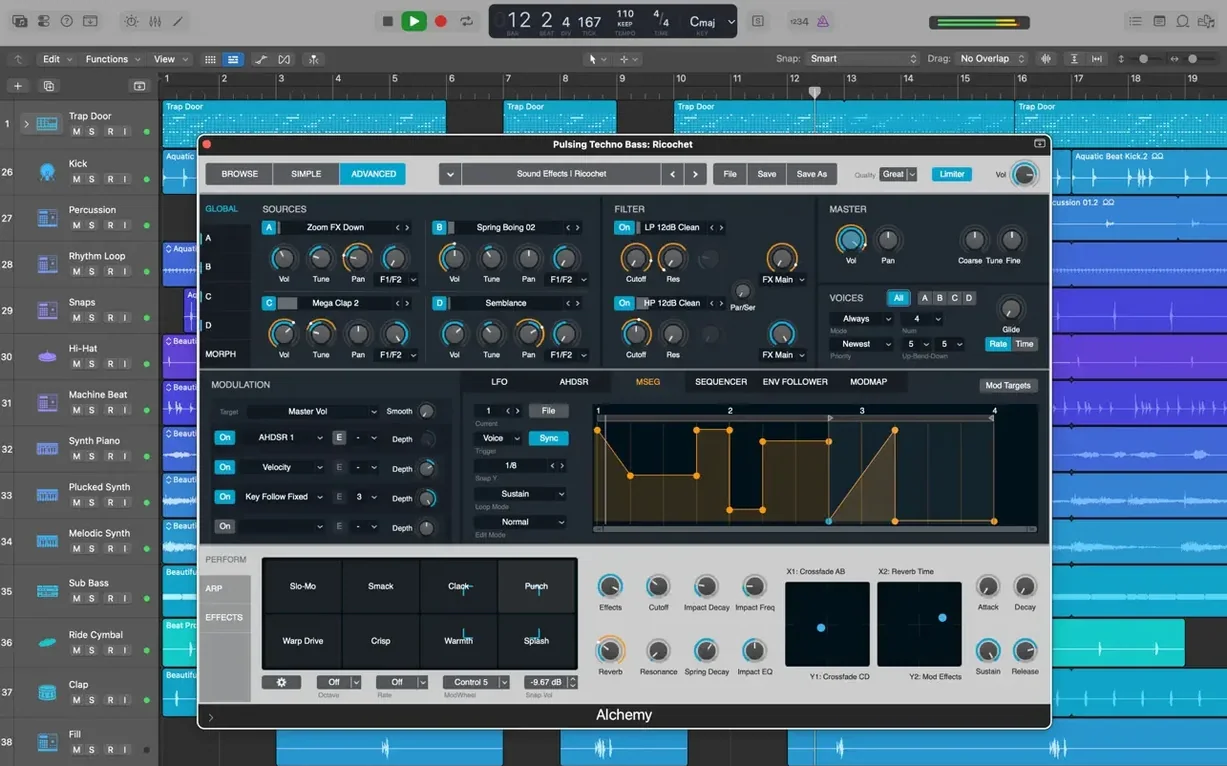
Every Logic project holds up to 1,000 stereo audio tracks, but the real power sits in the tools you reach for once the arrangement is down. These three features reward the time you put into them.
Refining a Vocal with Flex Pitch
Flex Pitch lays every note in a monophonic recording out on a piano-roll grid. You can drag a flat note into tune, nudge a breathy phrase earlier, or pull a whole melody into a different scale—all without leaving the track.
Switching Arrangements with Track Alternatives
Track Alternatives let you store completely different region and edit playlists on a single lane. Flip between a sparse verse idea and a busy cut-up remix to hear which one breathes better, then commit to the winner.
Managing a Complex Plug-in Chain with Smart Controls
Smart Controls map a handful of knobs to parameters spread across multiple plug-ins. A single macro can darken an EQ, push a compressor, and swell a reverb tail at once, so you shape a sound instead of babysitting five windows.
Habits That Slow Beginners Down
Most newcomers open Logic, drop in a software instrument, and immediately reach for the mouse for everything. That works, but it ignores the key-command layer that turns the app from a tape machine into an instrument. Start with R to record, Space to play, and Command-Z to undo—just those three cut the back-and-forth noticeably.
Another early pattern is piling plug-ins onto a track before setting the gain structure. When every channel hovers near zero with three compressors and a limiter fighting for headroom, the mix gets small and choked fast. Pull the faders down, leave plenty of room below the red, and only then start sculpting. The same people often ignore the Low Latency Monitoring Mode button in the toolbar—it is right there, orange, and saves a session when software monitoring turns into a slapback mess.
The third habit is treating the Arrangement track as decoration. Dragging a few arrangement markers—Intro, Verse, Chorus—makes the whole project navigable with a single click, especially once you are forty tracks deep and need to audition a bridge without scrolling around.
Bare-Metal Mac Compatibility Check
A logic pro x free download search usually comes bundled with the same three concerns. First: will it run on an older Mac? Logic 12.3.1 asks for macOS 15.6 or later, so anything from a recent MacBook Air through a Mac Studio qualifies. The app builds Universal binaries, so Apple Silicon and Intel both run it without a Rosetta penalty—though the heavy Alchemy patches and Space Designer impulses absolutely love the extra cores on an M-series chip.
Second: does it open GarageBand projects? Yes, and it brings them in with every region, tempo map, and patch intact. The reverse works too—export a skeleton arrangement to GarageBand on an iPad through iCloud and keep writing while the kettle boils. That round-trip matters more than people expect when they split time between a desk and a couch.
Third: how much disk does it realistically eat? The basic install grabs 6 GB, but the full Sound Library with all 1,000 sampled instruments and 7,000 Apple Loops wants 63 GB. Anyone on a 256 GB MacBook should plan around that—an external SSD with the Library relocated using the Sound Library Manager keeps the internal drive breathing.
Some searches for logic pro mac download come from people wondering about plug-in compatibility. Logic hosts Audio Unit plug-ins only—VST and AAX do not load. The good news is that most major developers ship AU versions, and the format runs well inside Logic's sandbox. If a favorite plug-in only ships as VST, a wrapper can bridge it, but native AU is always smoother.
Buffer Size Swap for Tracking vs. Mixing
Open Logic Pro > Settings > Audio and set the I/O buffer to 128 samples for tracking, then bump it to 512 or 1,024 for mixing. Leaving it at 32 samples while running forty channels of processing guarantees pops and crackles that look like a broken interface but are really just buffer starvation.
In the same pane, enable Software Monitoring only while you are recording through an interface that routes direct monitoring elsewhere. Having it on with a UAD Apollo or similar box creates a phasey double signal that sends beginners chasing cables that are not the problem.
Move to View > Customize Control Bar and Display and pull the Load Meters, CPU/HD meter, and Low Latency Monitoring Mode button into the toolbar. That tiny CPU meter saves you from opening a separate window every time a session groans. While there, switch the secondary ruler to show Time alongside bars and beats—film and video people need it, but even songwriters benefit when tracking a three-minute pop tune.
Under Recording settings, turn on Auto-colorize takes. It paints each take a distinct color, which makes Quick Swipe Comping visually obvious instead of a gray-on-gray guessing game.
Last: head to File > Project Settings > Assets and check Copy audio files into project. Without it, Logic references audio from wherever it sits on the drive, and the project breaks the moment a sample folder gets renamed or moved. A self-contained project folder is worth the extra disk space every time.
Silent Session? Check the Output Device Switch
The most common panic moment is opening a project and hearing no sound. Nine times out of ten, the output device in Settings > Audio has switched itself to the MacBook speakers while an interface is plugged in, or to a Bluetooth headphone that disconnected three days ago. Check the output routing before touching anything else.
Flex Pitch sometimes refuses to engage on a region—the menu item stays grayed out. That happens when the track is polyphonic or the region contains a comp folder instead of a flat audio file. Flatten the comp first with Edit > Bounce and Join, then Flex Pitch wakes up.
Plugin-heavy projects occasionally beachball on launch while Logic validates Audio Units. The fix is launching while holding Control to open the Audio Units Manager without loading the full session, then disabling the one plug-in that updated itself overnight and broke compatibility.
For anyone who arrived after a logic pro 11.2 2 download hunt expecting a different release cycle: Apple moved to Logic Pro 12 with the version 12.x numbering, but projects from Logic 5 onward still open here. The 12.3.1 update specifically fixed a crash when playing MIDI alongside video and restored beat-mapping transient relocation—two bugs that bit people on deadlines, now sorted.
The Drummer track occasionally drifts out of sync when the project tempo map has abrupt changes. Dropping a tempo marker right at the start of each new section and nudging the Drummer region to match usually locks it back in. And when export times balloon on a mix with many Flex Time edits, bouncing the corrected tracks in place before the final export cuts the processing load dramatically.
Version 12.3.1 tidies up a few details that power users will notice right away:
- Beat mapping transients can be relocated again.
- The Score now responds correctly to Staff Style changes made in the Inspector.
- The right edge of a crossfade is draggable and extendable once more.
- Projects with video no longer quit unexpectedly during MIDI playback.
- Performance is smoother when working with tracks that contain a high number of regions.
- macOS 15.6 or later
- 4 GB RAM
- Display with 1280 x 768 resolution or higher
- 64-bit Audio Unit plug-ins required
- 6 GB free disk space for minimum installation
- 63 GB free disk space for the full Sound Library
Questions people ask
Can I start a song on my iPad and open it on my Mac?
Yes, you can add new tracks to a Logic project from iPhone or iPad through iCloud using a GarageBand export, which brings your mobile ideas straight into the Mac arrangement.
Does Logic Pro work with Final Cut Pro for post-production?
It does—Logic supports XML import and export for Final Cut Pro X workflows, letting you shuttle audio stems and project data between the two apps cleanly.
Also on readers' docks
Sign in or create an account to leave a comment.
No comments yet. Tell me how it got on with your other devices.