Download My Metronome - Tempo Keeper for macOS
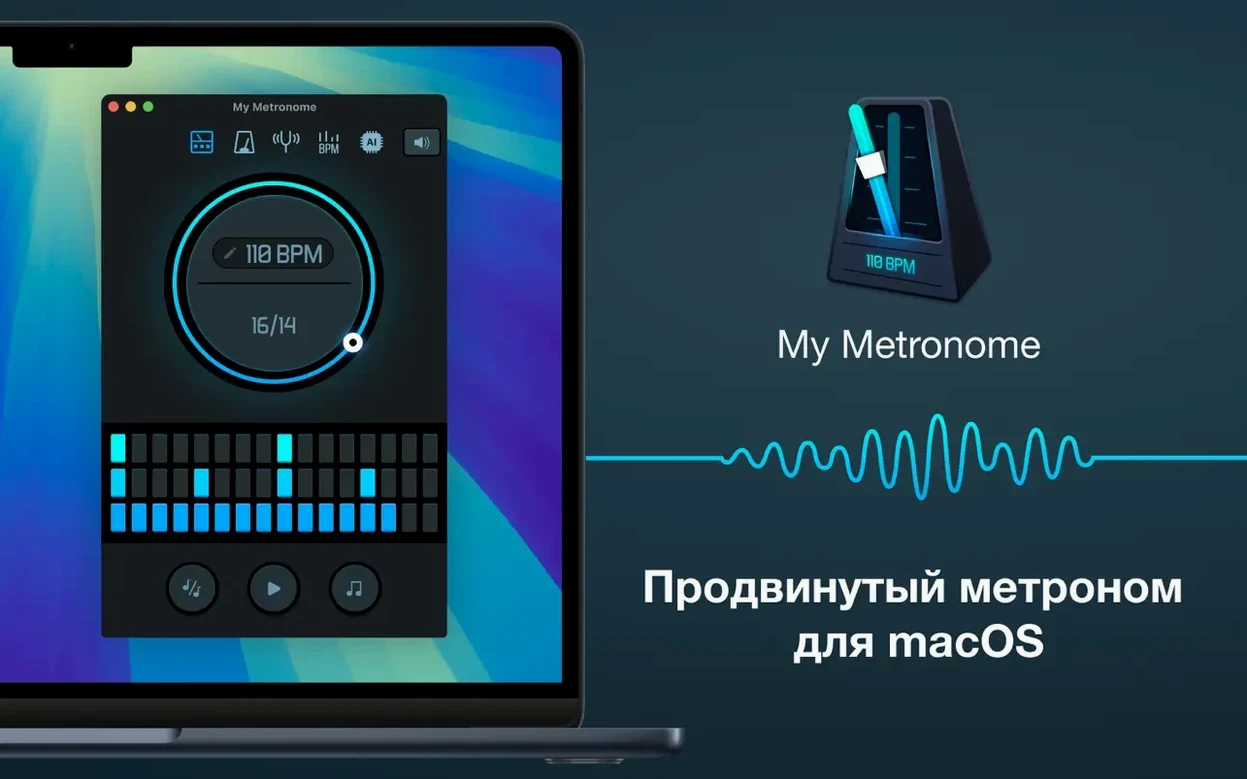
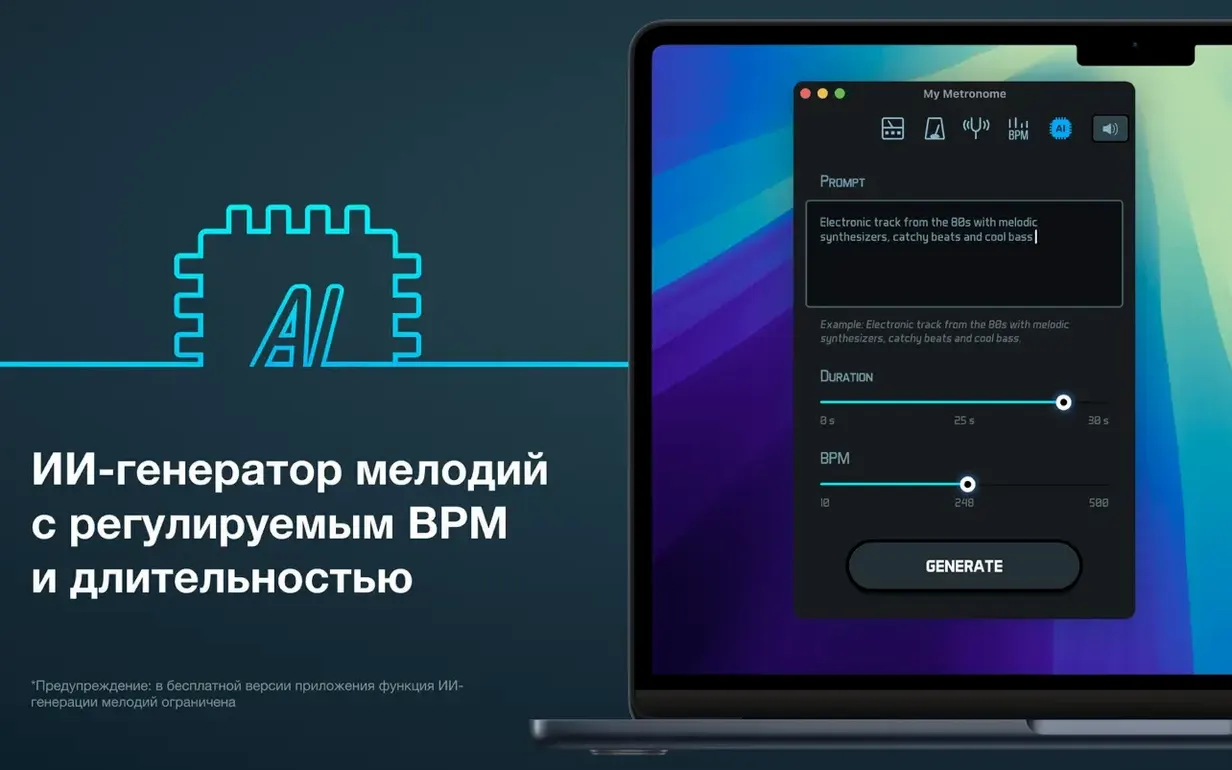
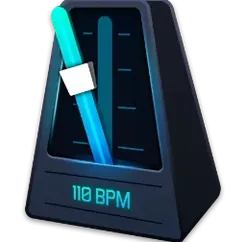
My Metronome – Tempo Keeper is a straightforward practice tool from Groove Vibes that turns your Mac into a flexible beat keeper. Questions about how it handles detection and setup come up a lot before people commit, so here's what to expect.
| Detail | Quick Look |
|---|---|
| Current version | 1.4.8 (MAS build) |
| macOS needed | 11.0 or later |
| Architecture | Intel 64-bit |
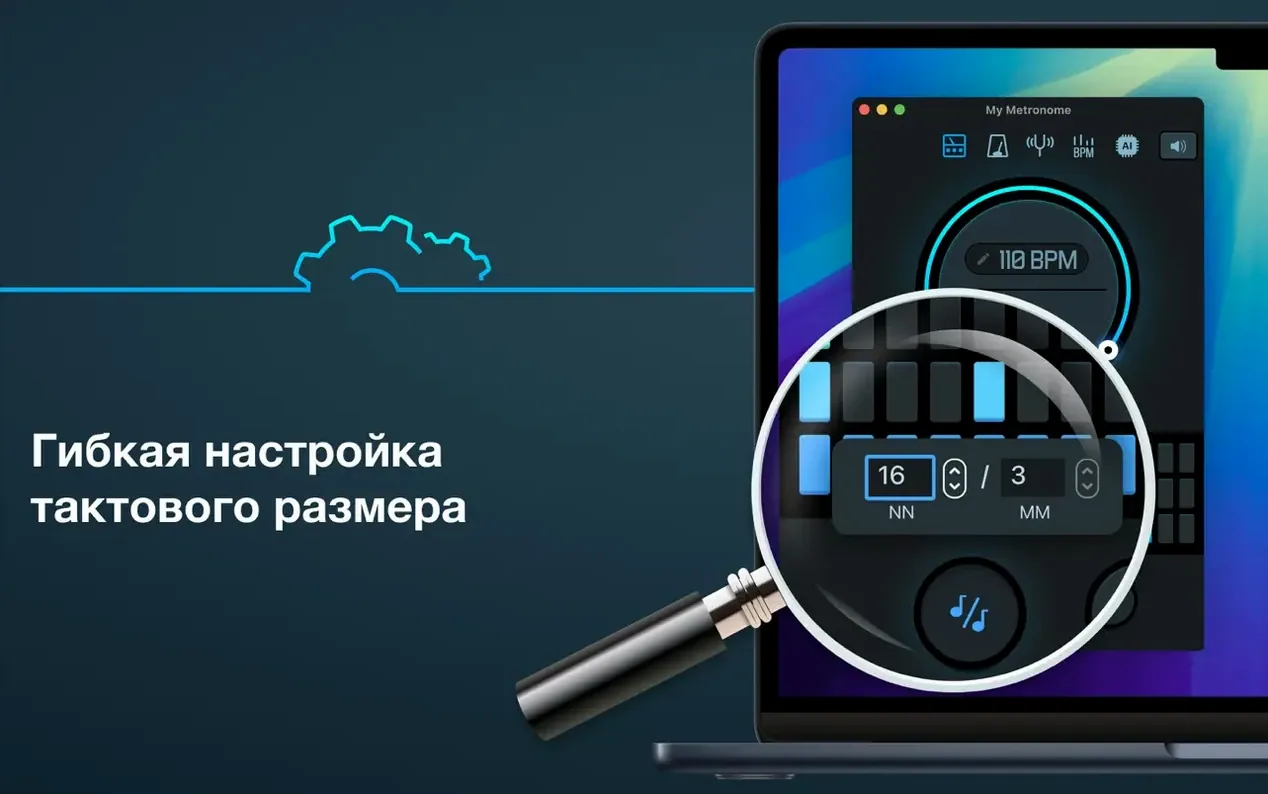
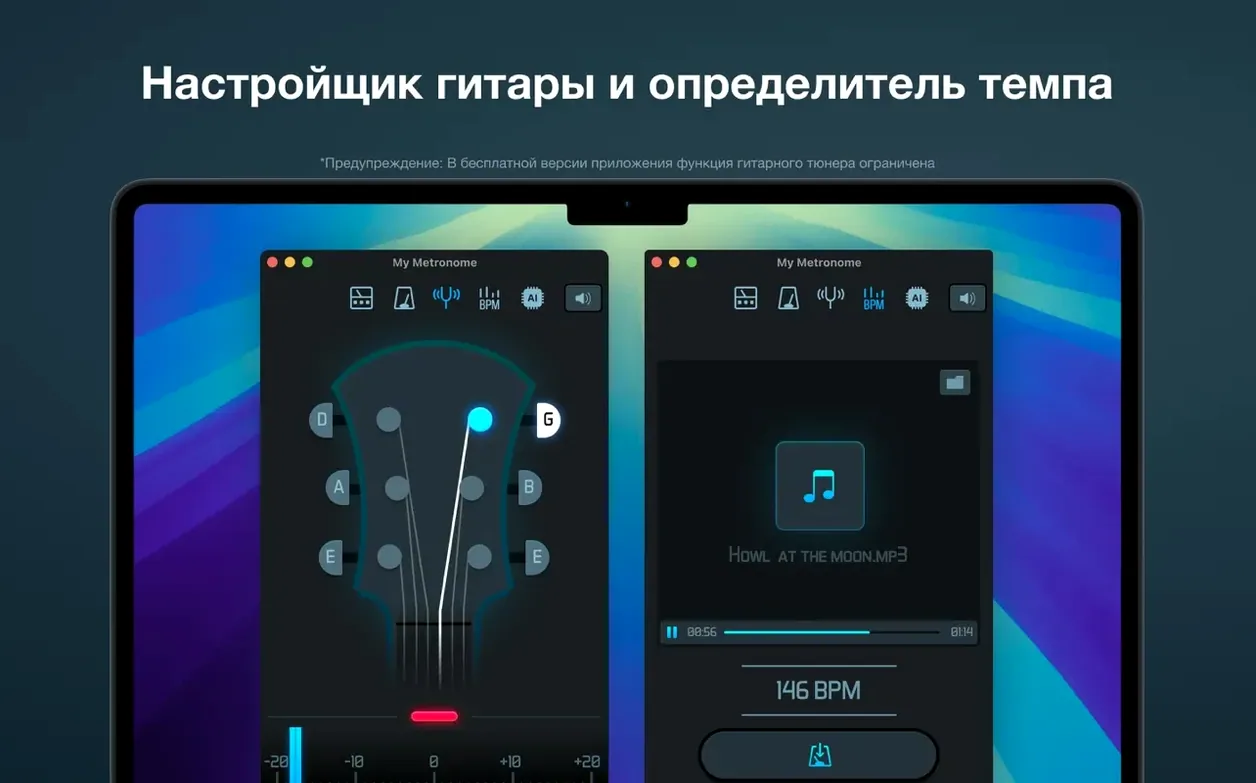
The interface keeps things readable while you play. A built-in BPM detector listens and works out the tempo of a melody, which saves tapping around when you're bringing in a new piece. Time signature settings are flexible too, so you're not stuck in 4/4 if the sheet music says otherwise. The app speaks your language with eleven localizations including English, German, Japanese, and Portuguese. Musicians who want a clean, no-fuss click track will settle in quickly—just know it's built for Intel Macs, and it runs happily on Big Sur and above.
Match the Time Signature to Your Piece First
Out of the box, the app works fine — but a couple of tweaks make practice sessions feel more personal. Head straight to the time signature panel and confirm it matches what you're working on. The default is 4/4, and plenty of guitar exercises use 3/4 or 6/8 without you noticing until the accents feel wrong.
Next, flip between classic and advanced modes and stick with the one that distracts you less. Classic keeps the display minimal — just the pulse. Advanced layers in visual subdivisions and beat numbering, which helps when you're slowing a tricky passage down to 40 BPM and need every sixteenth note to land clearly. If you practice late at night, dial the click sound down in system volume rather than inside the app — the internal slider adjusts output relative to your Mac's master level, and the balance gets loud fast.
Also worth doing: run the BPM detector on a recording you already know the tempo of, just to get a feel for how it responds to attack and silence. It's quick, and once you know what it picks up best, you'll trust it more when pulling tempos from live recordings or YouTube play-alongs.
Accents That Clash in Odd Meters
The most common stumble is ignoring the time signature entirely. Someone loads up a 6/8 folk piece, leaves the metronome in 4/4, and then wonders why the accents fight the melody. The app supports odd meters without fuss — just set it before you start playing.
Another mistake: treating the BPM detector like a magic button. It listens well, but it needs clean input. A room with a humming fridge or a phone buzzing on the desk throws it off. Point your Mac's mic toward the source and give it a bar or two of clear rhythm — muted strumming or half-hearted humming confuses it.
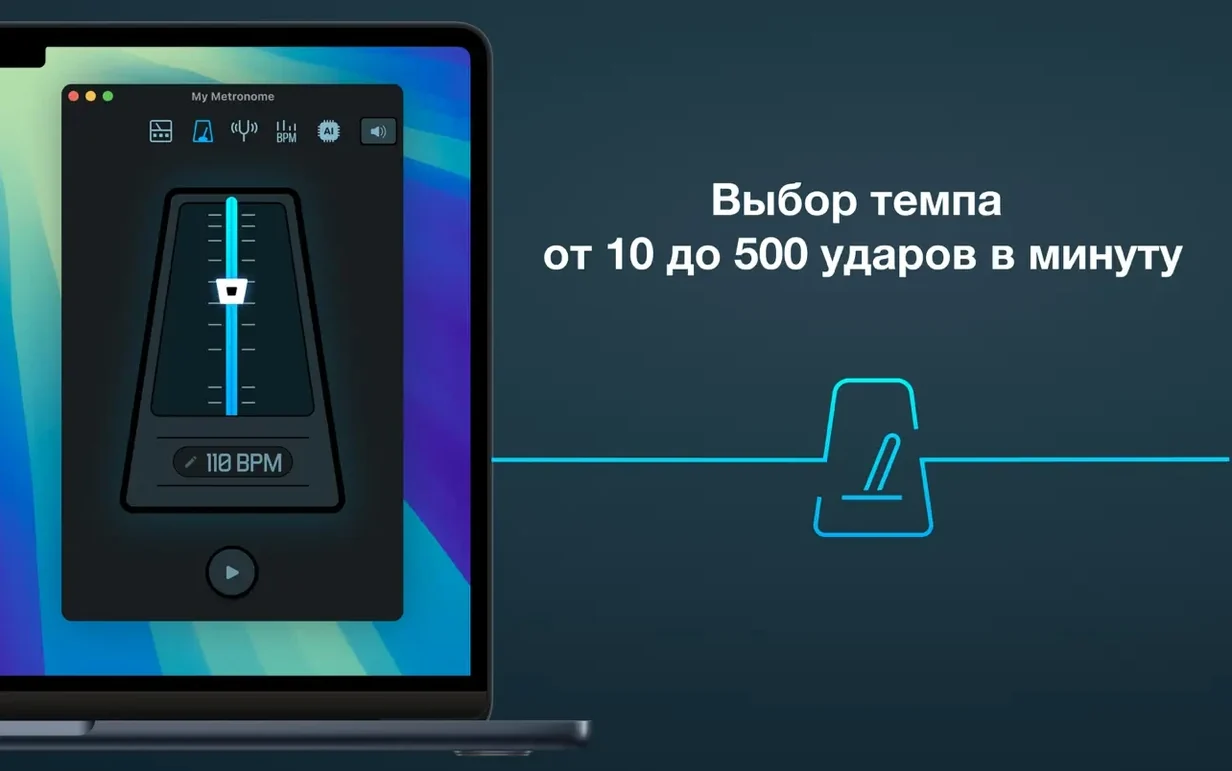
Beginners also tend to practice at one tempo and call it done. The 10–500 BPM range is there for a reason. Start a phrase at half speed, lock in the fingering, then bump up in increments of 4–6 BPM. Jumping straight to performance tempo is how sloppy habits stick. If you're searching for a reliable my metronome - tempo keeper mac download to build that kind of discipline, this one gives you the range to do it properly.
Lastly, don't overlook the guitar tuner tucked alongside the metronome. Tuning by ear before a session and then checking against the app catches drift early — especially on acoustics that move with humidity changes.
- macOS 11.0 or later
- Intel 64-bit processor
Questions people ask
Can My Metronome detect a song's tempo automatically?
Yes, it includes a BPM detector that listens and finds the tempo of a melody so you don't have to tap it out manually.
Does the app support unusual time signatures?
It does—the time signature settings are flexible, letting you set up complex meters beyond the standard 4/4.
What macOS version do I need for version 1.4.8?
You'll need macOS 11.0 (Big Sur) or later, and it runs on Intel 64-bit Macs.
Also on readers' docks
Sign in or create an account to leave a comment.
No comments yet. Tell me how it got on with your other devices.