Download Guitar Pro for macOS
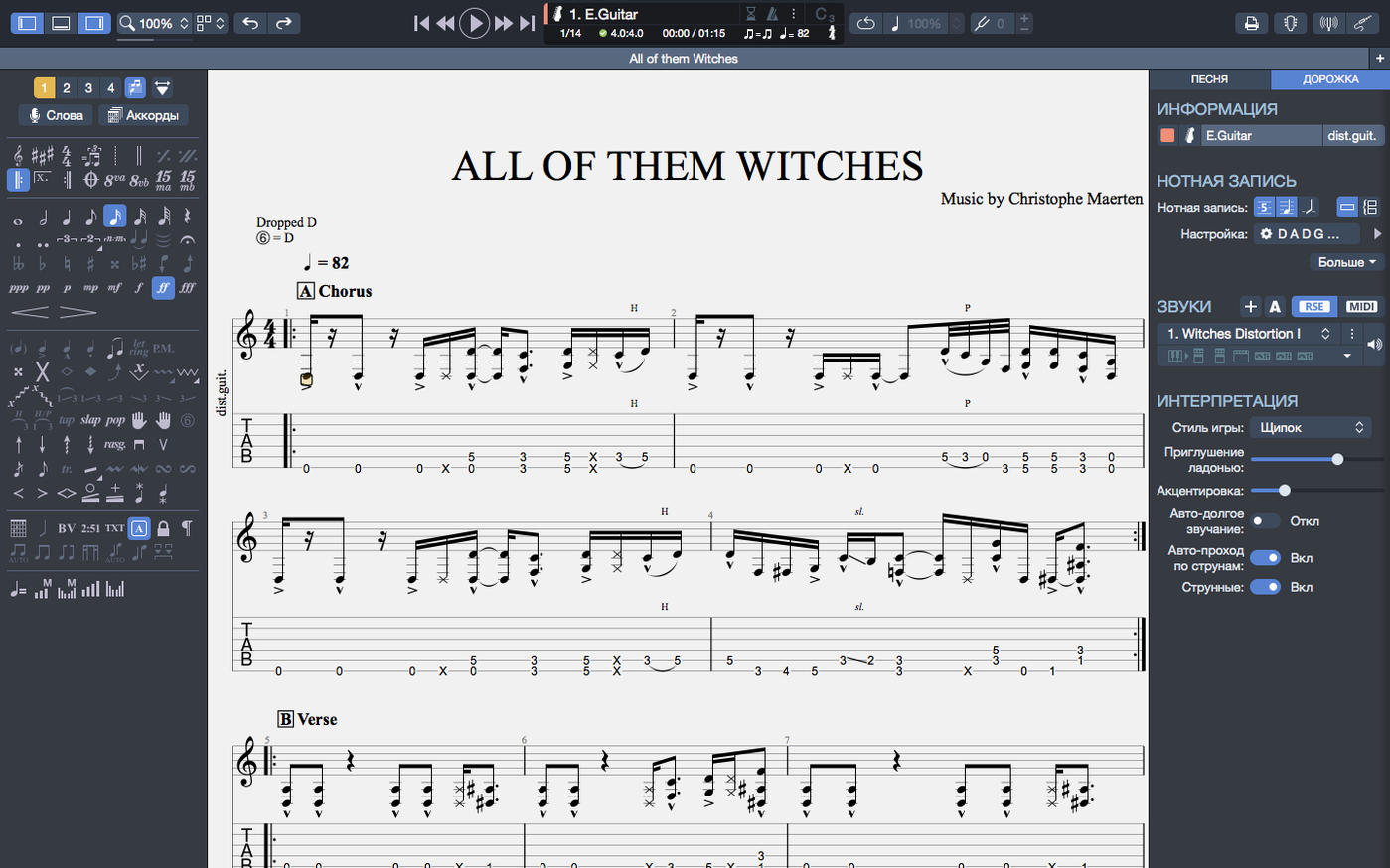
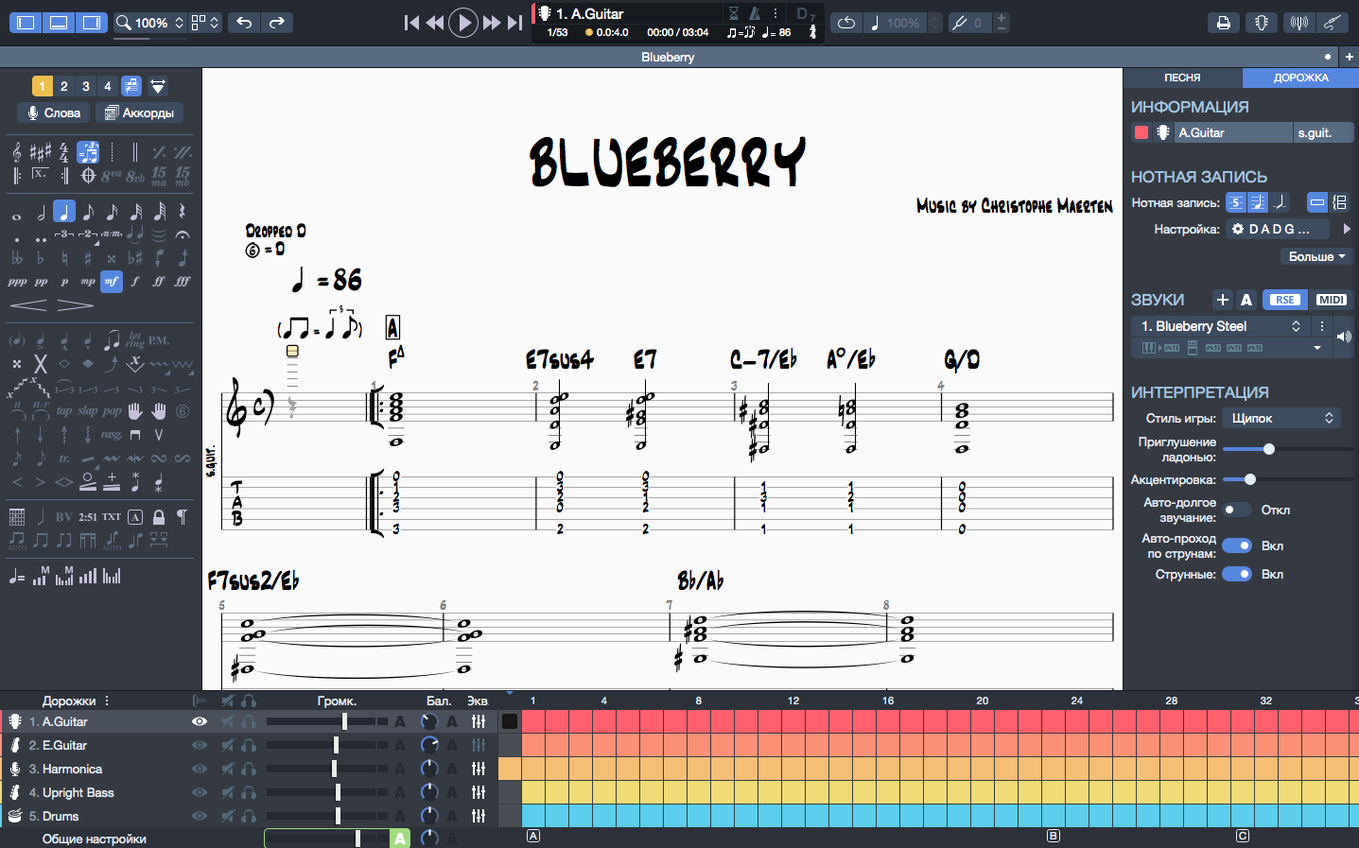
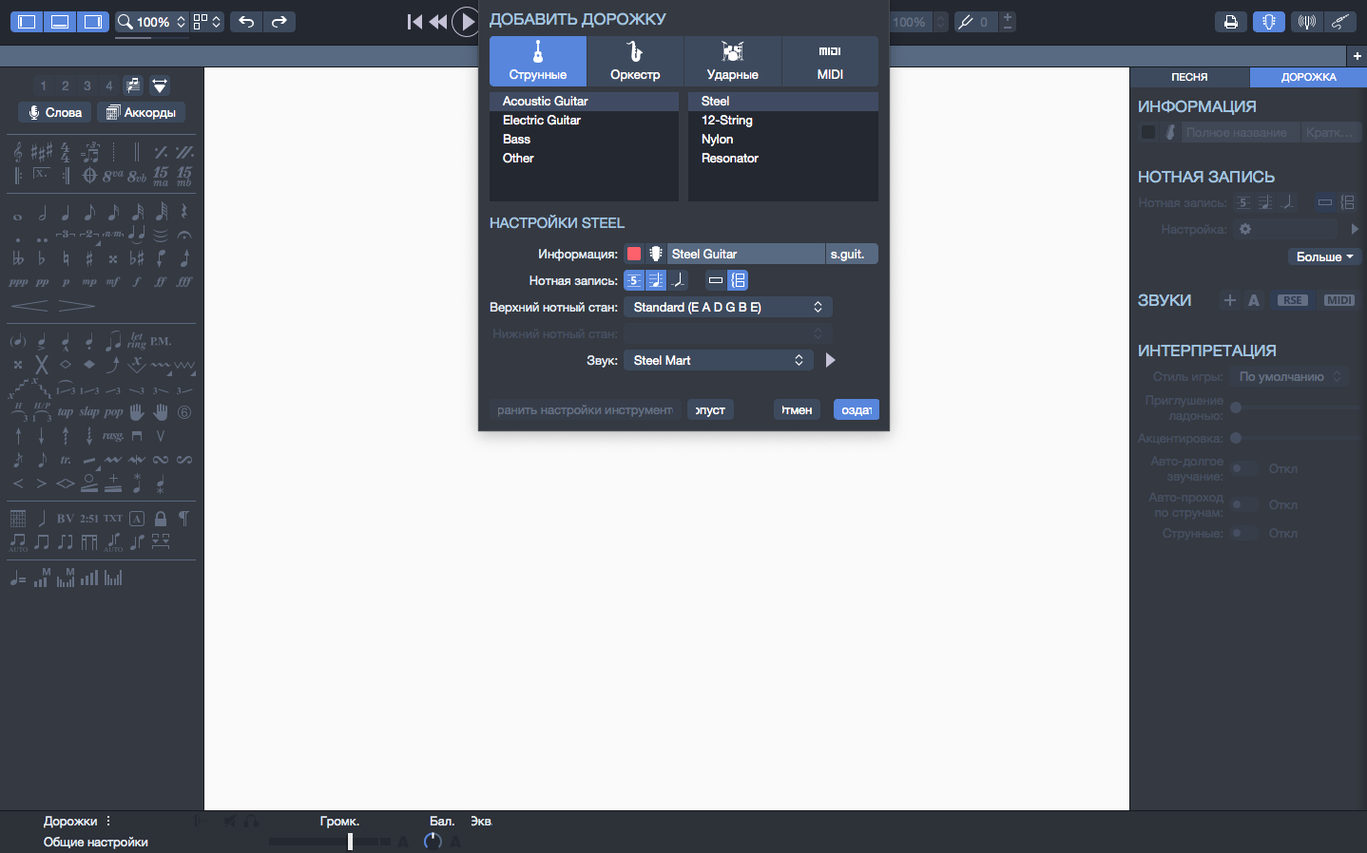
Version 8.1.5 landed with a handful of playback fixes that clean up the daily experience — arpeggios at the top of a score now trigger properly, and plugging in an audio interface no longer trips up playback continuity. A few stubborn cases where stem directions refused to change got sorted too. For anyone living inside tablature, those small corrections make a real difference during practice sessions.
- Notation that plays back. Write guitar tablature or standard notation, hit play, and hear your work through the built-in sound engine. The MIDI editor gives you fine control over individual notes.
- Chord and scale tools. The chord builder diagrams fingerings across the fretboard, and when you transpose a passage, both the chord names and fingerings shift together.
- Backing track creation. Sketch out drum or piano parts to accompany your guitar lines without leaving the app.
- Export-ready scores. Pages can be exported as PNG files with transparent backgrounds — handy for dropping clean notation into lesson sheets or social posts.
- Pinned recent files. Projects you return to often can be pinned to the top of the homepage's recent section, so your current band setlist stays one click away.
Guitar Pro lives best on the Mac of a working guitarist, a teacher building lesson material, or a songwriter who thinks in tablature rather than a piano roll. It doesn't try to be a full DAW — it stays focused on the fretboard.
Apple Silicon Support and the Rosetta Question
I see the same handful of worries pop up whenever someone considers moving their tab library to a Mac. Let's address them plainly.
Does it work on Apple Silicon, or am I stuck with Rosetta? Guitar Pro 8 runs natively on both Intel and Apple Silicon Macs. No translation layer required. The efficiency improvements Arobas added mean it stays snappy even on an M1 MacBook Air while you're scrolling through a dense 12-page score with backing tracks running.
Can I open old Guitar Pro 5 and 6 files? Yes — backwards compatibility goes way back. Your dusty collection of .gp5 tabs from the mid-2000s opens without fuss. The app reads .gp3, .gp4, .gp5, .gpx, and .gp formats. That decade-old folder of downloaded tabs won't become a museum piece.
Does it support bass and other instruments, or is it guitar-only? Guitar Pro handles guitar, bass, banjo, ukulele, and Hawaiian guitar right out of the box. You can also write for drums, piano, and full band arrangements. The chord builder adapts to whatever string instrument you've selected for the track. Drum notation uses standard drum tab mapping.
Will this replace my DAW? No — and it shouldn't. Guitar Pro is a notation-first tool with playback, not a recording environment. You won't find audio tracks, VST hosting, or mixing console features. It sits alongside your DAW, not instead of it. What it does brilliantly is let you compose, arrange, and hear guitar parts in notation before you ever hit record.
The Band Leader's Quiet Superpower
Imagine a guitarist running a five-piece cover band every weekend. Setlist changes on Thursday night, and the keyboard player needs a chart for a song nobody's played before. Opening Guitar Pro, they pull up a bass-and-drums template, map out the chord progression across sixteen bars using the chord builder, then add a simple piano line in standard notation on a second track. Drums get a basic kick-snare pattern from the percussion palette.
They hit export to PNG with a transparent background, drop the resulting image into a shared band folder, and the keyboard player has a clean, readable chart on their phone before Friday's rehearsal. No scribbling on napkins, no photographing a handwritten page under bad lighting. The whole thing took twelve minutes, and the file stays in the pinned recent section for the inevitable key-change request that arrives Sunday morning.
Building an Alternate-Picking Exercise from Scratch
Let's walk through building a short exercise piece from scratch — the kind of thing a guitar teacher might prepare for a student working on alternate picking.
Start with a new score. Choose electric guitar as the instrument, set tempo to 110 BPM in 4/4 time. The blank tablature staff appears. Type numbers directly onto the string lines for each beat — a simple three-note-per-string pattern climbing from the low E up to the high E and back down. The metronome click plays while you enter notes, keeping your rhythmic placement honest.
Switch to the drum track. Add a basic hi-hat eighth-note pattern and a kick on beats one and three. The backing track now gives the student a rhythmic anchor. Open the chord builder, drag in an Am7 voicing at the fifth fret, and drop it above the first bar as a reference.
Now the MIDI editor. Select the guitar track, open the MIDI view, and tweak velocities — accent the first note of each triplet grouping slightly to emphasize the picking pattern's pulse. Hit play and listen through. The arpeggio fix in version 8.1.5 means even the opening bar rings out correctly. Adjust tempo down to 80 BPM for a beginner version, then export both the 110 BPM and 80 BPM versions as separate .gpx files. The student practices along at half speed, then works up to full tempo against the same drum track.
Note Durations Are Enforced, Not Ignored
New users tend to stumble in the same few places. Knowing them ahead of time saves frustration.
Treating it like a word processor. Guitar Pro's playback engine follows notation rules strictly. If you type notes without considering note durations, rests, and ties, playback will sound robotic or plain wrong. The metronome and grid are your friends — use them from bar one. A sloppy entry produces sloppy playback, and no amount of tempo tweaking fixes a bar with incorrect rhythmic values.
Ignoring the soundbank settings. The default guitar sound is functional but uninspiring. The soundbank menu lets you switch to different amp models and pickup simulations per track. Beginners often leave everything on default and wonder why their distorted rhythm part sounds like a clean DI signal.
Overlooking the export options. People export a PNG and then spend ten minutes cropping a white background in another app. The transparent background checkbox in the export dialog solves this instantly. SVG export exists too — sharper scaling for printed materials, and fewer people notice it's there.
Forgetting to pin recent files. After a week of working on five related project files, the recent list becomes a jumble. Pinning the master file keeps it fixed at the top regardless of what else you open. Small habit, big time-saver when you're switching between setlist charts during rehearsal.
Transposing manually instead of using the transpose tool. Selecting a passage and shifting every note by hand works, but the transpose function moves both the tablature numbers and the chord names above the staff simultaneously. Beginners who don't discover this early waste time updating chord labels separately and inevitably miss one.
- Arpeggios placed at the very start of a score now play correctly instead of being skipped.
- Fixed several cases where stem directions wouldn't budge when you tried to flip them.
- Playback on macOS no longer stutters or drops when plugging or unplugging audio devices mid-session.
- macOS 10.13 or later
- 64-bit dual-core Intel, AMD, or Apple Silicon processor
- 4 GB RAM
- 2 GB free disk space
- Administrator rights needed for installation
Also on readers' docks
Sign in or create an account to leave a comment.
No comments yet. Tell me how it got on with your other devices.