Download Fender Studio Pro for macOS
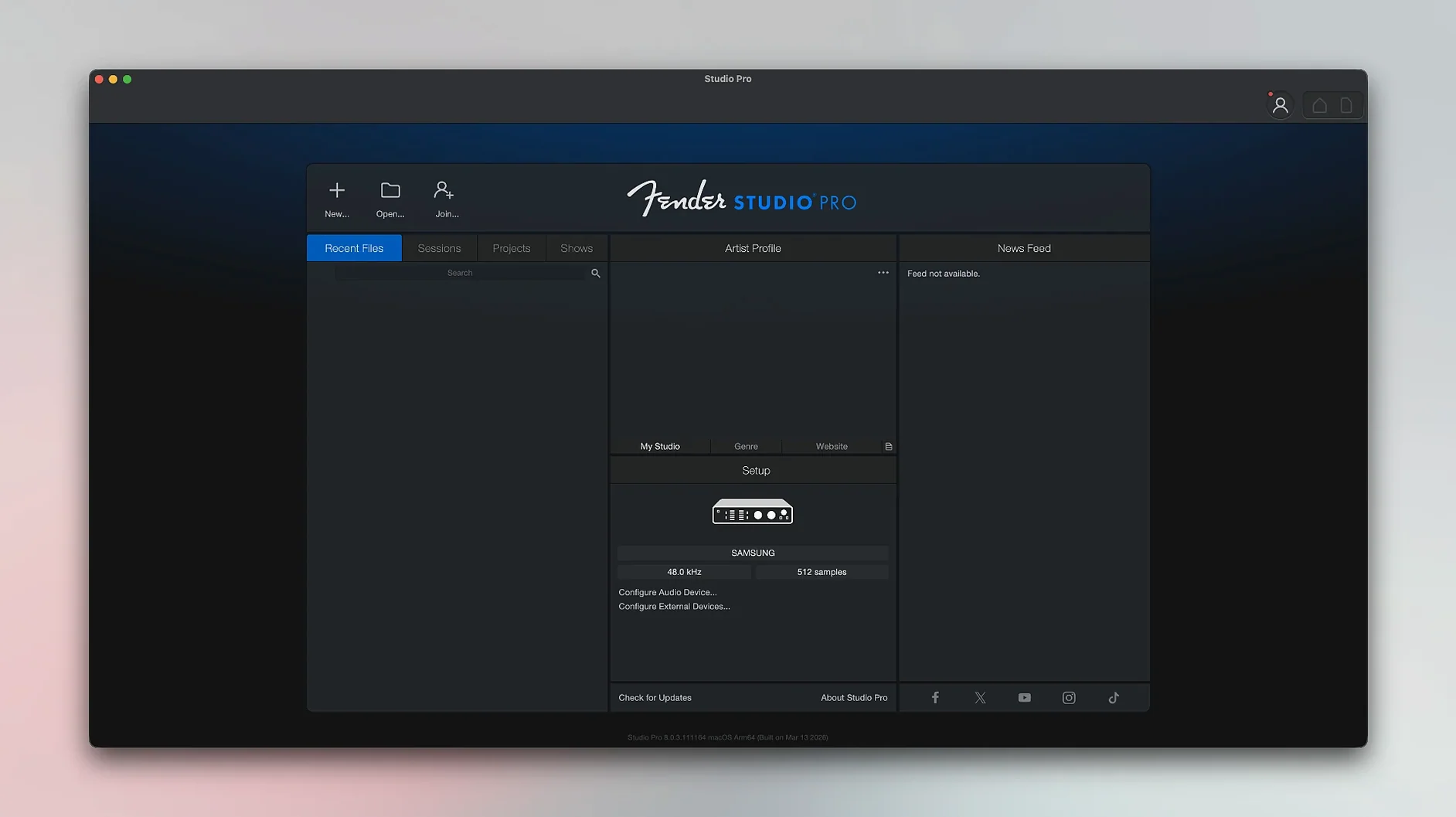
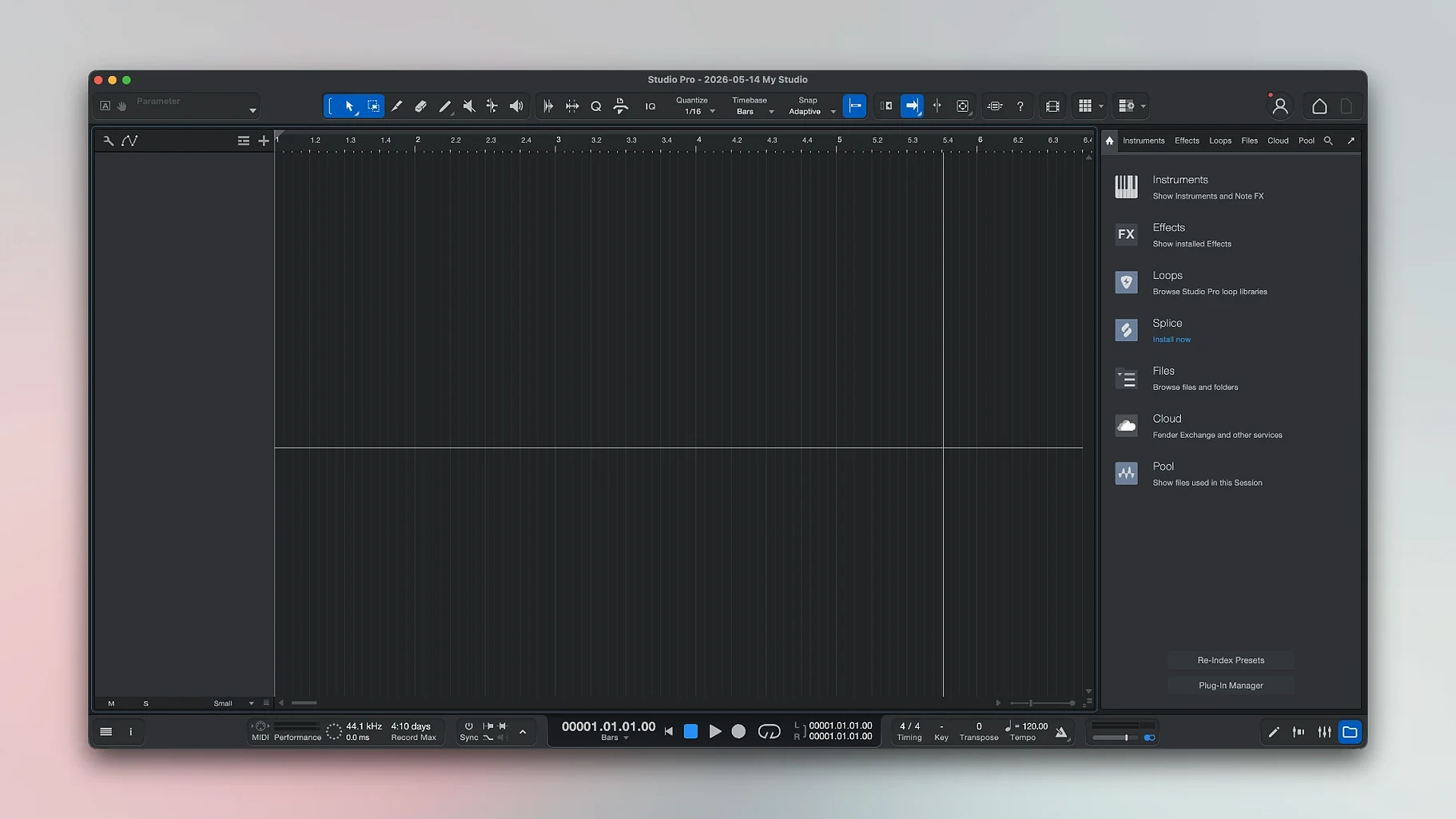
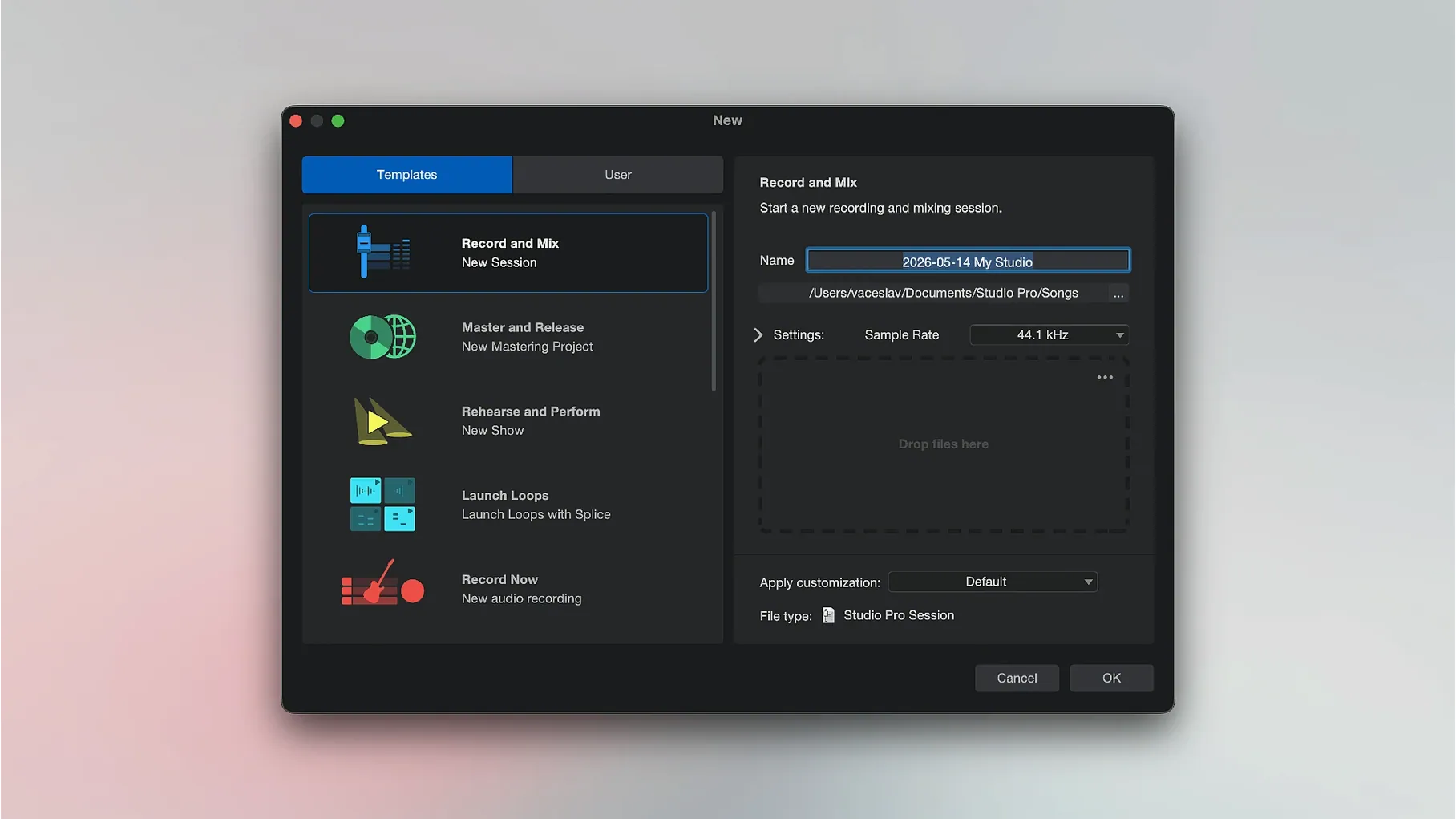
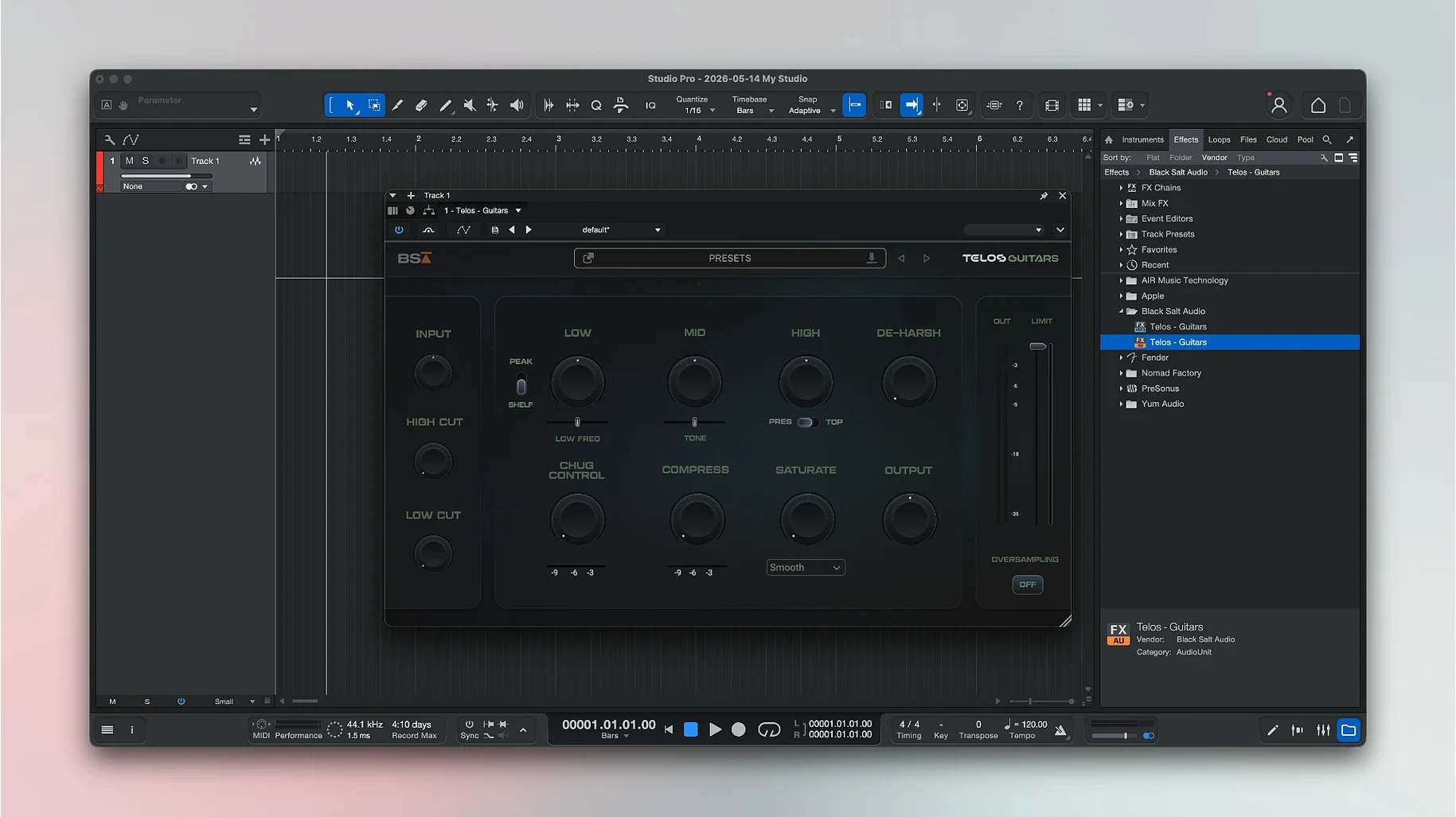
Freeze Instrument Track in the Launcher is one of those workflow touches that makes you realize this isn't just a lightweight sketchpad. Fender Studio Pro is a full digital audio workstation built for recording vocals and instruments, shaping sounds with built-in effects and pedals, and mixing it all down into a finished track. It can even convert recorded audio into MIDI notes and offer chord suggestions while you compose, which feels like having a theory-savvy bandmate sitting next to you.
Hum a Melody, Get a Chord Chart
- Songwriters who want chord suggestions and preset effects without building pedalboards from scratch
- Musicians recording vocals and live instruments on an Apple Silicon or Intel Mac
- Anyone who likes the idea of converting a hummed melody into editable notes
Needs Ventura and Runs English-Only
- It needs macOS 13.5 Ventura or later, so older Macs are left out
- The interface is English-only at the moment
- The companion Fender Studio Pro Remote is designed for Mac and Windows, not iPad or iPhone
Fitting into your macOS workflow
Fender Studio Pro doesn't demand you change how your Mac already handles audio. It shows up as a selectable device inside Audio MIDI Setup, so other apps that respect Core Audio routing can see its virtual instruments if you configure aggregate devices. I keep a utility like BlackHole around when I want to grab a quick loop from another app, and Studio Pro picks up the aggregate device without complaint. The app respects macOS's native full‑screen mode and Spaces, which means you can dedicate a whole desktop to tracking and swipe back to Safari without dragging windows around every time you need a chord chart from the web.
Drag‑and‑drop between Finder and the arrangement window works as you'd hope. Dragging a batch of stems onto a project auto‑creates tracks, and the audio files stay referenced in place unless you set the project to copy them into the bundle. If you've used Logic or Ableton, that's familiar ground — but it's worth knowing it works the same way here from day one. The built‑in sample browser also reads standard Apple Loops folders left over from GarageBand or Logic, which saved me a few minutes of re‑downloading drum one‑shots I already had.
Drop the Block Size to 64 Samples
- Audio device block size — Hit Preferences > Audio Setup and dial the block size down to 128 or 64 samples while tracking. The default is conservative. On an Apple Silicon Mac you can run it low without the fans spinning up, but if you hear pops, bump it back up to 256 for mixing.
- Plug‑in latency compensation — Version 8.1.1 added latency compensation to the Audio Batch Converter, so make sure Settings > Processing > Enable Low Latency Monitoring for Instruments is checked. That keeps the Mustang and Rumble plug‑ins responsive when you're playing through them live.
- Loop recording behavior — Under Advanced > Recording, switch loop recording to "Create Takes" instead of "Replace." You'll thank yourself when you nail a solo on pass four but accidentally kept the rehearsal noodling from pass two.
- Metronome routing — By default the click comes through the main output. If you're tracking a drummer or using open‑back headphones, route it to a separate cue mix in the I/O Setup tab so it doesn't bleed into a condenser mic.
Stress-Test Stem Separation With a Rough Mix
Start a throwaway project and drag in a drum loop from the included library. The point isn't to finish a song — it's to learn where the chord track lives, how the stem separation handles a rough mix you bounce to audio, and whether your guitar sits well with one of the Fender amp presets without additional EQ. The chord detection engine needs a few bars of clean polyphonic material to get reliable results; feeding it a distorted power chord riff will confuse it, but a clean DI recording of a jazz voicing works surprisingly well.
Run the audio‑to‑MIDI conversion early on something simple, like a whistled melody or a single‑note bass line. The note data it generates lands on a new instrument track, and you can drag it onto any virtual instrument in the project. I found that quantizing the result by about thirty percent tightens things up without losing the feel of the original performance. The virtual Fender instruments — the Mustang and Rumble models especially — respond to automation in real time now that version 8.1.1 has fixed the Direct Monitoring behavior, so ride the volume or gain on a sustained chord and listen to how the amp model reacts. It's not a static snapshot; it breathes like hardware.
If you're coming from another DAW, spend fifteen minutes remapping a few key commands. The default set is sensible but probably not what your muscle memory expects for zoom, split, or quantize. The key command editor is under Studio Pro > Keyboard Shortcuts and supports search, so typing "split" gets you there faster than scrolling.
Yes, Your Valhalla and FabFilter Plug-Ins Load
Does it work with third‑party AU plug‑ins? Yes. It scans the standard Audio Units folder on launch, and plug‑ins from developers like Valhalla, FabFilter, and Native Instruments show up in the browser under the Effects and Instruments tabs. If a plug‑in passes AU validation in Logic, it should load here without fuss.
Can I open projects from other DAWs? Not directly in their native format. You'll need to export stems or consolidated audio from the original program and drag them into a new session. The stem separation tool can help isolate parts of a mixed reference track, but it won't translate automation lanes or mixer settings between platforms.
Is it heavy on system resources? On an M1 or M2 machine, a 24‑track session with a handful of amp sims and reverbs hovers around 30–40 percent CPU in my experience. Intel Macs from 2019 onward run it, but you'll want to freeze tracks earlier. The new Freeze Instrument Track command in the Launcher makes that a one‑click affair — it bounces the instrument track to audio temporarily and unloads the plug‑in, which keeps older hardware in the game.
What if I'm mainly a guitarist who doesn't want a steep learning curve? You can treat the app like a souped‑up practice amp at first. Load a Fender Deluxe or Bassman model on an audio track, pick a cabinet impulse response from the preset browser, and play. Recording, looping, and adding a second track for a backing drone is all within three clicks. The deeper features — chord suggestions, audio‑to‑MIDI, stem separation — are there when you want them, not forced on you from the first launch screen.
Version 8.1.1 brings a few practical fixes. The Audio Batch Converter now compensates for plug-in latency, Mustang and Rumble native plug-ins follow automation correctly with Direct Monitoring on, and Freeze Instrument Track is available right in the Launcher.
- macOS 13.5 Ventura or later
- Apple Silicon or Intel 64-bit processor
- English interface language
Questions people ask
Can Fender Studio Pro convert audio into MIDI notes?
Yes, it can take recorded audio and turn it into notes you can edit, which is handy for songwriting and arranging.
Does Fender Studio Pro work on Apple Silicon Macs?
It supports both Apple Silicon and Intel 64-bit Macs, as long as you're running macOS 13.5 Ventura or newer.
Also on readers' docks
Sign in or create an account to leave a comment.
No comments yet. Tell me how it got on with your other devices.