Download Cycling '74 Max for macOS
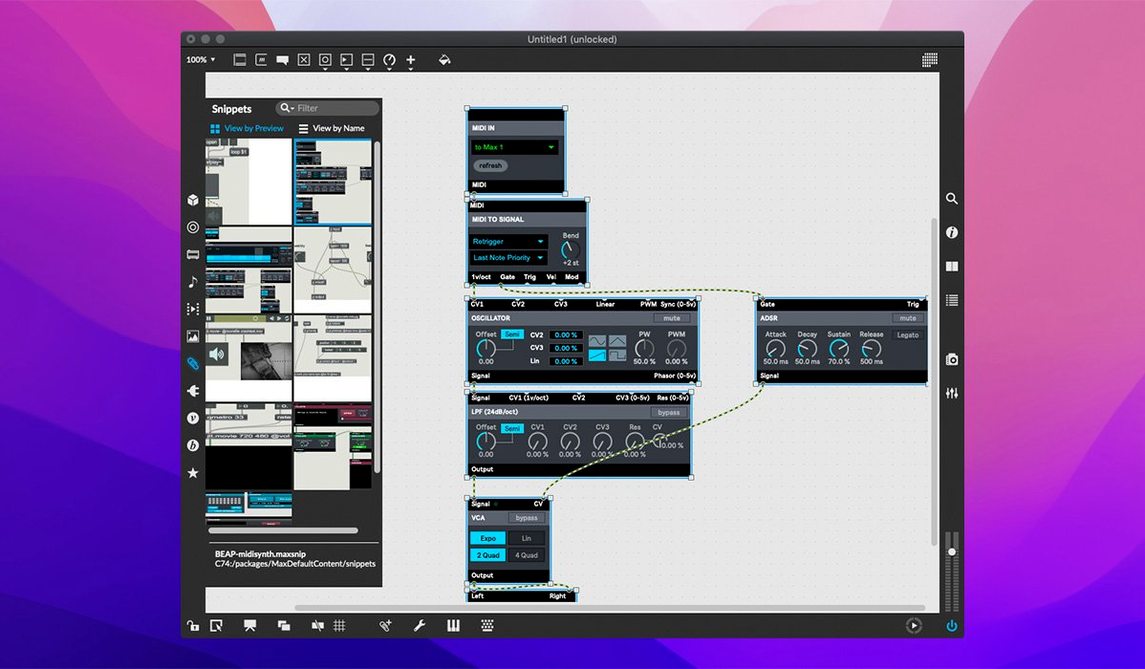
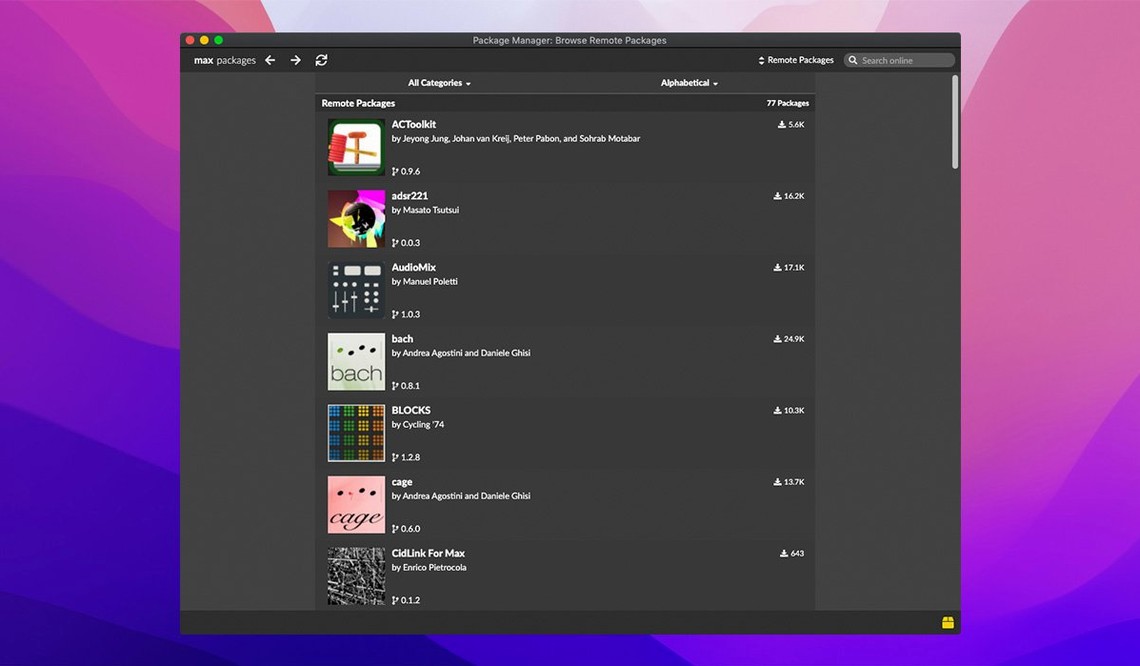
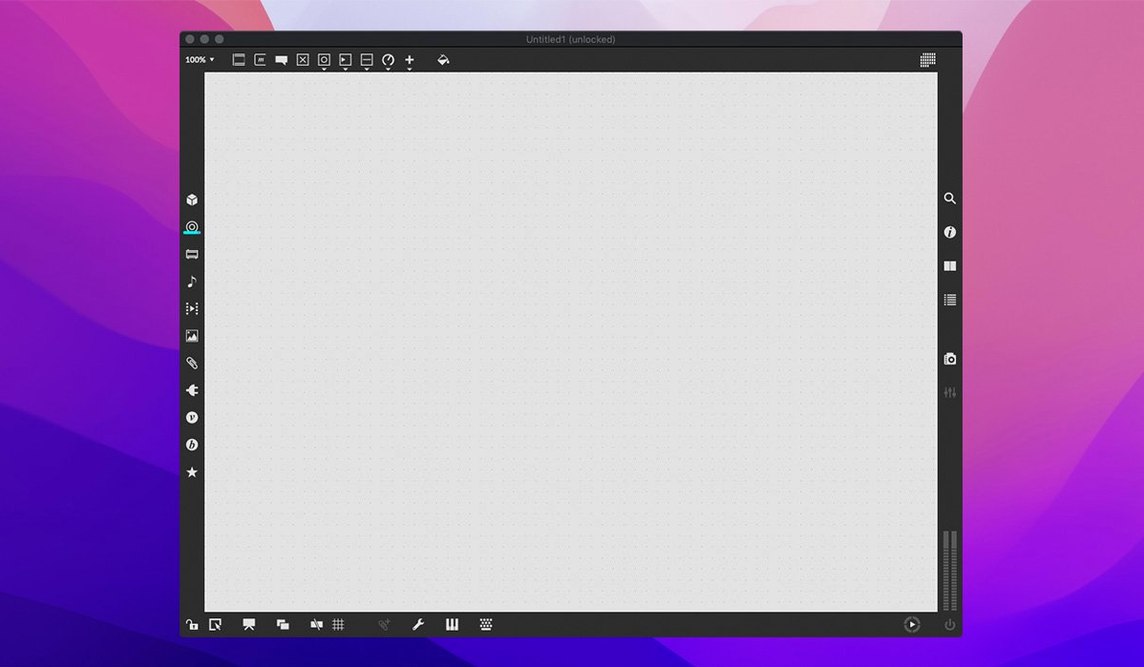
Composers, performers, and installation artists have a long history with Max, a visual programming environment where you patch together sound, video, and interactive systems by connecting virtual objects on a canvas. It's a tool for building musical instruments, processing live audio, generating visuals that react to movement, and prototyping ideas that outgrow typical DAWs. If you're checking whether version 9 fits your setup, compatibility is the sensible place to start.
MacOS 11 and both chip architectures
Max 9.0.9 asks for macOS 11 or later, and the app ships as a universal binary that runs natively on Apple Silicon and Intel 64-bit Macs. That means no Rosetta translation overhead on M-series machines, and solid performance for patches that lean heavily on real-time audio processing or complex RNBO exports. Disk space isn't officially pinned down, but a typical multimedia toolkit with all the bundled objects and tutorials won't be a lightweight install—plan for a few hundred megabytes once you add the extras.
A patchable environment for sound and beyond
What you get is the full Max 9 package: over 40 interactive tutorials that walk you through signal processing and interface design, built-in MIDI stream handling, QuickTime movie playback for video-driven patches, and a deep debugging kit. The object inspector, message tracker, and smart copy-and-paste tools make untangling a messy patch feel less like archaeology. With RNBO v1.3.5 bundled, you can export patches to standalone hardware and plugins, extending your work far beyond the computer screen. It's the kind of cross-device thinking that sits well when you're building tools for stage and studio alike.
First days: wire something that makes noise today
The tutorials can wait. On day one, open a blank patcher and place a cycle~ object connected to an ezdac~. Hear a sine wave, then swap cycle~ for saw~, add a live.gain~ in between, and suddenly you're shaping tone with a knob. The best early habit is chasing curiosity: type objects you half-remember, tap the help patch for each one with a quick Option-click, and don't worry about neat cables. Messy patches teach faster than tidy ones.
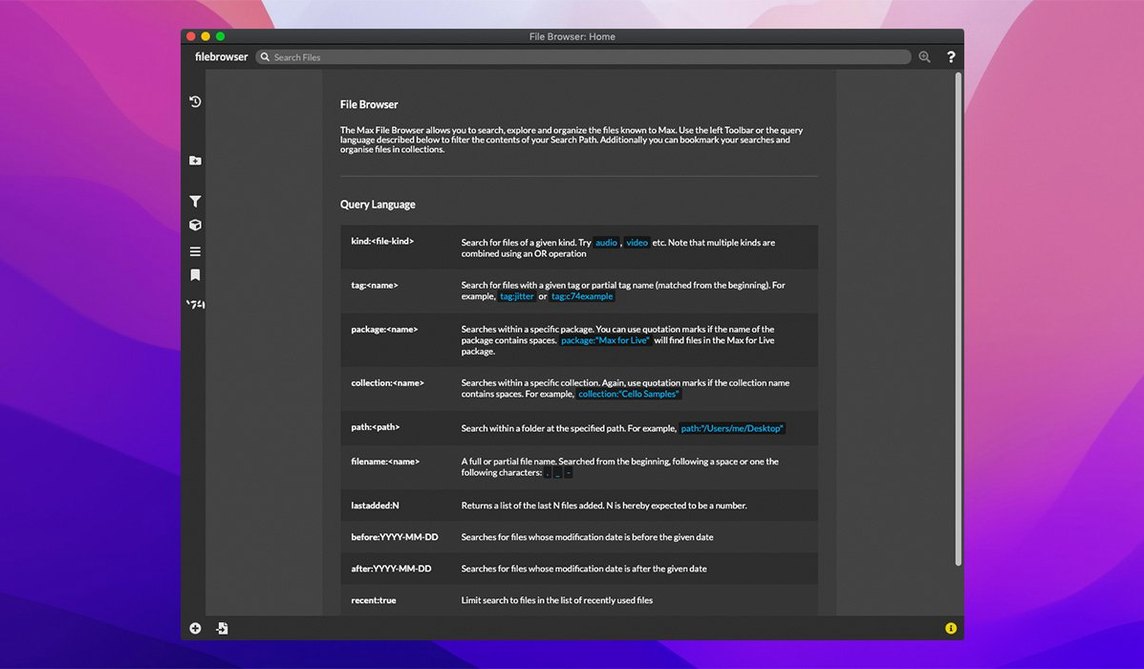
Spend day two recreating something simple you already understand—a tremolo, a delay line, a MIDI note filter. By day three, try recording the output with sfrecord~ and dropping the file into a video player built in Max. These small workflows build muscle memory for connecting objects and reading inlet/outlet hints. Bookmark the object reference palette too; it's faster than typing blindly and reveals oddball gems like jit.bfg that you'd never find by guesswork.
Common stumbles—and how to skip them
Beginners almost always overload the audio thread by piling DSP objects into a single patcher window without subpatching. A chain of thirty cycle~ objects running at once will crackle and drop samples, and the fix is wrapping them inside a poly~ or breaking the logic across subpatches. Another classic: connecting a float outlet directly to a signal inlet without a sig~ in between. Max won't always complain, but the result is silence or a garbled mess that takes twenty minutes to debug.
People also skip the Inspector entirely. Right-click an object, open Inspector, and check the "Parameter Mode" or "Background" flags. It's where you turn a humble number box into an automatable parameter, or make a bpatcher transparent for layering interfaces. Ignoring the Inspector is like mixing a track without touching the faders. Finally, don't treat Max like a DAW: it won't bounce a polished mix for you. Think of it as a workshop where you build the mixer, the instruments, and the effects—then connect them however you like.
Everything ships together—Max, MSP, Jitter, RNBO
A lot of people wonder if Max is just Max/MSP, or if MSP is a separate download. It's bundled—everything from basic MIDI objects to the full signal-processing toolkit ships together. You get Jitter for visual work, RNBO for exporting, and the core patching environment in a single disk image. Some users looking for a max msp download are relieved to find the installer covers all of it.
Another frequent question: does Max play well with external gear? Yes, and it always has. MIDI ports show up automatically, and serial devices, HID gamepads, and OSC over the network are all first-class citizens. If you're patching a sensor-driven installation or a light rig, the same Max environment handles it. People sometimes search for a max msp crack or max msp torrent assuming the app is locked behind an impenetrable paywall, but the real hurdle is the learning curve, not the access. A max 9 download from a trusted source gets you the full SDK too, so if you eventually want to code your own objects in C, the tools are already in the package. The version you're looking at, 9.0.9, fixes an Inspector crash that used to bite when editing text fields, which is exactly the kind of small but sharp annoyance that can sour a first patch session if you hit it unprepared.
Version 9.0.9 tidies up a few rough edges and ships with the latest RNBO runtime:
- Button assignments for parameter banks in live.banks are now supported.
- RNBO v1.3.5 is bundled for exporting patches to hardware and plugins.
- A crash in the Inspector when editing or closing a text field has been fixed.
- macOS 11 (Big Sur) or later
- Apple Silicon or 64-bit Intel processor
Questions people ask
Does Max 9 work on Intel Macs or only Apple Silicon?
Max 9.0.9 supports both Apple Silicon and 64-bit Intel Macs, so you're covered on older and newer machines as long as they run macOS 11 or later.
What kind of debugging tools does Max include?
The environment provides an interactive debugger with message tracking, an object inspector, and smart copy-and-paste functions to step through patch logic when things get complicated.
Also on readers' docks
Sign in or create an account to leave a comment.
No comments yet. Tell me how it got on with your other devices.