Download djay Pro for macOS
1. Pull your tracks from the apps you already use
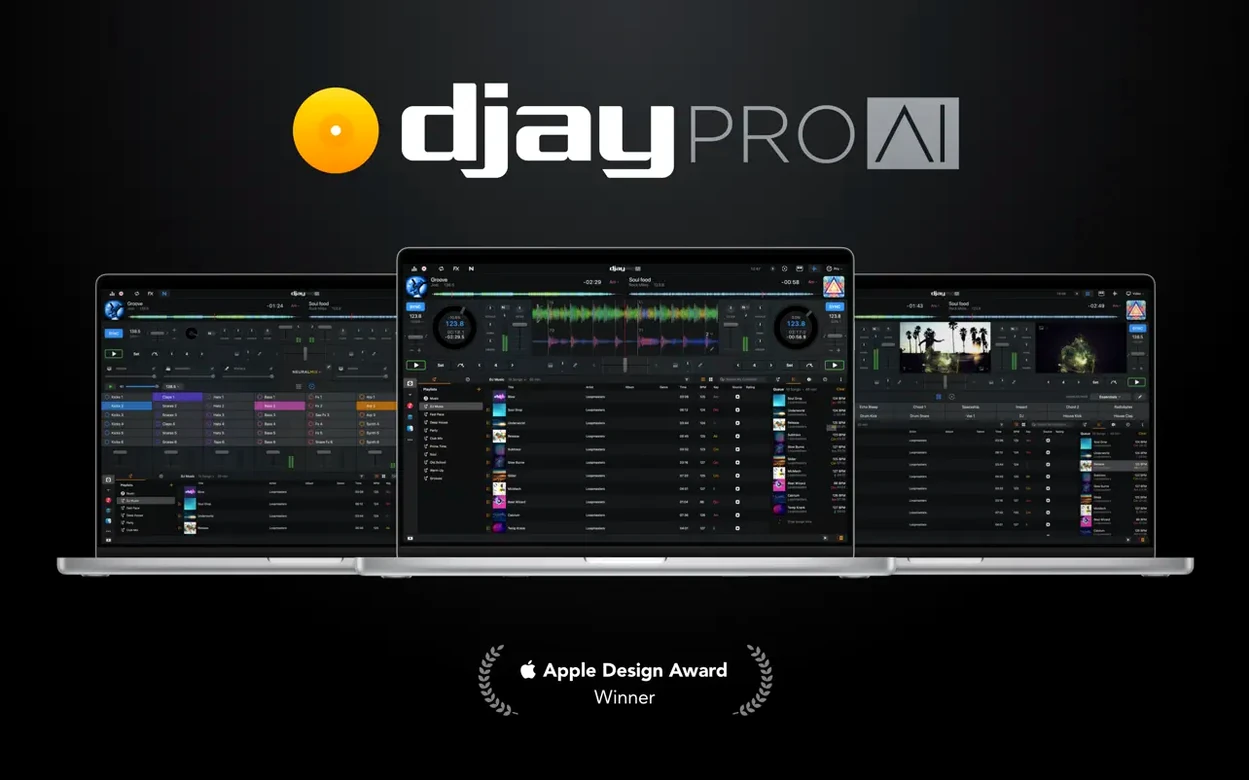
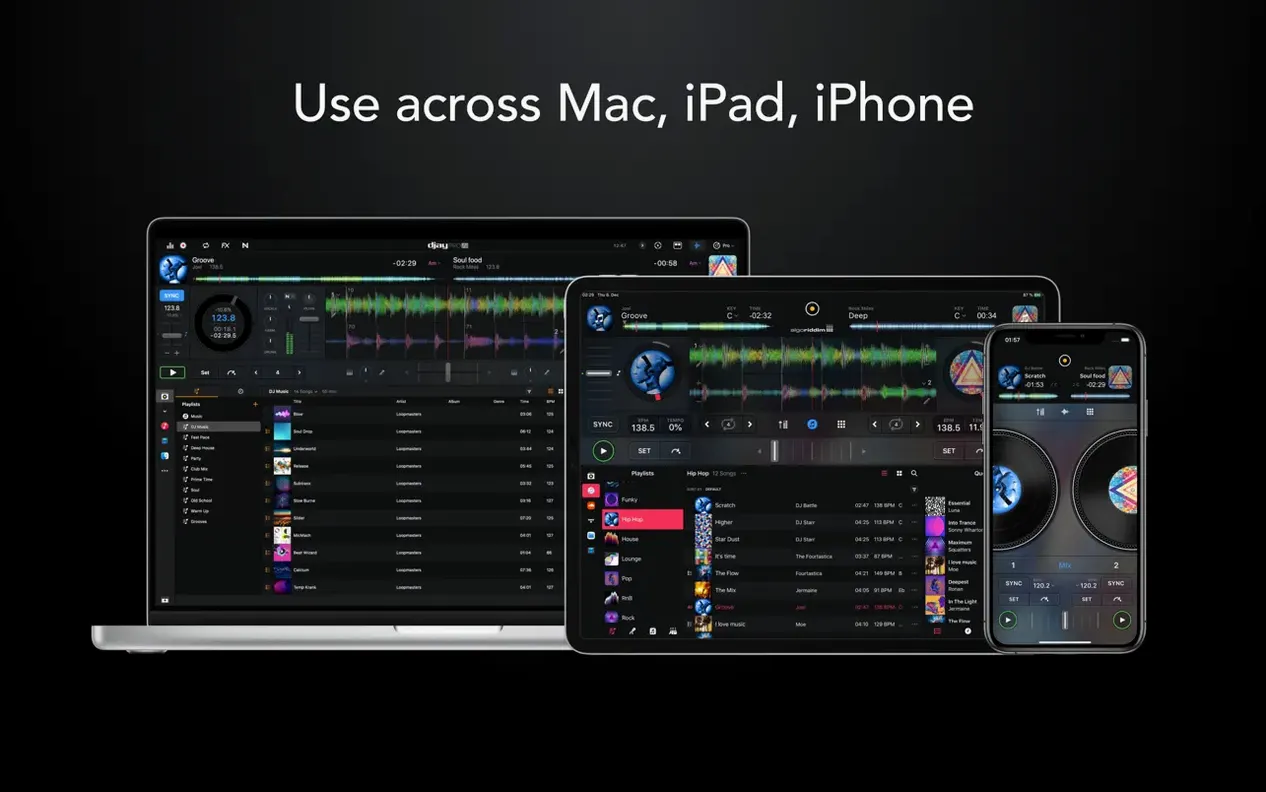
djay Pro doesn't ask you to rebuild a library from scratch. It reaches straight into your Music app, the Finder, and even the Files folder you sync through iCloud — so playlists you curated for a road trip show up right next to a beat grid. That matters when you're seconds away from a transition and muscle memory kicks in.
2. Let Neural Mix do what a traditional EQ can't
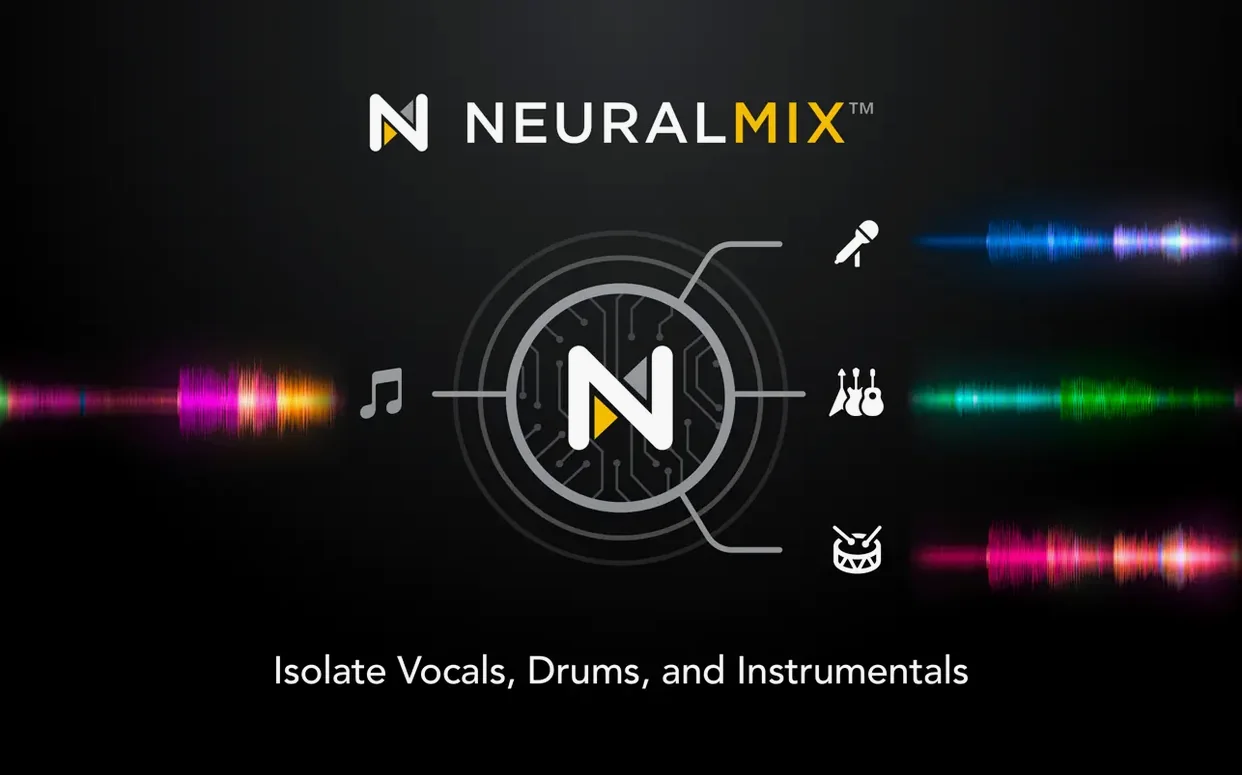
Real-time stem separation happens on-device, pulling vocals, drums, bass, and harmony apart from a single stereo file. Drop the vocal from a pop track while keeping the rhythm, or isolate a bassline to layer under a house beat — all without pre-analyzed files. It's the kind of trick that turns a casual mix into a live remix.
3. Send it to a controller — or just the screen
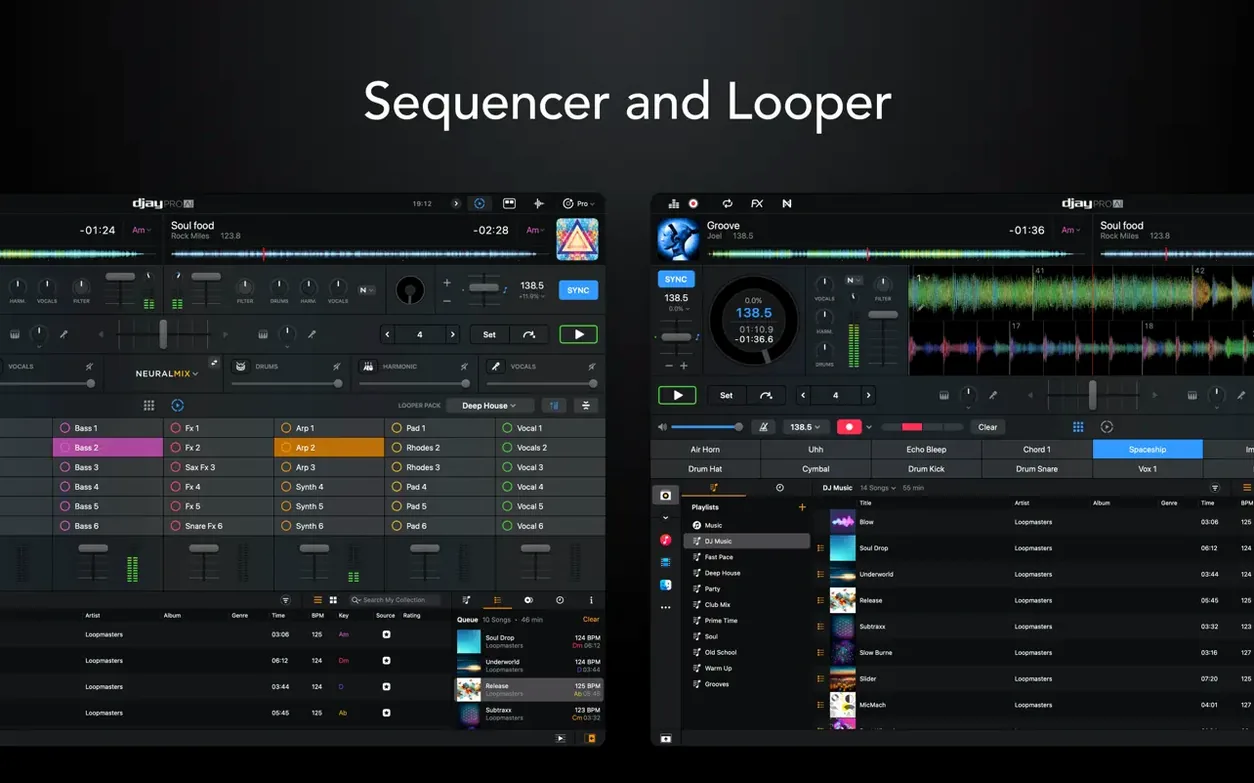
With support for over 100 MIDI controllers and fresh RANE One integration, djay Pro reads the room whether you have a full deck setup or just a trackpad. The looper holds up to 48 loops per track, and the sequencer lets you punch in drum patterns over whatever's playing. Automix mode fills the gaps when you need to step away.
Video mixing, cue point refinements for motorized platters, and playlist tweaks for CDJs all land in version 5.6.9. If your Mac already holds the music, djay Pro gives you the extra pair of hands to reshape it.
Mixing a vocal-free intro from any track in under a minute
Here's a workflow I lean on when a song's opening bars still carry a vocal hook I want to drop later. Start by loading the track onto Deck A and hitting the Neural Mix button — the one with the little waveform split into colored bands. Switch to the Stems waveform view so you can actually see the vocal, drum, bass, and harmonic layers stacked in different colors. Now tap the vocal stem mute (red) and scrub to the first 16 bars. What you're left with is a clean instrumental build that hits harder when the vocal finally arrives on the drop.
Set a hot cue at bar 17 — right where the full mix kicks back in — and label it "Vox In" so you remember during a set. On Deck B, load a complementary track and engage its drum stem solo (green). Bring the fader up slowly over eight bars while Deck A plays the instrumental intro. By the time Deck A's vocal unmutes at bar 17, Deck B's drums are already locked in, and you've built a transition that sounds rehearsed even though you pulled it together in 45 seconds. Save the cue points and stem state as a Custom Cue Set from the track menu, and that prep is permanent.
Little shortcuts that speed everything up
Plenty of djay Pro's best moves aren't labeled anywhere obvious. If you hold Shift while dragging a track onto a deck, it loads without overwriting the currently playing song — perfect for queuing a backup when a request comes in mid-set. Double-clicking the BPM readout toggles between auto-detected and manually tapped tempos, and doing the same on the key display cycles through Camelot, Open Key, and standard notation. That last one is a lifesaver when you're working with a musician who thinks in E-flat minor instead of 2A.
The slash key (/) jumps between Library and Decks view instantly — no mouse needed. While you're in Library, pressing Cmd+F puts focus straight into the search field, and typing "bpm:120-128 key:5a" filters your entire collection in real time. The automix queue has its own shortcut too: select a handful of tracks in the library, right-click, and choose Add to Automix Queue. djay Pro will beat-match and transition them in sequence while you grab a drink. You can even adjust transition duration on the fly from the Automix panel without stopping playback.
Controller not responding after launch
"Why isn't my controller responding?" The most common culprit is plugging in the hardware after launching djay Pro. The app scans for controllers on startup, so if you connect later it may not register. Quit completely, connect the controller, then relaunch — nine times out of ten that sorts it. If you're on a USB hub, try a direct port; some controllers draw more power than a passive hub can deliver.
"Neural Mix sounds muddy on older tracks." Real-time separation works best on modern, well-mastered recordings. If you're pulling stems from a 1970s funk record with a lot of room bleed, the isolation won't be surgical. Workaround: use the EQ + Filter combo instead — cut the mids around 2–4 kHz to carve out vocal presence rather than trying to mute it entirely. You can also blend the isolated stem with the original track at around 60% wet in the Neural Mix panel to soften any artifact-y edges.
"The beat grid is drifting halfway through the song." This happens with tracks that have live drummers or tempo shifts. Right-click the track in your library and choose Edit Beat Grid. Place a marker at the first downbeat, then skip to a later section and drag the grid line to match. djay Pro recalculates the BPM from your two markers and usually locks right in. For tracks with multiple tempo changes, you can drop up to 32 grid markers per file — enough for even the most chaotic prog-rock epic.
Load cue points automatically at startup
Head to Preferences > General and tick Load Cue Points automatically — it's off by default, and you'll wonder why every time a track loads with blank cue pads. While you're there, switch Default Transition from "Auto" to "Fade" if you prefer smoother blends over abrupt cuts. Under Audio, set the Buffer Size to 256 samples for most setups; drop it to 128 if you're doing scratch-heavy routines and need tighter latency, or bump it to 512 if you hear crackles on an older Mac.
In Preferences > Neural Mix, enable Multi-Core Processing — it spreads stem separation across all available cores and makes a noticeable difference on Apple Silicon machines. If you're mixing video, jump to Video preferences and set the output resolution to match your projector or external display rather than leaving it on "Automatic." Mismatched resolutions cause stuttering that looks like a performance problem but is really just a scaling issue.
One more: under Library, check Analyze tracks on import to have BPM and key detection run automatically when you add new music. It saves you from manually analyzing a folder of 50 new tracks five minutes before a set. The analysis is quick — a few seconds per track — and writes non-destructive metadata that follows the file if you ever switch DJ software.
Algoriddim has pushed a fresh update for djay Pro AI on the Mac App Store, bringing it to version 5.6.10.
- macOS 10.15 or later
- Apple Silicon or Intel 64-bit
Questions people ask
Can djay Pro separate vocals and instruments in real time?
Yes, its Neural Mix technology isolates vocals, drums, bass, and instrumental parts on-device without needing pre-processed tracks.
Does djay Pro work with external DJ controllers?
It supports over 100 MIDI controllers, including native display integration with the RANE One in the latest version.
What macOS version does djay Pro require?
You'll need macOS 10.15 Catalina or a newer release to run the current version.
Also on readers' docks
Sign in or create an account to leave a comment.
No comments yet. Tell me how it got on with your other devices.