Download Dorico Pro for macOS
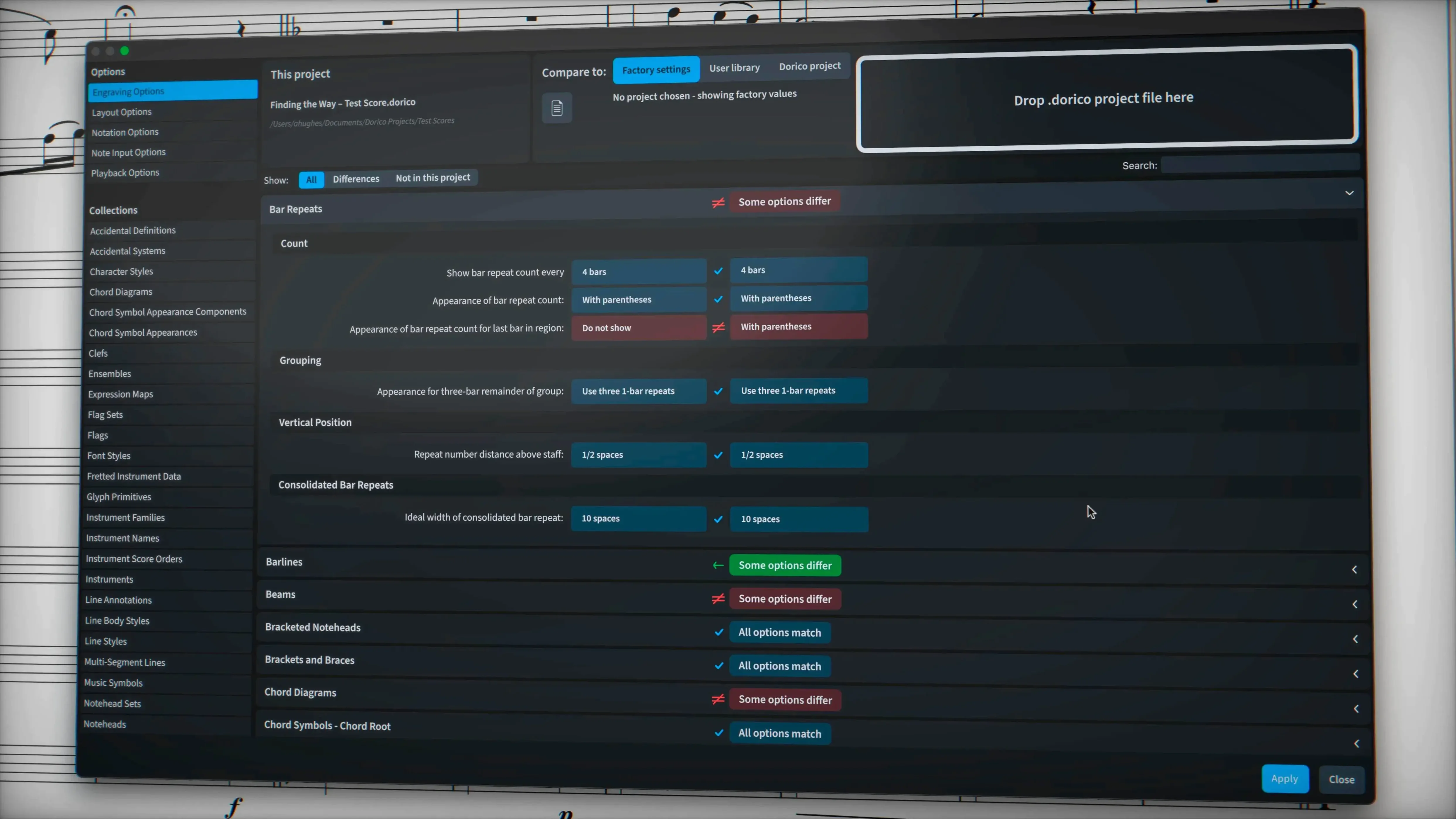
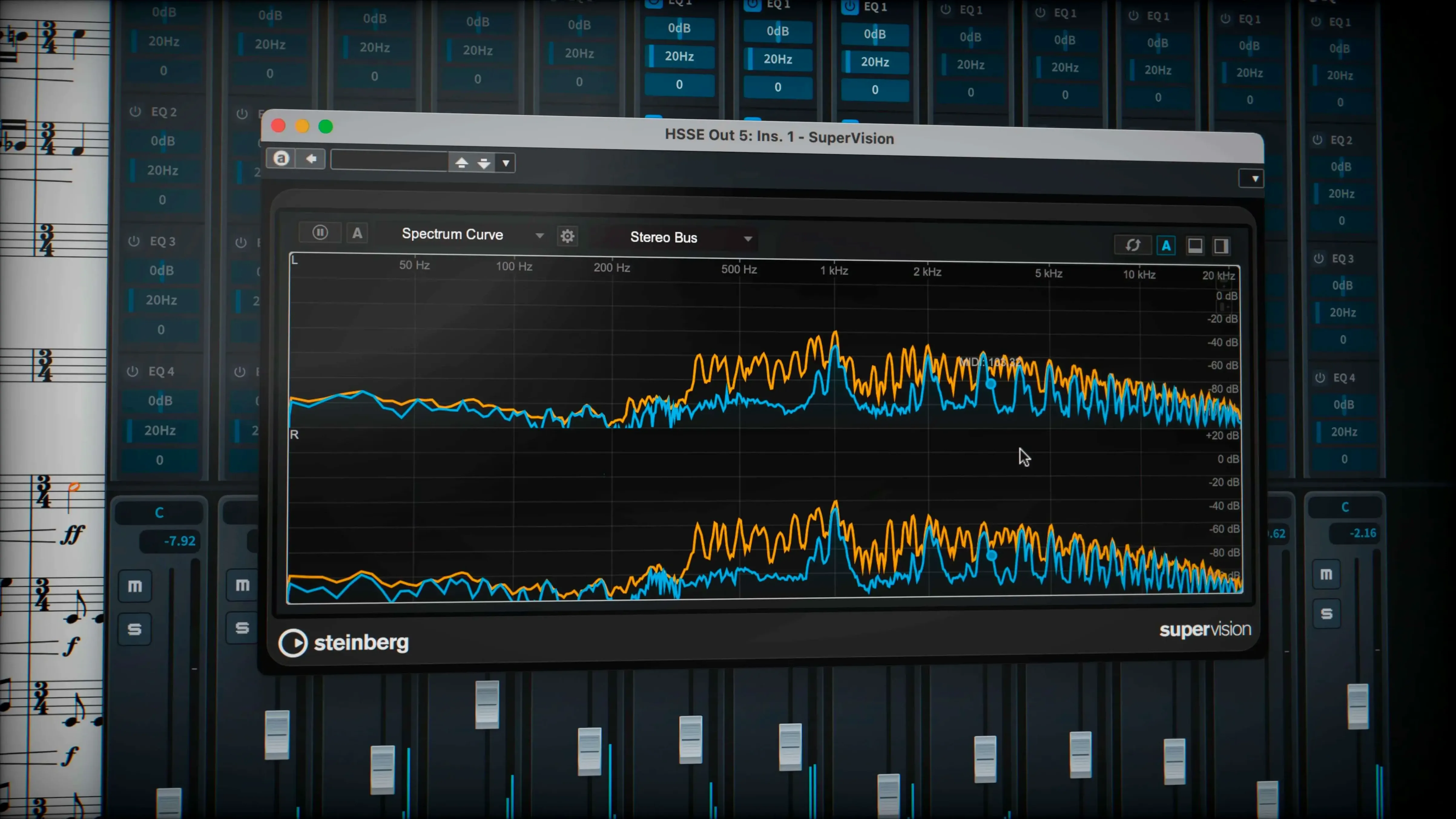
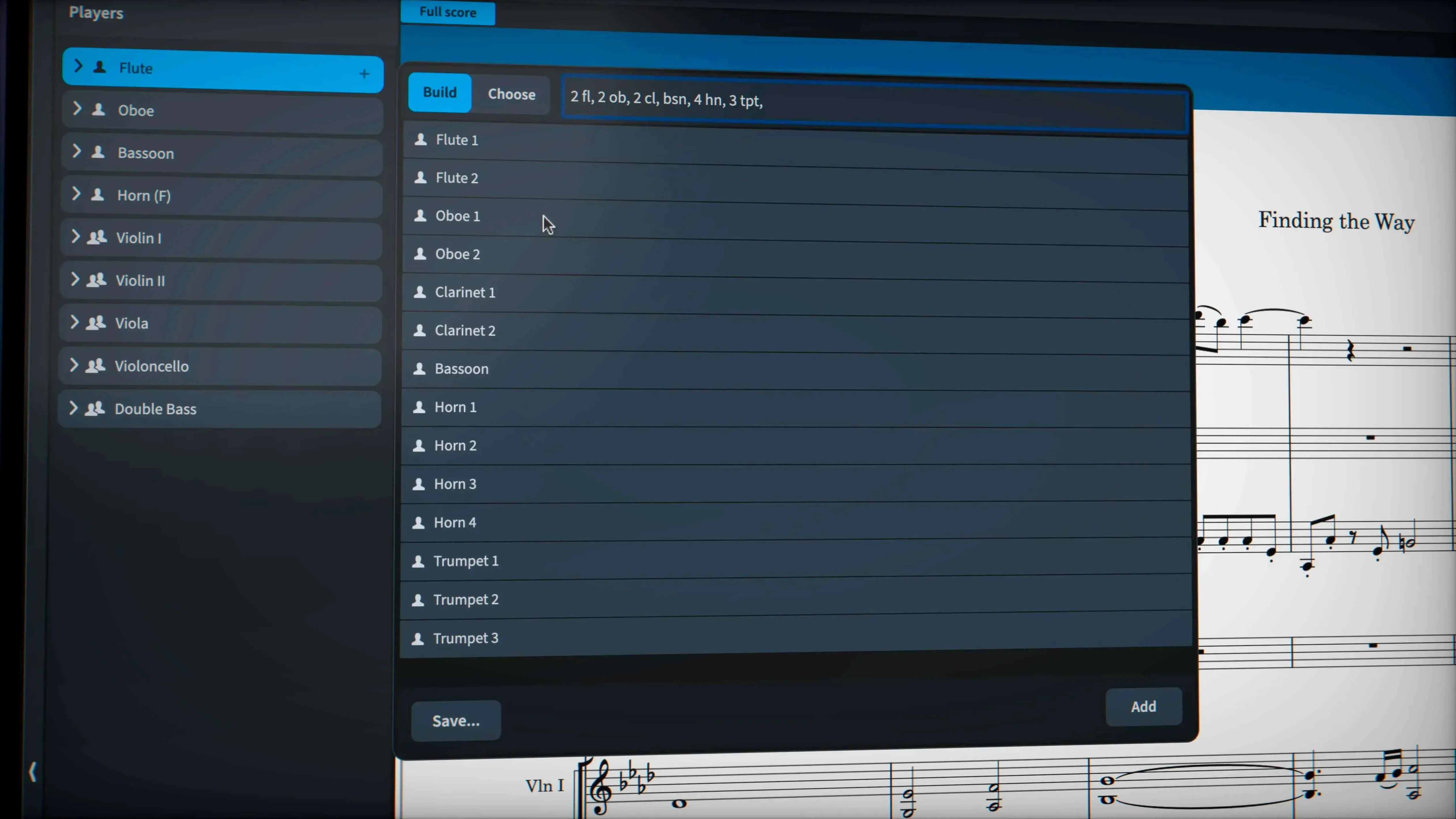
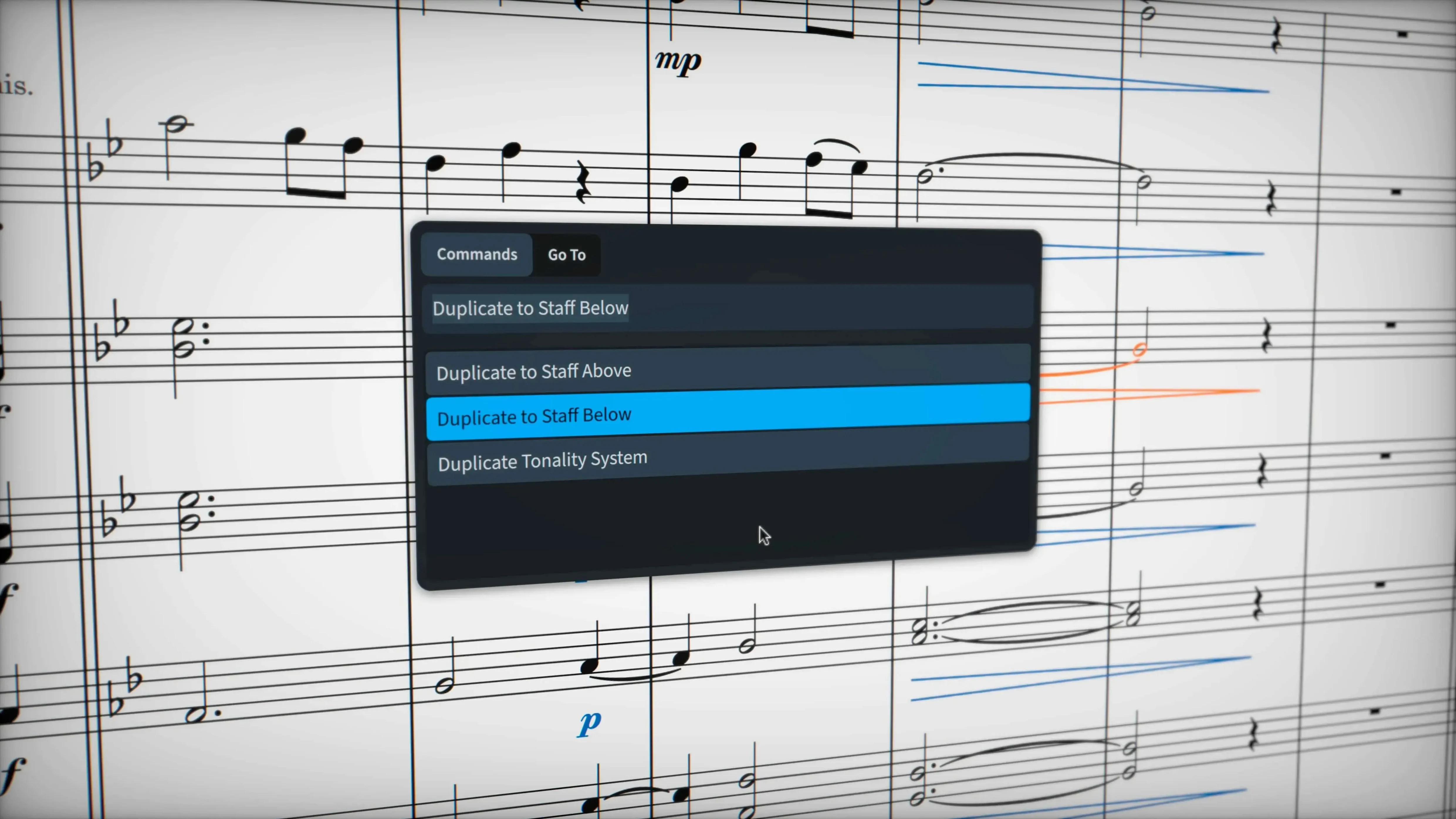
If you’ve pushed a notation tool like MuseScore to its limits, you’ve probably hit walls with complex tuplets or independent voice playback. Dorico Pro is where you turn when those workarounds start feeling like a second job. It’s built for the kind of scoring that other apps treat as an edge case.
Scoring a percussion cadence from blank page to playback
- Set up with non-pitched staves. I started with a five-line percussion kit and a single marching bass drum. Dorico’s percussion editor mapped sounds from the bundled HALion library right away—no fiddling with MIDI channels.
- Write tuplets that cross barlines. A quintuplet over the beat 4 barline just worked. No hidden rests, no invisible time signature trickery. I entered the notes and the notation engine sorted out the bracket and spacing.
- Assign independent voice playback. In Play mode, I opened the Track Inspector and routed each voice to a separate instance in Cantai. Suddenly the snare line and tenor line had distinct panning and reverb from the 30 VST 3 processors included.
- Export with all pedal lines intact. I added sustain markings to a vibraphone part. Exporting to MusicXML kept the pedal lines exactly as shown, and the automatic layout had already resolved every collision across six dense pages.
Why the layout engine matters
Dorico doesn’t just avoid collisions—it rethinks spacing as you write. Add a chord symbol over a heavily beamed passage and the staff below shifts without knocking the lyrics out of alignment. The microtonal support is just as thoughtful: I threw in a few quarter-tone accidentals, and the enharmonic spelling never once second-guessed me. When you’re engraving for real players, that kind of intelligence means fewer corrections at the stand.
Apple Silicon native performance on M‑series Macs
One thing I hear constantly is whether Dorico feels sluggish on older Macs. The 6.2.30 build is a native Apple Silicon app, so M-series machines run it without a hiccup, but Intel users aren't left behind either. On a 2019 iMac, playback with the stock HALion library and a handful of VST 3 plugins stays responsive—even with thirty staves loaded. The layout engine recalculates in the background while you edit, so you're never staring at a spinning beachball mid-phrase.
Another question is about importing existing projects. If you've got a Sibelius or Finale file, you'll go through MusicXML. Dorico's importer has matured to the point where tuplet brackets, hidden staves, and even custom line styles survive the trip. Percussion maps can need a tweak on arrival, but the 6.2.30 update squashed a batch of MusicXML bugs that used to trip up multimeasure rests and nested repeats. PDF scores come in as reference graphics too, handy when you're re-engraving an old chart.
And yes, people do ask about the learning curve. It's real. Dorico thinks in flows and players, not just measures and staves. That mental shift takes a week or two of daily use before it clicks. Once it does, you stop fighting the program and start trusting it to handle the formatting while you focus on the notes.
Collision‑free engraving that cuts proofing time
Professional engravers are the obvious answer. When you bill by the page and every hairpin has to sit exactly right, the automatic collision avoidance and the deep control over every glyph's position pay for themselves in saved proofing passes. But there's another group that benefits just as much: composers who write dense contemporary music. If your scores are full of feathered beams, microtonal clusters, or stemless noteheads, Dorico handles them as first-class notation elements, not as hacks you have to hide from the playback engine.
Educators running music theory labs get a lot out of it too. The built-in sounds are varied enough—nearly 1,500 patches—that students hear a convincing approximation of their assignments without needing a separate DAW. And the sequencer-style piano roll in Play mode lets you demonstrate rhythmic concepts visually while the score scrolls in sync. Band arrangers dealing with odd instrument doublings also appreciate that a player can hold multiple instruments and switch between them mid-flow without creating a new staff.
What daily use actually feels like
Startup time on an M2 MacBook Air is under six seconds—faster than most DAWs I use. Opening a full orchestral project with the HALion Symphonic Orchestra sounds loaded adds maybe two seconds. Memory usage sits around 1.2 GB for a twenty-stave score during playback, and the app releases it cleanly when you close a project. I've left Dorico running alongside Logic Pro without either one complaining.
Stability in 6.2.30 is rock solid. The forty-plus fixes in this maintenance update targeted exactly the edge cases that used to cause crashes: hidden notes that confused the spacing engine, glissando lines that refused to draw with custom styles, and export glitches with pedal markings. I've stress-tested the independent voice playback feature by routing six percussion voices into separate Cantai channels with different room simulations from the included VST 3 processors—no dropouts, no crackling, no sudden quits.
Define your players in Setup mode first
The biggest one is ignoring Setup mode. New users often dive straight into Write mode and start adding notes before defining players and their instruments. Later they wonder why parts won't extract cleanly. Spend five minutes in Setup mode first: create a player, assign their instruments, and set their transposition. Everything downstream flows from that.
Another common stumble: treating the piano-roll editor like a DAW. You can drag notes around in Play mode, but the notation engine doesn't automatically re-quantize your edits for the printed page. If you nudge a note 20 ticks early and then switch back to Write mode, you'll see a mess of tied sixteenth rests. Use the piano roll for playback tweaks, not for composing—or commit to cleaning up the notation afterwards.
People also miss that glissando lines are now customizable per occurrence. The wiggly trill glyph is one option, but you can set any line style from the project as an override in the properties panel. Beginners tend to accept the default wavy line and assume that's the only look available, then grumble when the engraver asks for a straight portamento line.
Finally, don't sleep on the Track Inspector's voice routing. If you've installed something like dorico pro and loaded up a percussion kit, each voice defaults to the same playback channel. Splitting them into independent Cantai instances is a checkbox away, and the difference in clarity—especially with tuned percussion like glockenspiel and marimba—is night and day. It's the kind of detail that makes a mockup sound like a rehearsal recording instead of a MIDI file.
- macOS 12 or later
- Apple Silicon or Intel Mac
Questions people ask
Does Dorico Pro handle music without stems?
Yes—early music, chant notation, and stemless contemporary scores are all supported natively without workarounds.
What got fixed in the latest MusicXML export?
The 6.2.30 release addressed several MusicXML import and export issues, including correct export of tuplet brackets and numbers hidden by engraving options.
Also on readers' docks
Sign in or create an account to leave a comment.
No comments yet. Tell me how it got on with your other devices.