Download Boom 3D for macOS
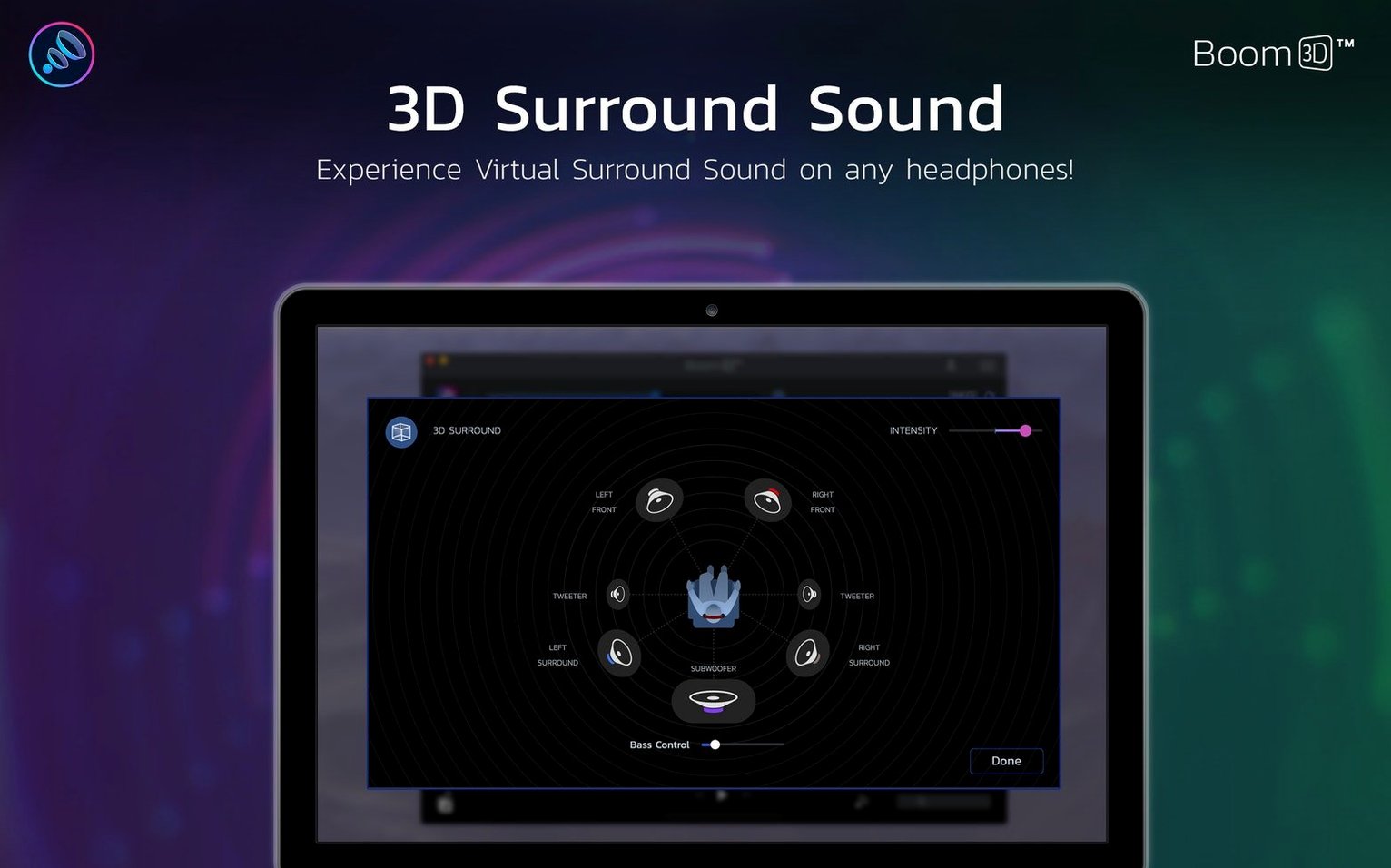
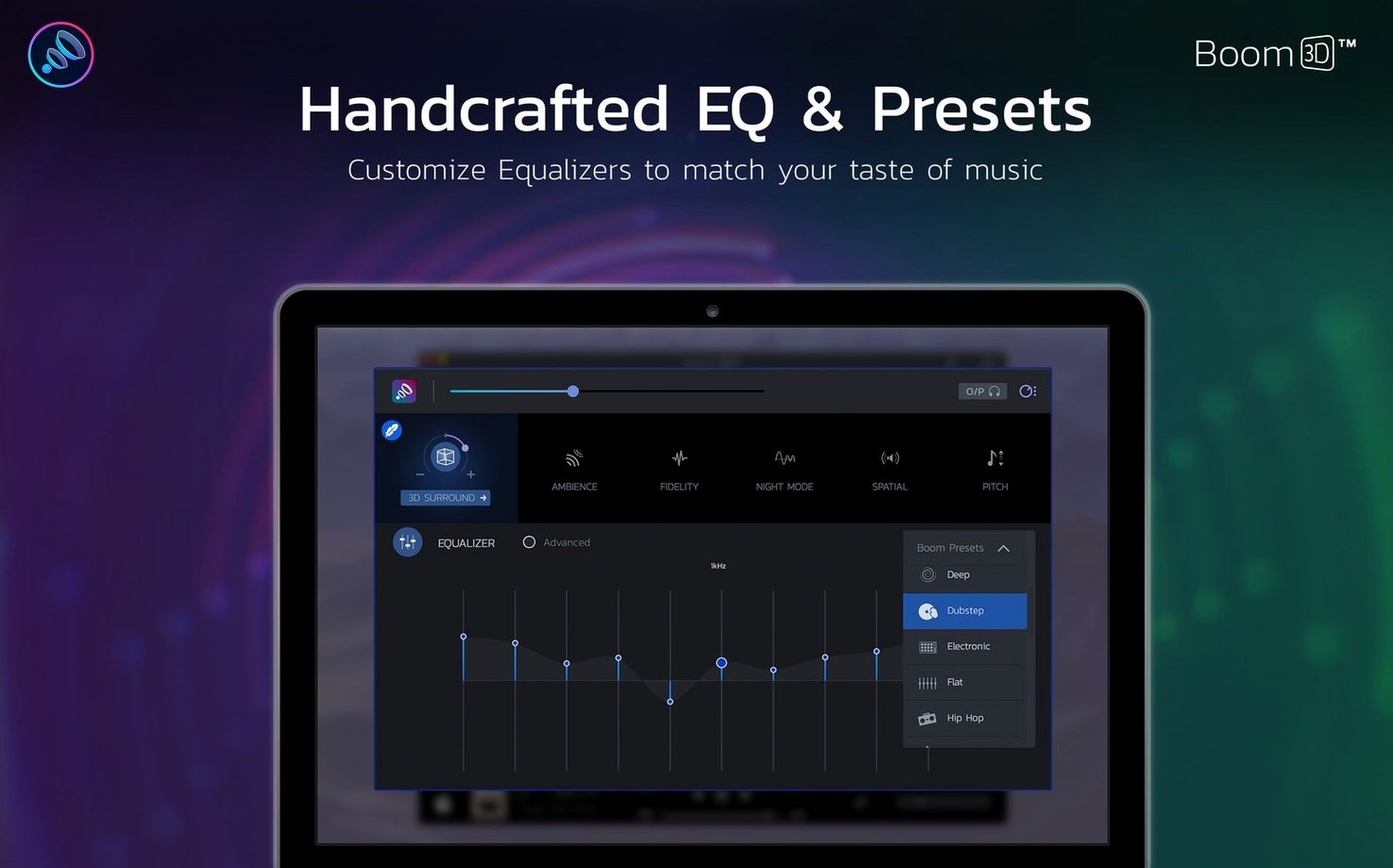
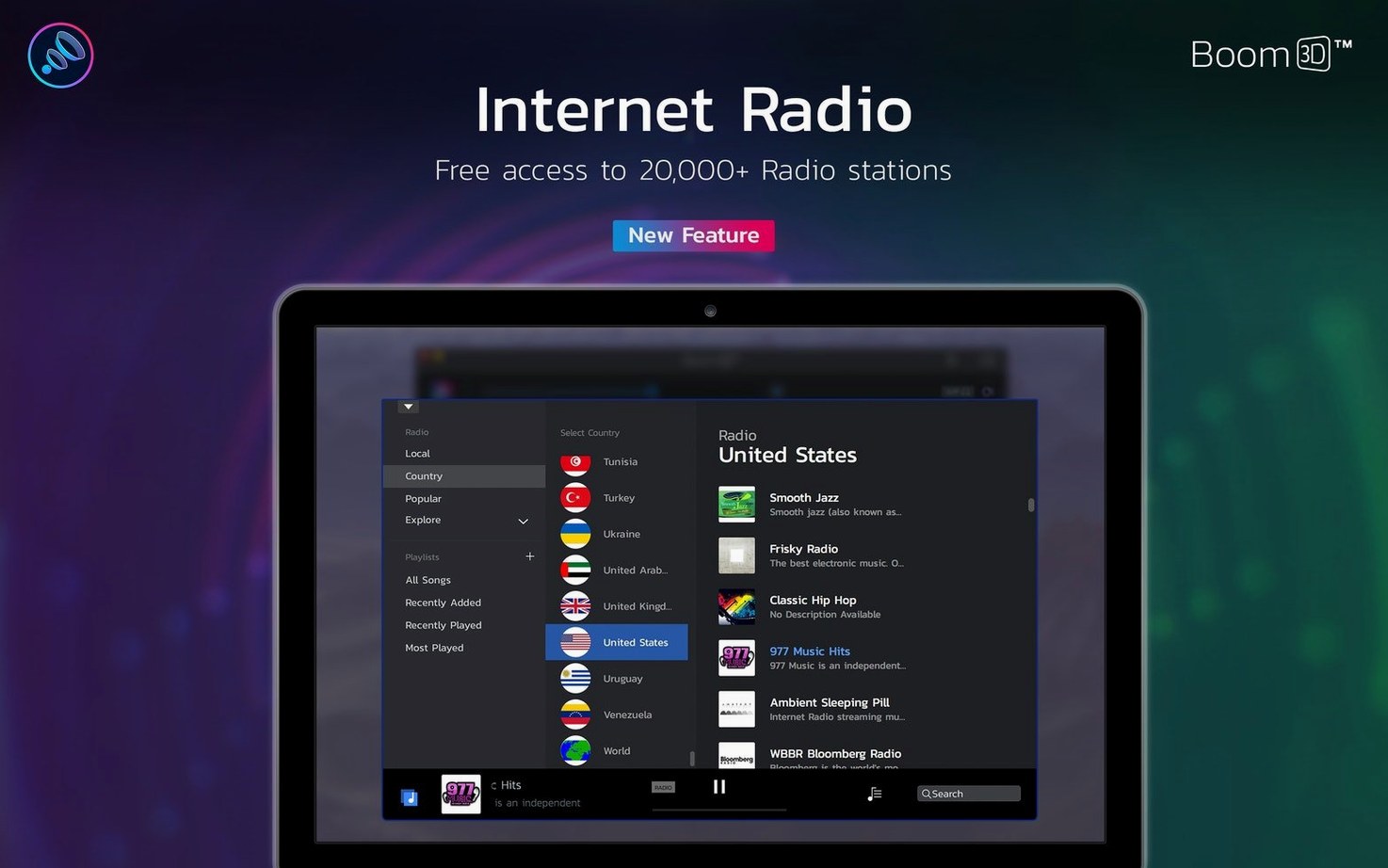
Version 2.2.6 keeps Boom 3D humming along as a separate, more capable sibling to the older Boom 2. It's a system-wide volume booster that lives in your menu bar, ready to push Mac audio past its usual limits without extra hardware. The real draw is the built-in precision equalizer paired with a virtual surround engine that works with any pair of headphones you already own.
If you've been hunting around for a boom one torrent hoping to sample what Global Delight built, here's the plain spec sheet: the app requires macOS 10.14 Mojave or anything newer, and it ships as a universal binary that runs natively on both Apple Silicon and Intel 64-bit Macs. No Rosetta fine print, no architecture guesswork — just a clean install that matches your machine.
On the interface side, you're covered in a dozen languages: English, Russian, German, Spanish, French, Italian, Dutch, Portuguese, Japanese, Korean, and both Traditional and Simplified Chinese. That's a genuinely global spread that matches how many people use Macs for music and video work.
This is for anyone who finds their MacBook speakers underwhelming, wants cinematic headphone audio from a single app, or just needs to crank a quiet video call past the normal ceiling. If you've outgrown Boom 2 or are setting up a new Apple Silicon machine, this is the version that fits.
Cranking the slider wrecks the mix
Most people install Boom 3D, crank the volume slider to max, and wonder why their music suddenly sounds like it's being played through a tin can. The booster isn't a magic wand — it's a signal processor, and pushing it too hard without touching the equalizer introduces distortion that isn't the app's fault.
Here's what I see beginners get wrong most often:
- Ignoring the pre-gain balance. The volume boost and the EQ preamp work together. If you boost bass by 6 dB and also crank the main volume, you're clipping. Back the EQ output down a notch, then use the main slider for loudness. Clean headroom beats loudness every time.
- Leaving 3D surround on for everything. The spatial engine sounds great on movies and atmospheric games, but it smears the stereo image on a well-mixed album. Toggle it per activity — there's a reason the button sits right in the menu bar panel.
- Forgetting per-app volume exists. Boom 3D can set independent levels for Safari, Spotify, FaceTime, and whatever else is making noise. If your video call keeps blowing out while music plays quietly, you don't need a different EQ curve — you need per-app balance. It's buried in the app window under the mixer icon, and half the people I talk to never click it.
- Using the same preset everywhere. The "Rock" EQ preset might sound killer on Foo Fighters, but it turns a podcast into a muddy mess. Boom ships with over twenty presets for a reason. Switch 'em.
One more thing: the app installs a kernel-level audio driver. If you uninstall it by dragging the .app to the trash without running the removal tool, leftover components can interfere with your Mac's audio stack. Global Delight provides an uninstaller — use it.
eqMac is free, SoundSource is a mixer
Three names keep popping up when people talk about Mac audio enhancement: Boom 3D, eqMac, and SoundSource. They're not really the same category of tool, but they overlap enough that the comparison matters.
eqMac is free and open-source, built around a system-wide parametric equalizer. It does frequency adjustment cleanly and stays out of your way, but it doesn't boost volume beyond the system maximum, and there's no surround processing at all. If you just need to tame harsh highs on a pair of bright headphones, eqMac is lightweight and honest. Boom 3D offers more — the 3D engine, the per-app mixer, the presets — but it also uses more resources doing it. Different ambitions.
SoundSource from Rogue Amoeba takes the per-app approach and runs with it. You can route individual applications through different EQs, apply Audio Units, and control everything from the menu bar. It's a power user's audio router. Where Boom 3D simplifies — pick a preset, maybe tweak a few sliders, feel the surround — SoundSource expects you to know what a 10-band EQ even is. I'd pick Boom for evening Netflix sessions and SoundSource for a multi-output studio desk. They live side by side on my Mac without stepping on each other, though you shouldn't run both processing the same audio chain.
There's also Boom 2, the predecessor. It does basic boosting and EQ on older macOS versions (back to 10.10 Yosemite), but it lacks the 3D engine, the per-app mixer, and the Apple Silicon-native binary. If someone's searching for a Boom 3D torrent specifically, they're usually looking to skip past those limitations.
Apple Silicon runs without Rosetta
Version 2.2.6 didn't rewrite the app, but the updates leading up to it fixed a handful of everyday annoyances. The most visible shift over the past few point releases is Apple Silicon-native support — Boom 3D no longer leans on Rosetta 2, which means lower CPU draw and snappier startup on M-series machines. On my MacBook Air, the menu bar icon appears instantly after login where earlier builds took a noticeable beat.
Per-app volume control got more reliable too. Older versions occasionally lost track of an application after it relaunched; the current build holds those assignments across reboots. The 3D engine also received subtle tuning — less phase weirdness on dialog-heavy content, which makes a real difference during long video calls or podcast listening sessions. Spatial effects that used to swim around the soundstage now stay locked in place unless the audio source moves dramatically.
Interface refinements are small but practical: the equalizer sliders respond more smoothly to trackpad input, and the preset list loads without that half-second freeze that annoyed me through several previous versions. Nothing radical. Just steady cleanup work from Global Delight.
Menu bar companion sits at 1–2% CPU
Boom 3D sits in the background as a lightweight menu bar companion — on an M1 or M2 Mac, it hovers around 1–2% CPU during music playback with the 3D engine active. Intel machines run a little warmer; my old 2019 iMac pushes closer to 4% with spatial processing on, which is still negligible for a real-time audio effect. Memory usage sits under 150 MB for me, even with per-app routing active.
Stability is good on macOS Ventura and Sonoma, where I've used it daily. The audio driver occasionally needs a restart after a major system update — a quick toggle off and on in the app's settings usually sorts it. I haven't encountered kernel panics or sudden audio dropouts through several macOS point releases, which puts it ahead of some older audio enhancers that never fully transitioned to Apple's newer security model.
For anyone who arrived here checking whether a Boom 3D Mac torrent might deliver a stable build, the short answer is that the app itself runs tightly — driver crashes are rare, and resource use stays polite even on older hardware. Just make sure the rest of your audio chain (Bluetooth headphones, external DACs) behaves, because Boom amplifies whatever your system gives it, including connection glitches.
- macOS 10.14 or later
- Apple Silicon and Intel 64-bit Macs
Also on readers' docks
Sign in or create an account to leave a comment.
No comments yet. Tell me how it got on with your other devices.