Download Amadeus Pro for macOS
Most audio tools make you choose: a simple stereo editor feels too cramped, while a full DAW buries you in virtual instruments and MIDI you never asked for. Sometimes you just need a clean space to cut, layer, and restore audio without the bloat. That’s the gap Amadeus Pro on Mac fills.
Editor first, tape deck second
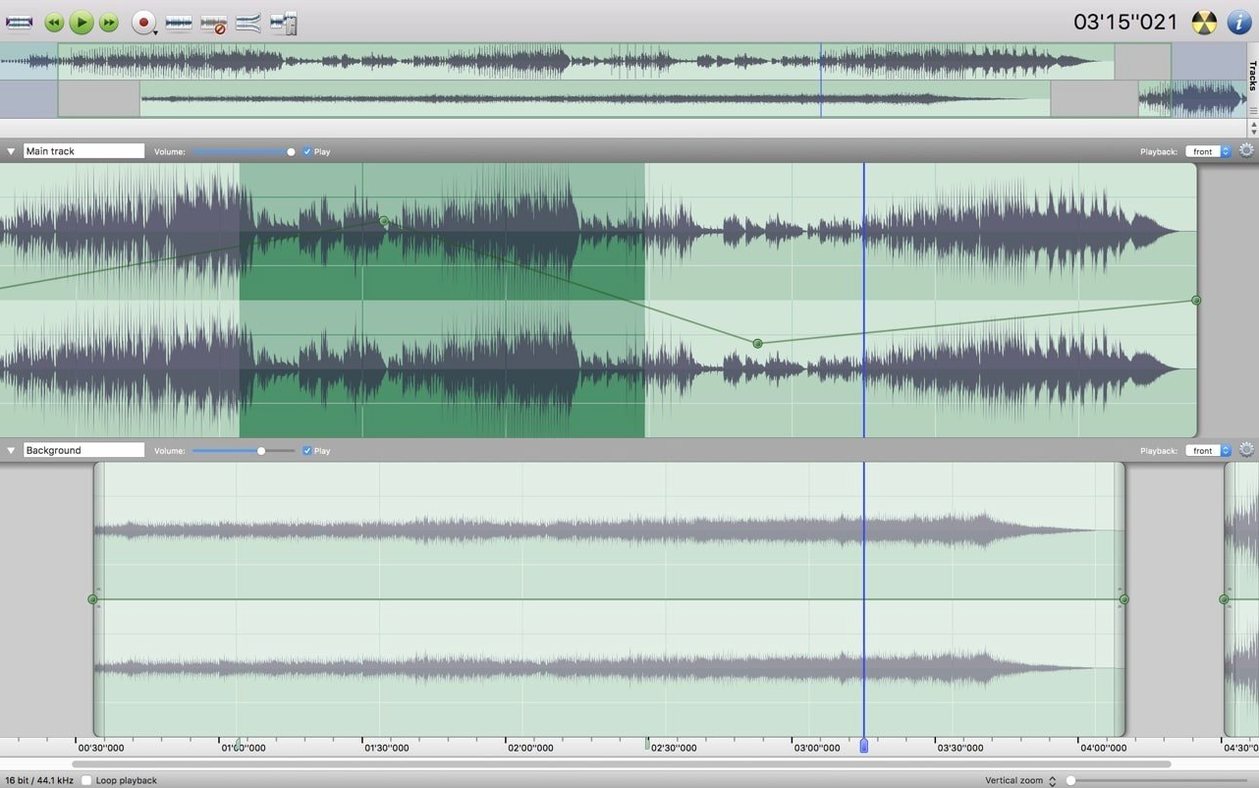
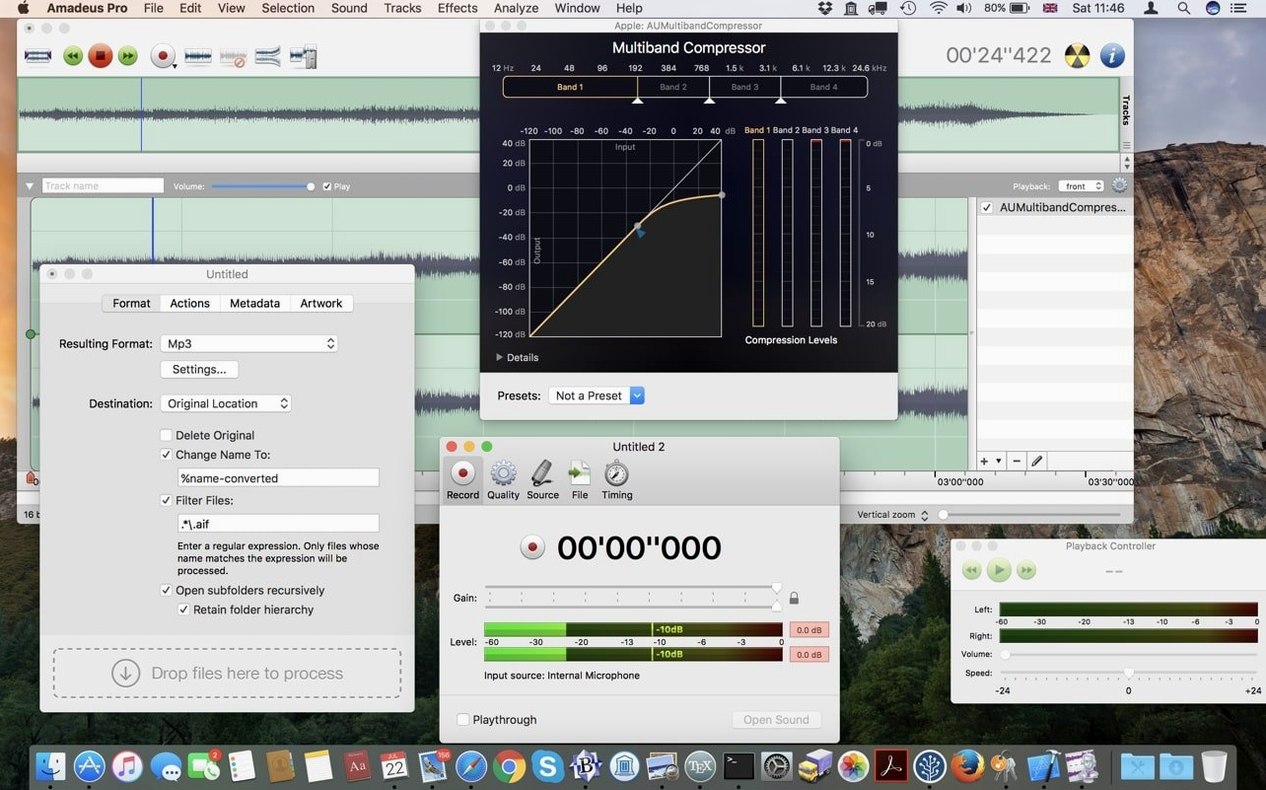
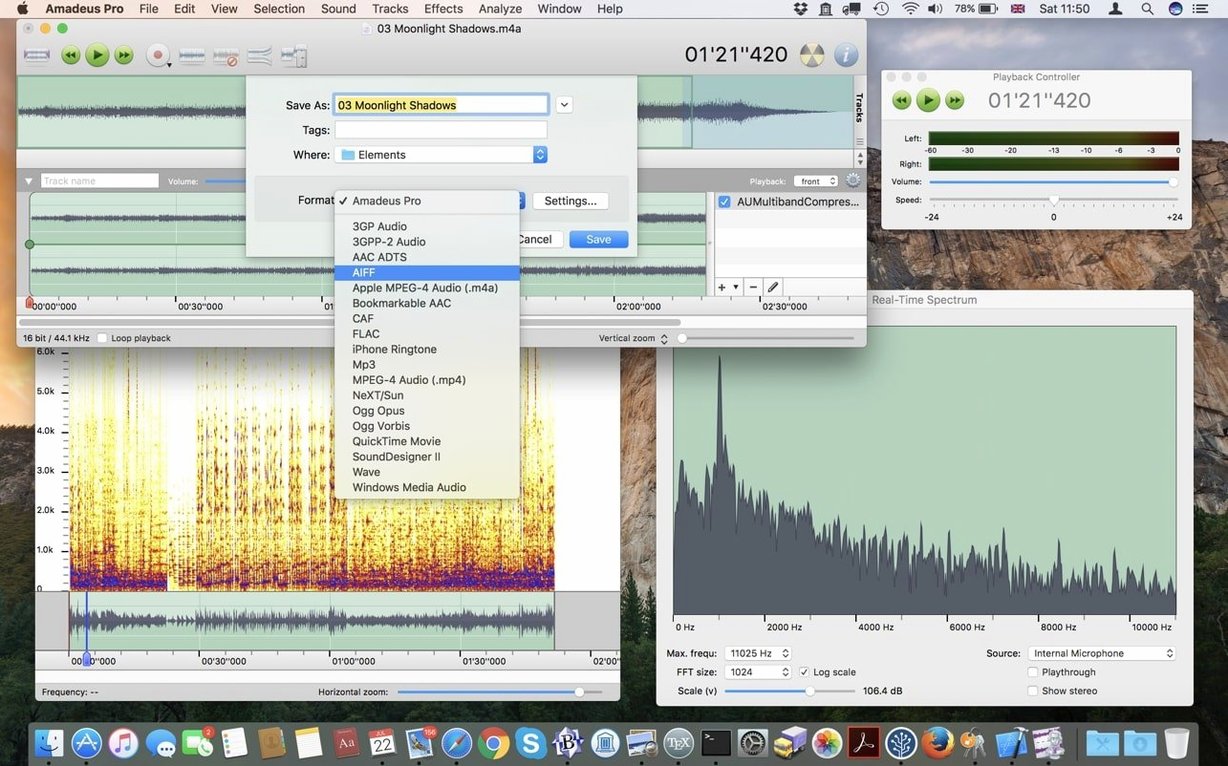
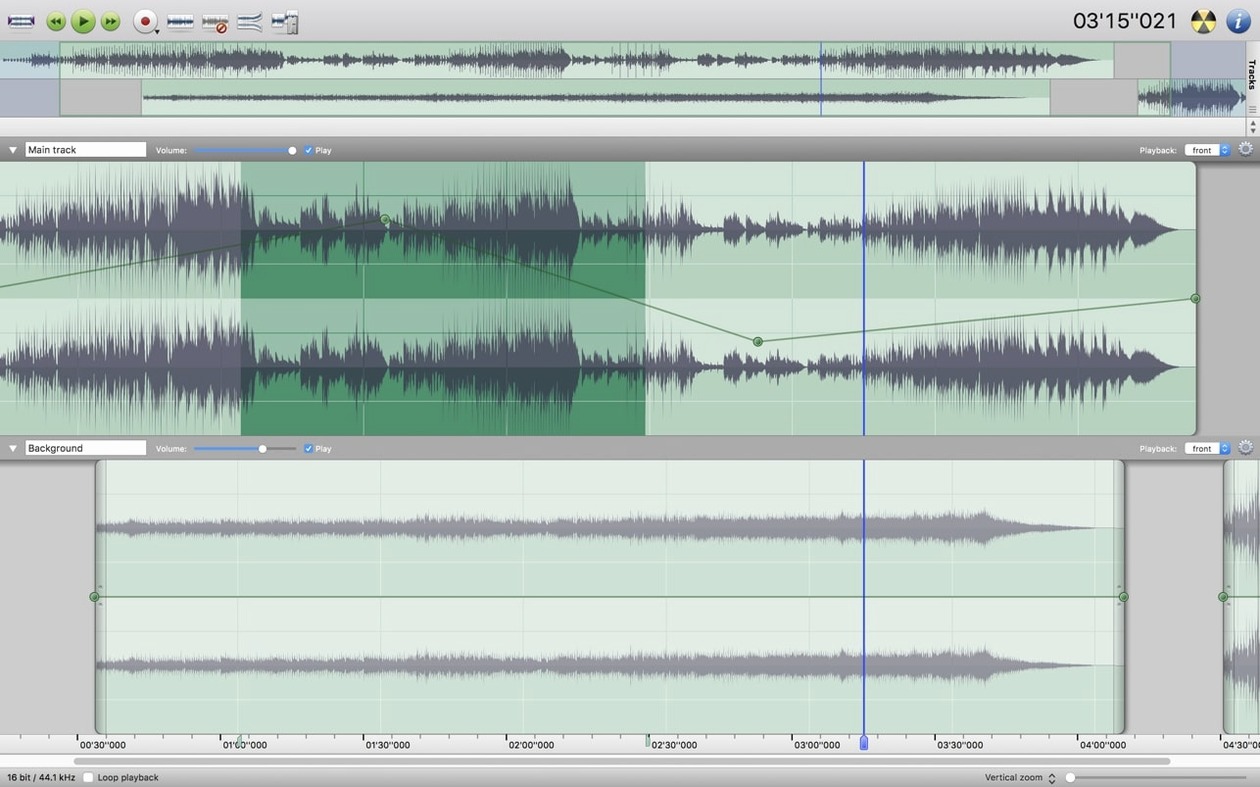
Amadeus Pro is a multi-track editor, not an instrument rack. You can record several tracks at once, apply effects through VST and Audio Unit plugins, and drop markers to jump around long sessions. The Favorite Actions panel keeps the commands you actually use one click away, which cuts down on menu diving. When a repair job lands—cleaning up an old recording or rescuing a live set—the built-in sound analysis tools give you a clear look at what you are working with.
Batch work and plain practicality
The batch processor handles whole folders of files while you grab coffee, and direct-to-disk output means you do not have to wait for a full render just to hear a change. Localization covers English, German, Danish, Spanish, Italian, Finnish, and French—a small detail that makes the interface feel more welcoming for a wider crowd. It runs on Intel Macs going back to macOS 10.9, so older machines stay useful here.
Where Amadeus Pro fits in a Mac workflow
I think of Amadeus Pro as a bridge between the Finder and a full production suite. Drop a voice memo from your iPhone into the timeline, trim the pauses with the built-in fade handles, then send it straight to Podcasts or Voice Memos via the Share menu. Because it respects standard macOS audio routing, you can set it as the input in QuickTime Player or loop a section back into OBS for a live stream—no virtual cable headaches.
The waveform caching works well with Spotlight and Quick Look, too. Once a project is saved, hitting the spacebar in Finder gives you an instant preview, which is useful when you are hunting for the right take among dozens of amadeus pro mac session files. And if you have set up Automator workflows for renaming or converting audio, pointing them at Amadeus Pro's batch processor extends what those folder actions can accomplish without writing a line of AppleScript.
Recording lands on the highlighted track only
New users often open the app, hit record, and wonder why the waveform does not show up on the track they expected. Amadeus Pro records to the selected track, not automatically to Track 1. If nothing is highlighted, the recording lands in a new floating window instead of the multi-track timeline. Get in the habit of clicking a track header before you arm anything.
Another common slip: applying noise reduction to the whole file when only a short section needs it. The tool lets you sample a noise profile from a silent gap, but if you do not highlight just the noisy region first, you will dull the entire recording. On older Intel machines, people also forget to lower the waveform cache resolution in preferences—keeping it at maximum on a 2012 MacBook Pro makes scrubbing feel sluggish, and dropping it one notch usually fixes that without hurting the visual detail much during edits.
Those coming from GarageBand sometimes expect automatic crossfades between adjacent clips. You have to overlap them by hand and apply a fade on each edge. The Favorite Actions panel is the smart place to stash a custom crossfade shortcut so you do not have to hunt through menus every time.
Native Quick Look and Audio Unit support
Compared to Audacity, the difference comes down to macOS integration. Audacity works on the Mac but does not feel like it belongs there—no native Quick Look support, no Audio Unit hosting, and basic track management that gets fiddly with larger projects. Amadeus Pro taps into the system's audio plug-in architecture directly, so your existing AU effects show up without extra configuration. Audacity wins on cross-platform flexibility; for someone doing all their work on a Mac, Amadeus Pro feels more at home.
Next to Fission from Rogue Amoeba, Amadeus Pro pulls ahead on multi-track work. Fission excels at fast, lossless stereo edits—splitting a long file, trimming without re-encoding, and exporting a finished MP3 in seconds. But Fission stays in the two-channel lane. If you need to layer a voiceover under background music while keeping each element tweakable, Amadeus Pro is the tool that lets you do it without launching Logic. Fission's strength is speed on single files; Amadeus Pro's strength is flexibility when projects get layered.
Ocenaudio sometimes gets mentioned in the same breath because it handles large files gracefully and supports VST effects. The key gap is multi-track editing—Ocenaudio sticks to a single-file view with an effects chain, which suits quick mastering passes but not compiling an interview with separate mic tracks. Amadeus Pro gives you the timeline view alongside the processing tools, so you are not forced to switch apps when a job grows from one file to four.
- macOS 10.9 or later
- 64-bit Intel processor
Questions people ask
What plugin formats does Amadeus Pro support?
It supports Audio Units, the native macOS plug-in format, as well as VST plugins for a wider range of third-party effects and processors.
Also on readers' docks
Sign in or create an account to leave a comment.
No comments yet. Tell me how it got on with your other devices.