Download AIMP for macOS
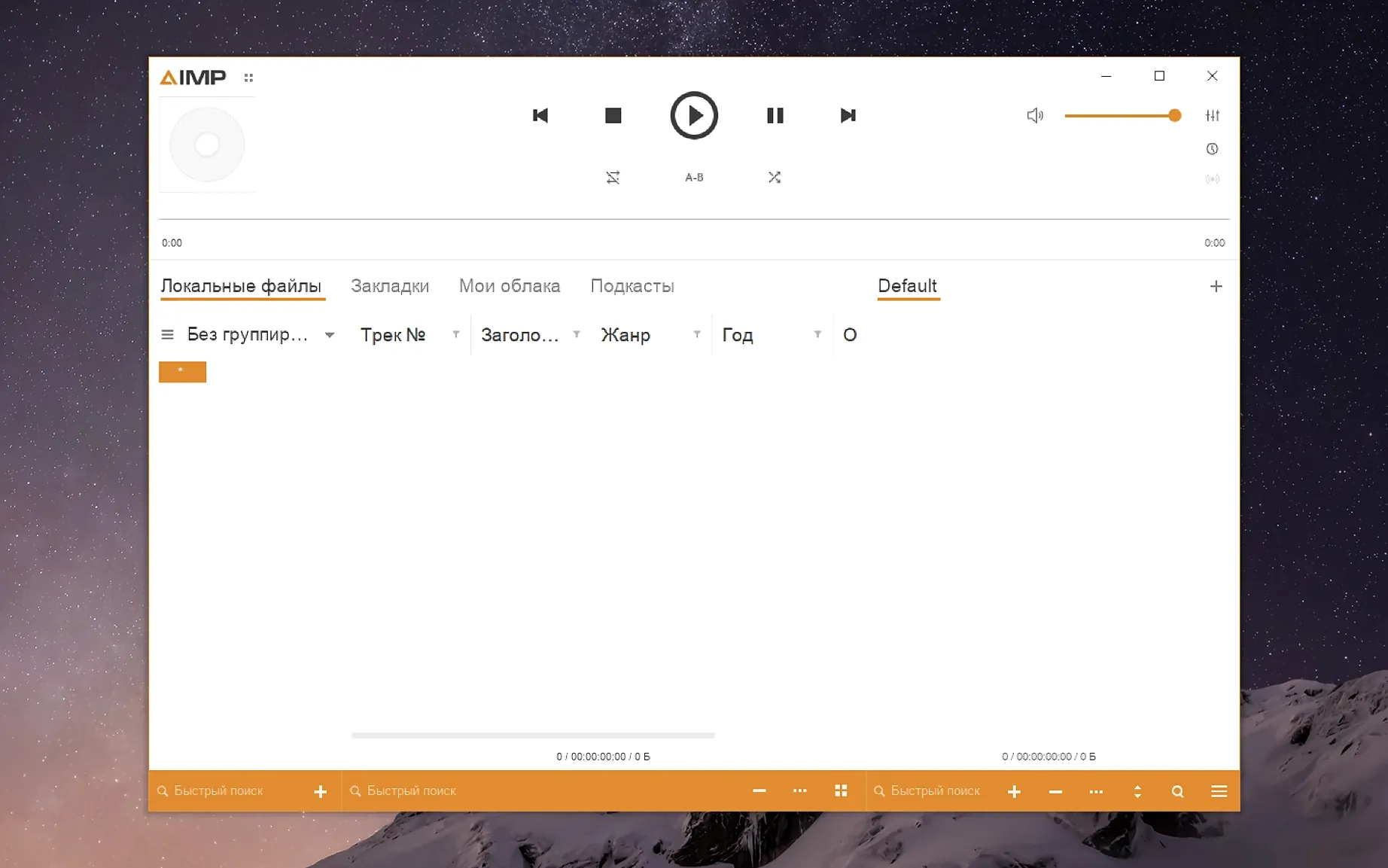
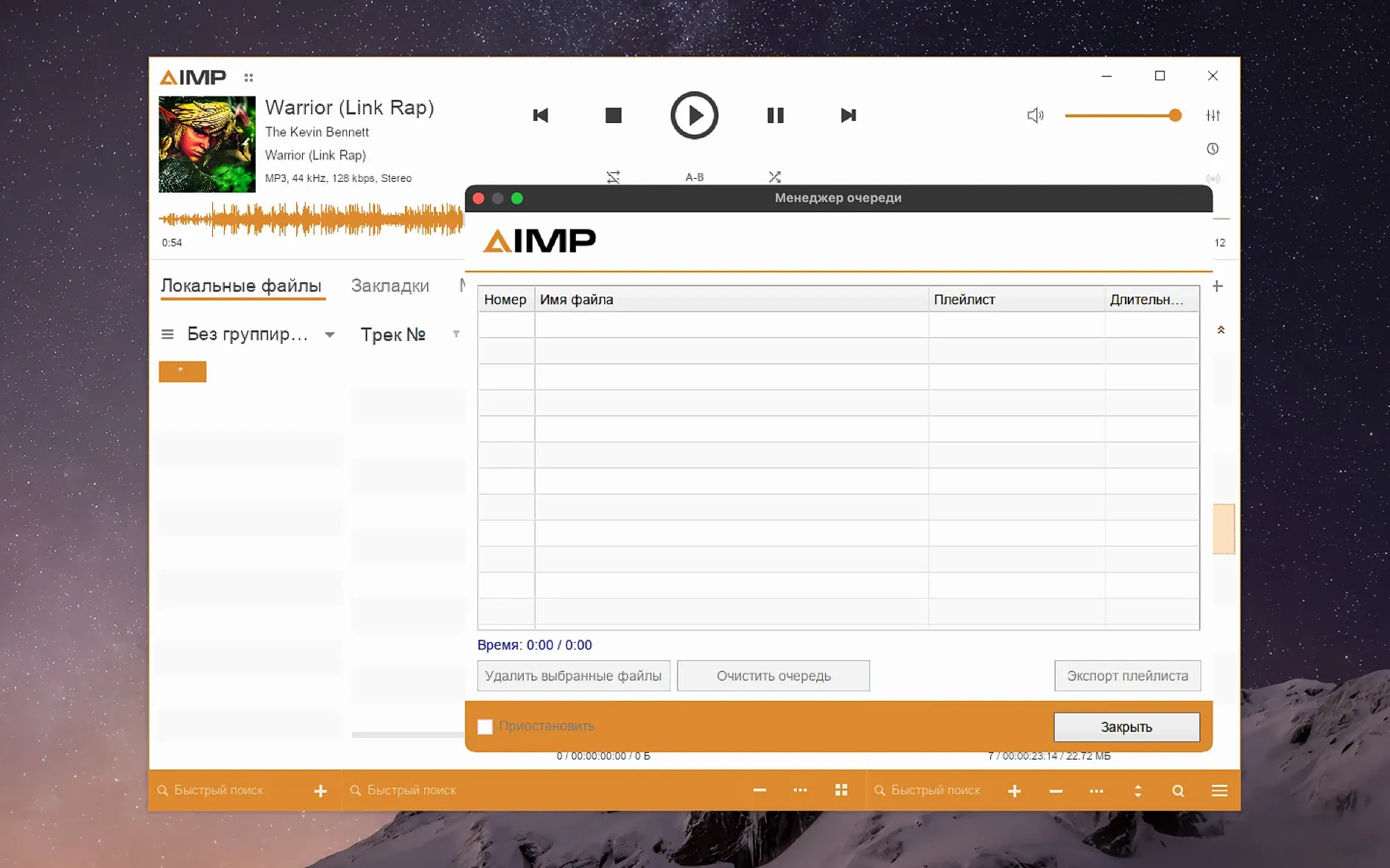
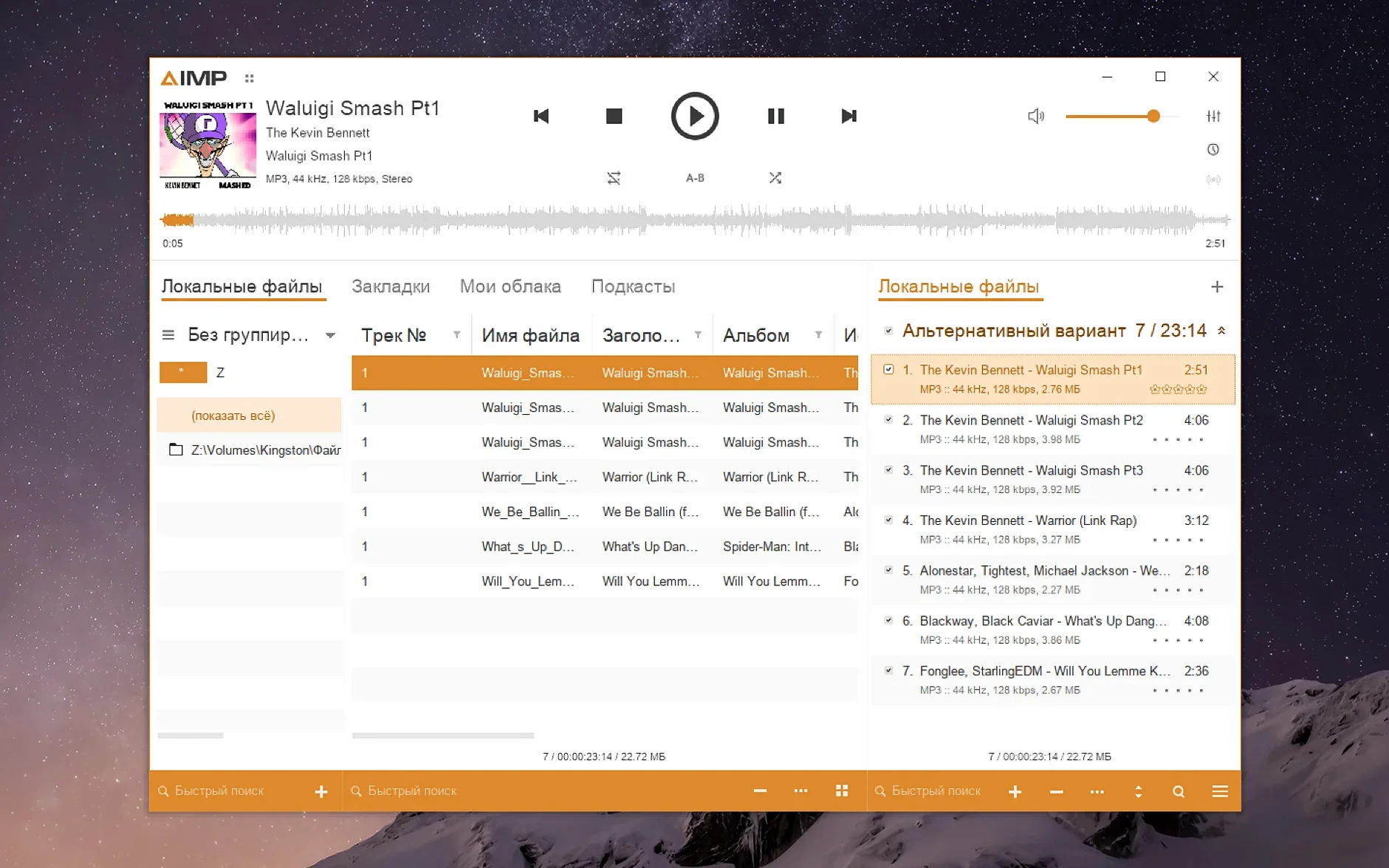
Version 5.40.2675 landed quietly, but it tidied up a couple of things that actually matter during long listening sessions. The sampling-frequency change no longer leaves old buffers hanging around, and a libVorbis conflict with third-party plugins got squashed, so you can lean on visualizers or DSP add-ons without the app tripping over itself. Waveform calculation also got a speed bump, which you notice right away when scanning through a dense library.
I pointed the player at a folder of high-resolution FLACs I’d been meaning to sort. The library tree snapped into view quickly, and I queued up an album while the waveform rendered almost in step with playback. The 18-band equalizer is still the star of the show here — pulling the mids forward on a muddy live recording took about twenty seconds of dragging sliders, and the change felt immediate rather than processed.
Because this is the Windows build wrapped with Wineskin, you get the full feature set, including the radio capture and the alarm-clock scheduler, which feel right at home next to native macOS apps. The interface supports a long list of languages — Italian, Polish, Turkish, Korean, and about a dozen more — so switching the menus to something familiar is painless if English isn’t your default.
What makes it stick is how little it asks in return. It reads everything I threw at it, didn’t stutter when I resized the window mid-track, and stayed out of the menu bar when I wanted it gone. If you’ve been hunting for a music player that treats local files like first-class citizens, this one earns its spot in the dock.
Launch Error Solved by Running the Fix File
The first hurdle catches almost everyone: launching the app and getting a cryptic error instead of the player window. This isn't a broken download — it's the Wineskin wrapper needing a quick permission nudge. Running the Fix file tucked inside the disk image sorts it in seconds, but plenty of people skip that step and assume the whole thing is dead on arrival.
Another common stumble is the tiny interface on a Retina display. The default window looks cramped, and dragging the corner to resize doesn't scale the text the way you'd expect. The real fix lives inside the app package — popping open KegworksConfig, dialing the screen resolution to something between 122 and 144 in the Graphics tab, and restarting. Miss that, and you're squinting at track names for weeks.
New users also tend to dump their entire music folder into a single playlist and call it done. AIMP's library grouping tree is the faster route, and ignoring it means you're manually scrolling through thousands of tracks when a quick Alt+Click on an artist node would queue up exactly what you want. The grouping feels old-school in the best way, but it's easy to overlook when the playlist pane is right there begging for drag-and-drop action.
Lastly, the radio capture feature sits quietly in the menu while beginners hunt for a separate recording tool. It's already built in — just start playing a stream and hit record. No extra plugins, no routing audio to another app.
Ancient Monkey’s Audio APE Rips Decode Flawlessly Again
The Monkey's Audio codec bump to 11.08 means those older APE files sitting in archived folders now decode without fuss. If you ripped CDs to Monkey's Audio a decade ago, playback feels current instead of like a compatibility afterthought. Combined with the waveform calculation speed improvement, scanning a freshly added album produces a visual readout almost instantly — handy when you're cueing up a track from the middle and want to jump straight to the chorus.
On the stability side, the playlist manager no longer flags content as modified just because you switched the playing track in active storage. That one used to trigger an unsaved-changes prompt at the worst moments, and now it stays quiet unless you actually edit something. The tag editor also stopped complaining about unnamed MP4 fields, so importing AAC files from different sources no longer lights up the error log with parser noise.
For anybody running visualizations, the Skin Engine mouse-wheel fix in the visualization window restores smooth scrolling through presets — a small thing, but one that kept me from accidentally blasting a skin change mid-track. And the localization updates tightened up menu translations across several languages, which matters more than it sounds when you're digging through an equalizer preset in German or French and every label reads naturally.
Sprawling Local Libraries Finally Tamed by the Batch Tag Editor
People with sprawling, meticulously tagged local libraries are the obvious fit. If your music lives in folders rather than a streaming queue, AIMP's library tree and batch tag editor turn organization into something you do once, not something you fight every time you add an album. The 18-band equalizer rewards anyone who tinkers with sound — headphone listeners who want to compensate for a dipped mid-range or bright treble will find the slider response more satisfying than a handful of genre presets.
Radio enthusiasts get a quiet bonus here. The built-in stream capture and scheduler mean you can set the player to record a late-night broadcast while you sleep, and wake up to a file ready for playback. It's a niche use case, but for the kind of listener who bookmarks Icecast stations, it eliminates the need for a separate recording utility.
Mac users who've been searching for "aimp mac" or "aimp for macos" usually fall into one more camp: people who came from Windows and miss a player that treats audio formats seriously. The Wineskin packaging means this isn't a stripped-down port — it's the full Windows feature set running on Apple Silicon, quirks and all. That trade-off works best for someone who values function over polish, and who doesn't mind a one-time configuration tweak for the display scaling. If you've ever wished Finder could read ReplayGain tags or queue up tracks with crossfade, this fills the gap without asking you to reorganize how you store your music.
Localizations were refreshed, the Monkey’s Audio codec moved to 11.08, and waveform calculation got faster. A libVorbis conflict with third-party plugins was resolved, and changing the sampling frequency no longer leaves filled buffers unflushed.
- macOS 11 or later
- Apple Silicon
Also on readers' docks
Sign in or create an account to leave a comment.
No comments yet. Tell me how it got on with your other devices.