









Download Vector Magic for macOS
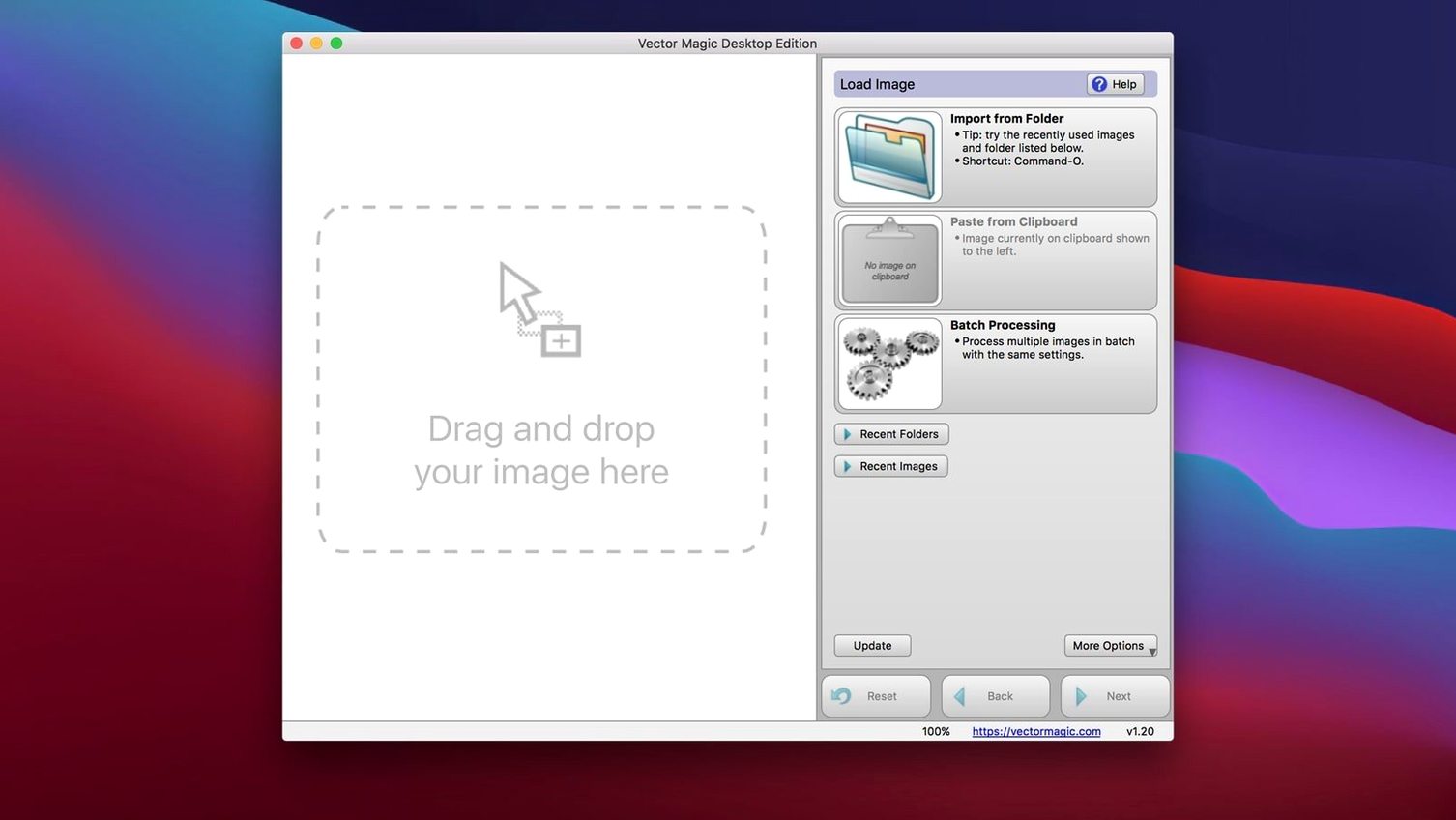
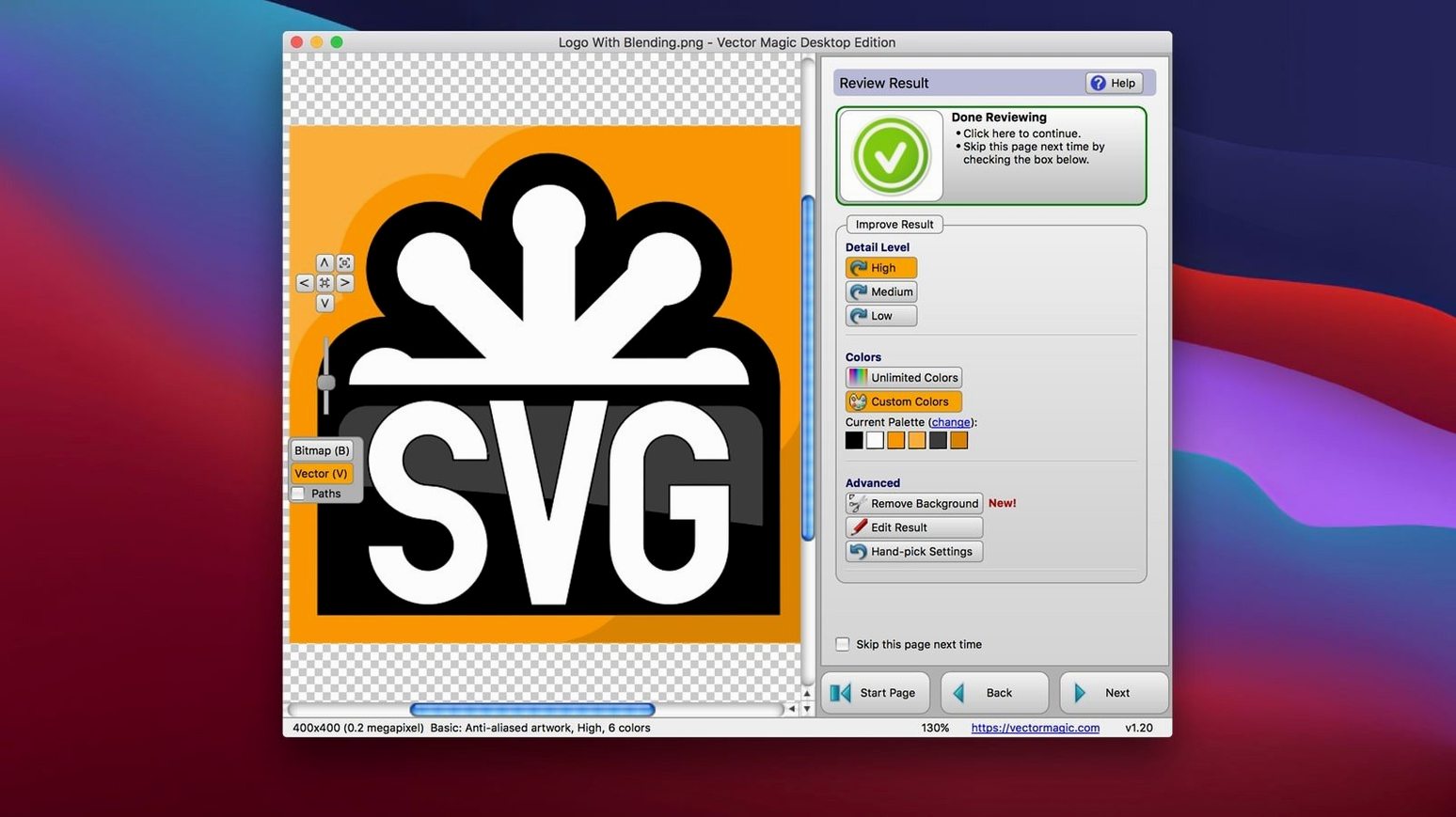
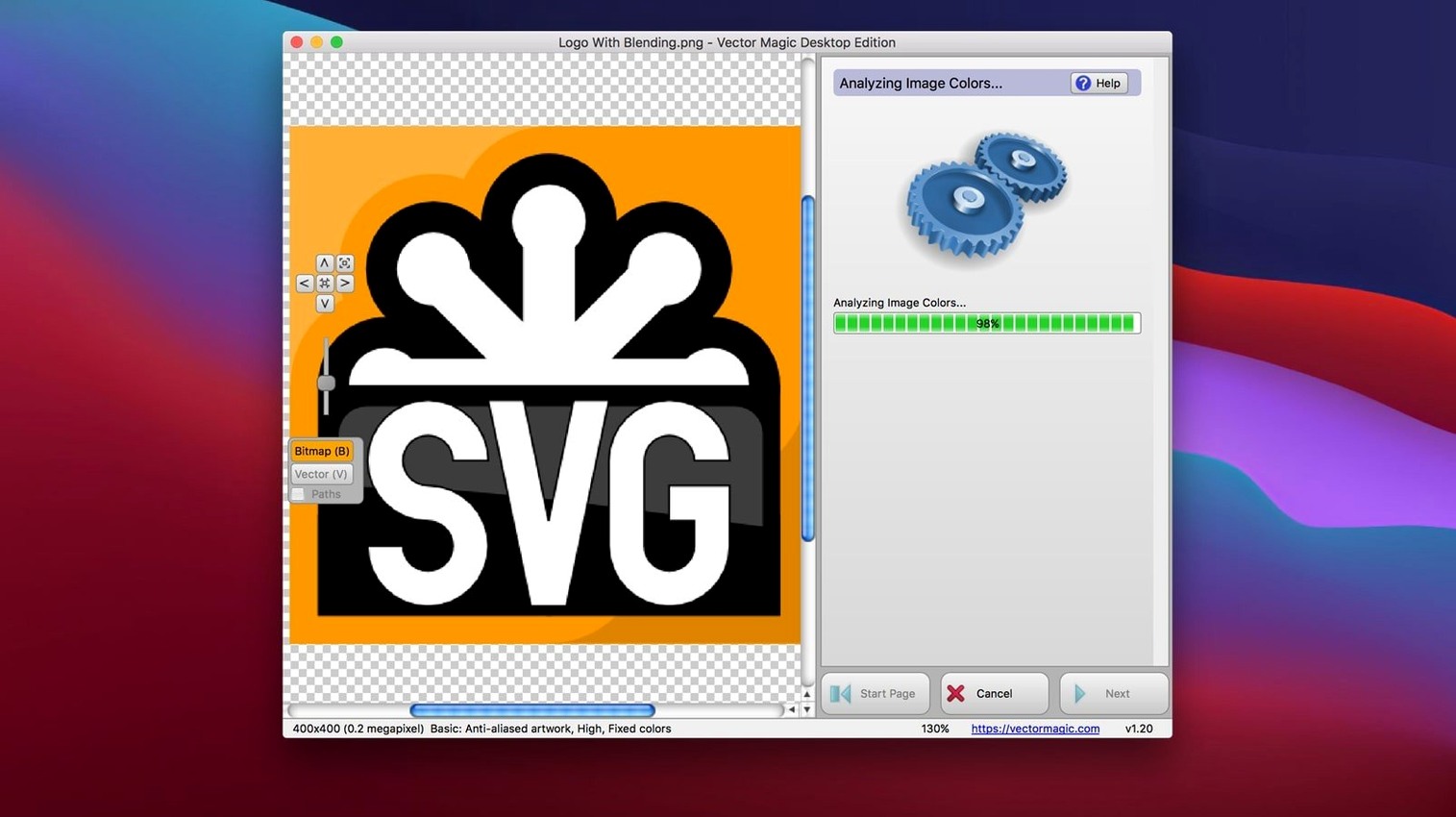
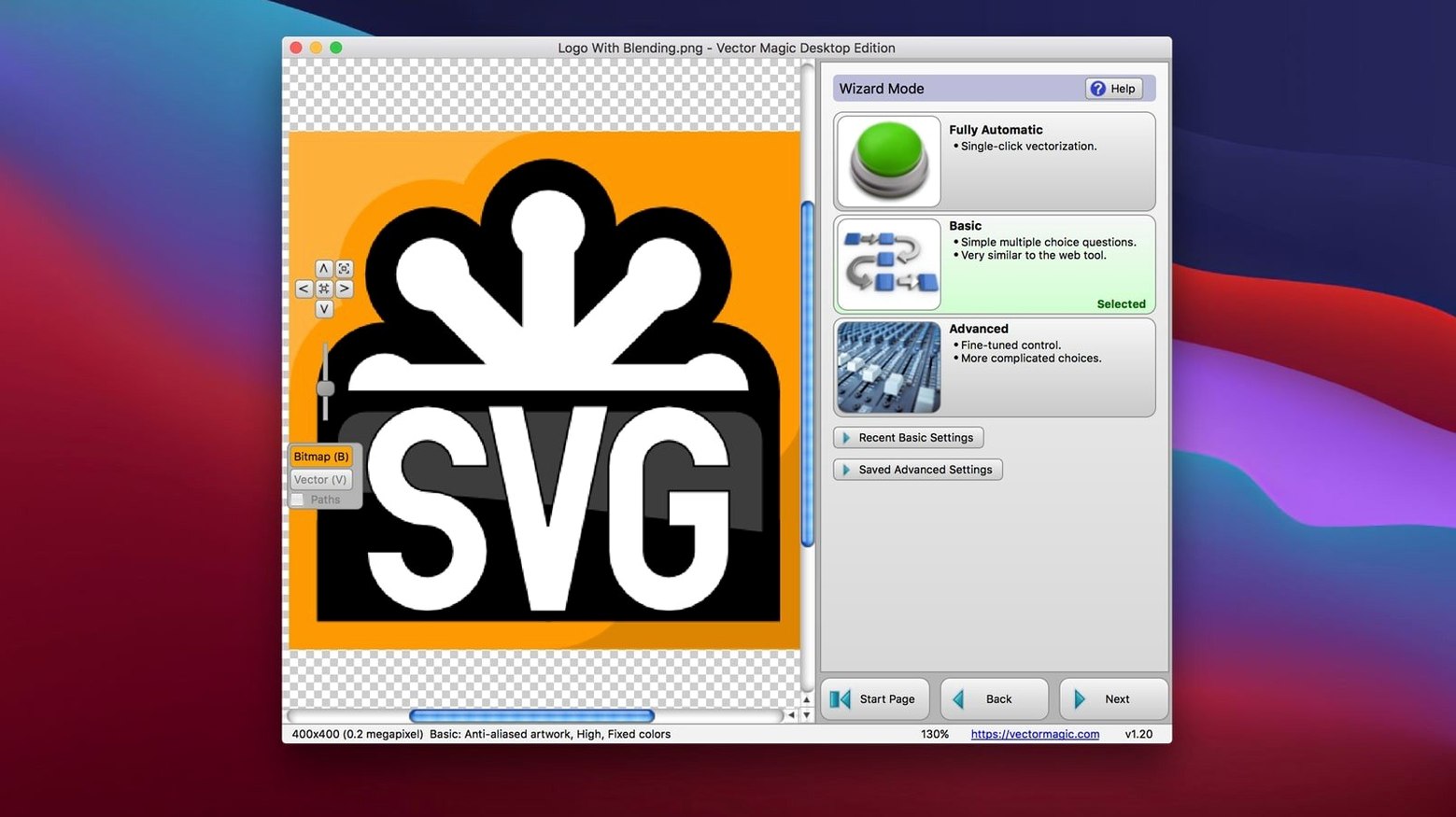
Graphic designers and print professionals who still reach for Illustrator or CorelDRAW know the pain of a rough auto-trace. Vector Magic’s Desktop Edition is the tool they often keep in their back pocket—not for quick one-click jobs, but for the moments when a logo needs to scale to billboard size without a wobble in sight. It’s a dedicated raster-to-vector converter that lives on your Mac, far from a browser tab, and it’s built to handle the kind of detailed tweaking a deadline demands.
| Key Detail | Spec |
|---|---|
| Current Version | 1.20 |
| Architecture | Intel 64-bit |
| Min OS | macOS 10.7 |
| Output Formats | EPS, SVG, PDF, AI, DXF, EMF, PNG |
The real muscle for an experienced user lives in Manual mode. You’re not stuck with a single algorithmic guess—you can adjust individual parameters and watch the preview update instantly. Segment editing lets you clean up trouble spots right inside the app, so you aren’t bouncing back and forth to another editor just to fix a stray anchor point. Drag-and-drop and copy-paste flow straight into Illustrator or CorelDRAW, which makes it feel like an extension of the tools you already have open. The app also shrugs off size limits that choke web-based converters, supporting vectorization of very large images, though it’s worth knowing the desktop edition caps files at 10 MB and 10 megapixels. For most production artwork, that’s plenty of headroom; for giant-format raster maps, you’ll just need to plan your crops.
- macOS 10.7 or later
- Intel 64-bit processor
- Maximum file size: 10 MB
- Maximum image size: 10 megapixels
Questions people ask
What output formats does Vector Magic for Mac support?
It saves to EPS, SVG, PDF, AI, DXF, EMF, and PNG, giving you flexibility for both print workflows and CAD software.
Can I edit the vector paths before exporting?
Yes, the app includes segment editing so you can manually clean up shapes right on the canvas before you send them to Illustrator or CorelDRAW.
Does the desktop app work with very large bitmap files?
It’s designed to handle large images that web tools struggle with, though the Desktop Edition is limited to files under 10 MB and images up to 10 megapixels.
Also on readers' docks
Sign in or create an account to leave a comment.
No comments yet. Tell me how it got on with your other devices.
More in Mac Apps
See all Viaduct
1.3.0 Mac Apps
49 MB
Viaduct
1.3.0 Mac Apps
49 MB
 Updated Vibe Island
1.0.53 Mac Apps
18 MB
Updated Vibe Island
1.0.53 Mac Apps
18 MB
 Unite Pro
1.8 Mac Apps
27 MB
Unite Pro
1.8 Mac Apps
27 MB
 VideoByte BD-DVD Ripper
2.1.6 Mac Apps
124 MB
VideoByte BD-DVD Ripper
2.1.6 Mac Apps
124 MB
 Updated VideoProc Converter AI
8.13 Mac Apps
254 MB
Updated VideoProc Converter AI
8.13 Mac Apps
254 MB
 VideoProc Converter
6.6 Mac Apps
86 MB
VideoProc Converter
6.6 Mac Apps
86 MB
 ViWizard Spotify Music Converter
2.17.0 Mac Apps
7 MB
ViWizard Spotify Music Converter
2.17.0 Mac Apps
7 MB
 VMware Fusion Pro
26H1 Mac Apps
479 MB
VMware Fusion Pro
26H1 Mac Apps
479 MB