Download Unite Pro for macOS
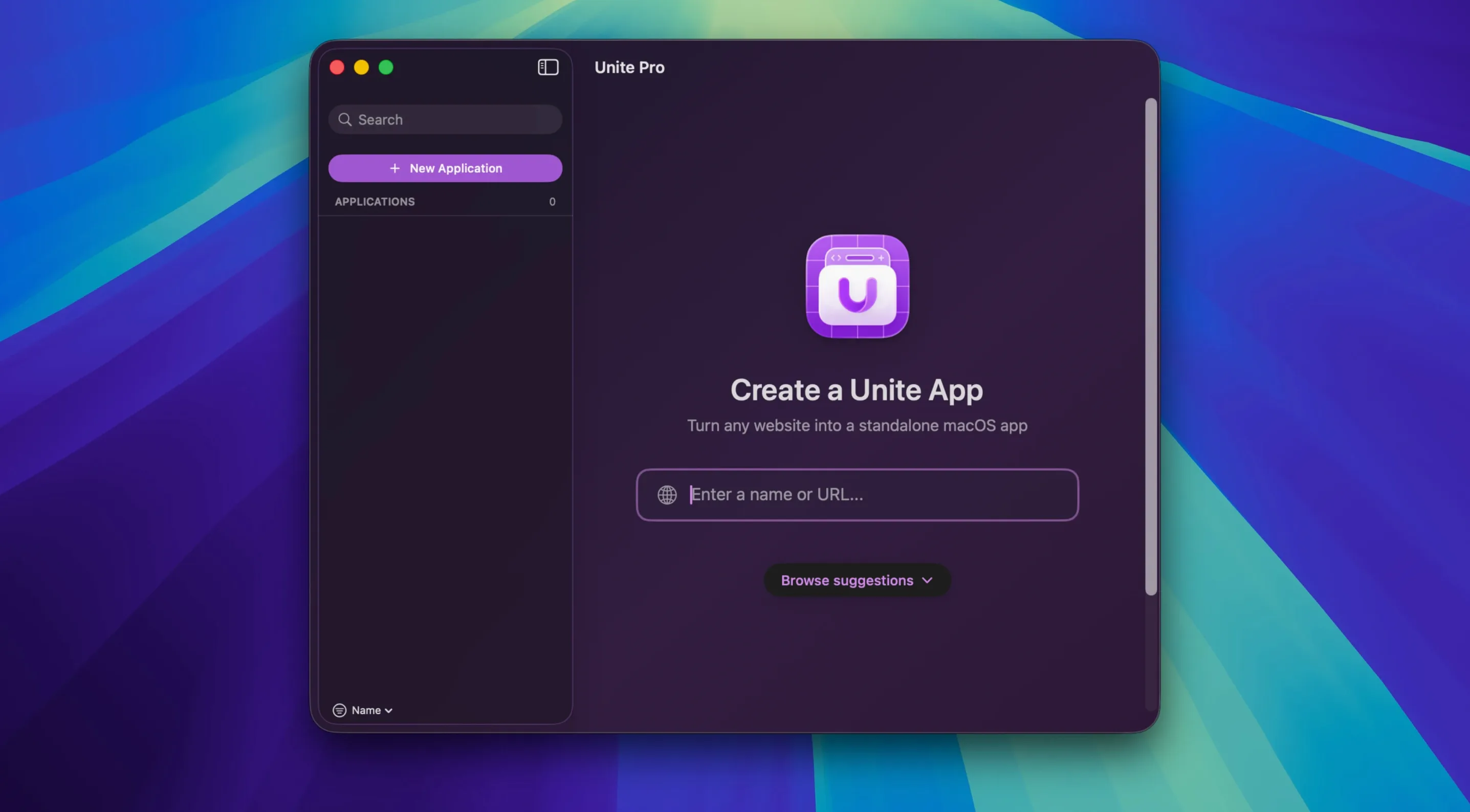
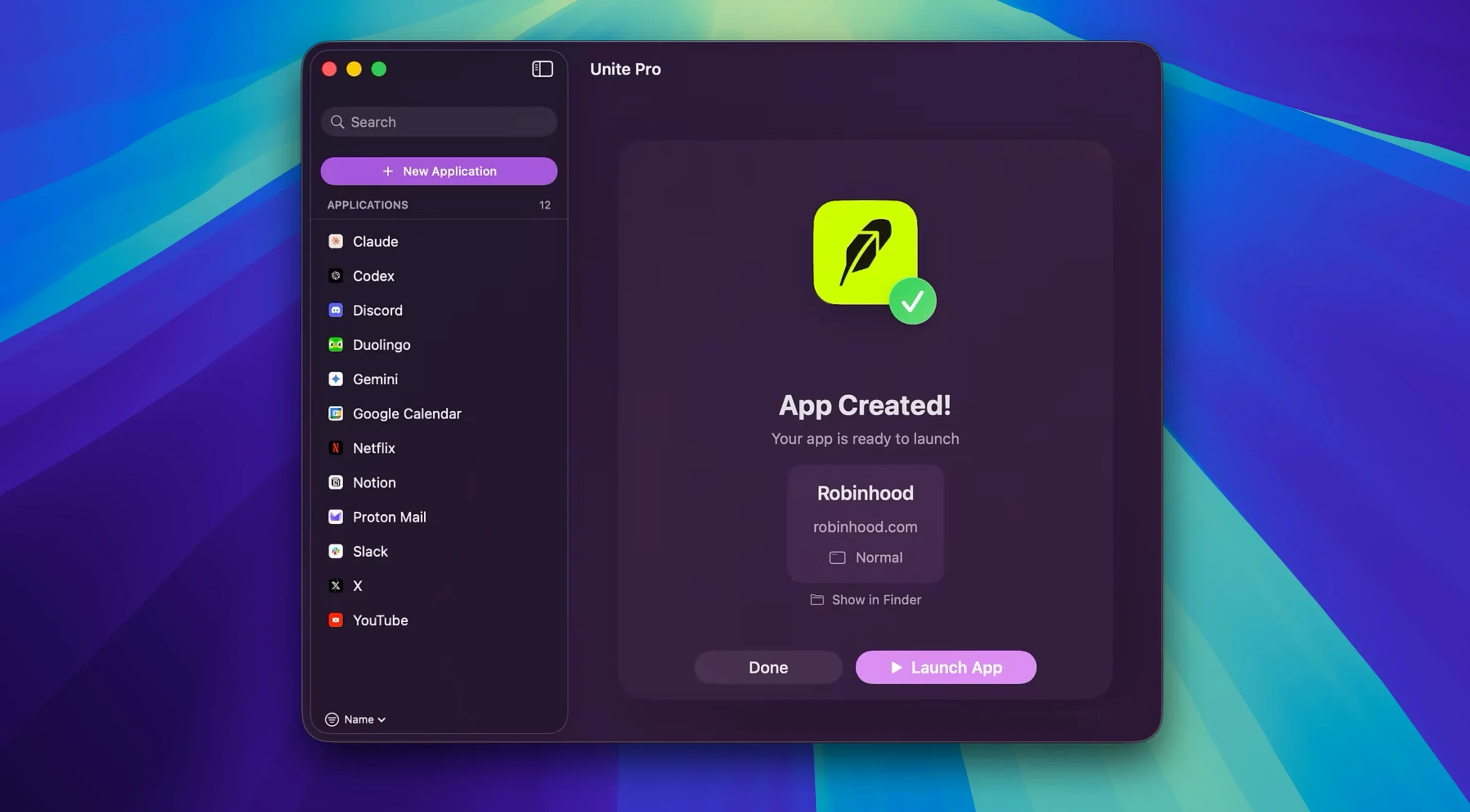
People who live in their browser but crave a more focused, app-like experience tend to love Unite Pro. It’s for anyone who wants Gmail, Notion, or a company dashboard sitting in the Dock as a proper Mac app — separate from the tabs and distractions of Safari or Chrome. Think of it as giving your most-used web tools their own dedicated space.
Under the hood, the app turns any website into a lightweight, standalone macOS application. Each one gets its own independent browser instance, so cookies and logins stay neatly contained. You can pin a notes app, a streaming service, or a project management tool right alongside your native apps, and it behaves like it belongs there. Touch Bar support is even baked in for those still tapping away on compatible Macs.
Version 1.8 makes things even more practical by introducing a default email client mode. Once you set up your Gmail or Outlook web app through Unite Pro, clicking a mailto link anywhere on your Mac opens a pre-filled compose window in that specific app. It’s a small touch that makes the web-app-as-native-app idea feel genuinely integrated with the rest of your workflow.
This is the successor to Unite 6, built for macOS 15 and designed with an eye on macOS 26 Tahoe, with full support for both Apple Silicon and Intel Macs. If you prefer your web tools to live outside the browser, Unite Pro makes that feel surprisingly natural.
A Real-World Workflow: Inbox Zero Without a Browser Tab
Here's a task I return to daily — clearing an unruly Gmail inbox — and how Unite Pro reshapes it. I start by launching my Gmail app straight from the Dock, no browser window to hunt down. Since version 1.8 added the default email client mode, any mailto link I bump into while skimming notes or spreadsheets opens a compose sheet inside that same app. No switching contexts, no "which tab has Gmail?" moment.
Once inside, I run a custom user script that hides the sidebar clutter and a user style that bumps up the reading pane font just a touch. The script fires automatically because Unite Pro treats each site app as its own contained browser, so settings and extensions don't collide with my regular Safari habits. I triage, archive, and reply — and because notifications are handled natively through macOS, a reply lands with a banner I can act on right from the notification center, without ever pulling up the full app. The whole session feels like using a dedicated mail client, not a wrapped webpage.
Lightweight Launch and Low Memory Footprint
In daily work, Unite Pro apps launch with the snap of a lightweight browser window — noticeably faster than firing up a full Chrome or Safari session. Memory use stays modest because each app spins up only what that single site needs. I keep four site apps pinned (Gmail, Notion, a team dashboard, and a streaming music service) and Activity Monitor shows each hovering around 200–350MB, which is leaner than the same tabs inside a multi-window browser.
Stability has been uneventful in the best way. Over weeks of leaving apps open through sleep cycles and display changes, I haven't seen a single crash or cookie wipe. The independent browser instances mean a sluggish Notion workspace never drags down my email app alongside it — they're blissfully unaware of each other. If you're curious about trying the app, you can find unite pro macos free resources online, though I stick with the full version for the scripting and notification perks. For anyone juggling half a dozen web tools daily, this setup keeps the workday smooth and the fan quiet.
What's new in version 1.8:
- Adds a default email client mode for supported services like Gmail and Outlook — clicking mailto links now opens a pre-filled compose page in your chosen web app.
- Download location prompts now remember the last folder you picked, saving you a click every time.
- macOS 15 or later (designed for macOS 26 Tahoe)
- Apple Silicon or Intel Mac
- English, German, Spanish, Italian, Portuguese, French interface
Questions people ask
Does Unite Pro support Apple Silicon Macs?
Yes, Unite Pro runs natively on both Apple Silicon and Intel 64-bit Macs.
Also on readers' docks
Sign in or create an account to leave a comment.
No comments yet. Tell me how it got on with your other devices.