
Download Typeface for macOS
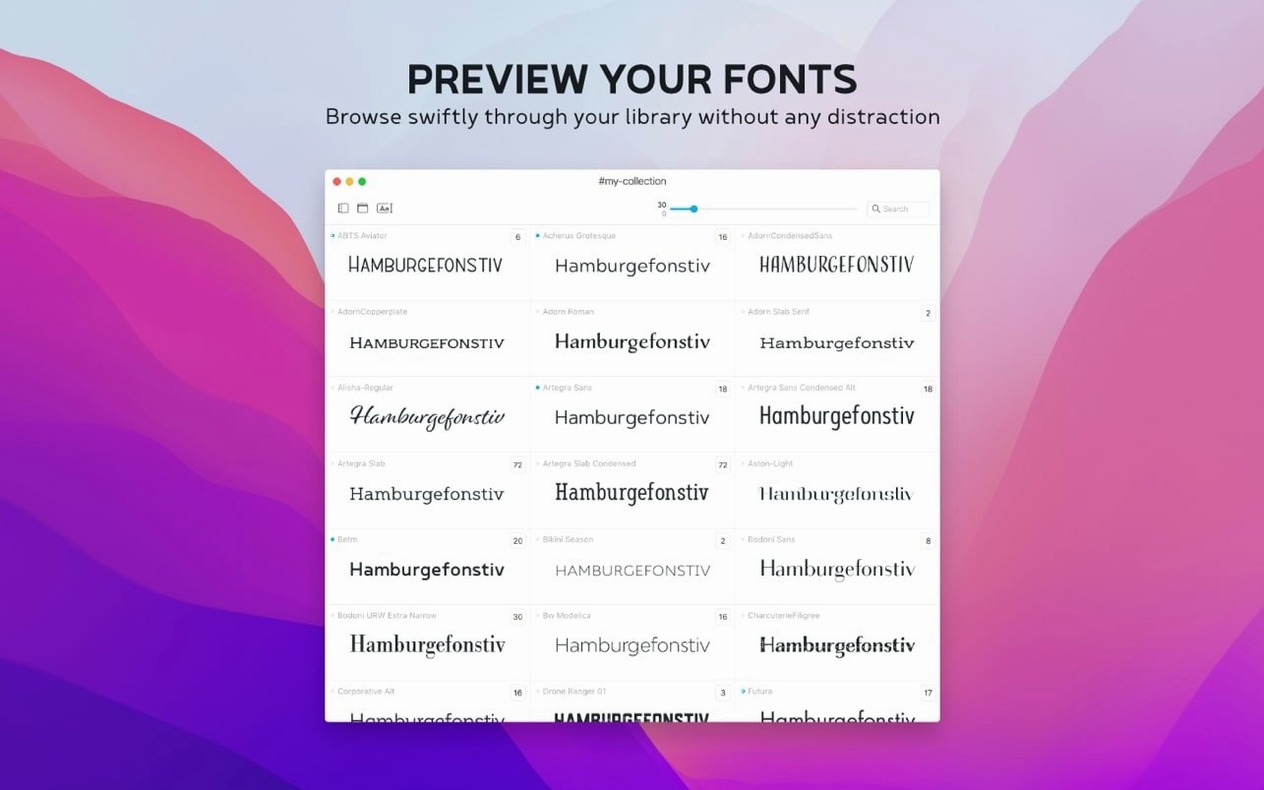
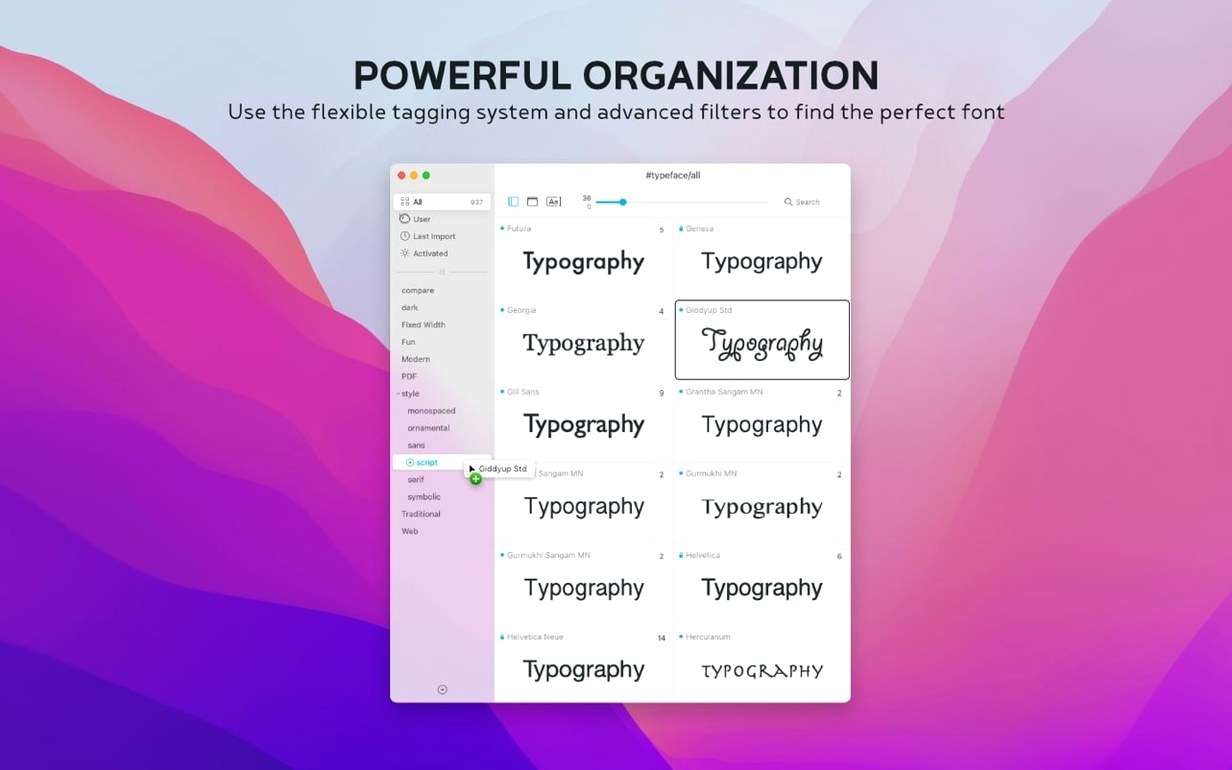
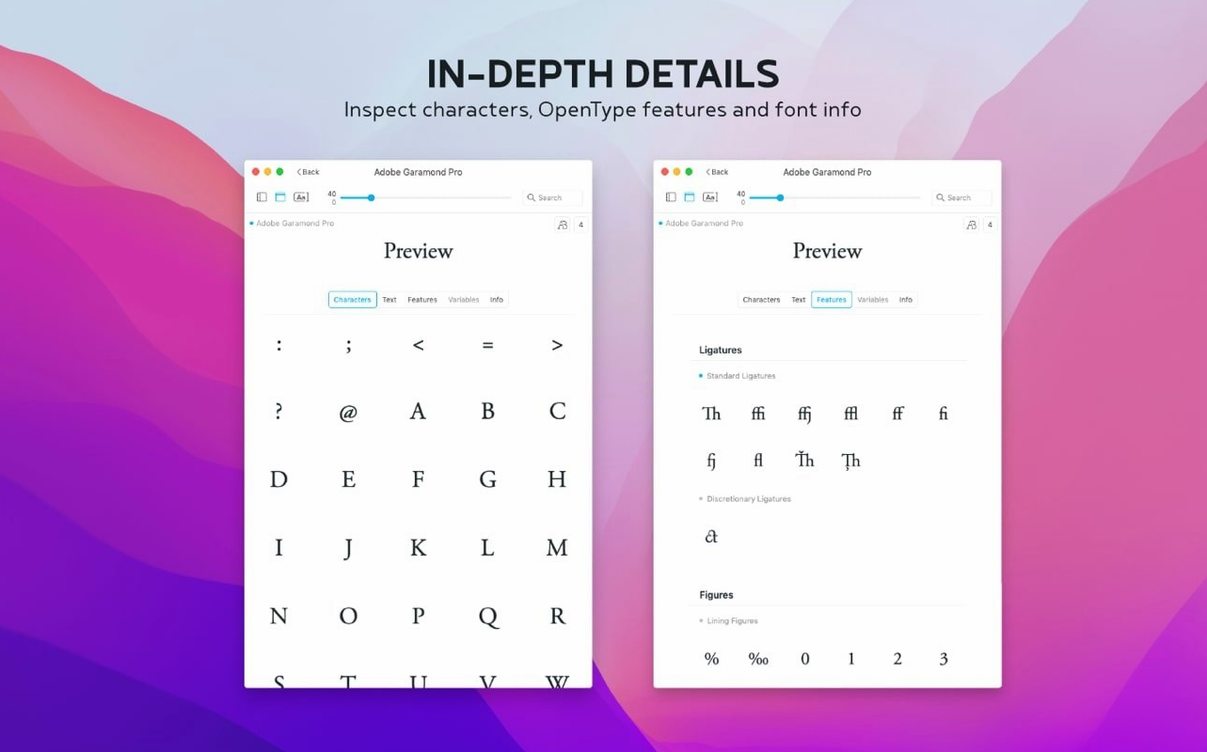
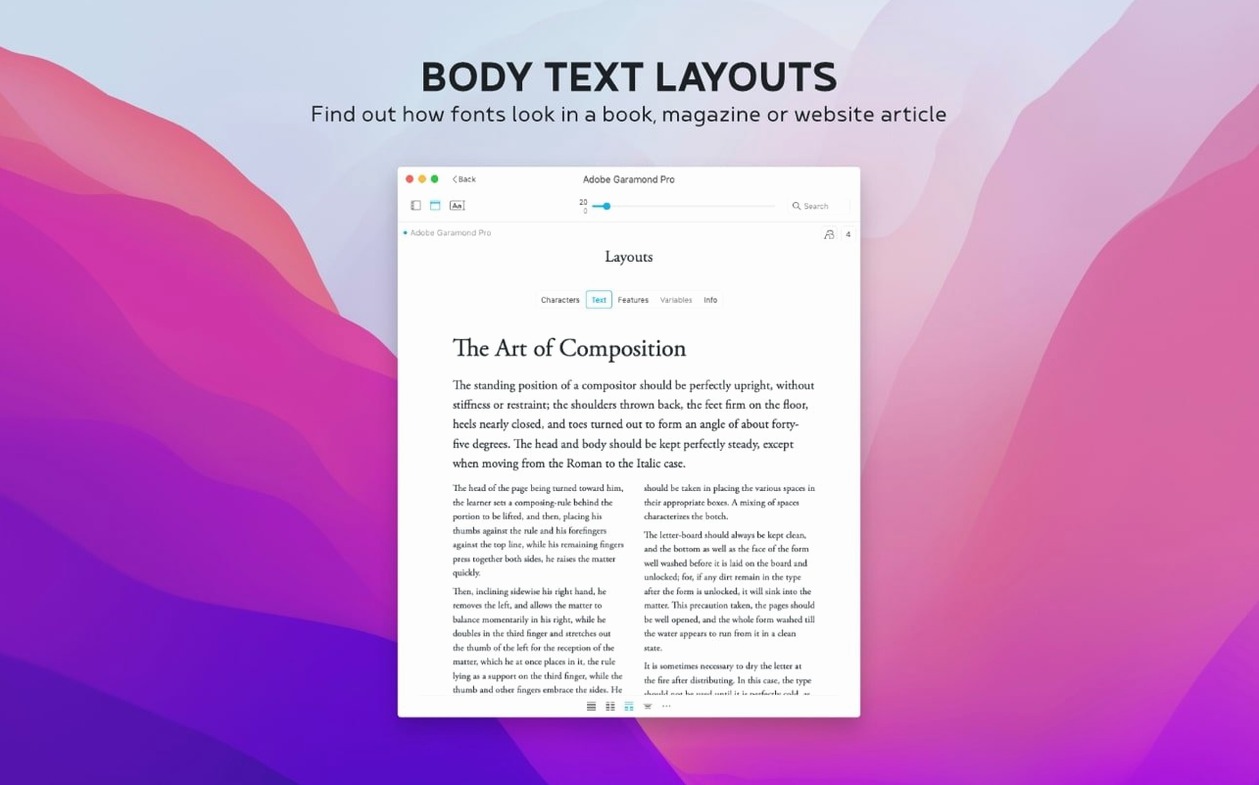
The Side-by-Side view is where I spend most of my time. Dropping a couple of candidate typefaces into the comparison pane and typing out a real headline tells me more than any specimen book ever could. It’s the feature that keeps me coming back, and in version 4.5.0, Floor Steeg has layered in a handful of details that make the rest of the window work harder without getting in the way.
Notes Field Lands in the Info Tab
- A Notes field now lives in the Info tab, so I can jot down where I used a font or why I rejected it — and search across those notes later.
- The new Last Activated column and its matching sort option let me see at a glance which weights I have actually reached for recently.
- .otc font file support means those multi-weight OpenType Collections sitting in my downloads folder finally preview correctly without conversion.
Tag-Based Grouping Still Runs the Show
Typeface still revolves around tags instead of rigid folders. A single font can belong to several groups — say, “Serif,” “Editorial,” and “Client X” — which mirrors how I think about type in real projects. The preview controls for size, sample text, and weight effects are as immediate as ever, and the family grouping keeps the sidebar tidy when I am browsing variable fonts with a dozen instances. The app itself remains a straightforward drag-to-Applications affair, launching from Launchpad and running natively on both Intel and Apple Silicon Macs with macOS 12 or later. The interface speaks English, German, Dutch, French, Czech, and Japanese, so multi-language studios will feel right at home.
Day-to-day changes I actually noticed
The Notes field alone has changed how I close out a font-hunting session. Before 4.5, I would end up with a mental stack of “that one felt too wide” or “perfect for the newsletter masthead” — and inevitably forget half of it by morning. Now I type a quick line into the Info tab and move on, knowing a fast search for “newsletter” will surface the shortlist later. The Last Activated column turned out to be sneakily useful too: when a client asks which version of a family I used six weeks ago, I sort by that column instead of digging through old mockups. And .otc support means I no longer treat those collection files as second-class citizens in my library — they just show up and behave like any other font.
Scrolling Hundreds of Fonts Stays Smooth
Typeface has always felt light on its feet, and 4.5.0 keeps that reputation intact. Scrolling through a few hundred installed fonts — including a handful of chunky variable families — stays smooth, with previews redrawing fast enough that I never see a spinner. Memory use on my machine hovers modestly, and I have yet to catch it hogging CPU when it is sitting idle in the background. The app launches cold in under two seconds, and dragging a Typeface torrent of freshly downloaded specimens into the window triggers a quick import without beachballing. Stability has been uneventful in the best way: no crashes during side-by-side comparisons, no weirdness with the new .otc parser, and no hiccups when switching between the six interface languages. It is the sort of app you forget is running — until you need it, and then it is right there, ready.
Font Pairing Workflows Find Their Home
Typeface clicks hardest for anyone who pairs fonts for a living. Graphic designers building brand kits will lean on the tag system to group candidates across projects without duplicating files. Typographers and type reviewers get a clean glyph overview and the metadata panel for checking provenance and copyright history — details that matter when you are writing specimen notes or comparing cuts of a revival. Freelancers juggling multiple client identities will appreciate that the Notes field and Last Activated sort turn the library into a lightweight project journal rather than a static catalogue. Even casual Mac users who just want to preview that Typeface torrent they grabbed before committing to an install will find the drag-and-drop import and instant preview less fuss than Apple’s built-in Font Book. If your relationship with fonts goes deeper than picking a default in Pages, this is the kind of tool that earns its place in the Dock.
Version 4.5.1 is a maintenance update. For the full list of tweaks and fixes, the developer has posted detailed release notes on the Typeface website.
- macOS 12 or later
- Apple Silicon or Intel 64‑bit Mac
Also on readers' docks
Sign in or create an account to leave a comment.
No comments yet. Tell me how it got on with your other devices.