Download Tenorshare UltData for macOS
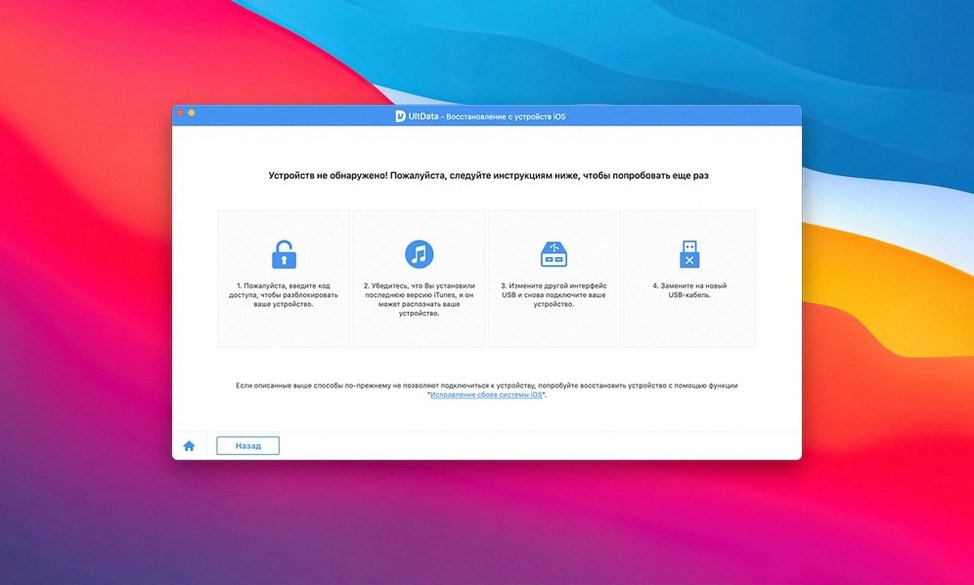
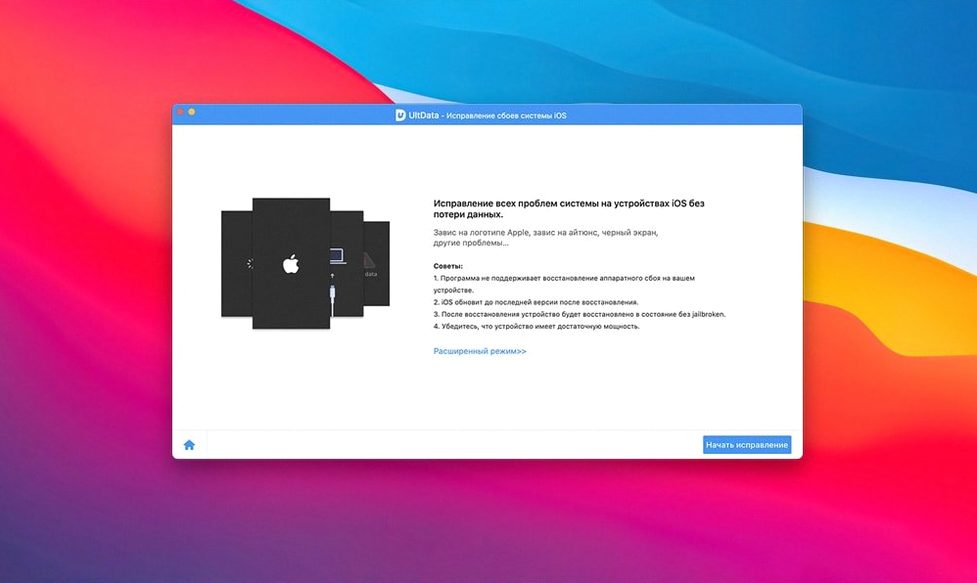
Version 9.5.0 of UltData arrives as a quiet maintenance release, keeping the Intel Mac version solid without changing what already works. I've always liked how it treats an iPhone like a drive you can actually read — not just a sync destination. So I set out to recover a deleted WhatsApp thread from an old iPhone backup, something I really didn't want to lose.
Starting a WhatsApp recovery from square one
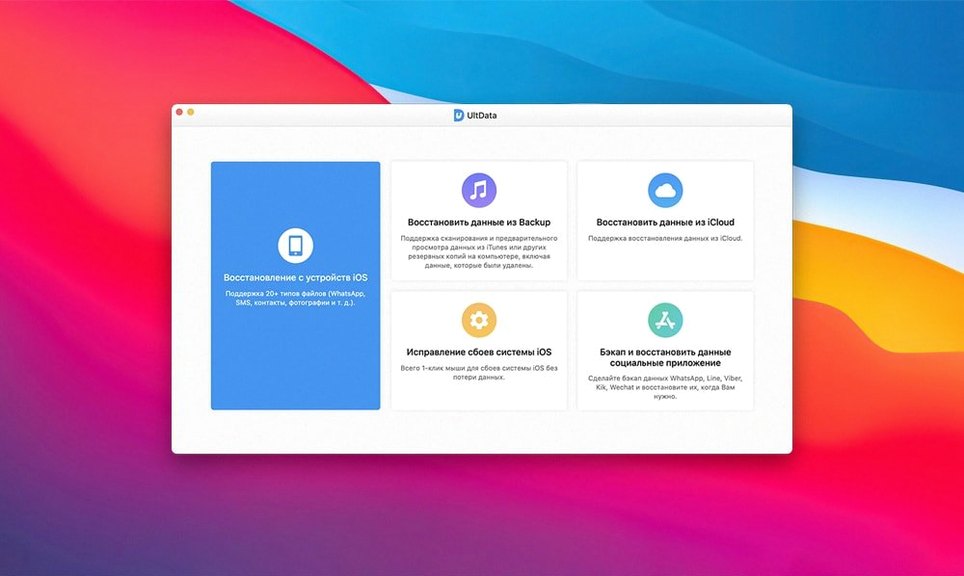
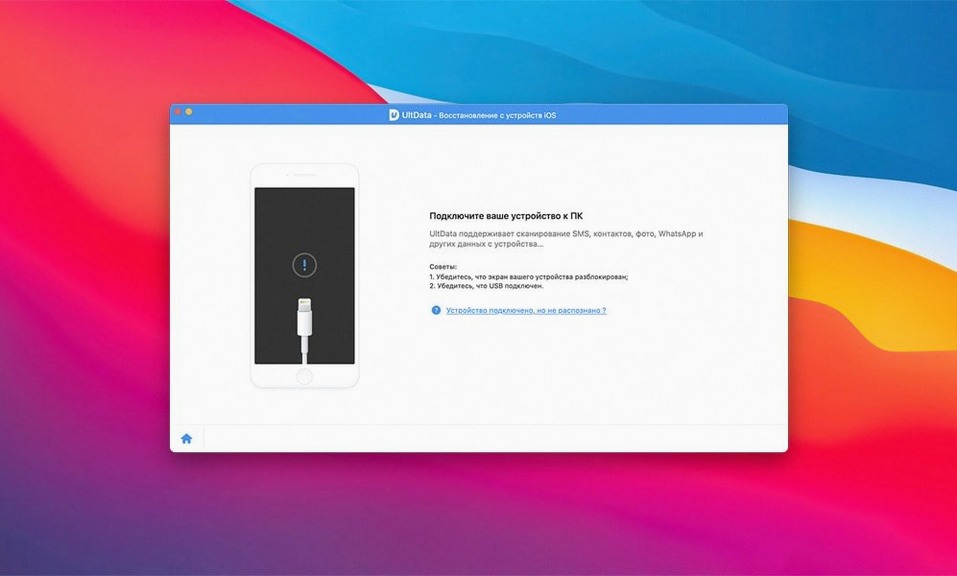
I launched UltData, connected an iPhone, and chose the 'Recover from iOS Device' mode — the app offers three total, including pulling from iTunes or iCloud backups. After a quick scan it laid out a preview of recoverable data sorted into clear categories: contacts, messages, photos, and third-party app data. I went straight for WhatsApp. The preview showed me the vanished chats with sender names and timestamps intact, which made picking the right thread dead simple. I checked what I wanted, hit recover, and the whole conversation landed back on my Mac as an HTML file with images still embedded.
What else you can pull back
Beyond the core trio of contacts, messages and photos, UltData digs into places most people forget they've lost — Safari history, FaceTime call logs, and even voicemail recordings. For the chat-heavy crowd, it also handles Kik, Viber, WeChat, Tango, and LINE messages. It supports a huge range of iOS devices from iPod touch 1 through 6 and runs on any Mac going back to OS X 10.8. The interface doesn't try to look like a modern Apple app, but it gets out of your way when you're focused on one job: retrieving something that went missing.
Chat hoarders and serial upgraders
UltData makes the most sense for a few specific types of Mac users, and I’ve noticed that the ones who rave about it tend to fall into clear camps. First are the chat hoarders — people who keep years of WhatsApp, WeChat, and Viber history and feel a genuine knot in the stomach when a thread vanishes. If your social life or work negotiations live inside messaging apps, having a dedicated recovery path for those platforms is way more useful than generic photo recovery alone.
The second group is the backup-skeptical. Not everyone runs iCloud backups religiously, and plenty of folks discover that their last iTunes backup predates the iOS update that wiped their reminders. UltData’s three-mode approach means you aren’t cornered — if a direct device scan falls short, you can still mine an old Finder or iCloud snapshot for the missing data. I’ve watched a friend pull voicemail recordings from a backup she’d forgotten existed, and the relief was the same whether the data came from the phone or the cloud.
People wrangling older hardware also get disproportionate value here. An iPhone 5s or an iPad mini 2 still holds memories, and UltData’s backward compatibility with OS X 10.8 means you can run it on a dusty Mac that newer recovery tools have abandoned. It’s not about age — it’s about keeping the door open to data that was created on devices Apple stopped servicing years ago.
Scanning never overwrites your current data
One concern I hear constantly is whether the scan itself puts existing data at risk. The answer is a comfortable no — UltData reads from the device or backup file without writing anything back until you explicitly choose to recover specific items. You can preview everything guilt-free, and if you decide you don’t need those old Safari history entries after all, just close the window and nothing changes.
People also ask about third-party app support in practice, not just on the feature list. Kik, LINE, and Tango recovery works the same way WhatsApp does — you select the app category after scanning and browse the found messages in the preview pane. The fidelity of what comes back can vary by app and how long ago the data was deleted, but the interface treats each messaging platform as its own recoverable bucket, which keeps things tidy when you’re hunting across multiple chat apps.
Another recurring question is whether UltData handles partial recovery from backups without restoring the whole iPhone. That’s actually where it shines — you can open an iTunes or iCloud backup file, extract only the iBook highlights or the app documents you need, and leave everything else untouched. No full-device restoration required, which saves an enormous amount of time when you’re after one thing.
First days with UltData on your Mac
Start small. On day one, don’t scan your entire device looking for everything at once — pick a single category you care about, like voice memos or FaceTime data, and run a scan just to get comfortable with the preview system. This builds trust in what the app sees and how it presents it before you commit to recovering anything important.
If you’re working with a backup file rather than a live device, copy the backup to a safe location first. UltData reads from the default iTunes or iCloud backup directories, but having a duplicate means you can experiment without the anxiety of accidentally modifying the only copy. It’s a tiny extra step that pays off on day two when you’re pulling app photos from an old iPhone 6s backup and want to be absolutely sure the source stays pristine.
Also worth doing early: check the app’s language setting. With Russian, Arabic, German, and eight other interface languages available, switching to your native tongue before a deep scan makes the recovery flow feel more like a conversation than a technical operation. It’s tucked into preferences and easy to miss when you’re eager to just plug in and go.
- OS X 10.8 or later
- Intel 64-bit processor
Also on readers' docks
Sign in or create an account to leave a comment.
No comments yet. Tell me how it got on with your other devices.