
Download TablePlus for macOS
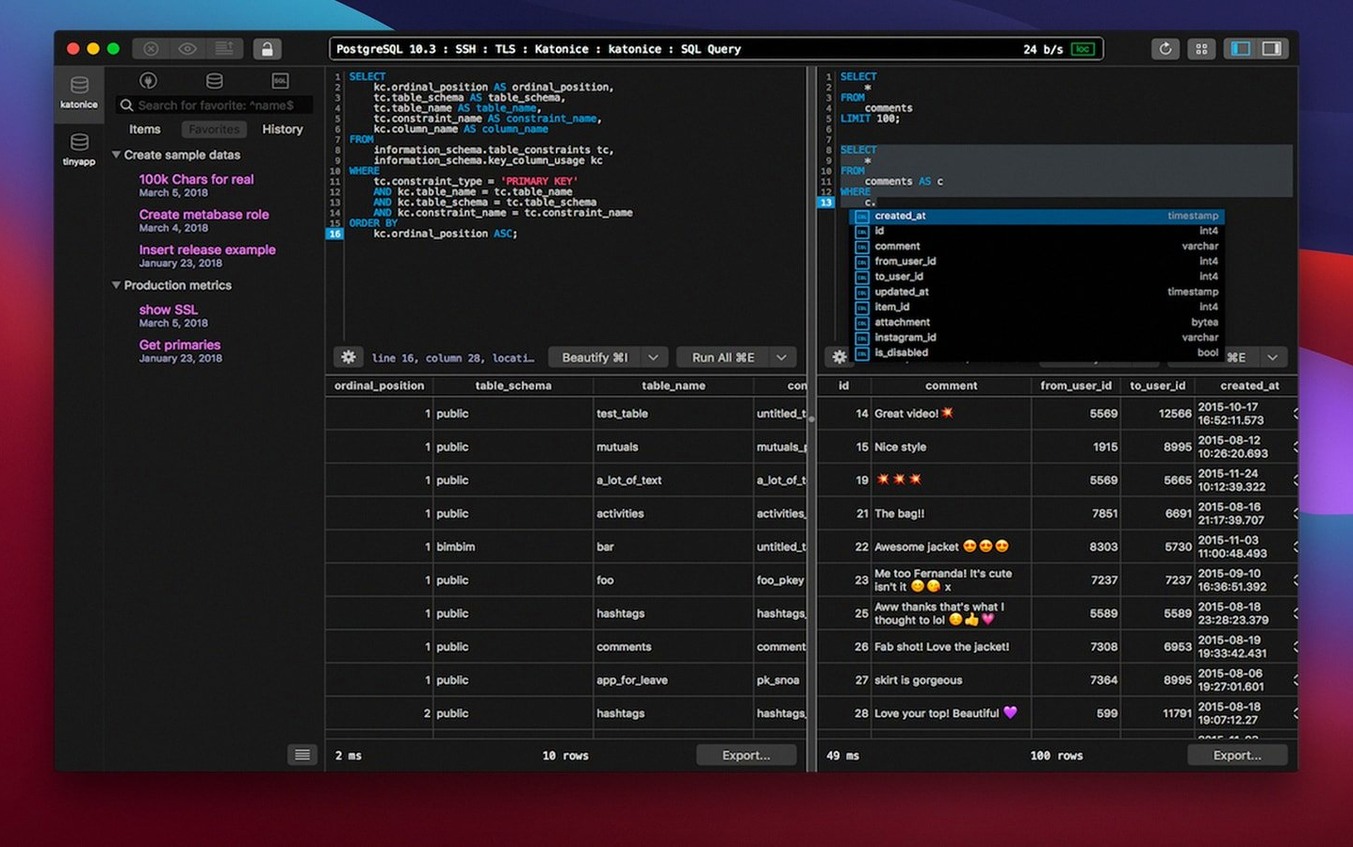
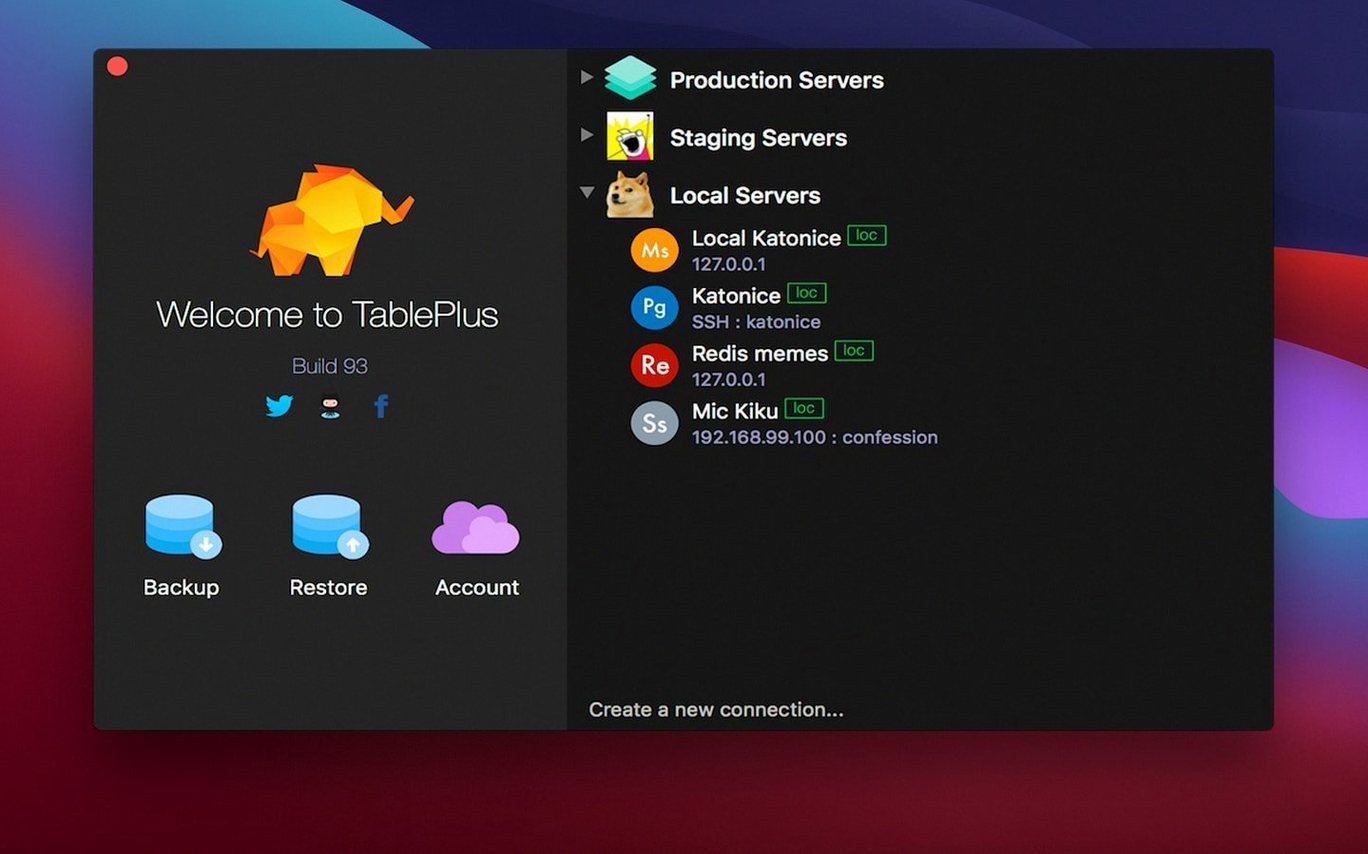
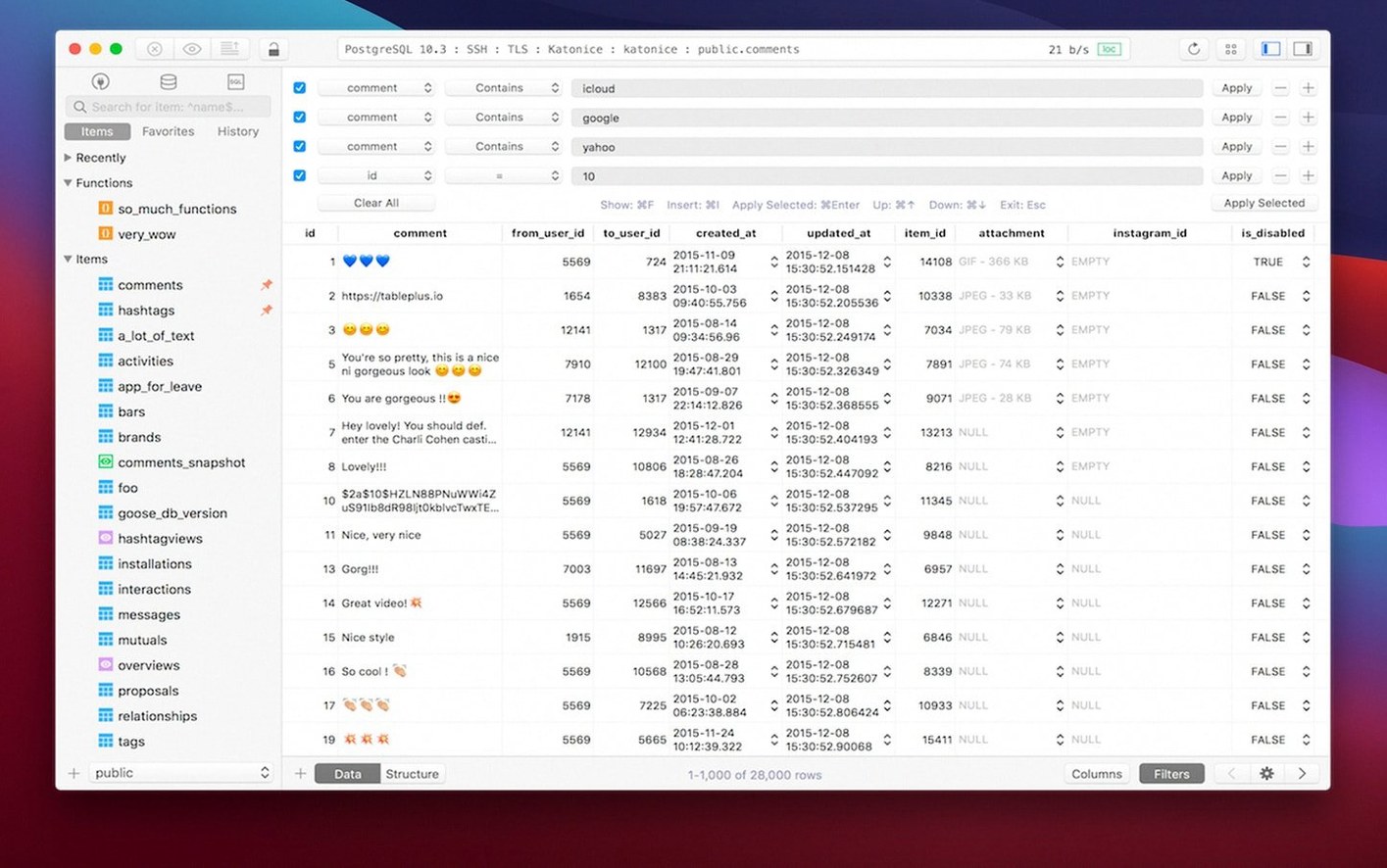
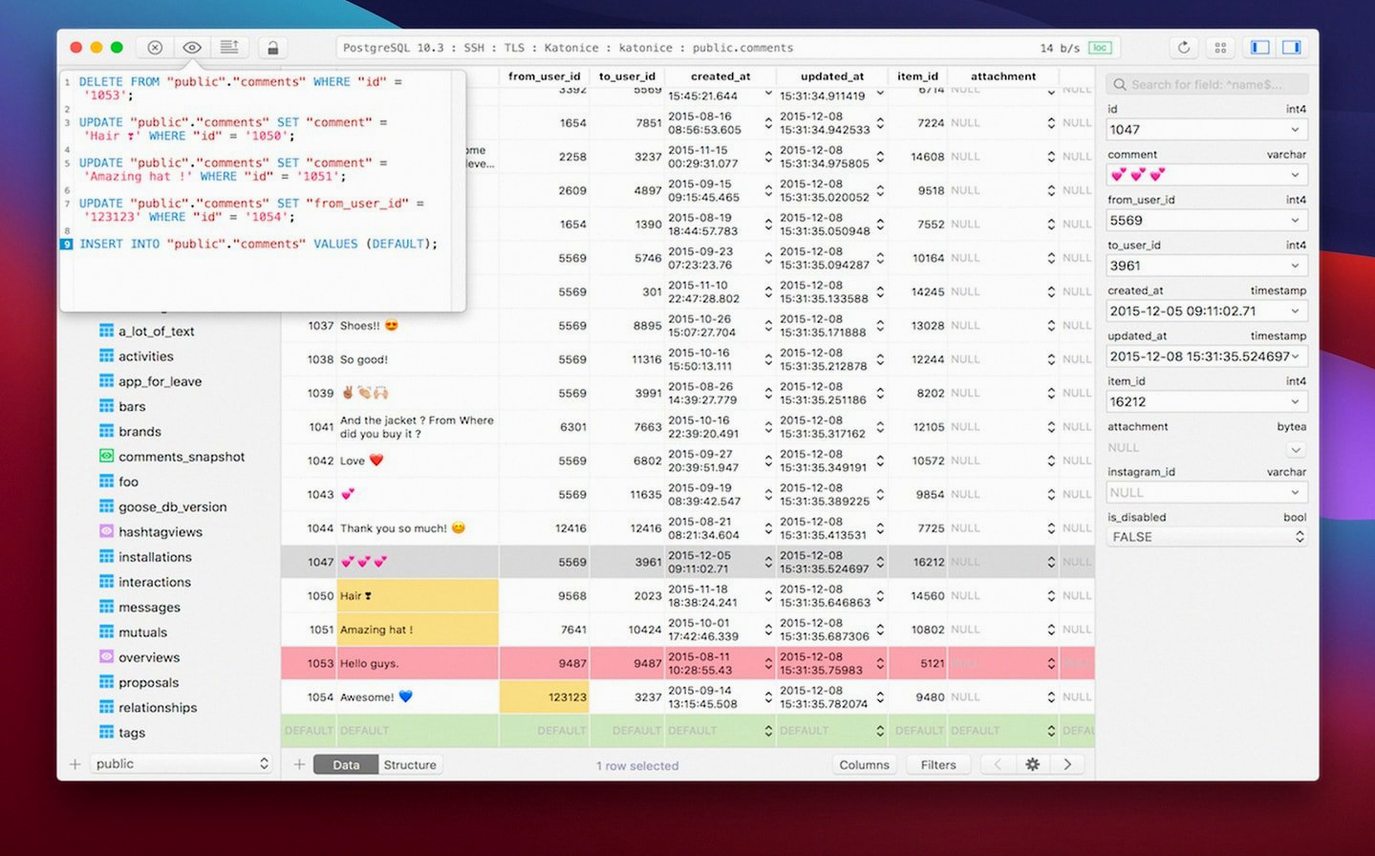
If you’ve bumped against the limits of command-line clients or web-based admin panels, a tool like TablePlus feels like a proper step up. It’s a native macOS app for relational databases that lives in your dock, not a browser tab. Version 6.8.0 keeps that focus clear: one interface, with drivers and plugins you add as needed.
Run a Quick Query
The script editor still handles syntax highlighting and reports errors on the spot, so you catch mistakes before they hit the server. It’s enough to make ad‑hoc SQL work feel snappy.
Switch Between Engines
TablePlus is built to manage multiple database types without switching windows — the plug‑in system lets you bring in drivers when you need them, and the interface stays consistent across connections.
Work Without Worry
Safe mode is still here for the times you’d rather double‑check a destructive command. It’s a quiet, thoughtful feature that simply blocks risky queries until you say so.
Turn on safe mode before your first query
Out of the box, TablePlus works fine — but a few quick tweaks make it feel like yours. Head into Preferences before you open your first connection.
- Turn on safe mode by default. It lives under the General tab, and I switch it on for every install. You can still override it per query, but having that safety net from the start has saved me more than once during late-night sessions.
- Pick your tab behavior. TablePlus lets you choose whether double-clicking a table opens it in the current tab or a new one. If you hop between tables constantly, set it to a new tab — your flow will thank you.
- Adjust the font and theme. The editor defaults are readable, but bumping the font size a point or two and switching to a darker syntax theme cuts eye strain during long query sessions. The dark mode toggle is right in the toolbar too, so you can flip it on the fly.
- Set your default export format. If you’re always pulling CSV for spreadsheet folks or JSON for APIs, pick it once under the Export preferences and skip the dialog every time.
Three databases, one morning workflow
Let’s walk through what a real morning looks like with TablePlus open. I’ve got three databases to touch — a local PostgreSQL instance, a staging MySQL server, and a SQLite file from a mobile app’s data dump.
First, I launch the app. My saved connections appear in the sidebar, color-coded by engine — green for PostgreSQL, blue for MySQL, orange for SQLite. I double-click the staging MySQL connection and it opens in a new tab with the table list ready. A quick Cmd+T brings up a fresh query editor. I type out a SELECT to check yesterday’s sign-ups, and the syntax highlighting catches a missing comma before I even run it.
While that query result sits in the lower pane, I open a second tab for the local PostgreSQL database. There’s a migration I need to verify, so I browse the schema tree, right-click the relevant table, and pick “Export Schema” to compare against what’s in source control. No SQL needed for that part — just point and click.
Then the SQLite file. I drag it straight onto the TablePlus icon in the dock, and it opens as a temporary connection. I run a few JOINs to pull user activity, copy the result rows with Cmd+C, and paste them into a report. Three engines, three tabs, zero context switching to another app. When I’m done, I close the tabs — the permanent connections stay in the sidebar for tomorrow.
No account, no phoning home
Does it phone home or require an account? No account needed. TablePlus runs locally and connects directly to your databases. The app itself doesn’t route your queries through any external service.
Will it mess with my existing database tools? It sits alongside them just fine. Connection files and driver settings are self-contained. You can keep using command-line clients, other GUIs, or web panels — TablePlus won’t touch their configs.
How’s the memory footprint with multiple tabs open? Quite reasonable. A few connections with open query tabs typically hover under 200 MB on Apple Silicon. It’s native code, not an Electron wrapper, so you’re not paying a browser-tab tax per connection.
Can I share connection setups with a team? You can export connection files and share them, but there’s no built-in sync service. Most teams I know keep a shared folder of connection files or use environment variables for sensitive credentials.
Beyond MySQL-only with Sequel Ace
TablePlus versus Sequel Ace. Sequel Ace is free and focused entirely on MySQL and MariaDB. If those are your only engines, it’s a solid, lightweight pick. TablePlus pulls ahead when you need PostgreSQL, SQLite, or SQL Server in the same workflow — switching engines without switching apps matters once your project sprawls across multiple databases.
TablePlus versus DBeaver. DBeaver is the open-source heavyweight with a staggering list of supported databases, ER diagrams, and deep enterprise features. The trade-off is interface feel — DBeaver runs on Java and it shows. TablePlus feels like a Mac app first: snappier scrolling, native widgets, and a smaller feature set that covers the everyday tasks without menus that scroll off the screen.
TablePlus versus Postico. Postico is a beautifully designed PostgreSQL-only client. For pure Postgres work, its table view and row editor are hard to beat. TablePlus doesn’t match that singular polish for one engine, but it handles MySQL and SQLite alongside Postgres in the same window. If you live exclusively in Postgres land, try both. If your day bounces between engines, TablePlus covers more ground.
Build dated 2026-03-05.
- macOS 12.6 or later
- Runs on both Intel and Apple Silicon Macs
Also on readers' docks
Sign in or create an account to leave a comment.
No comments yet. Tell me how it got on with your other devices.