
Download Tahoe Cache Cleaner for macOS
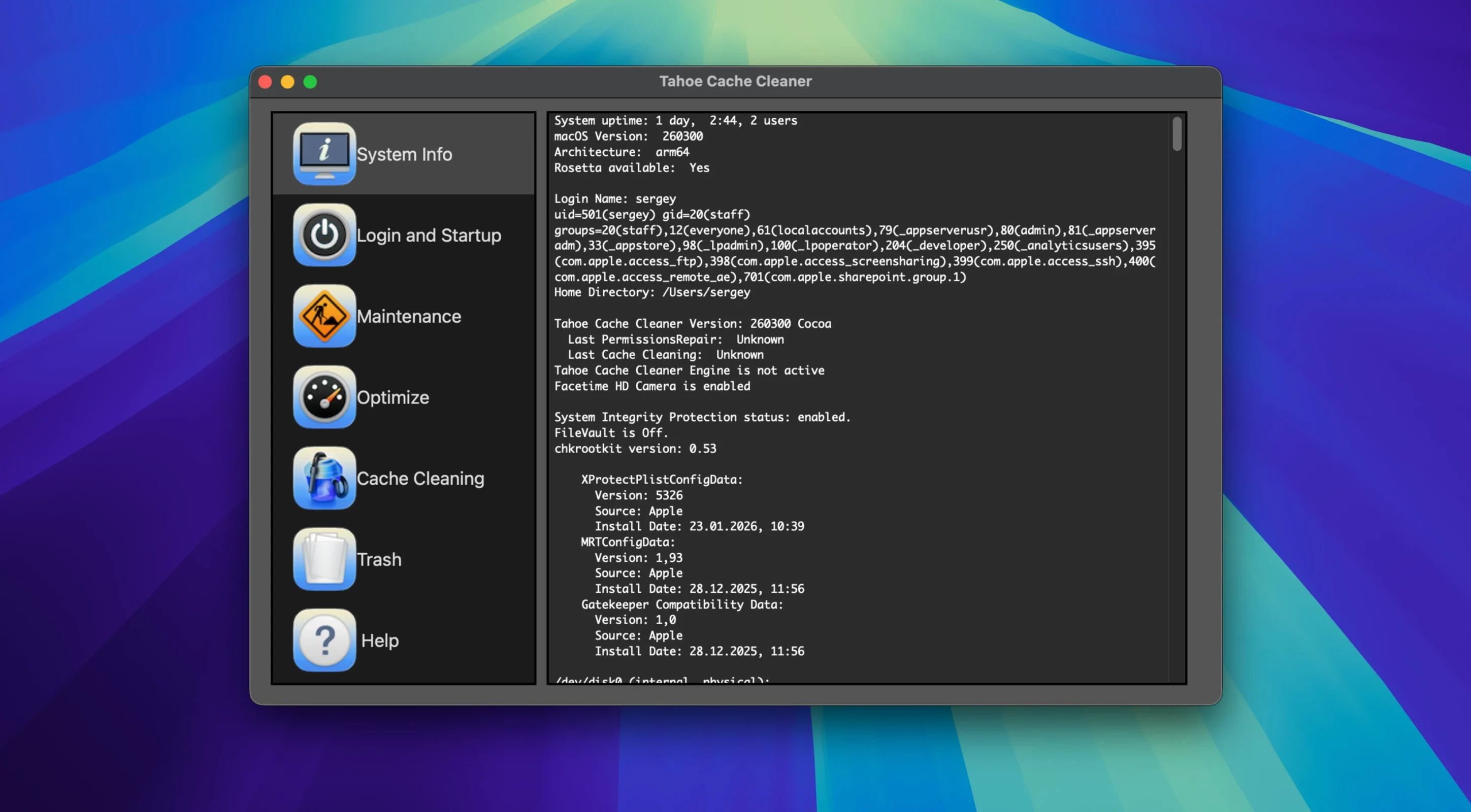
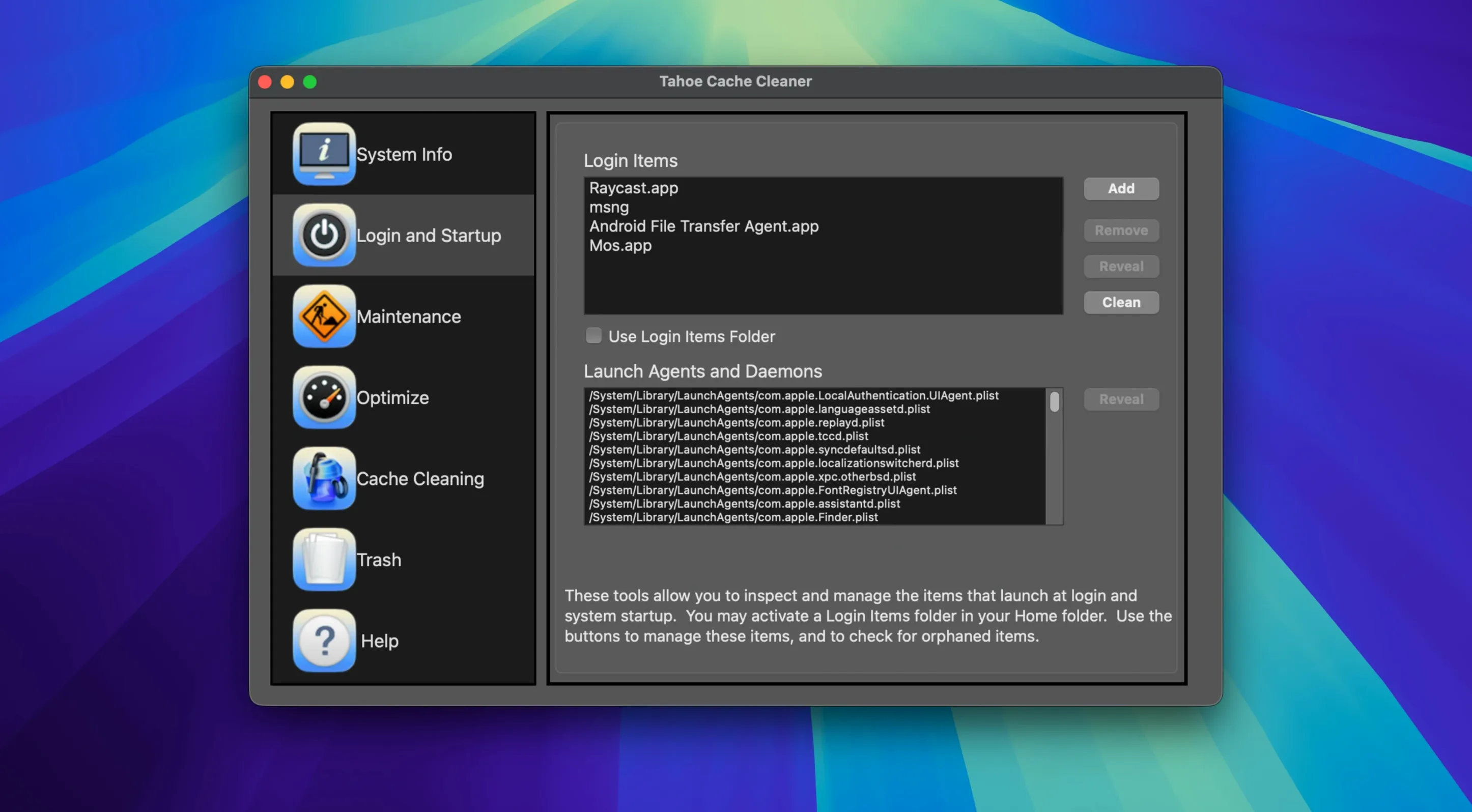
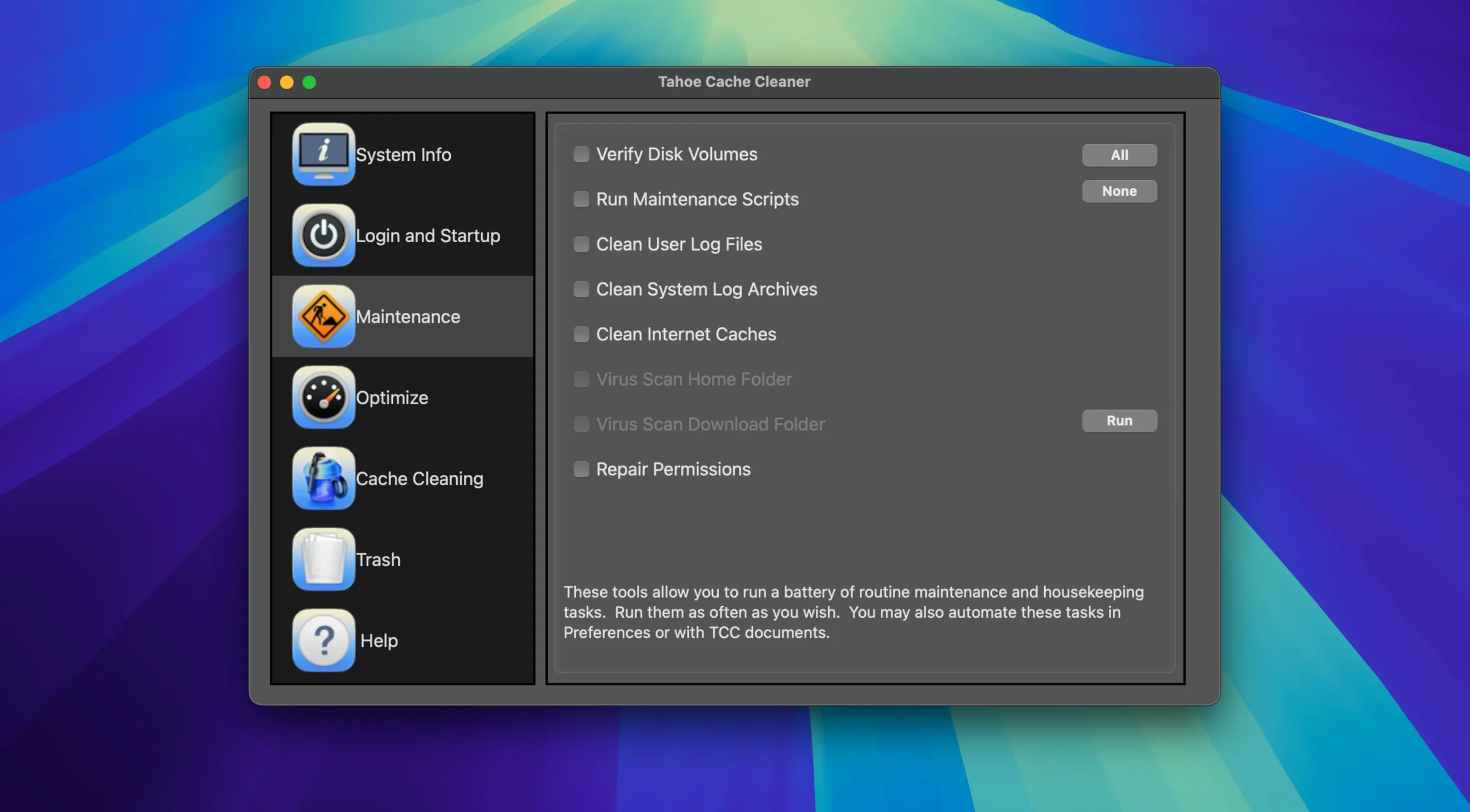
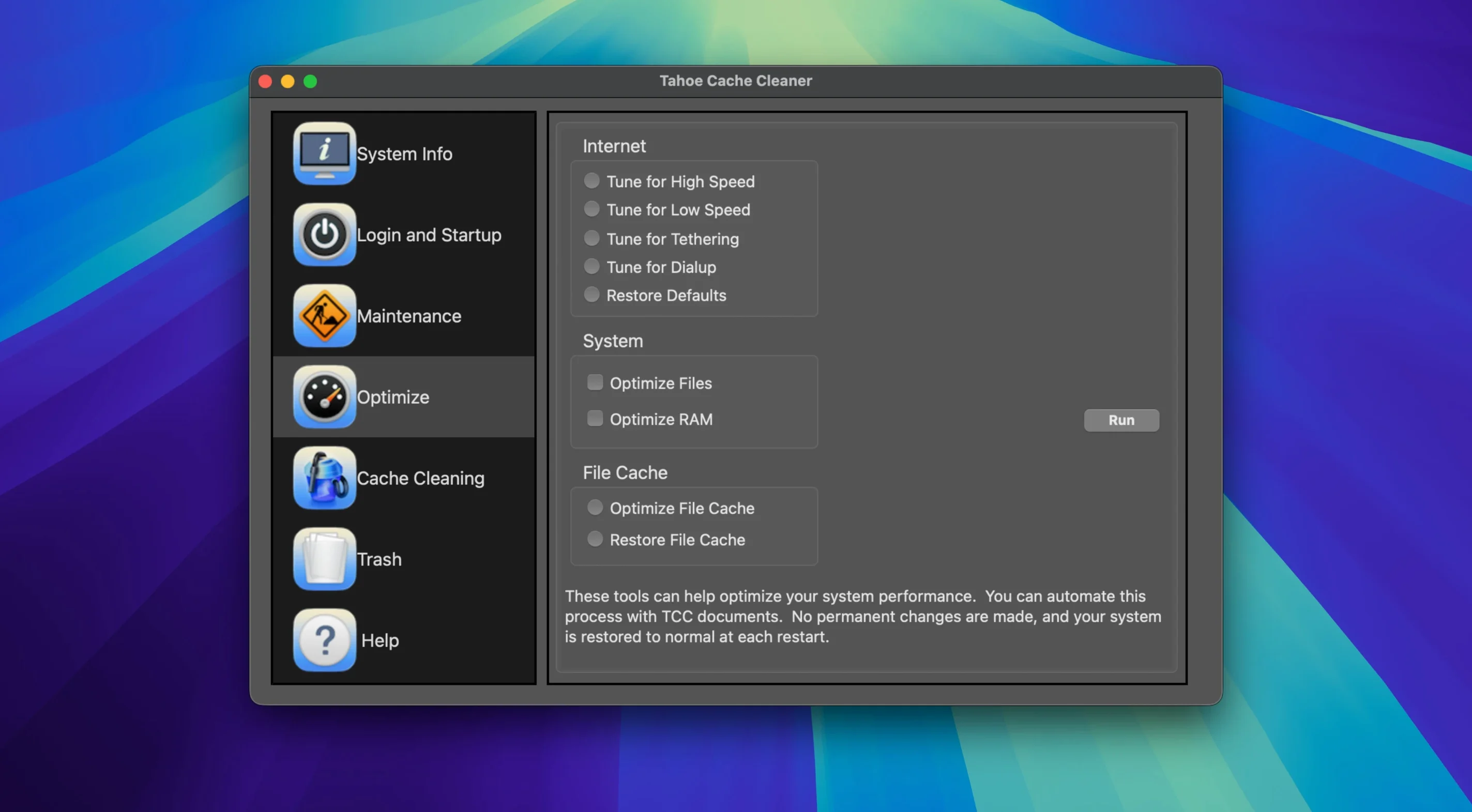
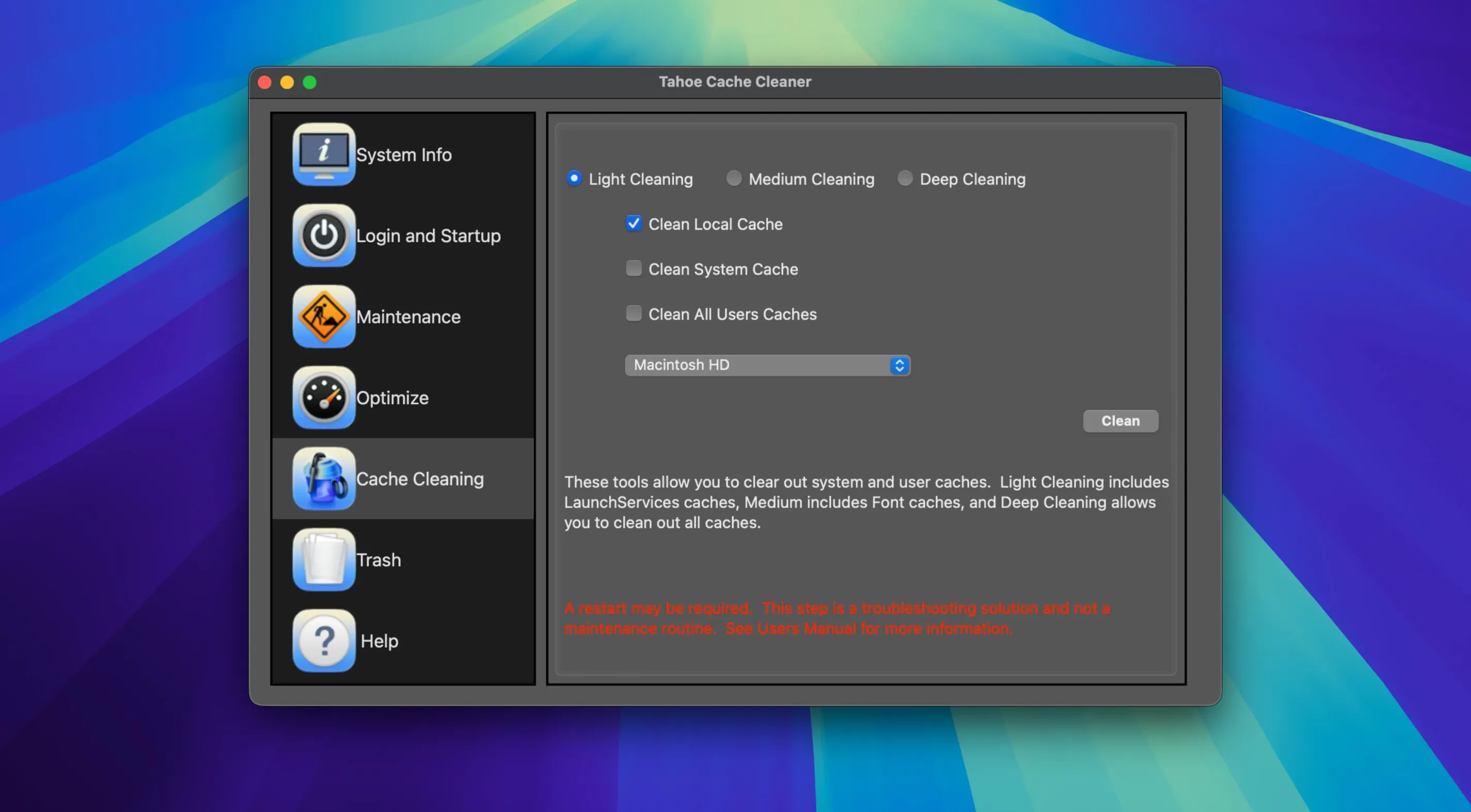
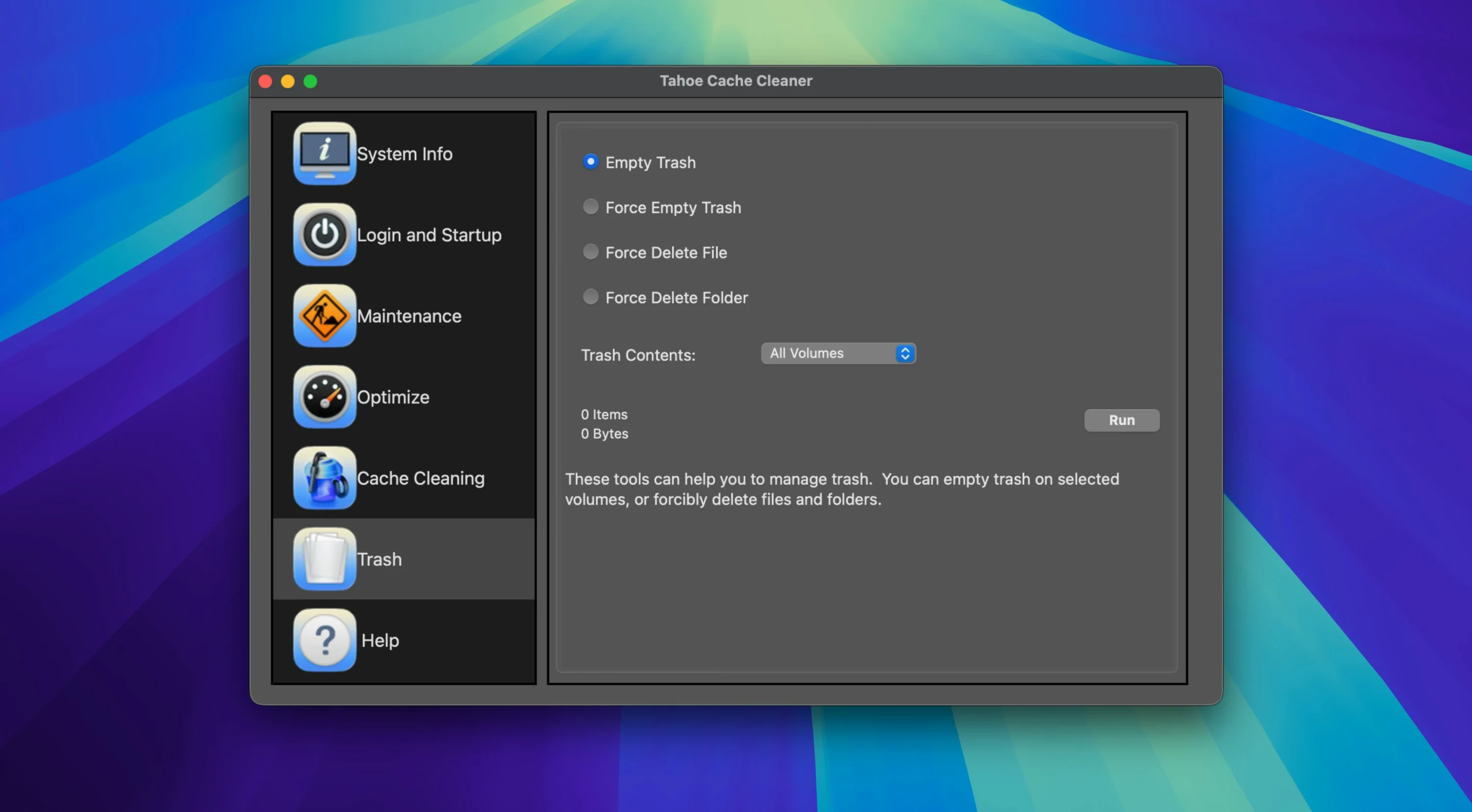
People who keep their Macs running for years tend to reach for Tahoe Cache Cleaner. It's the kind of utility that appeals to careful upgraders, IT support folks, and anyone who wants to see what's actually happening under the hood without squinting at Terminal. When you launch it for the first time, the sheer number of panels can feel a little overwhelming, but a handful of features make an immediate, noticeable difference.
Try these three things right away
- Turn on the real-time download scanner. The built-in ClamAV engine watches files as they arrive and flags anything suspicious before you double-click it. It runs quietly in the background and adds a genuine safety net.
- Set up a RAM disk. If you have memory to spare, dedicating a slice of it to a temporary workspace makes browser caches and scratch files fly. Tahoe walks you through sizing it and even mounts it on your desktop like a regular drive.
- Schedule the maintenance engine. Instead of remembering to clean caches manually, tell the background engine to handle it. You pick the tasks—stale data removal, permission repairs after installs, internet cache tuning—and it runs them on your cadence.
Why the disaster recovery tools matter early
Nobody thinks about bootable emergency disks until they need one, and by then it's too late. Tahoe can build a bootable drive packed with system recovery utilities and cache-cleaning tools on a USB stick you probably already have in a drawer. Create it now, test that it boots once, and tuck it away. While you're poking around, take thirty seconds to disable Spotlight on external drives you rarely search—it's a tiny tweak that cuts background indexing noise and frees up cached space.
In a week of real use, Tahoe Cache Cleaner behaves like a utility that was written by people who actually run their own tools. The interface stays responsive even while the ClamAV engine chews through a large download, and I never caught the background maintenance engine nudging the CPU fan above idle when the Mac was otherwise sleeping. Memory use hovers around 150 MB when the scanner is active, which feels reasonable given everything it's watching.
Stability is what you'd hope for in a tool that pokes at system internals. Permissions repairs finish without drama, cache sweeps don't leave orphaned preference files behind, and the RAM disk unmounts cleanly when you shut down. One small thing worth knowing: if you create a bootable USB installer with the built-in tool, budget about twenty minutes on a USB 3.0 stick—it's not slow, it's just thorough. The progress bar actually moves, which shouldn't be remarkable but is.
A specific workflow: cleaning up after a week of large photo imports
I bring this up because it's a scenario where Tahoe Cache Cleaner torrent macOS searches lead people here looking for a practical playbook, and here's one that works. After a week of importing raw files into Lightroom and batch-editing in Photoshop, my Mac felt sluggish in ways that had nothing to do with available disk space. Here's the routine I ran inside Tahoe:
- Full system cache scan. From the Caches panel, I ran the deep scan rather than the quick one. It found about 4 GB of stale image preview caches and render scratch that Adobe's own cleanup tools had missed.
- Internet cache tuning. Under the Optimization tab, I nudged the maximum cache size down to 512 MB. Safari and Chrome had been hoarding nearly triple that, mostly from uploading gallery proofs and downloading client feedback images.
- Permissions repair on the scratch volume. I ran this specifically on the external SSD I use for Photoshop scratch, not the whole system. Tahoe let me target just that drive, and it found half a dozen broken ACL entries that had accumulated over several kernel panics from an earlier macOS update.
- Temporary RAM disk for the next import. Before starting a fresh batch, I carved out a 2 GB RAM disk and pointed Lightroom's camera raw cache at it. The difference in preview generation speed was immediate—raw files rendered about a second faster each, and that adds up across a hundred frames.
Nothing in that workflow required a restart, and the whole sequence took under four minutes from opening the app to ejecting the RAM disk at the end.
- macOS 10.10 or later
- Intel and Apple Silicon Macs
- English interface
Questions people ask
Can Tahoe Cache Cleaner help if I suspect a virus on my Mac?
Yes, it includes a built-in ClamAV antivirus engine that can scan your system and monitor new downloads in real time to catch threats before they spread.
Does the app work on older versions of macOS?
It supports macOS 10.10 Yosemite and everything newer, so even older Macs that can't run the latest OS get the full maintenance toolkit.
Also on readers' docks
Sign in or create an account to leave a comment.
No comments yet. Tell me how it got on with your other devices.