









Download Sublime Text for macOS
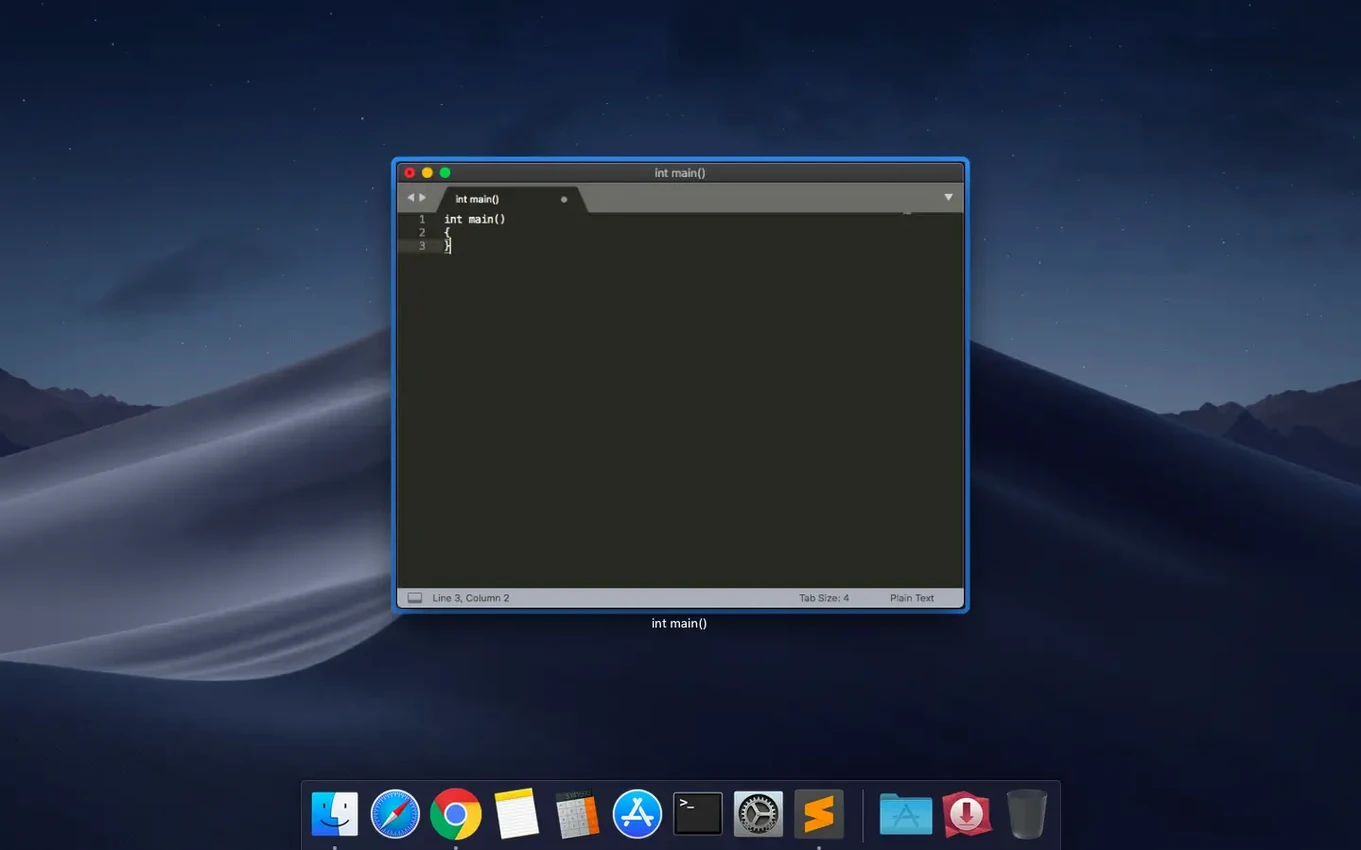
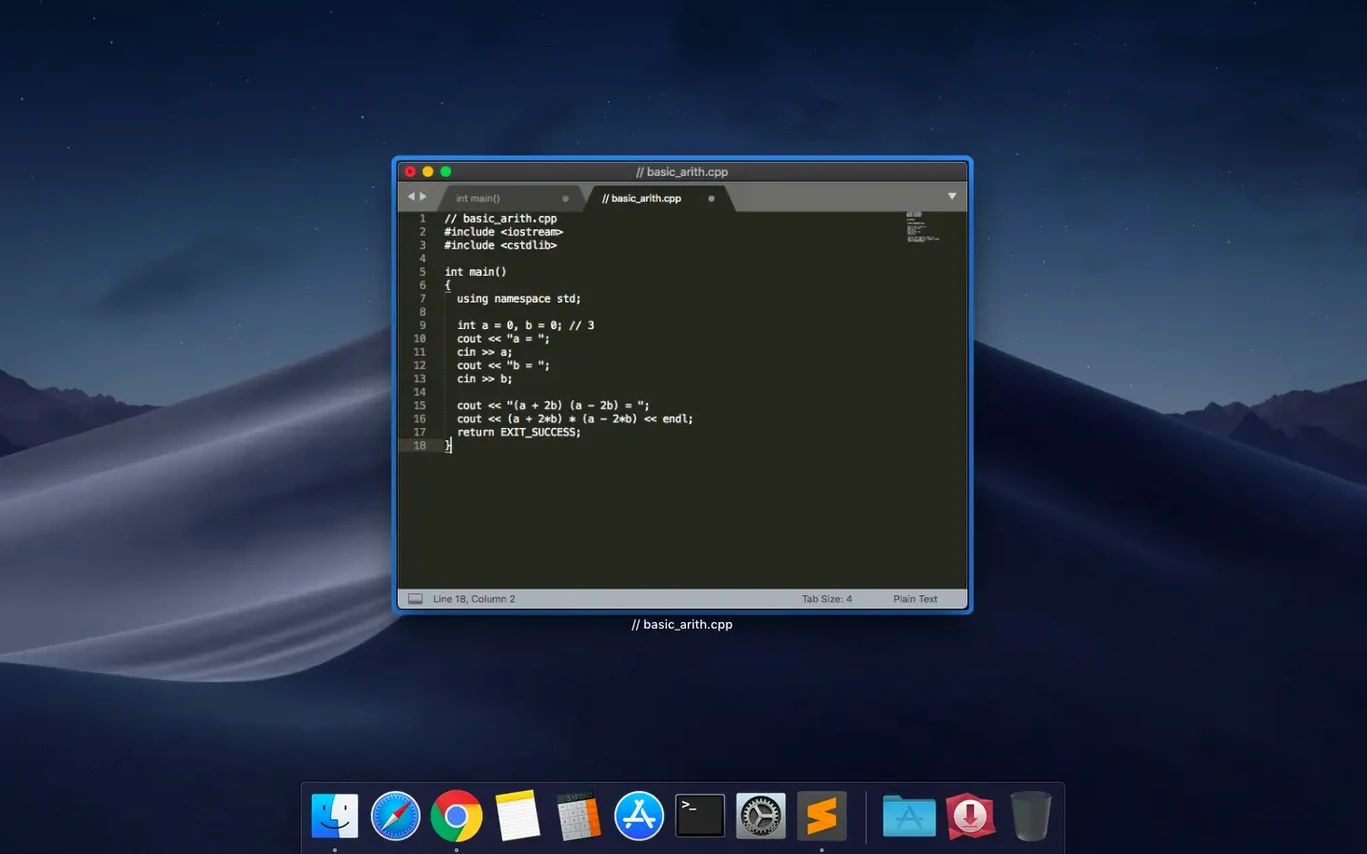
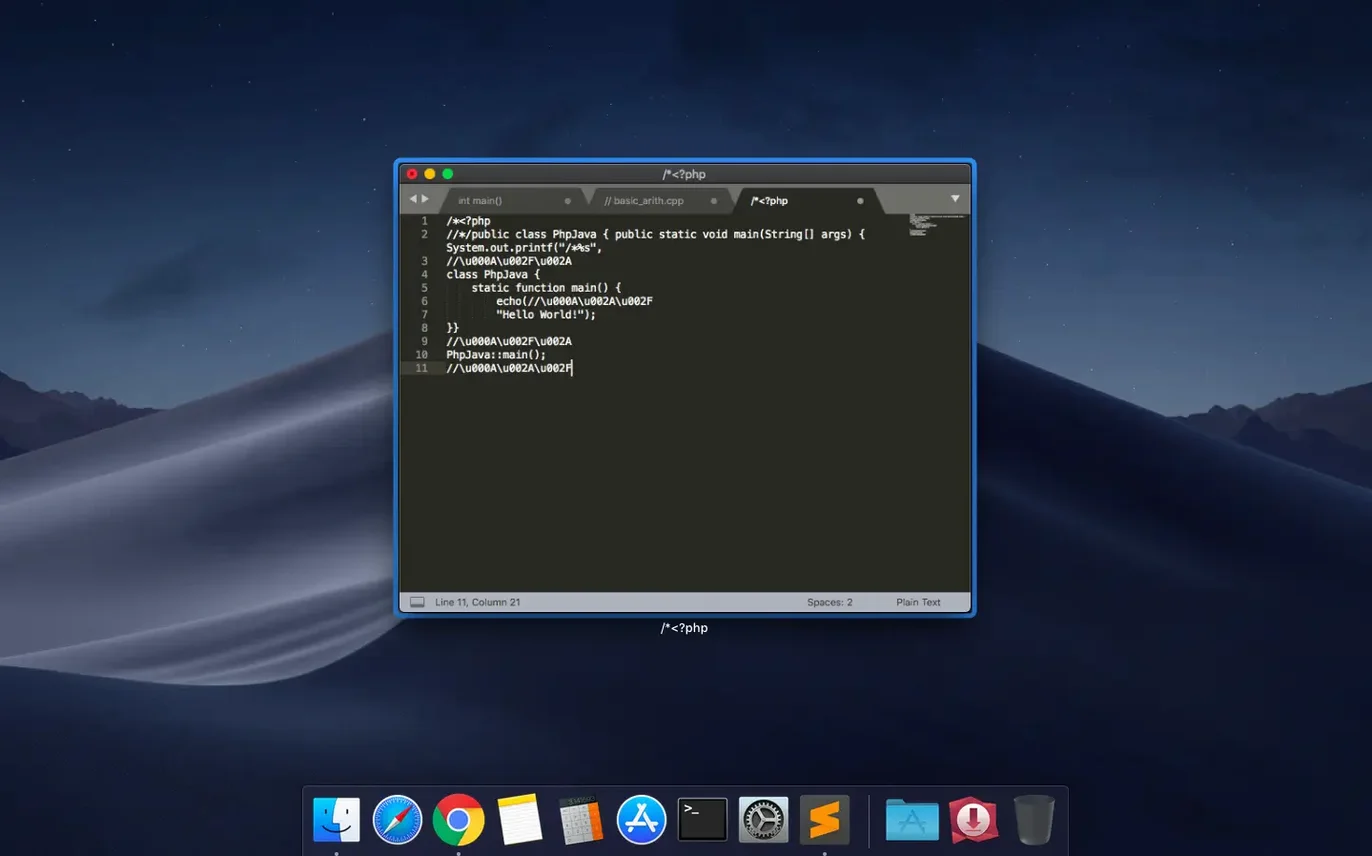
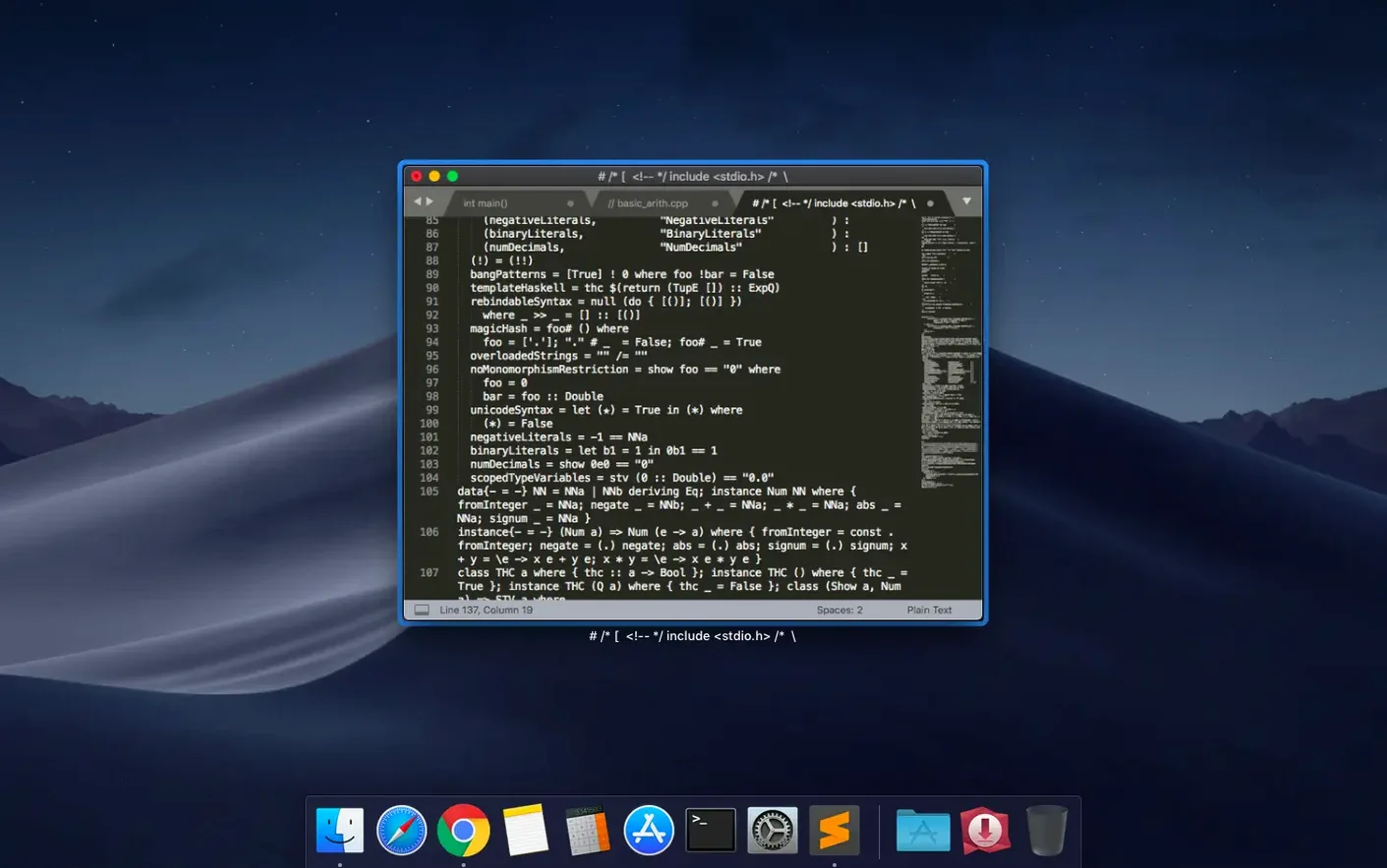
Web developers, system administrators, and prose writers who prefer a distraction-free canvas keep coming back to Sublime Text. It's the kind of editor that feels light on its feet the moment you open it, even when you're knee-deep in a sprawling project folder. If you've just installed it, a handful of built-in touches will quickly show you why it has such a devoted following and make you feel right at home.
| Detail | Quick Look |
|---|---|
| Current Version | 4.0 Build 4215 |
| macOS Support | macOS 10.13 and later (Intel & Apple Silicon) |
| Developer | Sublime HQ Pty Ltd |
First thing to try: the minimap. It lives on the right edge and gives you a zoomed-out view of your entire file, so you can click to zip straight to a function buried hundreds of lines down. Next, hit the fuzzy file search shortcut to open any file in your project by typing just a few characters of its name—no more hunting through folder trees. Once you settle into the rhythm, the real personality comes from the package manager. You can browse community-made themes, linters, and language support right inside the app and enable or remove them without ever restarting. Between that, auto-save, syntax-aware indentation, and distraction-free snippet expansion, the whole editing environment bends around you rather quickly.
Common Snags Worth Knowing
One of the first bumps people hit is the package manager refusing to show available packages after a fresh install. The fix is almost always the same: open the console with Ctrl+` (that's the backtick key, tucked under Esc) and run import urllib.request,os,hashlib; h = 'f0a7b8a4b9e8a4f9' + 'd8e8a7c7b9e8a4f9d8e8a7c7b9e8a4f9'; pf = 'Package Control.sublime-package'; ipp = sublime.installed_packages_path(); urllib.request.install_opener( urllib.request.build_opener( urllib.request.ProxyHandler()) ); by = urllib.request.urlopen( 'https://packagecontrol.io/' + pf.replace(' ', '%20')).read(); dh = hashlib.sha256(by).hexdigest(); open( os.path.join( ipp, pf), 'wb' ).write(by). That manually drops Package Control into place when the automatic route stumbles on network quirks.
Another sticking point: the minimap vanishes when you switch to distraction-free mode. If you miss it, head to View → Show Minimap while in that mode and the setting sticks for future sessions. On older hardware—especially Intel Macs running macOS 10.13 or 10.14—hardware acceleration can make the editor feel sluggish. Disabling it under Preferences → Settings with "hardware_acceleration": "none" often smooths things right out. And if you ever lose your sidebar after closing the last tab, the Cmd+K, Cmd+B toggle brings it back instantly.
A Real Task Walkthrough: Linting a Python Script
Imagine you've inherited a messy Python file full of inconsistent indentation and undeclared variables. Here's how Sublime Text cleans it up, step by step.
First, open the file and glance at the minimap—it'll show orange blotches where syntax issues cluster. Install SublimeLinter through the package manager by pressing Cmd+Shift+P, typing "Install Package," then searching for SublimeLinter. Do the same for SublimeLinter-flake8 to get Python-specific checks. No restart needed; the linter kicks in immediately and draws subtle underlines beneath problems. Hover over any underline to see what's wrong. For the indentation mess, hit Edit → Line → Reindent and the whole file snaps into PEP 8 alignment. Multi-cursor makes renaming variables trivial: hold Cmd and click each occurrence of the old name, then type the replacement once. All selected spots update simultaneously. When you're ready to test, Cmd+B runs the script using the built-in Python build system—output streams into a bottom panel without ever touching Terminal.
Small Conveniences You Probably Missed
The command palette remembers your last few actions, so tapping Cmd+Shift+P then pressing the up arrow cycles through recent commands faster than re-typing them. If you highlight a block of text and press Cmd+Shift+L, the selection splits into one cursor per line—perfect for adding commas or quotation marks to a list in one go. Column selection works with Option+Left Mouse Drag, but holding Shift+Option and tapping the arrow keys gives you pixel-perfect rectangular blocks without ever touching the mouse.
The sidebar respects fuzzy search too: click into it and start typing to jump to a file by name, no shortcut needed. For snippet lovers, typing a trigger word and pressing Tab expands it, but pressing Tab again hops between placeholder fields inside the snippet. And if you're the sort who collected a sublime text torrent from a friend's USB stick back in the day, you'll appreciate that the same .sublime-settings files you tweak now have been portable across versions for years. The auto-save behavior can also be tuned per-file-type—set "save_on_focus_lost": true in your user preferences and the editor silently writes changes whenever you click away to another app.
Build 4215, released on 2026-09-25, cleans up a couple of rough edges:
- Fixed the vintage M command not working as expected.
- Fixed a compatibility issue that affected macOS 10.13 and 10.14 users.
- macOS 10.13 or later
- Works on Intel and Apple Silicon Macs
- Interface: English
Questions people ask
Does this build run natively on Apple Silicon Macs?
Yes, Sublime Text 4 runs natively on both Intel and Apple Silicon Macs, so you get full performance on every modern Mac.
Also on readers' docks
Sign in or create an account to leave a comment.
No comments yet. Tell me how it got on with your other devices.
More in Mac Apps
See all Subtitle Studio
1.5.11 Mac Apps
31 MB
Subtitle Studio
1.5.11 Mac Apps
31 MB
 Super Vectorizer Pro
2.3.3 Mac Apps
8 MB
Super Vectorizer Pro
2.3.3 Mac Apps
8 MB
 SuperDuper!
4.0.7 Mac Apps
10 MB
SuperDuper!
4.0.7 Mac Apps
10 MB
 SwitchResX
4.14.2 Mac Apps
6 MB
SwitchResX
4.14.2 Mac Apps
6 MB
 TablePlus
6.8.0 Mac Apps
91 MB
TablePlus
6.8.0 Mac Apps
91 MB
 Tahoe Cache Cleaner
26.6.0.0.0 Mac Apps
143 MB
Tahoe Cache Cleaner
26.6.0.0.0 Mac Apps
143 MB
 SQLPro Studio
2026.238 Mac Apps
43 MB
SQLPro Studio
2026.238 Mac Apps
43 MB
 SponsorBlock for YouTube
6.1.6 Mac Apps
6 MB
SponsorBlock for YouTube
6.1.6 Mac Apps
6 MB