Download SponsorBlock for YouTube for macOS
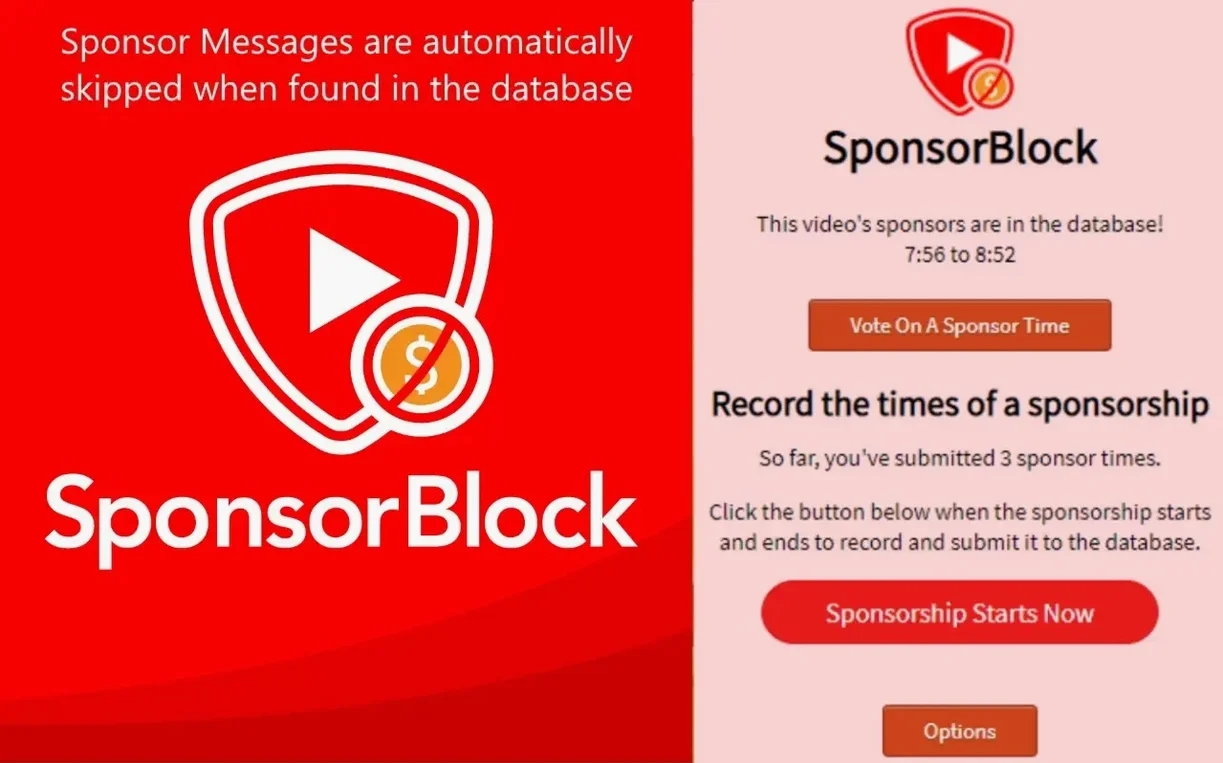
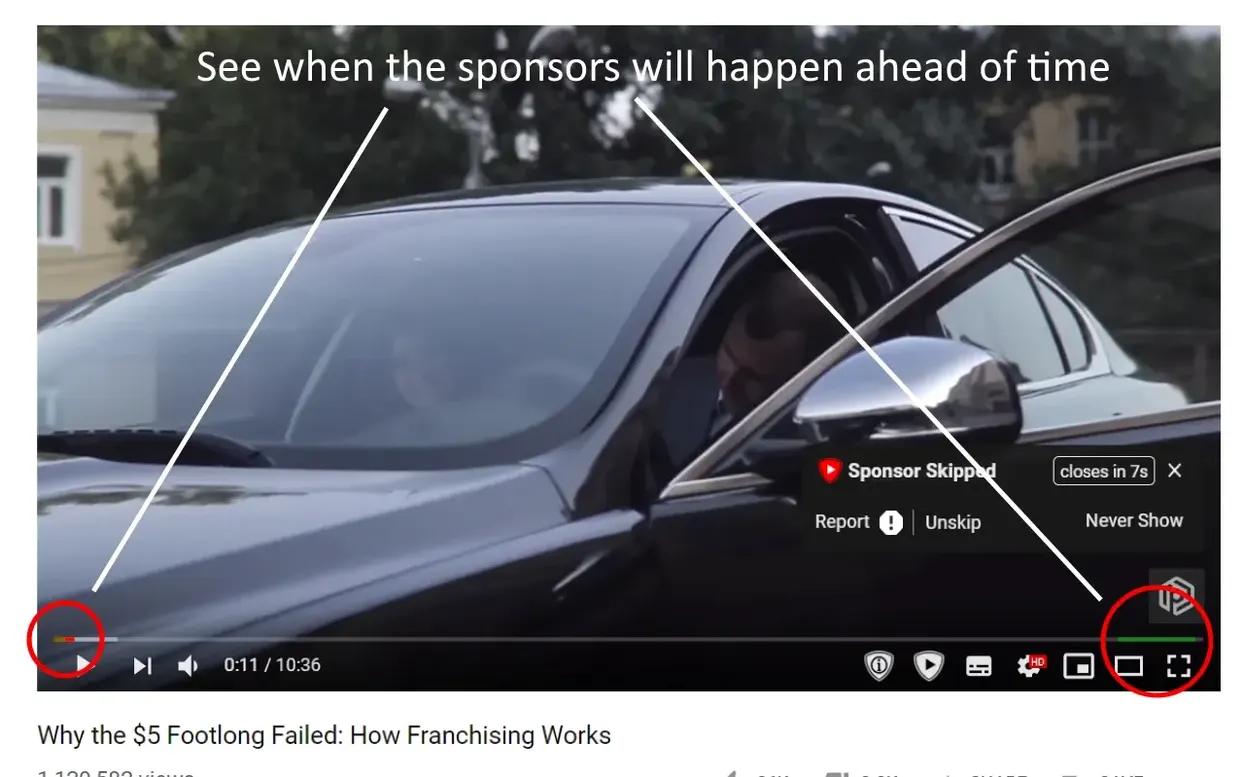
You’re ten minutes into a tutorial when the host shifts into a two-minute ad read for a VPN. Before you can reach for the timeline, SponsorBlock has already jumped you past it. That’s the whole idea: the extension checks a community-run database of marked segments and skips them on the fly so your viewing stays uninterrupted.
Community-submitted timestamps that auto-skip sponsor reads
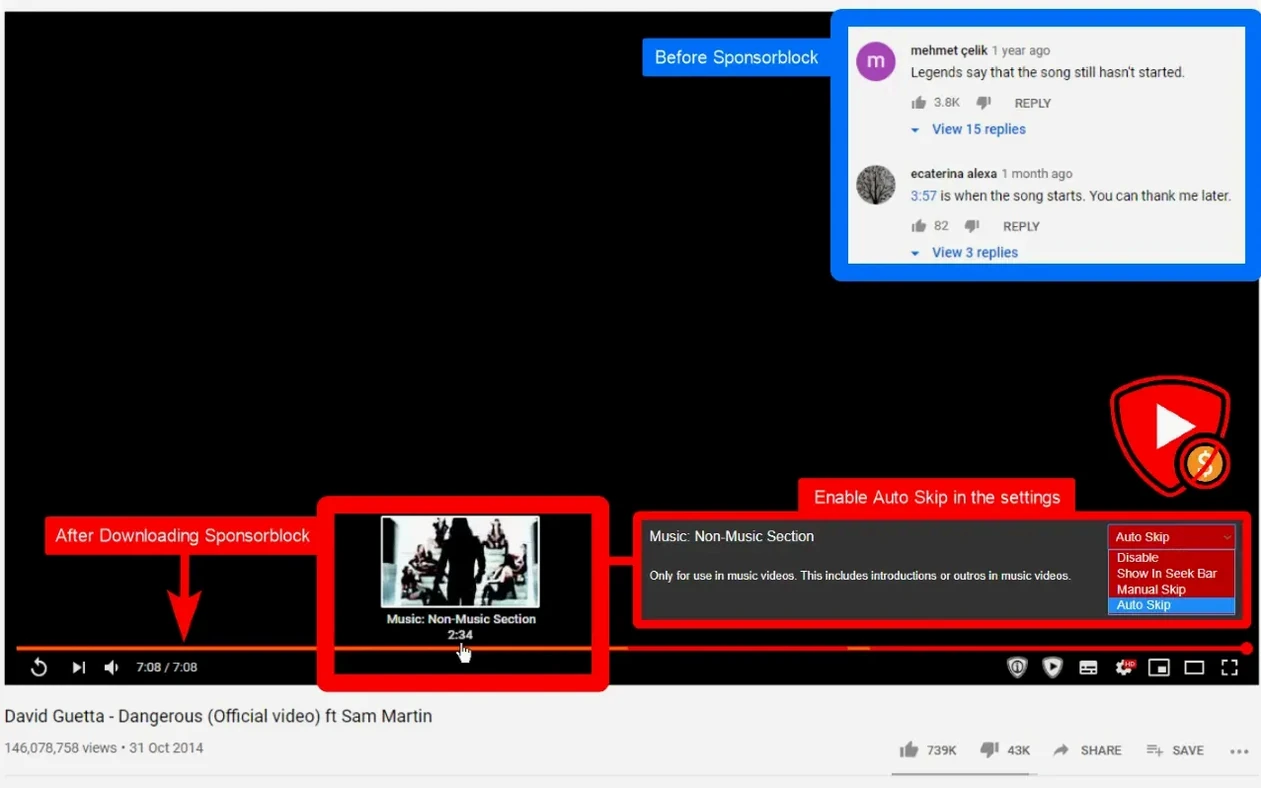
Someone in the SponsorBlock community watches a video, flags the sponsor portion, and submits the timestamps. From then on, anybody with the extension installed skips that same segment automatically. You can also mark segments yourself, which makes the database sharper for everyone. It’s not just sponsors — users flag intros, outros, self-promotion, and non-music sections in music videos, and you choose which categories you want skipped.
Filling the gap after your system-wide ad blocker
This is for anyone who watches a lot of YouTube on Mac and finds sponsor breaks more irritating than helpful. If you already use a system-wide ad blocker but still sit through baked-in sponsor reads, SponsorBlock fills that gap. It runs as a Safari extension on macOS 11 and up, so setup is lightweight and the skipping happens right in your browser without a separate heavyweight app.
A ninety-second sponsor segment vanished mid-review
You fire up Safari after lunch, queue a few videos you’ve been meaning to catch up on. The first is a half-hour gadget review — five minutes in, the screen dims for a moment and you’re suddenly past a ninety-second sponsor read without touching anything. A small toast in the corner confirms the skip. You glance at the extension’s popover, notice the category toggles are all on, and leave them be.
The next video is a music playlist you put on while tidying up. Because you’ve kept Skip non-music sections enabled, the long intro skit and a mid-video plug for tour tickets vanish — you just get the songs back to back. You’re not even at the desk anymore, and the extension is quietly curating the flow.
Later you catch a coding tutorial where the creator buried a sponsor segment nobody’s flagged yet. You pause, open the SponsorBlock controls, and mark the segment yourself — drag the start and end points, pick Sponsor from the category list, and submit. The submission syncs to the database within seconds. From that point on, every other viewer with the extension will skip it automatically. The whole process takes under twenty seconds, and you’re back to your code without breaking focus.
Interacts only with timeline metadata, not network requests
Does this mess with YouTube’s player or break other extensions? It doesn’t. SponsorBlock works alongside ad blockers and download helpers without conflict because it only interacts with the video timeline and segment metadata — not the network layer or the page’s layout. If you find a second extension that also controls skipping, you can disable one set of controls and keep both running.
Can I still see the skipped parts if I want to? Yep. Skipped segments show a small marker on the progress bar. Click it or scrub over it and the video plays that portion normally. The extension doesn’t delete anything — it just fast-forwards past what the community agreed wasn’t worth your time.
What if a segment is marked wrong? That happens occasionally. You can downvote the segment right from the popover, and if enough people agree, the database adjusts. You can also submit a corrected segment. The whole system relies on that back-and-forth, and the database stays reasonably clean because people who bother to install a sponsorblock for youtube mac download tend to care enough to vote accurately.
- macOS 11 or later
- Apple Silicon and Intel 64-bit
Also on readers' docks
Sign in or create an account to leave a comment.
No comments yet. Tell me how it got on with your other devices.