Download SlapMac for macOS
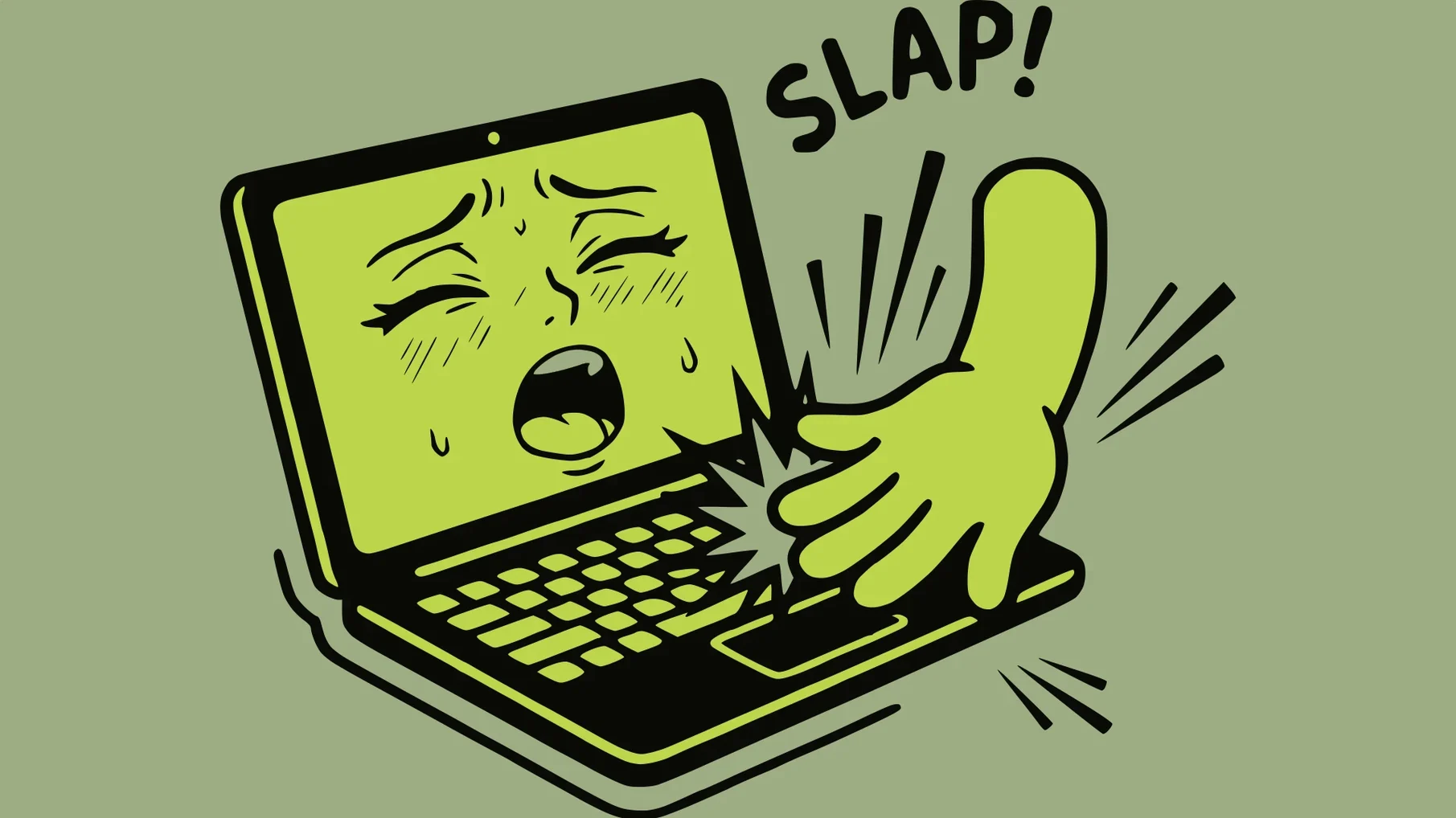
Typing is fine, but sometimes a MacBook lid just begs for a little percussive interaction. SlapMac gives those taps, knocks, and nudges a voice — literally. It listens through the built‑in motion sensor and fires back a goofy sound every time you give the machine a whack.
Bump triggers from bonk to startled goat
It detects physical bumps via the accelerometer and plays a sound effect. The harder you hit, the louder the response. Voice packs range from a cartoonish bonk to a startled goat, a metal clang, or a very human yelp.
Who would want this?
Someone who likes their desk setup to have a silly side. It’s a stress-relief toy, a prank waiting to happen, or a conversation starter when a coworker borrows your laptop and gives it a confused tap.
What’s with the lid and USB stuff?
Recent updates added a hinge sensor trick that tilts and blurs the desktop as you close the lid, plus a creak sound for M2 Pro machines. There’s also USB Moaner, which reacts dramatically whenever you plug something in or yank it out — no slapping required.
Does it just go wild all day?
No, there’s a cooldown timer so a rapid-fire drum solo on your MacBook doesn’t turn into a chaotic scream fest. The menu bar counter keeps a running tally of every registered slap.
Sensitivity survives sleep-wake cycles
The move to 1.4.6 tightened up a few things that made everyday goofing around feel less like a tech demo. Sensitivity adjustments now stick better between sleep-wake cycles — previously you might have found the response dialed back to default after the MacBook took a nap, which meant re-tuning the threshold every morning.
The hinge sensor effect got smarter too. Instead of a jarring tilt that snapped into place, the desktop now blurs, leans, and settles with a bit of inertia when you close the lid. It’s a small physics polish, but combined with the Lid Creak sound it makes closing up for the day feel oddly cinematic. USB Moaner also stopped triggering on hubs that report constant connect-disconnect chatter, so you won’t get an accidental serenade from a sleeping external drive.
Palm rest no longer counts as a slap
Straight out of the disk image, SlapMac ships with a sensitivity curve that’s eager to please — maybe too eager. Bumping the threshold up a notch keeps resting your palms on the deck from counting as a slap. You’ll find the slider in the menu bar dropdown under Sensitivity, and it’s worth dialing in while tapping lightly with one finger until only intentional thumps register.
Next, set the cooldown to at least two seconds unless you genuinely want a staccato chorus every time you shift in your chair. The Combo Hit voice pack also has a screen flash toggle that’s on by default — fun for a minute, distracting for a workday. Flip it off in the pack settings and keep the audio reaction without the visual jab.
If you’re on an M2 Pro or later machine, head into Lid Creak and pick a sound that won’t make you flinch during a quiet coffee shop close. The default creak is aggressive; the subtler hinge groan fits public spaces better. And for anyone who hot-swaps peripherals, USB Moaner’s per-device ignore list lets you silence reactions to your charging cable while keeping the drama for everything else.
Version 1.4.6 brings a few oddball interactions beyond the classic slap:
- Lid Creak adds a sound — and a desktop tilt‑and‑blur effect — when you open or close the lid.
- USB Moaner reacts to plugging and unplugging USB devices.
- A slap counter now lives in the menu bar.
- macOS 14.6 or later
- Apple Silicon or Intel Mac
- Built‑in accelerometer with M1 Pro or later (for impact detection)
- M2 Pro or later (for Lid Creak)
Questions people ask
Does SlapMac work on any MacBook?
Impact detection needs a built‑in accelerometer and an M1 Pro chip or later. The Lid Creak effect specifically requires M2 Pro or newer.
What kind of sounds can it make?
You can pick from voice packs labeled Woman, Goat, Combo Hit, Metal, and Man, among others. The volume scales with how hard you strike the laptop.
Does it only react to slaps?
No. USB Moaner triggers on connecting or disconnecting USB devices, and Lid Creak plays when you open or close the lid.
Also on readers' docks
Sign in or create an account to leave a comment.
No comments yet. Tell me how it got on with your other devices.