
Download SiteSucker Pro for macOS
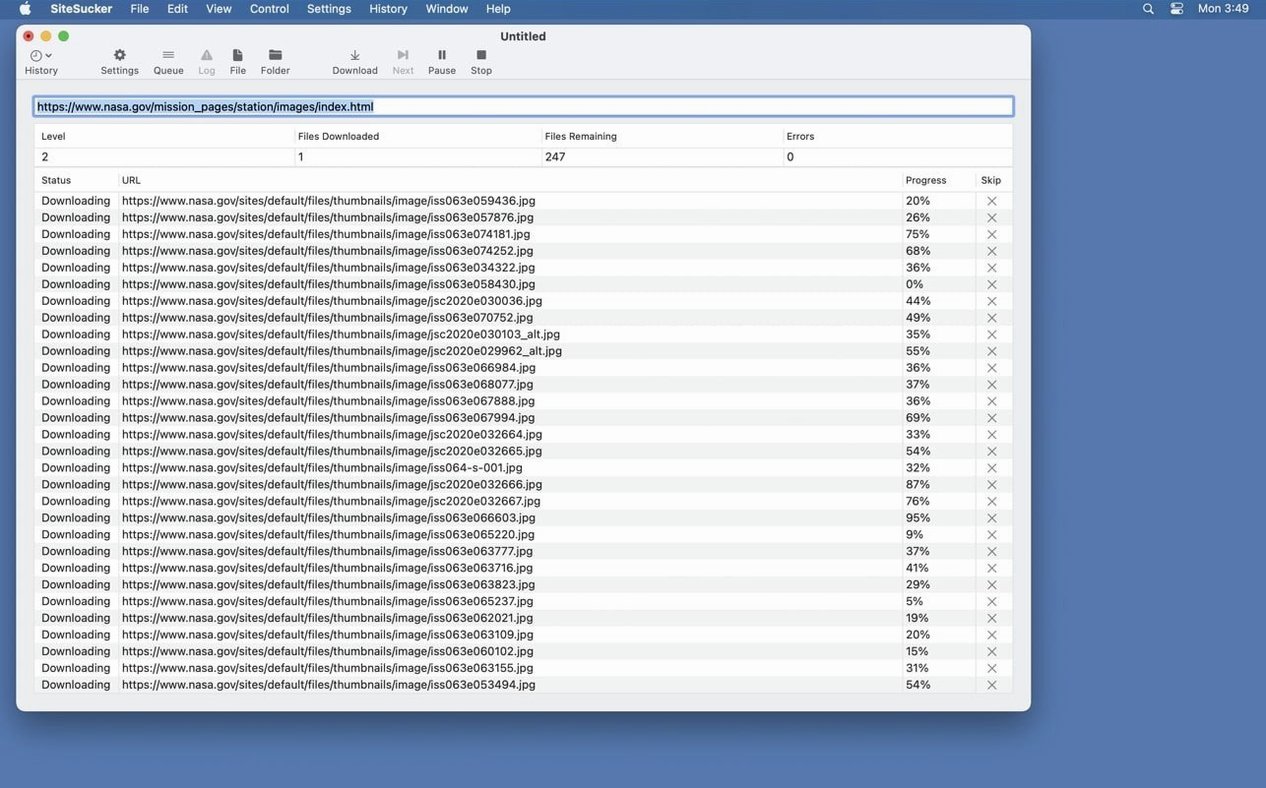
Leaving free Wi-Fi often means leaving your research behind. A single Mac app solves that by pulling sites down to your drive before you go.
Grabbing Whole Sites—or Just the Bits You Choose
- Will it grab the whole site? — Yes, or just bits. The Limits section lets you cap link depth, total files, and minimum to maximum file sizes.
- Can I pick what gets downloaded? — Absolutely. The File Types setting can pull everything or only the formats you check off. The Pro version also snags embedded YouTube and Vimeo videos.
- Does it look like a real browser? — It can. The Advanced section has a user-agent you can set to imitate Safari or Firefox, which helps with sites that block bots.
- How do I see what happened? — An operation log runs from the moment downloading starts. Hit Open Log on the toolbar to read back every request.
First settings I always change
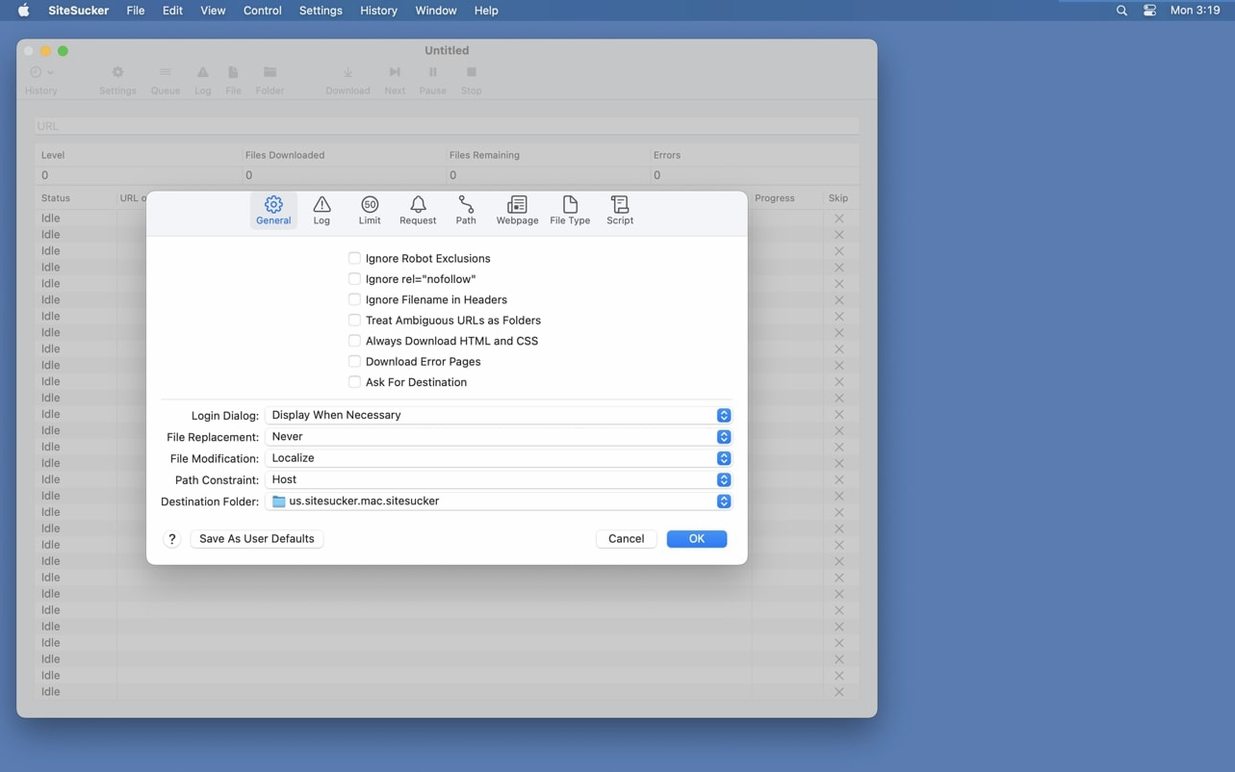
Out of the box, SiteSucker Pro respects robots.txt exclusions. That is polite for casual browsing, but if I am archiving a client site or my own blog, I head straight into General and uncheck that box so nothing gets skipped. Next stop is Limits — the default link depth works fine for small projects, yet a deep documentation tree can stop halfway. I bump the depth to something generous and set a minimum file size of 1 KB to avoid grabbing invisible tracking pixels that clutter the local copy.
The Paths section is another early stop. I add a skip rule for URL fragments I know I will never need — tag pages, comment feeds, paginated archives — so the crawl finishes sooner. Finally, I switch the user-agent to Firefox in Advanced. Some CDNs serve lighter assets to non-Safari agents, and the difference in download speed can be noticeable on image-heavy sites.
PDF Creation Bugs Finally Squashed
Version 6.2.2 shipped two fixes that matter in daily use. The first squashes bugs around creating PDFs, so saving a page as a formatted document no longer produces blank sheets or garbled layouts. That alone makes the update worth grabbing if you archive invoices, articles or anything destined for a reading app later.
The second addition is a Format HTML toggle inside Webpage settings. Before this, downloaded HTML kept whatever whitespace and line-wrapping the original server sent — fine for rendering, messy for editing. Flick that switch on, and the local copy gets tidy indentation and line breaks that make it readable in a text editor. It is a small quality-of-life bump, but anyone who has ever debugged a minified page offline will appreciate it.
Earlier Pro builds already brought embedded YouTube and Vimeo grabbing, and those capabilities carry forward into 6.2.2 without regression. If you have been sitting on an older release, the PDF fixes alone justify the move, especially when you rely on a sitesucker pro mac setup for research trips where connectivity is patchy.
Version 6.2.2 patches PDF rendering bugs and slips a new Format HTML toggle into Webpage settings for tidier saved pages.
- macOS 26 or later
- Apple Silicon and Intel Macs
Questions people ask
What does version 6.2.2 bring to SiteSucker Pro?
It fixes bugs with PDF creation and adds a Format HTML option to Webpage settings so downloaded pages look cleaner.
Also on readers' docks
Sign in or create an account to leave a comment.
No comments yet. Tell me how it got on with your other devices.