Download Shadowrocket for macOS
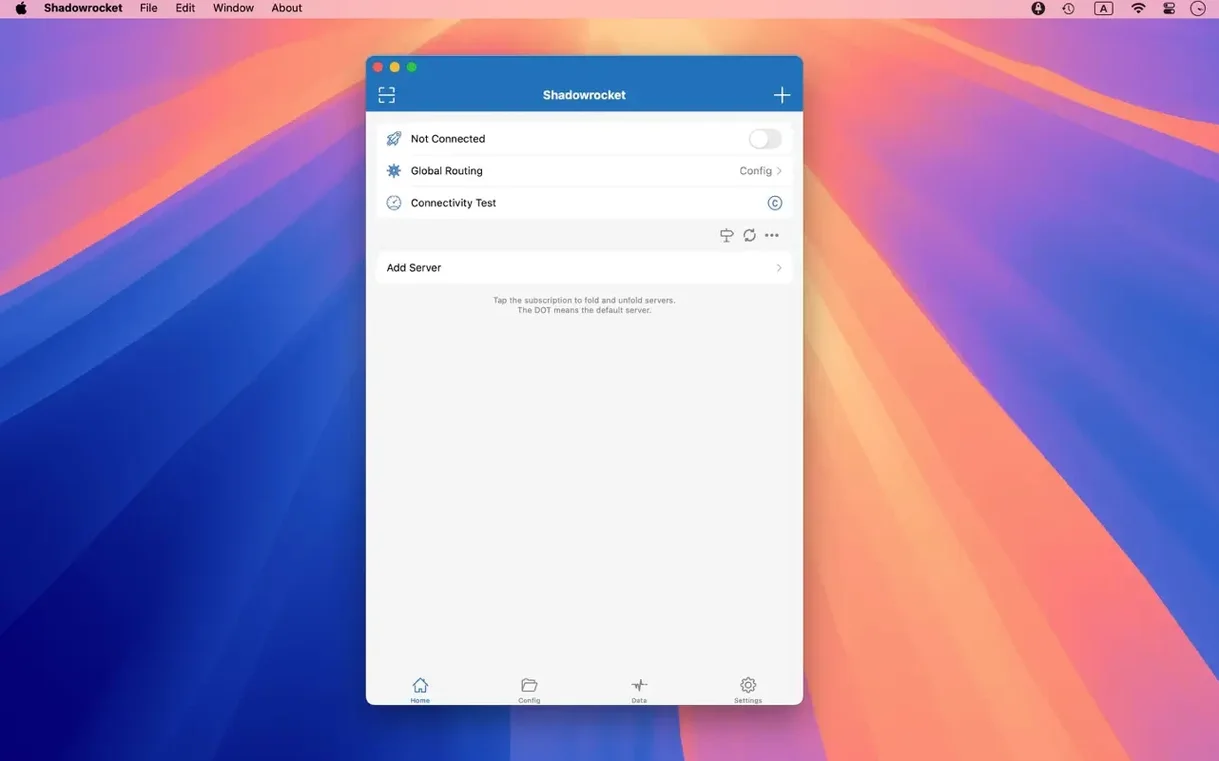
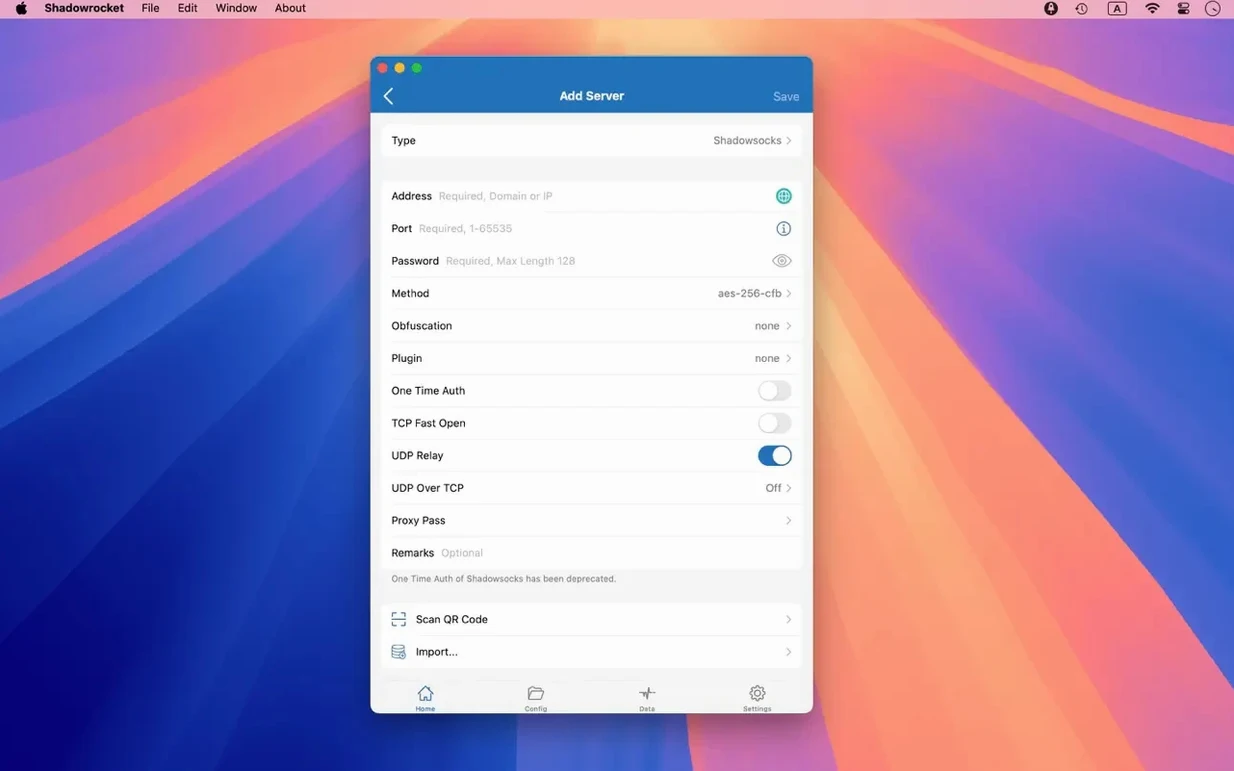
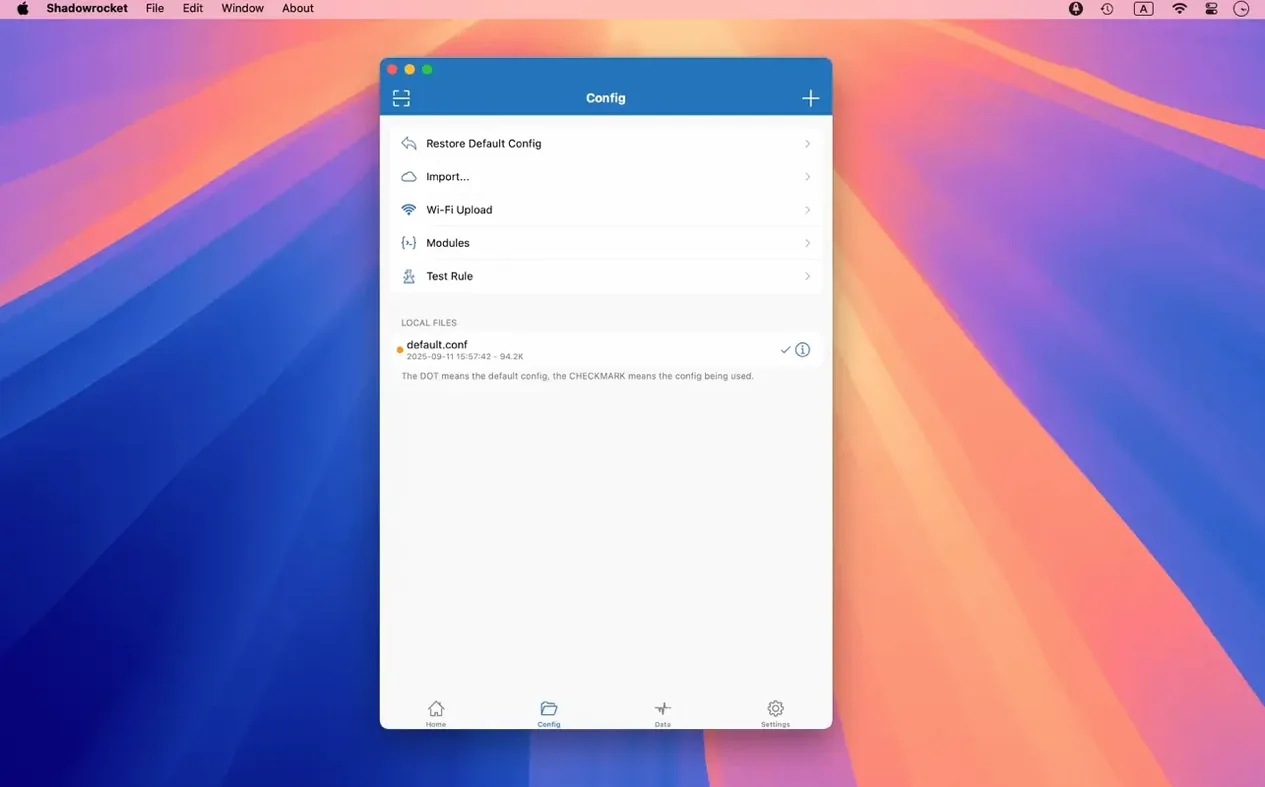
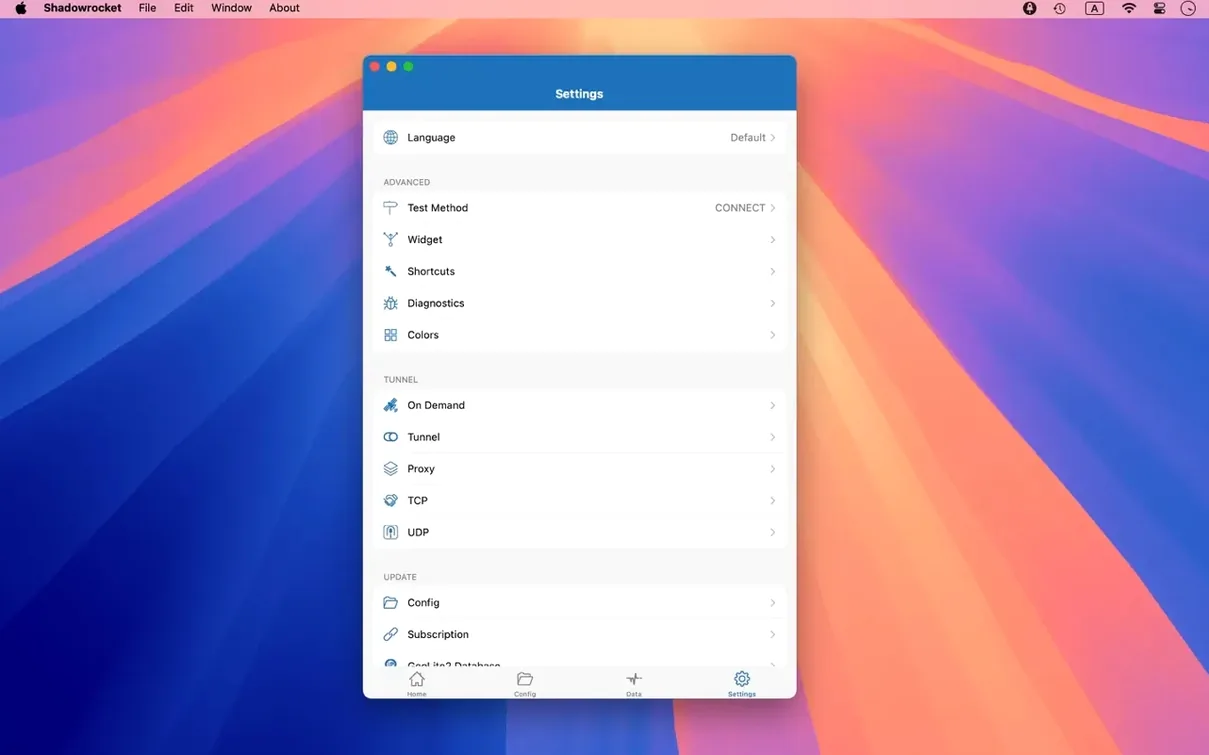
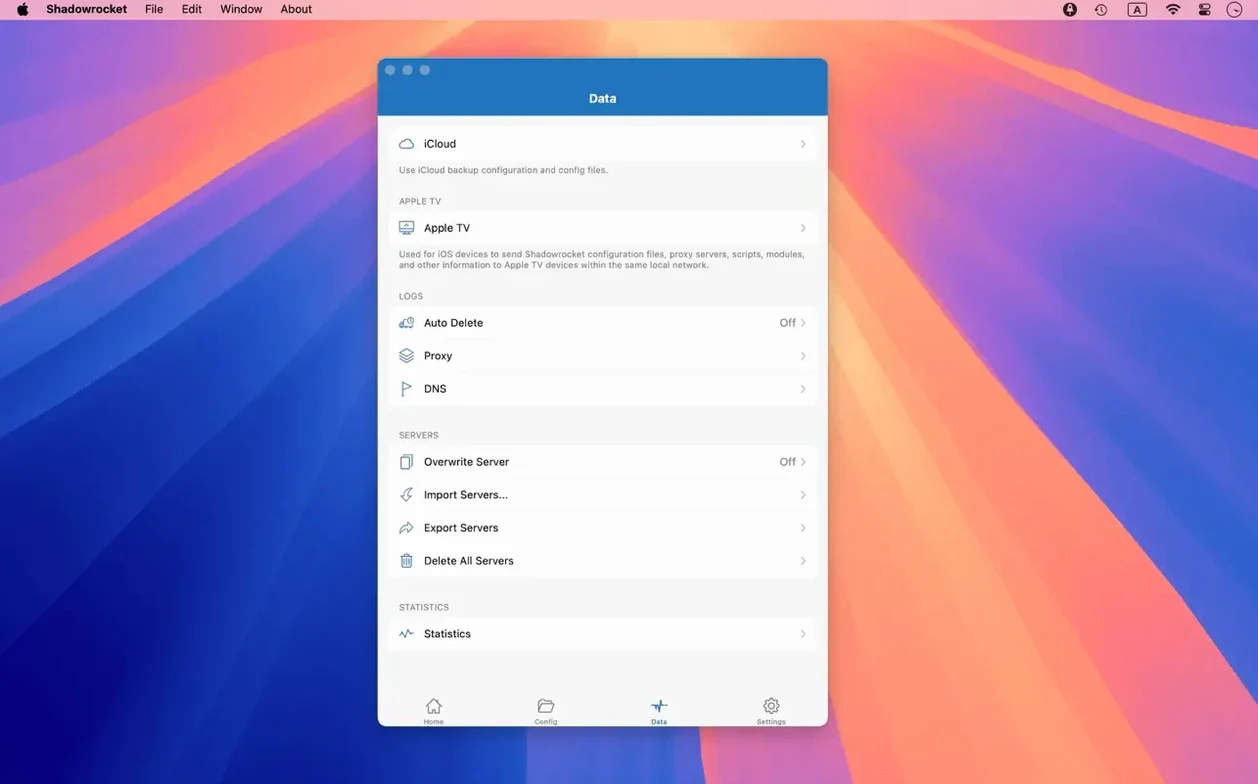
Shadowrocket is for people who live in the details — the ones who want to decide exactly which traffic goes direct and which takes the proxy tunnel, all the way down to the domain suffix.
Check your Mac’s specs
You need macOS 10.15 or later, and the good news is it runs natively on both Apple Silicon and 64-bit Intel machines. No Rosetta guesswork.
See what you can intercept
The app catches HTTP, HTTPS, and TCP traffic from your apps and forwards it according to your rules — domain matches, keywords, CIDR ranges, even GeoIP lookups.
Measure what moves
Your first day with Shadowrocket
Drop your first rule file in sooner rather than later. Head to the import menu and pull a .conf from iCloud Drive or a URL — the app won't do much until it has a rule set to chew on. Once it is loaded, flip the toggle in the menu bar to switch on routing and watch the request log populate. It is oddly satisfying seeing every DNS query and HTTPS handshake scroll past, and it is also a quick way to spot any app that phones home more than you expected.
Spend five minutes inside the rule editor on day one. The default arrangement may be blank, so add a GEOIP rule early to keep local traffic direct and a domain-suffix rule for the services you always want routed. Drag rules up or down to control priority — the hit order matters more than most people assume. One mis‑ordered rule can send your banking app through a far‑away proxy when it should have stayed local.
Empty rule set blocking all traffic
The most common head-scratcher is traffic not routing at all. Nine times out of ten the proxy server details are correct but the rule set is empty, or a FINAL rule is missing. Every rule set needs a final directive — otherwise the app has no fallback and traffic stalls silently. Set FINAL,PROXY or FINAL,DIRECT explicitly and the confusion disappears.
Another snag: menu bar icon won't stick. Version 2.2.92 fixed Dock and menu bar glitches, but if macOS hides your menu bar extras due to screen space, Shadowrocket's toggle vanishes. Hold Command and drag it into a permanent spot, or adjust system preferences so the menu bar does not auto‑hide items on smaller screens.
DNS over HTTPS or DNS over TLS not resolving? Check that your proxy server actually supports the protocol. Shadowrocket gives you the toggle, but the server has to speak the same language. If you are unsure, stick with standard DNS and switch over once you have tested the endpoint with a tool like dig or nslookup.
Proxy client, not a full VPN replacement
Does this replace a VPN? Not exactly. Shadowrocket is a proxy client, not a system‑wide VPN tunnel. It intercepts HTTP, HTTPS, and TCP traffic from your apps and routes it per your rules. Apps that bypass the system proxy settings — some UDP-heavy games or custom network stacks — may not be captured. Think of it as a scalpel, not a blanket.
Will it slow my connection down? The app itself adds negligible overhead. Your speed depends on the proxy server and the plugin chain you configure. Running kcptun or cloak over a distant server has a cost, but the measurement tools built right into the app let you compare direct versus proxy speeds side by side, so you can test before committing to a slow route.
Can I use it on an older Mac? If your machine runs macOS 10.15 Catalina or newer, yes. Both Intel and Apple Silicon Macs are supported natively. The binary is compiled for ARM and 64‑bit x86, so there is no emulation penalty on either architecture.
What about ad blocking? Shadowrocket includes domain‑based and user‑agent‑based ad blocking rules. You can write your own or import community‑maintained lists from a URL. The blocking happens before the request leaves your Mac, so the ad never downloads — bandwidth saved, page loads faster.
Fitting Shadowrocket into your Mac workflow
Shadowrocket plays well with Shortcuts and Automator if you lean into URL scheme triggers. The app registers a custom scheme that lets you toggle routing or switch proxy servers from a shell script or a Shortcut widget in the menu bar. Tying it to a Focus mode — say, switching to a work proxy when you enable "Work" Focus — requires a small launchd helper, but the building blocks are there.
If you use the shadowrocket mac build alongside its iOS counterpart, iCloud sync keeps your rule files consistent across devices. Edit a domain suffix rule on your Mac, and the same set appears on your phone after the next sync. The import-from-iCloud option makes the initial setup on a fresh Mac nearly instant — no USB cable or AirDrop dance required.
For developers, the HTTPS decryption feature doubles as a debugging aid. Enable it, install the generated CA certificate in Keychain, and inspect API calls your own apps make. It is the same idea as Charles Proxy or mitmproxy, just built into the routing tool you already have running. The request log shows full headers and response bodies, and the filtering bar helps you zero in on a single domain among hundreds of entries.
If you are grabbing the shadowrocket dmg for the first time, keep the disk image around until you have imported your rules. A fresh install has no pre‑loaded configuration, so having the .dmg handy means you can re‑drag the app if something goes sideways during setup. Once the rules are in place, you will spend most of your time in the menu bar, not the main window.
It tracks traffic usage and network speed on direct Wi‑Fi connections and proxy connections, so you always know where the bytes are going.
Version 2.2.92 tidies up the macOS experience — server table glitches, menu bar weirdness, and Dock icon bugs all got fixed.
- macOS 10.15 or later
- Apple Silicon and 64-bit Intel Macs
Also on readers' docks
Sign in or create an account to leave a comment.
No comments yet. Tell me how it got on with your other devices.