
Download Scrutiny 12 for macOS
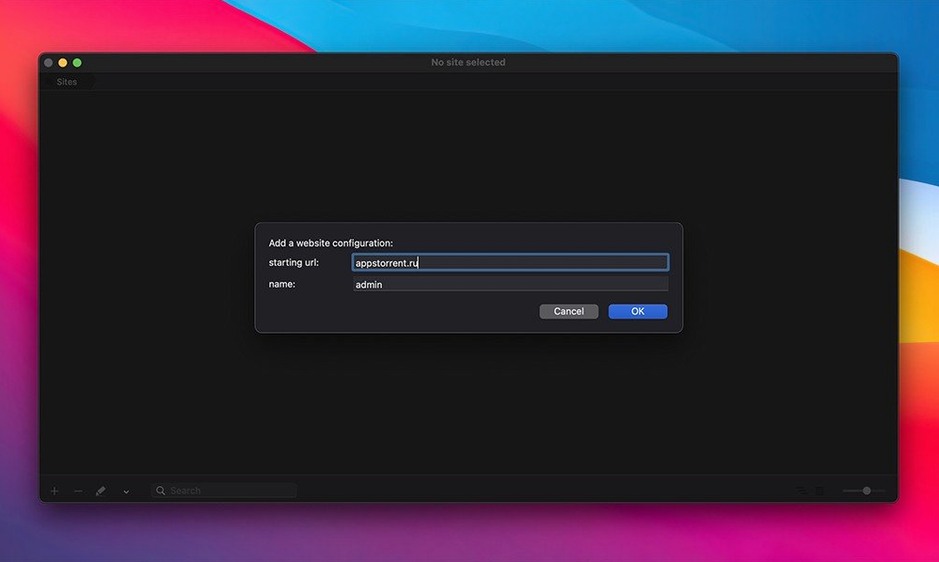
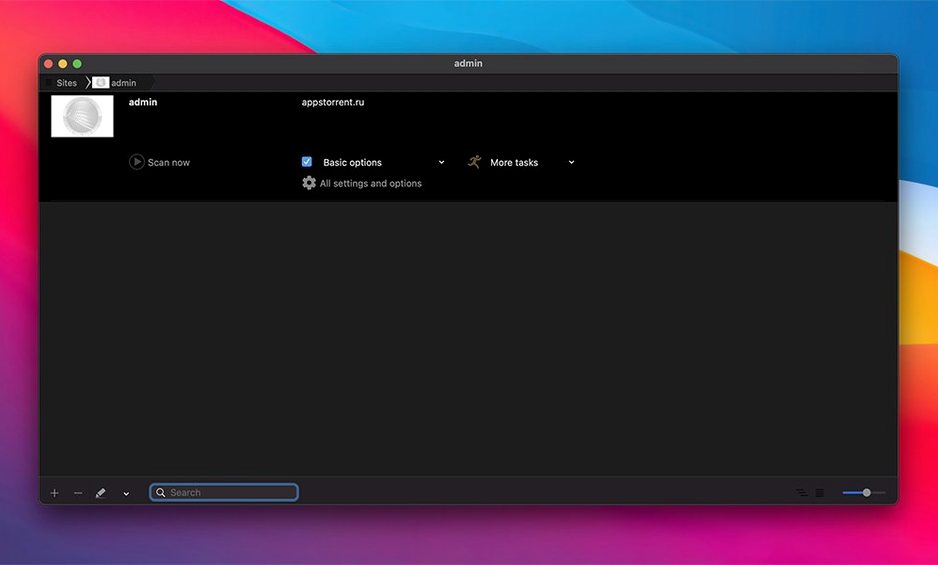
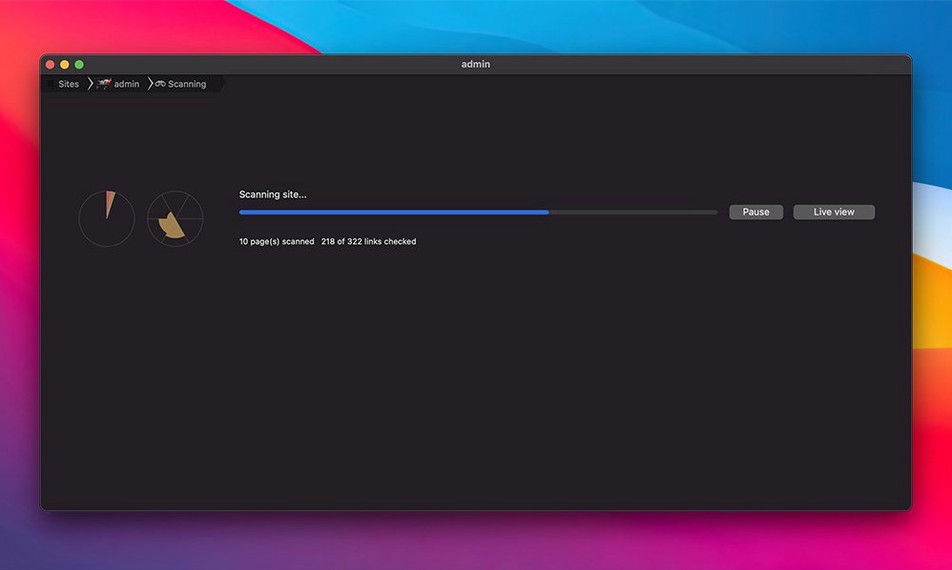
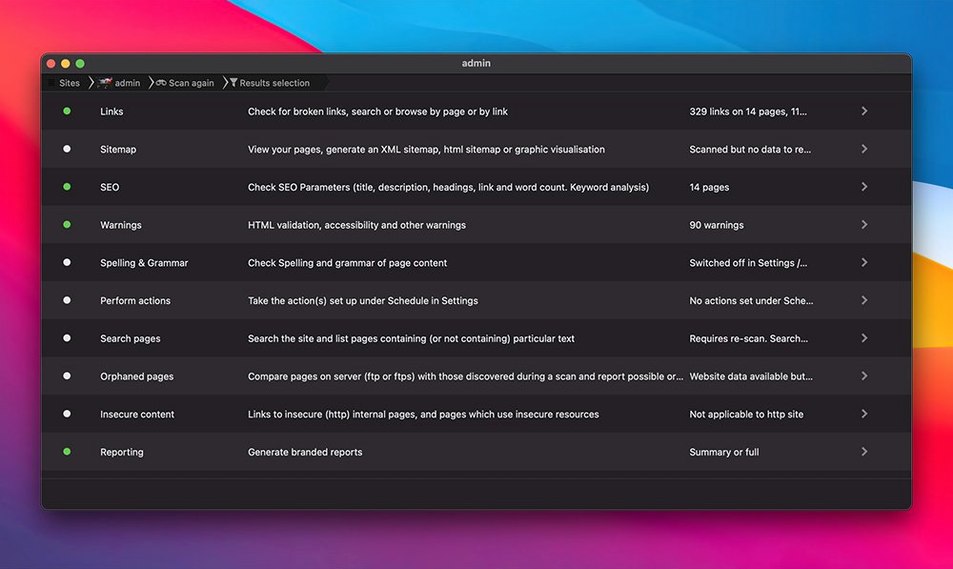
Scrutiny 12 is a Mac app that crawls websites to find broken links, validate pages, and flag common SEO issues in one pass.
Find Broken Links
Point it at a URL and it walks every page it can reach, reporting links that 404, redirect oddly, or point to missing images. You get a single report instead of clicking through your site by hand.
Run SEO and Content Checks
It reviews page titles, headings, meta descriptions, and keywords, then checks spelling and tests page load speed. Handy for catching small mistakes before a launch or after a redesign.
Automate Reports and Sitemaps
When a crawl finishes, Scrutiny can email the report, save it, run an AppleScript, or FTP a sitemap XML to your server. Alerts and logging cover ongoing monitoring for sites that change often.
Juggling Client Sites Without the Saturday Panic
Freelance web designers and small-agency developers tend to love it the most. You're juggling several client sites, and nobody wants an email about a broken checkout link on a Saturday morning. Scrutiny sits between you and that embarrassment—run a full crawl before handing over a site, and you catch the stuff QA didn't spot.
SEO consultants get a different kind of value. The title-and-meta checks are quick enough to run before a client meeting, so you walk in already knowing which pages have missing descriptions or duplicate headings. Site owners who manage their own content—think blogs, e‑commerce stores, documentation wikis—appreciate the scheduled monitoring. Set a crawl for Sunday night and let the email report land in your inbox Monday morning.
If you're a solo Mac user maintaining one personal portfolio site, the feature set might feel like overkill. But the moment you're responsible for links that affect someone else's business, the app earns its place in your toolkit.
Start With a Blog Category, Not the Whole Site
Start small. Don't point Scrutiny at a 5,000‑page site on day one and wonder why it's still crawling at lunchtime. Pick a modest section—maybe a blog category or a product range—and let it finish a full pass. You'll learn how the report organizes itself without the overwhelm.
Second, tweak the crawl settings before your first big run. The app respects robots.txt by default, but you can adjust the crawl depth, exclude query parameters, and tell it to stay inside the starting domain. Skipping external link checks on the first crawl speeds things up dramatically; you can turn those on once you trust the internal map.
Finally, set up one scheduled task early. Even if it's just a weekly check of your homepage and top ten landing pages, you'll learn how the notifications behave and whether email or a saved report fits your workflow better. Adjust the timing after the first week.
Right‑Click to Open a Broken Link Instantly
- Right‑click a link in the report to copy its URL or open it directly in your browser. Faster than selecting and switching apps.
- Hold Option while starting a crawl to skip the confirmation dialog. Muscle memory after a few days.
- Export as DOT format if you use Graphviz—the sitemap visualizations make great client deliverables without extra tools.
- The spelling checker respects the site's declared language. If you're maintaining a bilingual site, it won't flag French words on French pages as errors.
- AppleScript actions on completion can trigger anything from a Slack notification to a custom backup script. The power is there if you want it, invisible if you don't.
A few users searching for scrutiny 12 torrent macos will be glad to know the app already supports Retina displays and runs natively on Apple Silicon—it's a lightweight native Mac tool, not a sluggish port.
Scrutiny 12.13.1 has arrived with a handful of behind-the-scenes tweaks. Peacockmedia keeps the fine print on their site, but the update is ready for your Mac right now.
- macOS 10.14 or later
- Apple Silicon and Intel 64‑bit
Also on readers' docks
Sign in or create an account to leave a comment.
No comments yet. Tell me how it got on with your other devices.