
Download Royal TSX for macOS
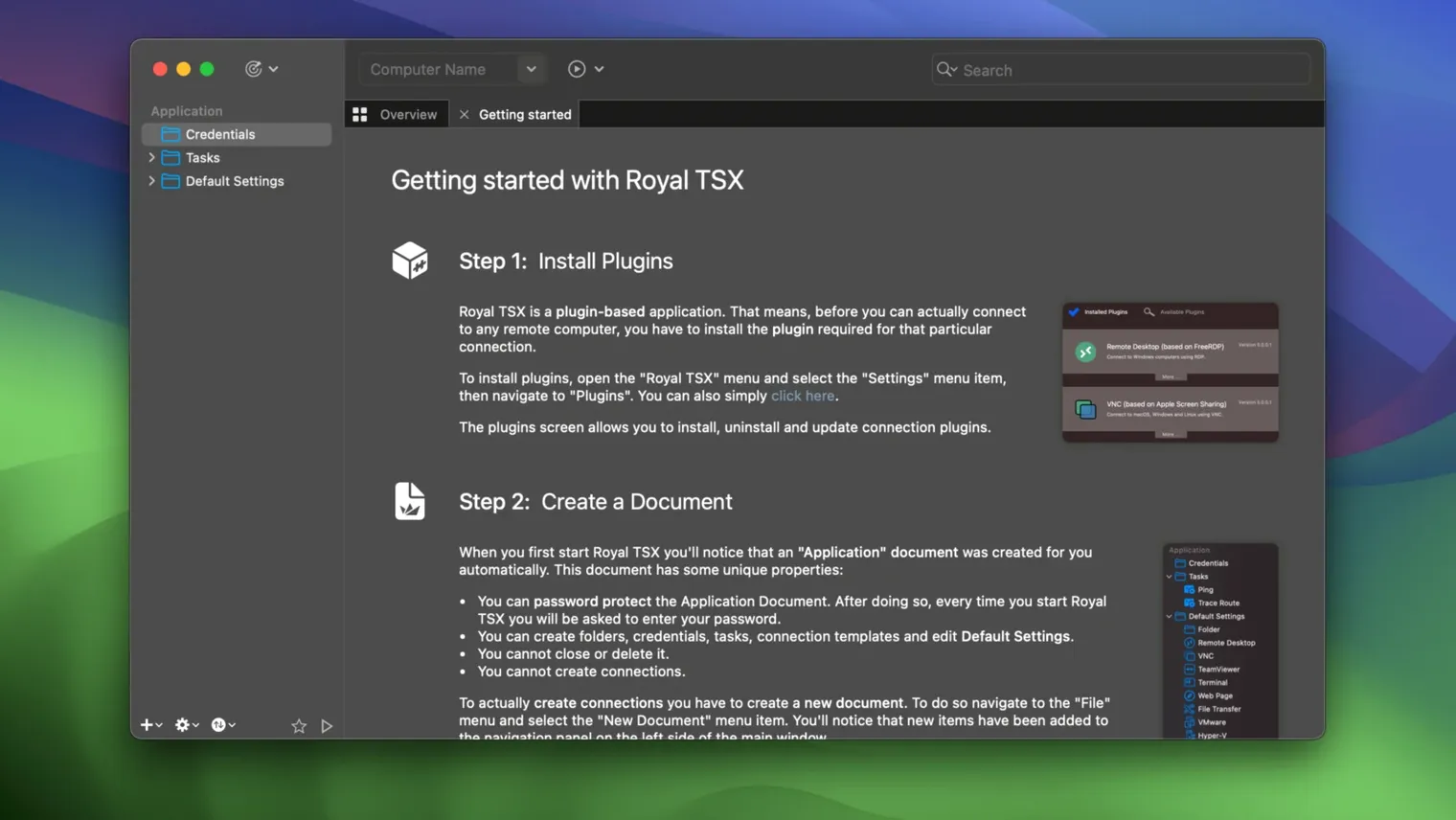
Task automation is where Royal TSX really stretches its legs. Once you've got your connections organized, the built-in scripting support lets you chain together multi-step routines—launch a session, fire off a command, grab a log file—without babysitting each hop. It's the kind of depth that makes seasoned admins lean in.
A few of the deeper tools worth knowing:
- Centralized credential store. Instead of scattering passwords across saved sessions, you manage them in one encrypted vault. Update a single entry and every connection that references it follows along.
- Plug-ins and add-ons. The architecture is extensible, so third-party modules can bolt on new protocol handlers or interface tweaks without waiting for a main release.
- Royal Server integration. Pair the desktop client with Royal Server to tunnel common management tasks securely, reducing the number of direct remote ports you need open.
- File transfer baked in. The same sessions you use for RDP or SSH also handle file moves between your Mac and the remote box—no separate SFTP client required for quick drag-and-drop transfers.
- Universal binary. The app runs natively on both Apple Silicon and Intel 64-bit Macs, so performance stays snappy regardless of the machine under your hands.
It's all wrapped in an interface you can tweak heavily—appearance and behavior both bend to fit how you work, not the other way around. If you juggle Windows servers, Linux boxes, and VNC screens in the same afternoon, this is the kind of toolbox that rewards the time you spend setting it up right.
When Connection Templates Won’t Update Existing Sessions
Even a polished remote client throws the occasional curveball. Here are a couple of friction points people run into with Royal TSX and how to smooth them out.
Connection templates acting stubborn? If you tweak a template and existing connections ignore the change, double-check the inheritance chain. Connections that have manually overridden a setting won't pick up template adjustments—right-click the connection and hit Reset to Template for the fields that need to fall in line.
SSH key auth failing silently. The credential store is great, but it can mask a path problem. When a key stored in the vault stops authenticating, re-scan the private key from the credential entry's settings rather than just re-entering the passphrase. Sometimes macOS keychain changes behind the scenes and the stored reference goes stale.
RDP window scaling feels off. By default, Royal TSX lets the remote session drive the resolution. If you'd rather the window size dictate things, open the connection properties, head to the Display section, and switch scaling mode to Resize Remote Desktop. It saves you from squinting at microscopic text on a Retina display.
Dragging Keychain Passwords Straight into Your Credential Store
Royal TSX plays nicely with native tools in ways that aren't always obvious. The credential store can import from the macOS keychain via drag-and-drop—useful if you've been collecting server passwords in Safari or the Keychain Access app. Terminal workflows can borrow sessions, too: you can configure an SSH connection to open in Royal TSX when you click a ssh:// link from another app, catching those stray hosts you bump into in documentation or chat.
The cross-platform document format means a connection tree you build on a Mac opens without conversion in Royal TS on Windows or Royal TSi on iOS. Move between a desk and an iPad, and your folder structure, credentials, and task scripts come along for the ride. If you're hunting for a royal tsx macos free way to test the waters, the document compatibility means you can start building your setup on one device and carry it over when you're ready to download royal tsx for mac on your primary machine.
- macOS 10.13 or later
- Apple Silicon or Intel 64-bit Mac
Also on readers' docks
Sign in or create an account to leave a comment.
No comments yet. Tell me how it got on with your other devices.