Download QuarkXPress for macOS
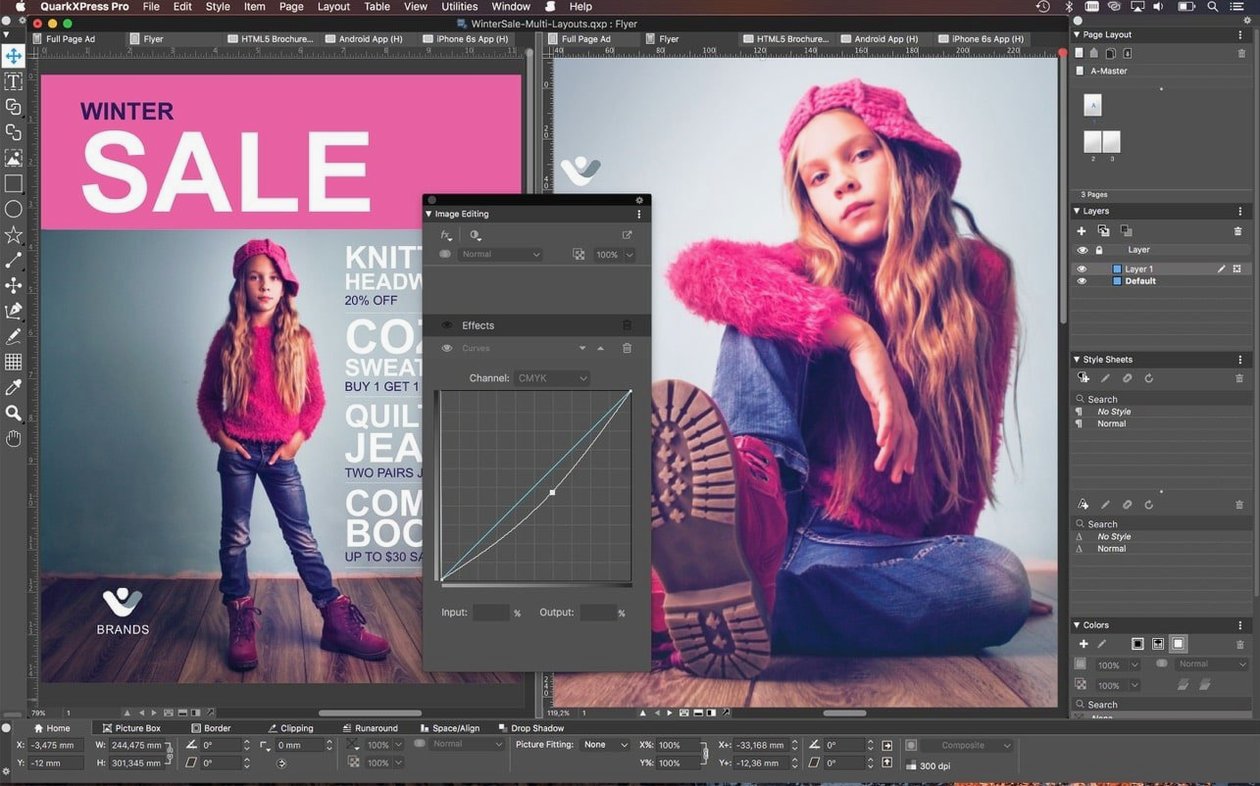
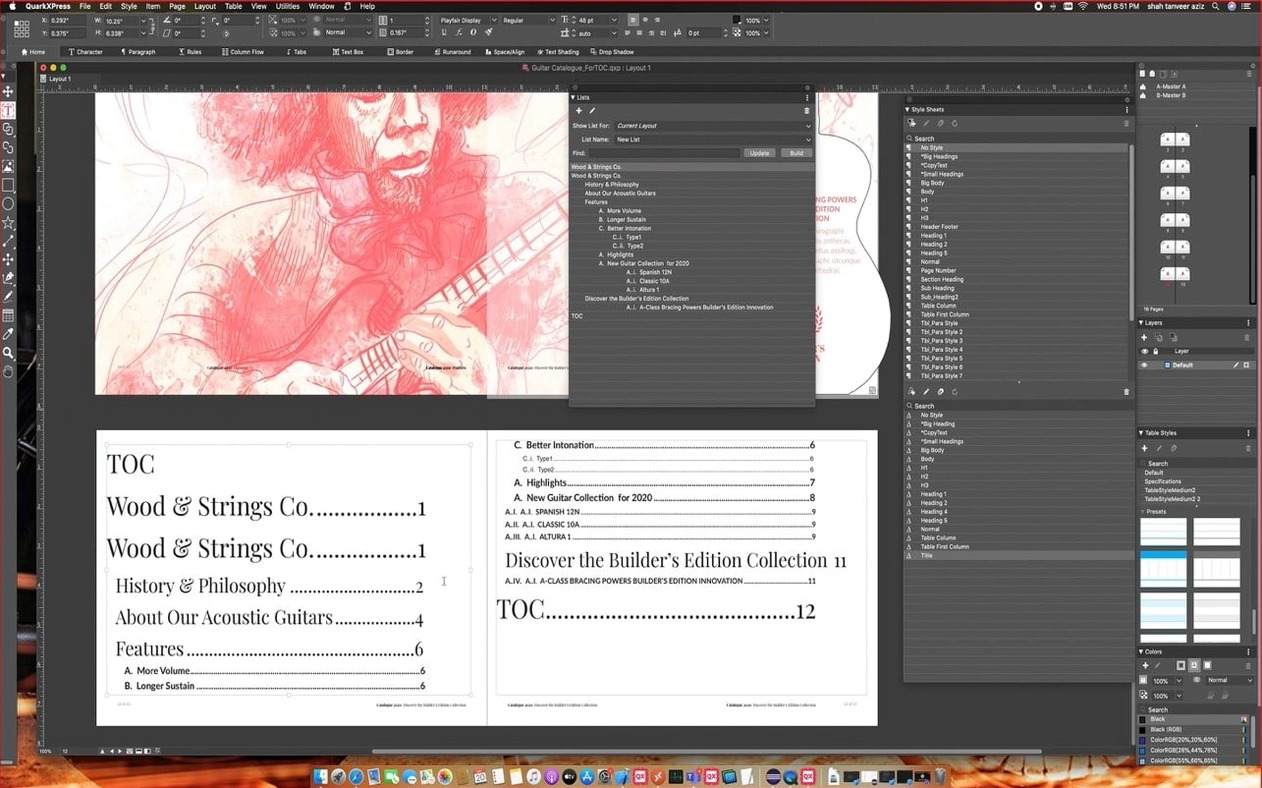
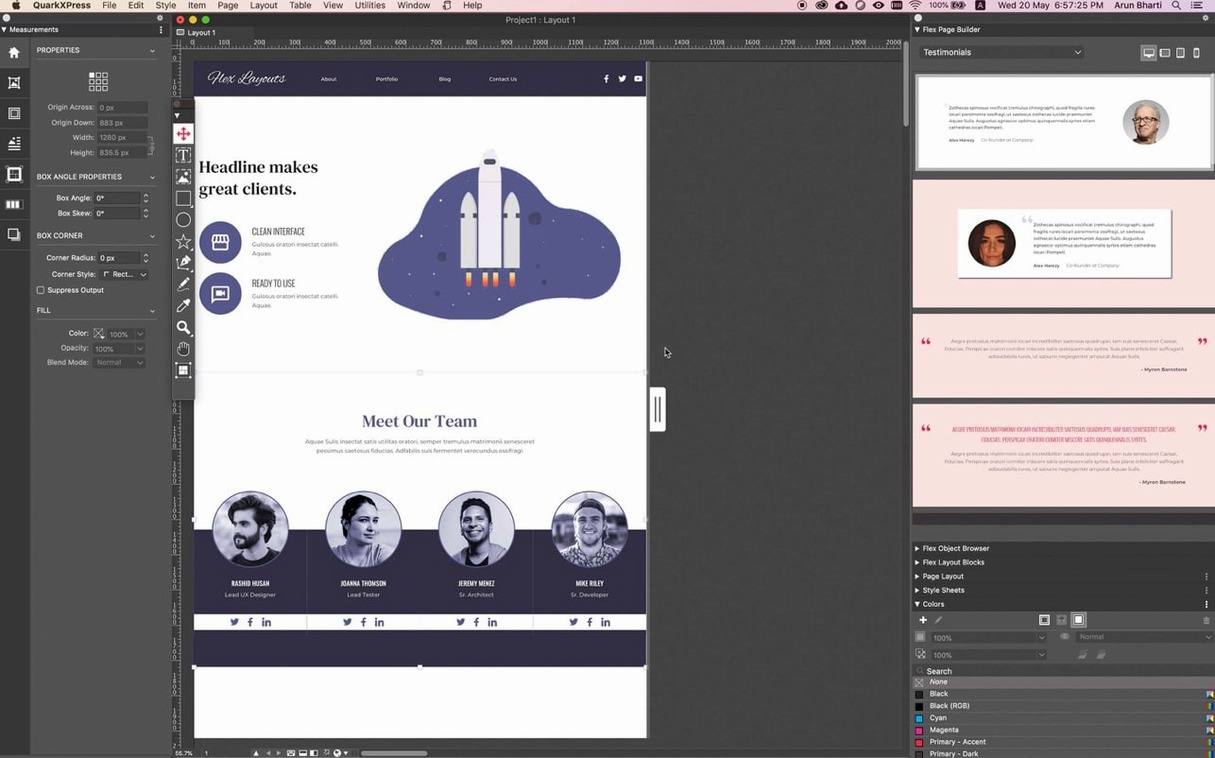
More than 30 languages for dictionaries and hyphenation. That is how QuarkXPress greets you before you even place a single text box — a quiet promise that this layout engine doesn't plan to stumble over a Swedish compound word or a Czech declension.
Dedicated Lane for OpenType Finesse and Conditional Styles
It opens a dedicated lane. You won't draft blog posts here the way you would in Pages, but when a project needs OpenType finesse, conditional styles that fire automatically, or a web page exported straight from the canvas, QuarkXPress steps in as the specialist. The welcome screen — redesigned in v22.0.1 — nudges you toward project presets so you spend less time setting up and more time laying out.
What about text flow across devices?
Reflow View is built for that exact headache. You design once, then preview how the content reshapes on a different screen without losing the layout's intent. Linkster ties it together, letting you thread or unlink text boxes and notes with a few clicks.
ImageGrid Keeps Master Elements Consistent Across Pages
ImageGrid handles it. You can import a grid or build one from scratch, and the latest update keeps master page elements consistent across auto-generated pages — no more orphaned frames drifting off-grid. Graphic management and color control sit nearby, not buried in a submenu.
First days with QuarkXPress — a quick-start map
After the installer finishes, resist the urge to open an old project straight away. Spend twenty minutes with the redesigned welcome screen instead. The built-in tutorials aren't fluff — they walk you through the updated ImageGrid behaviour and the new equation tools, which behave differently enough from plug-in math editors that you'll want the guided tour. Pick one tutorial, follow it, then close the app and relaunch. Something about that second launch settles the workspace preferences properly, especially if you're on Apple Silicon.
A few small moves that pay off early:
- Set your default measurement system before you touch a layout. QuarkXPress remembers it per project, but changing the application-wide default under Preferences saves a dozen trips to the ruler menu in the first week.
- Pin the Story Editor to its own Space. If you use Mission Control on macOS, dragging the Story Editor window to a separate desktop turns it into a distraction-free writing nook that you can flick to with a trackpad swipe — much nicer than squinting at overset text markers on the main canvas.
- Test Linkster on a throwaway two-page spread. Thread five text boxes, unlink one in the middle, relink it, then add a callout that moves with the text. Getting the rhythm of those three actions under your fingers now prevents a cramped deadline from teaching you the hard way.
A magazine designer's Thursday morning
Imagine a small editorial team putting together a quarterly travel magazine. The feature spread has fifteen high-resolution photos, three pull quotes, and a sidebar that needs to shift from page four to page seven depending on ad placement. The designer opens the QuarkXPress project, which already uses conditional styles — body text drops to 9.5pt when a caption runs past two lines, and subheads tighten their tracking automatically when they hit a certain width. No manual tweaking.
An Illustrator map file lands in the inbox at 10 a.m. Dragging it straight onto the canvas imports it without a round-trip through another app. The ImageGrid that was built last Tuesday holds, and master page folios stay locked across all sixteen pages even as the designer pulls the sidebar to a new position. By 11:30, an ePub export is sitting in the editor's inbox for proofing on an iPad, and the print PDF goes to the prepress team before lunch. The morning felt busy, not frantic — the kind of distinction that comes from callouts that follow their anchors and a layout engine that doesn't fight back when you rearrange things at the last minute.
Cold Launch in Four Seconds on an M1 MacBook Air
On an M1 MacBook Air with 16 GB of RAM, version 22.0.1 launches cold in about four seconds — roughly on par with a warm launch of the previous major release. Working with a 48-page catalog that mixes 300 DPI TIFFs and live text, memory use hovers between 1.2 and 1.8 GB. That is not light, but it is predictable: the number climbs when ImageGrid regenerates thumbnails across a large master-page set, then drops back after the operation finishes.
Apple Silicon builds handle the math equation renderer noticeably better than Rosetta-translated Intel code did in earlier versions. Inline fractions and radical expressions redraw without that half-second flicker that used to haunt complex STEM layouts. On Intel Macs running macOS 12 Monterey, the same equation work still feels smooth, though you might catch a brief pause when placing a heavy matrix inside a text box for the first time in a session — the renderer caches after that initial hit.
One pleasant surprise: exporting a 64-page document to PDF while simultaneously opening the Story Editor and switching between three open projects caused no beachball. The export queue seems to run on a background thread that genuinely stays out of the way. I left the machine rendering an ePub in the background while tweaking kerning pairs in another window, and neither task stuttered.
Cracked Builds Trigger Silent Crashes on macOS Sequoia
Some users hunting for a quarkxpress torrent or a quarkxpress mac crack find themselves with a build that refuses to launch on macOS 15 Sequoia because the modified binary trips code-signing checks. The symptom is usually a silent crash at the splash screen, sometimes with a brief Console message about an invalid signature. To get things running smoothly, make sure you grab version 22.0.1, which is built for Apple Silicon and Intel and handles activation cleanly. A similar pattern shows up when people grab a quarkxpress 2024 download from an outdated source — those older builds lack the Monterey-and-later optimizations and often beachball on Apple Silicon.
Other common headaches and how to sort them:
- Missing hyphenation dictionaries. If a language's hyphenation stops working after the update, the dictionary files probably stayed in the old version's application support folder. Close QuarkXPress, navigate to
~/Library/Application Support/Quark/, and copy the hyphenation folder from the previous version's directory into the v22 folder. Relaunch and the red squiggles return. - Linkster refusing to unlink a chain. This happens when one of the boxes in the chain has a locked position attribute — a holdover from master-page inheritance. Select the stubborn box, open the Measurements palette, untick "Lock Position," and Linkster will let you break the chain.
- ImageGrid master elements drifting on page 1 only. The v22.0.1 update fixed this for auto-generated pages, but if page one of a facing-pages layout was created before the update, you might still see a shift. Drag the master page onto it again from the Page Layout palette, and it snaps back into alignment permanently.
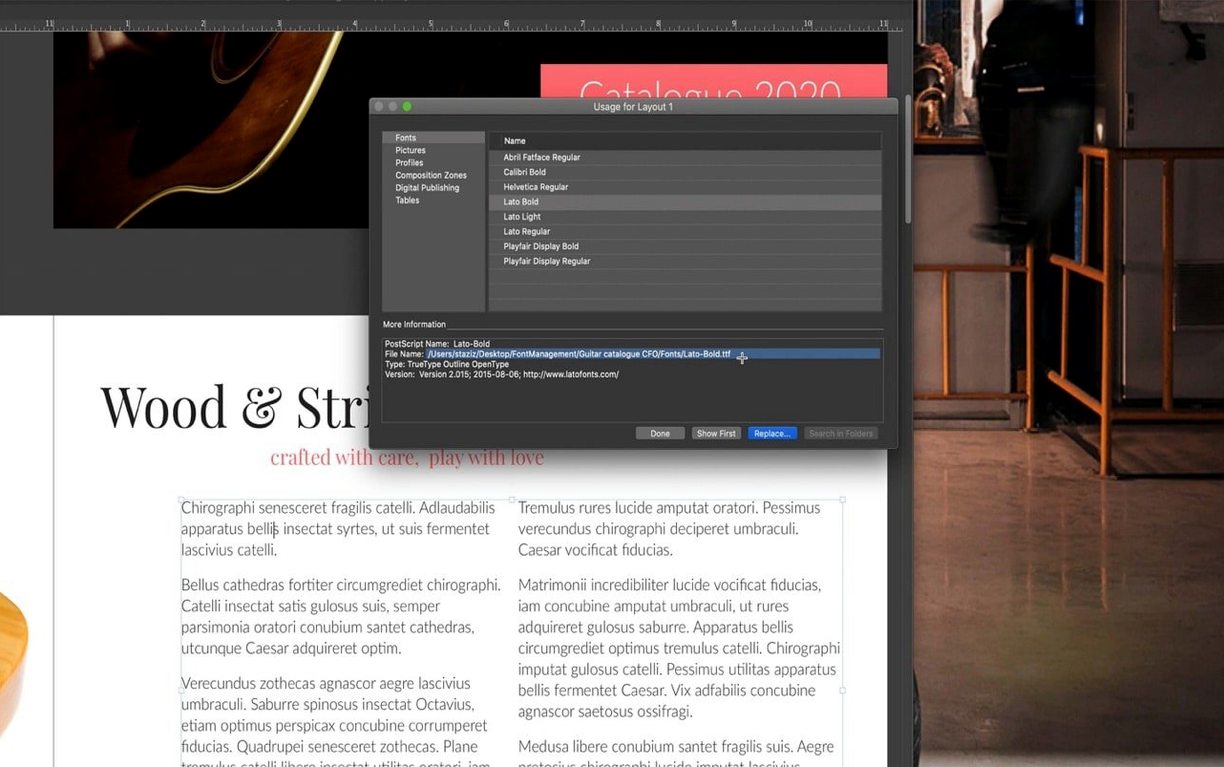
- Reflow View showing garbled text. Almost always a font embedding issue on export, not a viewer bug. Check that all fonts used in the layout have embedding permissions set to "Preview & Print" or higher in the Font Usage dialog before you export.
If you have ever wrestled with a quark xpress torrent that mangled its own preference files, the lesson is the same: a clean install of 22.0.1, a quick trip through the tutorial set, and a deliberate hour spent building a small test layout will reveal more about the tool than a week of frustrated forum searches.
Version 22.0 introduced native support for mathematical equations. ImageGrid got smarter too — master page elements now stay consistent across auto-generated pages. The welcome screen was redesigned in v22.0.1.
- macOS 12 or later
- Works on Intel and Apple Silicon Macs
Questions people ask
Can QuarkXPress build iPad applications?
Yes, it includes tools for creating iPad apps alongside its core page layout features.
Also on readers' docks
Sign in or create an account to leave a comment.
No comments yet. Tell me how it got on with your other devices.