Download ProPresenter for macOS
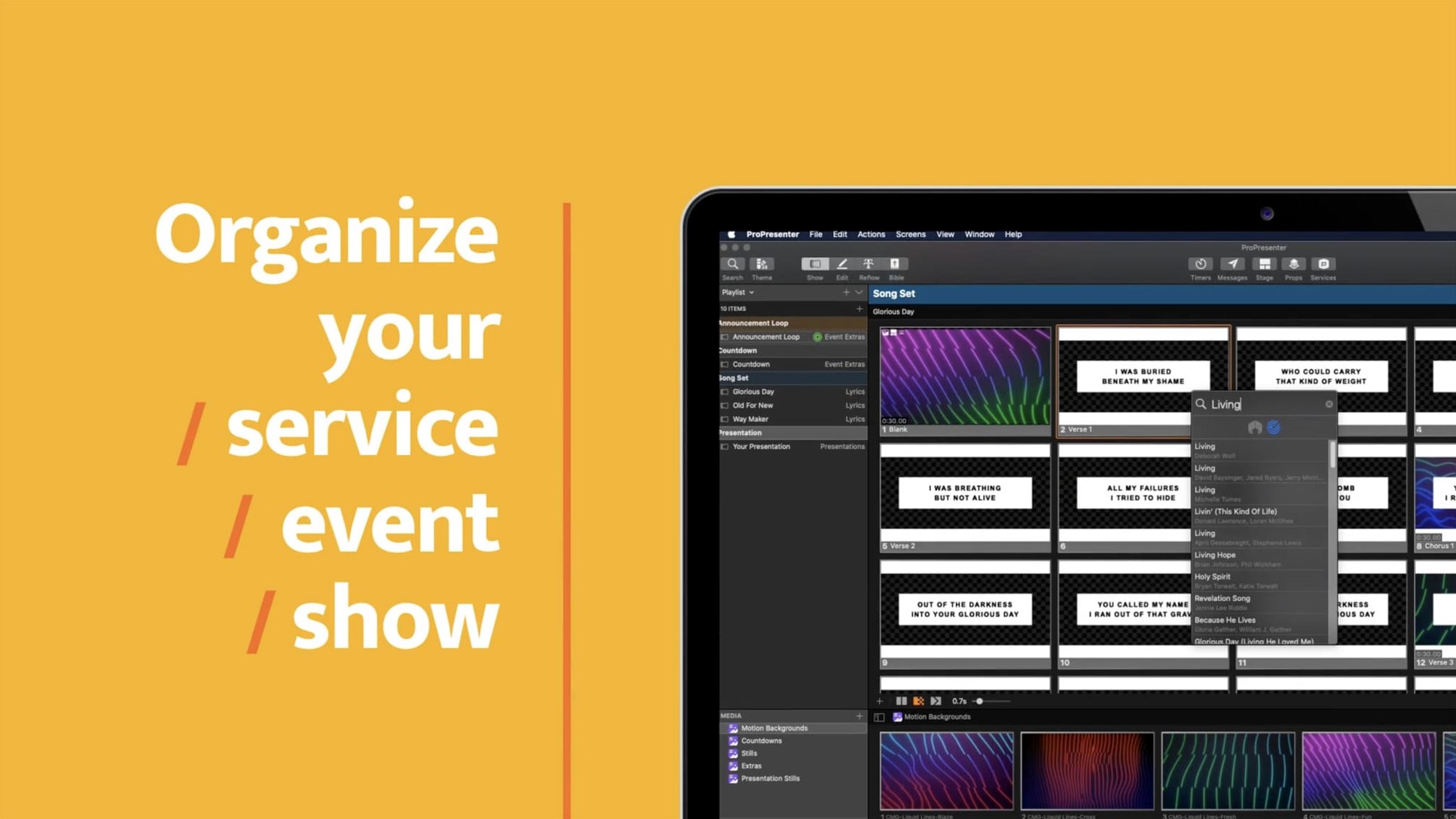
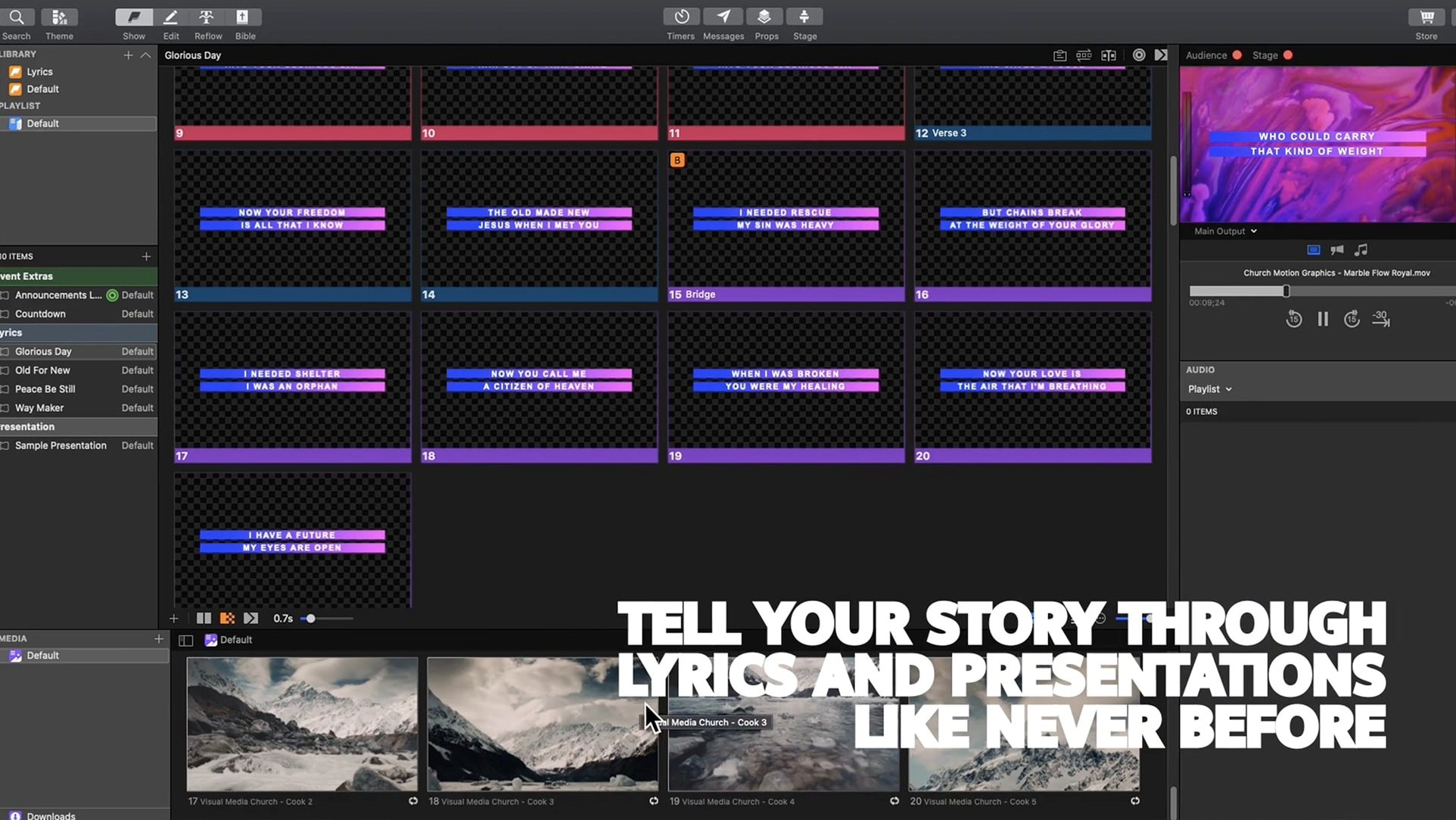
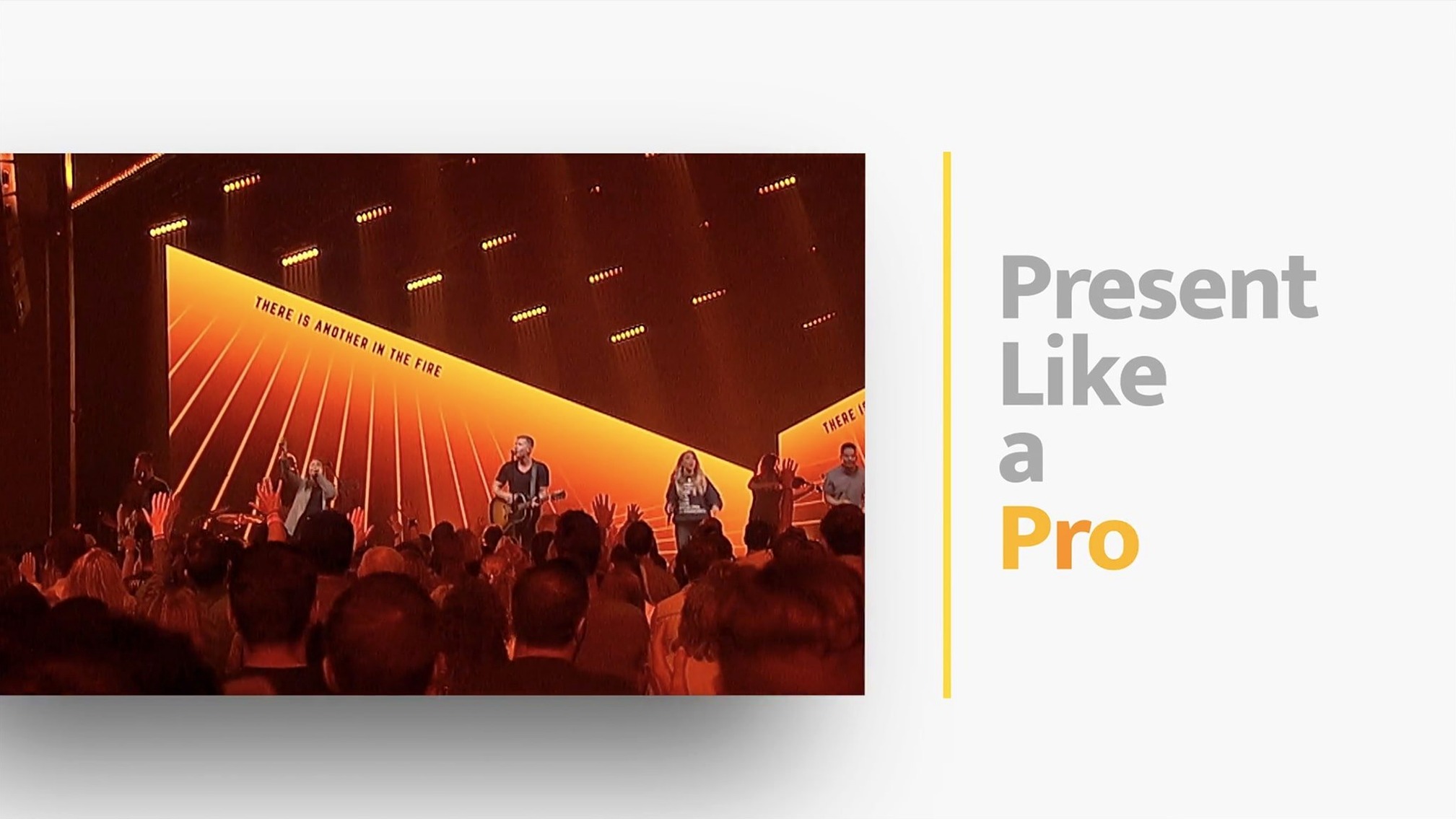
ProPresenter is a live production powerhouse built to juggle lyrics, slides, and video across any number of screens you throw at it. While its roots are in houses of worship, the tool has grown into a multi-purpose presentation rig that feels just as at home running a conference keynote or a streaming concert. To see how it holds together, I’ll walk through one realistic task: building a song set with synchronized lower-thirds and sending it to separate stage and lobby displays.
| Key Detail | Info |
|---|---|
| Developer | Renewed Vision |
| Current Version | 7.16.3 |
| Minimum OS | macOS 10.15 |
| Architecture | Intel & Apple Silicon |
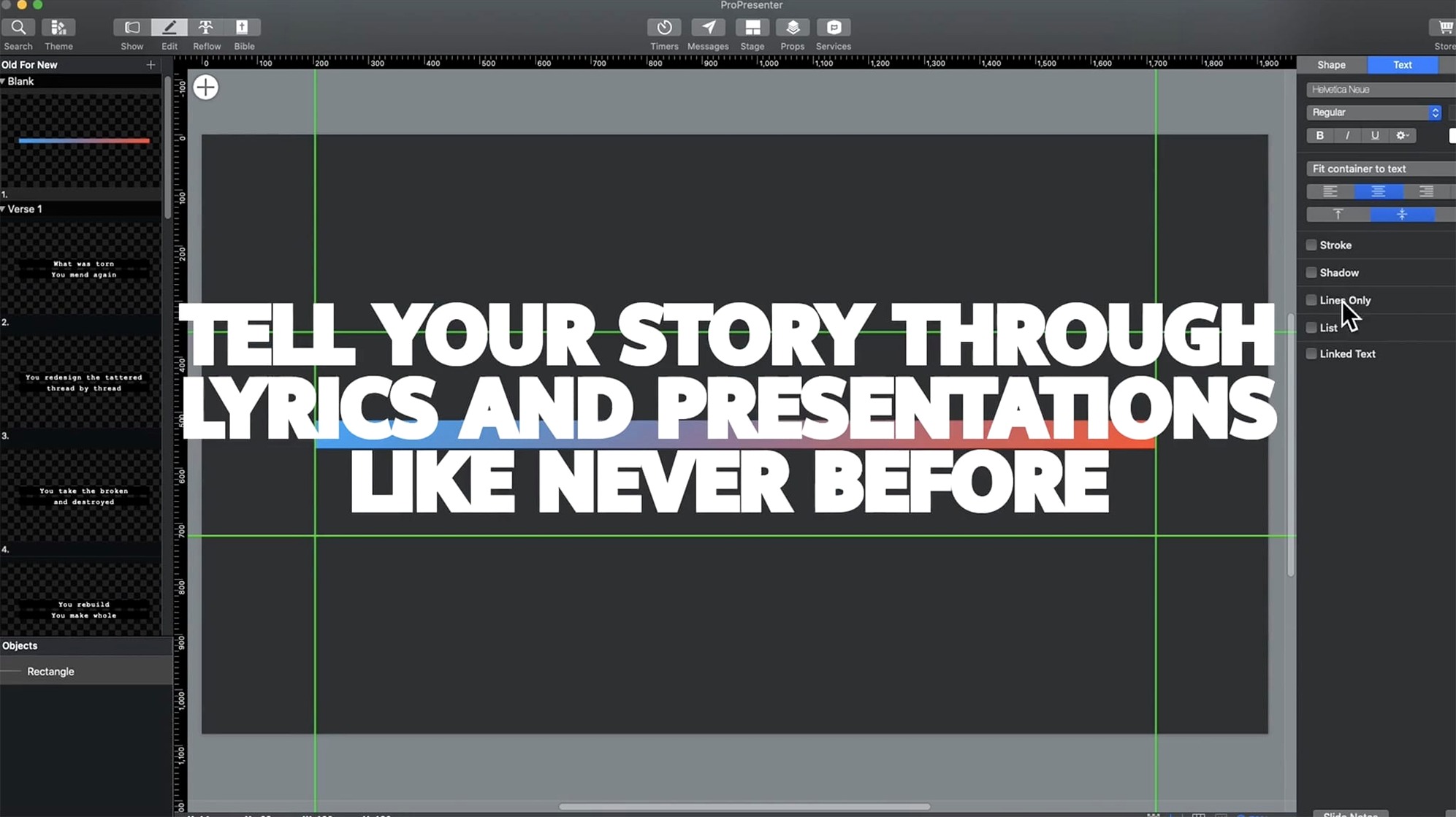
You start inside the advanced slide editor, stacking up to eight layers—lyrics on top, a looping background video underneath, and a subtle logo locked to the corner. The pre-arrangement tools let you drag a song’s worth of slides into order and drop an audio file right behind them, so the soundtrack stays glued to the words. When it’s time to go live, multi-screen support is where ProPresenter really earns its keep. From one Mac you can pipe the main lyric feed to the auditorium projectors, a clean confidence monitor to the stage, a branded countdown to the lobby, and an entirely different layout to an online stream—all without duplicating a single slide. HD video clips play back smoothly inside any of those feeds, and the built-in streaming engine can push a multi-camera cut straight to your platform of choice. The quotation tools even let you reshape text on the fly if a speaker goes off script. It’s a lot of power in a single window, and once you’ve dialed in your screens, running a complex live event feels less like juggling and more like playing a familiar instrument.
How ProPresenter Stacks Up Against Similar Mac Apps
ProPresenter isn’t the only presentation tool that lives on a Mac, but it occupies a distinct lane once you look past the slide decks. Keynote is the obvious comparison for many Mac users, and it’s brilliant for building beautiful, self-contained presentations. Where the gap widens is live production. Keynote handles a single display with grace, but try sending different feeds to a stage monitor, an overflow room, and a livestream simultaneously, and you’ll quickly hit a wall. ProPresenter treats each output as a separate audience, each with its own layout. Keynote assumes one screen, one presenter.
Resolume Arena sits at the other end of the spectrum. It’s a VJ and media server tool first, with jaw-dropping real-time effects and mapping capabilities that ProPresenter doesn’t attempt. If you’re running a festival stage with projection-mapped surfaces and need to trigger clips on the beat, Resolume is the more natural home. But Resolume wasn’t built to manage a church service. It doesn’t have native song libraries, scripture importers, or confidence-monitor timers that a pastor can glance at without turning around. ProPresenter wraps all that pastoral awareness around a surprisingly deep media engine, so you get the clip playback and the cue-driven workflow without stitching together multiple applications.
OBS Studio often enters the conversation because it’s free and can push a stream while mixing sources live. OBS does scene switching well, but it’s not a presentation builder. You can’t edit an eight-layer slide inside OBS, link a soundtrack to a series of lyric cues, or manage a library of thousands of songs with quick search and reflow. ProPresenter and OBS often work together, with ProPresenter feeding a clean output into OBS for final streaming polish. They’re complementary, not competitors.
A Working Session: Sunday Morning, Step by Step
Let me walk you through how a typical session unfolds. It’s 7:45 a.m. and the worship leader just handed me a revised set list. I open ProPresenter and head to the Library, where every song the band has ever used sits tagged and searchable. I type the first few letters of “Great Are You Lord,” drag it into the playlist pane, and repeat for four more songs. The playlist is now a faithful mirror of the printed order of service.
Next I click into the first song and open the slide editor. The lyrics are already arranged in verses and choruses, but I want a looping ambient video behind them. I drag an MP4 onto the background layer—layer 1—and set its playback to loop. Layer 2 gets the lyric text, white with a subtle drop shadow. Layer 3 holds a small church logo anchored top-right at 40% opacity. I copy those layer settings and paste them across the whole song in a few clicks, then hop through the other songs doing the same.
Now the screens. I open the Screens configuration panel and confirm three outputs. Output 1 is the main auditorium feed—full slides with backgrounds. Output 2 is the stage confidence monitor, which I set to show only clean white lyrics on black, plus a countdown timer in the corner. Output 3 goes to the lobby TV, where I drop a looping welcome slide and an announcement reel I put together earlier in the week. Each output gets its own arrangement, but they all reference the same playlist. When I advance a slide, every screen responds exactly as designed.
At 8:20 a.m. I run a quick rehearsal. I click through the set while the band plays along, checking timings and slide breaks. One chorus has an extra repeat, so I duplicate those slides right inside the playlist and reorder them. No fuss. By the time the room fills, I’ve already seen the whole service once. When the countdown hits zero, I click the first cue and watch the room light up in sync.
Skipping Multi-Screen Setup Until Service Time
There’s a learning curve hiding behind ProPresenter’s straightforward playlist pane, and I’ve seen the same stumbling blocks trip up fresh users more times than I can count. The biggest one is ignoring the multi-screen setup until five minutes before the event. New users often build an entire presentation on the main output and assume the stage display will magically mirror it. Then the band sees animated backgrounds where they needed crisp, invertible lyrics, and suddenly you’re scrambling. You have to configure each screen’s look independently, and that takes a few dry runs to get comfortable with.
Another classic slip is treating the slide editor like PowerPoint. People stack text, images, and props onto one flat slide and call it done, never touching the layered approach. The moment you need to swap a background video across forty slides without retyping every lyric, you realize why layers exist. Beginners who embrace the eight-layer editor early save themselves hours of rework later.
Media management trips people up, too. Dragging a massive 4K ProRes file straight from a camera card into a playlist feels convenient, but it can choke playback at the worst moment. ProPresenter plays back HD video beautifully when files are optimized—h.264 or h.265, sensibly compressed, and stored locally rather than on a slow external drive. I’ve watched new volunteers drag in unoptimized footage, then wonder why the lobby feed stutters during the sermon illustration. A little pre-event media prep goes a long way.
Finally, many newcomers ignore the Remote app altogether. They print paper cue sheets or shout across the room when they could be controlling the playlist from an iPhone or iPad. The ProPresenter Remote app isn’t just a convenience; it lets a presenter or worship leader trigger slides themselves, keeping the operator free for the unexpected moments that always crop up in live events.
- macOS 10.15 or later
- Intel or Apple Silicon Mac
- Interface languages: English, Russian, German, Spanish, Korean, Norwegian, Portuguese, French
Also on readers' docks
Sign in or create an account to leave a comment.
No comments yet. Tell me how it got on with your other devices.