Download PullTube for macOS
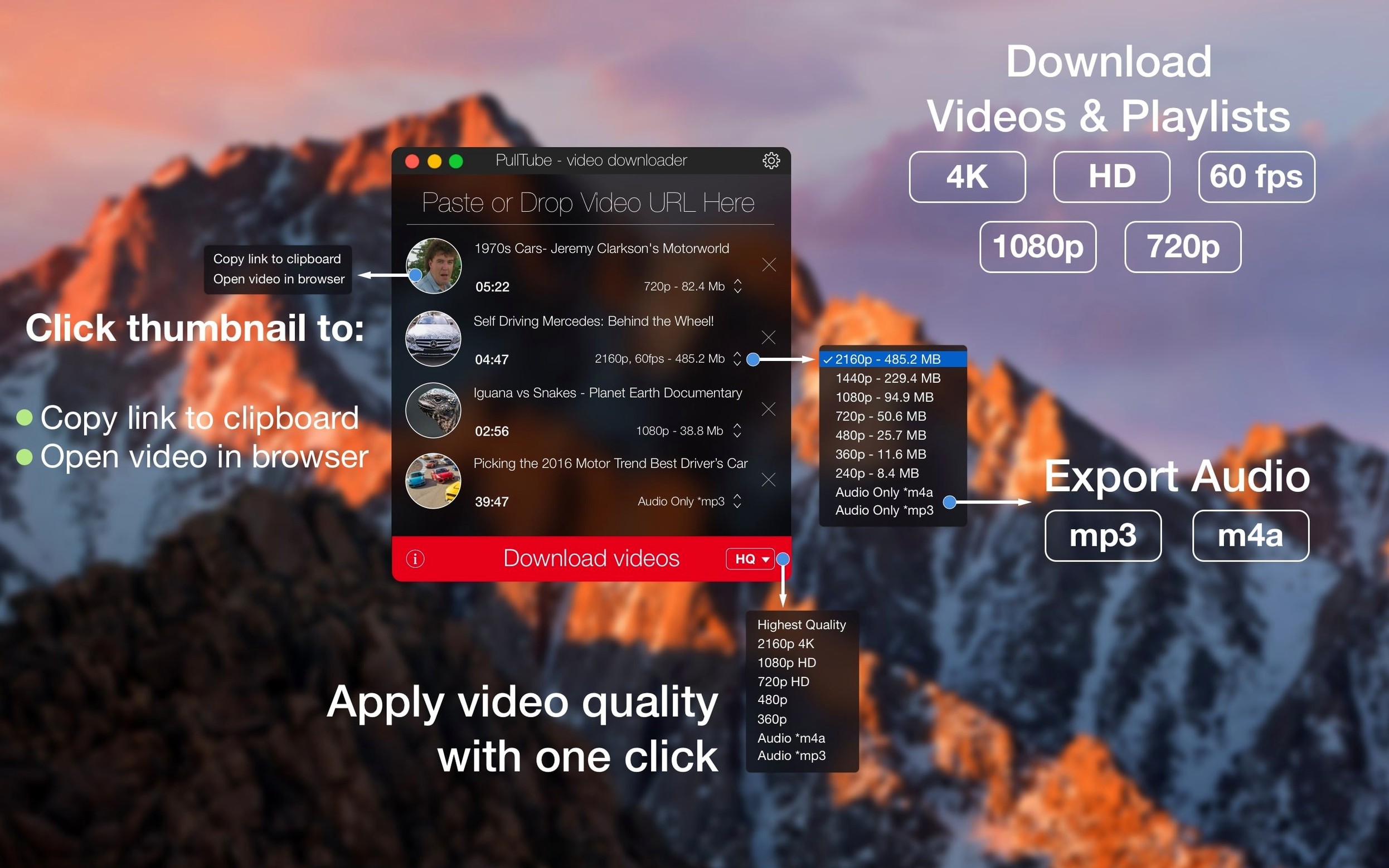
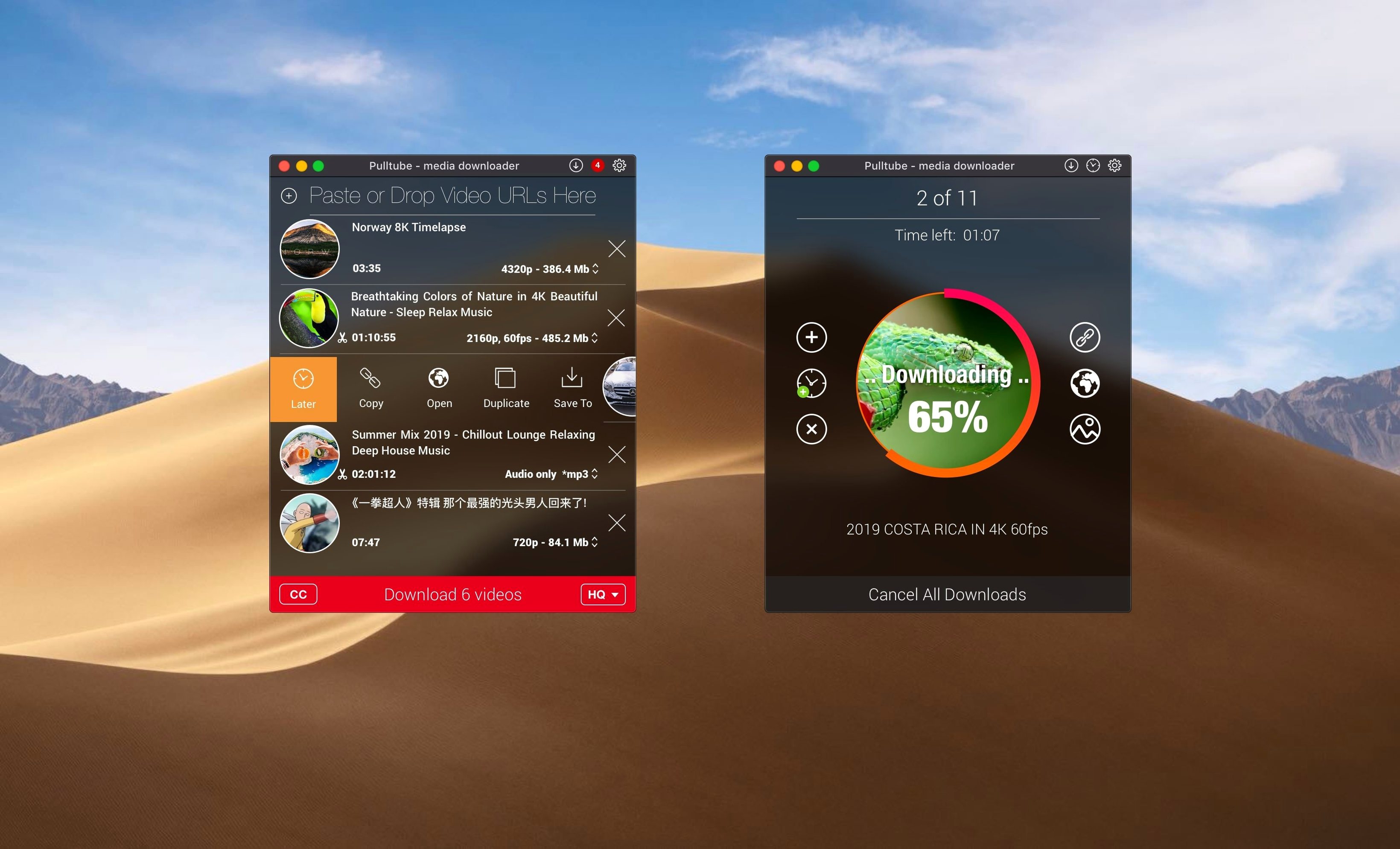
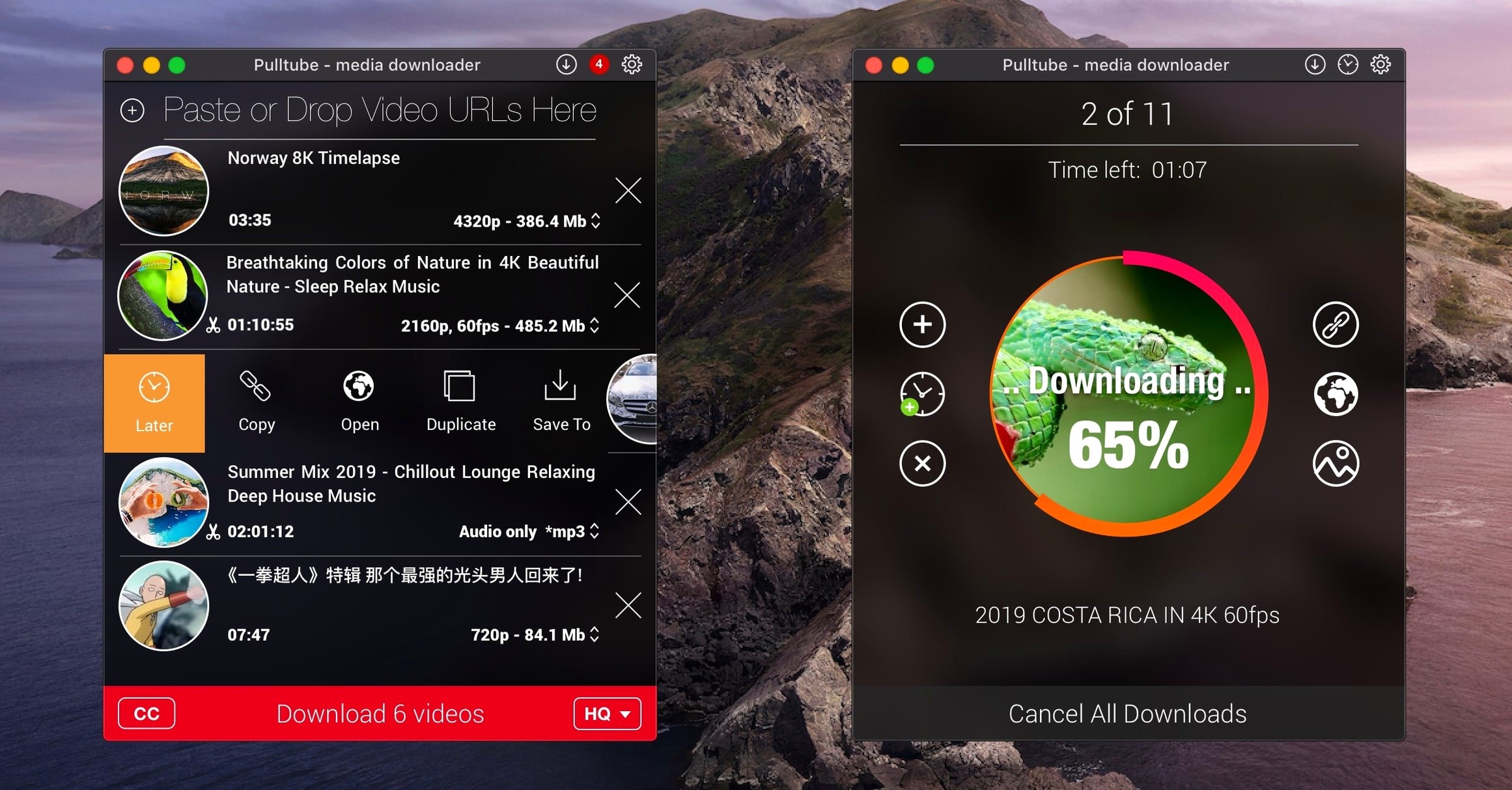
You've found a long playlist on YouTube that you want to watch offline during a flight. You paste the link, PullTube detects the full list immediately, and you choose to grab every episode at 1080p before walking away from your desk.
Grab a Whole Playlist
Paste a link and PullTube spots full playlists automatically, so you don't have to add each video one by one. It'll queue up everything and work through the list while you focus on something else.
Pick Your Quality
Whether you want the highest resolution available or just the audio track, you choose the output quality before the download begins. It's useful when you need a compact file for an iPad but still want it to look sharp.
Drop a Link and Walk Away
Drag a URL straight into the window and the app gets to work. You can even set PullTube to quit automatically once every download finishes, so your Mac isn't sitting idle all night.
Long overnight playlist grabs no longer stall out
Version 1.8.6.40 tightened up how PullTube handles long-running downloads. I used to see the occasional stalled item when grabbing a big playlist overnight, and those hiccups are mostly gone now. The app wakes up more reliably after your Mac comes back from sleep, which matters if you queue a batch before bed and don't want half of it missing in the morning.
Thumbnail fetching got noticeably quicker too. Older builds sometimes took a beat to pull cover art for each video, especially on slower connections. Now the thumbnail pops in almost as soon as the link resolves, so scanning a list of pasted URLs feels snappier. The developer also smoothed out some edge cases with certain sites where the download button stayed greyed out until you tried the link a second time — less re-pasting, less friction.
The drag-and-drop import got a quiet polish as well. Dragging links from browsers that wrap URLs in rich text used to confuse the parser occasionally; that's been cleaned up. If you collect links in a notes app first and then dump them all at once, PullTube parses them more consistently now.
A Real-World Workflow: Saving a Conference Talk as Audio
Say you've got a two-hour panel discussion on YouTube you want to listen to on a run. Video is pointless here, and the full 4K file would eat up space you'd rather keep free. Here's how that looks start to finish.
Copy the URL from your browser and switch to PullTube. The moment you paste it, the app fetches the title, duration, and thumbnail — you know instantly you've got the right link. Click the dropdown next to the download button and switch from video to audio only. You'll see format options: MP3 for universal playback or M4A if you prefer AAC encoding for slightly better quality at the same bitrate.
Pick MP3, set the quality to the highest available, and hit download. The conversion runs locally, so you're not waiting on some server to process a file. Once it finishes, you've got a clean audio file in your designated folder — ready to drag onto a phone, an old iPod shuffle, or wherever you keep your listening queue.
If you're pulling multiple talks from the same conference playlist, paste the playlist link instead. Switch the mode to audio for the whole batch, and PullTube works through every talk sequentially. Check the box in preferences to quit when downloads complete, go make coffee, and come back to a finished folder.
Download location grows messy without a custom folder
Does PullTube only work with YouTube and Vimeo?
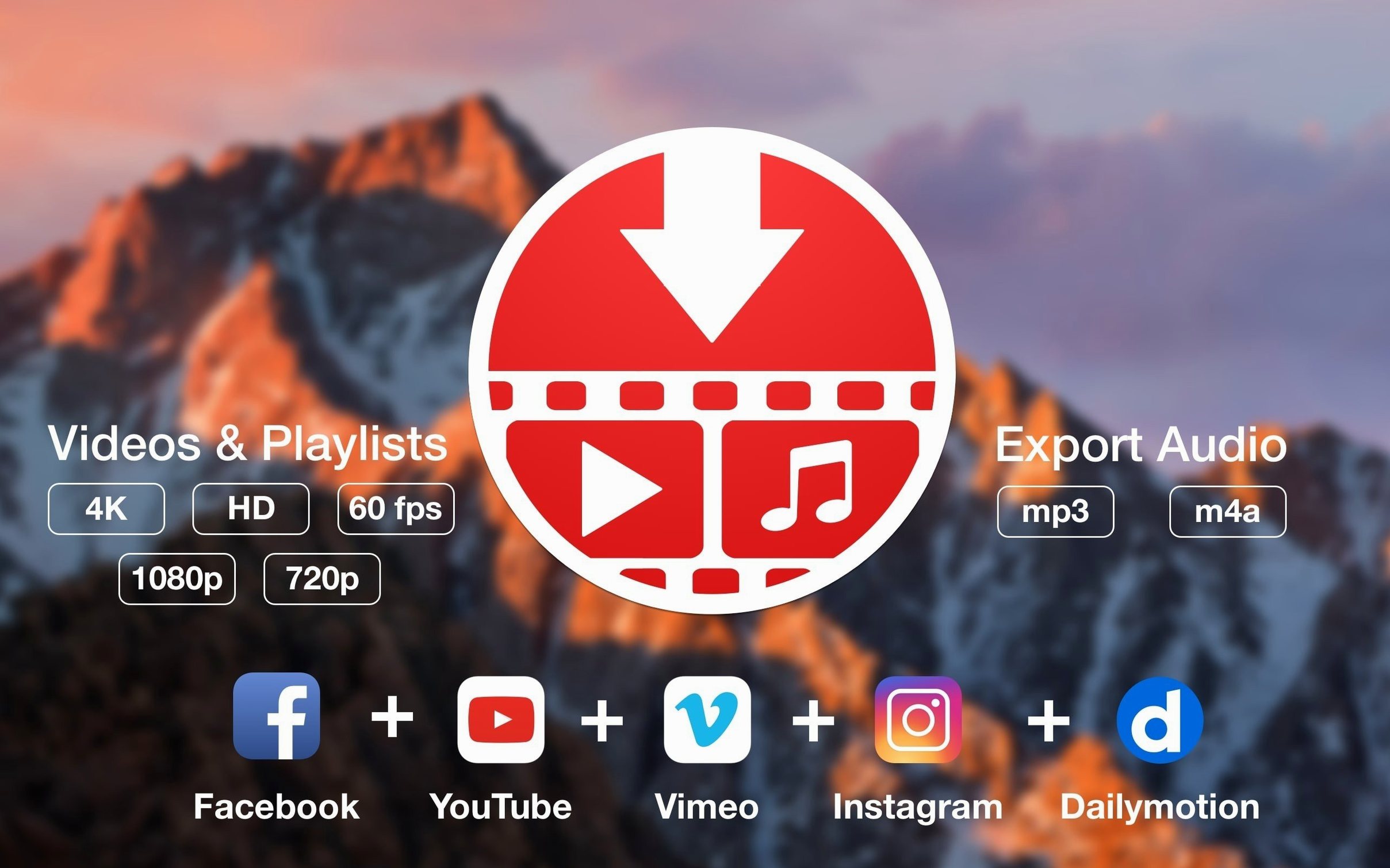
Those are the two everyone talks about, but the developer lists support for over a thousand sites. TikTok, Twitch, Facebook, Instagram, Bilibili, and SoundCloud all get explicit mentions. If a site embeds video in a reasonably standard way, there's a good chance PullTube can grab it. Paste a link and see if the thumbnail pops up — that's the fastest compatibility check there is.
Will it grab subtitles too?
Yes. When subtitles are available, PullTube pulls them alongside the video. That's handy for foreign-language content or anything you want to watch with captions offline. The subtitle file lands in the same folder as the video, ready for whatever player you use.
Can I rename files as they download?
You can't rename mid-download, but there's a toggle in preferences that appends quality information to the filename automatically. If you download the same video at multiple resolutions, the filename makes it obvious which is which without digging into file info. Rename things properly after the fact, or use that setting to keep versions sorted.
Does PullTube handle age-restricted content?
It does, as long as you've already confirmed your age in a browser session. PullTube uses cookies from your default browser to authenticate requests, so anything you can watch there should download without extra steps.
Pick a tidy folder before your first download
The defaults work, but a few tweaks make PullTube fit your habits better. Open preferences right after your first download and consider these.
- Output folder. The default location is your Downloads folder, which gets messy fast. Point it to a dedicated folder — maybe one inside your media library or a folder that syncs to cloud storage if you want files on other devices instantly.
- Quit when downloads complete. Toggle this on if you often queue large playlists overnight. Your Mac won't hum through the early morning for no reason.
- Append quality to filename. Useful if you ever download the same video in different resolutions. Without it, you're squinting at file info to tell 4K from 1080p.
- Default audio format. Pick MP3 or M4A as your go-to for audio-only grabs. Switching it once saves you from picking it manually every time you just want the soundtrack of something.
- Concurrent downloads. The app downloads multiple files at once by default. If your connection stumbles or you want to be polite to a site's servers, dial this down to one or two in the preferences panel.
PullTube stays out of your way once you've set those preferences. It's the kind of app you forget about until you need a video offline, and then it's exactly where you left it — ready for a link and a quick download.
PullTube 1.8.6.41 ships a round of maintenance fixes that keep the app parsing tricky video URLs without breaking stride.
- macOS 11 or later
- Apple Silicon and Intel 64-bit
Questions people ask
Can PullTube download from sites other than YouTube?
Yes, it works with YouTube and Vimeo, which covers a huge amount of the video most people want to save for offline viewing.
Also on readers' docks
Sign in or create an account to leave a comment.
No comments yet. Tell me how it got on with your other devices.