Download Pixea Plus for macOS
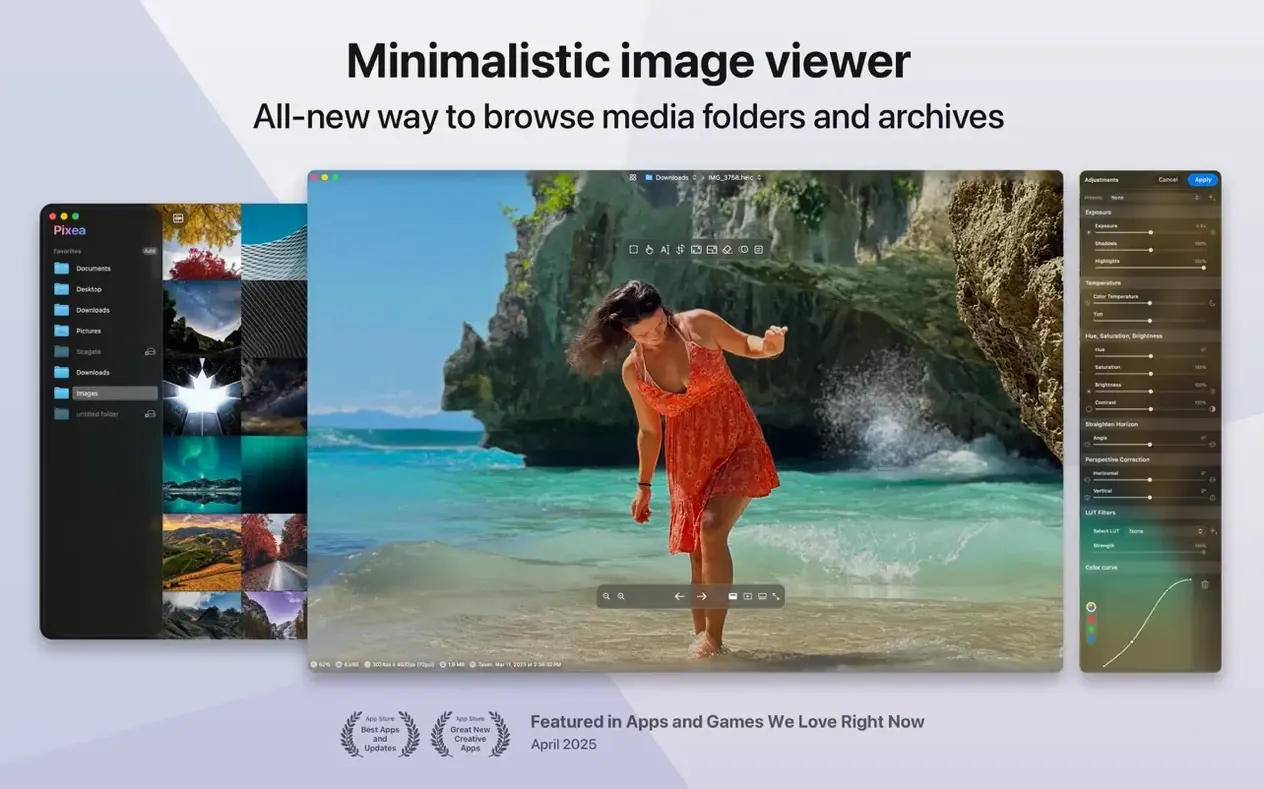
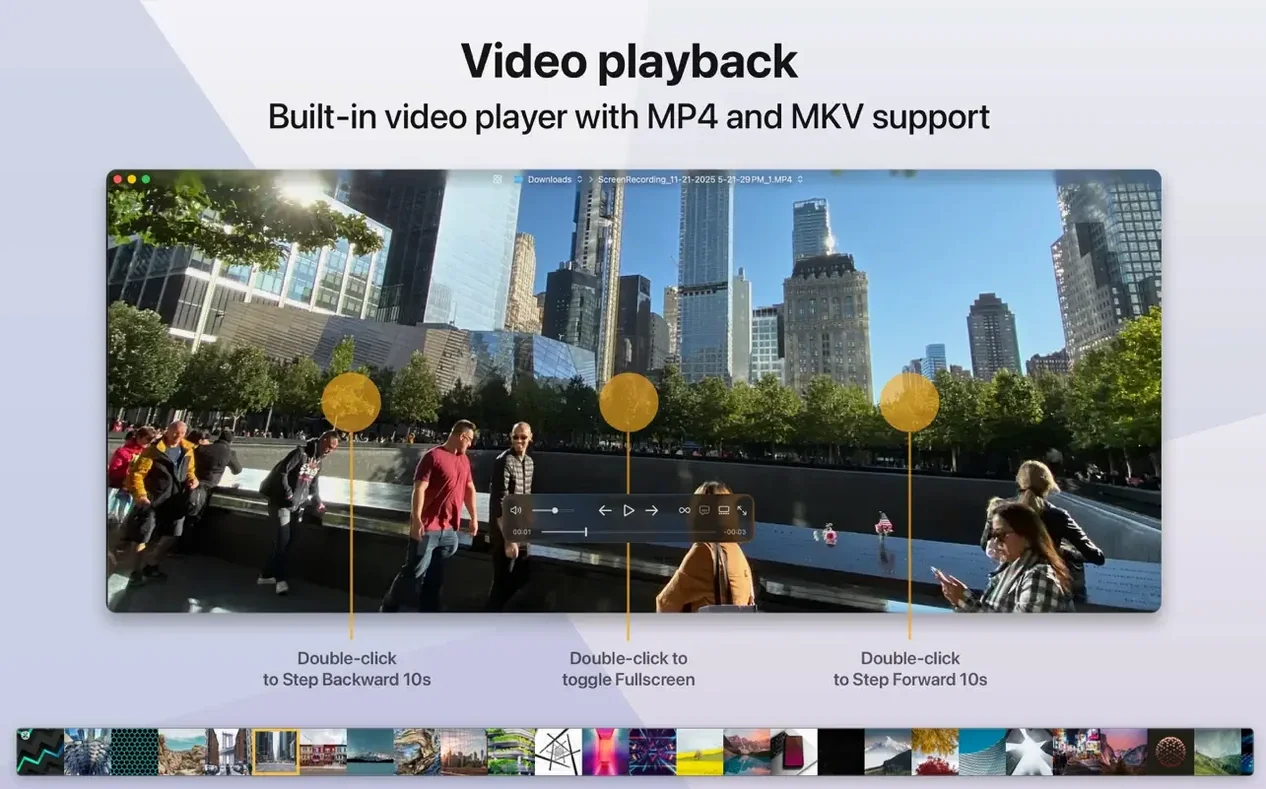
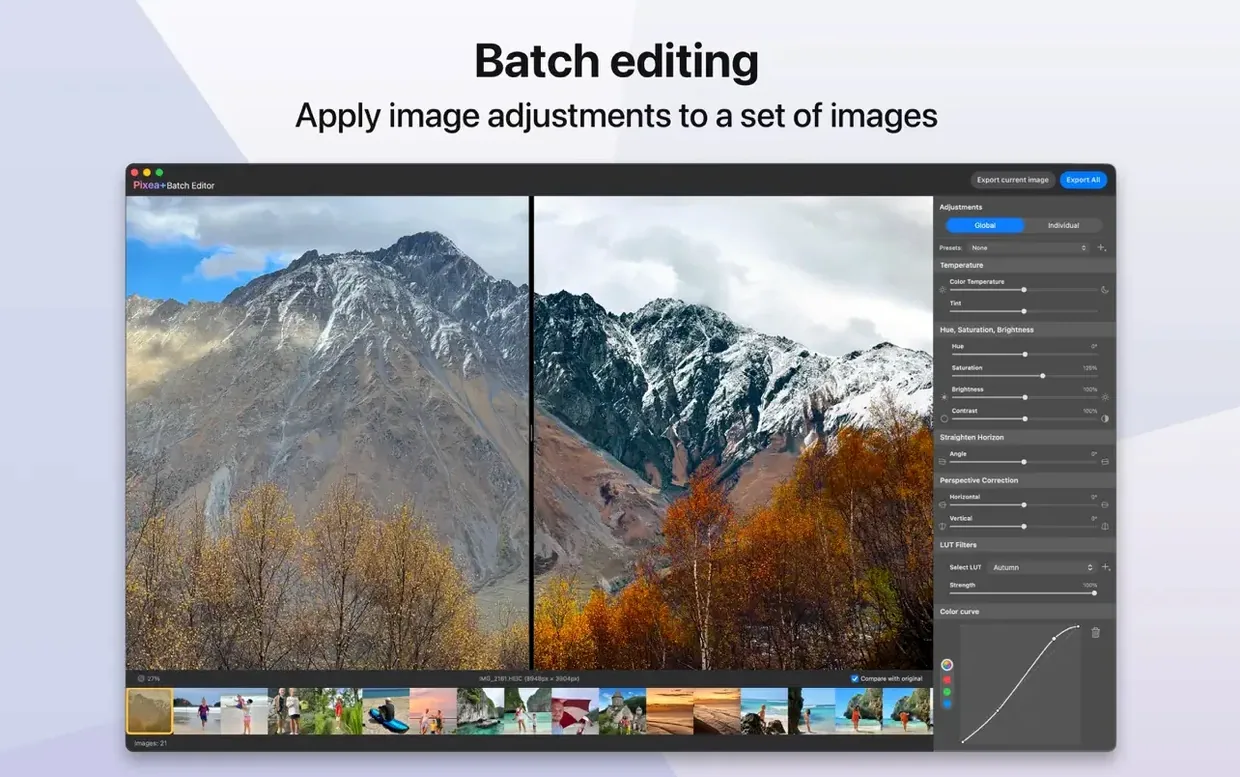
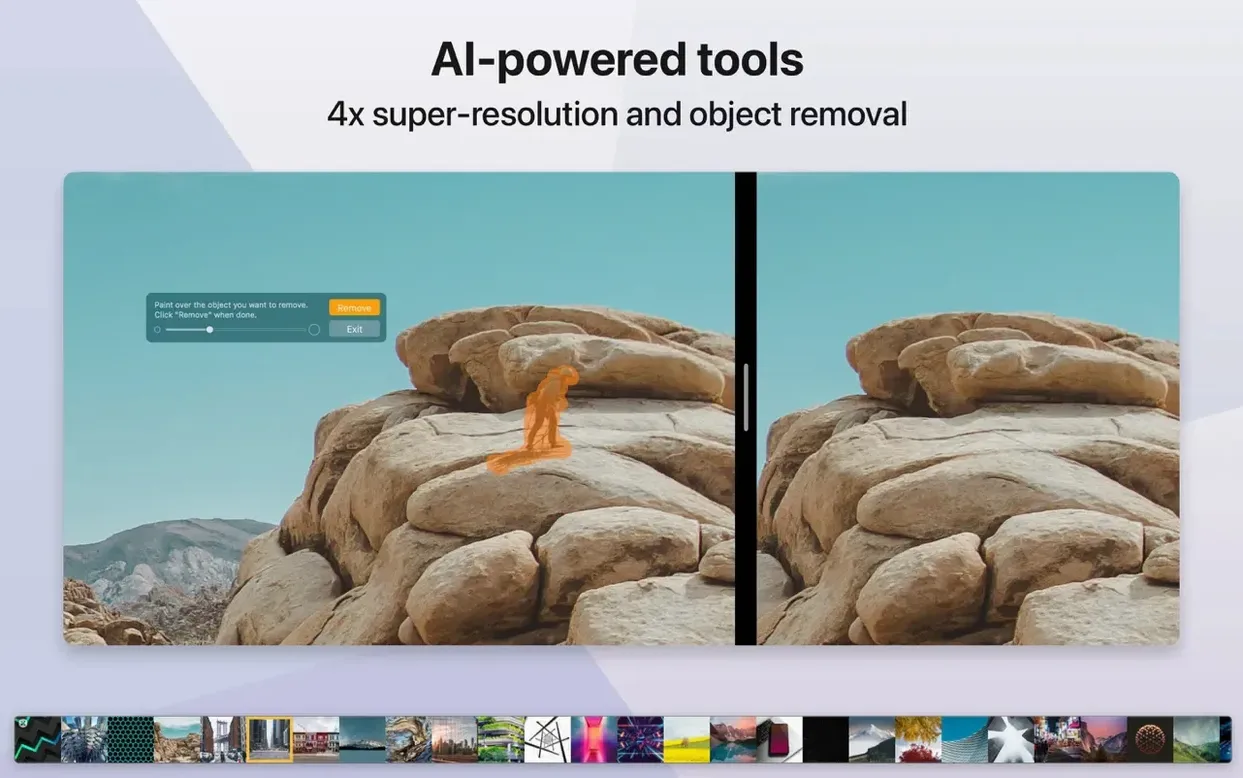
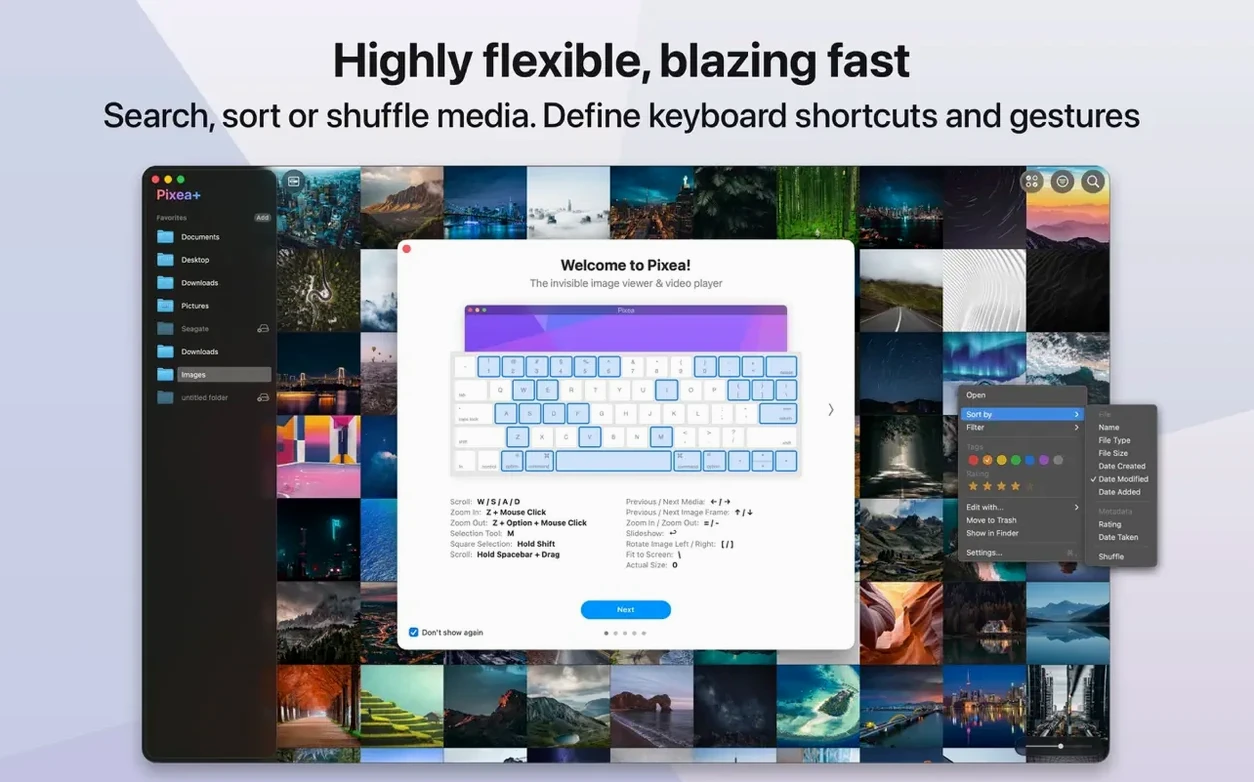
Pixea Plus runs on any Mac with macOS 11 or later, natively on both Apple Silicon and 64-bit x86 machines. Here’s what people usually ask before they install it.
Architecture support — It ships as a universal binary, so you get full speed on M-series chips and older Intel Macs alike. No Rosetta needed.
File formats it actually opens — JPEG, HEIC, PNG, GIF, WEBP, PSD, TIFF, BMP, Radiance, and plenty of RAW camera formats. You can even browse photos inside ZIP archives without extracting them first.
Extra image info — A built-in color histogram and full EXIF panel sit right next to your photo, which is handy when you’re culling shots and want to check exposure at a glance. Keyboard shortcuts and trackpad gestures make flicking through folders feel natural.
Beginner Mistakes Worth Skipping
Most people launch Pixea Plus, open a folder, and treat it like a lightweight Preview clone. That works, but it misses half the app's personality. Here are a few habits I see tripping up new users.
Ignoring the ZIP browsing trick. Plenty of folks download a pixea dmg or archive of RAW files, extract everything to a messy folder, then open images one by one. You don't need to extract. Drag the ZIP straight into Pixea plus and it lets you flip through contents like a regular directory. Saves disk space and keeps your desktop clean.
Skipping the histogram during culling. Beginners tend to eyeball exposure on a bright MacBook screen, delete what looks dark, and later realize they tossed usable shots. The histogram sits right there — a quick glance tells you whether highlights are truly blown or shadows can be recovered. Make it a habit before you hit delete.
Forgetting about non-destructive edits. When the masks feature arrived in version 8.3.0, some users kept exporting flattened JPEGs after every tiny tweak, losing the ability to revisit adjustments. Saving in the Pixea Image format preserves masks, exposure shifts, and hue changes as editable layers. You can sleep on a decision and refine it tomorrow without starting over.
Overlooking trackpad gestures. The app responds to swipes and pinches, but I've watched people click tiny arrow buttons for ten minutes straight. Swipe between images, pinch to zoom — it feels closer to browsing a physical contact sheet once your fingers learn the rhythm.
A Wedding Photographer's First Pass
Imagine a wedding photographer back at the hotel after a twelve-hour day. She has a card full of compressed Sony RAW files and a folder of guest phone snapshots someone AirDropped in HEIC. She doesn't want to import everything into a massive library app tonight — she wants a fast cull so she can text a few previews to the couple before breakfast.
She launches her pixea mac download and opens the camera card folder directly. Sony .ARW files render quickly enough that she can swipe through 800 shots in under twenty minutes, rating keepers with a mental note while the histogram confirms which dance-floor shots aren't lost to shadows. The HEIC folder from the guests sits in a ZIP she hasn't unpacked — she drags it straight into Pixea Plus, flips through the candids, rotates a few sideways shots with a single keystroke, and exports the best three as JPEGs. No catalog, no import dialog, no waiting.
Back home, she'll move everything into her full editor. Tonight, Pixea plus was the only tool that kept up.
XnView MP Does Batch, Lyn Favors Minimalism
Mac users hunting for a pixea plus alternative usually have two other names in mind: XnView MP and Lyn. Each pulls in a different direction.
XnView MP is the Swiss Army knife. It reads roughly five hundred formats, does batch conversion, and runs on every platform. But the interface carries years of cross-platform baggage — menus inside menus, tiny icons, a density that feels closer to a utility than a viewer. Pixea Plus stays deliberately minimal. You give up some batch power and gain an interface that doesn't fight you when all you want is to look at photos.
Lyn is closer in spirit — clean, Mac-native, built for browsing. It leans harder into library features: geotagging, IPTC editing, smart albums. That's useful if you want lightweight organization alongside viewing. Pixea Plus skips the library metaphor entirely. It treats folders as they are, which appeals if you already organize files yourself and don't want another database to maintain.
Where Pixea Plus carves its own spot is the mask editing that arrived in 8.3.0. Neither XnView MP nor Lyn offers selective area adjustments for exposure, hue, and saturation inside the viewer itself. For quick localized edits without launching a full editor, that's a genuine differentiator rather than a checklist feature.
Version 8.4.0 lands with a fresh batch of image adjustment tools that give you more control over your photos. The new Reshape tool lets you tweak local geometry — perfect for subtle corrections without warping the whole image. There's also a Spatial Dehaze adjustment that works with depth information to cut through haze more intelligently, plus a dedicated Clarity slider for adding punch to midtones. Beyond the big three, the printing dialog got smarter with auto-rotate, custom scale, and images-per-sheet options. The Copy to Clipboard command now offers a choice between maximum compatibility and preserving HDR headroom. Brilliance adjustment has been refined, and the whole interface feels a little tighter thanks to scattered UI and UX polish.
- macOS 11 or later
- Apple Silicon or Intel 64-bit
Questions people ask
Does Pixea Plus handle RAW files from my camera?
Yes, it opens standard RAW formats alongside JPEG, HEIC, PSD, WEBP, PNG, GIF, TIFF, BMP and Radiance images.
Can I view photos inside a ZIP file without unzipping?
Absolutely — Pixea Plus lets you browse images directly inside ZIP archives, no extraction required.
Also on readers' docks
Sign in or create an account to leave a comment.
No comments yet. Tell me how it got on with your other devices.