
Download Picview - Image Viewer for macOS
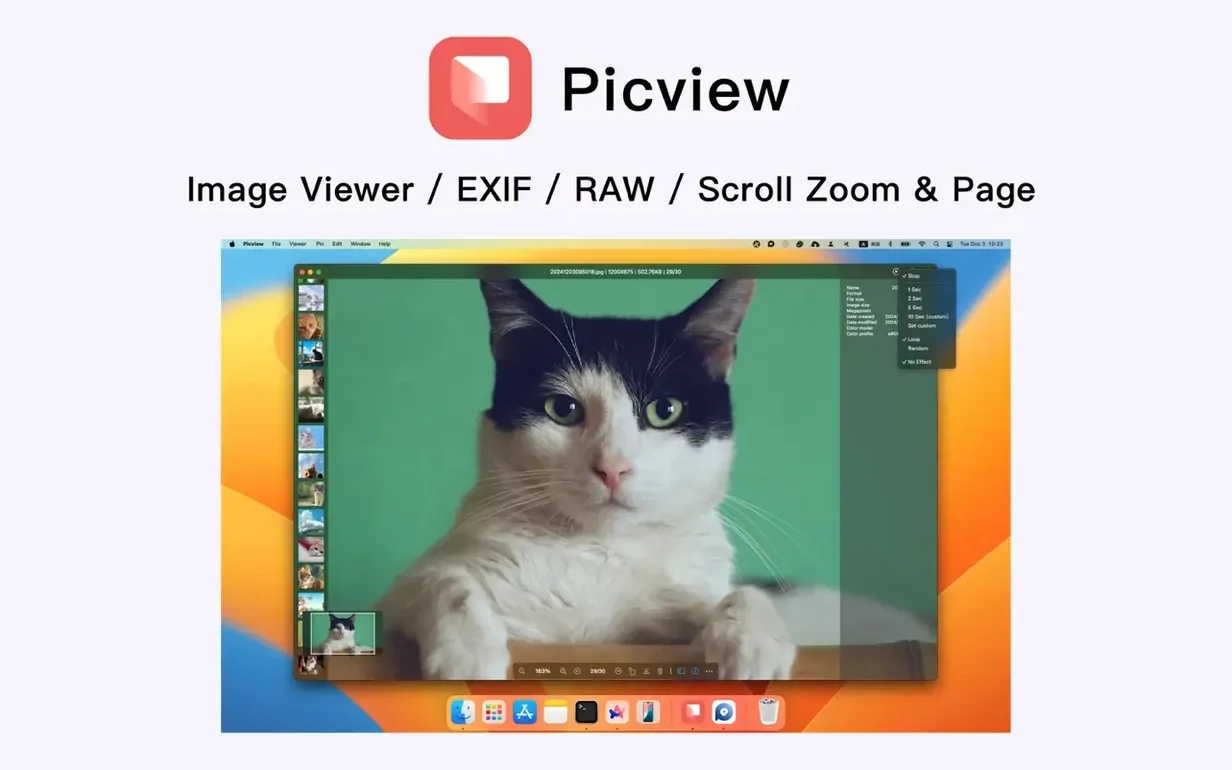
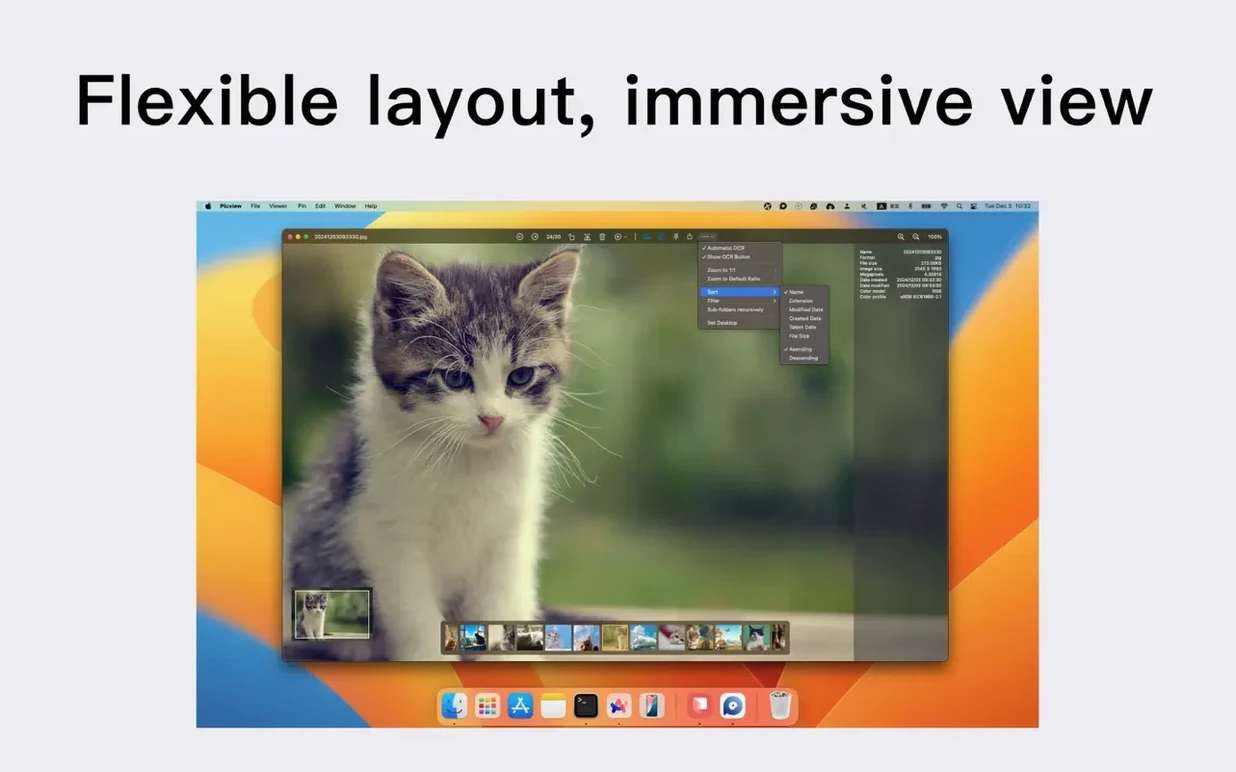
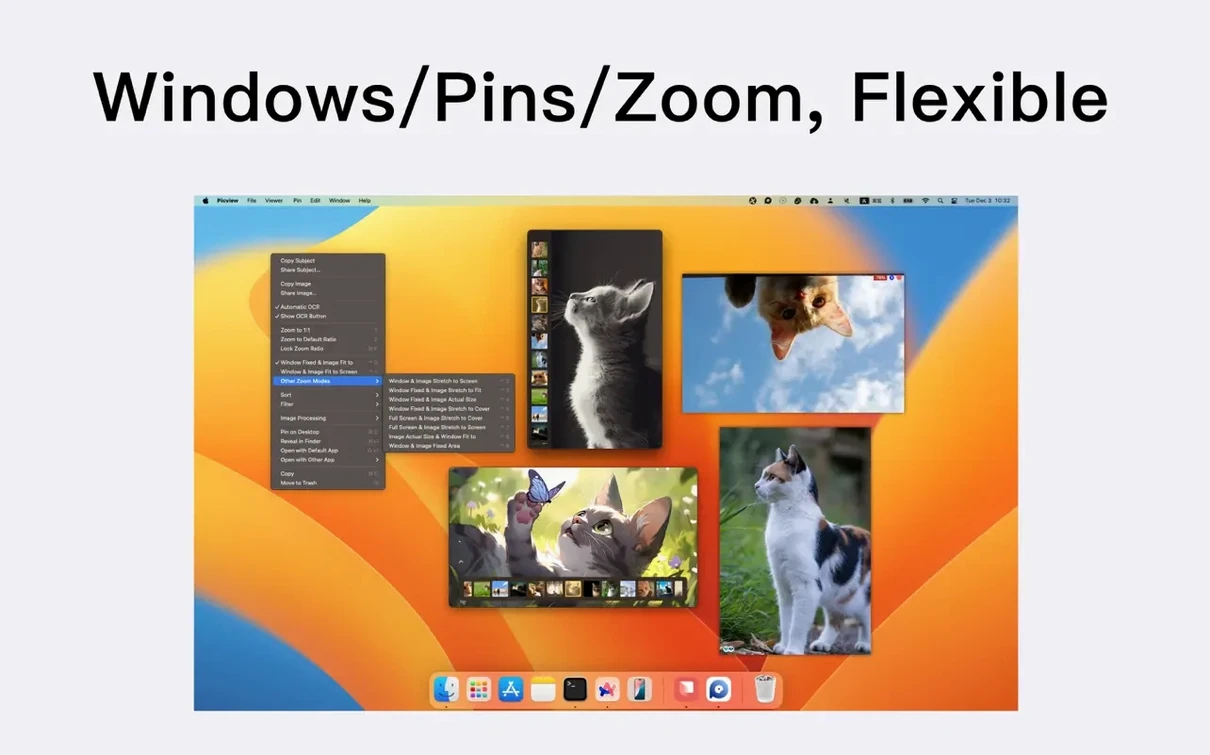
Over 3,000 images in a single folder? Picview doesn't blink. It's built to glide through giant libraries without the beachballing you get from heavier photo managers, and the interface stays out of your way the whole time.
View every image in a folder tree
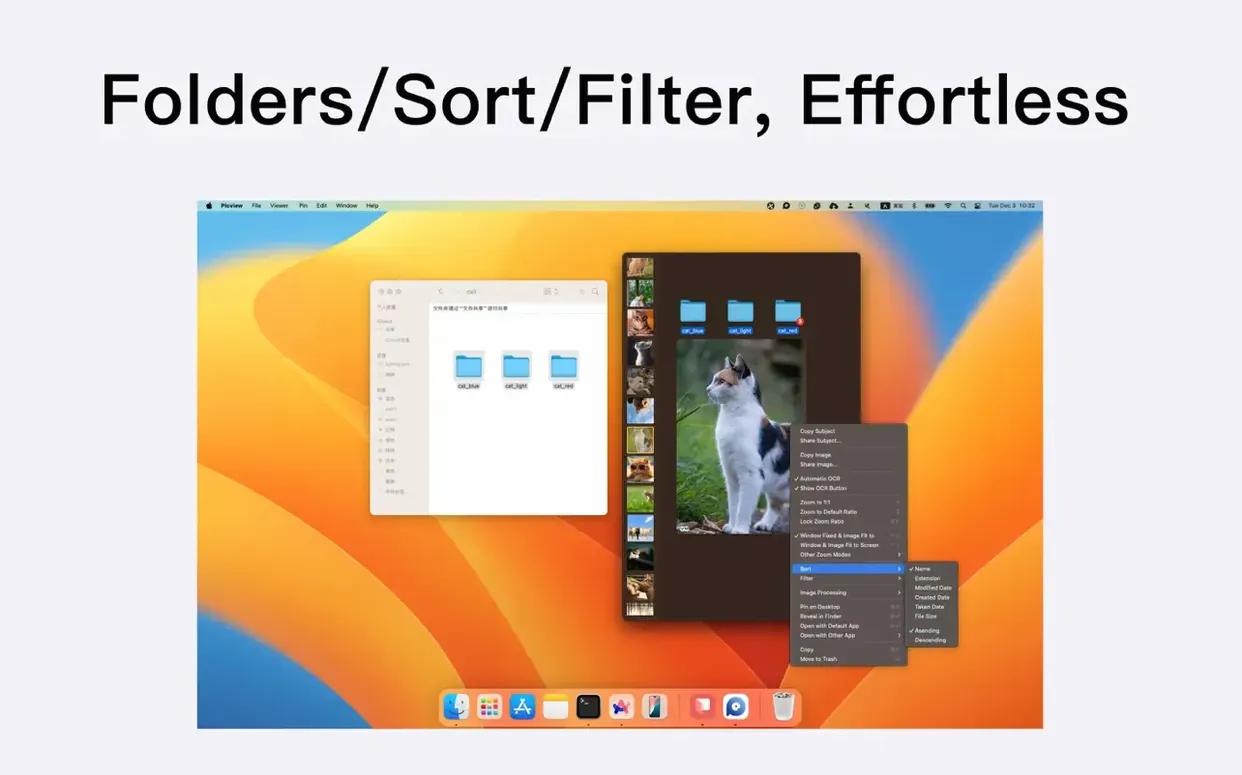
Point it at a parent folder and Picview loads everything inside, nested folders and all. You can filter by extension right away, so raw files, JPEGs, and PNGs stay separate when you need them to.
Pull text straight from a screenshot
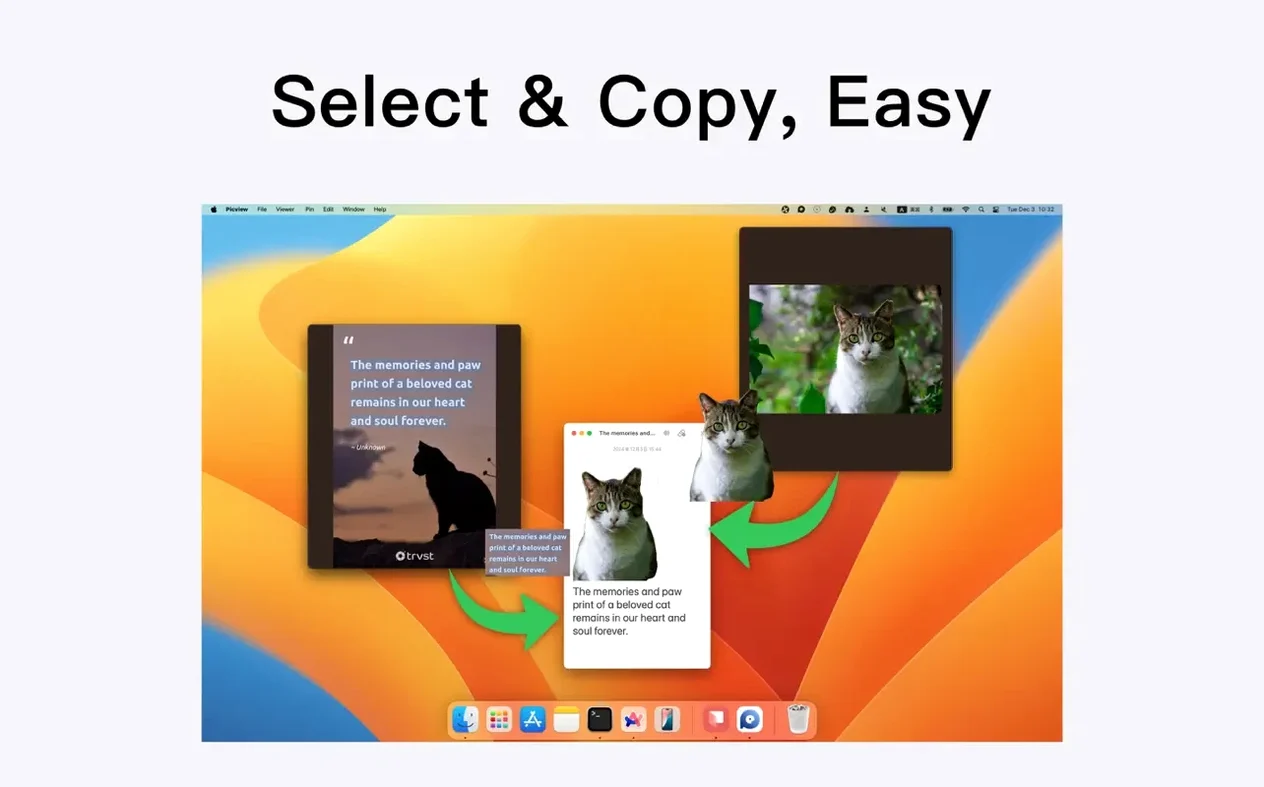
The built-in OCR recognizes text in your images without sending anything to the cloud. Grab a receipt, a slide deck, or a meme with a quote, and the words are right there to copy.
Flip through a quick slideshow
Set it to shuffle, loop, or a custom duration—1.5.7 just fixed the custom timer, so your pacing sticks. Full-screen mode hides the cursor automatically, and arrow keys or a trackpad swipe keep the flow going.
Little shortcuts that change the rhythm
Picview rewards a few extra keystrokes. Press Command + I while an image is open and the info panel slides in with EXIF data, file dimensions, and capture time — no menu hunting required. If you're deep in a nested folder tree, Command + Up Arrow jumps to the parent directory instantly, which beats reaching for the mouse when you're twenty clicks in.
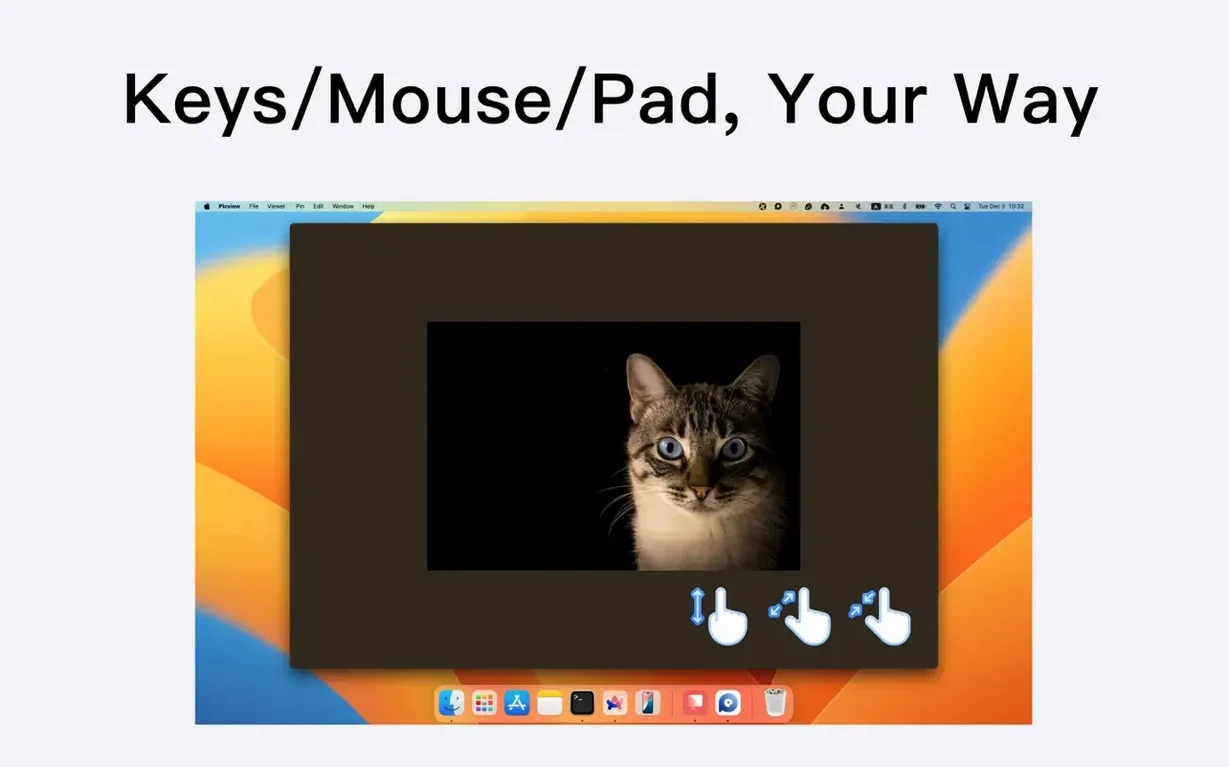
The zoom behavior has hidden flexibility. Mouse wheel zoom is obvious, but holding Option while scrolling nudges in finer increments. Double-tap the trackpad with two fingers and you snap back to fit-to-window, a gesture the app doesn't advertise loudly. And if you've filtered by extension already, typing a letter skips to the first file starting with it — a tiny file-browser convention that works here too but goes unnoticed until you try it.
Empty window on launch isn't a crash
The most common stumble is expecting Picview to remember where you were. It doesn't restore your last folder on launch, so beginners often reopen it and stare at an empty window, thinking something broke. You have to point it at a folder each session, or drag one onto the dock icon.
Another early blunder: switching images with arrow keys while zoomed in. The natural instinct is that left/right arrows move the viewport around a zoomed photo, but Picview advances to the next file immediately. You need to click and drag to pan; the arrows always navigate the image list. Related: people sometimes double-click a thumbnail in the folder browser and expect a separate window, but Picview stays in its single-window flow — it replaces the current view rather than spawning extras.
Beginners also miss that OCR and object detection aren't automatic. You have to trigger them from the toolbar or menu while an image is open, and if you're in slideshow mode, those tools pause playback until you dismiss them.
RAW placeholder tiles when scrolling fast
RAW files from newer camera bodies can load slowly, especially in folders with mixed formats. Picview prioritizes rendering what's visible, but scrolling too fast through a hundred RAW shots will leave placeholder tiles for a beat. The fix is filtering by extension first so the app isn't decoding heavy files you don't need right now.
Text recognition occasionally skips vertical or heavily stylized text — think neon signs or handwriting. If you're exploring a Picview - Image Viewer torrent macOS setup for batch OCR, just know the tool works one image at a time. Cached thumbnails can also become stale after you rename folders externally. A quick restart of the app rebuilds the cache, which clears up any blank or mismatched previews.
Slideshow custom duration used to drift before version 1.5.7, but if you're still seeing timing hiccups, check that you've updated and then manually re-enter the duration value once — it forces the setting to take hold properly.
Version 1.5.7 patches up custom slideshow playback durations so your timing doesn't drift.
- macOS 11 (Big Sur) or later
- Apple Silicon or Intel 64-bit Mac
Questions people ask
Can Picview sort images by date taken?
Yes, you can sort by capture time, file size, and other criteria so the order matches your camera roll, not just the file system.
Also on readers' docks
Sign in or create an account to leave a comment.
No comments yet. Tell me how it got on with your other devices.