









Download OpenIn - Advanced Link Handler for macOS
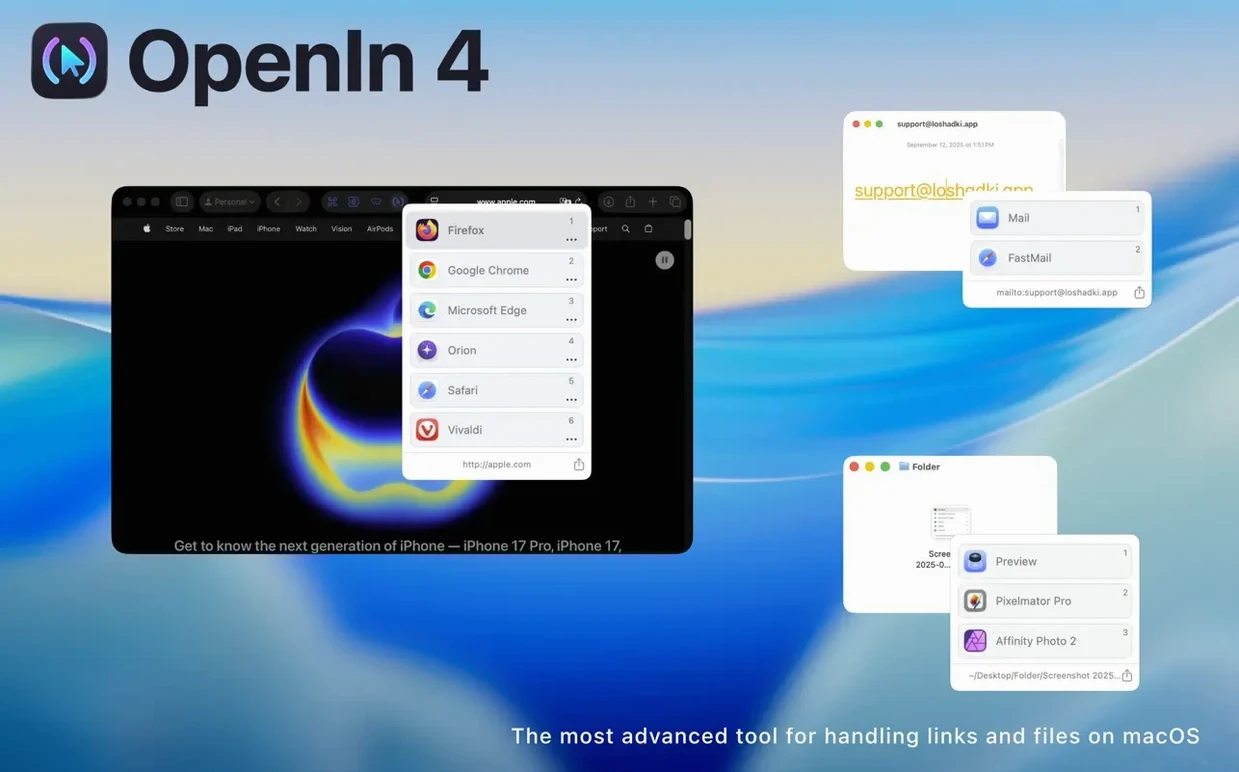
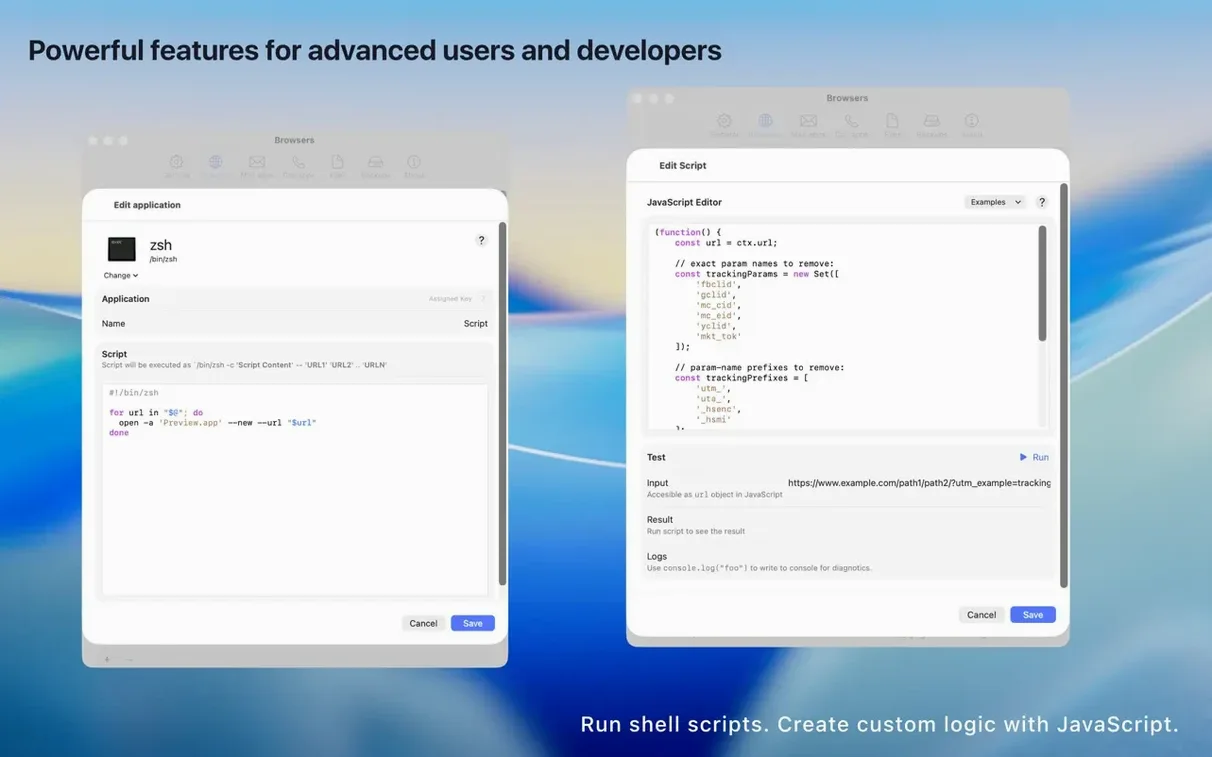
URL overrides might be the quiet powerhouse here. You're not just assigning an app to a domain; you're rewriting the URL itself before it ever reaches the browser. Stripping tracking query parameters becomes a background operation, so links from newsletters or social posts open clean without redirect gymnastics. It's the kind of thing that, once set, you forget about until you borrow someone else's Mac and notice every URL is suddenly three lines long.
Routing isn't limited to web browsers either. The fact that it can push supported links directly into native apps like Apple Music or Zoom changes how you handle meeting invites and shared playlists. There's a real difference between a link opening in a browser tab and the same link landing you right inside the application where the action happens.
Keeping a local history of opened files also means the utility doubles as a quiet audit trail. When you need to revisit a document you fired up three days ago from a chat app, you're not digging through conversation archives — OpenIn already remembers the file path.
Setting it as the default handler for mailto links is where the workflow tightens up. You can redirect those links through a dedicated mail client or straight to a browser-based service like Fastmail or Gmail. No more macOS guessing which email app you meant to use.
Tweak the default watcher into an active link router
Out of the box the app is polite — it watches and waits. A few early tweaks turn it from a background observer into something that actively reshapes how links behave. The first stop should be the General pane, where you flip the switch to make OpenIn the default handler for web URLs and mailto links. Without that, the picker only appears when you invoke it manually, and you lose the automatic interception that makes the utility worth installing.
Next, head to URL Overrides and enable the built-in tracking-parameter stripping. It ships with a sensible default list, but adding a couple of your own domains takes about thirty seconds. If you click through from a lot of marketing emails or social posts, this one change pays back immediately — links open at their actual destination instead of bouncing through three redirect servers.
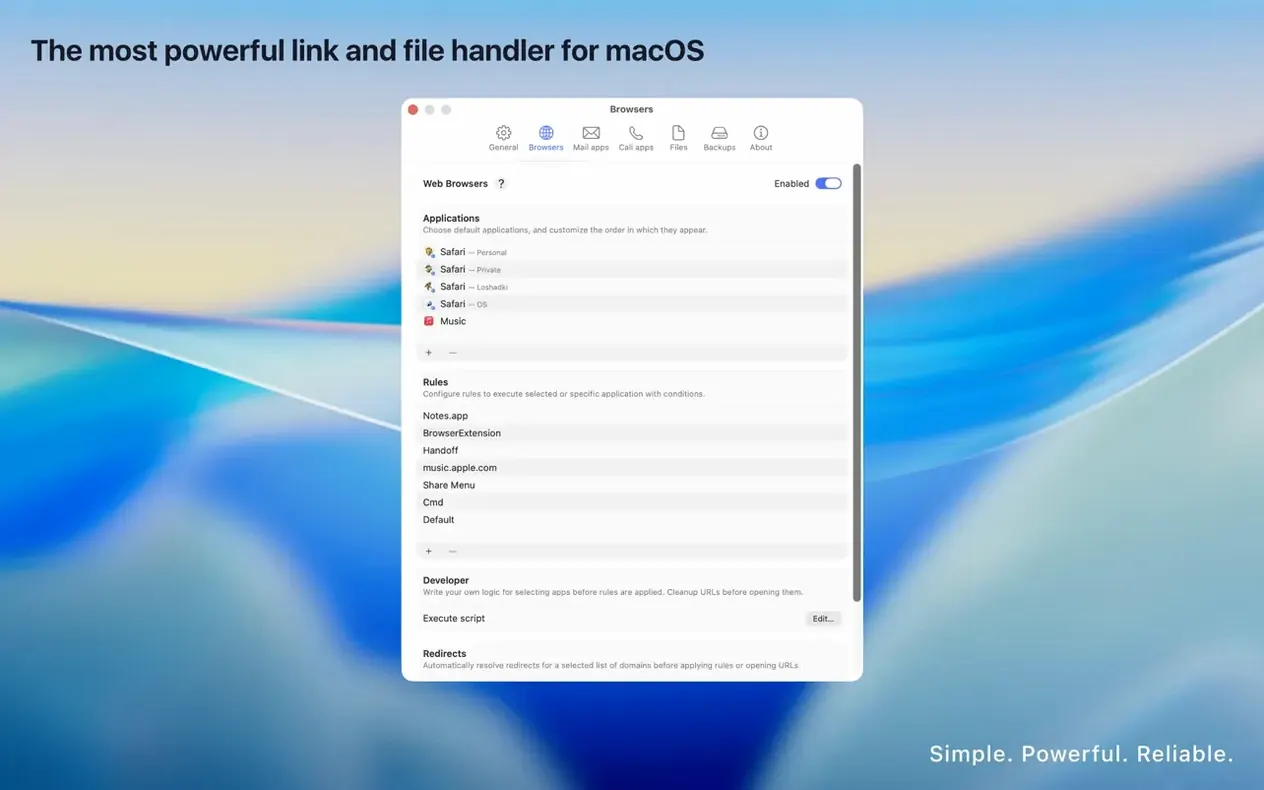
The rule engine deserves attention early. Create a domain-based rule for your work chat platform (Slack, Teams, whatever your workplace uses) and lock it to your work browser. Then create a Focus-based rule that switches your default browser when a specific Focus mode is active. When the work day ends and Personal Focus kicks in, every link you tap in Messages or Mail automatically opens where you want it — no picker, no hesitation, no mental context-switching.
Multiple browsers, one Mac, zero wrong-profile logins
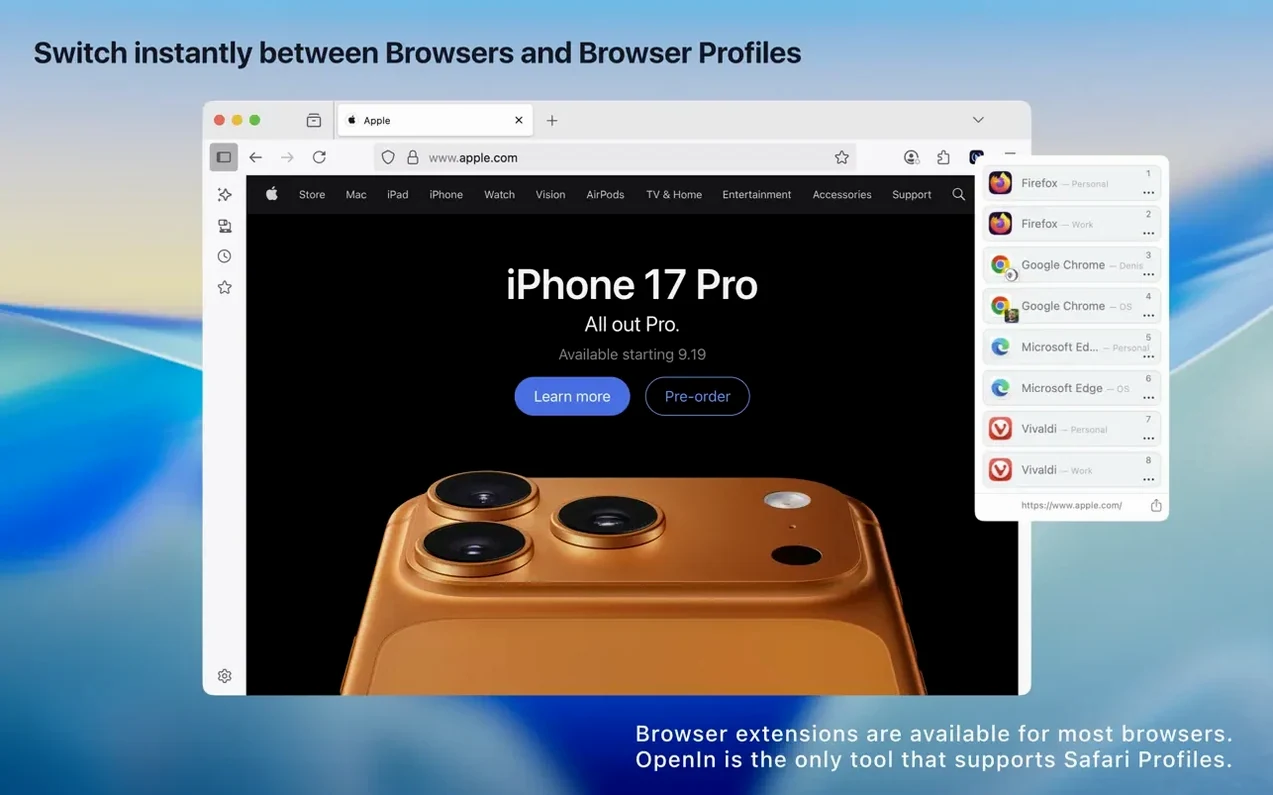
People who live in multiple browsers are the obvious audience. If you keep work profiles in one browser and personal accounts in another, OpenIn stops being a nice-to-have and starts feeling like something macOS forgot to build. The picker alone saves the awkward copy-link-switch-browser-paste dance that happens a dozen times a day.
But the utility stretches further than browser management. Anyone who juggles different apps for the same file type — say, opening PDFs sometimes in a viewer and sometimes in an editor — gains a level of control that Finder's blanket "Open with" setting never offered. The modifier-key rules let you hold a key while clicking a file to force a specific app, which sounds small but becomes muscle memory within a week.
There's also a quieter audience: people who care about link hygiene. If you send links to colleagues, blog readers, or clients, the URL override engine means you're not accidentally passing along tracking parameters and session tokens. It's the kind of courtesy that nobody notices until someone doesn't do it. Combine that with the local file history, and OpenIn ends up being one of those tools that solves a handful of small, persistent annoyances you stopped noticing because you got used to working around them.
- macOS 15.1 or later
- Apple Silicon or Intel 64-bit Mac
Questions people ask
Can OpenIn remove tracking parameters from URLs?
Yes, the URL overrides feature lets you strip tracking query parameters automatically so links open cleanly in their destination apps.
Also on readers' docks
Sign in or create an account to leave a comment.
No comments yet. Tell me how it got on with your other devices.
More in Mac Apps
See all One Switch
1.35.4 Mac Apps
7 MB
One Switch
1.35.4 Mac Apps
7 MB
 ON1 Photo RAW
2026.5.2 v20.5.2.19304 Mac Apps
1.1 GB
ON1 Photo RAW
2026.5.2 v20.5.2.19304 Mac Apps
1.1 GB
 Pacifist
4.1.4 Mac Apps
38 MB
Pacifist
4.1.4 Mac Apps
38 MB
 Paragon NTFS
LAST Mac Apps
70 MB
Paragon NTFS
LAST Mac Apps
70 MB
 Updated OmniPlayer: MKV Video Player Pro
2.1.22 Mac Apps
78 MB
Updated OmniPlayer: MKV Video Player Pro
2.1.22 Mac Apps
78 MB
 Parallels Desktop
27.0.2-58673 Mac Apps
186 MB
Parallels Desktop
27.0.2-58673 Mac Apps
186 MB
 Paste
6.6.2 Mac Apps
28 MB
Paste
6.6.2 Mac Apps
28 MB
 OmniGraffle Pro
7.26 Mac Apps
73 MB
OmniGraffle Pro
7.26 Mac Apps
73 MB